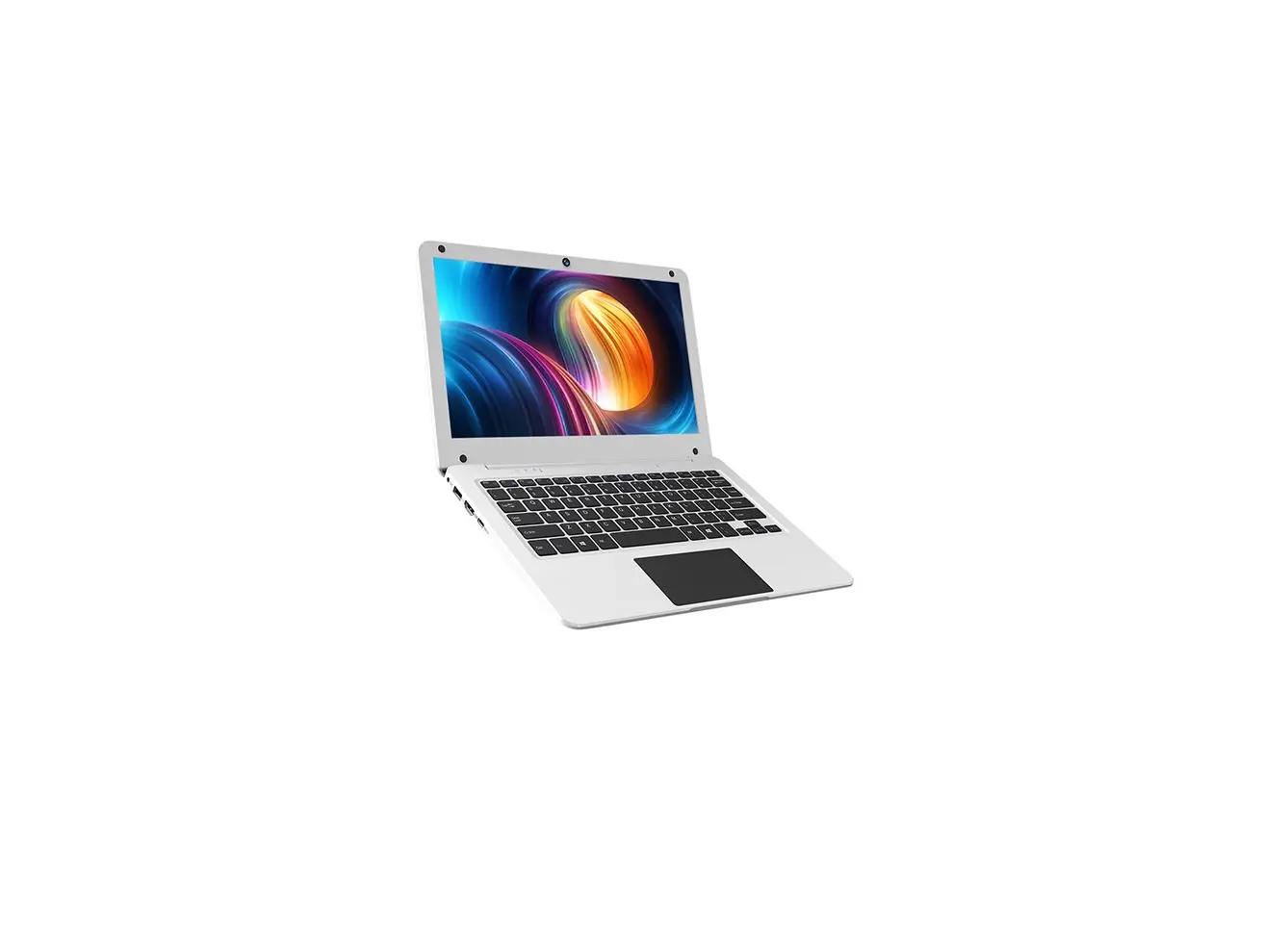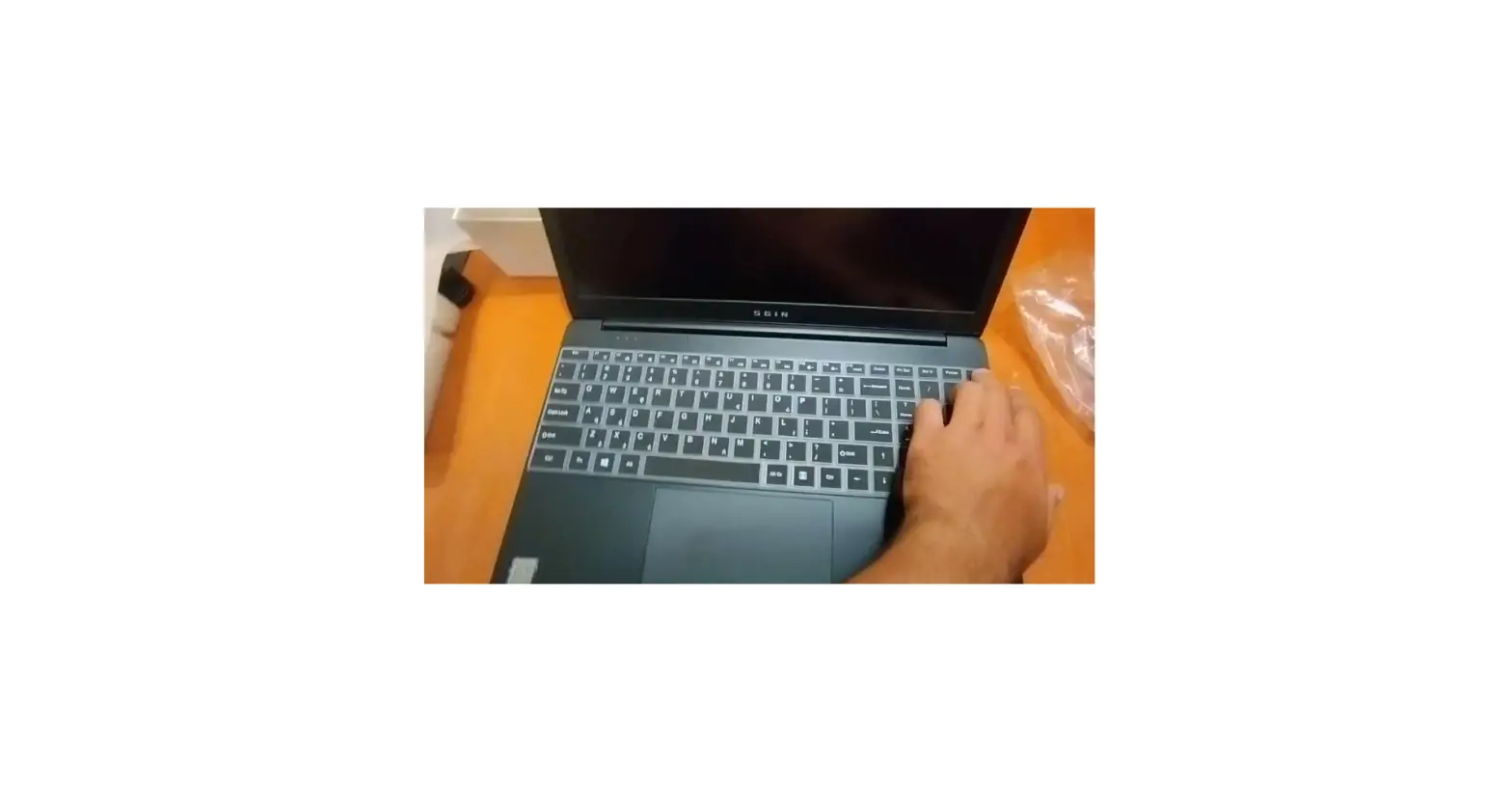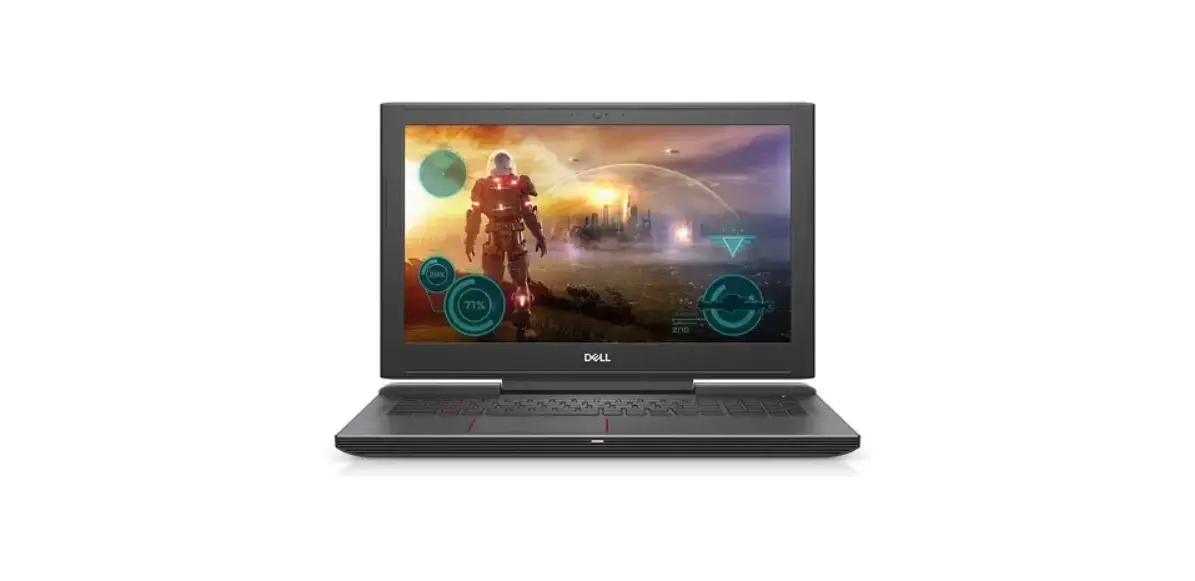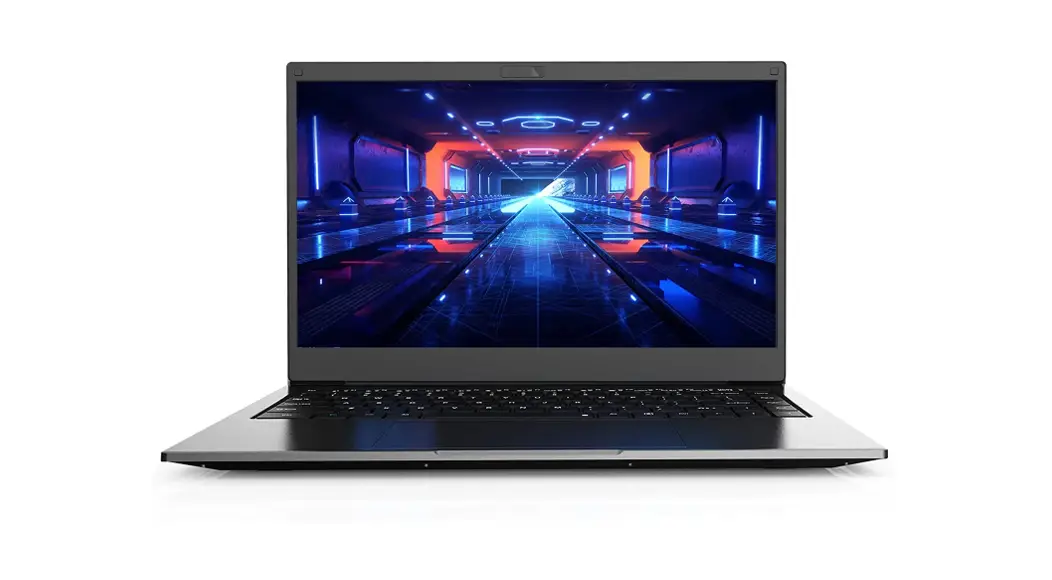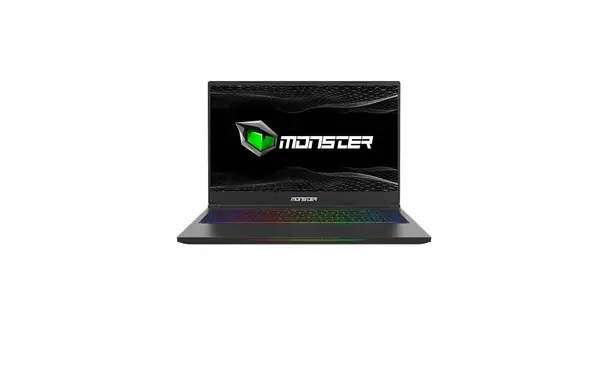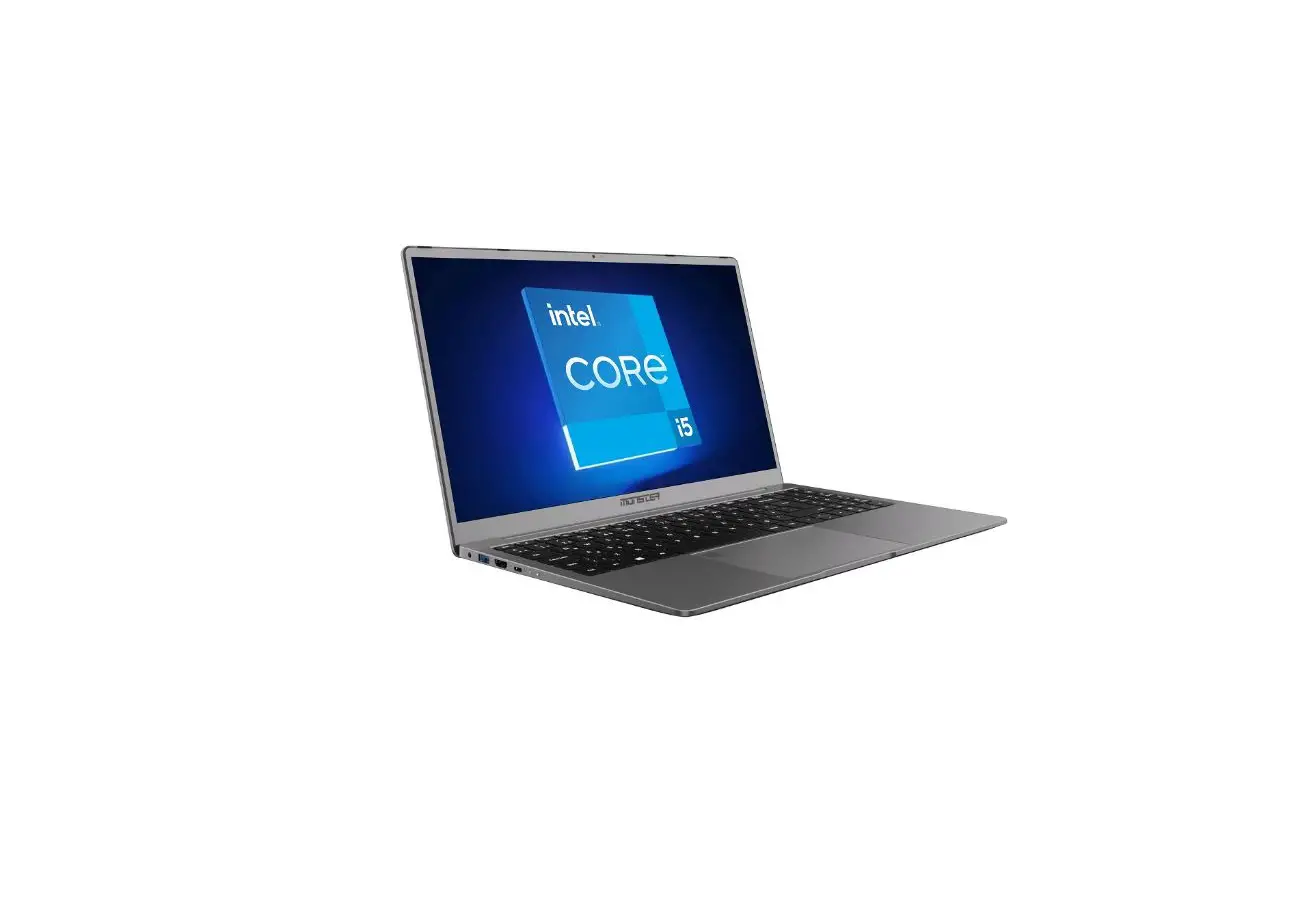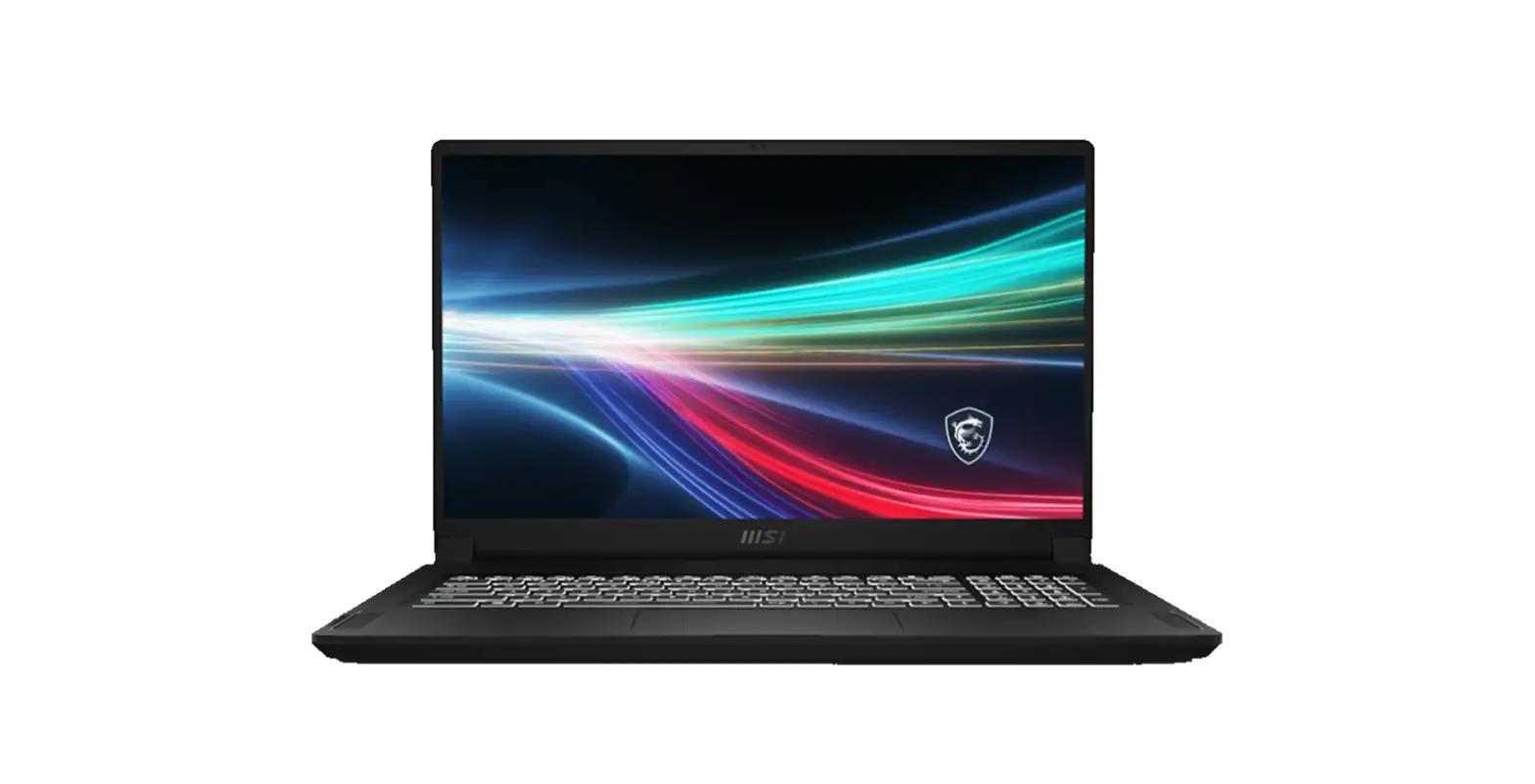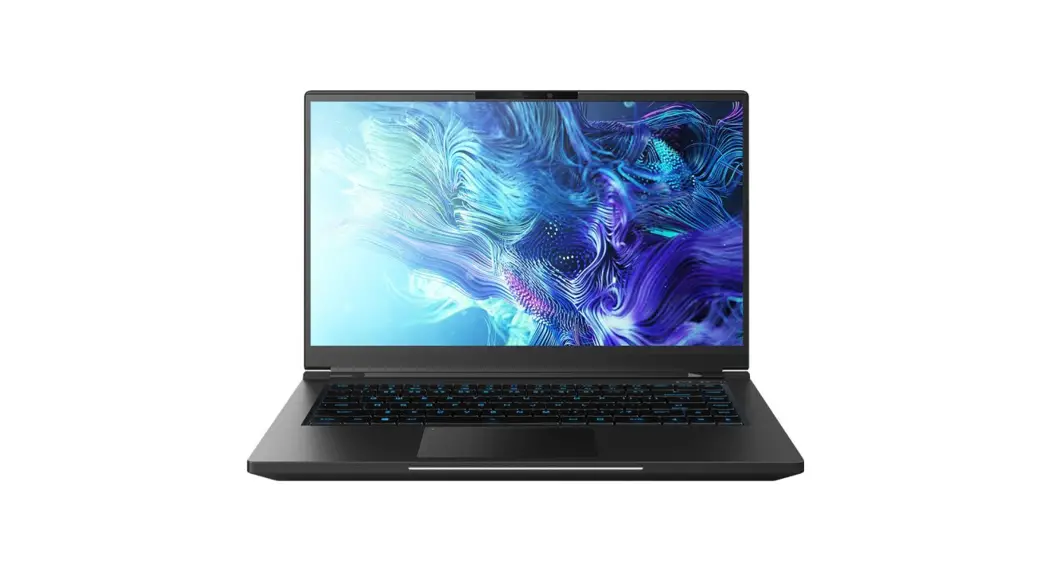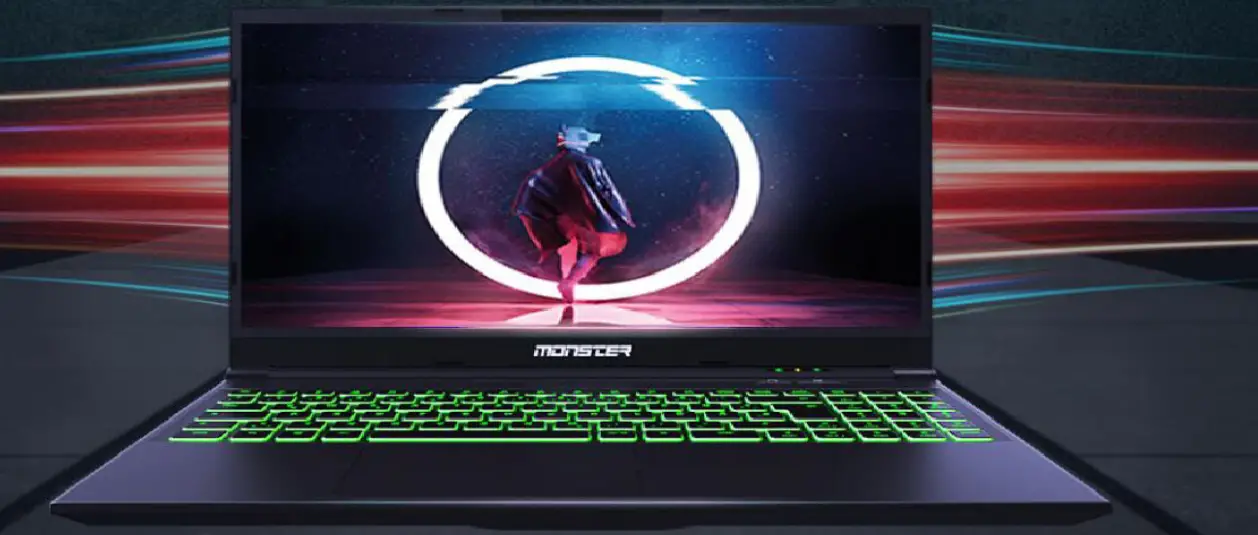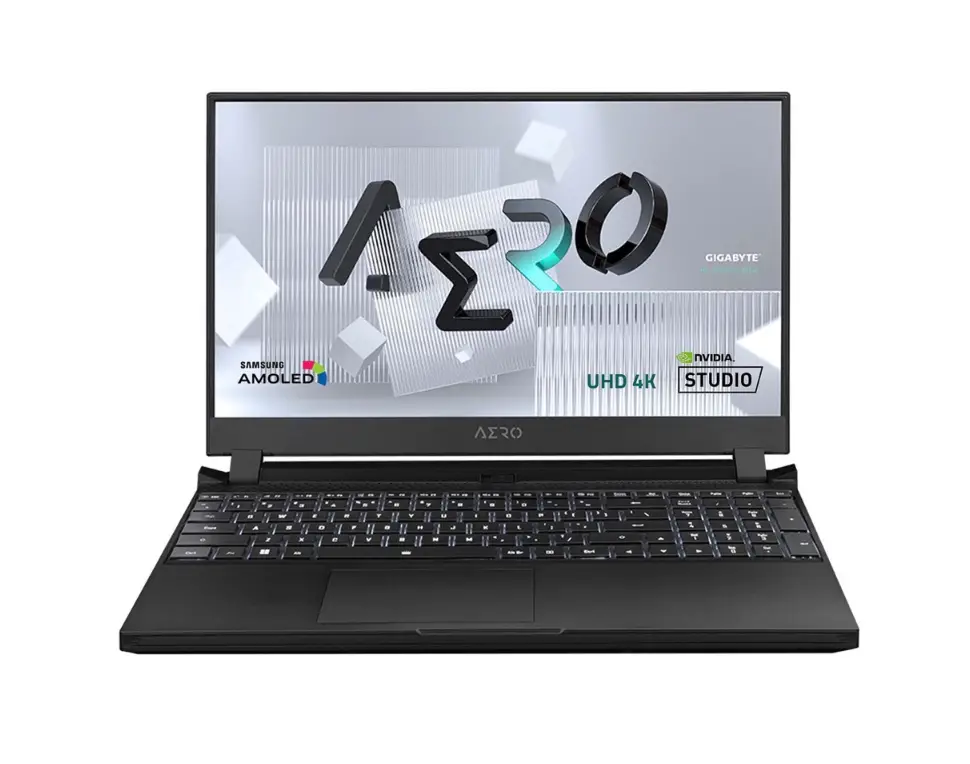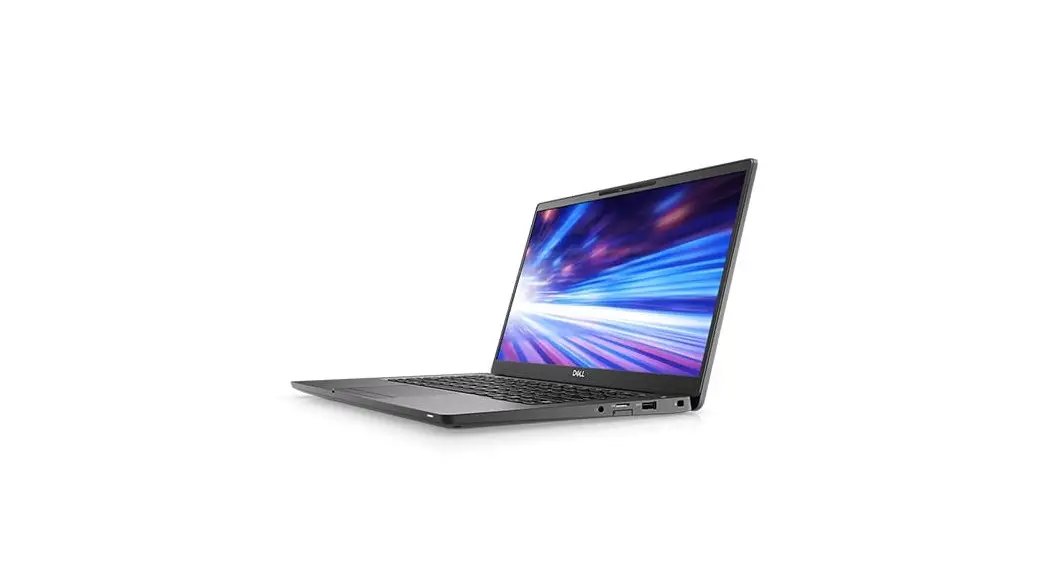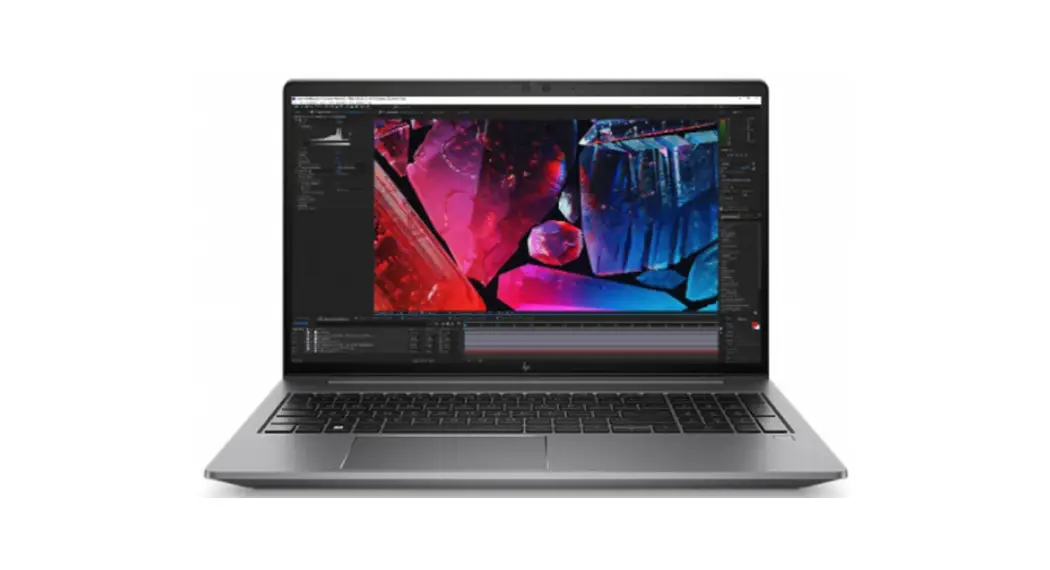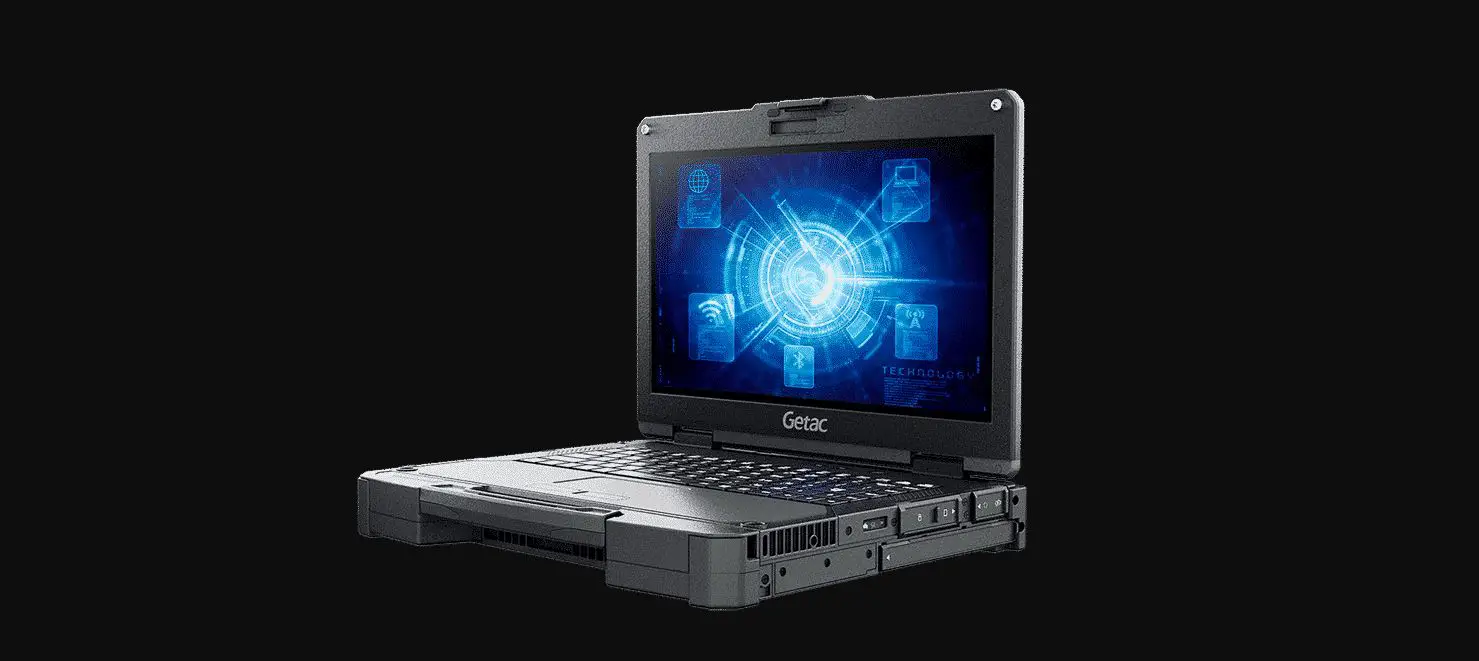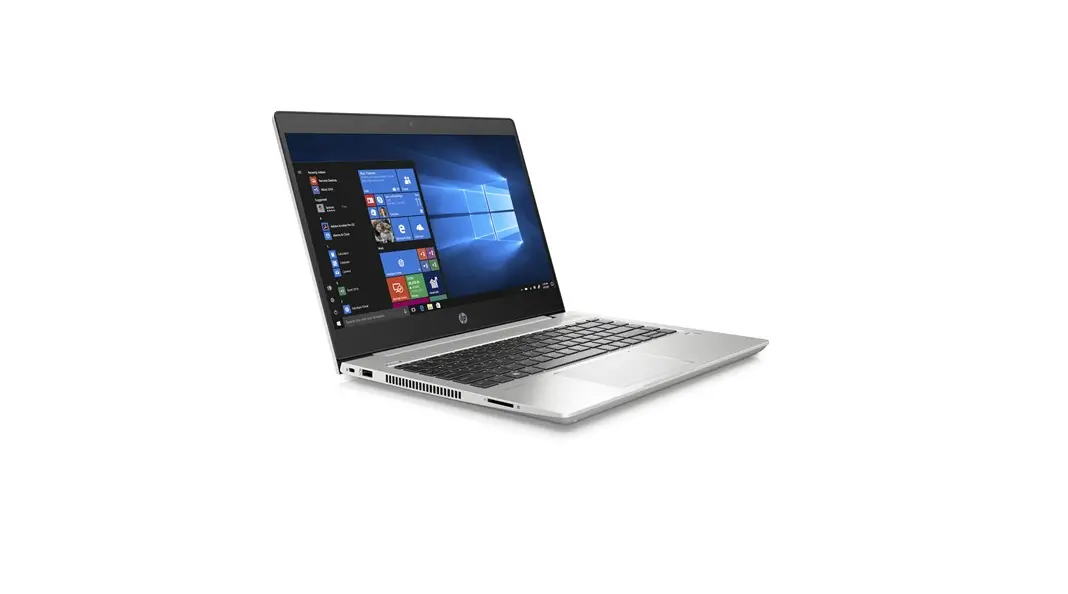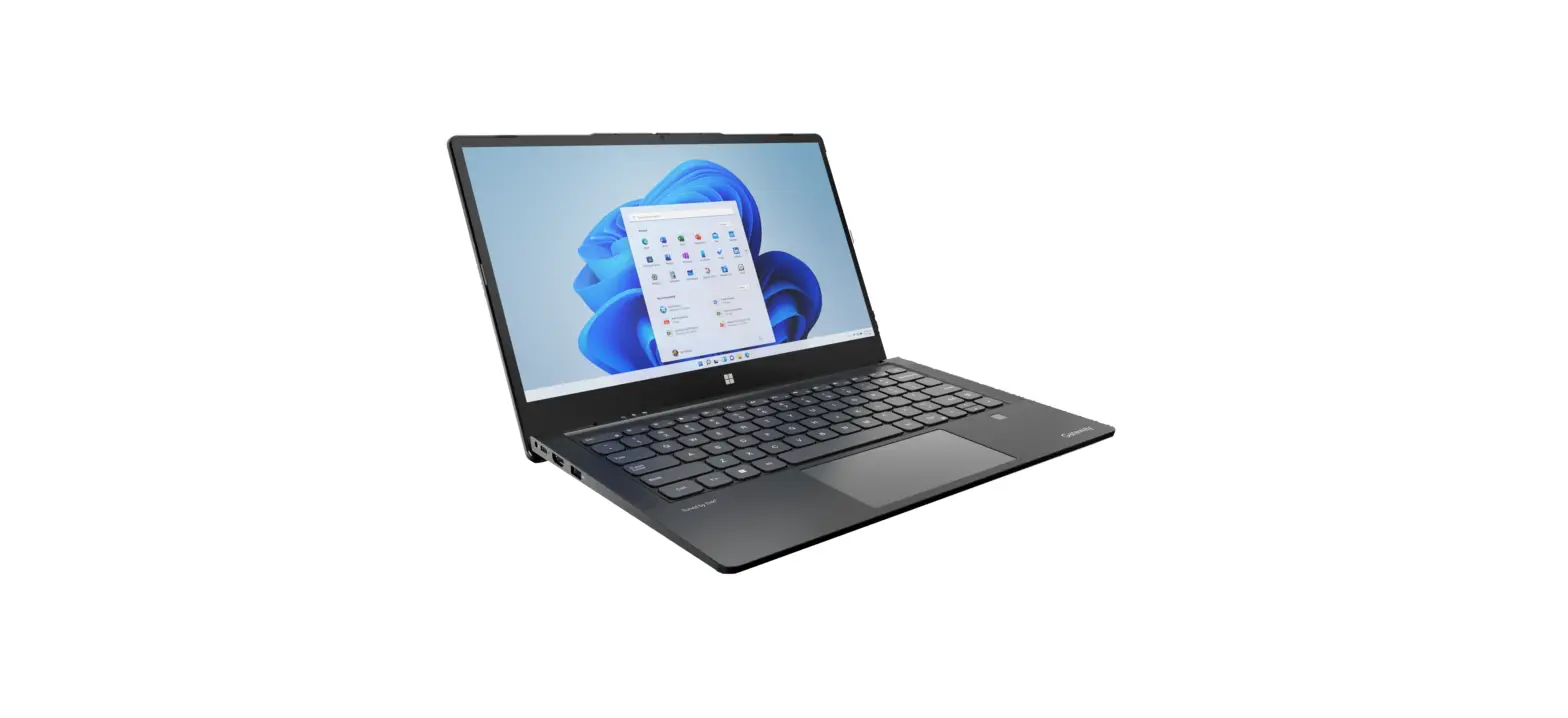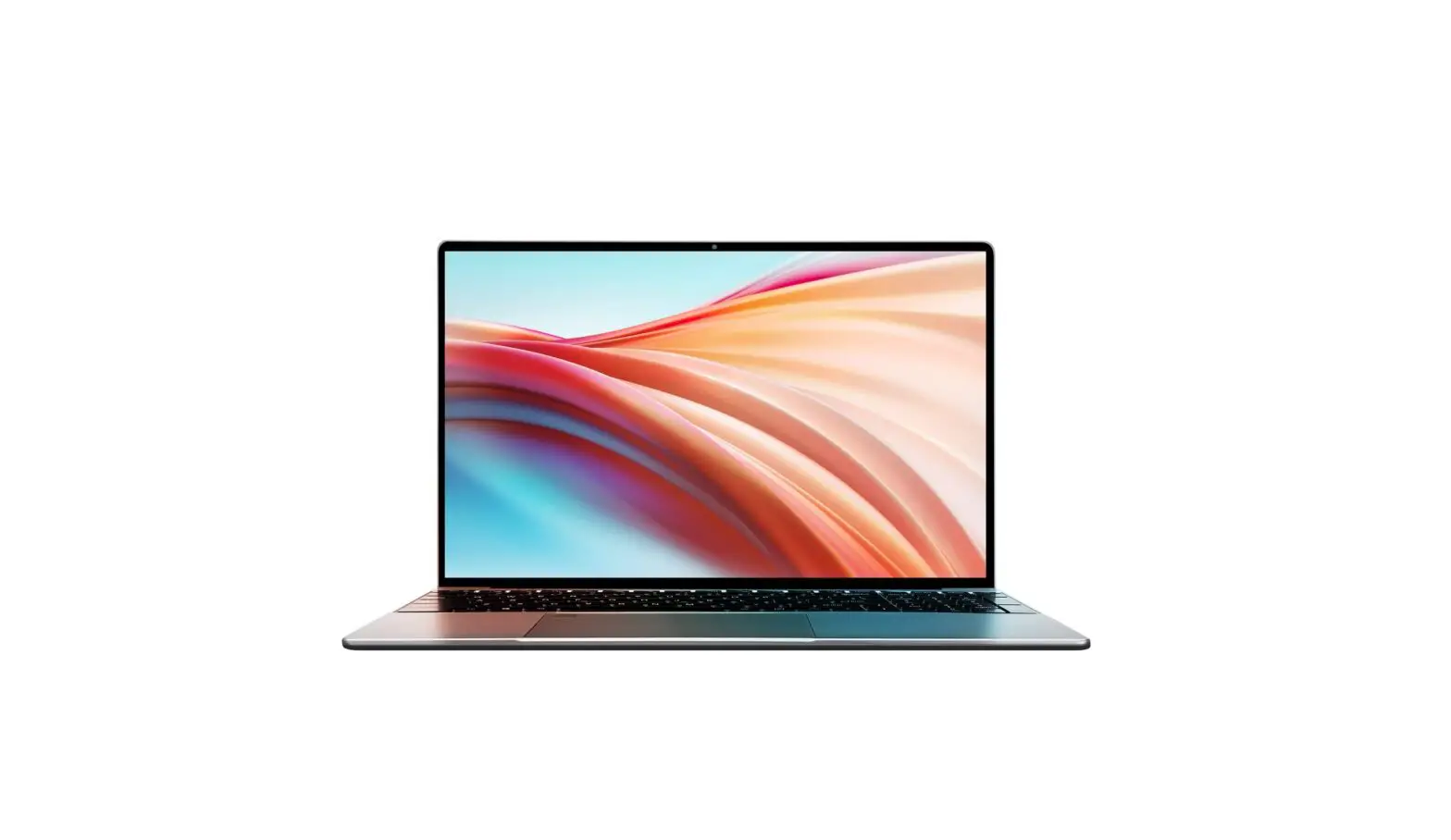
VGKE B15 Full HD Laptop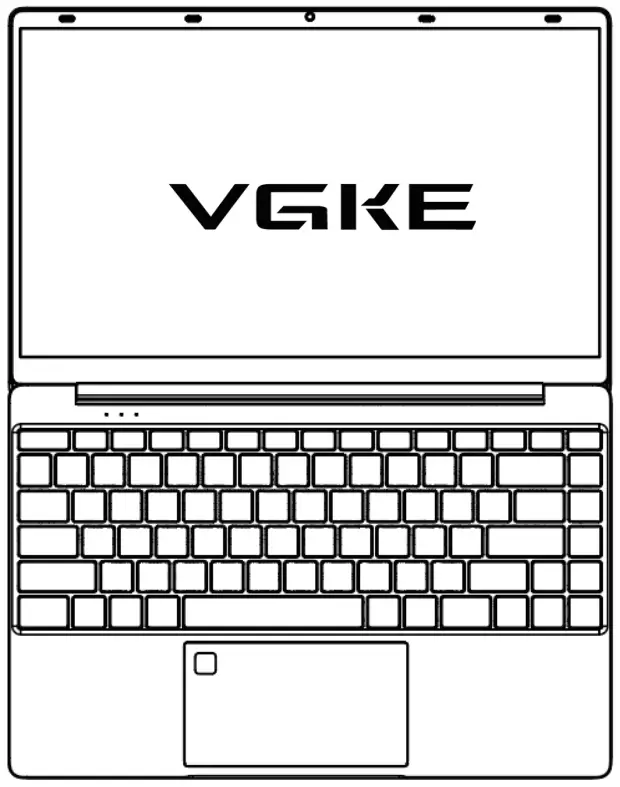
Parts introduction
The following is indicative diagram, Actual product may be changed without prior notice.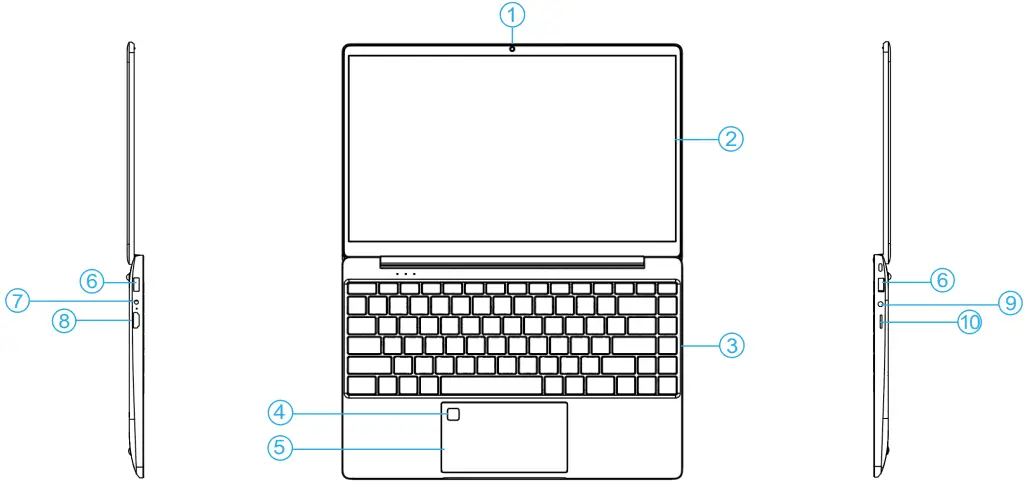
- Camera
- Display
- Keyboard
- Fingerprint
- Touch Pad
- USB Port
- DC Jack
- Micro HDMI
- Headphone Jack
- TF card slot
Product Highlight
“Advanced dynamic power sharing between CPU/GPU, to enable high performance and low power consumption”
-High quality stable design based on Intel Master Reference Design.
Special note
Don’t put anything between LCD screen and keyboard, such as pencil /pen Don’t use cleaning agents to wipe the screen, Please make sure ventilation vents are not blocked to avoid overheating.
Lights introduction
| LED symbols | Content |
 | Colorful light shows that system is in power |
 | This light is on,indicating that the Caps Lock key is activated |
 | This light is on,indicating that the numeric keypad is on |
 | The battery LED is lit to indicate that the device is being charged |
Important notice
- Make sure you don’t block the openings provided for ventilation

- Do not press or touch the display panel

- Do not subject the computer to magnetic fields

- Do not place on uneven or unstable work surface

- Do not expose the computer to rain or moisture

- DO NOT slam your notebook shut

- Do not expose to direct sunlight

- Do not use or store in extreme temperatures

- DO NOT spray water or any other cleaning fluids directly on the display.

- Do not place near fire or other sources of heat

- Do not tamper with the batteries. Keep them away from children

- If you are traveling with your computer, remember to carry it as hand luggage.

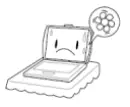

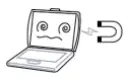

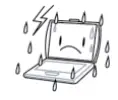
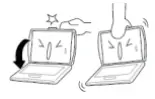
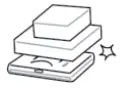
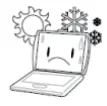
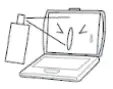
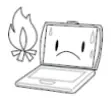
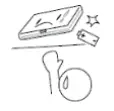

To reduce the possibility of injuries or accidents of the computer, please be aware of the following mistakes.
- Do not obstruct the air vents for heat disspation.
- Do not press or touch the display panel.
- Do not subject the computer to magnetic fields.
- Do not place on uneven or unstable work surface.
- Do not expose the computer to rain or moisture.
- DO NOT slam your notebook shut.
- Do not expose to direct sunlight.
- Do not use or store in extreme temperatures.
- Do not spray water or any other cleaning fluids directly on the display.
- Do not place the laptop near fire or other sources of heat.
- Do not tamper with the batteries. Keep them away from children.
- If you are traveling with your computer, remember to carry it in a hand luggage.
WARRANTY CARD
| User Information | |||
| User Name | Contact phone | ||
| Mailing Address | |||
| Sales Information | |||
| Distributor Address | |||
| Product Model | |||
| Contact phone | SaleDate | ||
| Commodity Maintenance Record | |||
| Ffdate | The diagnosis | Fault handling | Signature of repairman |
Guarantee item
- 7days upon date of purchase, if there is function problem, we should offer the same item subject to goods and packing maintain perfect.
- one year upon date of purchase, we will guarantee to keep the goods in repair (not including fittings).
- Guarantee service is subject to normally using.
- There is no warranty for any man-made damage (shell disassembly, hard disk replacement, system upgrade, abnormal use).
FCC Statement
Federal Communications Commission (FCC) Statement. This device complies with part 15 of the FCC Rules. Operation is subject to the following two conditions:
- This device may not cause harmful interference, and
- this device must accept any interference received, including interference that may cause undesired operation.
Note: This equipment has been tested and found to comply with the limits for a Class B digital device, pursuant to part 15 of the FCC Rules. These limits are designed to provide Reasonable protection against harmful interference in a residential installation. This equipment generates, uses and can radiate radio frequency energy and, if not installed and used in accordance with the instructions, may cause harmful interference to radio communications. However, there is no guarantee that interference will not occur in a particular installation. If this equipment does cause harmful interference to radio or television reception, which can be determined by turning the equipment off and on, the user is encouraged to try to correct the interference by one or more of the following measures:
- Reorient or relocate the receiving antenna.
- Increase the separation between the equipment and receiver.
- Connect the equipment into an outlet on a circuit different from that to which the receiver is connected.
- Consult the dealer or an experienced radio/TV technician for help.
Warning: Changes or modifications made to this device not expressly approved by Shenzhen
For well Electronics Technology Co., Ltd. may void the FCC authorization to operate this
device.
Note: The manufacturer is not responsible for any radio or TV interference caused by
unauthorized modifications to this equipment. Such modifications could void the user’s authority to operate the equipment.
RF exposure statement:
This device complies with FCC RF radiation exposure limits set forth for an uncontrolled environment. The device is installed and operated without restriction.