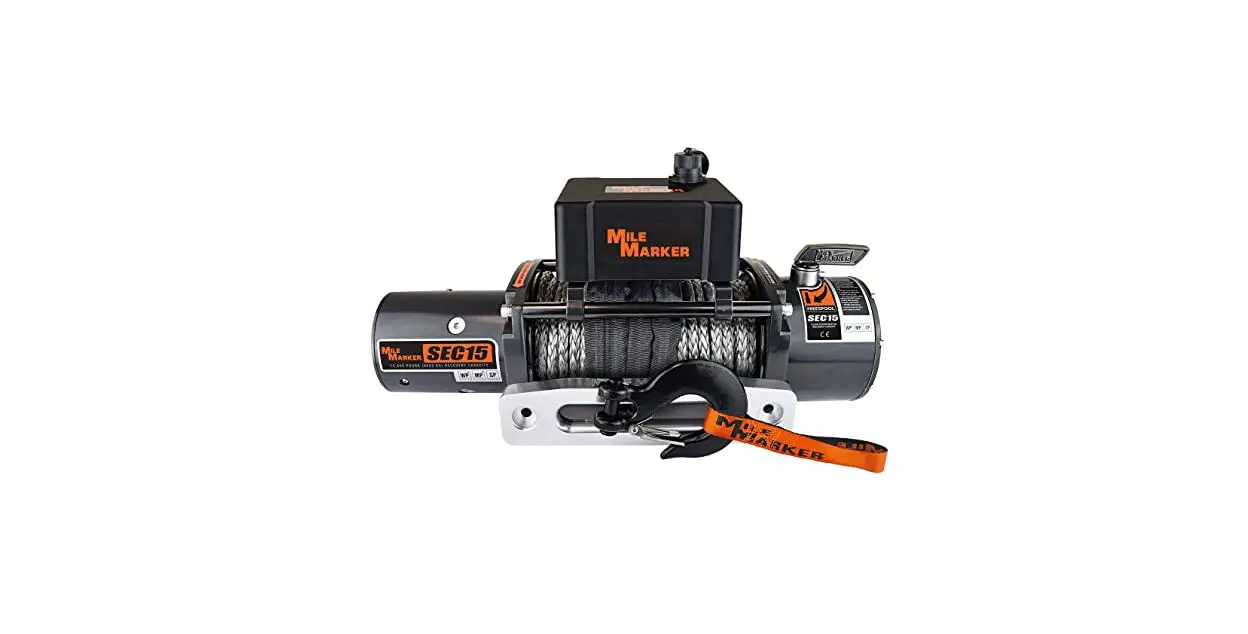
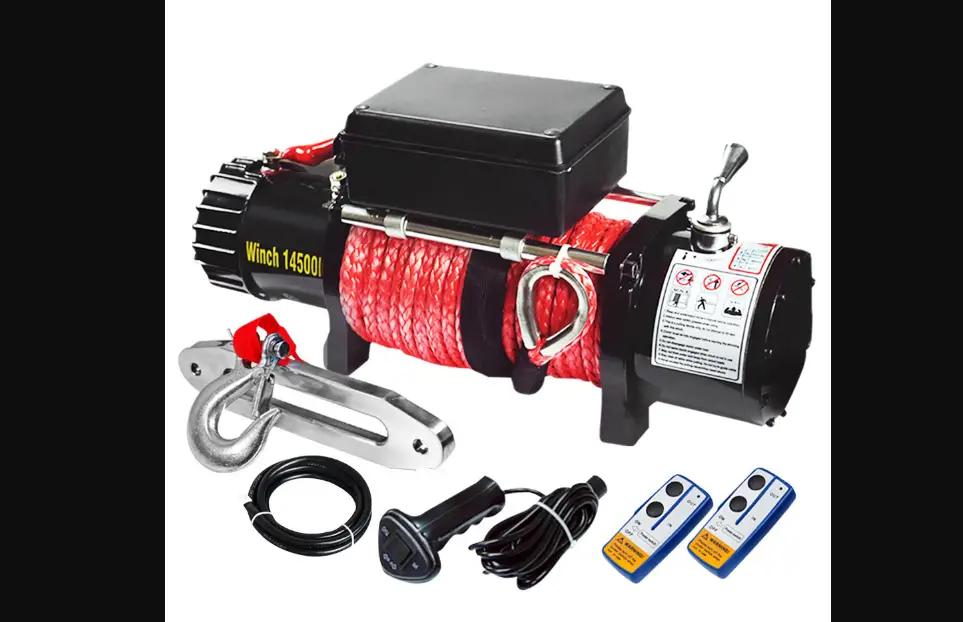
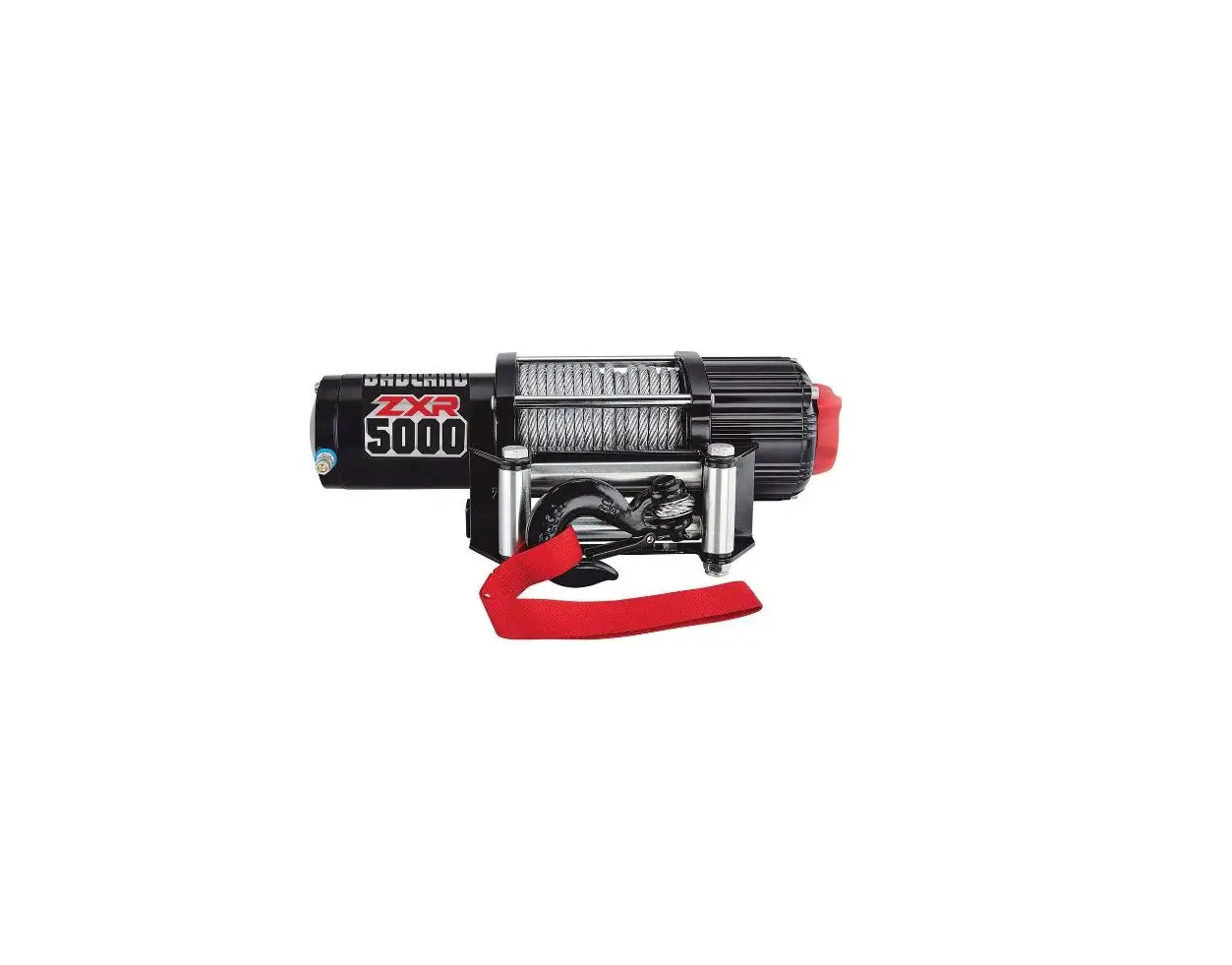
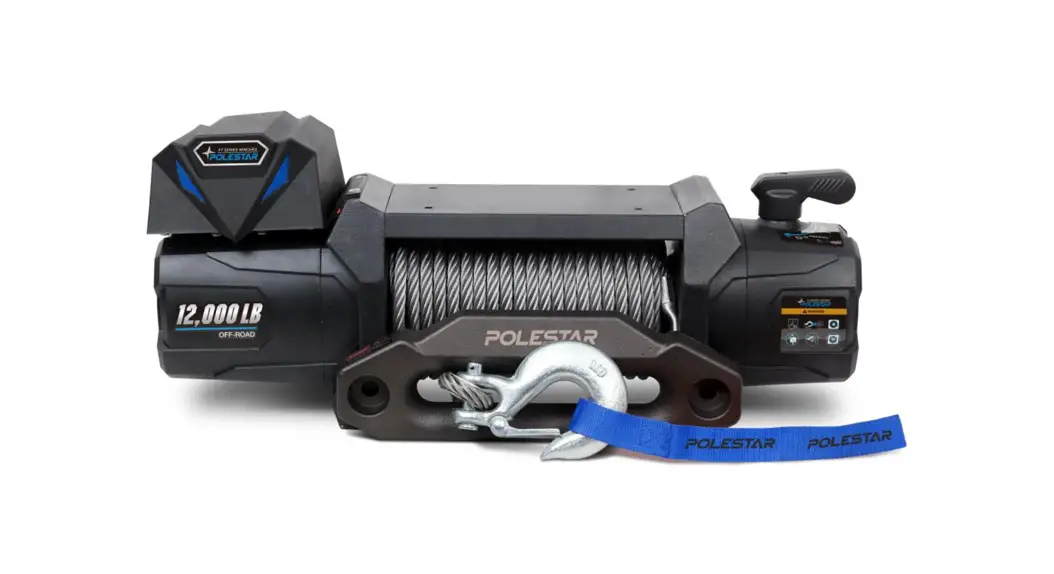
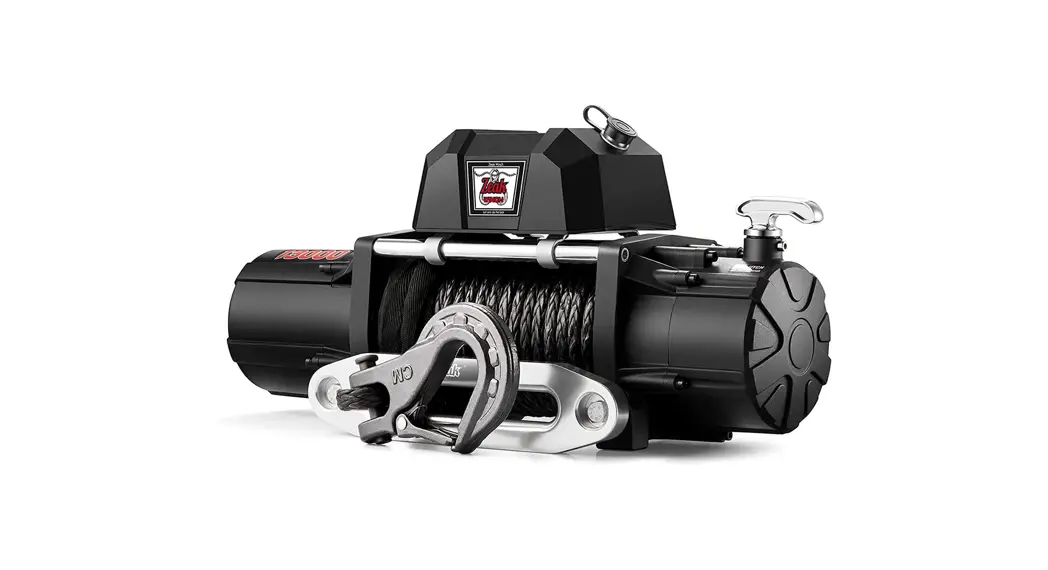
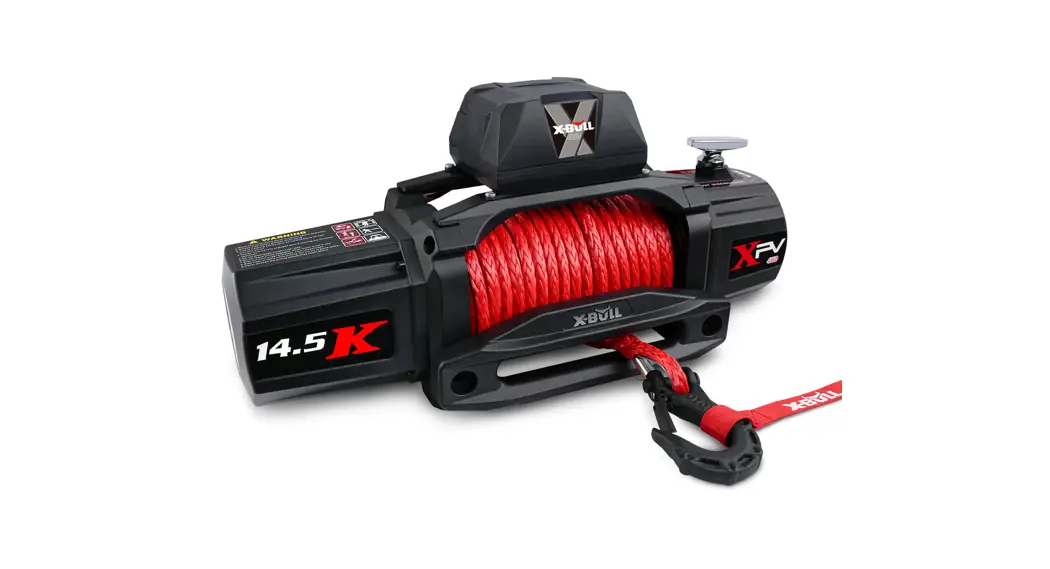
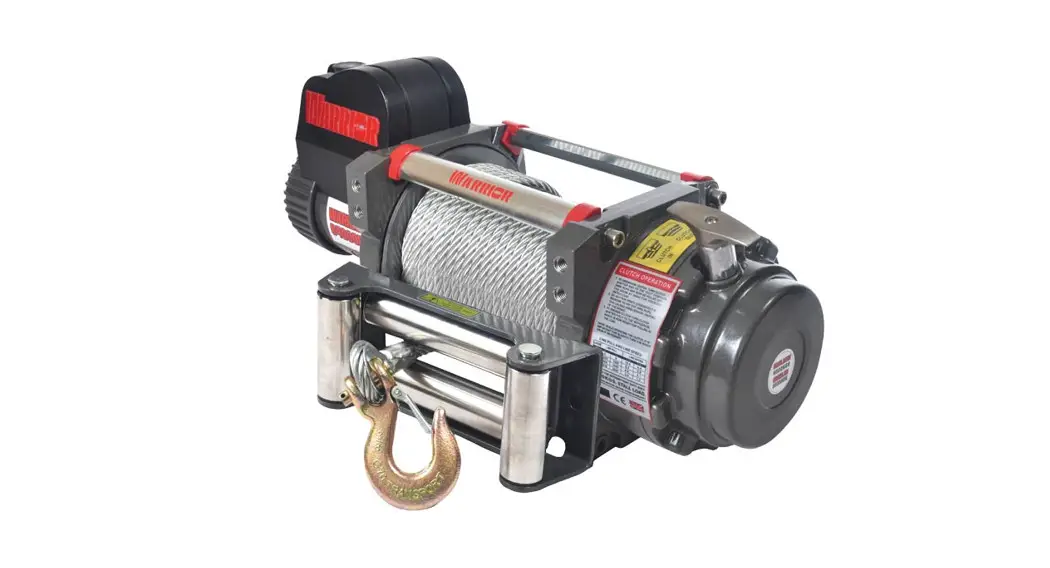
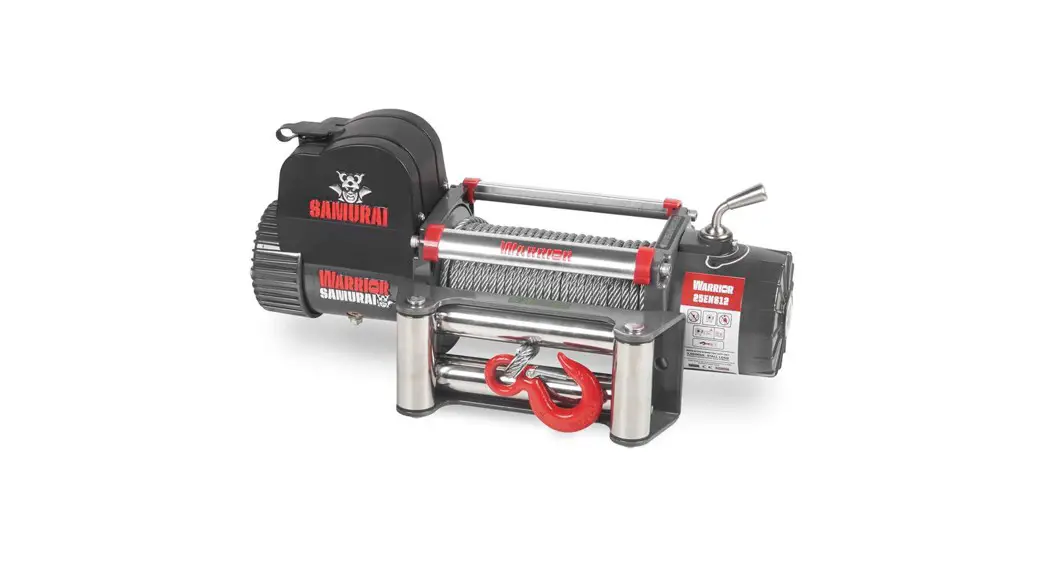
56385 UPC 12,000 lb Winch with Synthetic Rope and Wireless Remote
Product Information
The product is a heavy-duty winch designed for use in vehicle
recovery for trucks and SUVs. It has a rated single line pull of
12,000 lbs (5443 kg) and a 12VDC series wound motor power IN &
power OUT. The winch has a duty cycle rating of yes, and a remote
control with both wireless and wired options with a 12 ft (3.7m)
long range. The gear train is a 3-stage planetary with a gear ratio
of 210:1 and an automatic load holding rotating ring gear brake.
The winch has a freespool brake drum with a diameter of 2.5 x 8.8
inches (64mm x 224mm) and comes with a clevis hook with a
spring-loaded safety latch. The product also includes an aluminum
fairlead, and the synthetic rope size/type is capable of handling
up to 80 feet (24.4m) of rope capacity.
Product Usage Instructions
- Before using the winch, ensure that all parts are intact and
undamaged. If any parts are missing or broken, call 1-888-866-5797
immediately. - Read the owner’s manual and safety instructions before using
the product to avoid serious injury. - When setting up the winch, make sure to follow the assembly
instructions provided in the manual. - Connect the winch to a minimum 12VDC battery with a minimum of
650 CCA and minimum 2 AWGx6′ battery cables. - Mount the winch securely using the provided mounting hardware
with an overall bolt pattern of 10 x 4.5 inches (254mm x
114.3mm). - Attach the clevis hook to the object that needs to be pulled,
making sure that it is securely fastened. - Using the remote control, operate the winch to slowly and
steadily pull the object towards the vehicle. - Once the object is pulled towards the vehicle, turn off the
winch and disconnect the clevis hook. - When finished using the winch, properly store it in a safe and
dry place for future use.
Owner’s Manual & Safety Instructions
Save This Manual Keep this manual for the safety warnings and precautions, assembly,
operating, inspection, maintenance and cleaning procedures. Write the product’s serial number in the
back of the manual near the assembly diagram (or month and year of purchase if product has no number).
Keep this manual and the receipt in a safe and dry place for future reference.
22c
Visit our website at: http://www.harborfreight.com Email our technical support at: [email protected]
When unpacking, make sure that the product is intact and undamaged. If any parts are missing or broken,
please call 1-888-866-5797 as soon as possible.
Copyright© 2022 by Harbor Freight Tools®. All rights reserved. No portion of this manual or any artwork contained herein may be reproduced in any shape or form without the express written consent of Harbor Freight Tools. Diagrams within this manual may not be drawn proportionally. Due to continuing improvements, actual product may differ slightly from the product described herein.
Tools required for assembly and service may not be included.
Read this material before using this product. Failure to do so can result in serious injury. SAVE THIS MANUAL.
Table of Contents
Specifications ……………………………………………………2 Safety ………………………………………………………………3 Setup ……………………………………………………………….6 Operation …………………………………………………………13
Maintenance …………………………………………………….14 Parts List and Diagram ………………………………………18 Warranty ………………………………………………………….20
Specifications
Rated Single Line Pull
Application
Motor Power IN & Power OUT
Duty Cycle Rating
Remote Control Gear Train Gear Ratio Freespool Brake Drum (Dia. X L)
Clevis Hook
12,000 lb (5443 kg)
Vehicle Recovery / For Trucks and SUV’s 12VDC Series Wound
Yes
5% (45 sec at Max Rated Load; 14 min, 15 sec Rest) Wireless/Wired, 12 ft (3.7m) long 3-Stage Planetary 210:1 Rotating Ring Gear Automatic Load Holding 2.5″ x 8.8″ (64mm x 224mm) 3/8″, Replaceable with Spring-loaded Safety Latch
Fairlead
Aluminum Fairlead
Sound Rating
85 dB
Synthetic Rope Size / Type
Ø0.375″ x 80′ (Ø9.5mm x 24.4m)
Battery
12VDC Minimum 650 CCA
Battery Cables
Minimum 2 AWGx6′
Mounting Bolt Pattern
10″ x 4.5″ (254mm x 114.3mm)
Mounting Hardware
Winch: 8x Gr8.8, M10 x 30mm
Fairlead: 2x Gr8.8, M12 x 40mm
Overall Dimensions 23.2″ x 6.67″ x 9.96″
(L x D x H)
(590mm x 169.5mm x 253mm)
Shipping Weight 80 lb (36.2 kg)
IP Rating
IP68 / IP69K
Layer 1 2 3
4
Rated Line Pull
12000 lb (5443 kg) 9517 lb (4317 kg) 7885 lb (3577 kg)
6732 lb (3,054 kg)
Synthetic Rope Capacity
16.3′ (5m) 37′ (11m) 60′ (18.3m)
80′ (24.4m)
First Layer of Synthetic Rope Performance
Line Pull lb (kg)
0
(0)
1
3000 (1361)
6000 (2722)
9000 (4082)
12000 (5443)
Line Speed fpm (mpm)
31.5
(9.6)
12.1
(3.7)
8.9
(2.7)
6.7
(2.0)
4.7
(1.43)
Amp Draw (@ 12V)
60 166 259 349 448
Page 2
For technical questions, please call 1-888-866-5797.
Item 56385
SAFETY
SETUP
WARNING SYMBOLS AND DEFINITIONS This is the safety alert symbol. It is used to alert you to potential personal injury hazards. Obey all safety messages that follow this symbol to avoid possible injury or death. Indicates a hazardous situation which, if not avoided, will result in death or serious injury.
Indicates a hazardous situation which, if not avoided, could result in death or serious injury.
Indicates a hazardous situation which, if not avoided, could result in minor or moderate injury.
Addresses practices not related to personal injury.
Symbol
Property or Statement
Wear heavy-duty, cut- and abrasion-resistant leather gloves.
Wear ANSI-approved safety glasses.
Cut or sever hazard.
Roller entanglement hazard.
Hot surface burn hazard.
Fire hazard.
Caustic chemical (acid) hazard.
Explosion hazard.
Do not loop the synthetic rope around object and hook onto itself.
Do not place finger(s) through hook. Fingers may be caught and get pulled into fairlead or drum.
Pull hook using strap only.
Symbol
Property or Statement
Do not use winch in overwind orientation. (Synthetic rope enters/exits at the top.)
Use winch only in underwind orientation. (Synthetic rope enters/ exits at the bottom.)
VDC Volts Direct Current
A Amperes
CCA Cold Cranking Amperes
HP Horsepower
fpm Feet Per Minute
mpm Meters Per Minute
RPM Revolutions Per Minute
IP G8
International Protection rating Classifies the degrees of protection provided against the intrusion of solid objects, dust, accidental contact, and water.
Grade 8 A fastener strength rating.
OPERATION
MAINTENANCE
Item 56385
For technical questions, please call 1-888-866-5797.
Page 3
SAFETY
IMPORTANT SAFETY INFORMATION
WARNING! Read all instructions. Failure to follow all instructions listed on page 4 may result in fire, serious injury and/or DEATH. The warnings and precautions discussed in this manual cannot cover all possible conditions and situations that may occur. It must be understood by the operator that common sense and caution are factors which cannot be built into this product, but must be supplied by the operator.
Installation Precautions
1. Do not wear loose clothing or jewelry, as they can be caught in moving parts. Non-skid footwear is recommended. Wear restrictive hair covering to contain long hair.
2. Wear ANSI-approved safety goggles and heavy-duty leather work gloves during installation.
3. Before installation confirm that area is clear of fuel lines, brake lines, electrical wires, gas tanks or any other component which could be damaged during drilling.
4. Mounting location and hardware must support Winch and load.
5. Use supplied power cords and synthetic rope listed in manual only. Do not use thinner/ longer cables or link multiple cables together.
6. Do not route electrical cables near sharp edges or parts that will move or become hot.
7. Ventilate area well before and while working on battery. Explosive invisible hydrogen gas can accumulate and then explode when ignited by a spark from the battery connection.
8. Only connect to a clean, corrosion free battery.
9. Do not lean over or come in contact with battery while making connections.
10. Remove all metal jewelry before working near battery.
11. Connect the red cable to the Disconnect Switch, then connect the 12″ 2AWG cable to the Disconnect Switch and the positive battery terminal. Connect the black cable to the negative battery terminal.
12. Insulate all exposed wiring and terminals after installation.
13. Install Winch and Fairlead in underwind orientation, so that the Synthetic Rope enters and exits the Winch at the bottom of the drum.
SETUP
OPERATION
MAINTENANCE
Page 4
For technical questions, please call 1-888-866-5797.
Item 56385
SAFETY
Service Precautions
1. Wear ANSI-approved safety goggles and heavy-duty leather work gloves during service.
2. Disconnect power to Winch and allow it to cool completely before service.
3. Use supplied power cords, synthetic rope or cables listed in manual only. Do not use thinner/ longer cables or link multiple cables together.
4. Have the Winch serviced by a qualified repair person using only identical replacement parts. This will ensure that the safety of the Winch is maintained.
5. Maintain labels and nameplates on the Winch. These carry important safety information. If unreadable or missing, contact Harbor Freight Tools for a replacement.
SAVE THESE INSTRUCTIONS.
SETUP
OPERATION
MAINTENANCE
Item 56385
For technical questions, please call 1-888-866-5797.
Page 5
Installation and Setup
Read the ENTIRE IMPORTANT SAFETY INFORMATION section at the beginning of this manual including all text under subheadings therein before set up or use of this product.
What’s in the Box
Winch x 1
Aluminum Fairlead x 1
Remote Control x 1
Remote Control Cable x 1
SAFETY
SETUP
Hook x 1
Rope Protecting Mat x 2
Ground Cable x 1
Disconnect Switch x 1
OPERATION
Red Hook Strap x 1
Control Box Baseplate x 1
Sheath (red, black, yellow) x 3 Extended Copper Screw x 3
Small Black Wire Extension x 1
Small Black Wire Connector x 1
Disconnect Switch Cable x 1
Terminal Box x 1 Terminal Box Cover x 1
Power Cables (relocation kit) x 3
Instruction Books
· Manual · Guide to Winching
Page 6
For technical questions, please call 1-888-866-5797.
Item 56385
MAINTENANCE
9.96 in. / 253mm
SAFETY
6.67 in. / 169.5mm
SETUP
Mounting the Winch
1. Make sure the Winch will fit the chosen mounting area. If relocating the Control Box is necessary or desired, perform the removal and installation of cables to the Winch before mounting. Refer to Relocating the Control Box on page 8.
2. The mounting plate must be rated to at least the Winch’s capacity.
3. Align the Winch perpendicular to center line of the vehicle at the desired location, and mark the locations of the winch base holes. Compare the dimensions of the marked holes to Figure A.
4. Before drilling, verify that the installation surface has no hidden components or structural pieces that will be damaged.
NOTE: This Winch can generate extreme forces. Select a location that can withstand the rated capacity without damage or weakening. Steel reinforcement plates may be needed or a certified welder may need to weld on additional bracing depending on the mounting location.
5. Drill holes appropriate for the hardware at the marked locations.
Note: Depending on the vehicle application, it may be beneficial to install the wiring before mounting the Winch. Check all terminal access and plan wiring routes before mounting the Winch.
4.49 in. / 114mm
6. Install the Winch using hardware specified on the specification chart. Tighten fasteners to the following torque values: Winch mounting fasteners 3033 ft-lb
7.2 in. / 183mm 8.82 in. / 224mm 7.2 in. / 183mm 10 in. / 254mm
23.2 in. / 590mm
Figure A: Winch Dimensions 7. Mount the Fairlead centered on the Winch
to guide the Rope onto the Winch drum. 8. Install the Fairlead using hardware specified
on the specification chart. Tighten fasteners to the following torque values:
Fairlead mounting fasteners 5357 ft-lb
10 in. / 254mm
Figure B: Fairlead Mounting Dimensions
OPERATION
MAINTENANCE
Item 56385
For technical questions, please call 1-888-866-5797.
Page 7
SAFETY
SETUP
Relocating the Control Box (optional)
TO PREVENT SERIOUS INJURY FROM EXPLOSION DUE TO SPARKING AT THE BATTERY CONNECTION: Unplug the Remote Control Cable and disconnect the Battery Cables before making other wiring connections.
1. Engage the clutch on Winch.
2. Disconnect the vehicle battery cables, negative terminal first.
M6x25 Screw
3. Disconnect the Ground Cable and Small Black Wire from terminal on rear of Winch. Make sure the Small Black Wire that connects to the Control Box is disconnected and hanging freely.
Small Black Wire
Control Box
Ground Cable
4. Remove the Terminal Cover by unscrewing two M4x16 Screws holding it in place. Remove the six Motor Terminal Nuts and three Copper Plates. Retain all the hardware.
M4x16 Screw
Copper Plates
Terminal Cover
Motor Terminal
Nuts
5. Remove four M6x25 Screws holding the Control Box in place and gently lift it off of the Winch.
6. Attach the Control Box Baseplate to the Control Box using the four M6x25 Screws removed in step 5.
M6x25 Screw
Control Box
Control Box
Baseplate
7. Install the three Extended Copper Screws to the terminal on the motor. Mount the Terminal Box on the Winch using two M4x12 screws. Do not overtighten screws.
Extended Copper Screw
M4x12 Screw
Terminal Box
OPERATION
MAINTENANCE
Page 8
For technical questions, please call 1-888-866-5797.
Item 56385
SAFETY
SETUP
8. Connect three Power Cables (Control Box Relocation Kit) to the Extended Copper Screws on motor terminal using three of the Motor Terminal Nuts removed in step 4. Motor Terminal Nuts
Power Cables
9. Install the Terminal Box Cover on the Terminal Box using three M4.8×16 Self-Tapping Screws. Do not overtighten screws. M4.8×16 Screw
Terminal Box Cover
11. Use the Small Black Wire Connector and Small Black Wire Extension to lengthen the Small Black Wire from the Control Box. Reconnect the Ground Cable and Small Black Wire to the backside of the Winch motor.
Small Black Wire Extension
Black Ground Cable
Connector
Red Battery Cable
12. Install the four decorative M6x12 Screws onto the Winch.
M6x12 Screw
Terminal Box
10. Connect three Power Cables (control box relocation kit) to the Control Box using remaining three Motor Terminal Nuts removed in step 4.
Control Box
Motor Terminal
Nuts
13. Place the Control Box on a solid mounting surface in a suitable place near enough to the Winch to allow the cables to be routed properly.
14. Verify that the installation surface has no hidden components or structural pieces that will be damaged before drilling.
15. Secure the Control Box assembly in place with Baseplate mounting hardware.
Y E LLOW
OPERATION
MAINTENANCE
Item 56385
For technical questions, please call 1-888-866-5797.
Page 9
SAFETY
SETUP
Wiring
TO PREVENT SERIOUS INJURY FROM EXPLOSION DUE TO SPARKING AT THE BATTERY CONNECTION: Unplug the Remote Control Cable and disconnect the Battery Cables before making other wiring connections.
TO PREVENT SERIOUS INJURY FROM LEAKING BATTERY ACID: Do not use a dirty, corroded or leaking battery. Only use a 12V automotive (or equivalent) battery, in good condition.
1. Plan a route for the wiring from the point of the vehicle where the Winch will be mounted, or used, to the battery. This route must be secure, out of the way of moving parts, road debris, or any possibility of being damaged by operation or maintenance of the vehicle. For example, you may wish to route the wires under the vehicle, attaching it to the frame using suitable fasteners.
WARNING! TO PREVENT SERIOUS INJURY: Do not attach the wires to the exhaust system, drive shaft, emergency brake cable, fuel line, or any other components which may create damage to the wiring through heat or motion, or create a fire hazard.
2. If you drill through the bumper or any part of the body to route the wires, be sure to install a rubber grommet in the hole to prevent fraying of the wires at that point.
3. Route the Cables from the Winch to the battery, following the precautions discussed above. Refer to Figure C.
6. Attach the red Battery Cable from the Winch to the remaining terminal on the Disconnect Switch.
7. Attach the black Ground Cable and the Small Black Wire to the terminal at the rear of the Winch.
8. Attach the black Ground Cable from the Winch directly to the negative terminal of the battery.
9. Lift the Socket Cover exposing the Remote Control socket and Wireless Receiver Switch. Connect the Remote Control Cable to the socket and the Remote for wired remote control. For wireless control do not use the Remote Control Cable and turn on the Wireless Receiver Switch. Refer to Remote Control Instructions on page 12.
10. Turn on the Disconnect Switch and operate the remote controls briefly to test Winch function and drum rotation direction. If operation is reversed, the Battery Cables may be connected backwards. Correct any such issue before use.
Socket Cover
Small Black Wire
Black
IN
Ground
Cable
Red Battery Cable
12″ Cable
Disconnect Switch
Figure C: Wiring Connections
4. Attach the 12″ 2AWG Disconnect Switch Cable to the positive terminal on the battery.
5. Attach the 12″ 2AWG Cable from the battery to either terminal on the Disconnect Switch.
OUT Figure D: Remote Controls
11. Disconnect and turn off the Remote Control when not in use.
12. Turn off the Disconnect Switch when the Winch is not in use or when the vehicle has returned to on-highway operation.
OPERATION
MAINTENANCE
Page 10
For technical questions, please call 1-888-866-5797.
Item 56385
SAFETY
Disconnect Switch
WARNING! TO PREVENT SERIOUS INJURY: Off-highway driving subjects the vehicle and wiring to much higher vibrations than on-highway driving which can cause a breakdown of wiring insulation over time. Use the high current Disconnect Switch included with this Winch to turn OFF the power to the Winch when it is not in use to help reduce the risk of a short circuit.
1. To use the Winch, use the Disconnect Switch to turn the power to the Winch ON.
2. When the Winch is not in use, turn the Disconnect Switch OFF to reduce the risk of a short on the main power to the Winch.
Preparing the Synthetic Rope
The Synthetic Rope must be properly coiled under tension to be able to support a load without damage.
1. Find a suitable location where the Rope can be spooled onto the Winch while anchored to a solid object. Approximately 70 feet will be required. Alternately, a snatch block (sold separately) may be used to reduce the distance to 35 feet.
2. Move the Clutch Handle to the Freespool position and uncoil the Synthetic Rope until 5 wraps remain on the drum. Move the Clutch Handle back to the Engaged position.
3. Slowly and carefully move the vehicle in reverse to remove slack from the line.
4. Place the vehicle in neutral. Spool the Synthetic Rope back into the Winch while gently applying the brakes. If the ground is flat, shallow mud or dirt, the brakes can be fully applied. Pavement can generate much higher loads, in which case only light braking is needed.
5. Use a second person to monitor the rope spooling evenly onto the drum.
6. The last layer of Rope can be put on without tension.
SETUP
OPERATION
MAINTENANCE
Item 56385
For technical questions, please call 1-888-866-5797.
Page 11
SAFETY
SETUP
Remote Control Instructions
Wired Operation
1. To use the Remote Control in a wired configuration, connect the Remote Control Cable to the bottom of the Remote Control and to the Remote Control Socket on the Control Box.
Red Indicator Light
IN OUT
Blue Indicator Light
Rocker Switch
Remote Control Socket
3. With the Clutch Handle in the Engaged position, press IN on the Rocker Switch to retract the Synthetic Rope– the red indicator light will flash during winding.
Remote Control Cable
2. The blue indicator light will come on indicating the Remote Control is ready for use.
IN
OUT
4. Press OUT on the Rocker Switch to extend the Synthetic Rope out.
Wireless Operation
1. For wireless Remote Control operation, turn on the Wireless Receiver Switch on the Control Box. Wireless Receiver Switch
Control Box
3. With the Clutch Handle in the Engaged position, press IN on the Rocker Switch to retract the Synthetic Rope– the red indicator light will flash during winding.
4. Press OUT on the Rocker Switch to extend the Synthetic Rope out.
2. Press and hold the ON/OFF Switch on the Remote for approximately 2 seconds until the red indicator light comes on, indicating the Remote Control is ready for use.
Red Indicator Light
ON/OFF Switch
IN OUT
Rocker Switch
IN
OUT
5. To turn off the Remote Control, press and hold the ON/OFF Switch until the red indicator light goes out, approximately 2 seconds. Turn off the Wireless Receiver Switch.
Note: The Remote Control will automatically shut itself off after 2 minutes of inactivity to save the battery.
OPERATION
MAINTENANCE
Page 12
For technical questions, please call 1-888-866-5797.
Item 56385
SAFETY
Operation
Before operating this Winch, refer to the Harbor Freight Tools publication Guide to Winching included with the Winch for important operational safety information, winch basics, winching tips, and general winch operating procedures. If this guide is unreadable or missing, contact Harbor Freight Tools for a replacement.
Read the ENTIRE IMPORTANT SAFETY INFORMATION section at the beginning of the Guide to Winching including all text under subheadings therein before use of this product. The instructions included in the Guide to Winching are basic guidelines only and cannot cover all situations encountered during use. The operator and assistants must carefully plan usage to prevent accidents.
SETUP
OPERATION
MAINTENANCE
Item 56385
For technical questions, please call 1-888-866-5797.
Page 13
SAFETY
SETUP
Maintenance and Servicing
Procedures not specifically explained in this manual must be performed only by a qualified technician.
TO PREVENT SERIOUS INJURY FROM ACCIDENTAL OPERATION: Unplug the Remote Control Cable and disconnect the Battery Cables before performing any inspection, maintenance, or cleaning procedures.
TO PREVENT SERIOUS INJURY FROM WINCH FAILURE: Do not use damaged equipment. If abnormal noise or vibration occurs, have the problem corrected before further use.
Cleaning, Maintenance, and Lubrication
1. BEFORE EACH USE, inspect the general condition of the Winch. Check for: · loose hardware · misalignment or binding of moving parts · cracked or broken parts · damaged electrical wiring · corroded or loose terminals · any other condition that may affect its safe operation. Examine the Synthetic Rope. Do not use the Winch if the Rope is frayed or has cut strands.
Synthetic Rope Replacement
2. AFTER USE, wipe external surfaces of the Winch with clean cloth. If the Winch is submerged during use, rinse thoroughly with fresh, clean water when finished.
3. The Winch’s internal mechanism is permanently lubricated. Do not open the housing.
1. Move Clutch Handle to the Freespool position.
2. Extend the Synthetic Rope to its full length, noting how the existing Rope is connected to the inside of the drum.
3. Remove old Synthetic Rope and attach new assembly.
CAUTION! Do not replace with inferior synthetic rope. Only use a synthetic rope rated to the same rating cited on the specification chart or better.
4. Retract Synthetic Rope onto Rope drum. Refer to instructions for tensioning the Synthetic Rope under Preparing the Synthetic Rope on page 11.
5. Test Winch for proper operation.
OPERATION
MAINTENANCE
Page 14
For technical questions, please call 1-888-866-5797.
Item 56385
SAFETY
SETUP
Troubleshooting
Problem
Motor overheats.
Motor does not turn on.
Motor runs but drum does not turn. Motor runs slowly or without normal power. Motor runs in one direction only.
Possible Causes
1. Incorrect power cords.
Likely Solutions
1. Use only supplied power cords.
2. Winch running time too long.
2. Allow Winch to cool down periodically.
3. Insufficient current or voltage.
3. Fully charge battery. Run Winch with vehicle motor running.
4. Loose motor connections.
4. Check and tighten motor connections to Control Box.
1. Remote Socket not connected properly.
1. Insert Remote Socket all the way into connector.
2. Loose battery cable connections. 2. Tighten nuts on all cable connections.
3. Insufficient current or voltage.
3. Fully charge battery. Run Winch with vehicle motor running.
4. Defective contactor.
4. Replace Control Box.
5. Wireless Receiver Switch turned OFF.
5. Turn ON Wireless Receiver Switch.
6. Wireless Remote turned OFF. 6. Turn ON Wireless Remote.
7. Winch Disconnect Switch turned OFF.
7. Turn ON Winch Disconnect Switch.
8. Low batteries in Wireless Remote. 8. Replace Remote batteries–CR2032, quantity two.
9. Defective motor.
9. Check for voltage at armature port with Switch pressed. If voltage is present, replace motor.
10.Loose Control Box ground cable. 10.Check and tighten ground cable to Control Box.
11.Internal wear or damage.
11.Replace motor.
Clutch not engaged.
Move the Clutch Handle to the Engaged position. If problem persists, a qualified technician needs to check and repair.
1. Insufficient current or voltage.
1. Battery weak, recharge. Run Winch with vehicle motor running.
2. Loose or corroded battery cable connections.
2. Clean, tighten, or replace.
3. Incorrect power cords.
3. Use only supplied power cords.
1. Defective contactor.
1. Replace Control Box.
2. Defective Wireless Remote.
2. Replace Wireless Remote.
3. Loose motor connections.
3. Check and tighten motor connections to Control Box.
Follow all safety precautions whenever diagnosing or servicing the tool. Disconnect power supply before service.
OPERATION
MAINTENANCE
Item 56385
For technical questions, please call 1-888-866-5797.
Page 15
PLEASE READ THE FOLLOWING CAREFULLY
THE MANUFACTURER AND/OR DISTRIBUTOR HAS PROVIDED THE PARTS LIST AND ASSEMBLY DIAGRAM IN THIS MANUAL AS A REFERENCE TOOL ONLY. NEITHER THE MANUFACTURER OR DISTRIBUTOR MAKES ANY REPRESENTATION OR WARRANTY OF ANY KIND TO THE BUYER THAT HE OR SHE IS QUALIFIED TO MAKE ANY REPAIRS TO THE PRODUCT, OR THAT HE OR SHE IS QUALIFIED TO REPLACE ANY PARTS OF THE PRODUCT. IN FACT, THE MANUFACTURER AND/OR DISTRIBUTOR EXPRESSLY STATES THAT ALL REPAIRS AND PARTS REPLACEMENTS SHOULD BE UNDERTAKEN BY CERTIFIED AND LICENSED TECHNICIANS, AND NOT BY THE BUYER. THE BUYER ASSUMES ALL RISK AND LIABILITY ARISING OUT OF HIS OR HER REPAIRS TO THE ORIGINAL PRODUCT OR REPLACEMENT PARTS THERETO, OR ARISING OUT OF HIS OR HER INSTALLATION OF REPLACEMENT PARTS THERETO.
SAFETY
SETUP
OPERATION
MAINTENANCE
Page 16
For technical questions, please call 1-888-866-5797.
Item 56385
Record Product’s Serial Number Here: Note: If product has no serial number, record month and year of purchase instead.
Note: Some parts are listed and shown for illustration purposes only, and are not available individually as replacement parts. Specify UPC 193175472885 when ordering parts.
SAFETY
SETUP
OPERATION
MAINTENANCE
Item 56385
For technical questions, please call 1-888-866-5797.
Page 17
SAFETY
SETUP
Parts List and Diagram
Parts List
Part
Description
1 Gearbox End Cover
2 Washer
3 Star Screw M6 x 20
4 Gear Box Z69
5 Clutch Retaining Bolt
6 Clutch Handle
7 Clutch Handle Washer
8 Hex Socket Screw M5 x 20
9 Bearing
10 Hex Sun Gear
11 Planetary Gear Assembly 1
12 Planetary Gear Assembly 2
13 Washer
14 Ring Gear Z66
15 Circlip Washer Ø125
16 Planetary Gear Assembly 3
17 Ring Gear Z57
18 O-Ring Ø126 x 2
19 Star Screw M8 x 25
20 Gearbox Base
21 Pin
22 Drum Assembly
23 Tie Bar
24 Star Screw M6 x 25
25 Control Box Assembly
26 Transmission Shaft S8 x 289
27 Brake Assembly
28 Spline Drive Sleeve
29 Tab
30 Waterproof Sealing Ring
31 Radial Ring
32 Iron Bushing
Qty
1 1 10 1 1 1 1 4 1 1 1 1 1 1 1 1 1 1 4 1 2 1 2 4 1 1 1 1 2 2 2 2
Part
Description
33 Motor Assembly
34 Terminal Cover
35 Star Screw M4 x 16
36 Motor Cover
37 Winch Mounting Hardware
38 Synthetic Rope
39 Fairlead
40 Fairlead Mounting Hardware
41 Hook
42 Remote Control Cable
43 Wireless / Wired Remote Control
44 Rope Protecting Mat
45 Ground Cable
46 Disconnect Switch
47 Red Hook Strap
48 Power Cables (relocation kit)
49 Terminal Box
50 Screw M4 x 12
51 Terminal Box Cover
52 Self-Tapping Screw M4.8 x 16
53 Control Box Baseplate
54 Baseplate Mounting Hardware
55 Extended Copper Screw
56 Sheath
57 Small Black Wire Extension
58 Small Black Wire Connector
59 Screw M6 x 12
60 Disconnect Switch Cable
61 Spacer Sleeve
62 Rubber Sleeve
63 Z-Fixing Plate (R)
64 Z-Fixing Plate (L)
Qty
1 1 2 1 4 sets 1 1 2 1 1 1 2 1 1 1 3 1 2 1 3 1 4 sets 3 3 1 1 4 1 4 4 1 1
OPERATION
MAINTENANCE
Page 18
For technical questions, please call 1-888-866-5797.
Item 56385
SAFETY
SETUP
Assembly Diagram
35 36 3
40
25
26
27
28
29
30
31 32
63
19
34
24
61 62
18 17 19 20 21 22 23
64
33 37 41
38
7 8 9 11 10 12 13 14 15 16
64 5
21 3
39
43
44
42
56
45 47
55 54
58 53
59
46
57 60
52 51 50 49
48
OPERATION
MAINTENANCE
Item 56385
For technical questions, please call 1-888-866-5797.
Page 19
Limited 90 Day Warranty
Harbor Freight Tools Co. makes every effort to assure that its products meet high quality and durability standards, and warrants to the original purchaser that this product is free from defects in materials and workmanship for the period of 90 days from the date of purchase. This warranty does not apply to damage due directly or indirectly, to misuse, abuse, negligence or accidents, repairs or alterations outside our facilities, criminal activity, improper installation, normal wear and tear, or to lack of maintenance. We shall in no event be liable for death, injuries to persons or property, or for incidental, contingent, special or consequential damages arising from the use of our product. Some states do not allow the exclusion or limitation of incidental or consequential damages, so the above limitation of exclusion may not apply to you. THIS WARRANTY IS EXPRESSLY IN LIEU OF ALL OTHER WARRANTIES, EXPRESS OR IMPLIED, INCLUDING THE WARRANTIES OF MERCHANTABILITY AND FITNESS. To take advantage of this warranty, the product or part must be returned to us with transportation charges prepaid. Proof of purchase date and an explanation of the complaint must accompany the merchandise. If our inspection verifies the defect, we will either repair or replace the product at our election or we may elect to refund the purchase price if we cannot readily and quickly provide you with a replacement. We will return repaired products at our expense, but if we determine there is no defect, or that the defect resulted from causes not within the scope of our warranty, then you must bear the cost of returning the product. This warranty gives you specific legal rights and you may also have other rights which vary from state to state.
26677 Agoura Road · Calabasas, CA 91302 · 1-888-866-5797