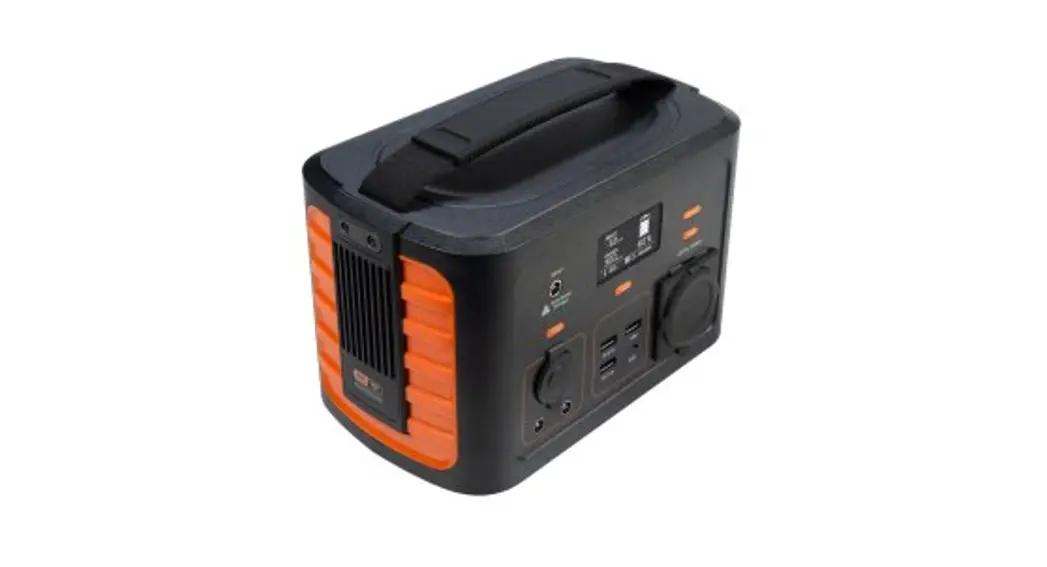
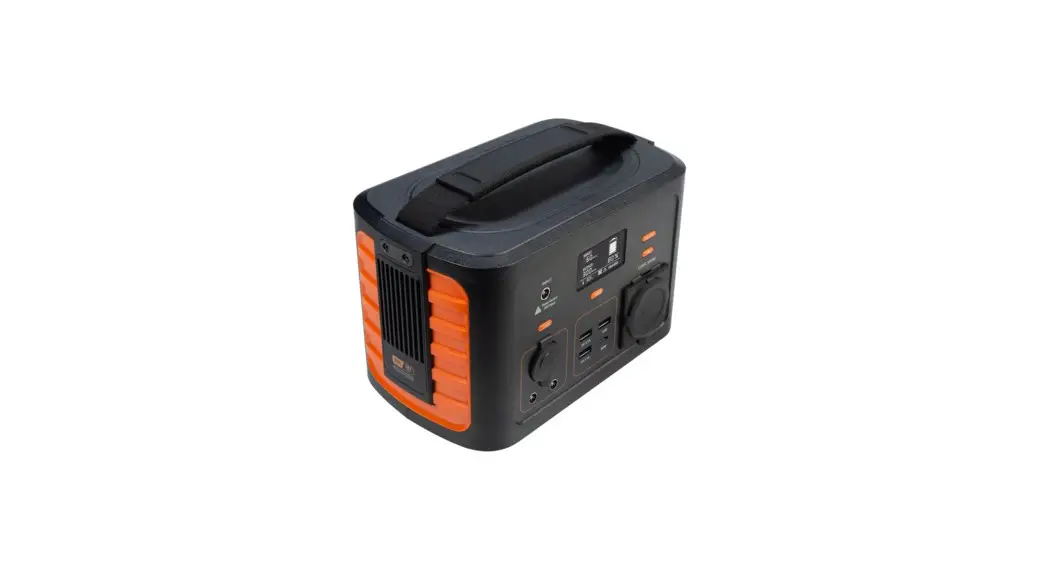
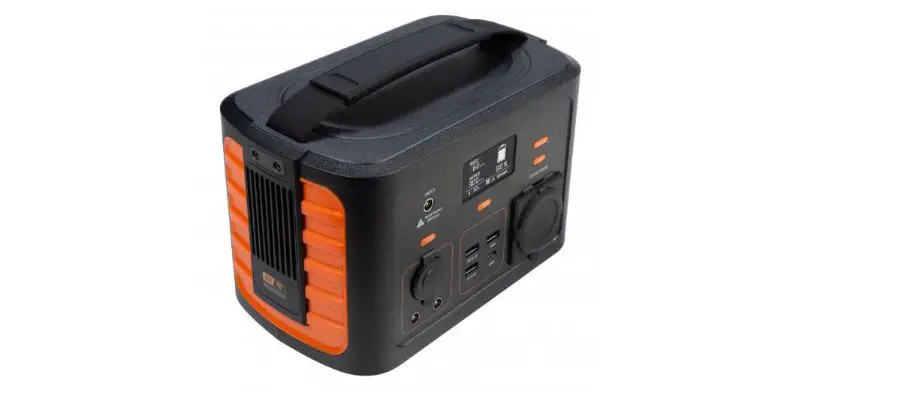
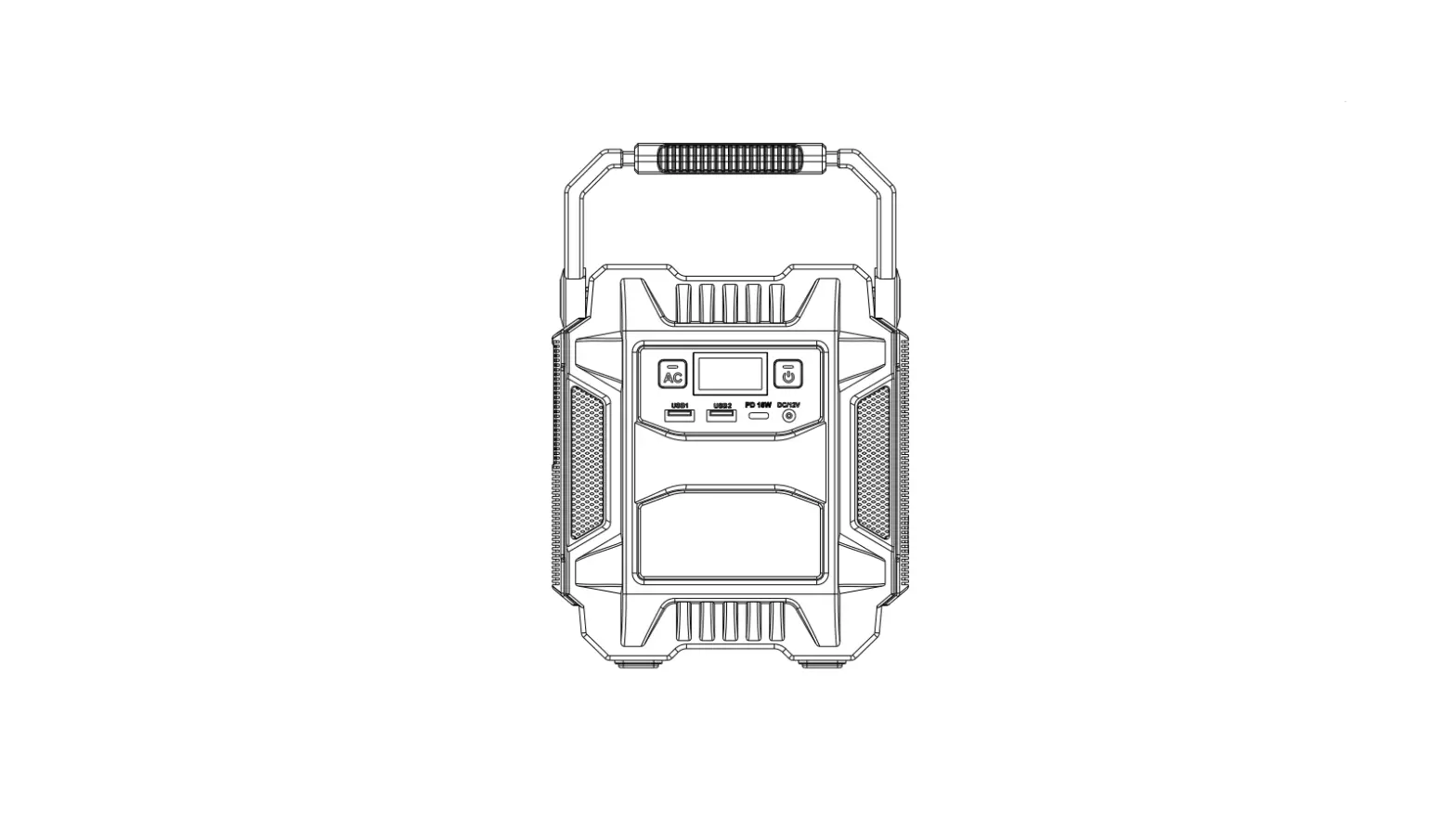
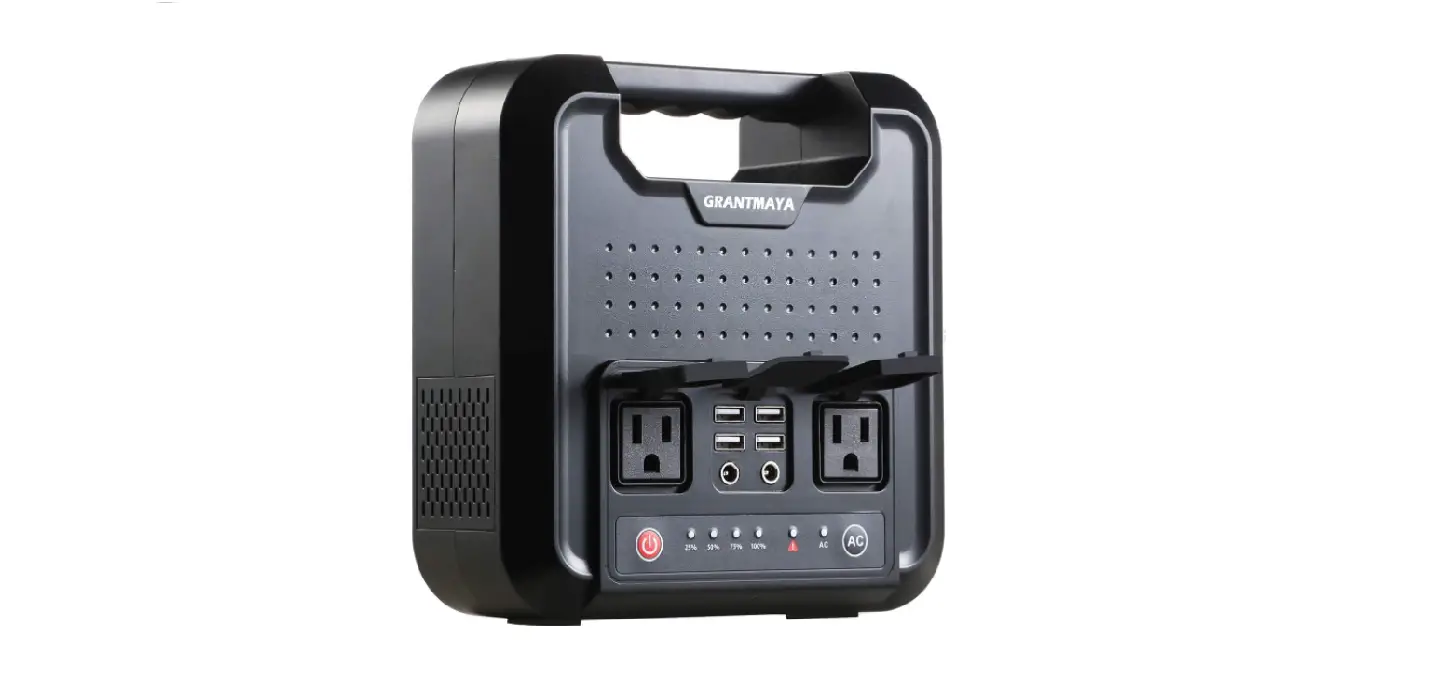
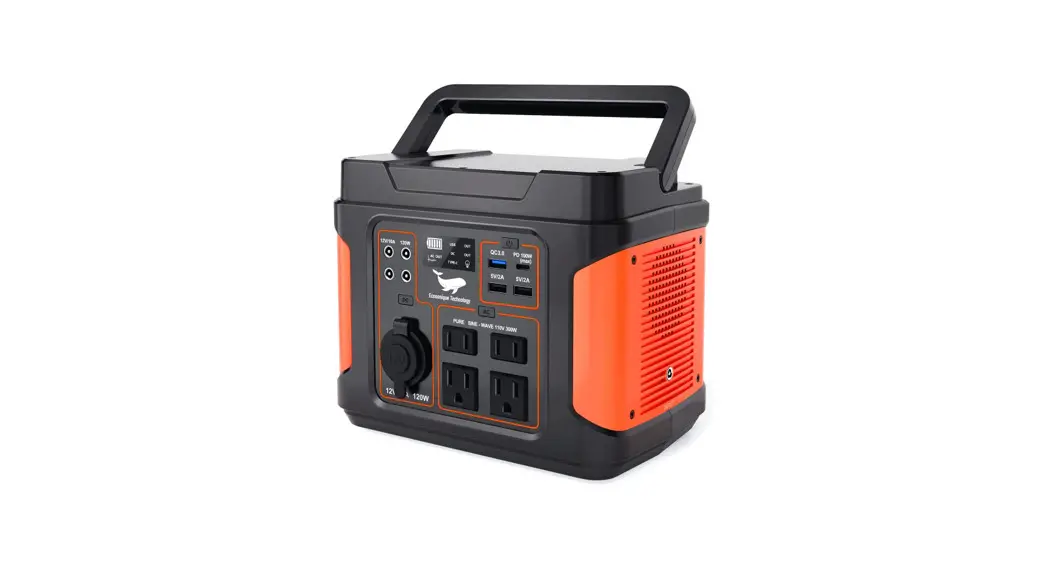
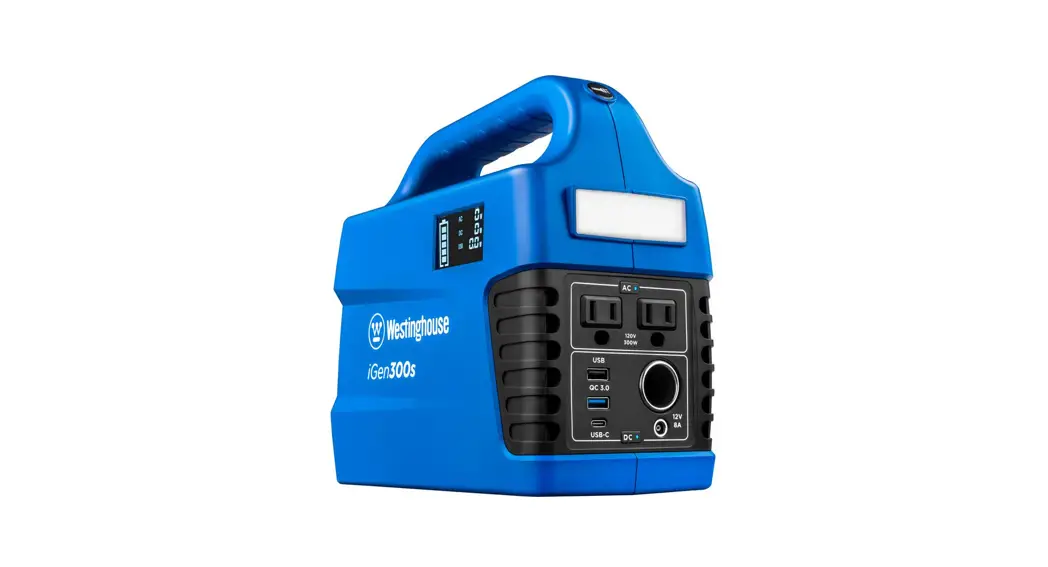
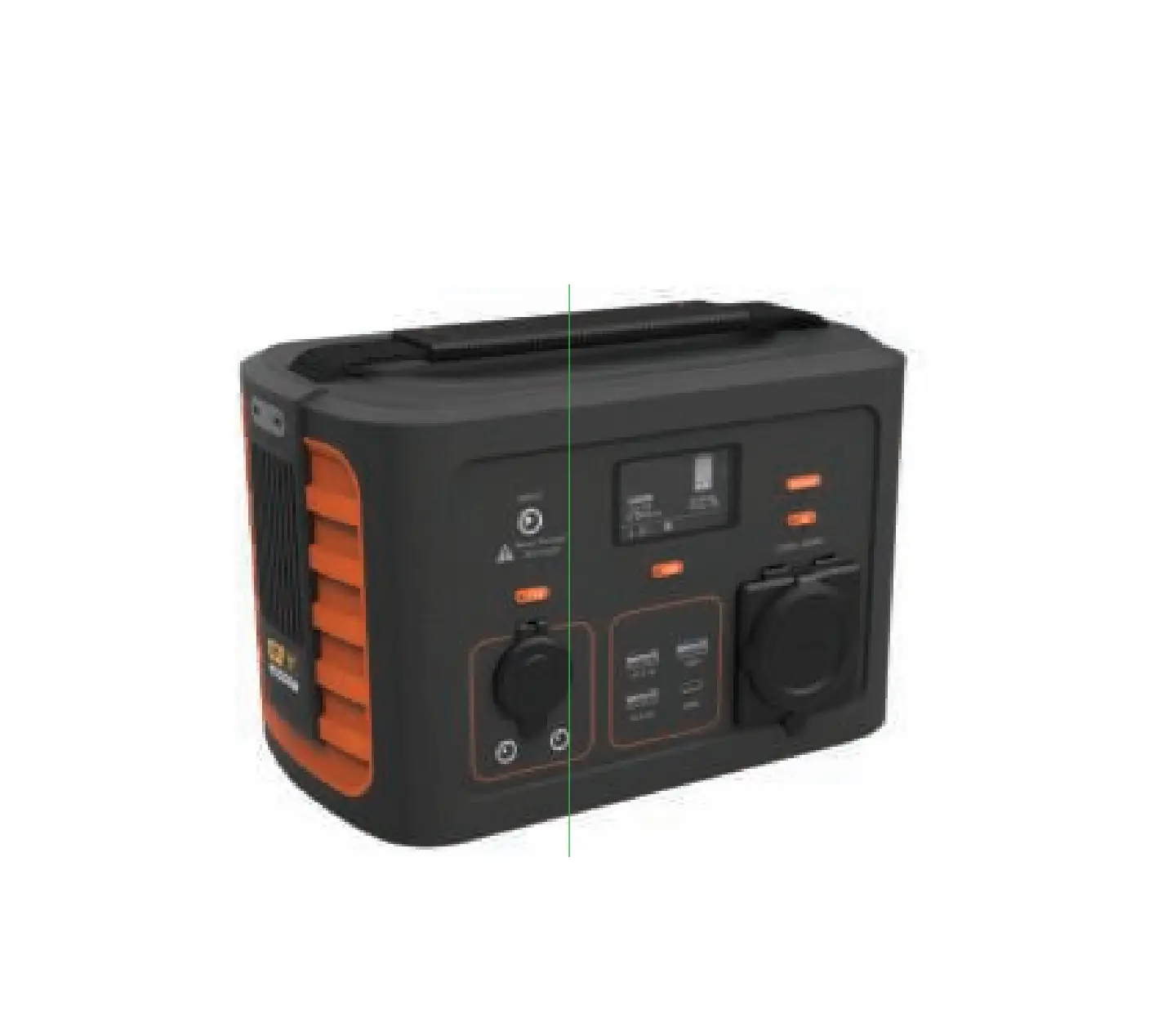
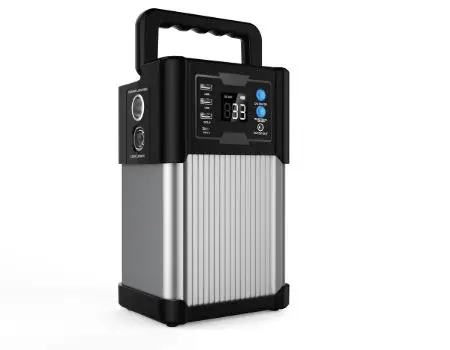
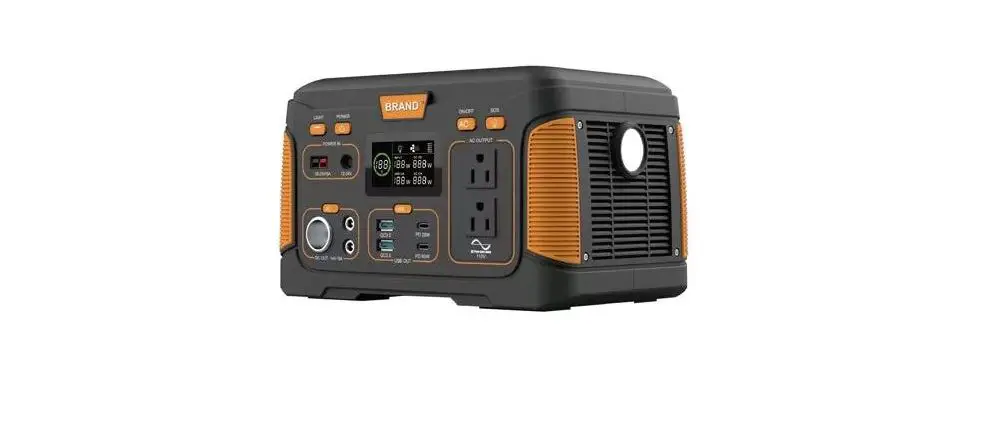
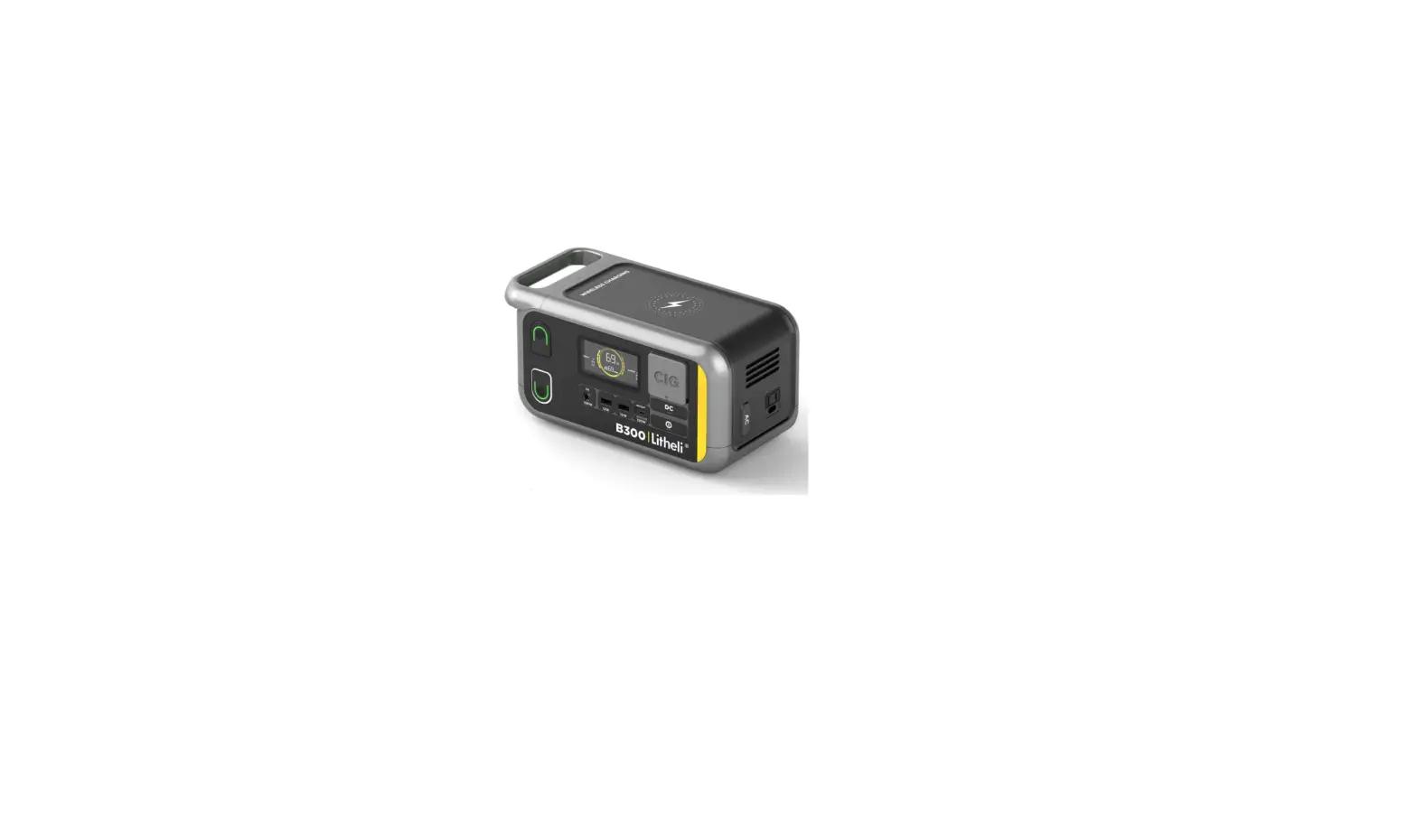
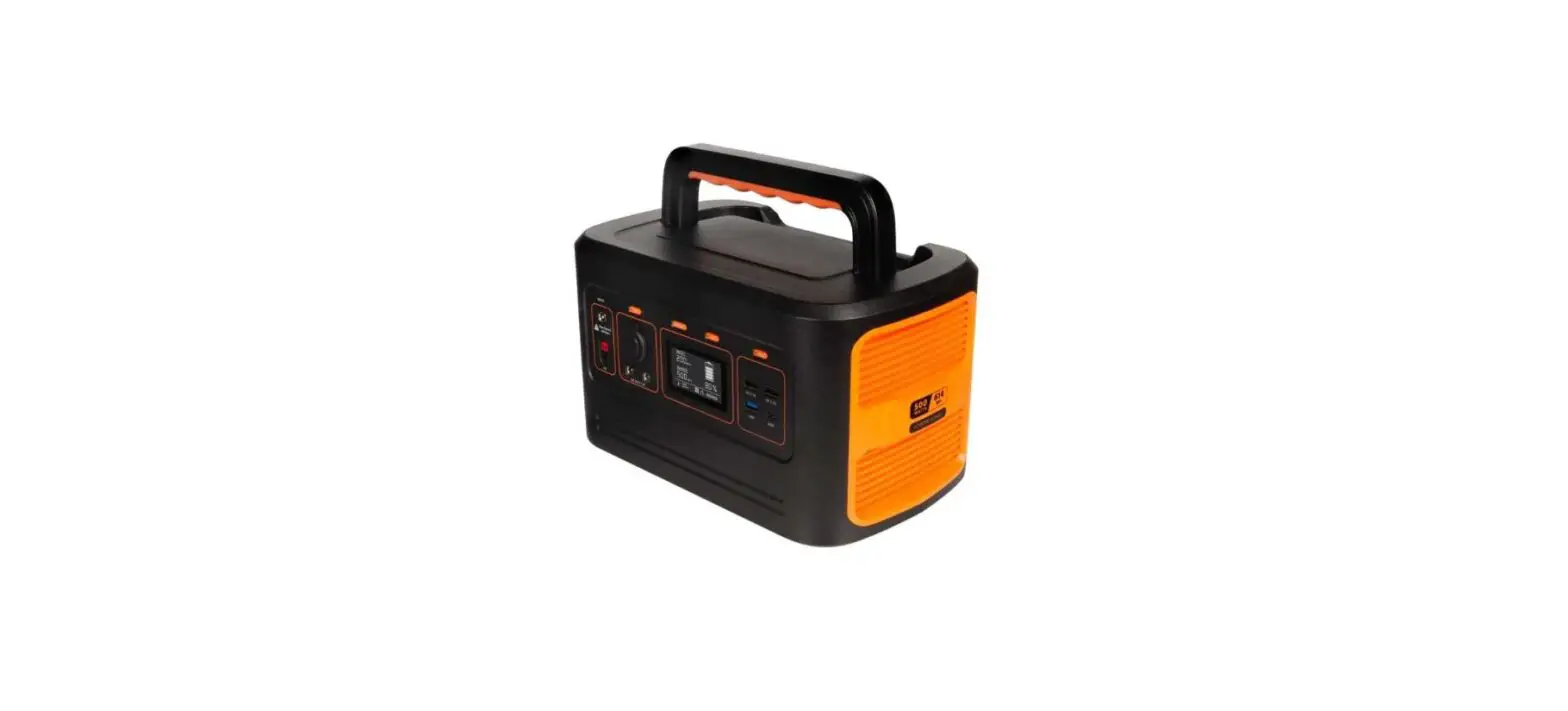
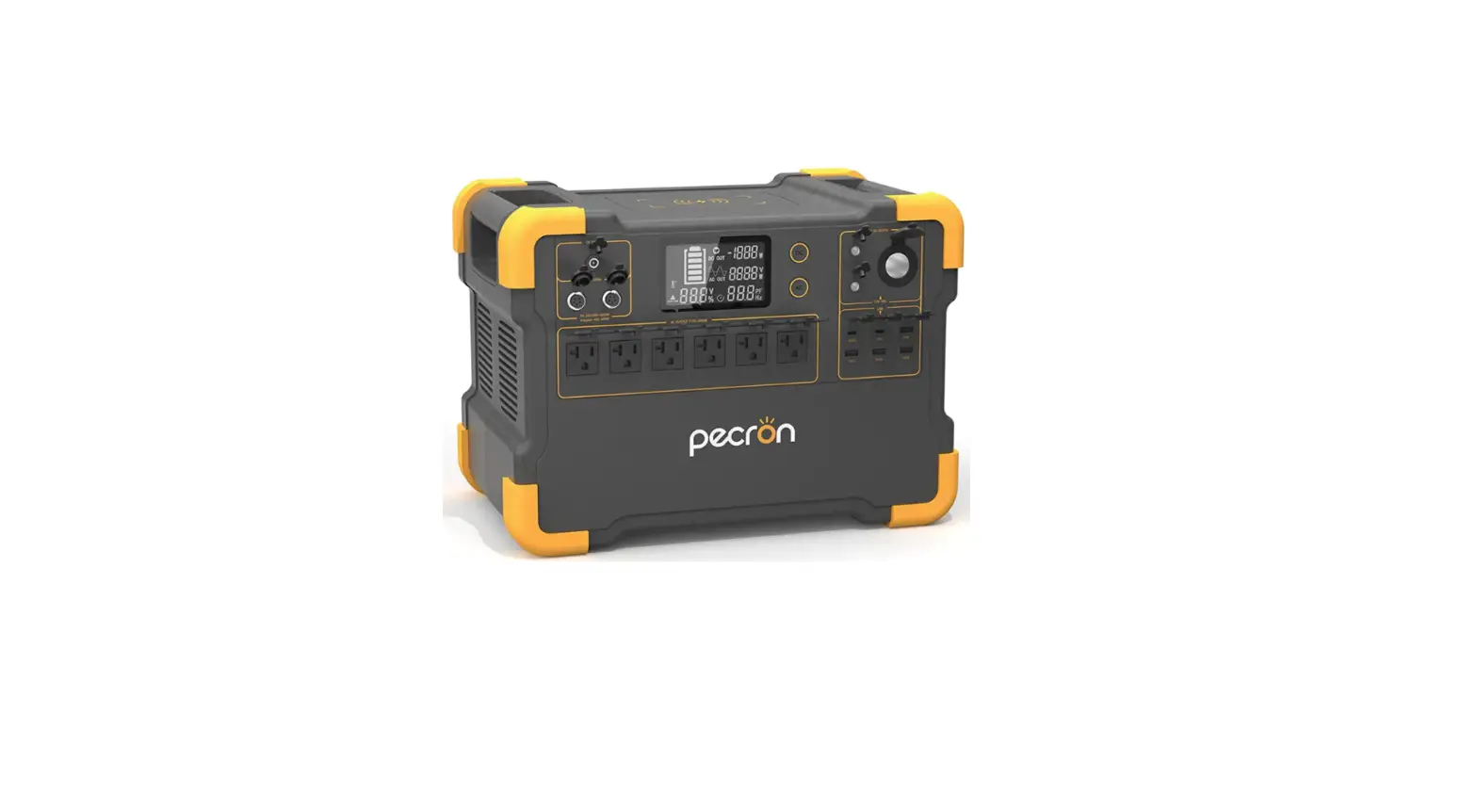
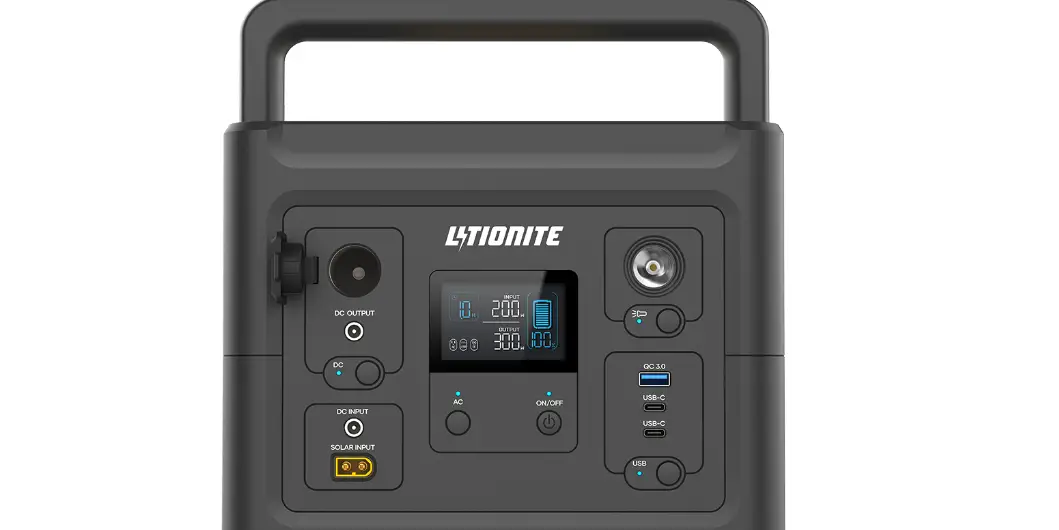
X300 Portable Power Station
Portable Power Station User Manual
Models: XD300, XD500
This user manual provides detailed information and instructions
for the XD300 and XD500 Portable Power Stations.
Product Information
- Model: XD300
- Model: XD500
- XD300: 1065/14149
- XD500: 1065/14149
- XD300: 129600mA/479.52WH
- XD500: Unknown
Note: This product may cause interference to radio equipment and
should not be installed near maritime safety communications
equipment or other critical navigation or communication equipment
operating between 0.45-30 MHz.
Product Usage Instructions
Follow these instructions to use the Portable Power Station:
- Make sure the power station is fully charged before using
it. - Connect the device you want to charge to the power station
using the appropriate cable. - Press and hold the power button on the power station to turn it
on. - The power station will begin charging your device.
- When your device is fully charged, disconnect it from the power
station. - When you are finished using the power station, turn it off by
pressing and holding the power button. - Store the power station in a cool, dry place away from direct
sunlight and moisture.
Caution: Do not attempt to disassemble or modify the Portable
Power Station. This can result in electric shock, fire, or other
hazards.
Portable Power Station User Manual
ModelXD300 ModelXD500
User ManualaWarranty
XD300 XD500
–XD300
-1065/14149
–XD300
–XD500
129600mA479.52WH
-1065/14149
–XD500
FCC Warning Statement This equipment generates, uses and can radiate radio frequency energy and, if not installed and used in accordance with the instructions, may cause harmful interference toradio communications. However, there is no guarantee that interference will not occur in a particular installation. If this equipment does cause harmful interference to radio or television reception, which can be determined by turning the equipment off and on, the user is encouraged to try to correct the interference by one or more of the following measures: – Reorient or relocate the receiving antenna. – Increase the separation between the equipment and receiver. – Connect the equipment into an outlet on a circuit different from that to which the receiver is connected. – Consult the dealer or an experienced radio/TV technician for help.
This product may cause interference to radio equipment and should not be installed near maritime safety communications equipment or other critical navigation or communication equipment operating between 0.45-30 MHz.