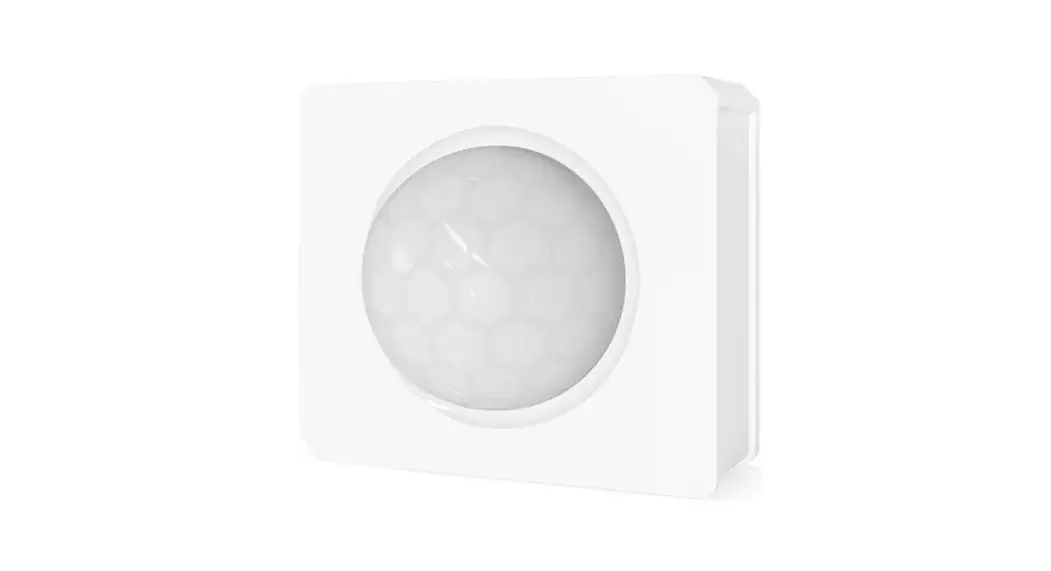
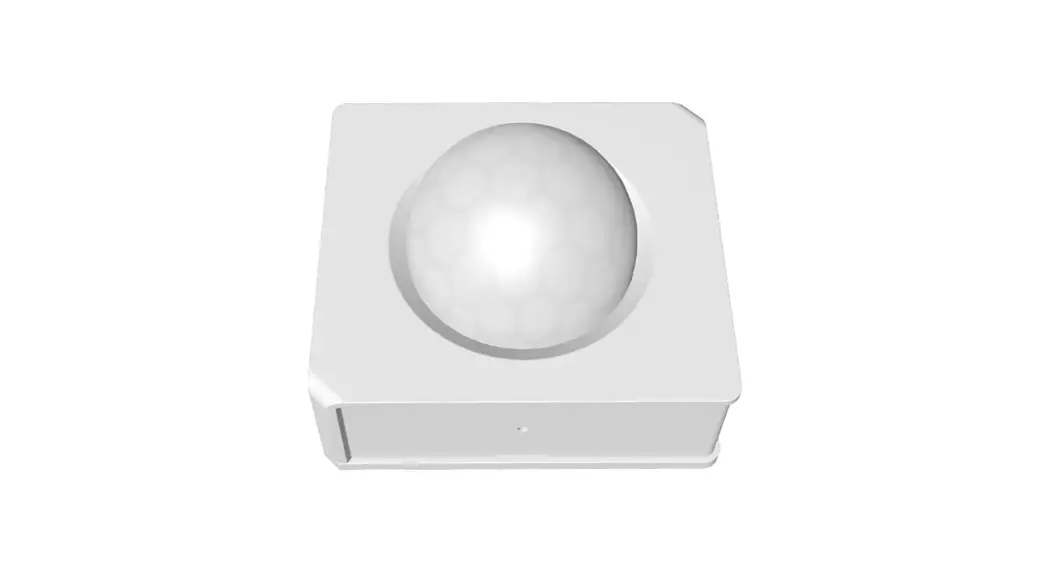
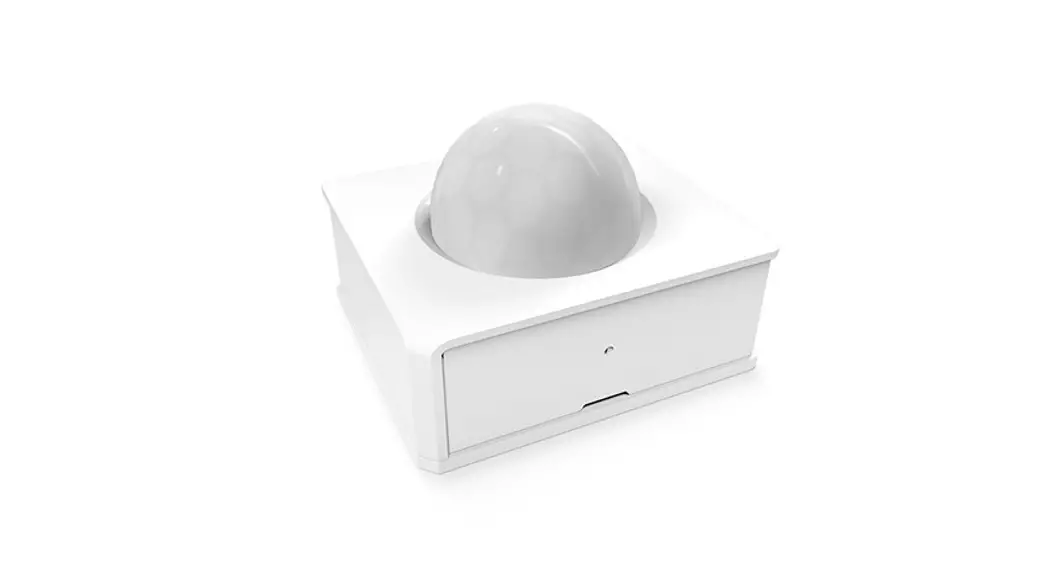
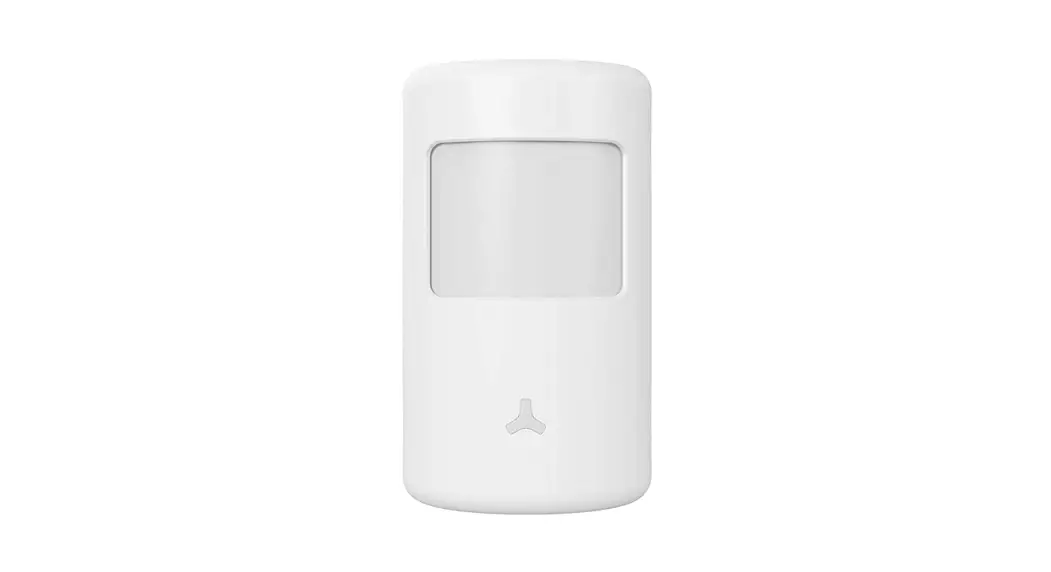
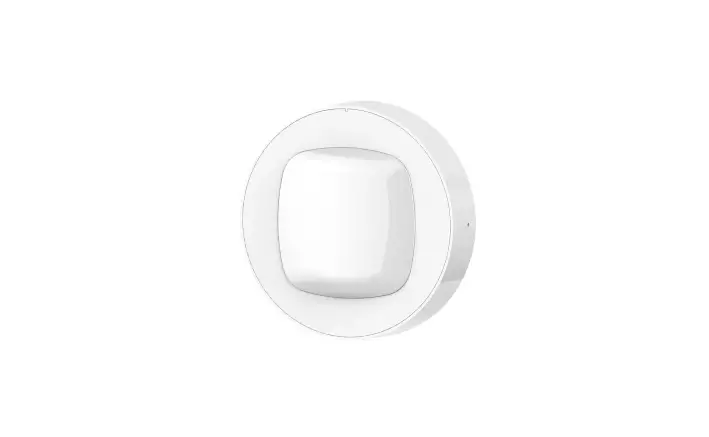
PIR3-RF 433MHZ Motion Sensor with Alarm Notification
Product Information
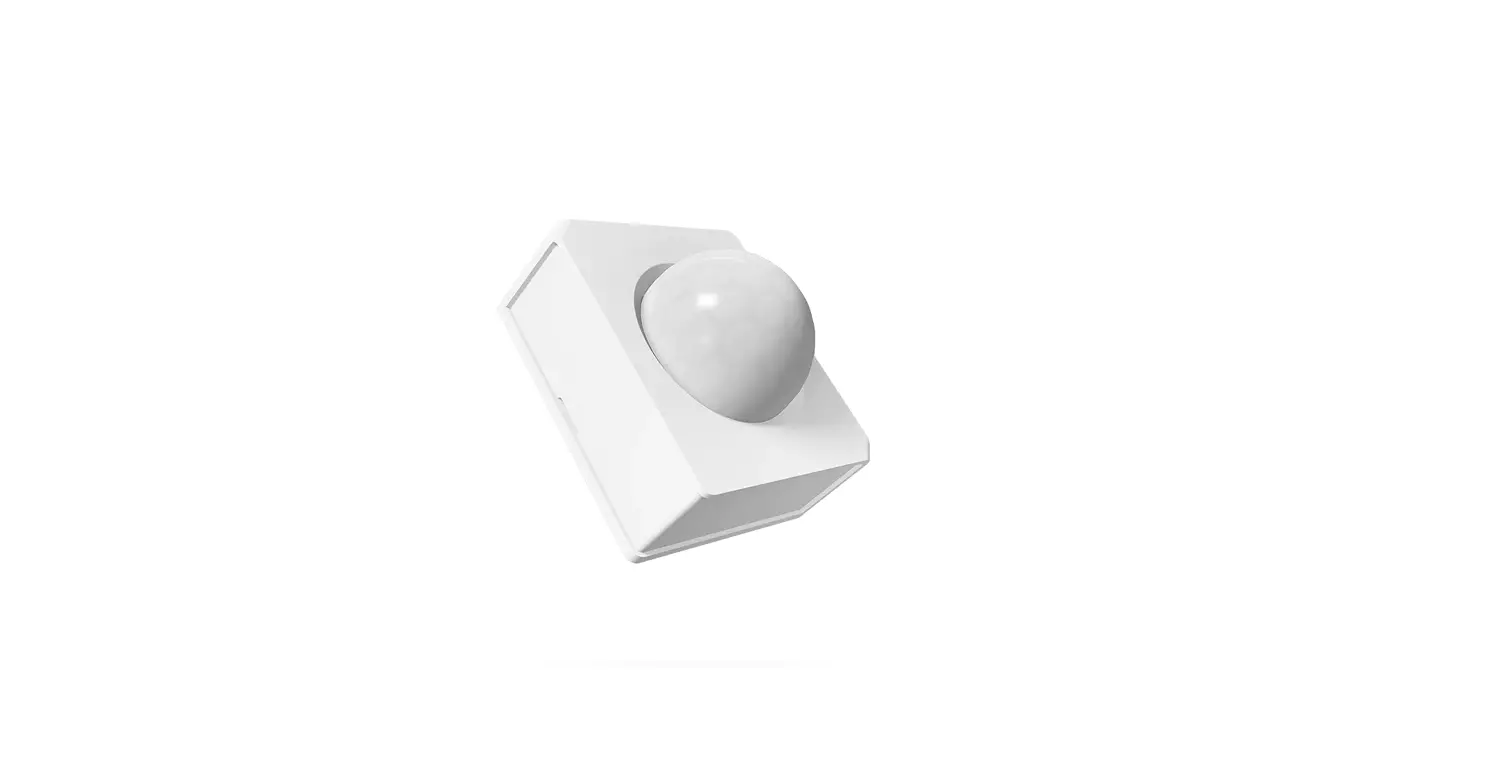
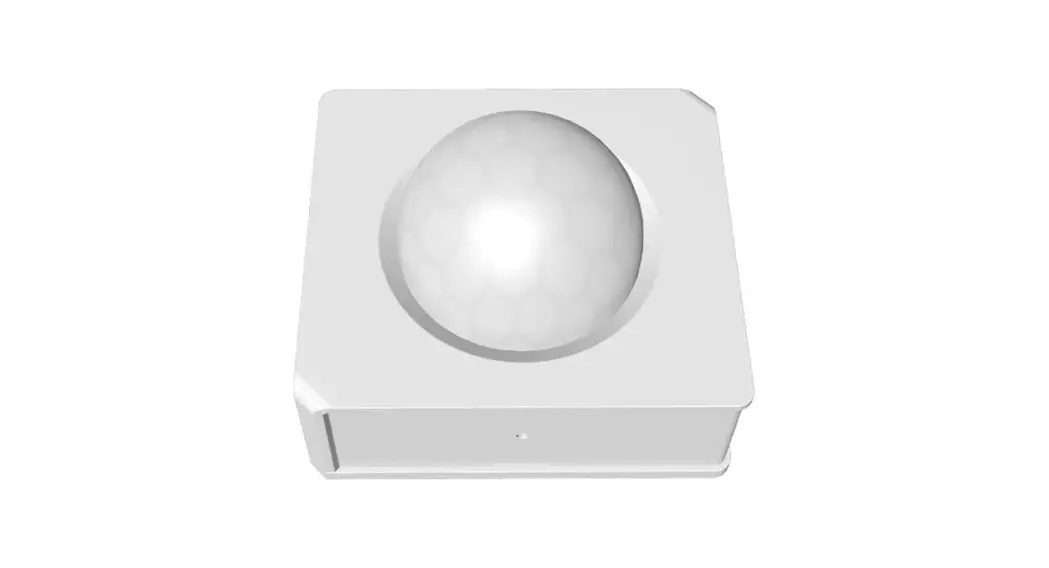
The device is a motion sensor called PIR3-RF, manufactured by
SONOFF TECHNOLOGIES CO., LTD. It operates at a frequency of 433MHz
and can be used intelligently by working with the SONOFF 433MHz RF
Bridge to communicate with other devices. It is also compatible
with other gateways that support the 433MHz wireless protocol. The
device comes in two versions, one with a battery (CR2450 model) and
one without.
Specifications
| Model | RF Power supply | Detection Distance | Detection angle | Working temperature | Working humidity | Material | Dimension |
|---|---|---|---|---|---|---|---|
| PIR3-RF | Battery or external power supply | Not specified | Not specified | Not specified | Not specified | Not specified | Not specified |
Features
- Low-energy design
- Movement detection in real-time
- Alarm push notification for detected movement
- Application modes including share control and smart scene
Product Usage Instructions
1. Download APP
To use the device, download the eWeLink app on your Android or
iOS device.
2. Pull out the battery insulation sheet
If you have the battery version of the device, remove the
insulation sheet from the battery.
3. Add sub-devices
Before adding sub-devices, make sure to connect the SONOFF
433MHz RF Bridge. Launch the eWeLink app, select the Bridge to be
paired, tap “Add”, and select “Alarm”. You will hear a beep
indicating that the Bridge has entered pairing mode. Next, short
press the pairing button on the device (or make the device detect
movement) to complete the pairing process. The red LED on the
device should stay on for 1 second and the Bridge will make a
beep-beep sound to confirm successful pairing. If the addition
fails, try moving the sub-device closer to the Bridge and try
again.
4. Installation methods
Method 1:
Install using 3M method.
Method 2:
Install using 3M Motion Sensor-BASE. Please note that the motion
sensor-base is not included and needs to be purchased separately.
Avoid installing on a metal surface as it may affect wireless
communication distance. It is recommended to install the device at
a height of less than 2 meters.
5. Application Mode
The device has two modes: home and away. The away mode is set as
the factory default.
In home mode, long press the mode switching button for 5 seconds
until the LED indicator flashes red and holds for 5 seconds. This
indicates that the device has entered home mode.
In away mode, long press the mode switching button for 5 seconds
until the LED indicator flashes green and holds for 5 seconds. This
indicates that the device has entered away mode.
In the away mode, a message will be triggered and pushed to the
app every 5 seconds. In the home mode, a message will be triggered
and pushed to the app once when no movement is detected for 60
seconds.
SONOFF TECHNOLOGIES CO., LTD.
English
The device can be operated intelligently via working with the SONOFF 433MHz RF Bridge to communicate with other devices.
The device can work with other gateways supporting 433MHz wireless protocol. Detailed information is in accordance with the final product.
Operation instruction
1. Download APP
eWeLink
2. Pull out the battery insulation sheet
eWeLink
AndroidTM & iOS
>
The device has the version with battery and without battery(Battery model: CR2450). 3. Add sub-devices
Connect the Bridge before adding the sub-device.
RF Bridge Added:0
No child device,please add.
Add
>
5
SONOFF TECHNOLOGIES CO., LTD.
English
Launch eWeLink APP, select the Bridge to be paired, tap “Add”and select “Alarm”, and you will hear a “Beep”that indicates the Bridge enters the pairing mode, then short press the pairing button on the device (or make the device detect the movement ) that the pairing is successful when the red LED keeps on for 1s and the Bridge makes a”Beep-Beep”sound.
If the addition failed, move the sub-device closer to the Bridge and try again.
Installation methods
Method1:
>
3M Method 2:
3M Motion Sensor-BASE
The motion sensor-base is not included, please purchase it separately. Do not install on the metal surface, otherwise it will affect the wireless communication distance. The device weight is less than 1 kg. The installation height of less than 2 m is recommended.
6
SONOFF TECHNOLOGIES CO., LTD.
Specifications
Model RF Power supply Detection Distance Detection angle Working temperature Working humidity Material Dimension
PIR3-RF 433.92MHz 3V button cell(Battery model: CR2450) 8m (Indoor space) 100° -10~40 10-90%RH (non-condensing) PC 40x35x28mm
Product Introduction
English
LED indicator Pairing/Mode switching button
LED indicator status instruction
LED indicator status Red LED is stays on for 1s Red LED is stays on for 5s Red LED flashes twice Green LED is stays on for 5s
Status instruction A movement is detected Switched to the”home”mode Low-battery notification Switched to the “away”mode
7
SONOFF TECHNOLOGIES CO., LTD.
English
Features
PIR3-RF is a 433MHz low-energy motion sensor that can detect the movement of objects in real time. Connect it with the Bridge and you can create a smart scene to trigger other devices.
Low-energy
Movement detection
Alarm push notification
Application Mode
Share control (available for SONOFF 433MHz
RF Bridge)
Smart scene
The device has”home”and”away”mode. The “away”mode is set by the factory default.
In the “home”mode, long press the mode switching button for 5s until the LED indicator flashes red and holds 5s, this indicates the device enters the”home”mode.
In the “home”mode, long press the mode switching button for 5s until the LED indicator flashes green and holds 5s, this indicates the device enters the”away”mode.
“Away”mode: Trigger a message and push to app once every 5s.
“Home”mode: trigger and push a message once when no any movement is detected for 60s.
8