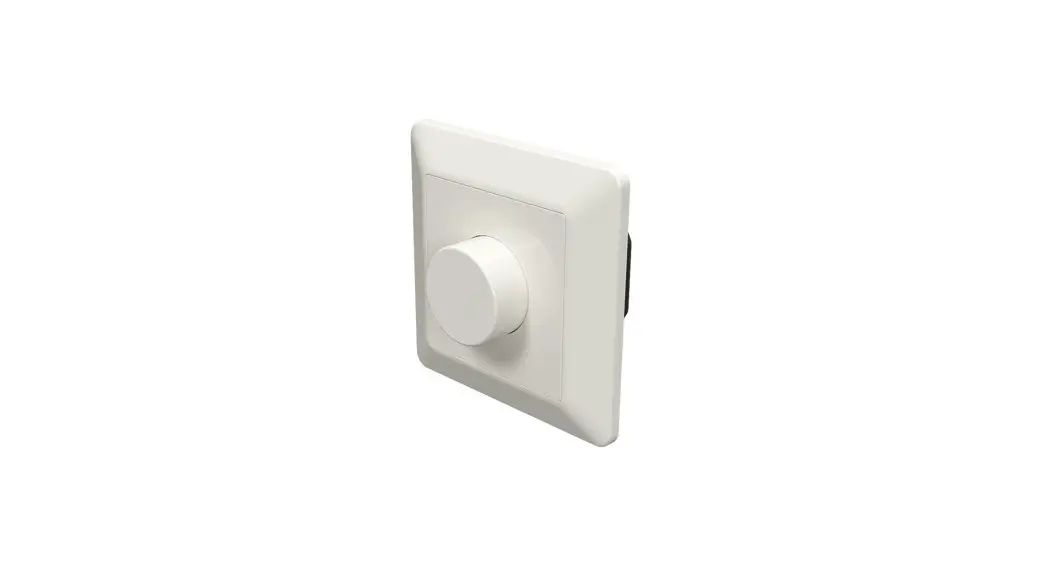
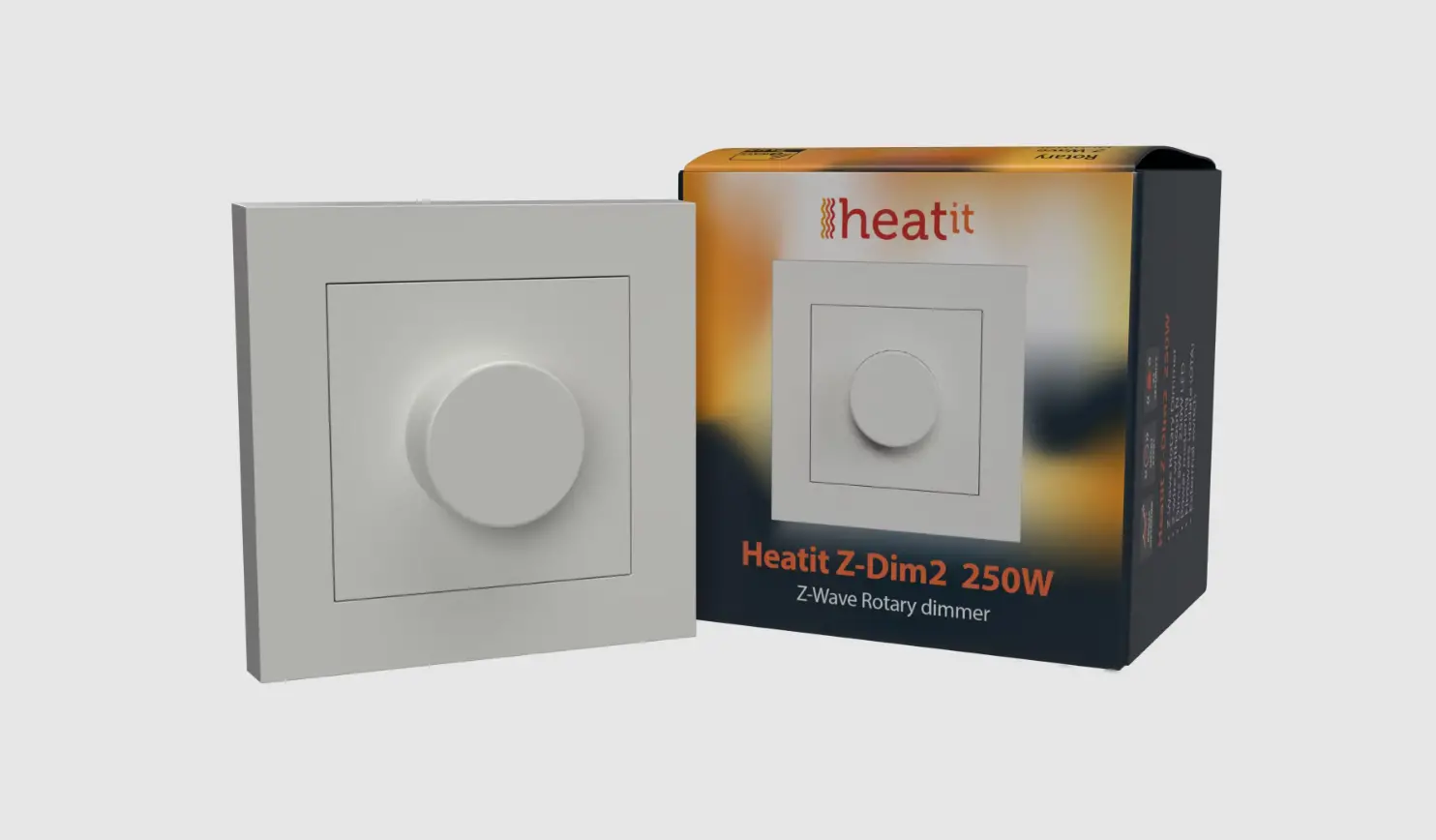
14 444 40 Z-Dim2 Z-Wave Plus Rotary Dimmer
Product Information
HEATIT Z-DIM2 250W
Art. no. 14 444 40
01.05.2022 Ver 2022-A
Introduction
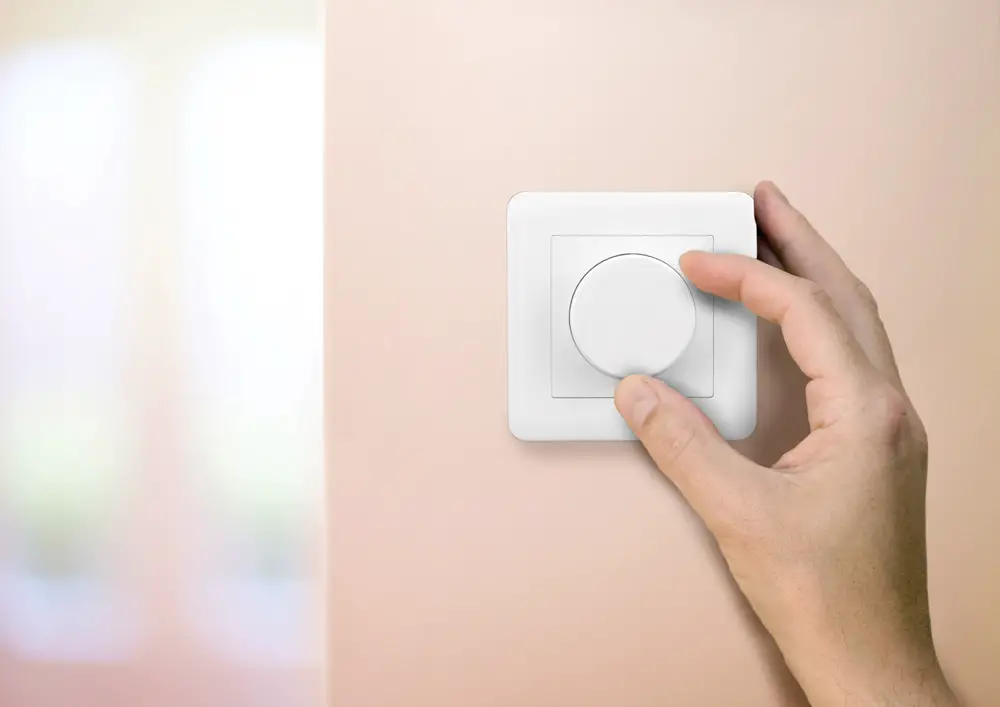
The HEATIT Z-DIM2 is a Z-Wave rotary dimmer designed for various
types of light fixtures. It is capable of handling low loads
without causing flickering. The dimmer includes an external switch
option, allowing you to control the load from an external switch.
It is particularly suitable for LED lights and can be installed in
System 55 frames. For low loads, it is recommended to use a bypass
for optimal performance.
Mounting
Please refer to the complete English manual available at
manuals.heatit.com for
detailed mounting instructions.
Quick Start
- Switch off the mains voltage by turning off the fuse.
- Open the junction box.
- Connect the wiring according to the provided wiring diagram and
the main installation manual Chapter 7. - After verifying the connections, switch on the mains
voltage. - Set the primary controller in add mode
(security/non-security). - Press the reset button on the dimmer three times in rapid
succession.
The HEATIT Z-DIM2 is now included in your Z-Wave network.
Installation and Wiring
Installation must be carried out by a qualified electrical
installer in compliance with national building codes. Before
installation, ensure that the dimmer mains power is disconnected.
Throughout the installation process, keep the fuse turned off at
all times. The maximum tightening torque for terminal screws is
2Nm.
Note: This is a 2-wire dimmer, meaning that the Neutral wire is
only connected to the load and not the dimmer itself.
- Turn off the fuse.
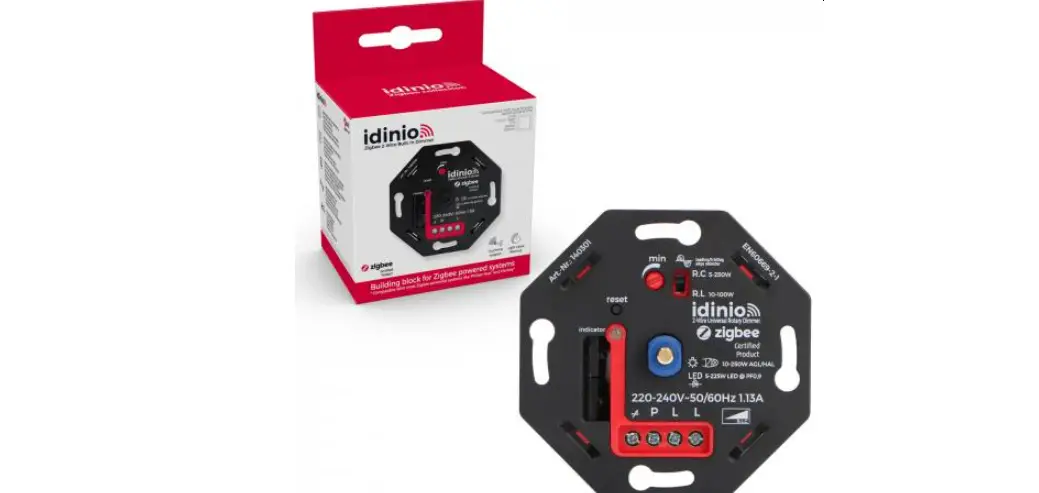
- Connect the Live wire to the dimmer terminal marked L.
- Connect the load wire to the dimmer terminal marked L.
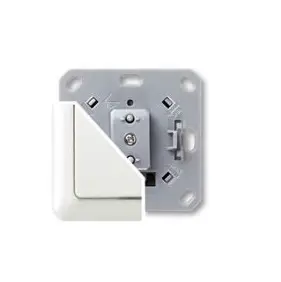
- Install the dimmer (A) in the wall box, ensuring no wires are
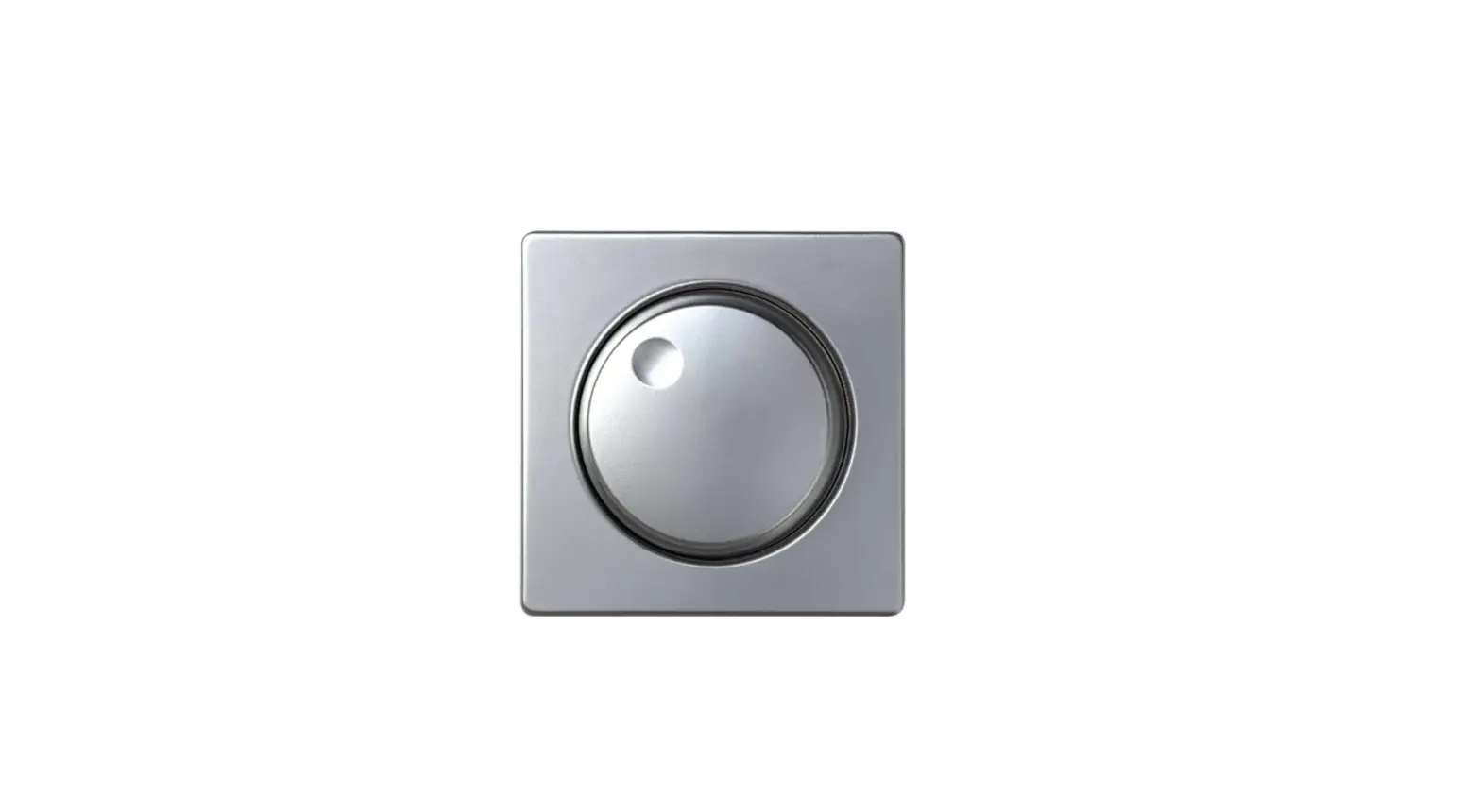
pinched. - Attach the cover (B) using the supplied nut (C).
- Attach the button (D) by pushing it into place.
Add/Remove
The primary controller/gateway has a mode for adding or removing
devices. Please consult your primary controller manual to learn how
to set the primary controller in add/remove mode. The device can
only be added or removed from the network when the primary
controller is in add/remove mode. When the device is removed from
the network, it will not revert to factory settings.
Method 1: Standard (Manual) Add/Remove Mode
Add/remove mode is indicated on the device by a blinking green
LED. The LED blinks for 90 seconds until a timeout occurs or until
the module has been added to/removed from the network. To start the
configuration process, press the Reset button or the external
switch connected to P three times in rapid succession. If
adding/removing is successful, the LED will blink green for 3
seconds. The device is now ready for use with default settings.
If inclusion fails, please perform a remove device process and
try again. If inclusion fails again, refer to Chapter 10 Factory
reset in the main installation manual to reset the parameters.
HEATIT Z-DIM2 250W
Quick Guide
Art. no. 14 444 40
01.05.2022 Ver 2022-A
3. MOUNTING
A
Complete english manual: manuals.heatit.com
7. ADD/REMOVE
Please read this before installation
B
B
C
D The primary controller/gateway has a mode for adding or removing
devices. Please refer to your primary controller manual on how to set
the primary controller in add/remove mode. The device may only be
added or removed from the network if the primary controller is in add/
remove mode. When the device is removed from the network, it will
NOT revert to factory settings.
White RAL 9003 plastic kit
Dimmer unit
White RAL 9010 plastic kit
1. INTRODUCTION Heatit Z-Dim2 is a Z-Wave rotary dimmer for many different types of light fixtures. The Heatit Z-Dim2 works on most low loads without causing flickering.
The dimmer is equipped with an external switch option. This allows you to dim and turn on/off the load from an external switch.
Heatit Z-Dim2 is very well suited for LED, and fits into System 55 frames. When connecting low loads it is recommended to use a bypass.
NB! DIMMING Dimming may be challenging, and we recommend checking the compatibility of different light sources before installation. We are happy to answer any questions.
2. STATEMENT REGARDING PRODUCTS
FROM MULTIPLE MANUFACTURERS
Please read this before installation This device may be used with all devices certified with the Z-Wave PlusTM certificate and should be compatible with such devices produced by any manufacturer. Every primary controller is different depending on the manufacturer, their target audience and intended use/application. Please review the functionalities implemented by the primary controller you intend to use with our Z-Wave Plus certified device to ensure that it provides the necessary controls to take full advantage of our product’s capabilities.
4. WIRING DIAGRAM
N L
LL
5. QUICK START 1. Switch off the mains voltage (turn off the fuse). 2. Open the junction box. 3. Connect according to the wiring diagram as shown above and in
accordance with the main Installation manual Chapter 7. 4. After verifying the connections, switch on the mains voltage. 5. Set the primary controller in add mode (security/non-security). 6. Press the reset button on dimmer 3 times in a rapid sequence.
Heatit Z-DIM2 is now included in your Z-Wave network.
6. INSTALLATION AND WIRING Installation must be done by a qualified electrical installer in accordance with national building codes. Before installation, disconnect any power to the dimmer mains. During the installation process, the fuse must be turned off AT ALL TIMES! NB! Max tightening torque for terminal screws: 2Nm
NB! This is a 2-wire dimmer so the Neutral is only connected to the load and not the dimmer itself. 1. Turn off the fuse. 2. Connect the Live to the dimmer terminal marked “L”. 3. Connect the load terminal marked “L” to the dimmer terminal
marked 4. Install the dimmer (A) in the wall box.
Make sure that no wires are pinched. 5. Attach the cover (B) with the supplied nut (C). 6. Attach the button (D) with a simple push.
7.1 Method 1: Standard (Manual) Add/remove mode is indicated on the device by a blinking green LED. It indicates this for 90 seconds until a timeout occurs, or until the module has been added to/removed from the network. To start the configuration process press the Reset button, or the external switch connected to P, 3 times in rapid succession. The LED will blink green for 3 seconds if adding/removing is successful. The device is now ready for use with default settings.
NB! When the device is removed from the gateway, the parameters are not reset. To reset the parameters, see Chapter 10 “Factory reset” in the main installation manual. If inclusion fails, please perform a “remove device” process and try again. If inclusion fails again, please see Chapter 10 “Factory reset” in the main installation manual.
7.2 LED blinking patterns
Success
GREEN
Fail
RED
0s 1s 2s 3s xs
x+3s
When device enters add/remove mode the LED will blink green. If successful, the LED will blink green for 3 seconds. If unsuccessful, the LED will blink red for 3 seconds.
8. CONTROLS
Increase / decrease
On / Off
51,5mm
71mm
71mm 50mm
23,5mm 16,7mm
FEATURES
· Z-Wave rotary dimmer · 2-wire · 5W – 250W LED · Nemko certified · Power metering · SmartStart · Firmware update (OTA) · Overload protection · Short circuit protection
· Surge protection · Overheat protection · External switch · Min. dim level · Max. dim level auto-calibration · Supports encryption mode S0,
S2 Authenticated Class,
S2 Unauthenticated Class
This product is a security-enabled Z-Wave Plus product with encryption. The product must be used with a security-enabled Z-Wave Controller in order to fully utilize the product.
TECHNICAL DATA
Protocol Chip Rated voltage Power Controls Ambient temperature Range RF Connection Flush mounting depth IP Code Size (LxWxH)
Z-Wave, 868.4MHz Z-Wave 700 chip 230VAC 50Hz 5W – 250W Rotary and push dimming 5°C to 40°C Min. 40 meter Max. 2.5mm² 24mm IP 21 84 x 84 x 43mm
Approvals
Z-Wave Plus V2, CE, Nemko
Working frequency 868.4MHz, Max output power 12,49dBm. The distance between user and products should be no less than 20 cm.
MAINTENANCE
The device is maintenance-free, but must never be covered. Only for indoor installation.
Heatit Controls AB can not be held liable for typographical errors, other errors or omittances in our information. Product specifications may change without further notice. All electrical installations must be carried out by a licensed electrician. The product must be installed in accordance with national building codes and our installers manual.
Heatit Controls AB l Läkarvägen 4, 454 31 BRASTAD, SWEDEN Phone: +47 61 18 77 77 l [email protected] www.heatit.com
HEATIT Z-DIM2 250W
Quick Guide
El-nr. 14 444 40
01.05.2022 Ver 2022-A
3. MONTERING
A
Komplett engelsk manual: manuals.heatit.com
7. INKLUDERING/EKSKLUDERING
Vennligst les dette før installasjon
B
B
C
D Gatewayen har en modus for å inkludere eller ekskludere enheter.
Se manualen til din gateway for hvordan du setter gatewayen
i inkludering-/ekskluderingsmodus. Enheten kan bare legges
til eller fjernes fra nettverket når gatewayen er i inkludering-/
ekskluderingsmodus. Når enheten fjernes fra nettverket, vil den
IKKE gå tilbake til fabrikkinnstillinger.
Hvit RAL 9003 plastkit
Dimmerenhet
Hvit RAL 9010 plastkit
1. INNLEDNING Heatit Z-Dim2 er en Z-Wave vridimmer for mange forskjellige typer lyskilder. Dimmeren fungerer på de fleste lave laster uten å forårsake flimmer.
Dimmeren har mulighet for en ekstern bryter som lar deg dimme og skru av/på lasten.
Heatit Z-Dim2 er velegnet for bruk med LED-lys. Dimmeren passer inn i standard Elko, Schneider Exxact og System 55 rammesystemer. Ved tilkobling av lav last anbefales det å bruke en bunnlast.
NB! Styring av lys kan være utfordrende, og vi anbefaler å teste kompabiliteten før installasjon. Sjekk gjerne med oss.
2. ERKLÆRING OM PRODUKTER FRA FLERE PRODUSENTER Vennligst les dette før installasjon Denne enheten kan brukes med alle enheter sertifisert med Z-Wave PlusTM-sertifikatet og skal være kompatibel med slike enheter produsert av enhver produsent. Hver gateway er forskjellig avhengig av produsenten, målgruppen og tiltenkt bruk/applikasjon. Vennligst se gjennom funksjonene implementert av gatewayen du har tenkt å bruke med vår Z-Wave Plus-sertifiserte enhet for å sikre at den gir de nødvendige kontrollene for å dra full nytte av produktets muligheter.
4. KOBLINGSDIAGRAM
N L
LL
5. QUICK START 1. Koble fra strømtilførselen (skru av sikringen). 2. Åpne veggboksen. 3. Koble til i henhold til koblingsskjemaet over og i henhold til
hovedmanualens punkt 7. 4. Etter å ha verifisert tilkoblingene, slå på strømtilførselen. 5. Sett gatewayen i inkluderingsmodus (security/non-security). 6. Trykk på Reset-knappen på dimmeren 3 ganger i rask rekkefølge.
Heatit Z-DIM2 er nå inkludert i ditt Z-Wave-nettverk.
6. INSTALLASJON Produktet skal kun installeres av en registrert installasjonsvirksomhet. Før installasjonen må all strømtilførsel til enheten kobles fra. Spenningen til enheten MÅ TIL ENHVER TID være frakoblet under montering. NB! Maks tilskruingsmoment: 2Nm
NB! Dette er en 2-wire dimmer og Nøytral kobles derfor bare til lasten og ikke til selve dimmeren. 1. Koble fra strømtilførselen. 2. Koble spenning til terminalen merket “L”. 3. Koble lastterminalen merket “L” til dimmerterminalen merket 4. Installer dimmeren (A) i veggboksen.
Pass på at ingen ledninger kommer i klem. 5. Fest dekselet (B) med den medfølgende mutteren (C). 6. Fest knappen (D) med et enkelt trykk.
7.1 Motode 1: Standard (Manuell) Inkludering-/ekskluderingsmodus vises på enheten med en blinkende grønn LED. Den indikerer dette i 90 sekunder til en timeout oppstår, eller til modulen er inkludert/ekskludert fra nettverket. For å starte konfigurasjonsprosessen trykk på Reset-knappen, eller ekstern bryter koblet til P, 3 ganger i rask rekkefølge. LED-pæren vil blinke grønt i 3 sekunder hvis inkludering/ekskludering er vellykket. Enheten er nå klar til bruk med standardinnstillinger.
NB! Når enheten fjernes fra gatewayen, tilbakestilles ikke parameterne. For å tilbakestille parameterne, se punkt 10 i hovedmanualen. Hvis inkludering mislykkes, utfør en “fjern enhet”-prosess og prøv igjen. Hvis inkluderingen mislykkes igjen, se punkt 10 i hovedmanualen.
7.2 LED blinkemønster
Success
GRØNN
Fail
RØD
0s 1s 2s 3s xs
x+3s
Når enheten er i inkludering-/ekskluderingsmodus vil LED pæren blinke grønt. Hvis inkludering-/ekskludering lykkes, vil LED pæren lyse grønt i 3 sekunder. Hvis den ikke lykkes, vil LED pæren lyse rødt i 3 sekunder.
8. REGULERING
Opp mot høyre Ned mot venstre
Av / På
51,5mm
71mm
71mm 50mm
23,5mm 16,7mm
EGENSKAPER
· Z-Wave vridimmer · 2-wire · 5W – 250W LED · Nemko sertifisert · Strømmåling · SmartStart · Firmwareoppdatering (OTA) · Overbelastningsbeskyttelse · Kortslutningsbeskyttelse
· Overspenningsvern · Overopphetingsbeskyttelse · Ekstern bryter · Min. dimmenivå · Maks. dimmenivå autokalibrering · Støtter krypteringsmodus S0,
S2 Authenticated Class,
S2 Unauthenticated Class
Dette produktet er et sikkerhetsaktivert Z-Wave Plus-produkt med kryptering. Produktet må brukes med en sikkerhetsaktivert Z-Wave-kontroller for å utnytte produktet fullt ut.
TEKNISKE DATA
Protokoll Chip Spenning Effekt Regulering Omgivelsestemperatur Rekkevidde RF Tilkobling Monteringsdybde IP-klasse Dimensjoner (LxWxH)
Z-Wave, 868,4MHz Z-Wave 700 chip 230VAC 50Hz 5W – 250W Vri- og trykk dimming 5°C til 40°C Min. 40 meter Maks. 2,5mm² 24mm IP 21 84 x 84 x 43mm
Sertifisering
Z-Wave Plus V2, CE, Nemko
Frekvens 868.4MHz, Maks. effektnivå 12,49dBm. Avstanden mellom bruker og produkt bør være mer enn 20 cm i drift.
VEDLIKEHOLD
Produktet trenger ikke vedlikehold, men må aldri tildekkes. Kun for innendørs bruk.
Heatit Controls AB tar forbehold om typografiske feil, andre feil eller mangler i vår informasjon. Produktspesifikasjoner kan bli endret uten ytterligere varsel. Produktet skal kun installeres av en registrert installasjonsvirksomhet. Produktet skal kun installeres i henhold til gjeldende NEK 400 og installasjonsveiledning.
Heatit Controls AB l Läkarvägen 4, 454 31 BRASTAD, SWEDEN Phone: +47 61 18 77 77 l [email protected] www.heatit.com
 Heatit documents page
 Heatit