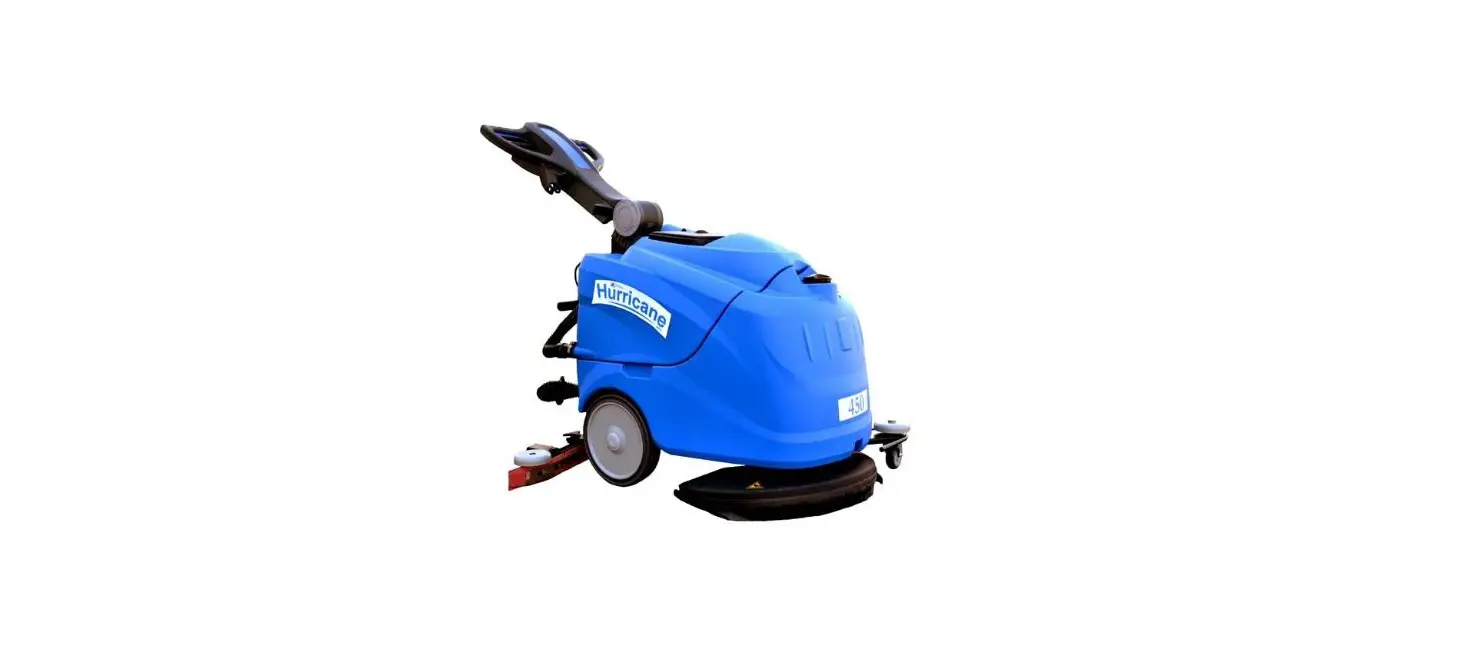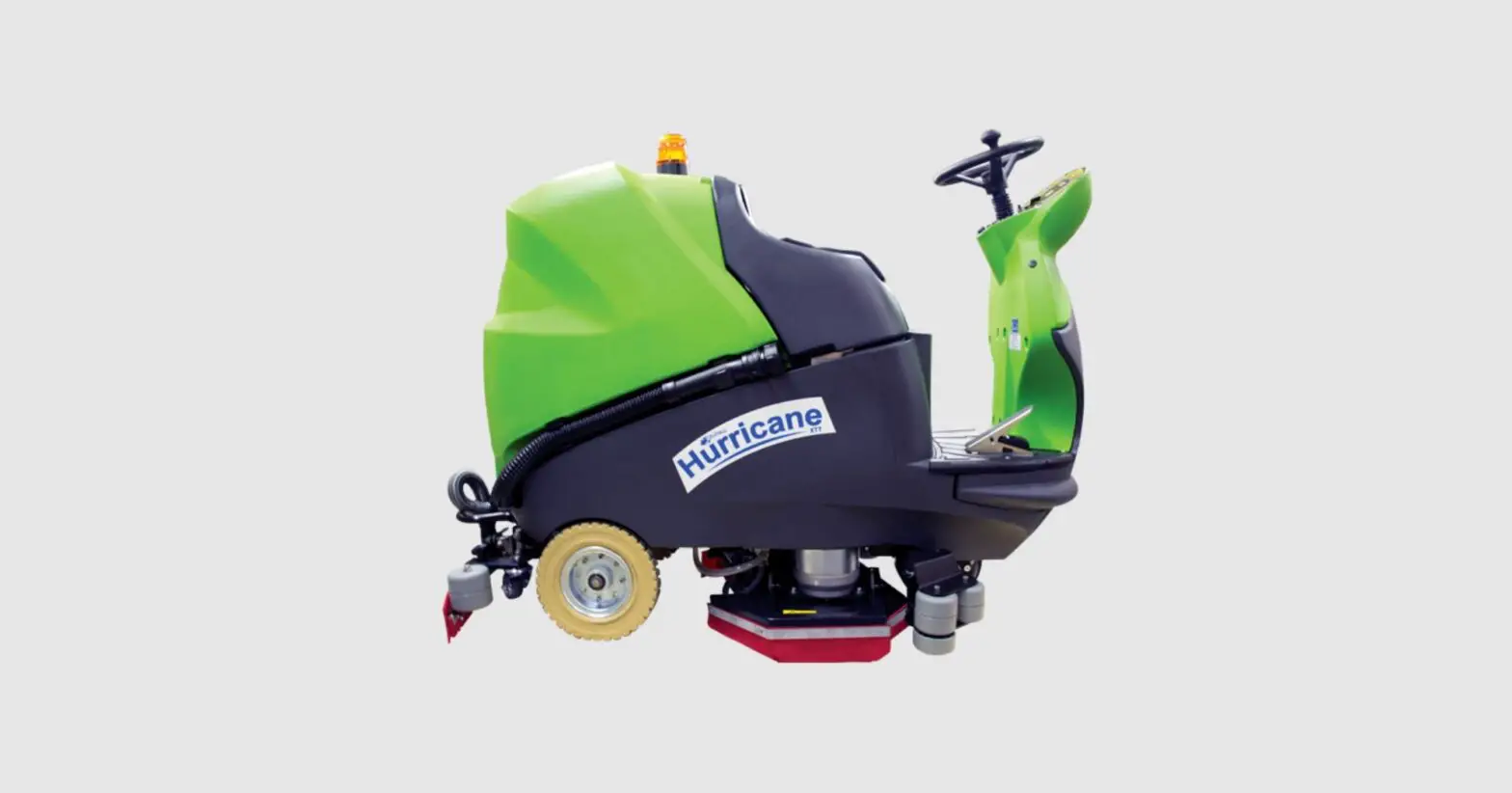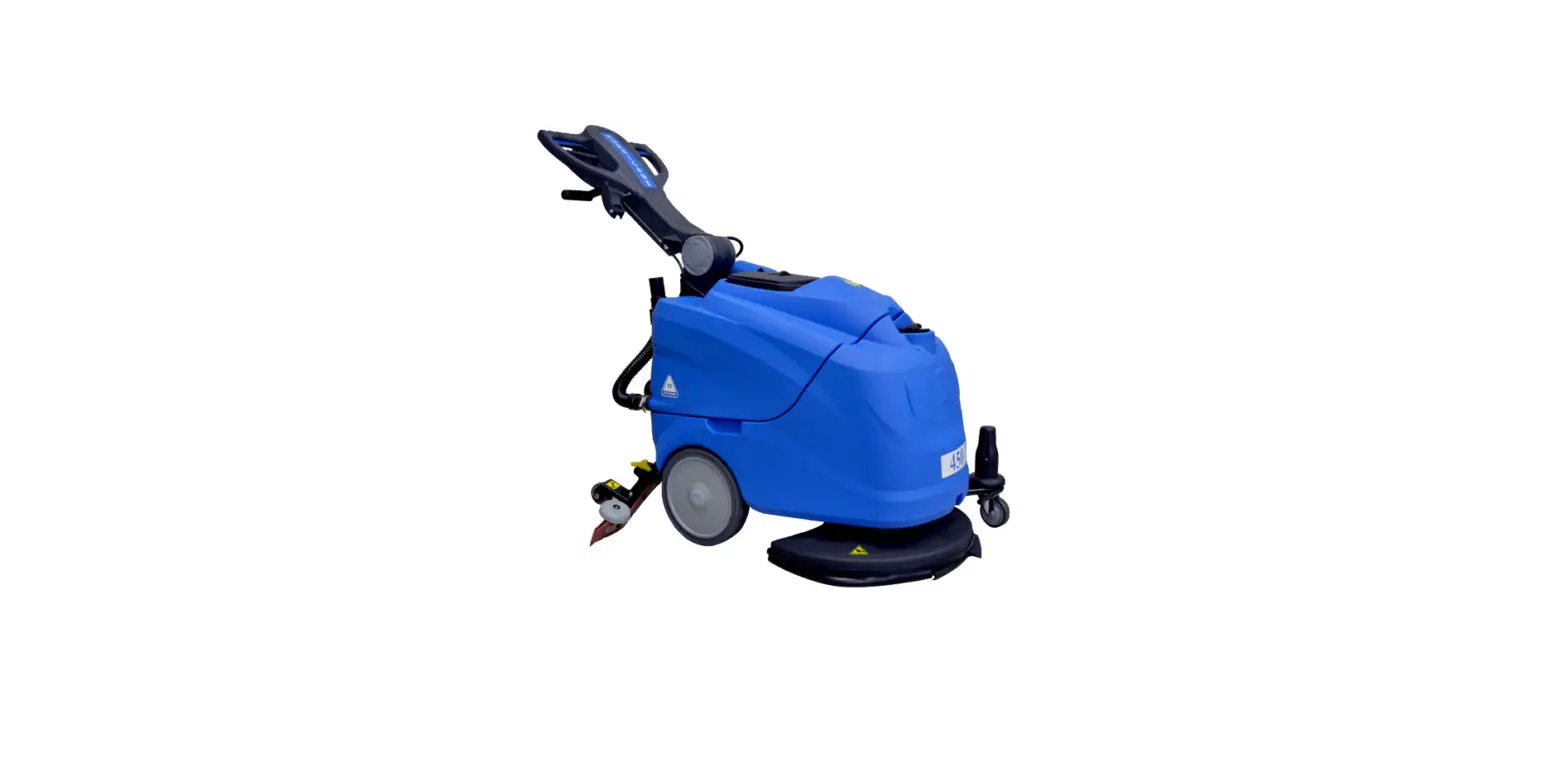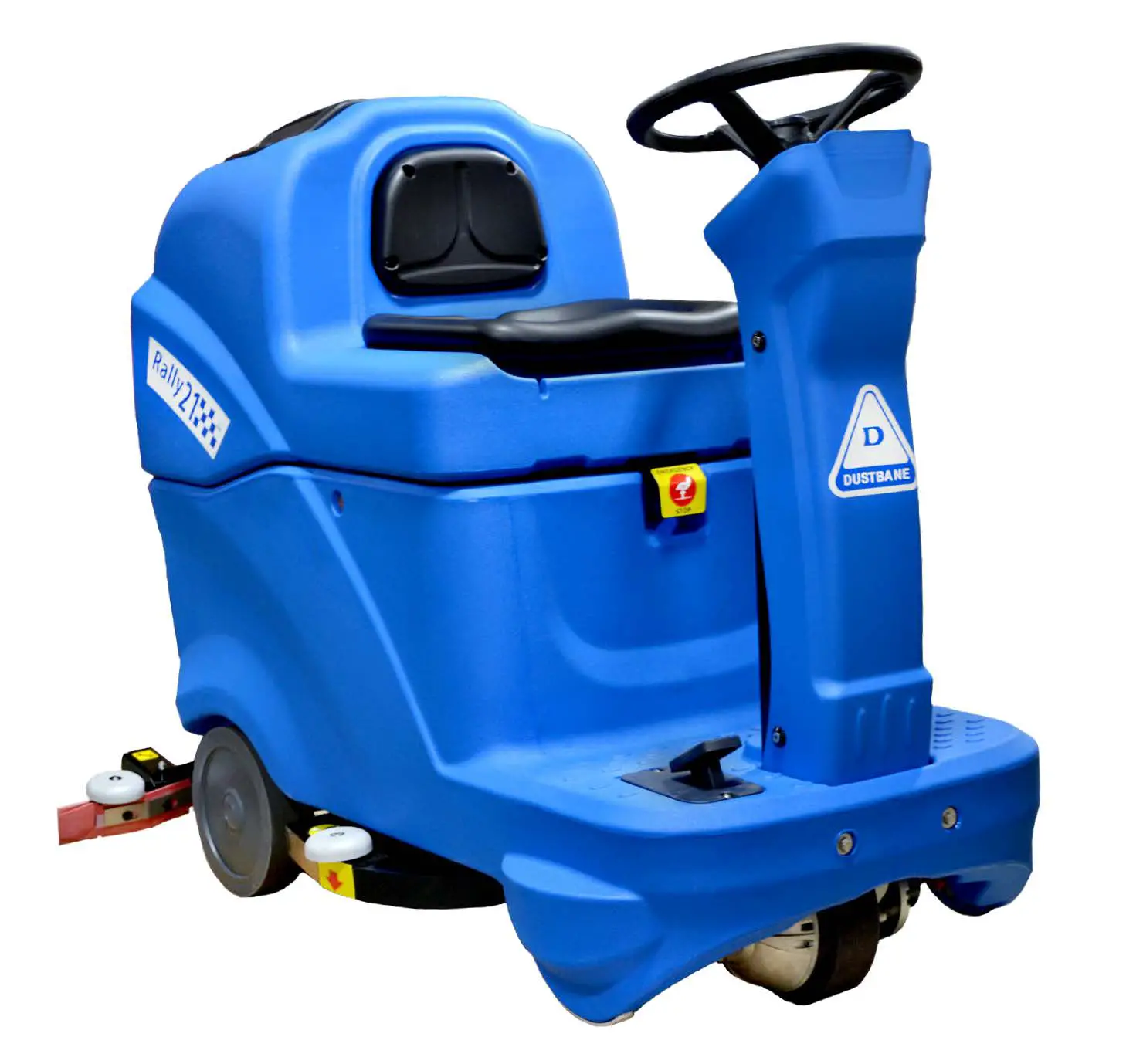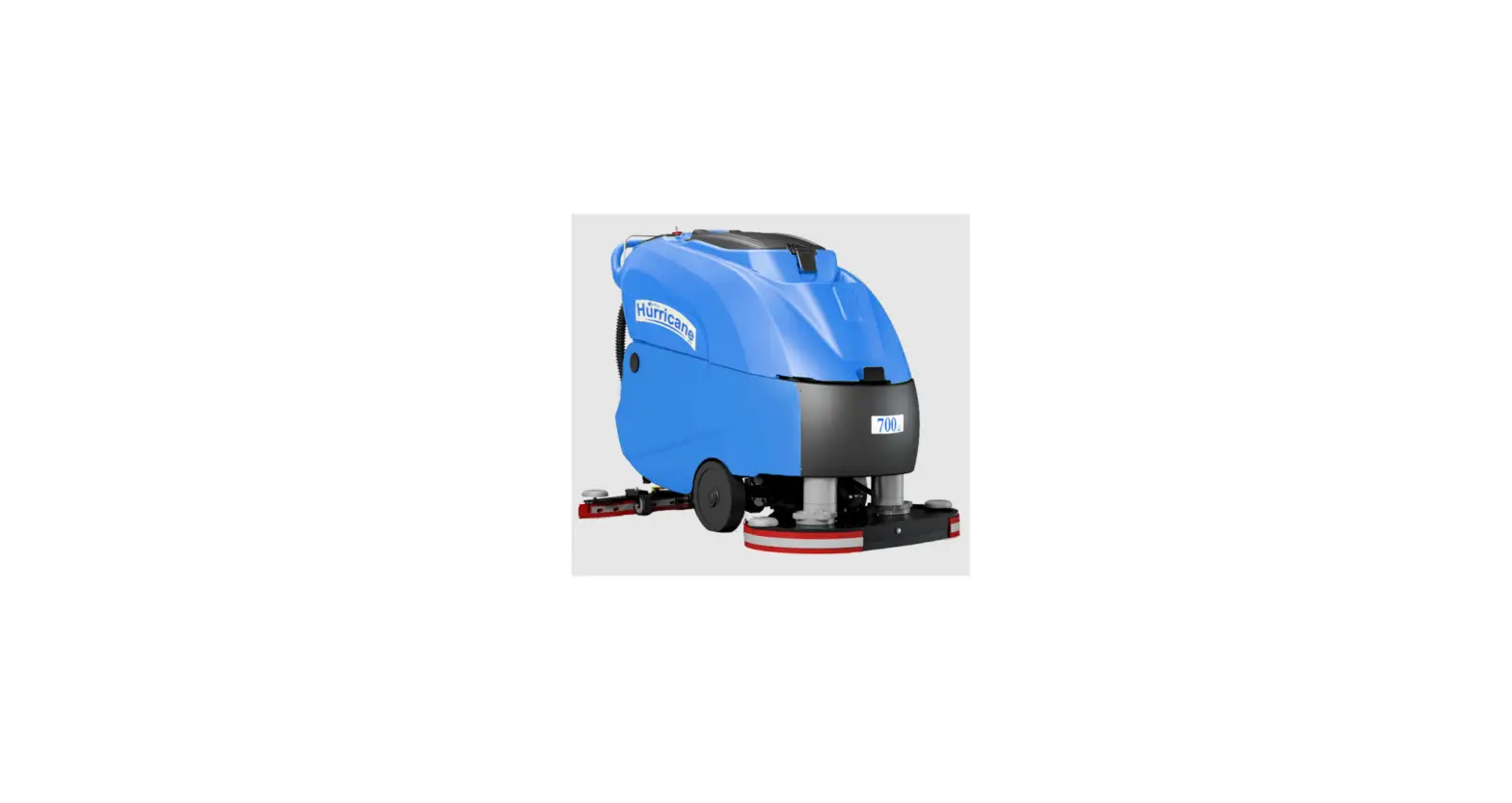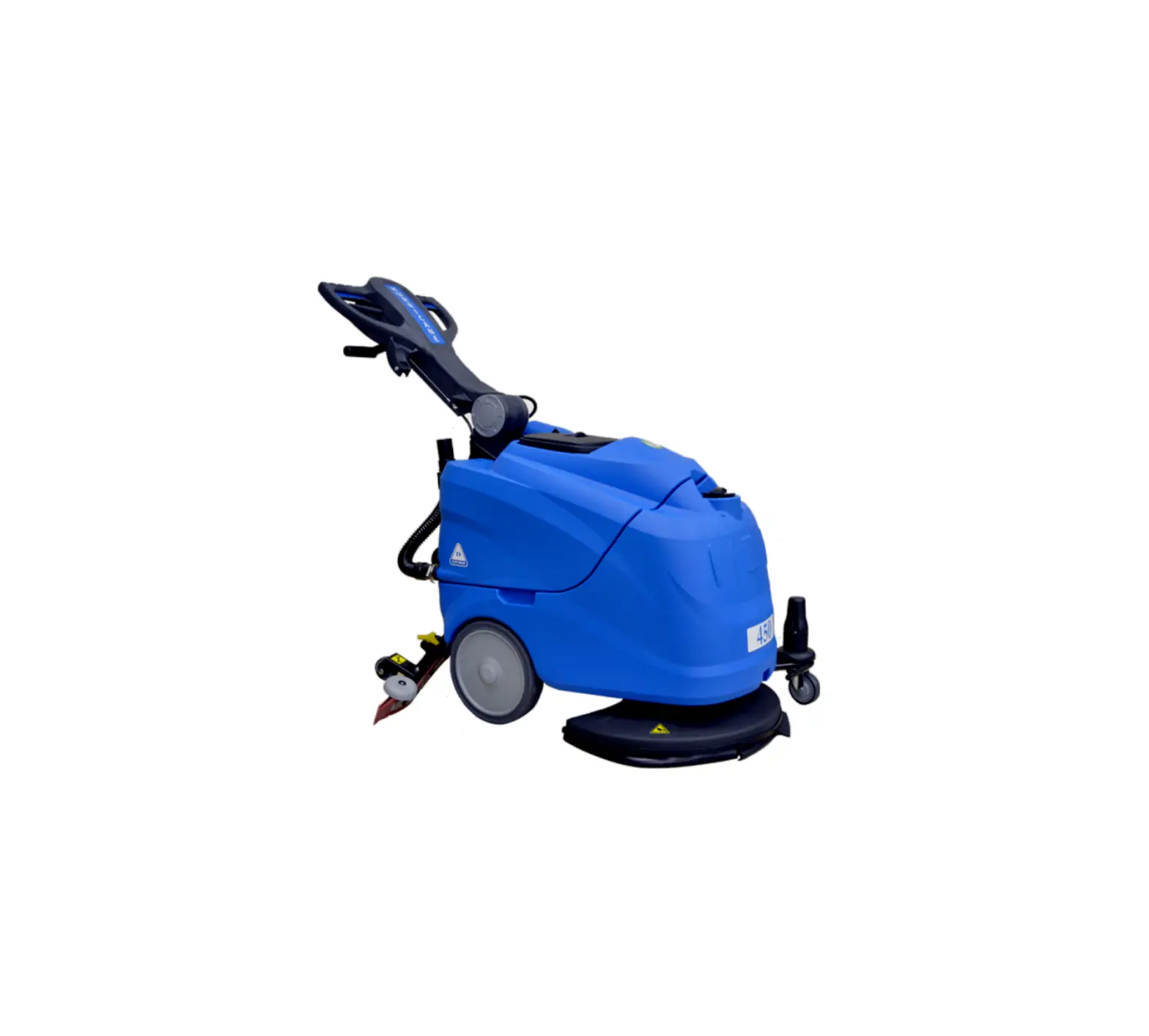
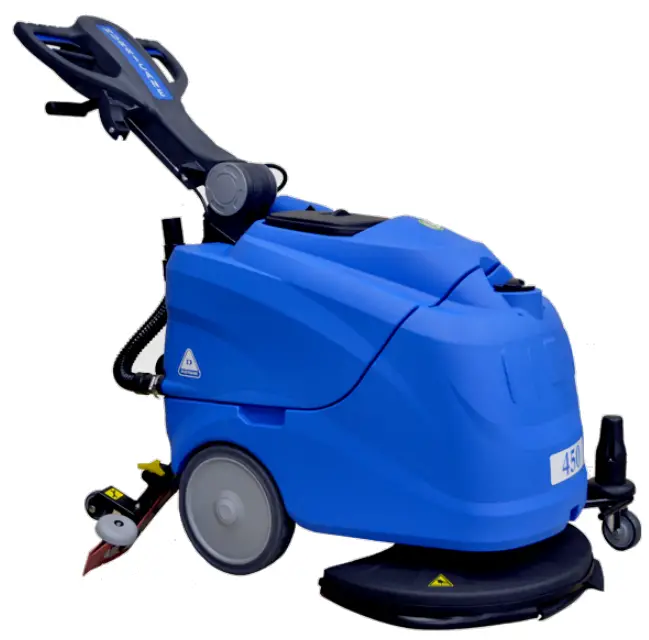
DUSTBANE Hurricane 450 XTT Auto-Scrubbers
This guide is intended for quick consultation only and does not replace the user and maintenance manual. Before using this machine, read the user maintenance manual contained in the machine’s packaging and follow all the instructions.
PREPARATION AND OPERATION
- Add water and detergent to solution tank.
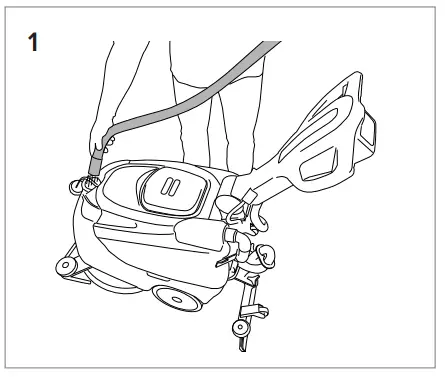
- Power on.
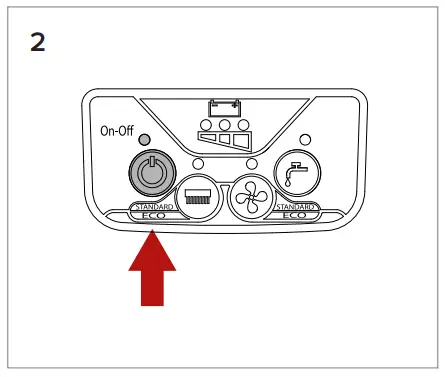
- Pull up on lever to adjust the angle of the handle.
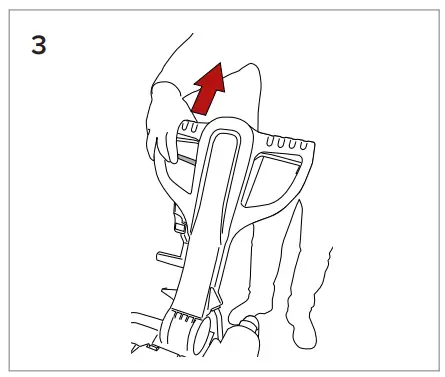
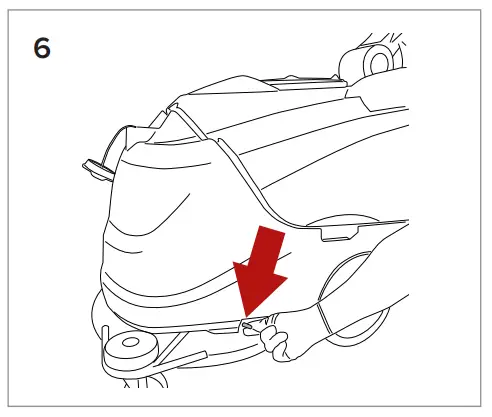
- Pull squeegee lever to lower.
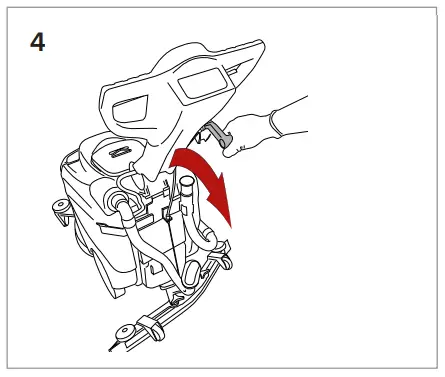
- Press once to turn pad driver motor, or vacuum motor ON or OFF.
Press and hold pad driver or Vacuum button for 3 sec. to turn ECO mode ON or OFF.
When ECO mode is activated, the Pad driver and Vacuum light will flash continuously. ECO mode reduces power of motor by 20% to reduce battery consumption.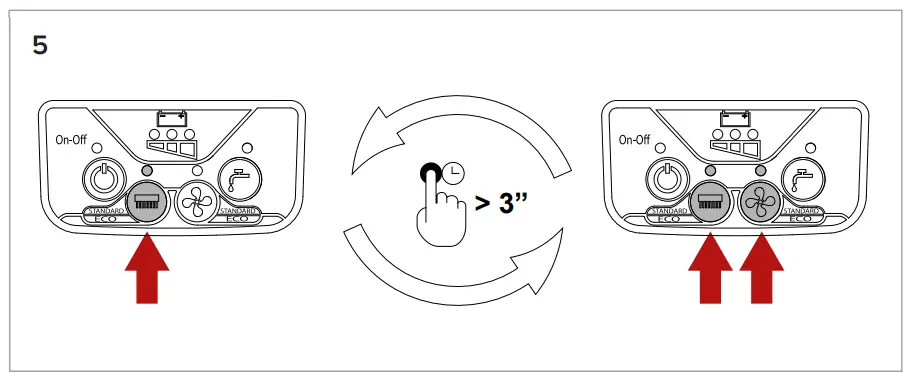
- Turn va lve manually to adjust water level.
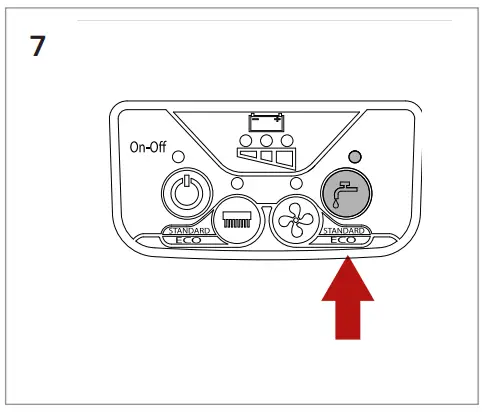
- Press once to turn water ON or OFF.
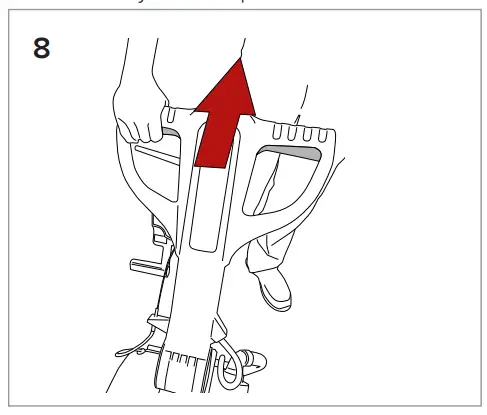
- Pull lever to activate scrubber.
DAILY MAINTENANCE
- Clean the dirty water tank.
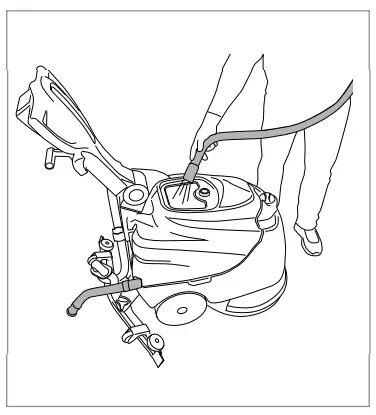
- Make sure the lids outer seal is clean and not damaged. Replace if necessary.
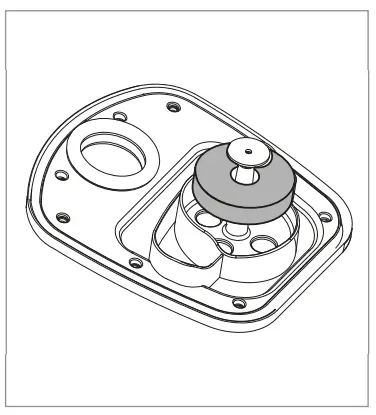
- Make sure detergent outlet filter is clean and free of debris.
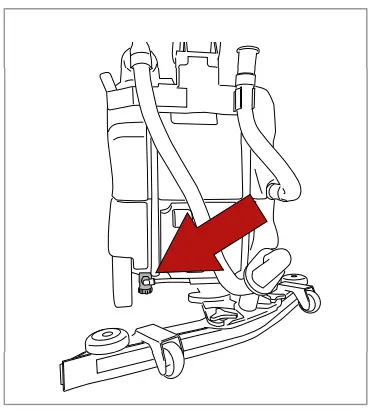
- Make sure the pad driver is clean and not worn out. Replace if necessary.
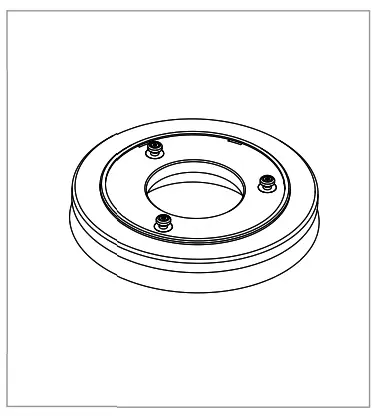
- Make sure the squeegee is clean and the blades are not worn.
TO CHARGE BATTERIES
Plug in On Board charger to charge batteries if equipped.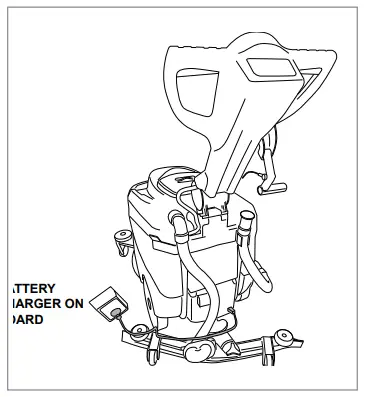
NOTE: Never stop charge until cycle is complete (green light).
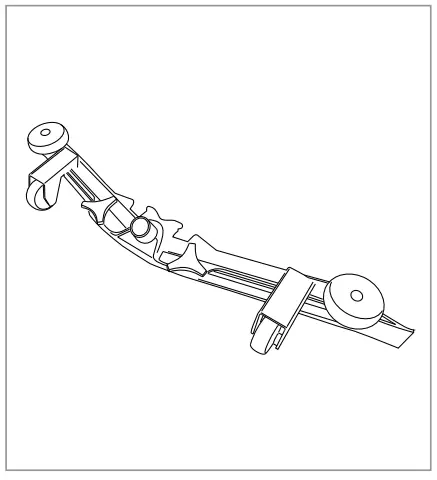
REPLACING THE SQUEEGEE BLADES
Open the clip (Ref. 1).
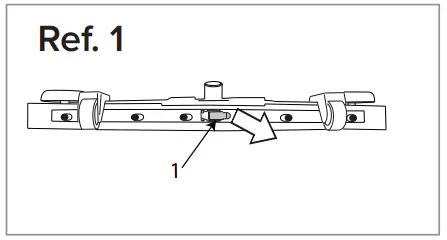
Remove the two blade retainers (Ref. 2) by pushing them outwards then extracting them.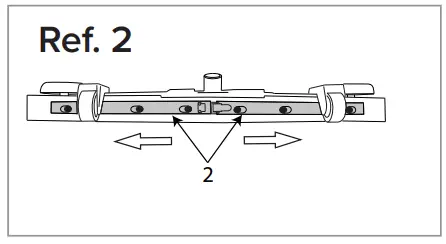
Remove the blade.
Reuse the same blade by reversing the edge in contact with the floor until all four edges are worn out. or replace with a new blade, fitting it onto the screws on the body of the squeegee.
Reposition the two blade pressing devices by centering the wider part of the slots on the squeegee body fastening pins, then push the blade pressing devices inwards.
Close the hook again.
Replace the squeegee on its support, following the instructions described previously.
ATTACHING/REMOVING THE PAD DRIVER
Position the pad driver underneath the head, in the center (single-brush floor scrubber), position the pad driver underneath the head on both sides (double brush scrubber), switch the machine on.
Press the ON-OFF switch, once after starting the machine releases pad driver attachment. The button is only enabled when all the functions are deactivated (suction motor and pad driver).
Dustbane Products Ltd., 1000 Last Mile Dr., Ottawa, ON K1G 6Y1 , Tel: 1-800-387-8226 Fax: 1-800-363-5309 www.dustbane.ca

 Dustbane Products Ltd. - Homepage