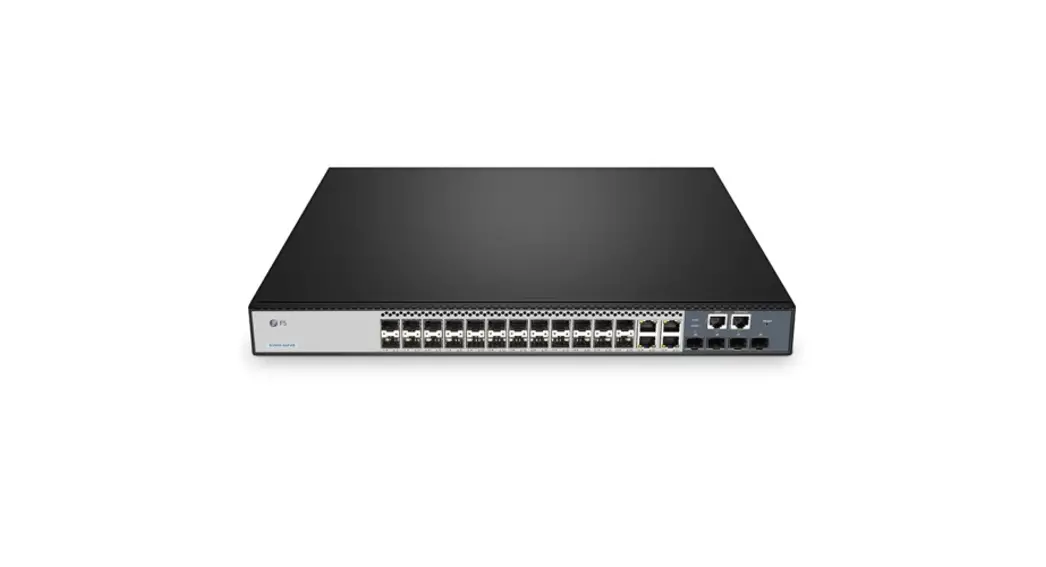
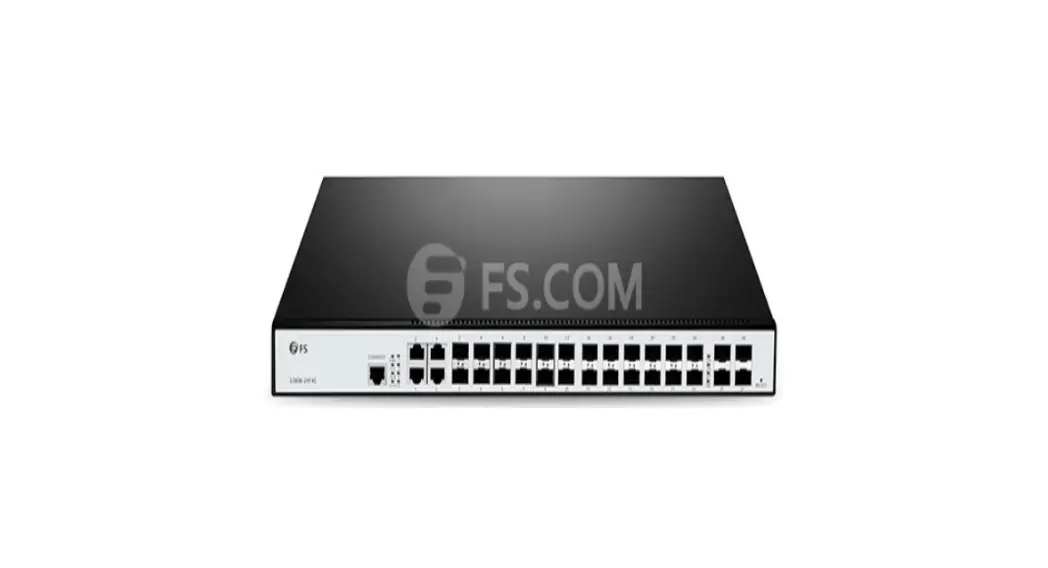
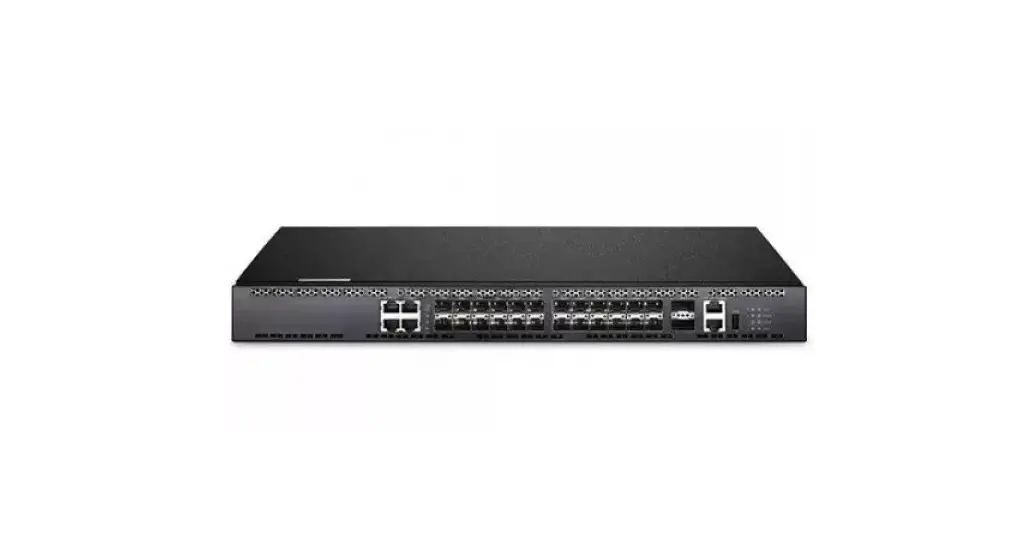
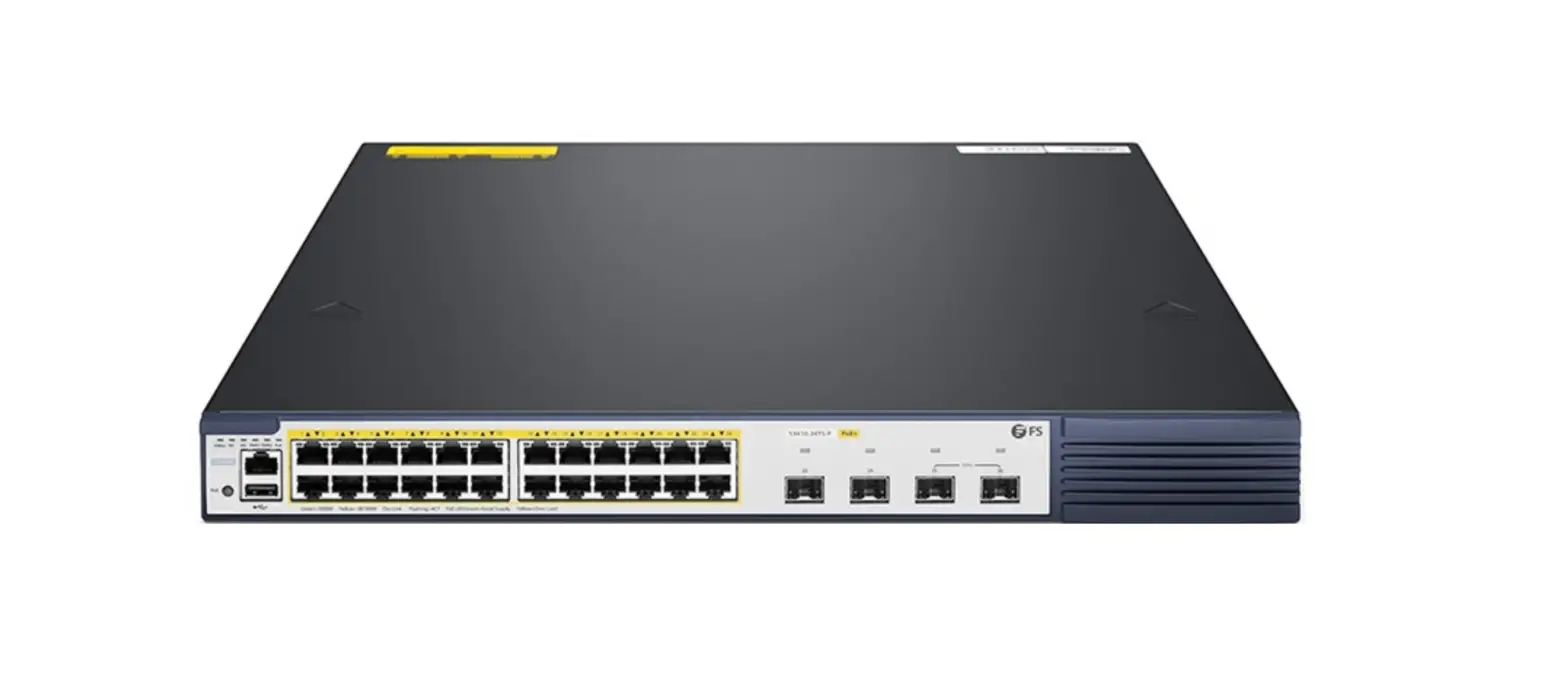
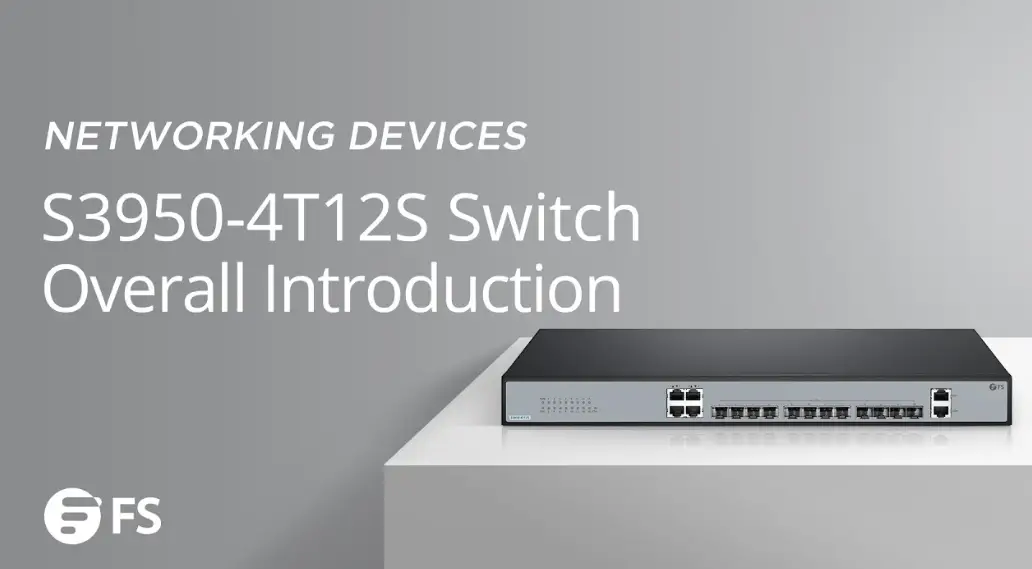
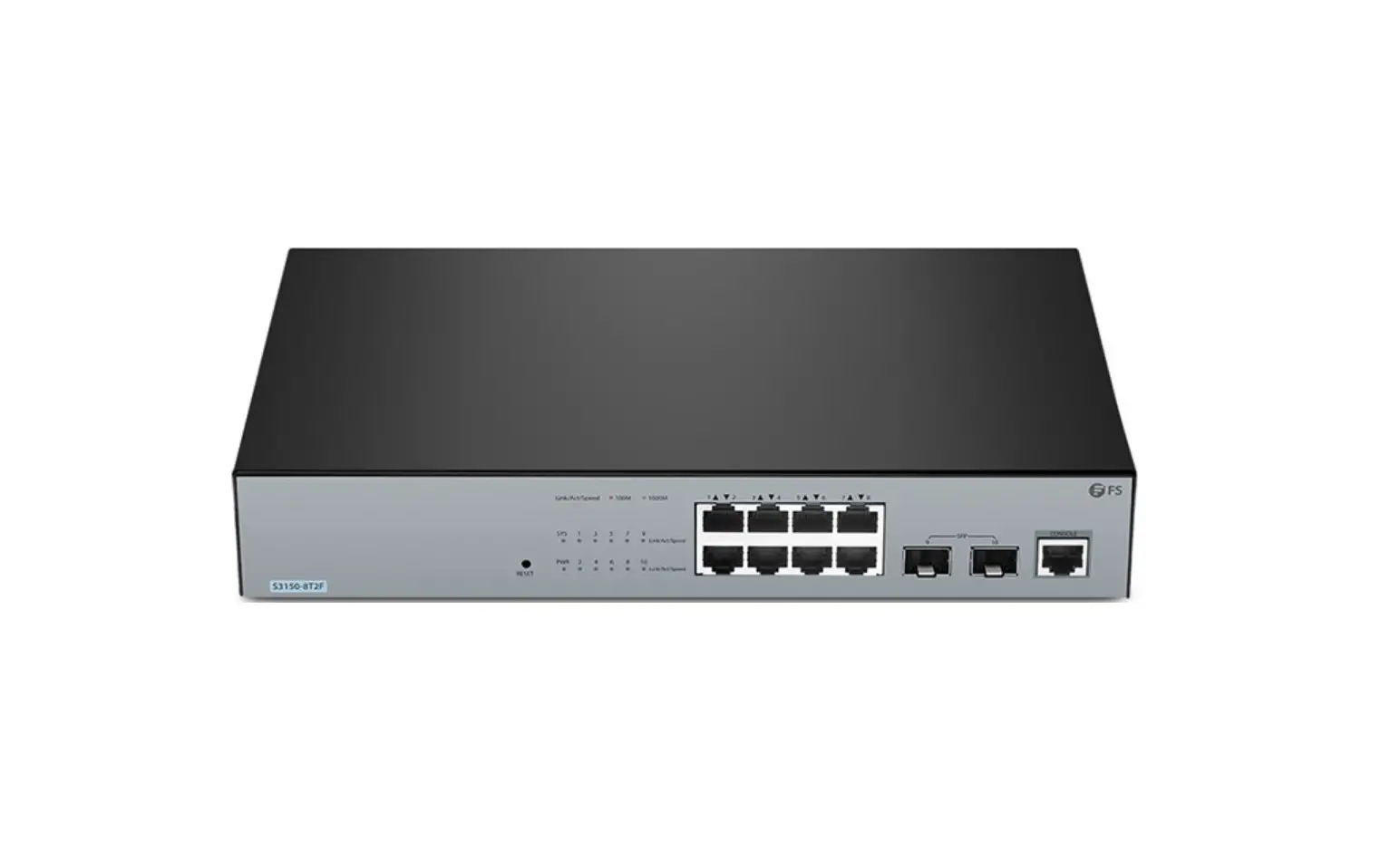
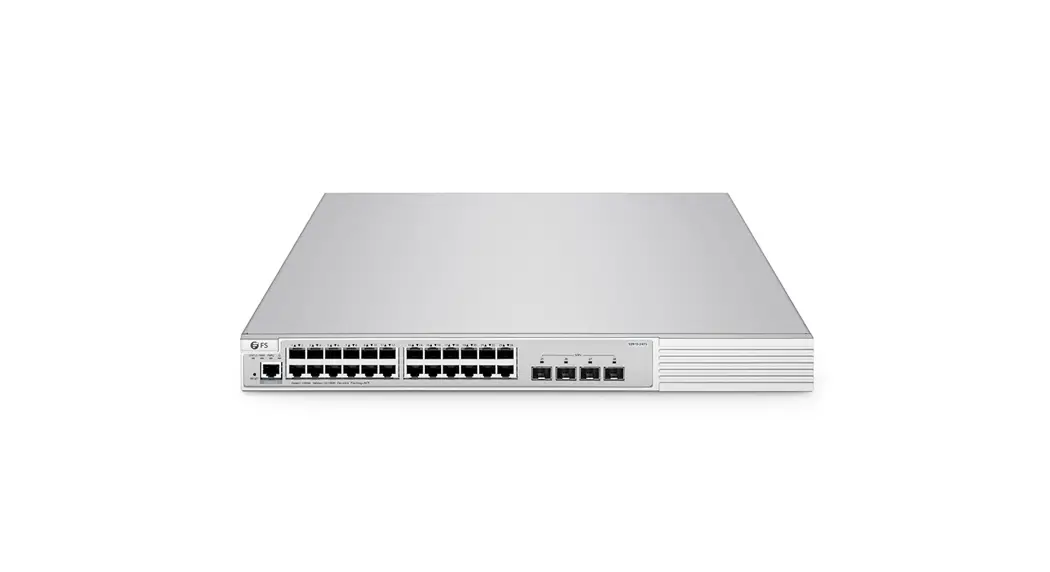
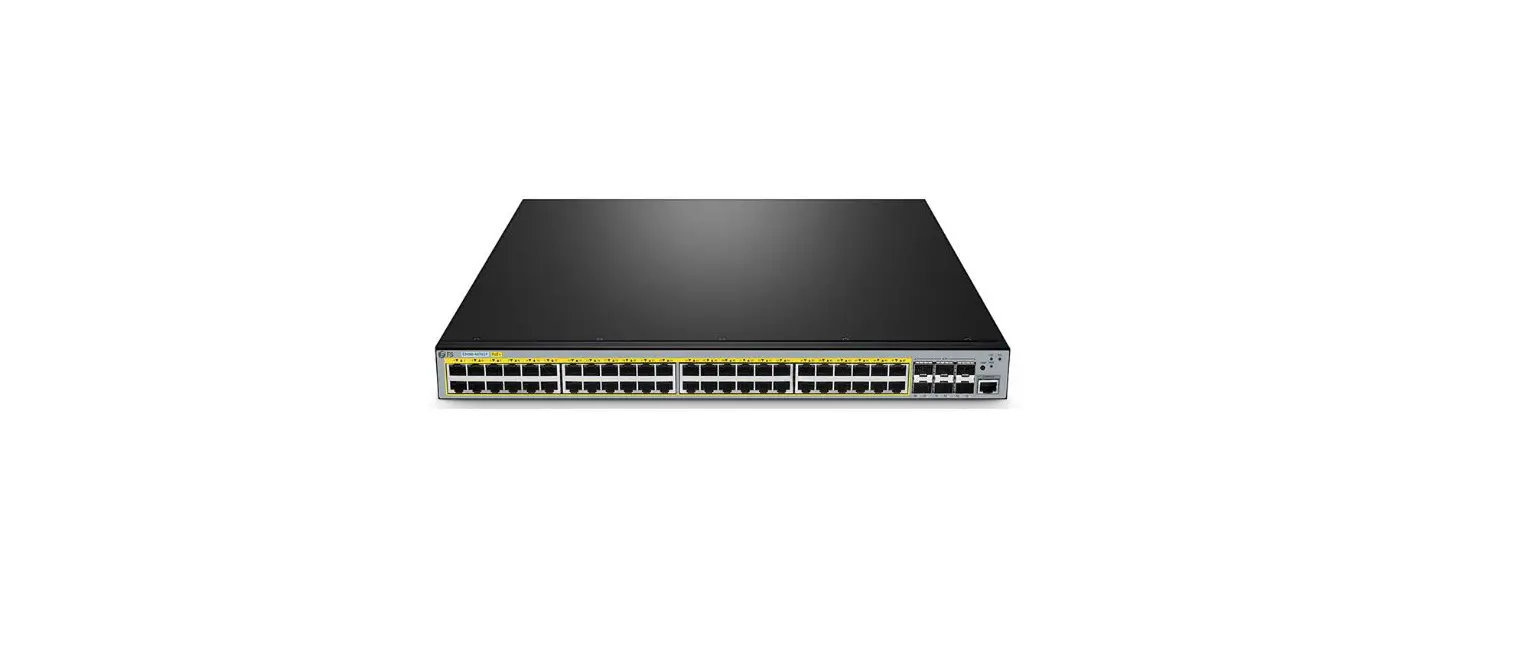
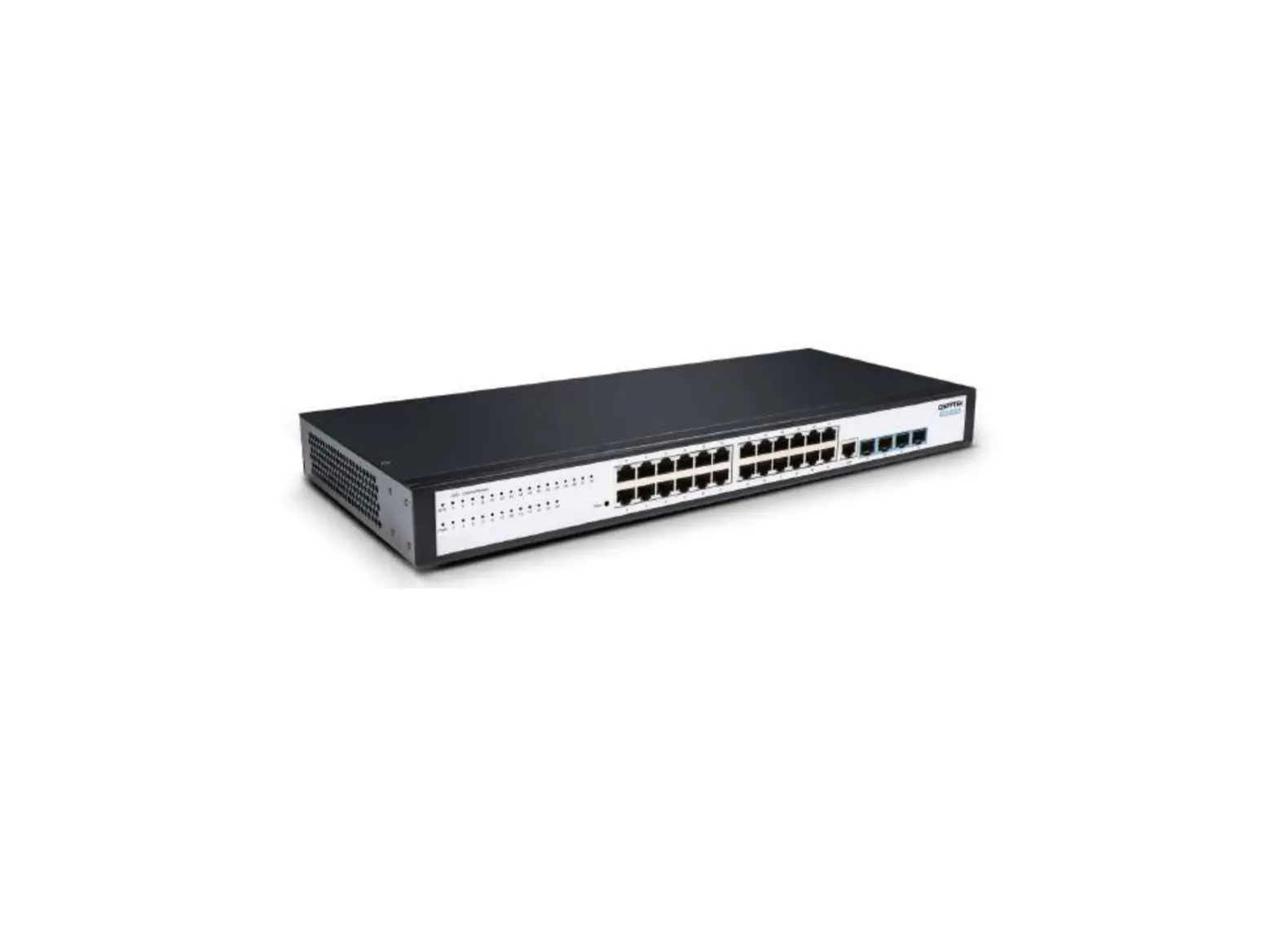
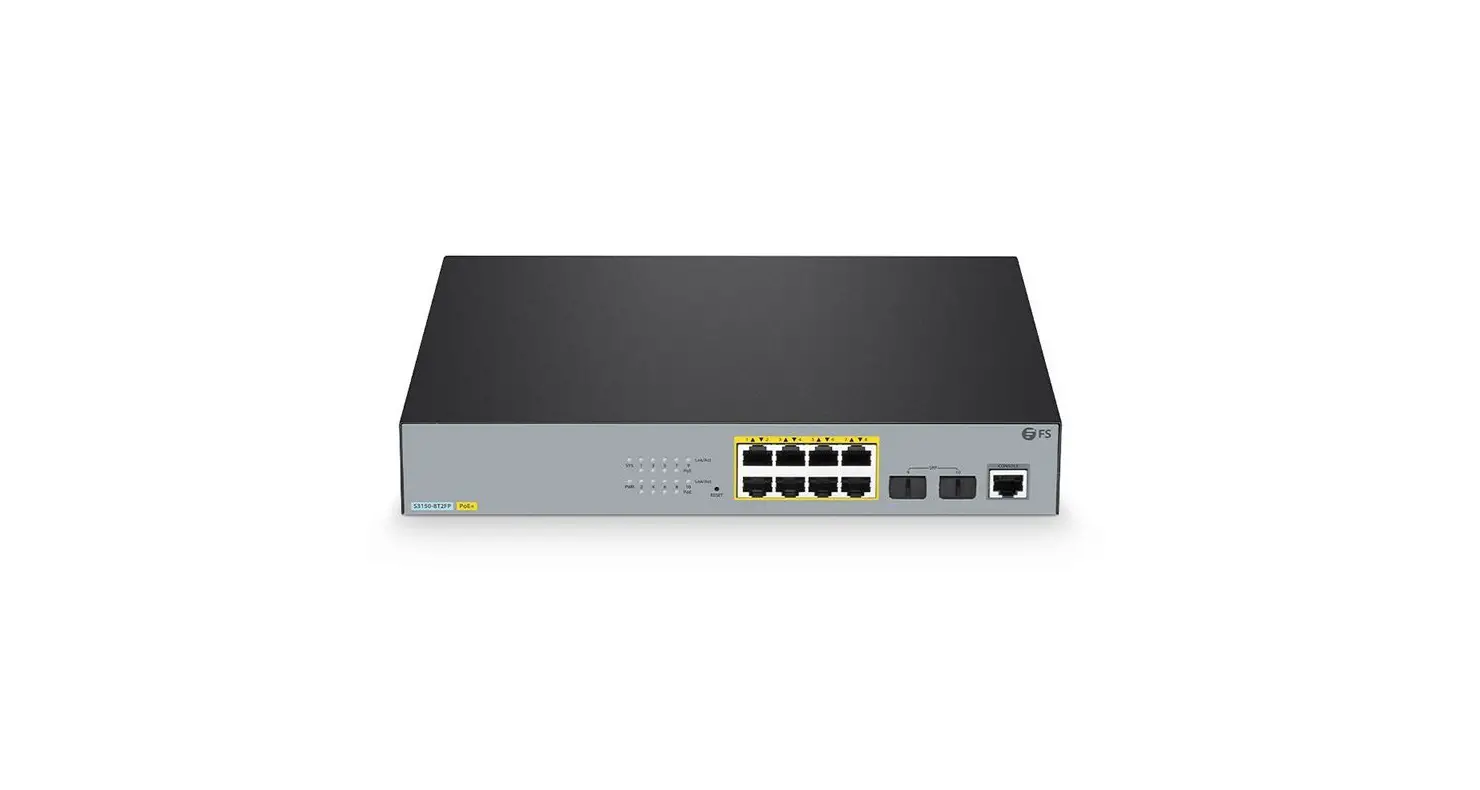
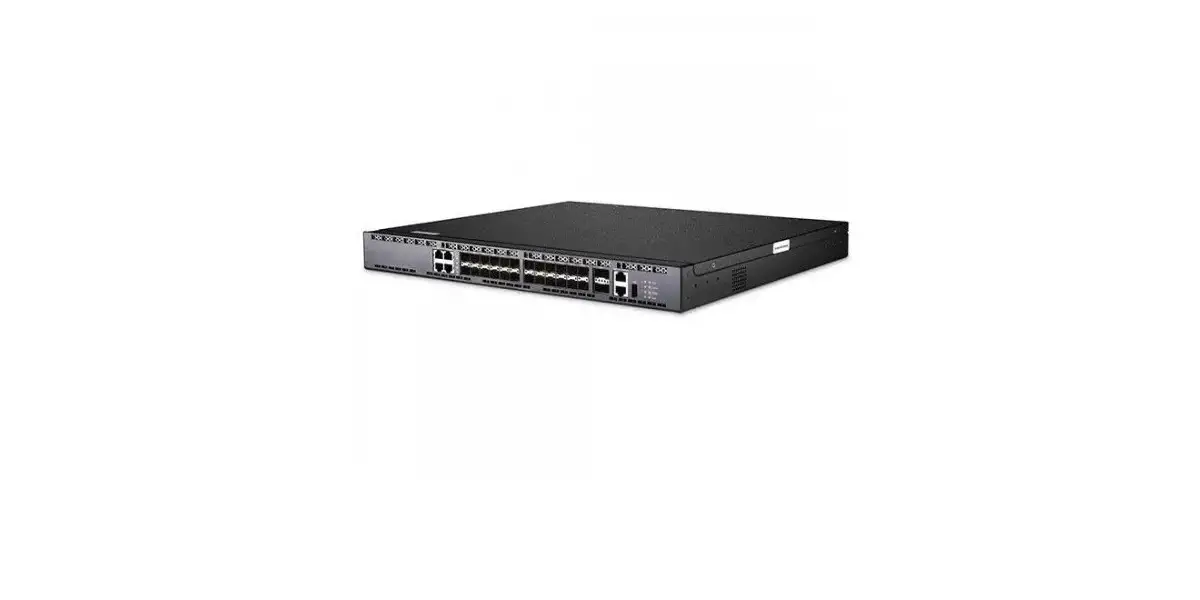
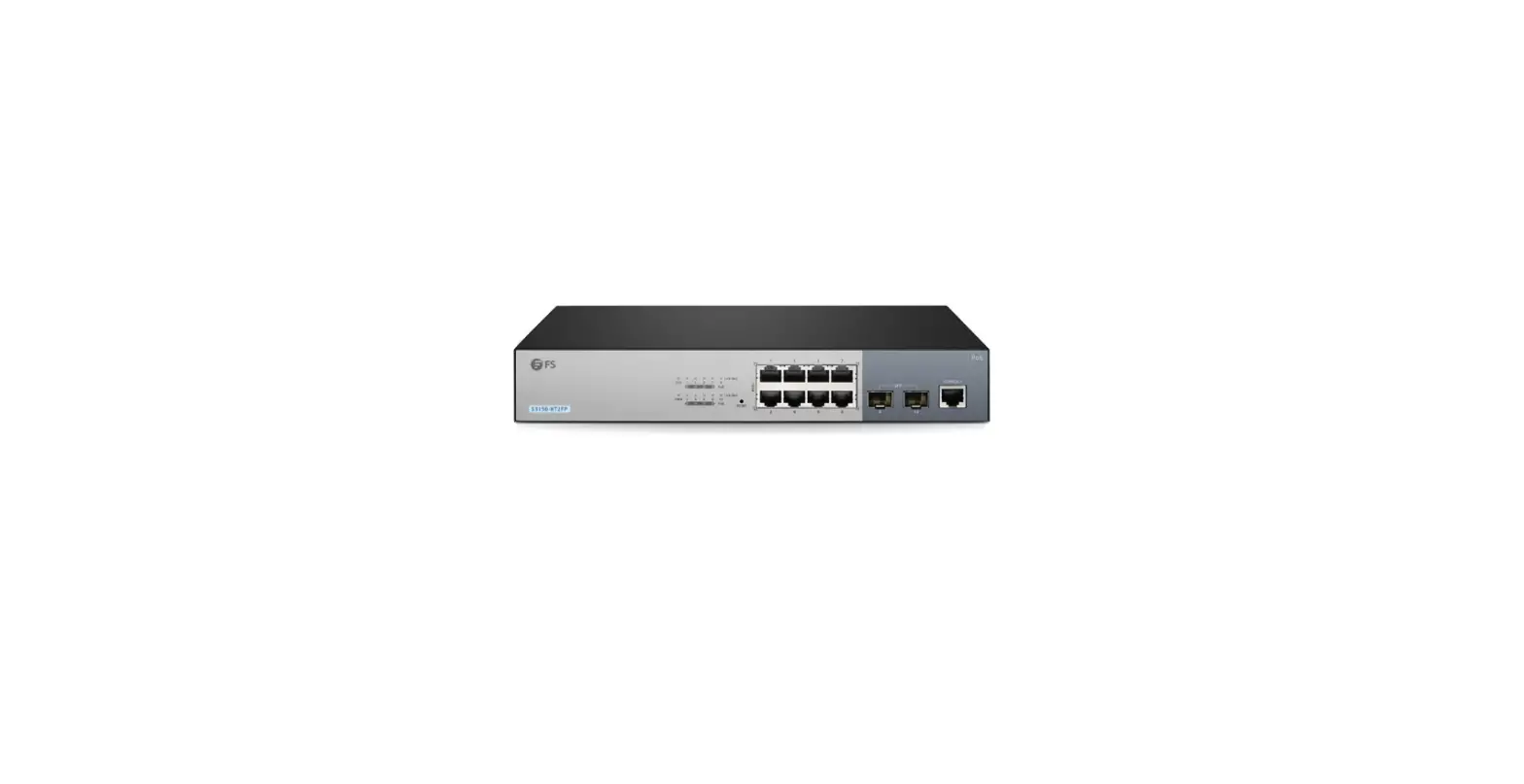
S3700-24T4F VLAN CLI 24-Port Gigabit Ethernet L2+ Switch
Product Information: VLAN CLI Reference Guide
The VLAN CLI Reference Guide is a user manual for the
S3700-24T4F switch model. This guide provides detailed instructions
and information on how to configure VLANs using the Command Line
Interface (CLI) on the S3700-24T4F switch. The S3700-24T4F switch
is a layer 2 switch that is designed for small to medium-sized
businesses.
Product Features:
- 24 10/100/1000BASE-T ports
- 4 Gigabit SFP ports
- Layer 2 switching
- Supports VLANs and VLAN tagging
- CLI management interface
Product Usage Instructions:
To configure VLANs using the CLI on the S3700-24T4F switch,
follow these steps:
- Connect to the switch using a console cable and a terminal
emulation program, such as PuTTY. - Log in to the switch using your username and password.
- Enter the VLAN configuration mode by typing “vlan” and pressing
enter. - Create a new VLAN by typing “vlan [vlan-id]” and pressing
enter. Replace “[vlan-id]” with the desired VLAN ID number. - Add ports to the new VLAN by typing “port vlan [vlan-id]
[port-number]” and pressing enter. Replace “[vlan-id]” with the
VLAN ID number you created in step 4, and replace “[port-number]”
with the number of the port you want to add to the VLAN. - Repeat steps 4 and 5 to create and configure additional VLANs
as needed. - Save your changes by typing “save” and pressing enter.
For more detailed instructions and information on configuring
VLANs using the CLI on the S3700-24T4F switch, refer to the VLAN
CLI Reference Guide.
VLAN CLI Reference Guide
Model: S3700-24T4F
S3700-24T4F SWITCH VLAN CLI REFERENCE GUIDE
S3700-24T4F SWITCH VLAN CLI REFERENCE GUIDE
S3700-24T4F SWITCH VLAN CLI REFERENCE GUIDE
S3700-24T4F SWITCH VLAN CLI REFERENCE GUIDE
S3700-24T4F SWITCH VLAN CLI REFERENCE GUIDE
S3700-24T4F SWITCH VLAN CLI REFERENCE GUIDE
S3700-24T4F SWITCH VLAN CLI REFERENCE GUIDE
S3700-24T4F SWITCH VLAN CLI REFERENCE GUIDE
S3700-24T4F SWITCH VLAN CLI REFERENCE GUIDE
S3700-24T4F SWITCH VLAN CLI REFERENCE GUIDE
S3910 SERIES SWITCHES DATASHEET
www.fs.com
10
 FS.com - Data Center, Enterprise, Telecom