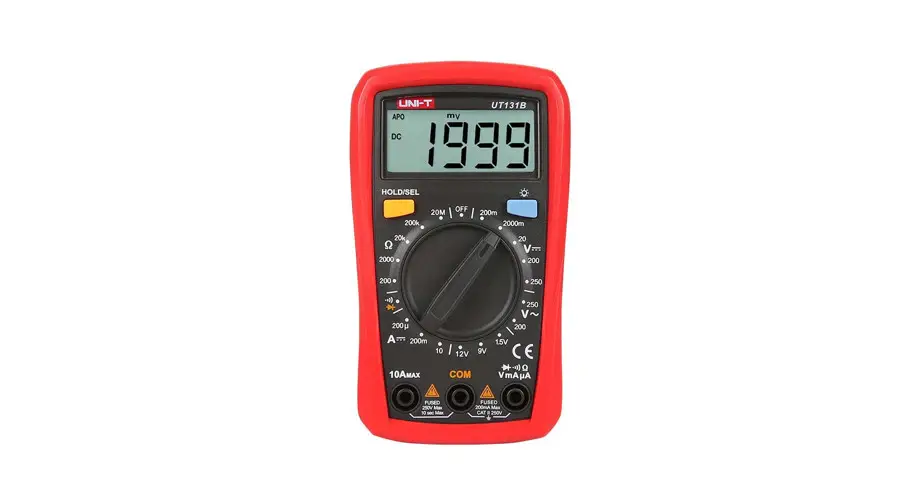
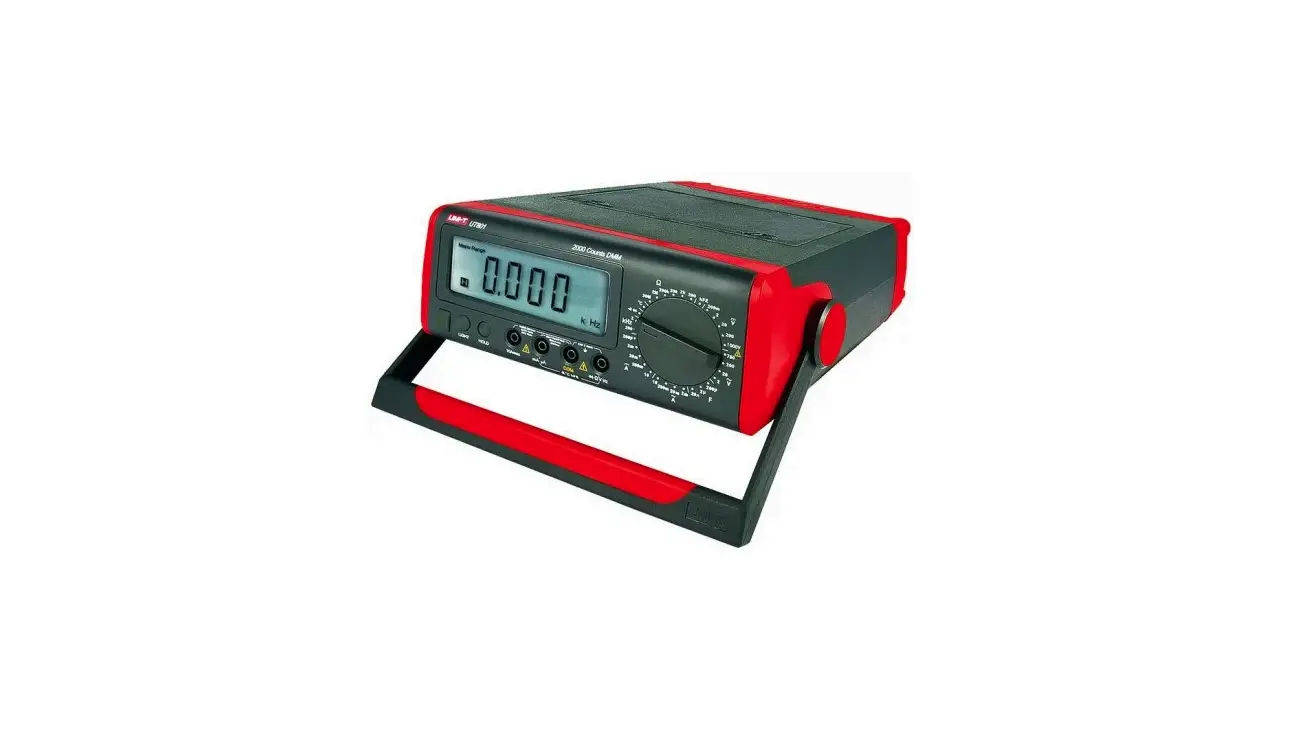
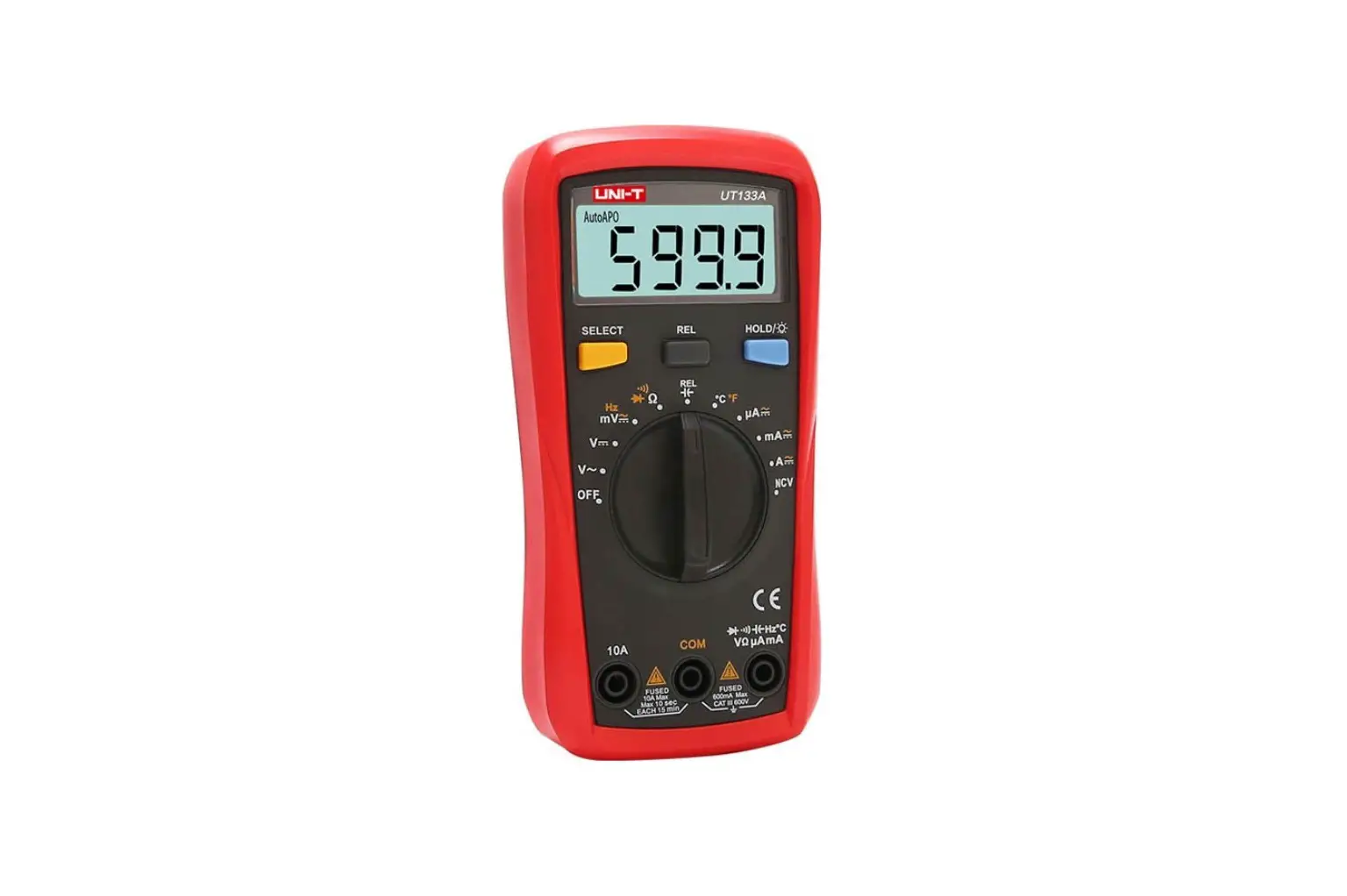
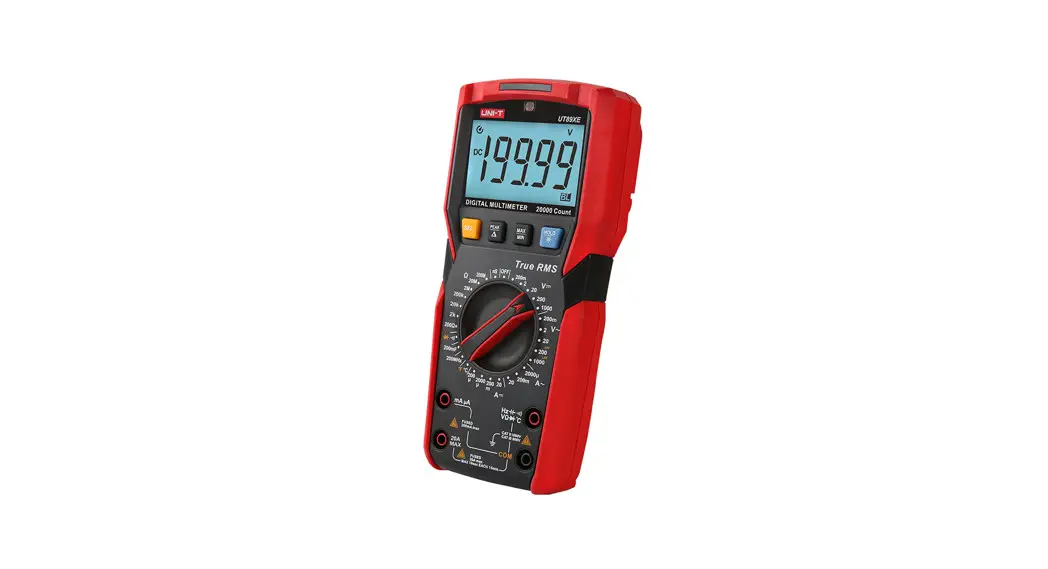
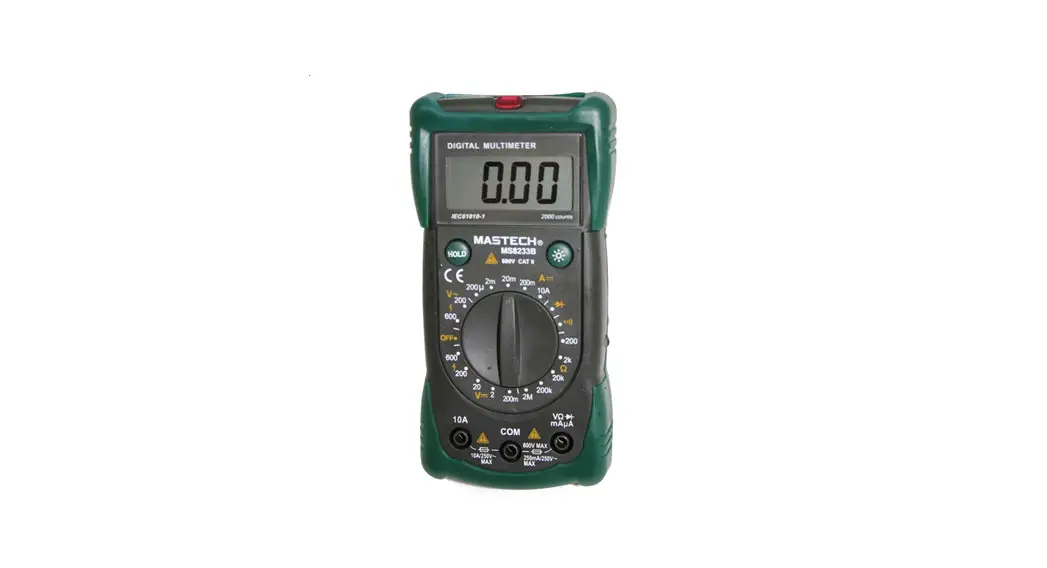
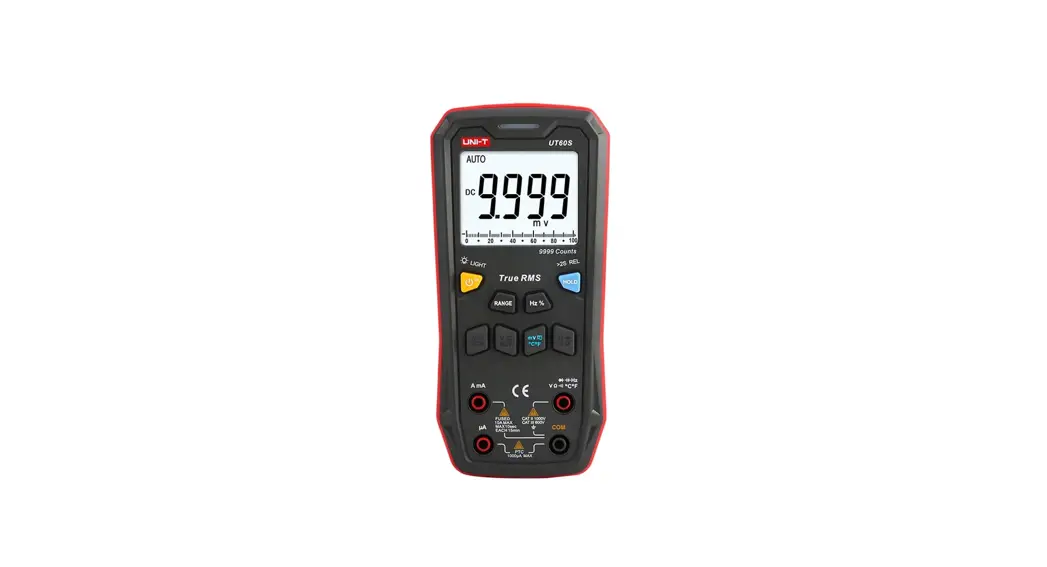
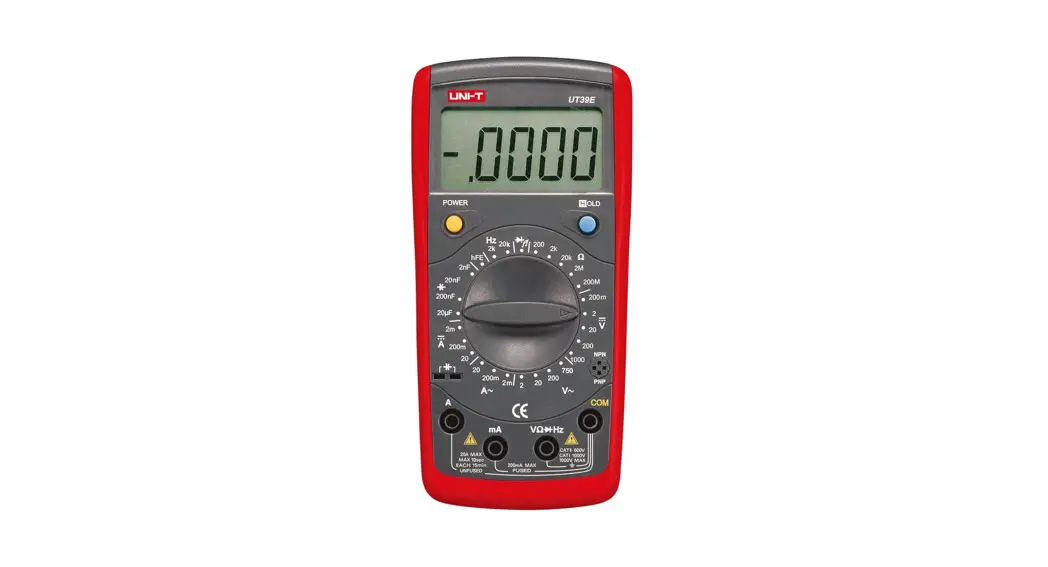
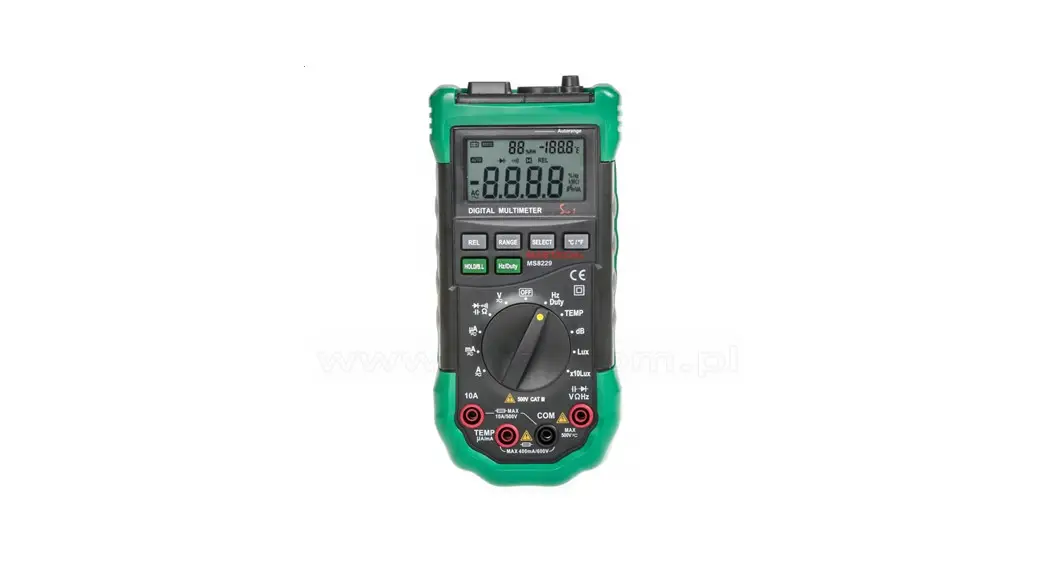
UT151 Series Modern Digital Multimeters
Product Information
- Product Name: UT151 Series
- Model Numbers: UT151A, UT151C, UT151F
- Measurement Functions: DC/AC Voltage, DC/AC Current,
Resistance, Capacitance, Diode, Temperature (UT151F), Battery
(UT151A), Continuity - Display Count: 2000
- Maximum Voltage Range: Up to 600V (DC/AC)
- Maximum Current Range: Up to 10A (DC/AC)
- Features: Stable and reliable operations, Large-scale
integrated circuits, Dual integral A/D converter, Overload
protection for all ranges - Manufacturer Website: www.uni-trend.com
Product Usage Instructions
- To measure DC voltage, select the appropriate range
(200mV/2V/20V/200V/600V) and connect the multimeter’s probes to the
circuit. - To measure AC voltage, select the appropriate range
(2V/20V/200V/600V) and connect the multimeter’s probes to the
circuit. - To measure DC current, select the appropriate range
(200uA/2mA/20mA/200mA/10A) and connect the multimeter’s probes in
series with the circuit. - To measure AC current, select the appropriate range
(2mA/20mA/200mA/10A) and connect the multimeter’s probes in series
with the circuit. - To measure resistance, select the appropriate range
(200/2K/20K/200K/2M/20M/200M) and connect the multimeter’s probes
to the resistor. - To measure capacitance, select the appropriate range
(2nF/20nF/200nF/2F/100F) and connect the multimeter’s probes to the
capacitor. - To measure diode, select the diode measurement function and
connect the multimeter’s probes to the diode. - To measure temperature (UT151F), select the temperature
measurement function and connect the temperature sensor to the
multimeter. - To measure battery voltage (UT151A), select the battery
measurement function and connect the multimeter’s probes to the
battery terminals. - To check continuity, select the continuity measurement function
and connect the multimeter’s probes to the circuit. - Ensure that the multimeter’s auto power off feature is enabled
to conserve battery life. - Replace the battery when the low battery indicator is
displayed.
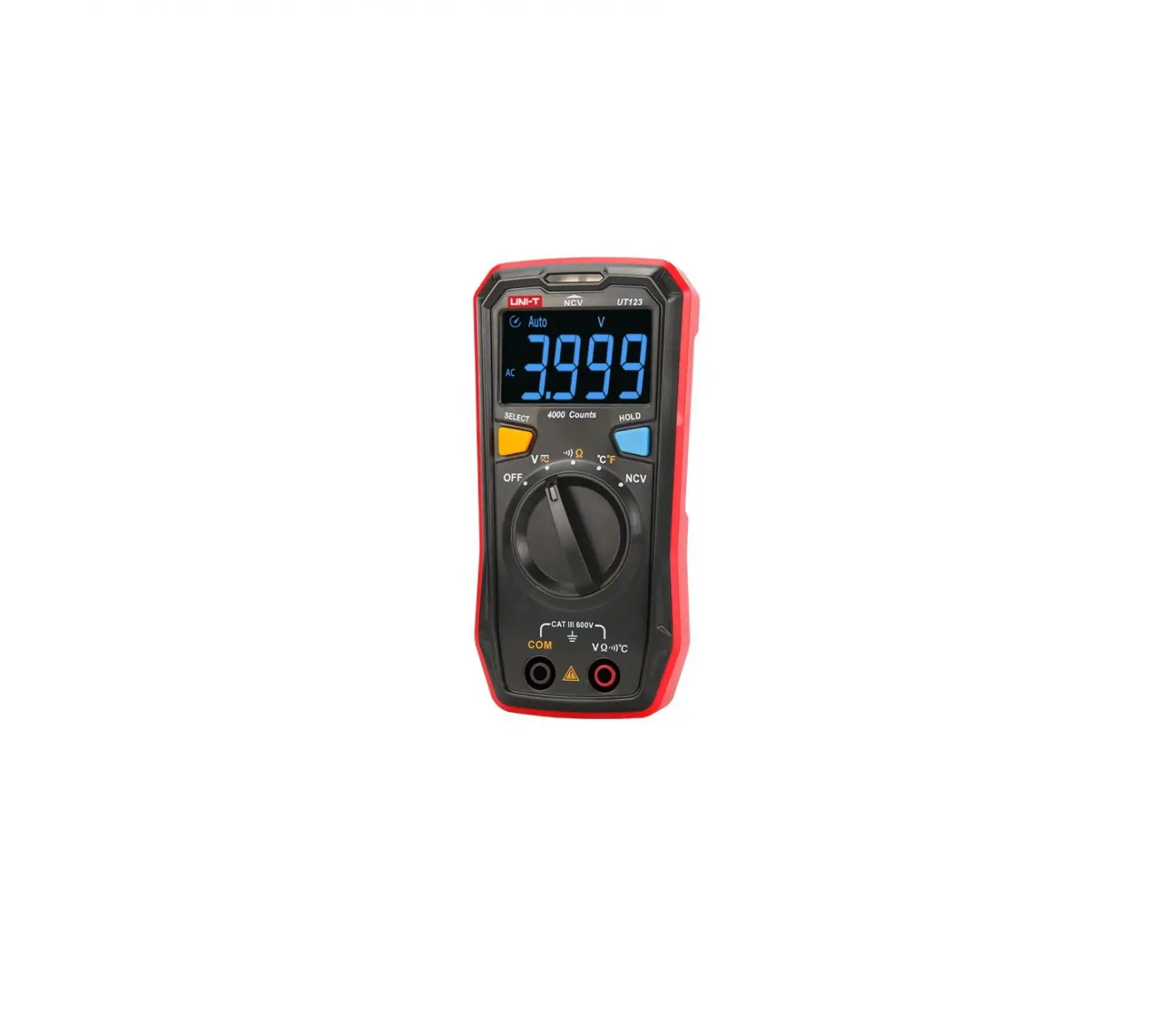
UT151A
UT151C
DC/AC
voltage
Up to 600V
DC/AC
current
Up to 10A
2000 display count
Diode
Auto power off Low baery
measurement
indicaon
www.uni-trend.com
UT151F
UT151 Series are 2000-count handheld digital mulmeters featuring remarkably stable and reliable operaons. They are designed with the large-scale integrated circuits and dual integral A/D converter and also
offer overload protecon for all ranges. The series can measure DC/AC voltage, DC/AC current, resistance, capacitance, diode, temperature,
frequency (UT151F), baery (UT151A) and connuity, which make it a perfect soluon for your work.
Specificaons DC voltage (V) AC voltage (V) DC current (A)
AC current (A)
Range 200mV/2V/20V/200V/600V 2V/20V/200V/600V 200mV/2V/20V/200V/600V 200uA/2mA/20mA/200mA/10A 2mA/20mA/200mA/10A 200uA/2mA/200mA/10A 20mA/200mA/10A 2mA/20mA/200mA/10A
UT151A ±(0.5%+1) ±(0.8%+3)
±(0.8%+1)
±(1%+3)
UT151C ±(0.5%+1) ±(0.8%+3)
±(0.8%+1) ±(1%+3)
UT151F ±(0.05%+3) ±(0.5%+10) ±(0.5%+5)
±(0.8%+10)
Resistance ()
200/2K/20K/200K/ 2M/20M/200M 200/2K/20K/200K/ 2M/20M 2nF/20nF/200nF/2F/100F
Capacitance (F)
2F/200F
Frequency (Hz) Temperature (°C) Temperature (°F) Features Display count Manual range Baery test Diode Auto power off Connuity buzzer Low baery indicaon Data hold Input impedance for DCV
20nF/200nF/2F/20F 20KHz -40°C~1000°C -40°F~1832°F
12V/9V/1.5V
10M
±(1%+2)
±(1%+2) ±(4%+3) ±(4%+3) >50uF for refer.
2000 ±(2.5%+2)
±(1%+5) ±(1%+8)
2000
±(0.3%+1)
±(4%+20) ±(1.5%+5)
2000
 Home - UNI-T | Measurement Meters, Testing Instruments and Thermal Imaging