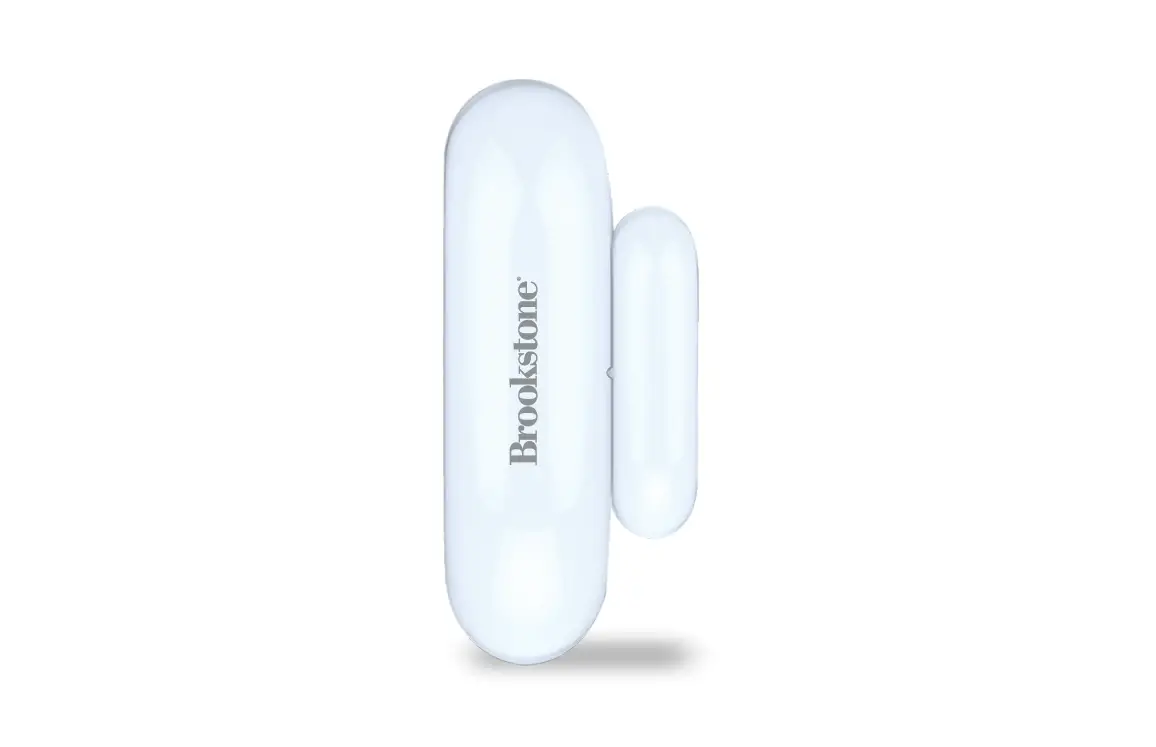
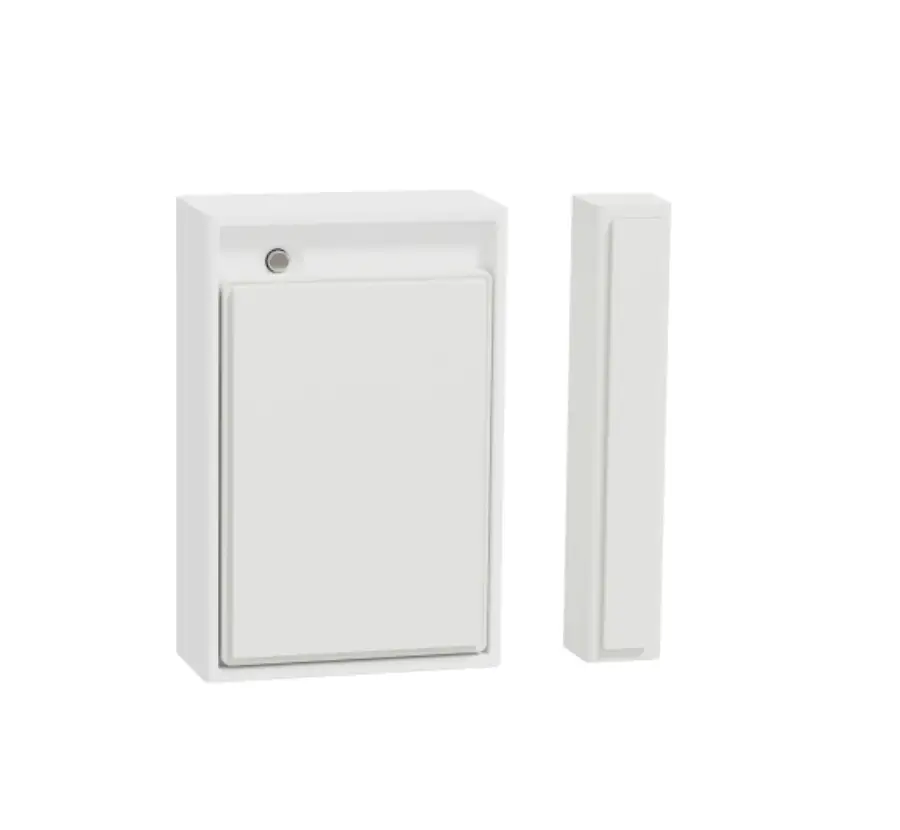
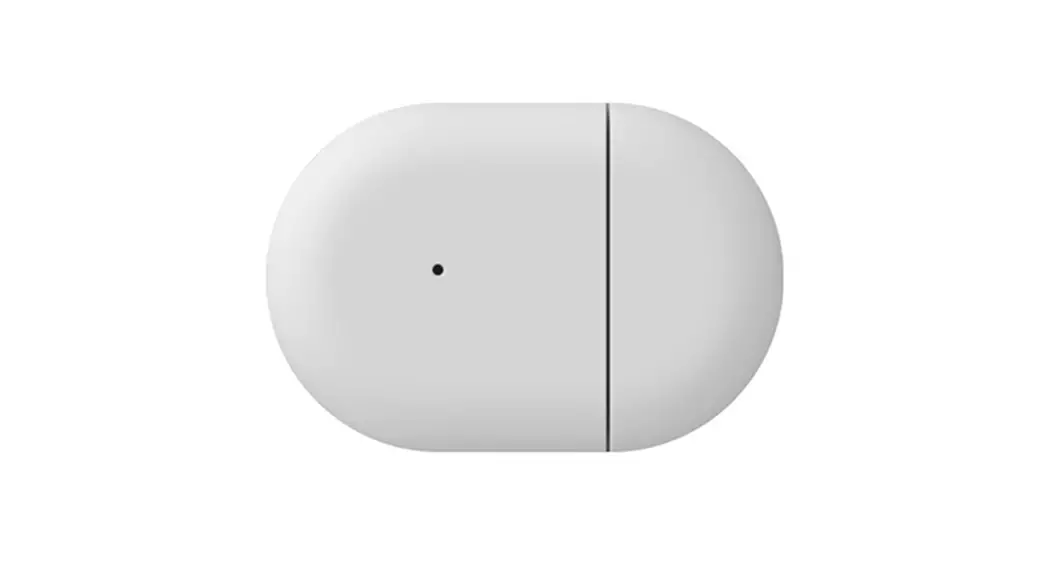
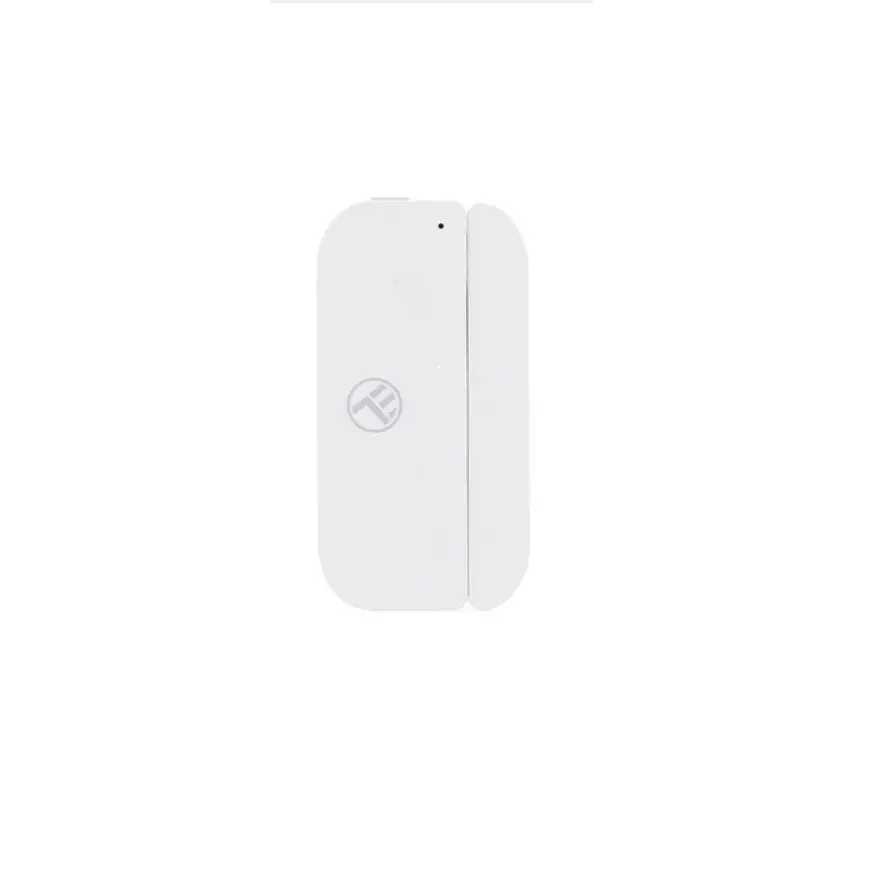
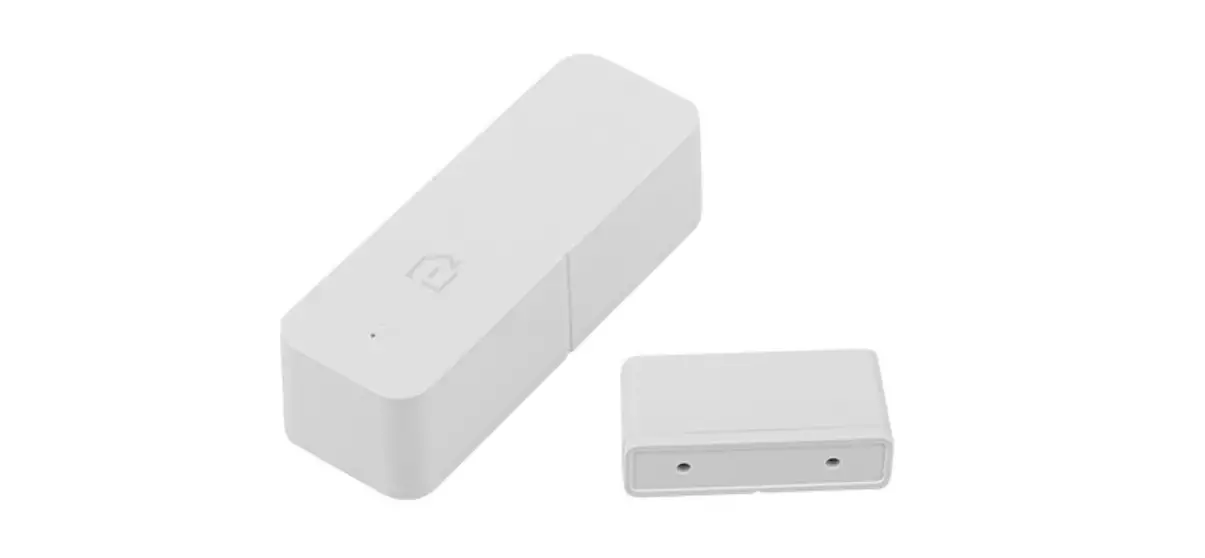
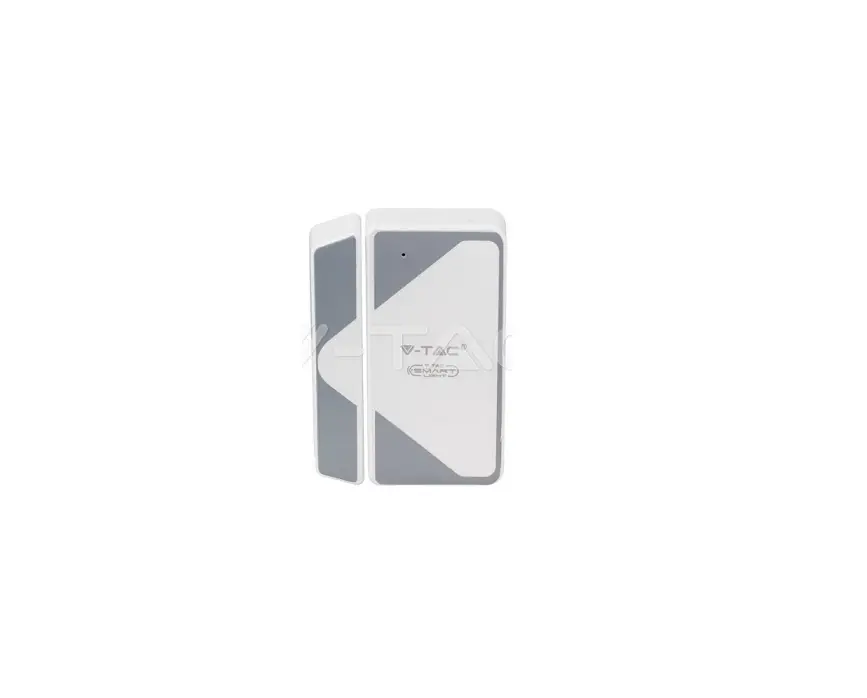
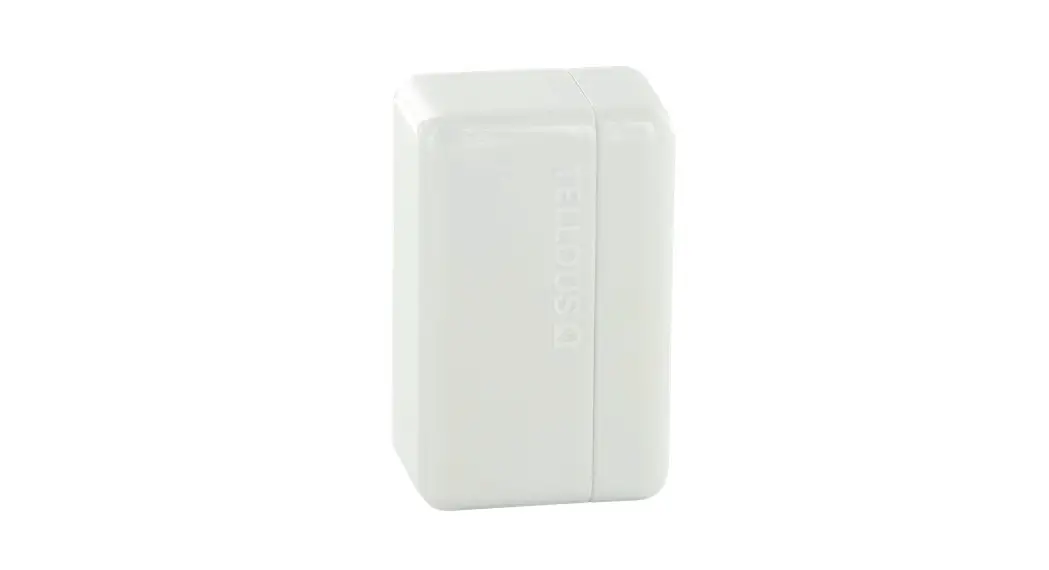
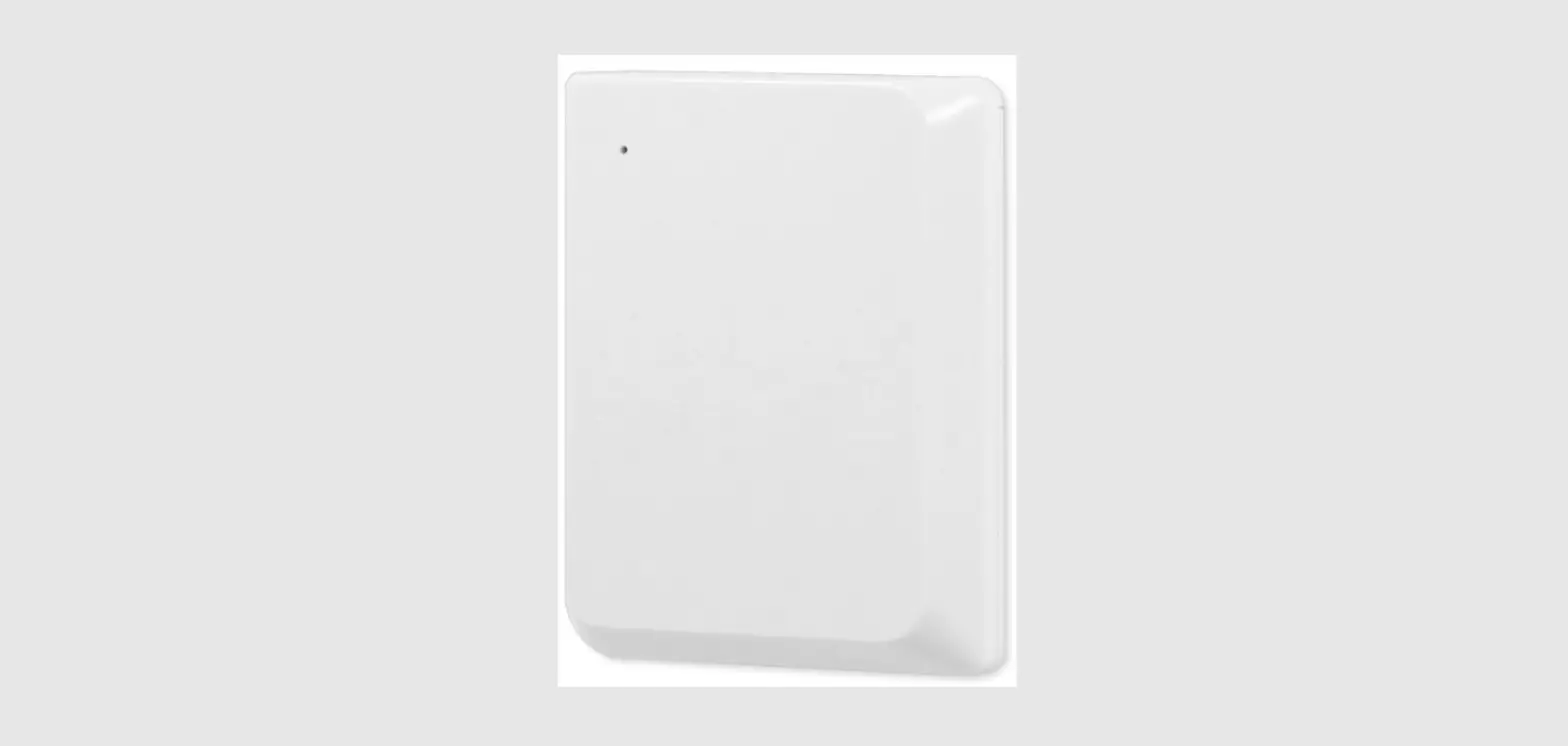
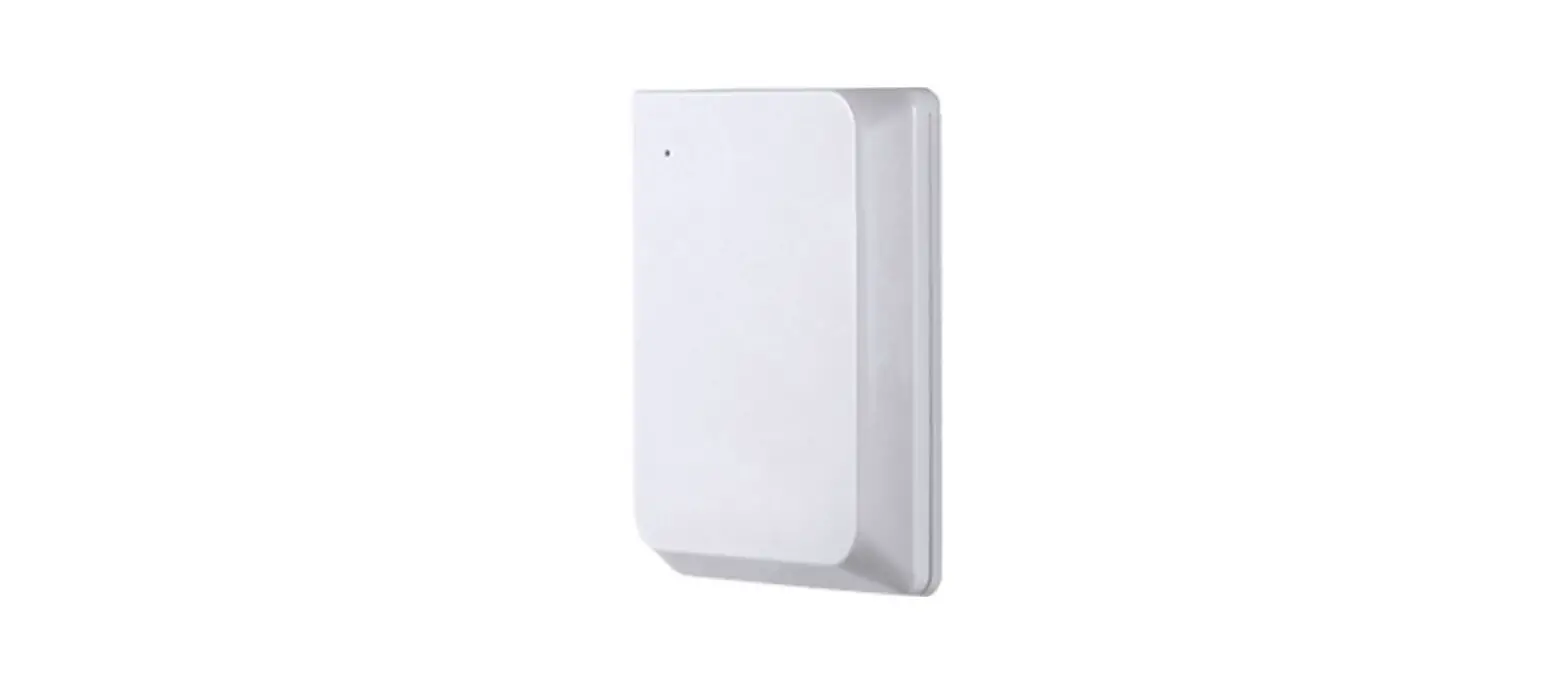
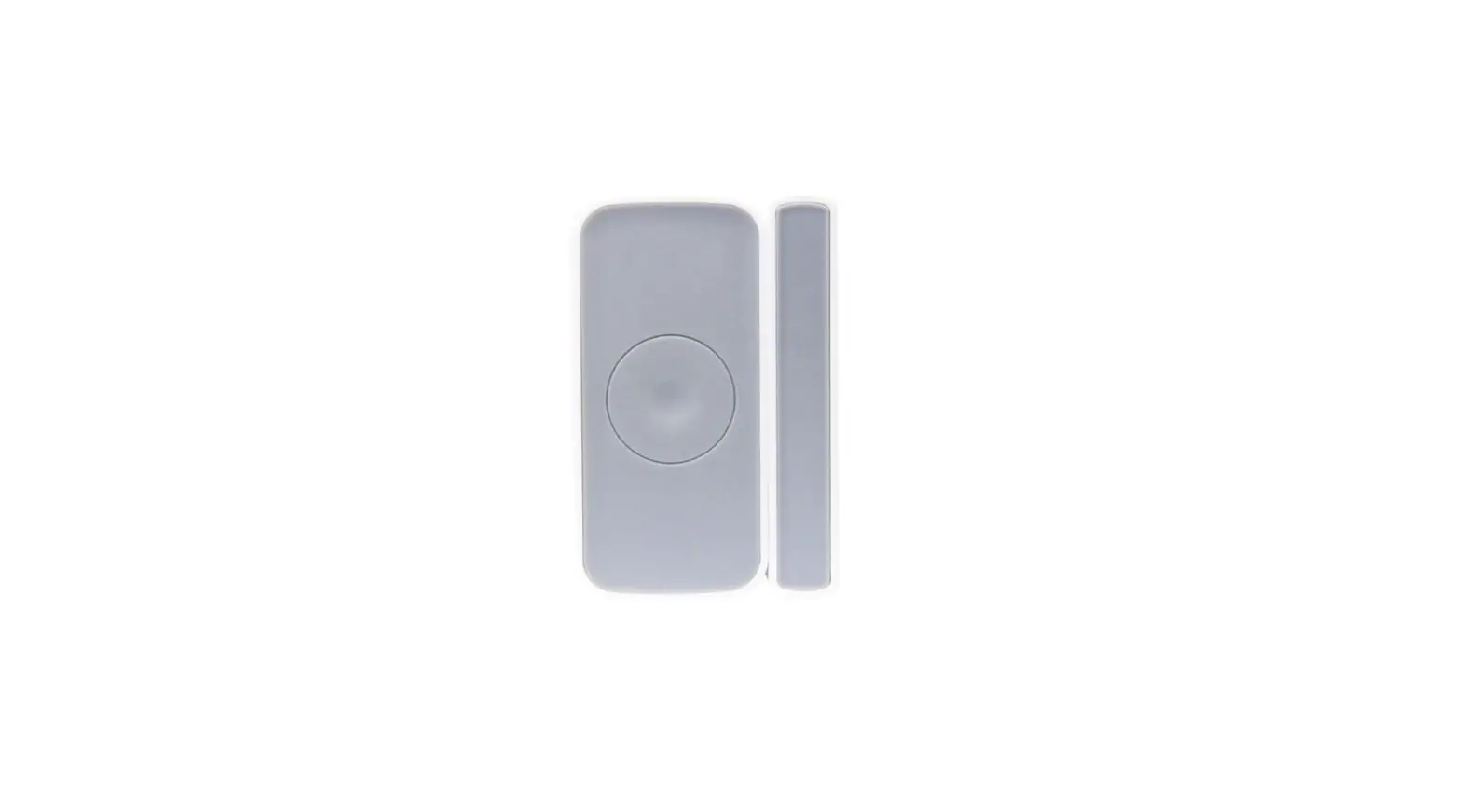
272281 Smart Door Sensor
Product Information:
The Smart Door Sensor is a WiFi-enabled device that consists of
a detector and a magnet. It is designed to detect the open or close
status of doors or windows and report the status change to the
accompanying mobile app in real-time. The sensor utilizes WiFi
communication technology and features double reed switches for
flexible installation. It operates on a DC 3V battery and supports
OTA updates for better user experience.
Technical Parameters:
- Working Voltage: DC 3V (CR2x1)
- Detection Distance: 20-30 mm
- Networking: WiFi-2.4 GHz
- WiFi Protocol: IEEE 802.11 b/g/n
- Working Temperature: -10~+50
- Working Humidity: 95% RH
Product Usage Instructions:
- Download and install the Ezykam+ app by scanning the provided
QR code. Create a user account if necessary. - Ensure that the WiFi networking inclusion is successful before
proceeding with the installation. - Remove the battery insulation film to power on the detector
part. - In the app, enter your user account and password, then click on
the “+” button to add a new device. - Select “Smart Home” > “Door Sensor (Wi-Fi)” from the device
list. - Method one: Smart Config – Long press the networking
button on the sensor for 5 seconds until the blue LED flashes
quickly (about 2 times per second). The app will prompt that
networking is successful. - Method two: AP networking – Long press the networking
button on the sensor for 5 seconds until the blue LED flashes
quickly (about 2 times per second). Then, long press the networking
button again for 5 seconds until the blue LED starts flashing
slowly (about once every 3 seconds). The app will prompt that
networking is successful. - Follow the guidelines in the app until networking is
successful. - If networking inclusion fails, move the door sensor closer to
the router and try again. - After successful networking, proceed with the installation by
ensuring that the LED indicator is on the lower part of the
detector and that the mark on the magnet aligns with the mark on
the detector. The installation distance between the detector and
the magnet should be less than 20 mm. The magnet can be installed
on either side of the detector. - Avoid installing the sensor on metal doors, as it may affect
detection and wireless distance.
Please note that the operation in the user manual may differ
from the app descriptions due to software updates. Always follow
the operation guidelines provided in the app during actual usage.
Additionally, perform OTA updates through the app to ensure the
device is working normally and not in a low power status.
01 Product Introduction
02 Illustrations
Smart Door Sensor User Manual
*Please read the user manual carefully before operation.The guide picture is for reference only. please in kind prevail.
This smart door sensor consists of detector
and magnet two parts. It adopts WiFi
communication technology, can detect the open or close status between door/window frame and door/window, and report status change to APP in real-time. Double reed switches design makes installation more
Networking Button
LED Indicator
Detector
Magnet
flexible, as the magnet part can be
installed on either side of the detector part, Anti-tamper Button
suitable for different kinds of doors or
windows.
03 Technical Parameters
1. Working Voltage: DC 3V(CR2x1) 2. Detection Distance: 20-30 mm 3. Networking: WiFi-2.4 GHz 4. WiFi Protocol: IEEE 802.11 b/g/n 5. Working Temperature: -10~+50 6. Working Humidity: 95% RH
(no condensation) 7. Detector Dimension: 72×21×26 mm 8. Magnet Dimension: 35×11×13 mm
04 Functional Diagram
05 Visual Indication
Product Status LED Indicator
Normal working N/A
Alarm
Blue LED flashes once.
EZ networking
Blue LED flashes quickly.
AP networking
Blue LED flashes quickly and then
slowly.
Networking is successful or fails.
Blue LED goes off.
06 Networking
Scan the QR code above to download the Ezykam+ APP and register a user account.
1. Due to software updates, the operation in user manual may be different from APP descriptions. Please follow the operation guideline in APP in actual operation.
2. This door sensor support OTA, the user could update to the latest APP version available to get a better user experience.
3. If networking inclusion fails, please move the door sensor closer to router, and try again.
4. Make sure WiFi networking inclusion is successful before installation.
Enter the user account and password.
Click”+” in the APP to add a new device, Select “Smart Home” > Door Sensor (Wi-Fi)
Remove battery insulation film to power on the detectorpart.
Method one
Smart Config: Long press the networking button for 5 seconds, blue LED will flash quickly(about 2 times per second), later the APP will prompt networking is successful.
Method two
07 Installation Instructions
AP networking: Long press the networking button for 5 seconds, blue LED will flash quickly(about 2 times per second), then long press the networking button again for 5 seconds, and blue LED will start to flash slowly(about once every 3 seconds), later APP will prompt networking is successful.
*Please follow the guideline in APP to operate until networking is successful.
PRODUCT OTA UPDATE
Open APP in mobile phone and operate according to APP update prompt until OTA update is completed. (*Make sure the device is working normally and the battery is not in low power status before updating.)
1. This sensor is for indoor use only. 2. Make sure LED indicator is on lower
part of detector. 3. Please make sure the mark (showed in
below picture) in magnet align to the mark in detector, and make sure installation distance between detector and the magnet less than 20 mm. (Magnet part can be installed on either side of detector). 4. Avoid installing on metal doors. (Metal door may influence detection distance and wireless distance).
08 Product Installation
and stick the detector on required area. and stick the detector on required area. Detector should be installed in fixed area like door frame. Magnet can be installed in active area like door plank. The picture above is for reference only.
09 Battery Replacement
10 Statement
battery compartment
Remove the detector from the mounting bracket and take out the used battery, insert one new battery into the battery compartment, and install the detector back to the bracket. *Attention: Dispose of the used battery properly for environmental protection.
1. The information in the user manual is for reference only and does not constitute any form of commitment.
2. Without the written permission of the manufacturer, any individual or organization shall not extract or copy part or all of the contents of this user manual, and shall not spread it in any form.
3. As the technology is constantly updated, the manufacturer reserves the right to modify the user manual without prior notice. If the user manual and the actual operations is inconsistent, the final interpretation is reserved to the manufacturer herein.
Thank you for choosing CP Plus products
For further assistance, you can reach us via. [email protected] ** Please read the instraction carefully beforeusing the products **