
FedEx SenseAware SM M4 Device User Guide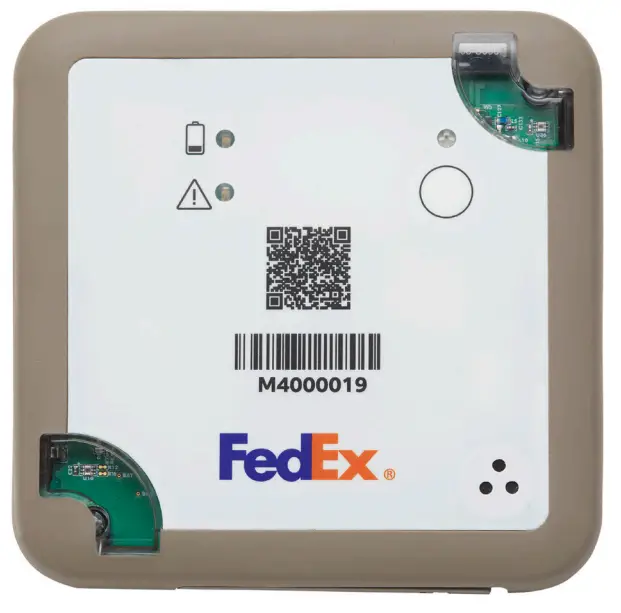
Rev. 7.23.2021
Get to know the M4 device
Set up your charging station
 | 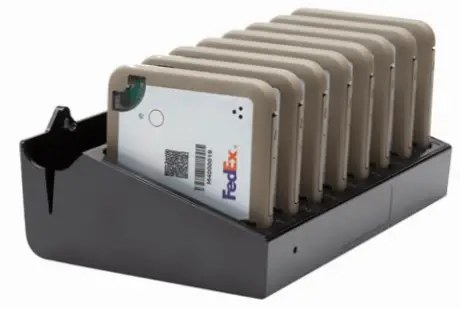 | 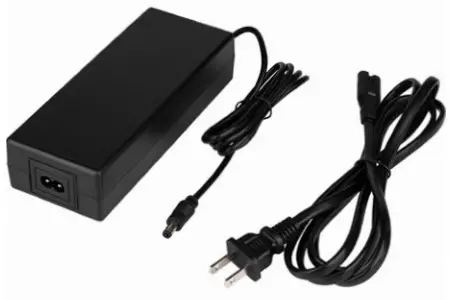 |
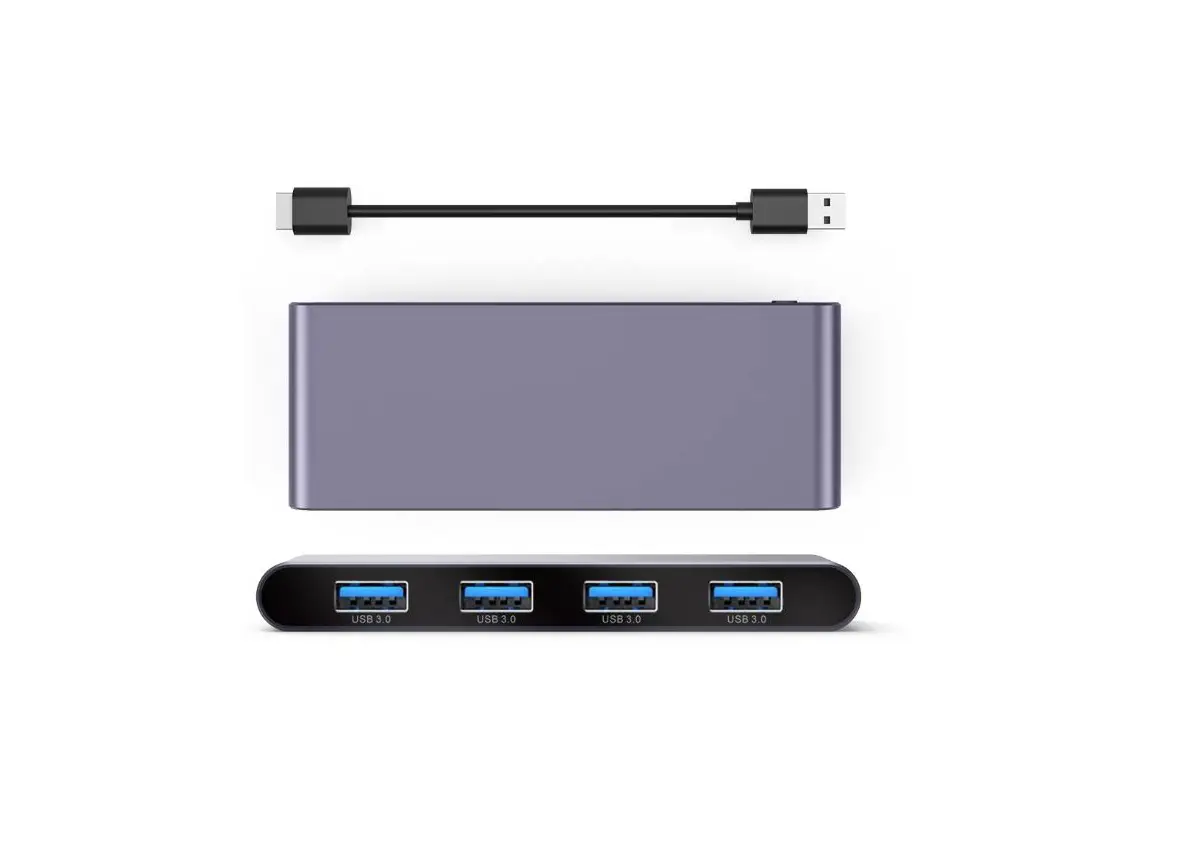
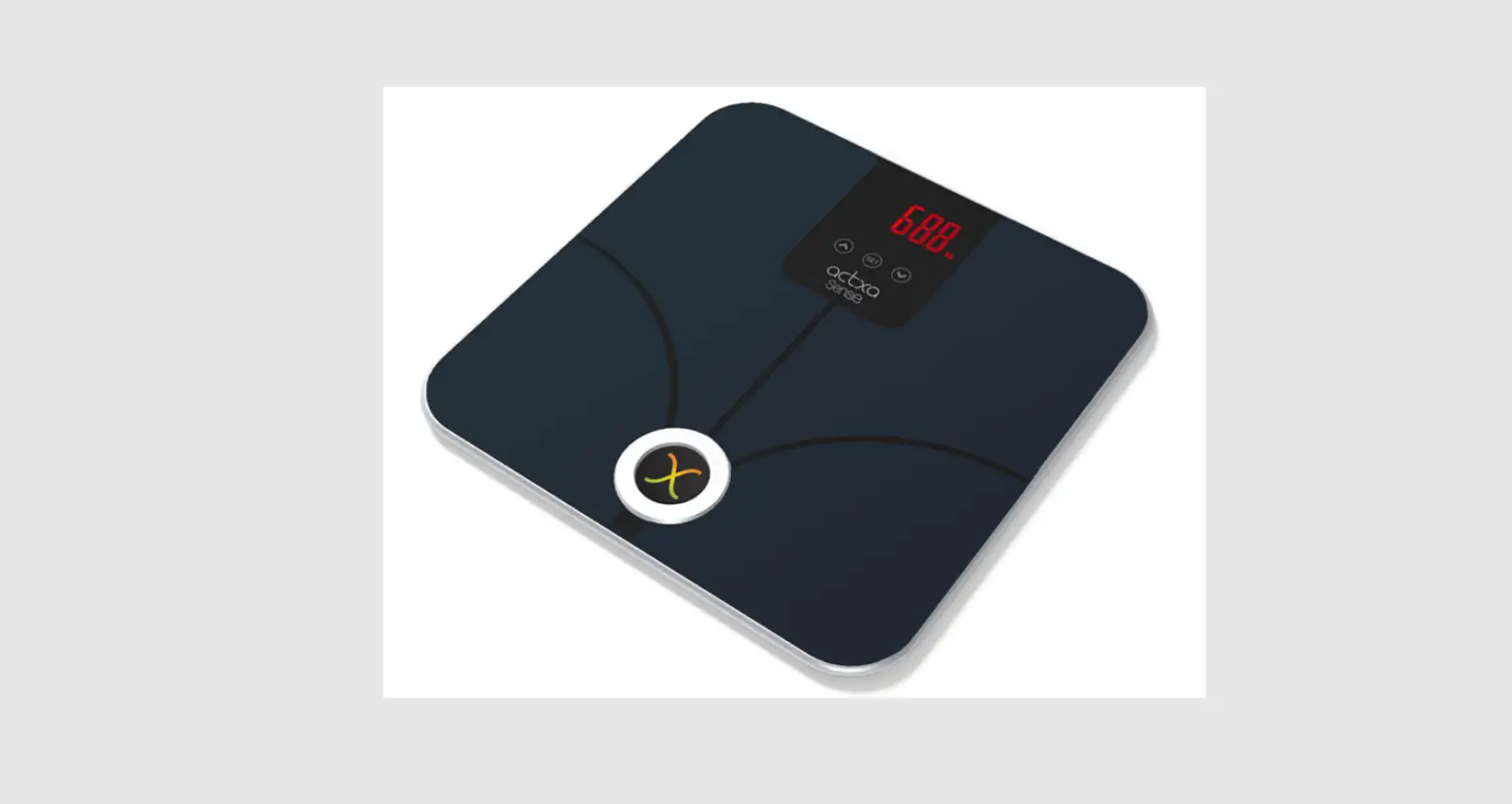
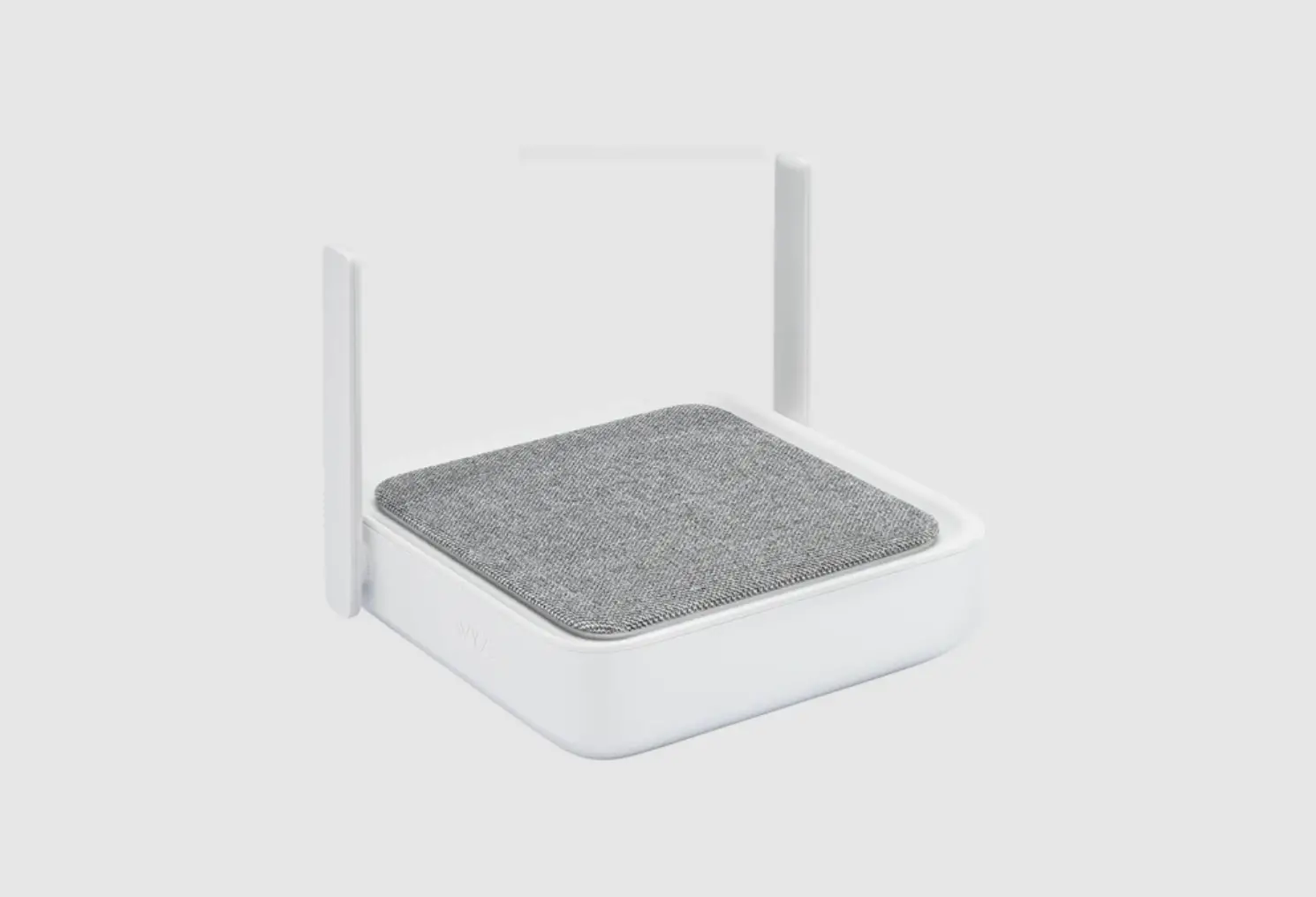
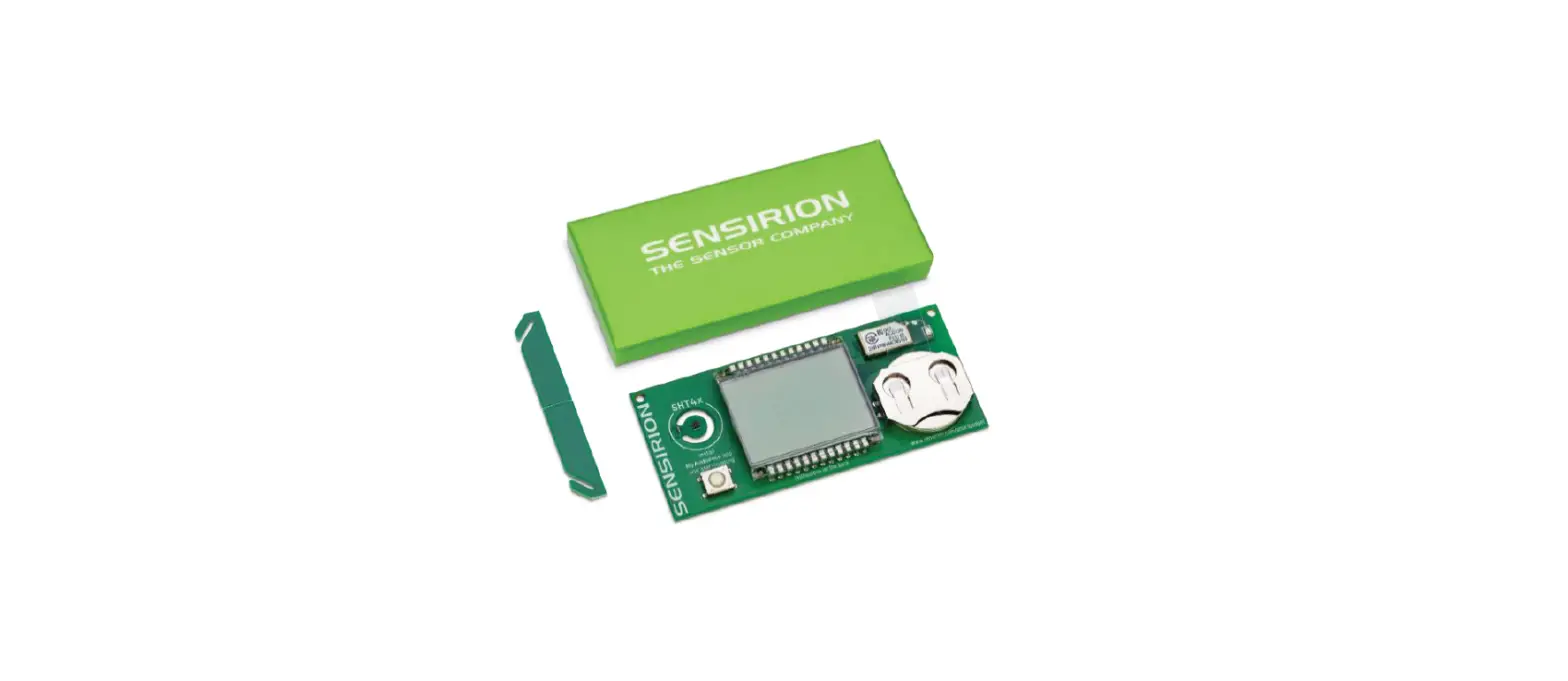
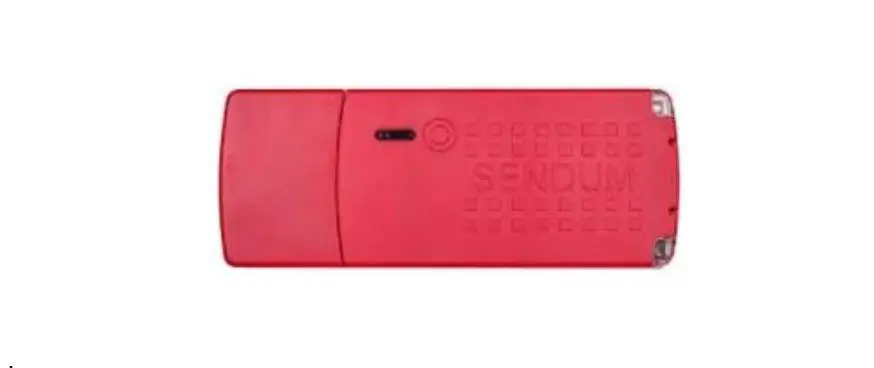
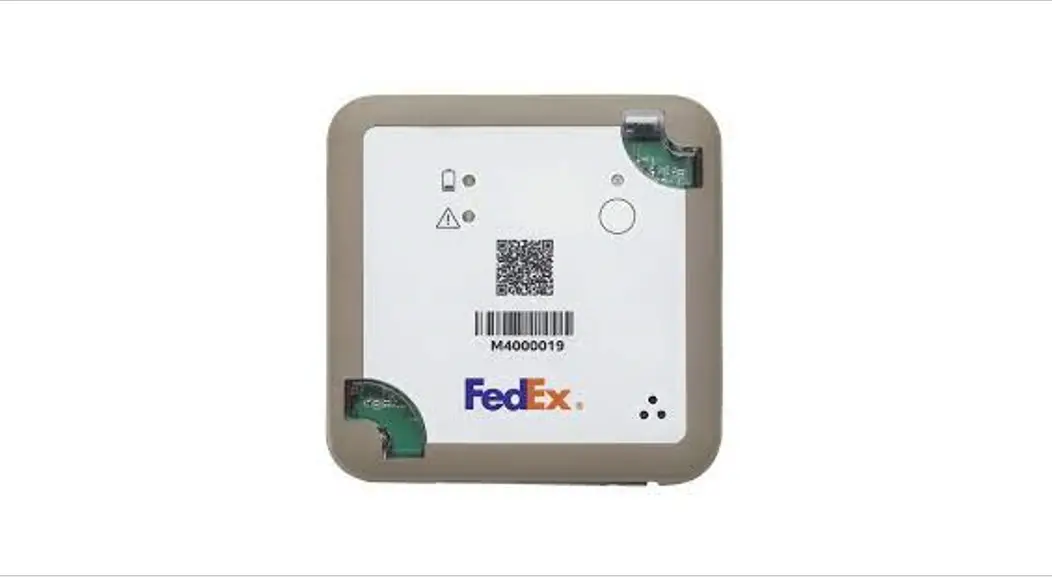
| FedEx Sense Aware M4 device | Charging rack for the FedEx Sense Aware M4 devices | Power brick and cord |
The charging rack accommodates eight devices. To ensure safe operation, place the rack horizontally on a stable surface located in a dry, clean environment. For added convenience, you can mount the charging rack on a wall.
Charge your M4 device
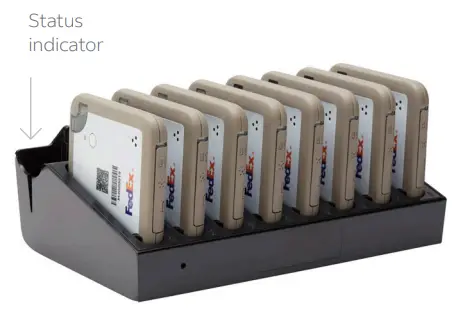
Insert the FedEx SenseAware M4 devices into the charging rack with the charging contacts facing down. Insert a power cord into the charging rack and plug it into an electrical outlet. You may also use a USB-C charging cord to charge your device. 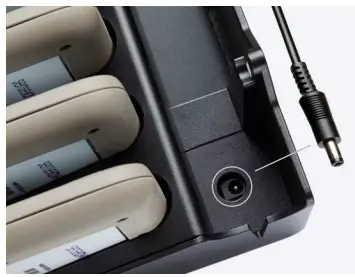
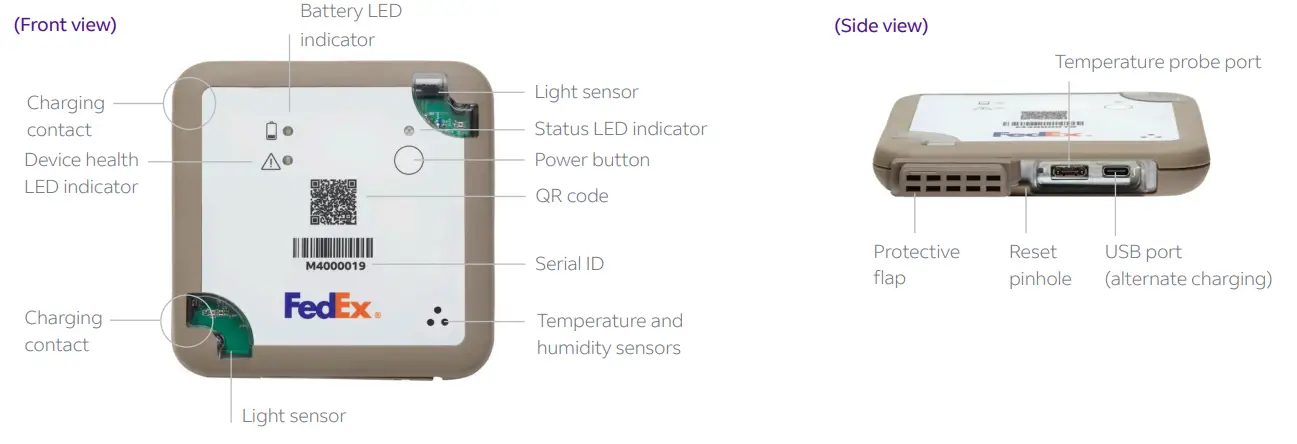
We recommend fully charging the device before use to maximize performance. When the device is charging, the Status LED light will blink GREEN. It will turn solid GREEN once charging is completed. Solid RED during charging indicates a charging error. Remove the device from the charger and reboot. If the problem persists, do not use the device.
Power management
To turn the device on or off, press and hold the power button briefly until a status LED indicator turns WHITE, then release. If the button is held for longer than one second after the LED lights up, the device will remain in its current state (on or off).
LED indicator guide
STATUS INDICATORS
 | Blinking BLUE | The device is on and is operating normally. |
 | Blinking WHITE | The device is downloading a firmware update. |
| Blink once WHITE | The device will blink once to confirm the press and release of the power button. |
 | Blink once RED | The device will blink once when the power button is pushed for more than 10 seconds. Release button to return the device to normal operation. |
 | Solid PURPLE | The device has failed to power up properly. Please reboot; if the problem persists, do not use the device. |
BATTERY INDICATORS
 | Blinking AMBER | The device has less than 25% battery capacity and needs to be recharged before the journey. |
DEVICE HEALTH INDICATORS
| Blinking AMBER | Device failure – Do not use it, please call FedEx SenseAware Customer Support to arrange a return of the device. |
Using the QR code
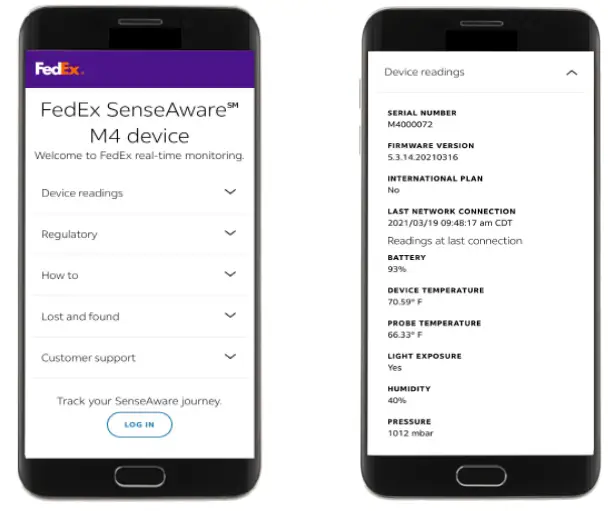
Scan the QR code with your smartphone camera to access device readings, regulatory documentation, and customer service.
|  |
Need help with your devices?
For more information about charging and maintaining your devices, or to troubleshoot a problem, contact [email protected].
Want us to set up and/or monitor a journey for you?
FedEx SenseAware S can program your device and/or monitor your shipment for an additional charge. To learn more about FedEx SenseAware Setup and Monitoring and FedEx SenseAware Monitoring Only, contact a FedEx SenseAware Advisor at 1.901.434.3030.
Want FedEx SenseAwareSM to handle it all?
When everything is riding on a shipment, FedEx SenseAware Single Journey provides end-to-end peace of mind. With this one-time use, one-time fee service, we do it all. Our expert’s program and ship the device, monitor your shipment, and manage intervention with law enforcement, if necessary. To order this turnkey service, go to singlejourney.senseaware.com.
FedEx SenseAware. Know more. Know now.
Unlike data-loggers that provide detailed information after a shipment is delivered, SenseAware, a FedEx innovation, uses sensor-based technology to communicate what’s happening with your shipment in real-time. It enables you to proactively respond to or mitigate potentially negative situations. Simply activate the FedEx SenseAware device and place it in or on your shipment or inventory. The robust online application lets you monitor your shipment’s integrity, security, and location from your desktop or mobile device. Go to senseaware.com/program-termsof-use to view an updated list of approved carriers and countries. FedEx SenseAware can also be used in non-shipping applications, such as inventory control and process monitoring.
Contact a FedEx SenseAware SM Advisor at 1.901.434.3030 or go to senseaware.com to learn more.
©2021 FedEx. For information on U.S. patents for FedEx SenseAware processes and systems, go to senseaware.com.
 SenseAware Single Journey - Home