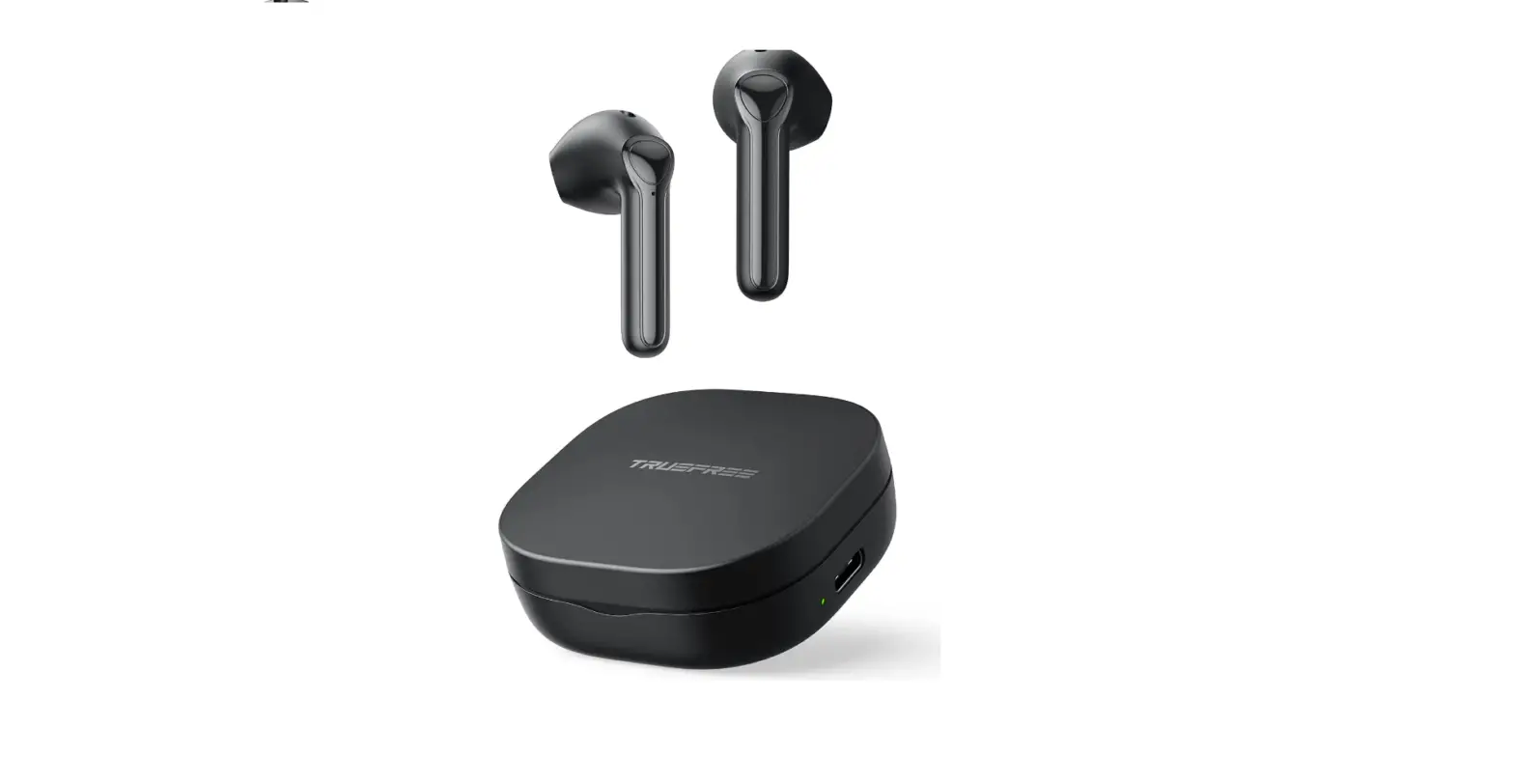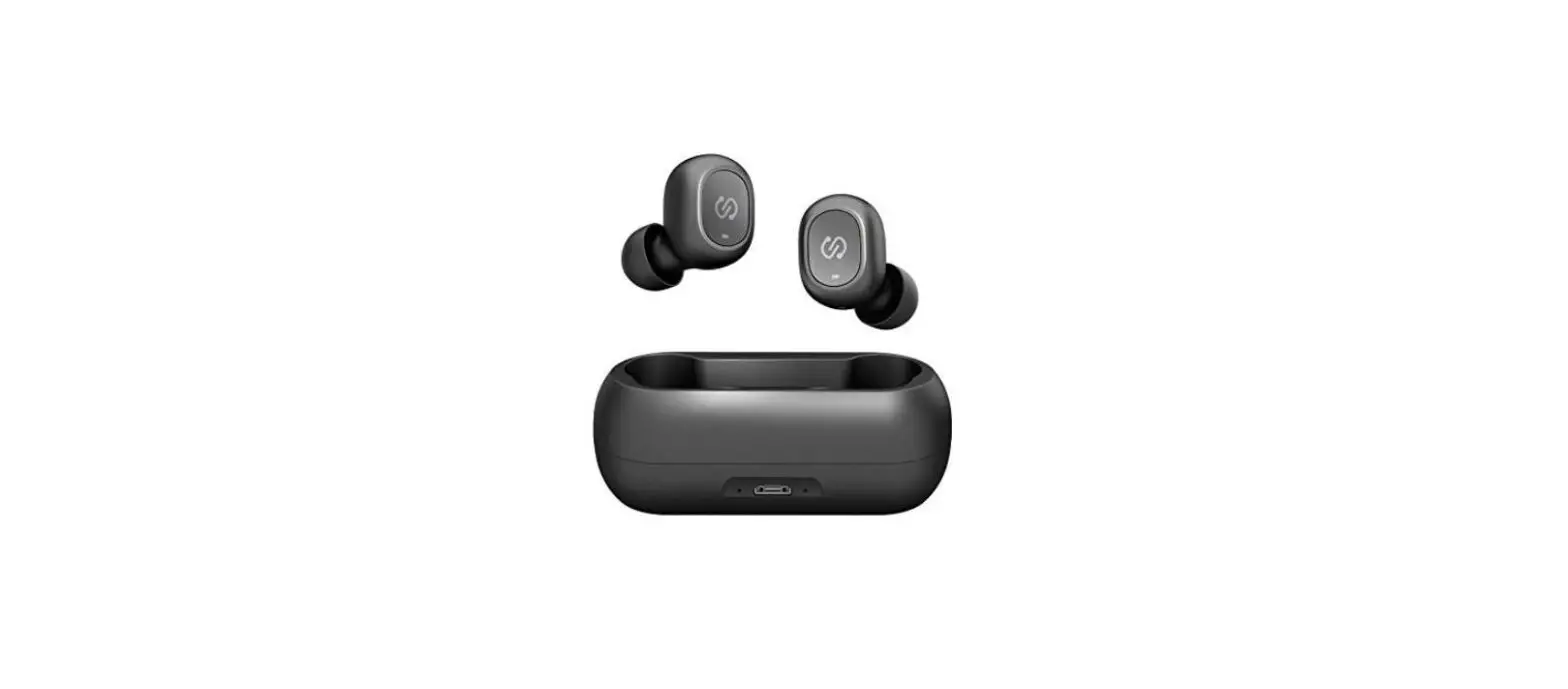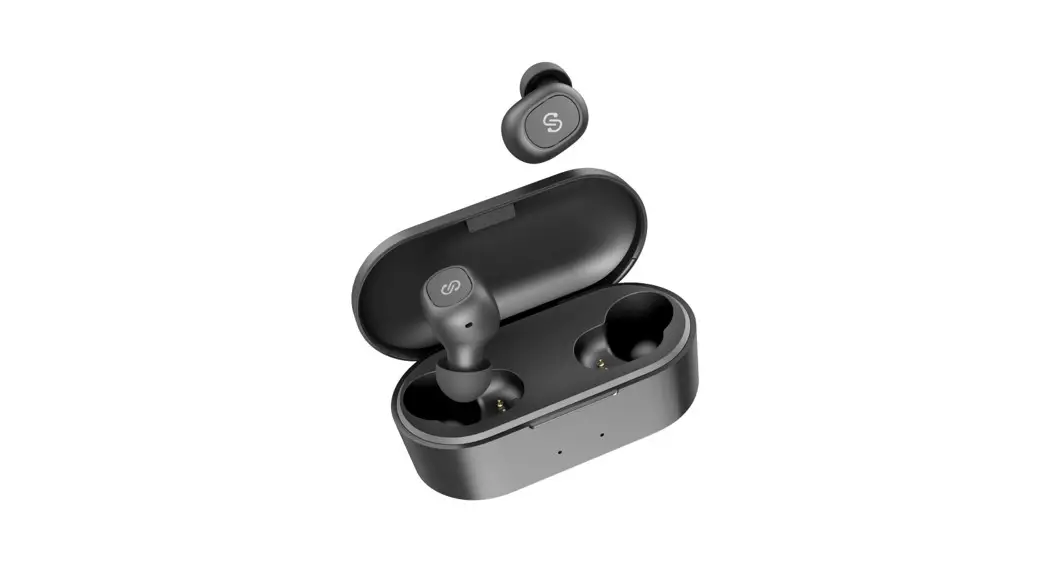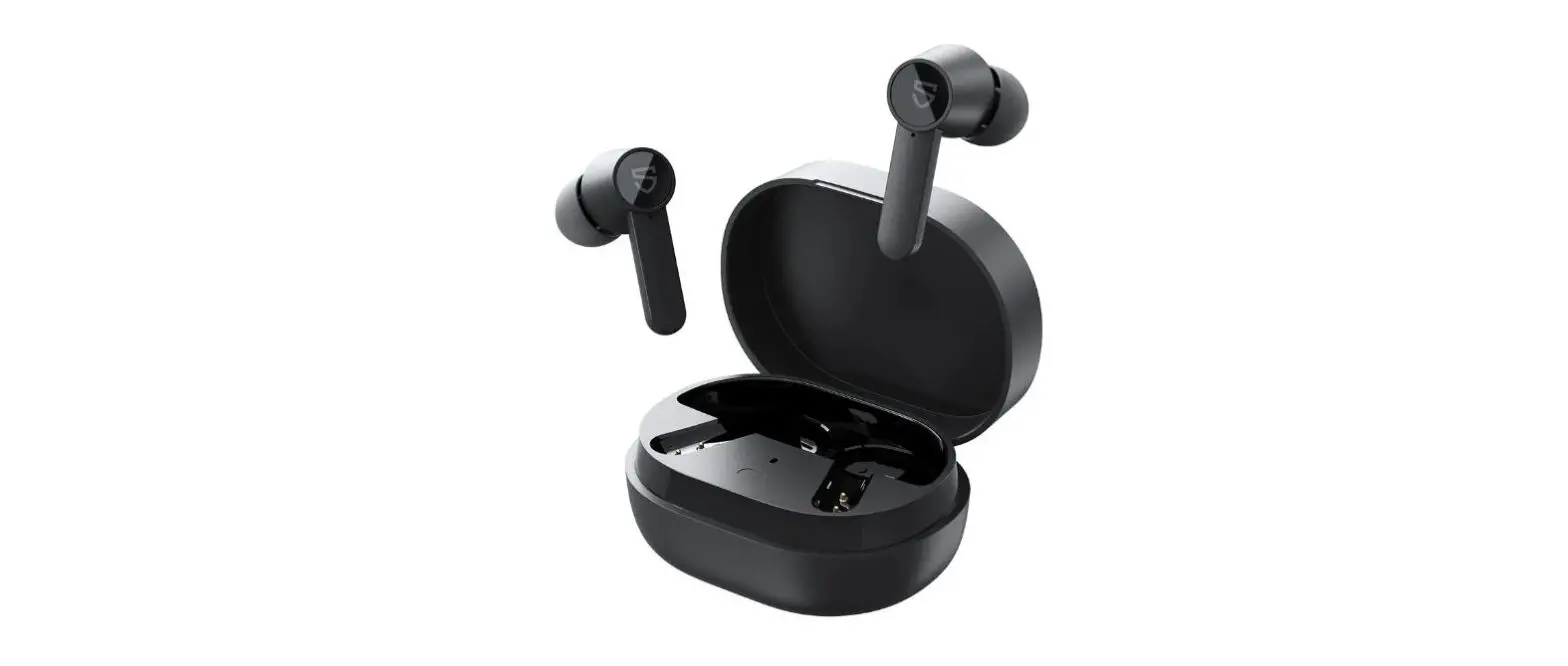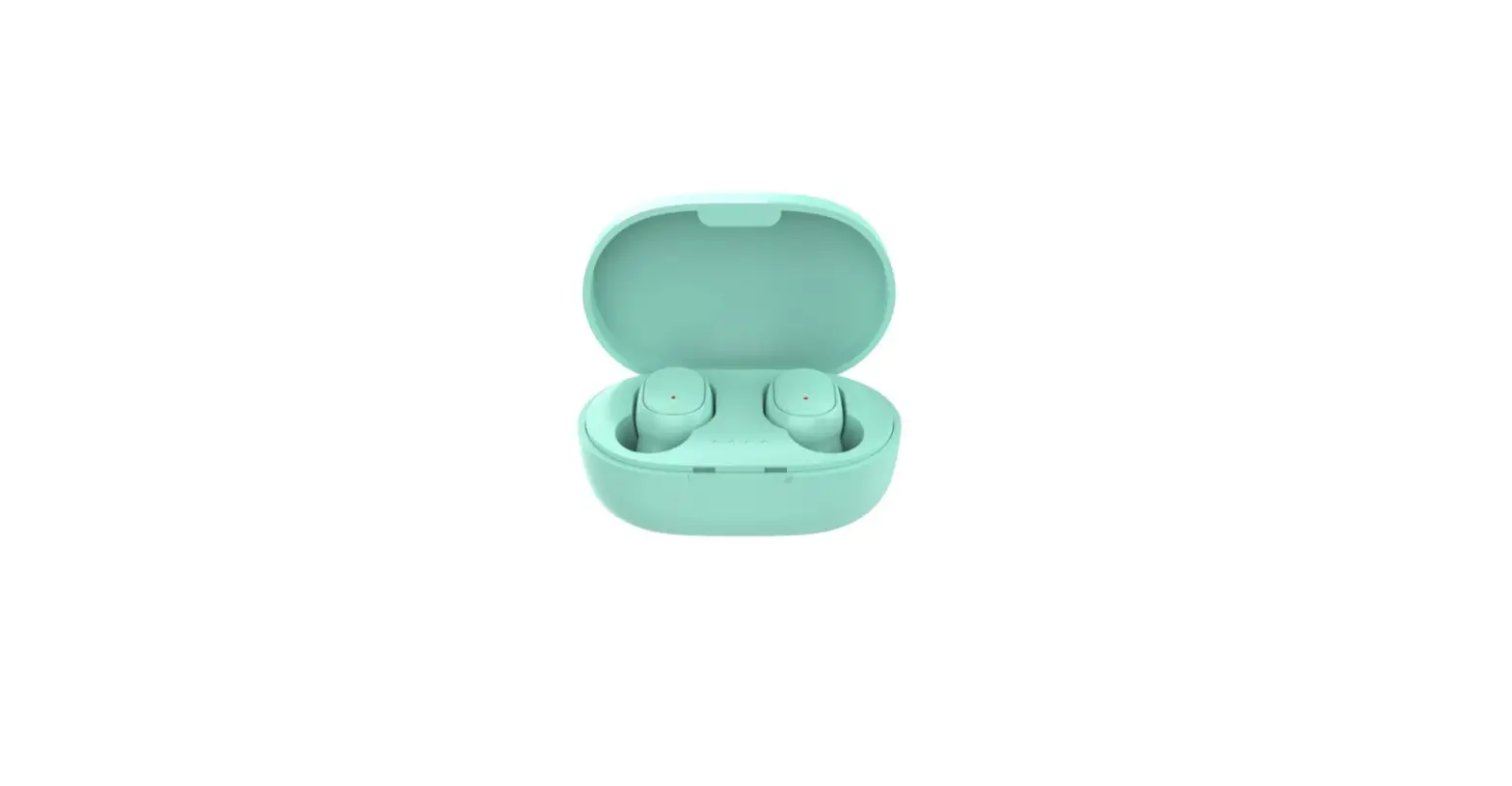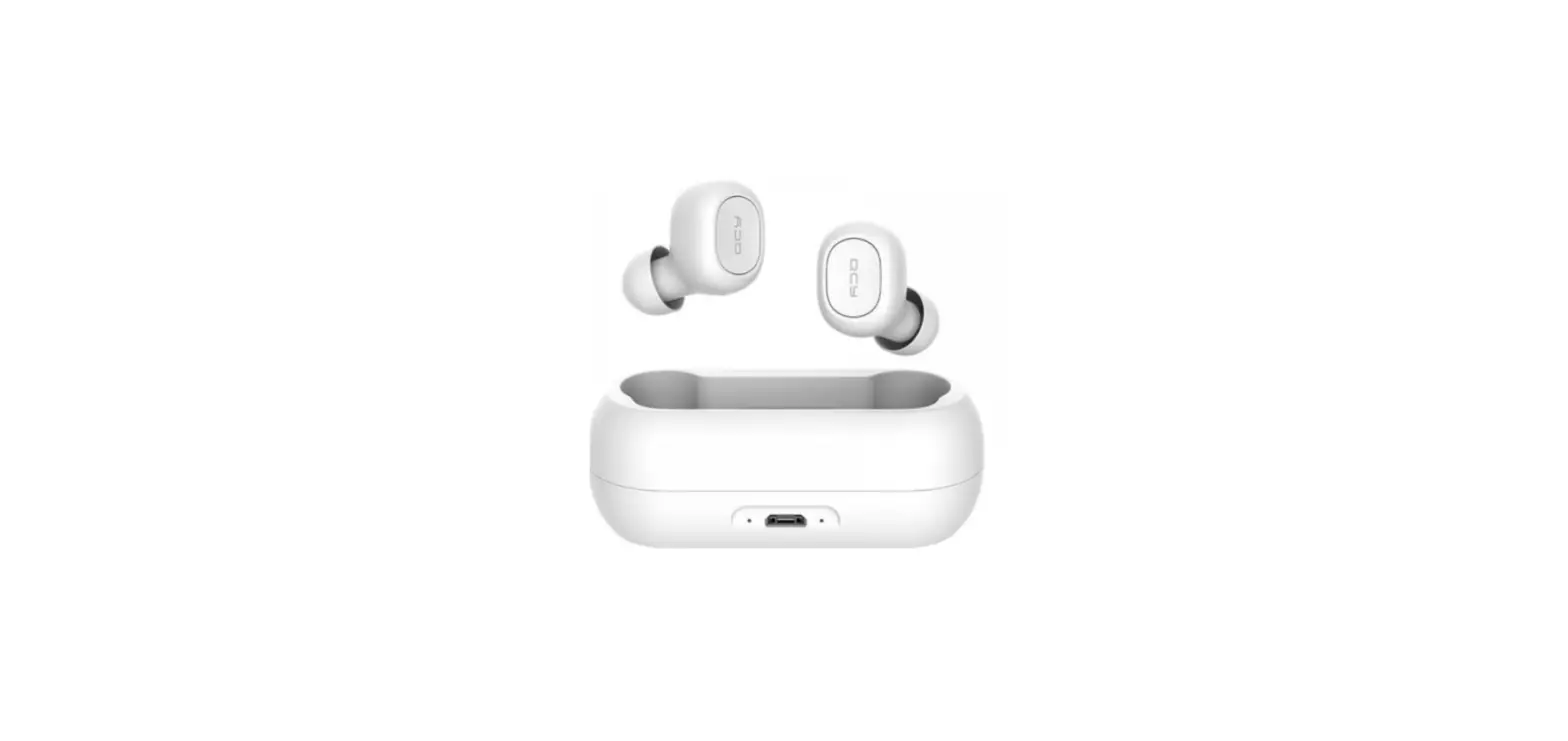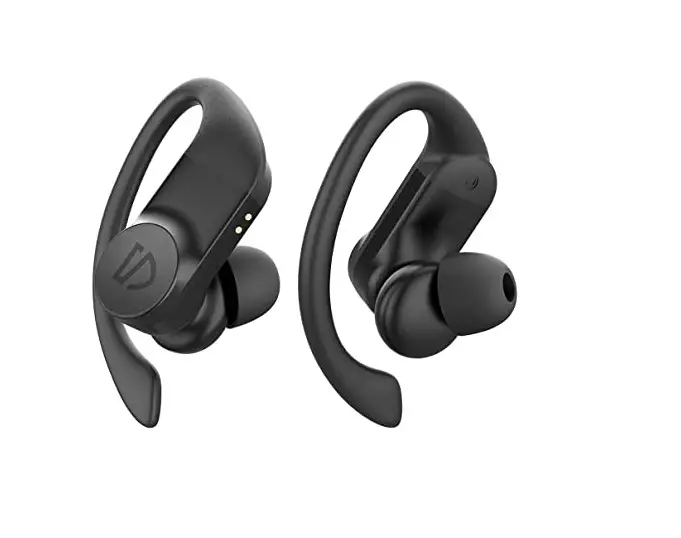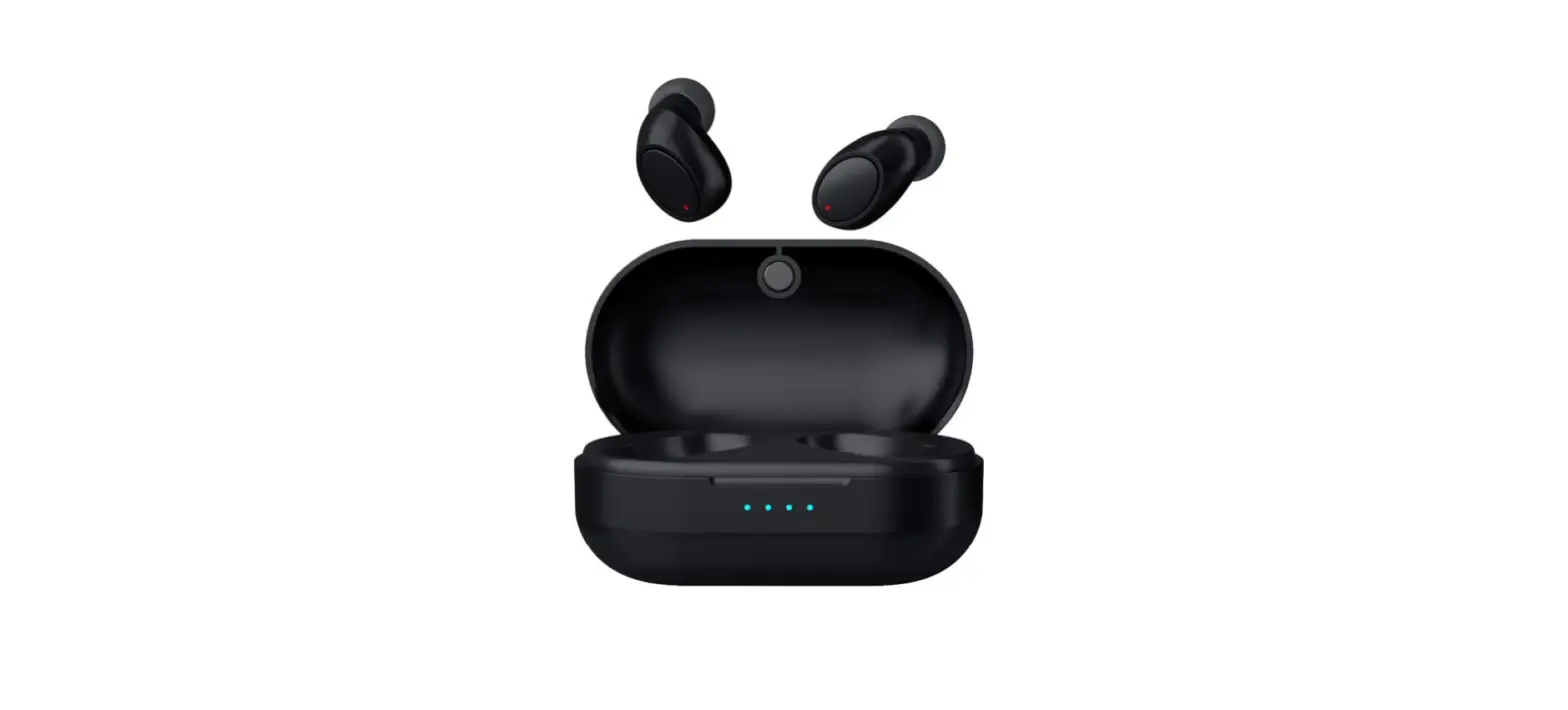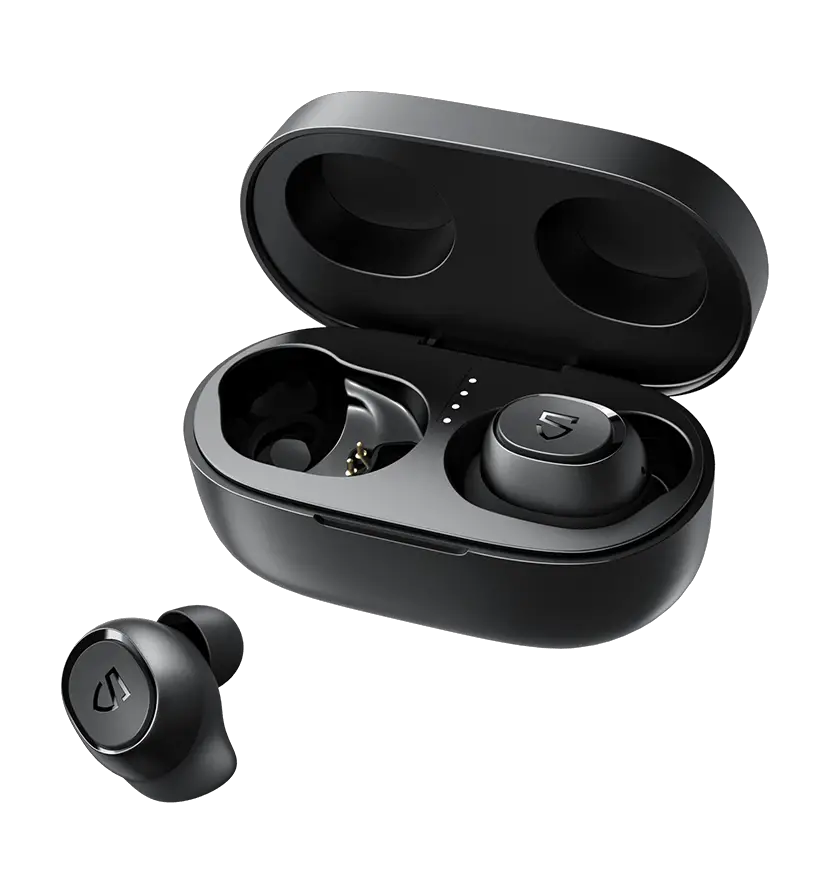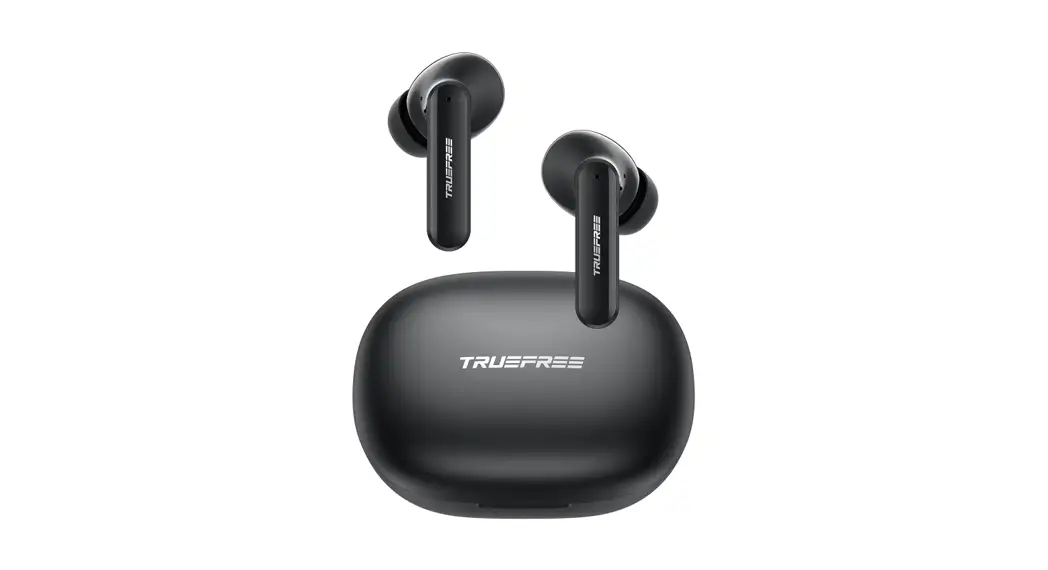

Package Content

Specifications
| Bluetooth version | 5.0 |
| Maximum working distance | Up to 10m |
| Working hours | Up to 5 hours |
| Earbuds charging time | About 1.5 hours |
| Charging case charging time | About 1.5 hours |
| Charge the earbuds with the charging case | Up to 5 times |
| Product dimensions(length * width * height) | 21.3*26.2*36.2mm (earbud) 72.80*54.30*28.70mm (charging case) |
Product Diagram
Control
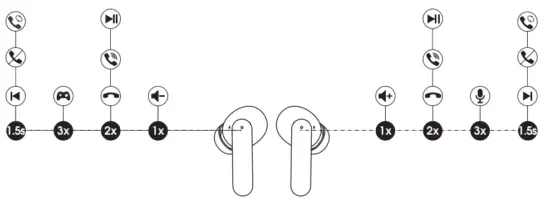
| Power On | Auto: Open up the case lid Manually: Press and hold the MFB for 1.5s |
| Power Off | Auto: 1) Place back into the charging case and close the lid 2) Automatically power off after 3mins no connection Manually: Press and hold the MFB for Los |
| Play / Pause | Double-tap the MFB |
| Volume – | Single tap the left IV’FB |
| Volume + | Single tap the right MFB |
| Previous Track | Press and hold left MFB for 1.5s |
| Next Track | Press and hold right MFB for 1.5s |
| Answer / Hang Up Phone Call | Double-tap the MFB |
| Reject Phone Call | Press and hold the MFB for 1.5s |
| Switch Between Two Calls | Press and hold the MFB for 1.5s |
| Manually Enter Pairing Vote | Press and hold the button on the charging case for 3s |
| Activate Voice Assistant | Triple tap the right MFB |
| Enter / Exit Game Mode | Triple tap the left MFB |
Wearing
- Identify the left and right earbuds.
- Rotate earbuds and find the most comfortable position.

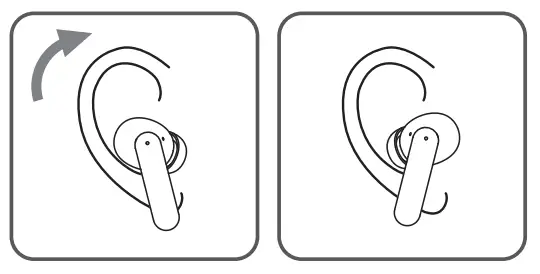
Start
Pairing & Connecting
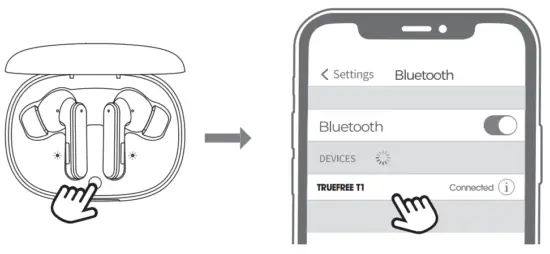
- Open the charging case lid when the charging case has power, then the left and right earbuds automatically enter the TWS pairing states. After the interconnection is successful, the earbuds will be accompanied by a “pairing” prompt, and then the two white lights inside the charging case will flash three times until it turns off, the earbuds enter the pairing mode.
- At this time, please find the name “TRUE FREE T1” in the Bluetooth list of your device, and click Connect. After the connection succeeds, the earbuds will prompt “connected”.
- TRUE FREE T1 earbuds can remember previously paired devices. When making a second connection, you only need to turn on the Bluetooth in your device and open the charging case at the same time, and they will automatically connect back to your device. If it is not automatically connected, select the pairing name of the earbuds in the Bluetooth list to connect.
Reset
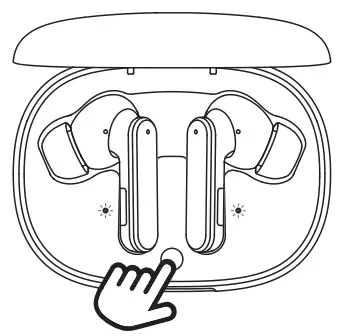
When the earbuds fail to pair for the second time or cannot be paired with the device, follow the steps to reset:
- Delete the pairing information of the earbuds from the device
- Put the earbuds back into the charging case and make sure the earbuds are in a charging state. At this time, the two white lights inside the charging case flash slowly, and then press and hold the charging case button for 10 seconds until the two white lights flash three times quickly until it turns off, and reset completely.
Charge
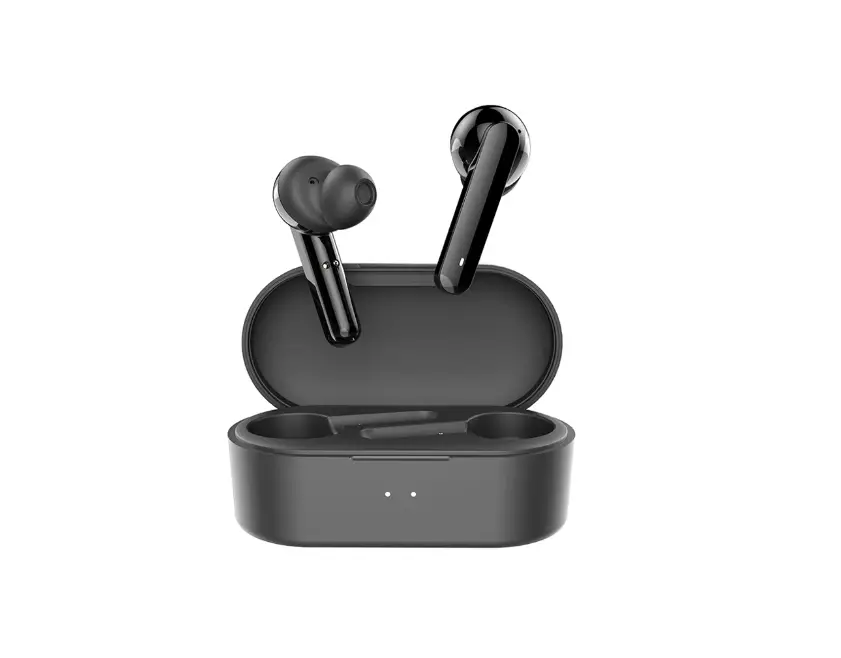
TRUEFREE T1 earbuds are equipped with a charging case, which can not only charge the earbuds but also is convenient to carry and store the earbuds. The built-in battery can charge two earbuds 5 times.
Charge the earbuds
The earbuds have been partially charged before delivery. Before first use, make sure they are fully charged. Put the earbuds into the corresponding slots, and the two lights inside the charging case flash slowly, the earbuds start charging.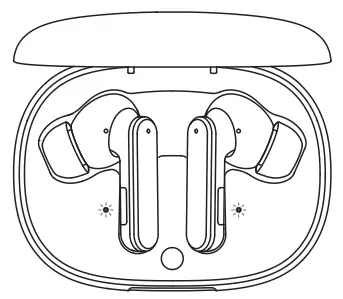
Charge the charging case
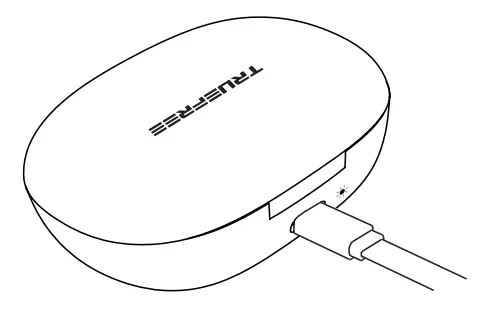
Connect the Type-C charging adapter to charge it (the charging current does not exceed 1A), at this time, the indicator light on the back of the charging case is white and flashing slowly;
- When the charging case is fully charged, the charging case indicator light turns off.
- When not in use for a long time, charge it at least once every three months.

Warranty Regulations
We guarantee the earbuds for 12 months warranty from the original purchase against manufacturing defects. [email protected]
 www.itruefree.com