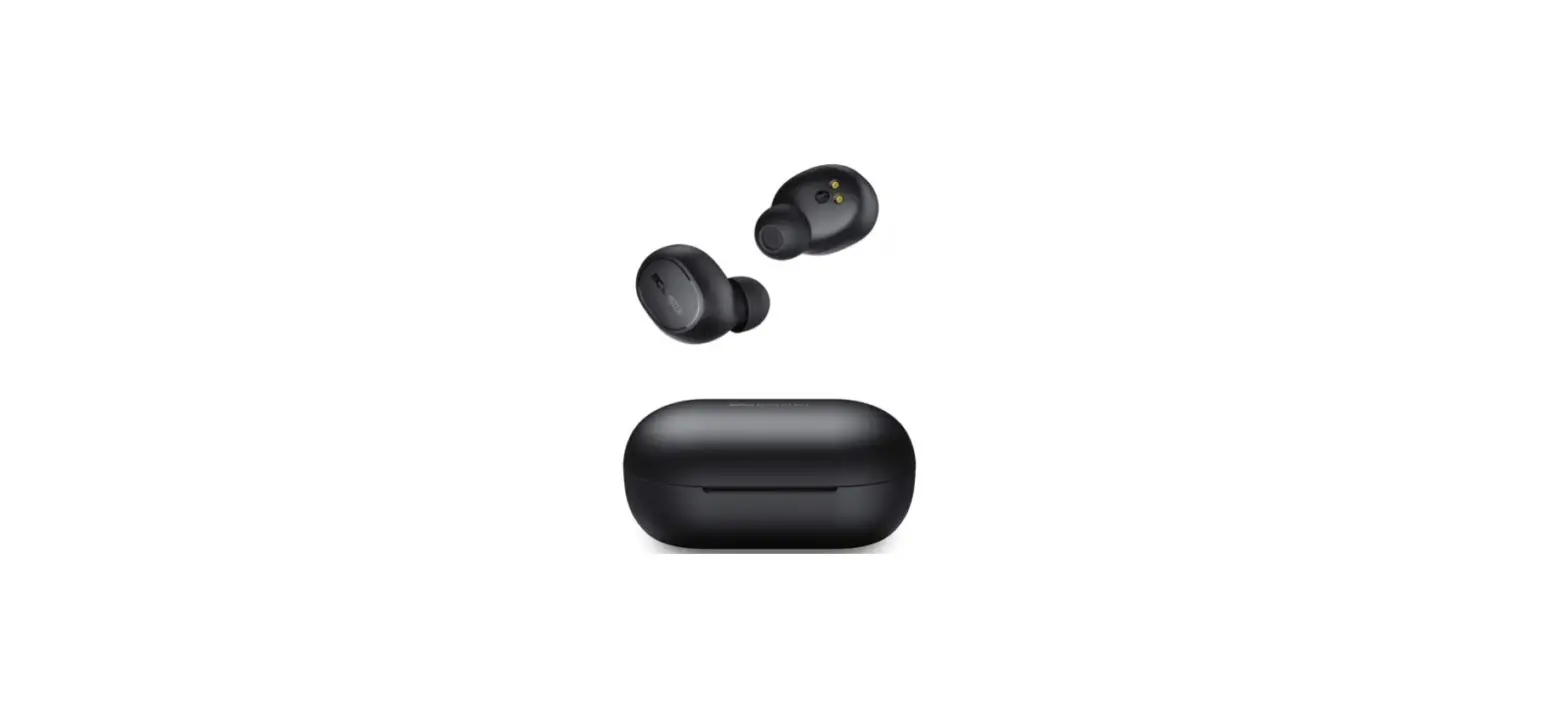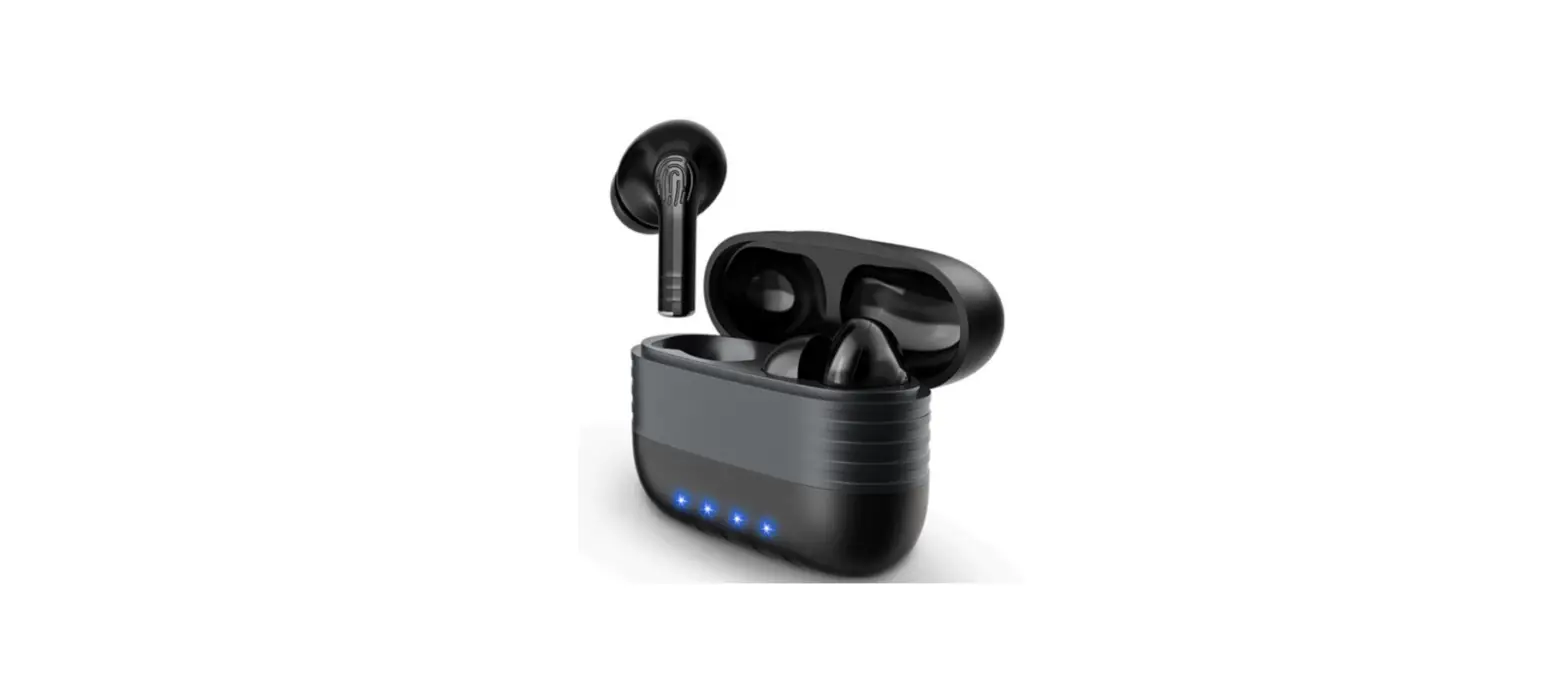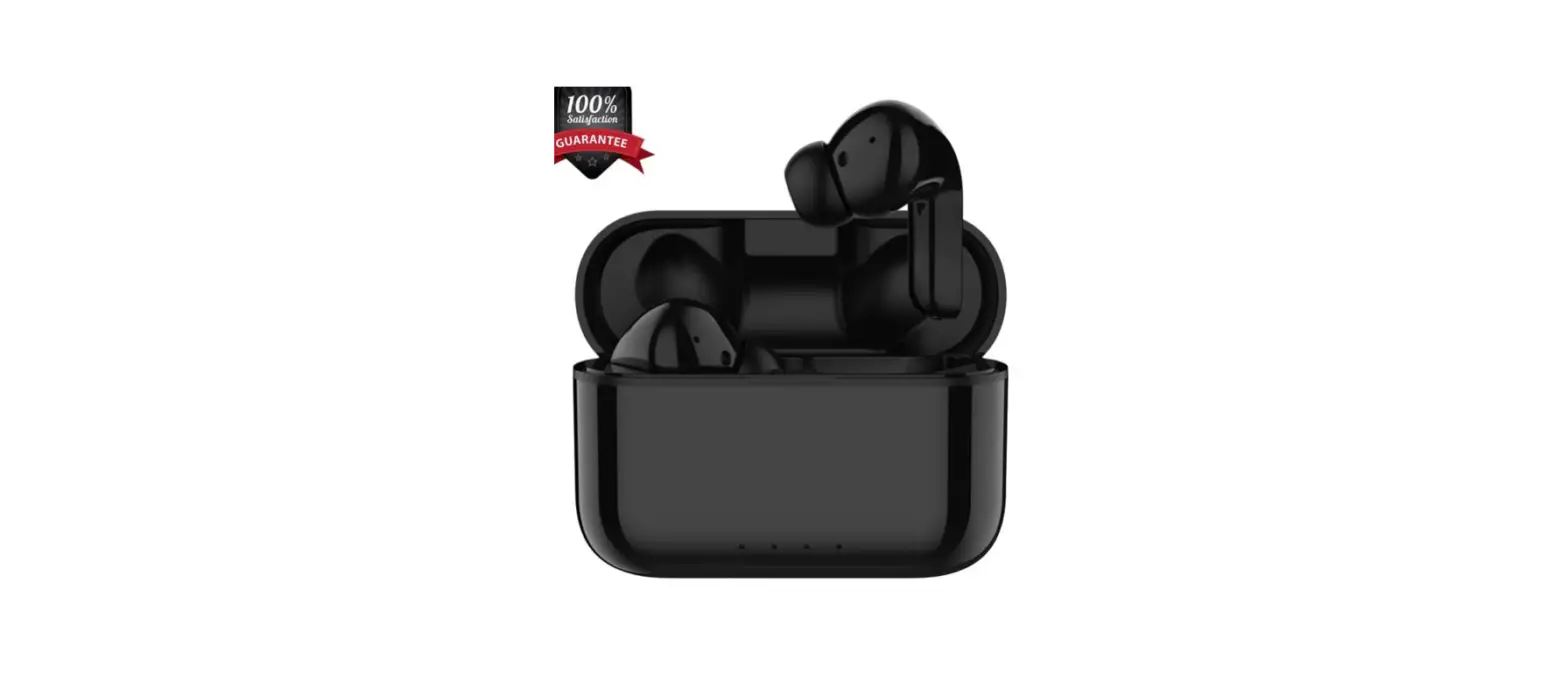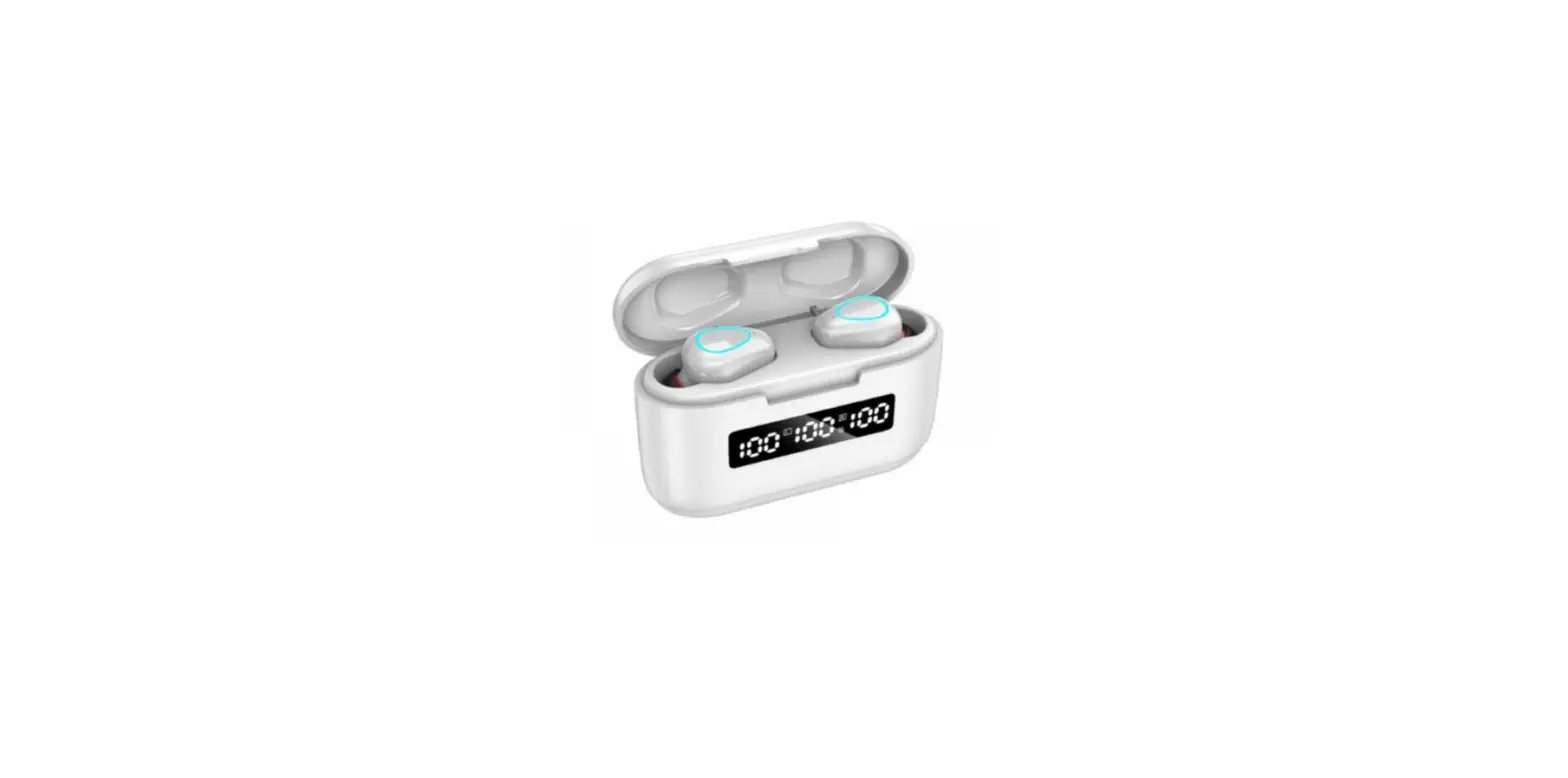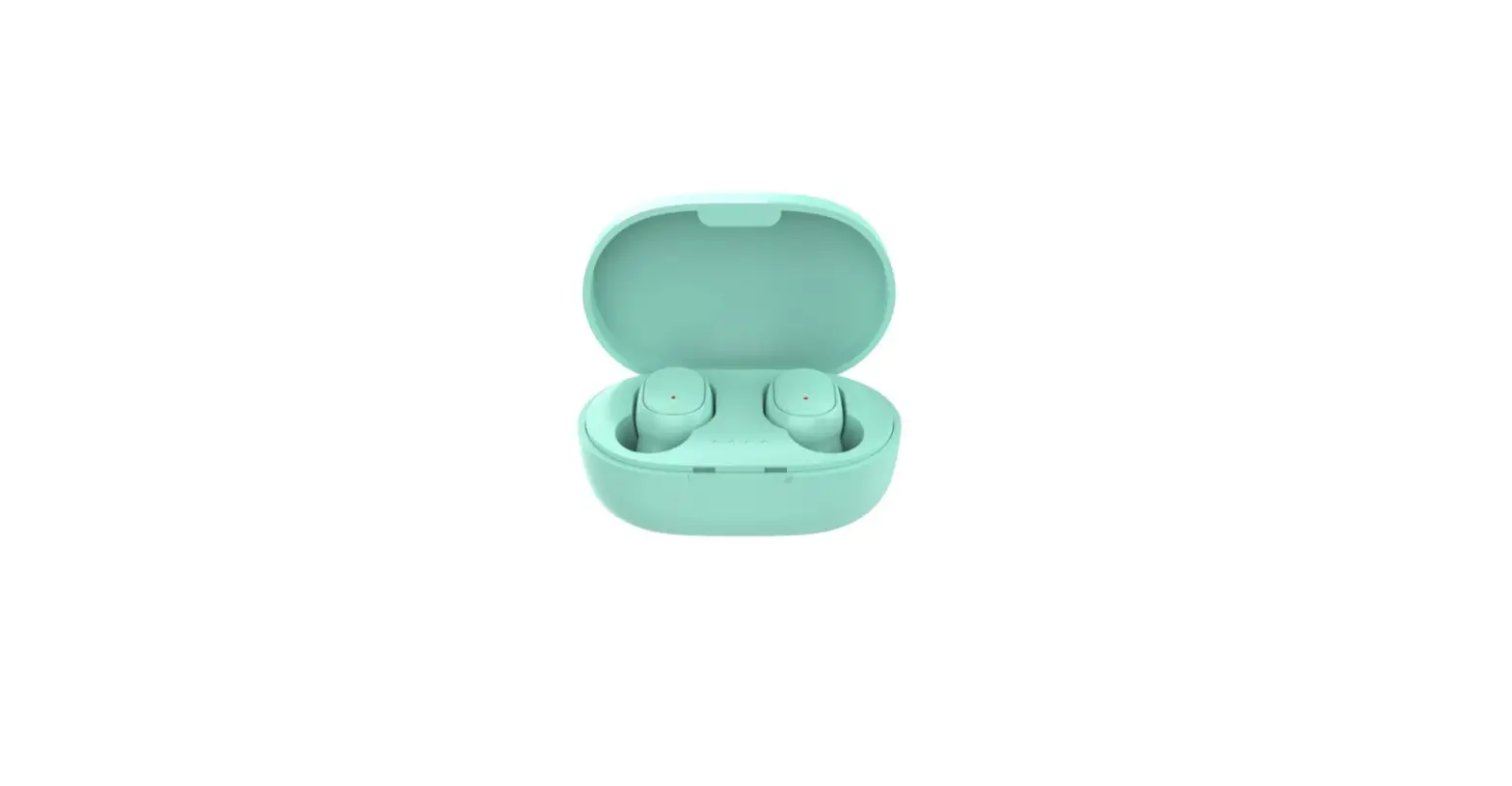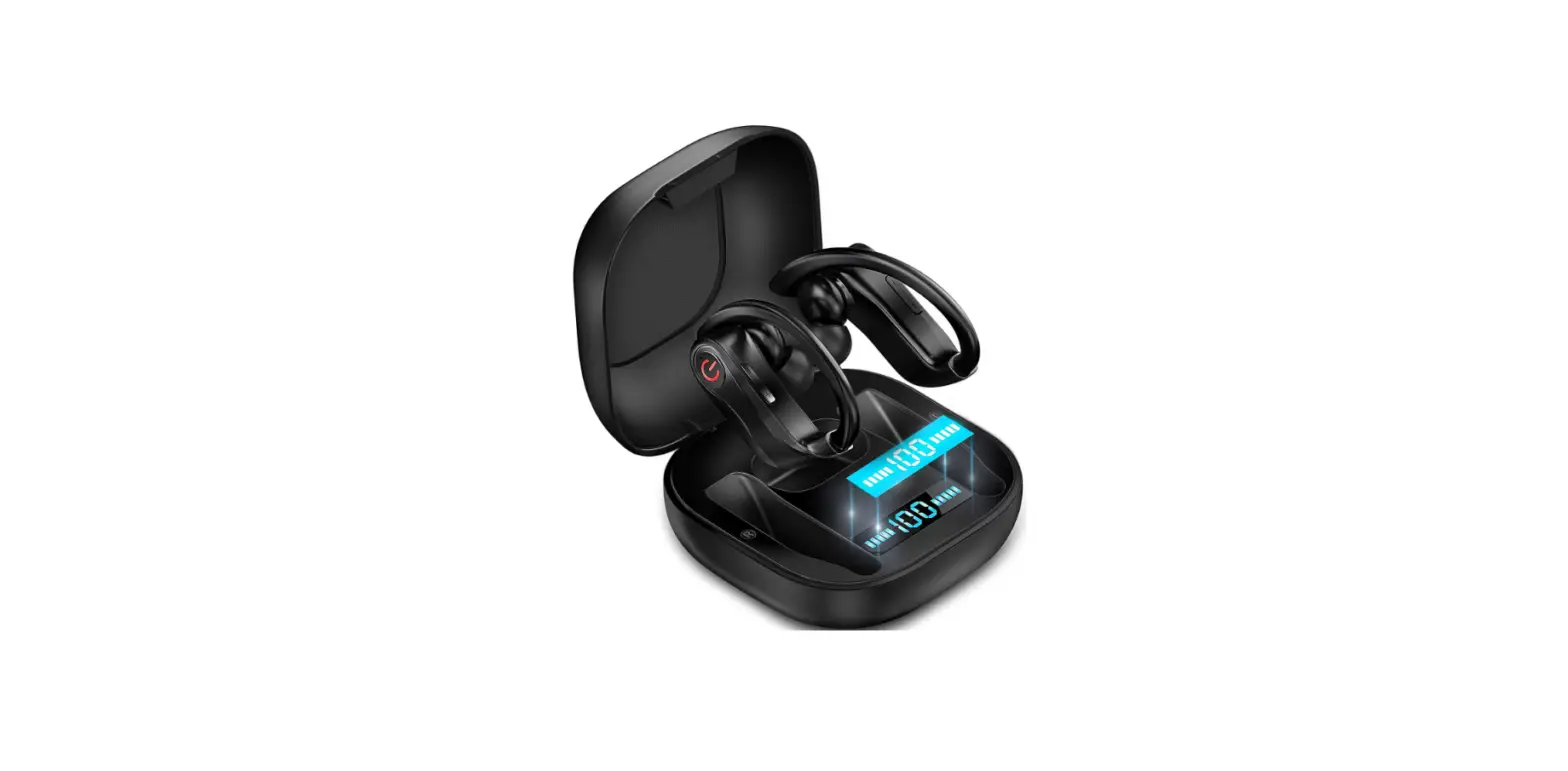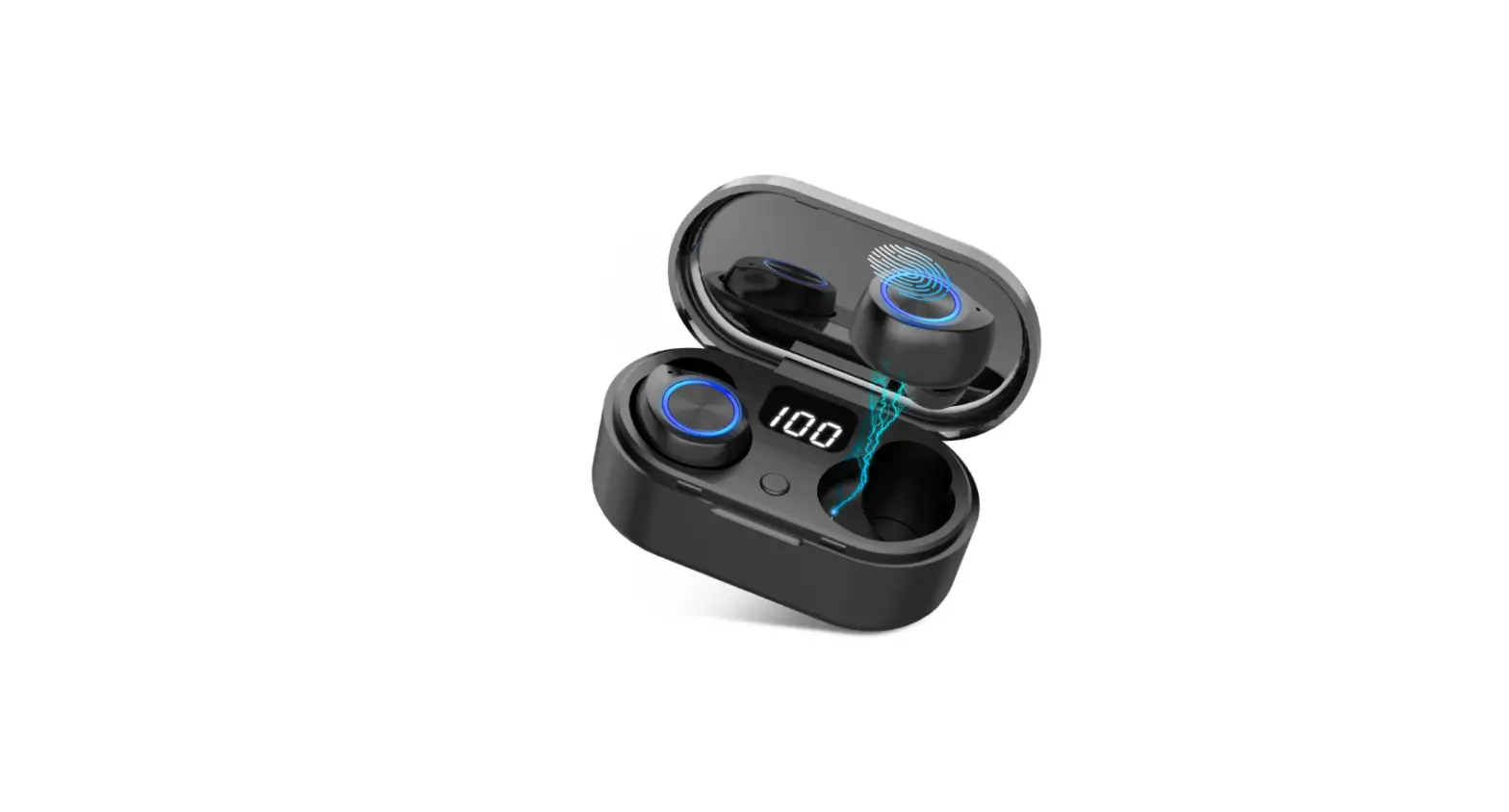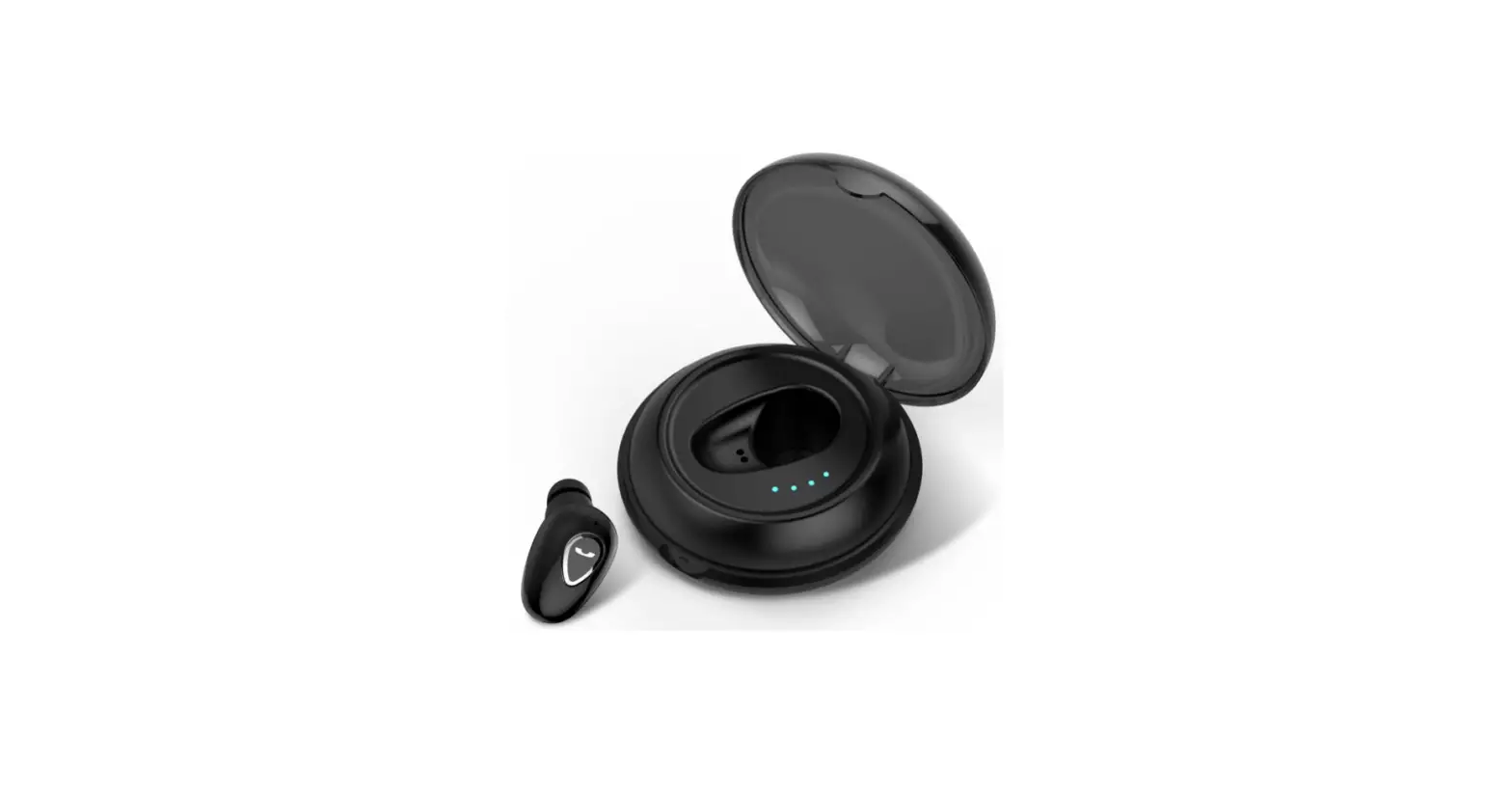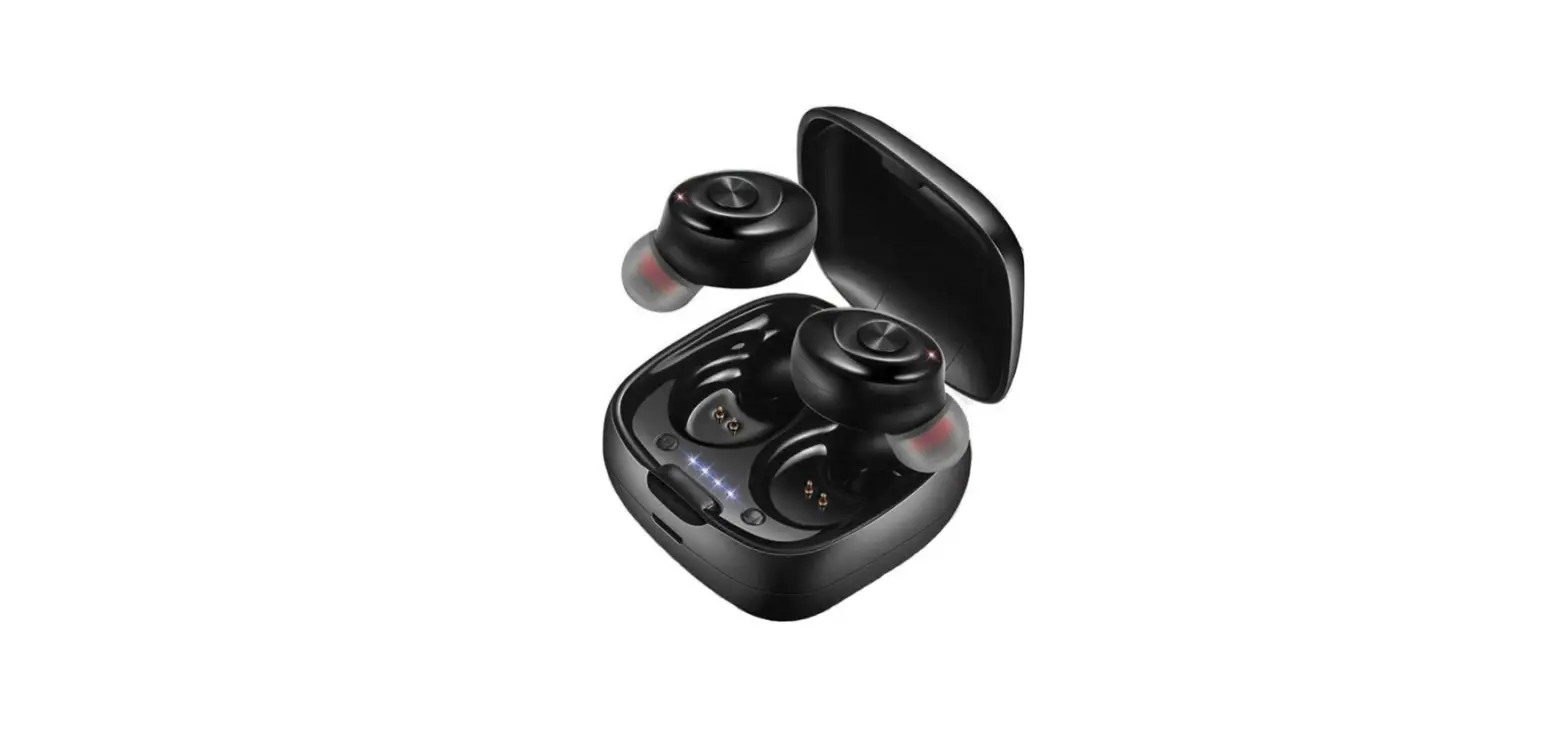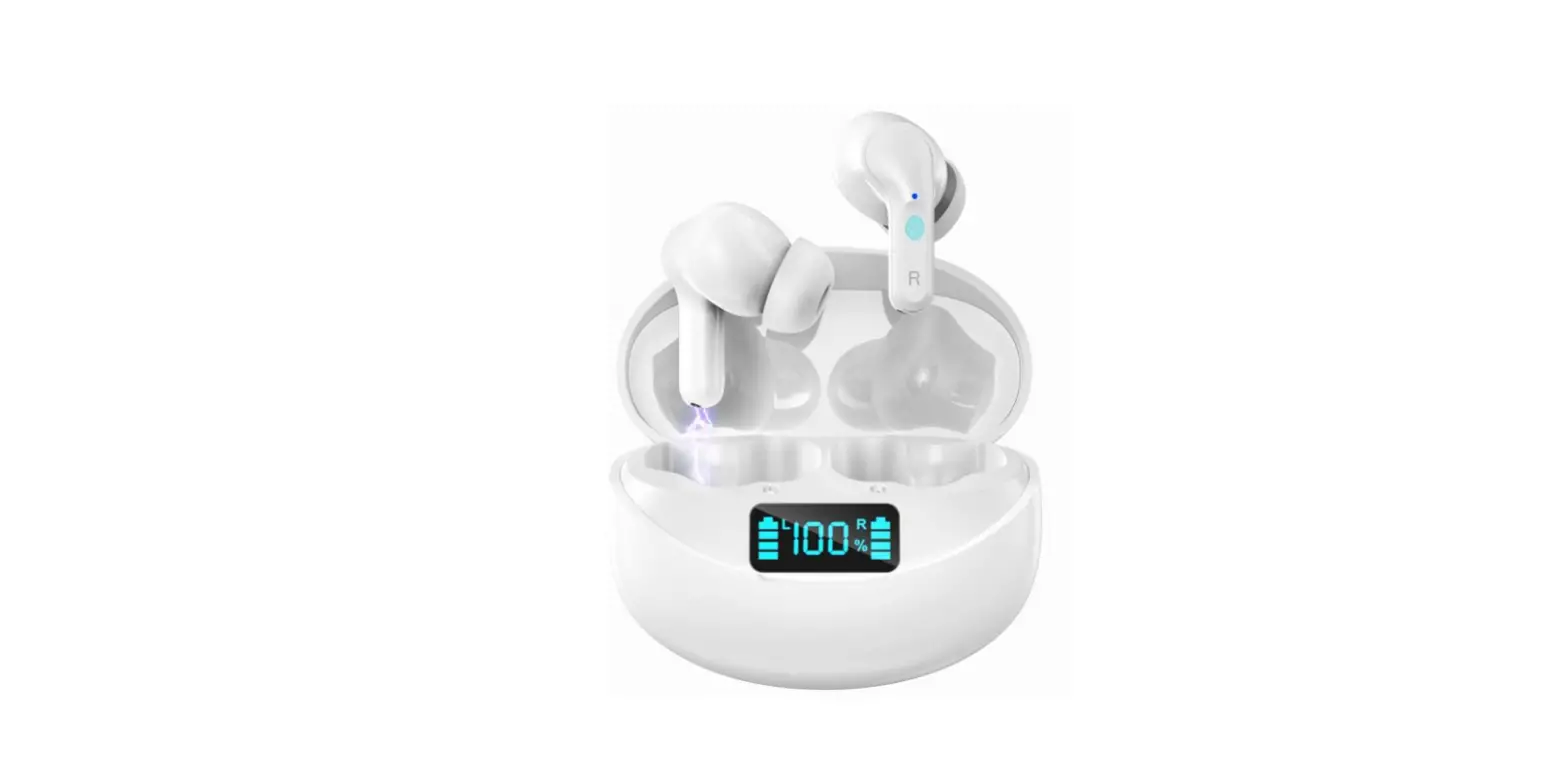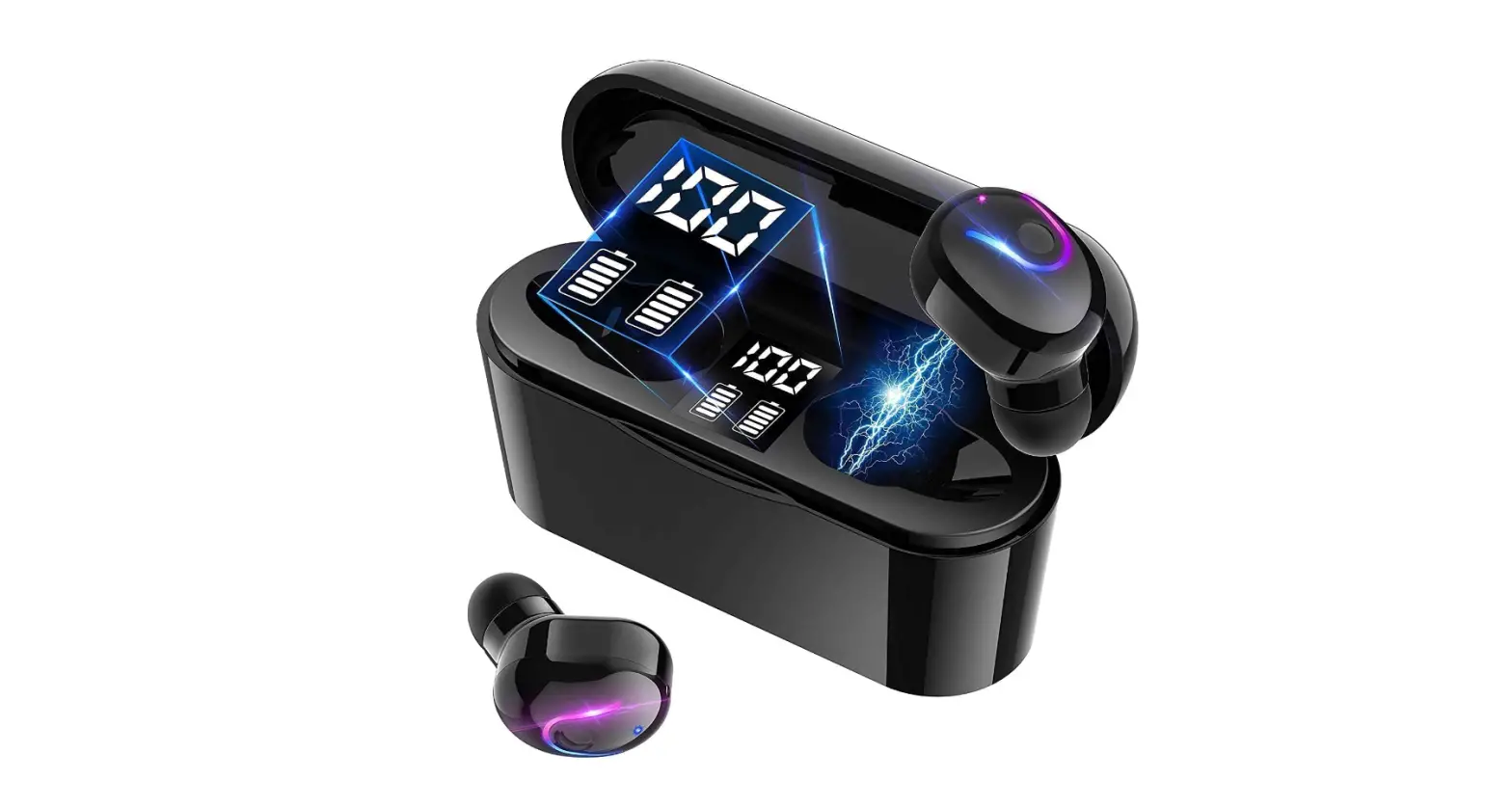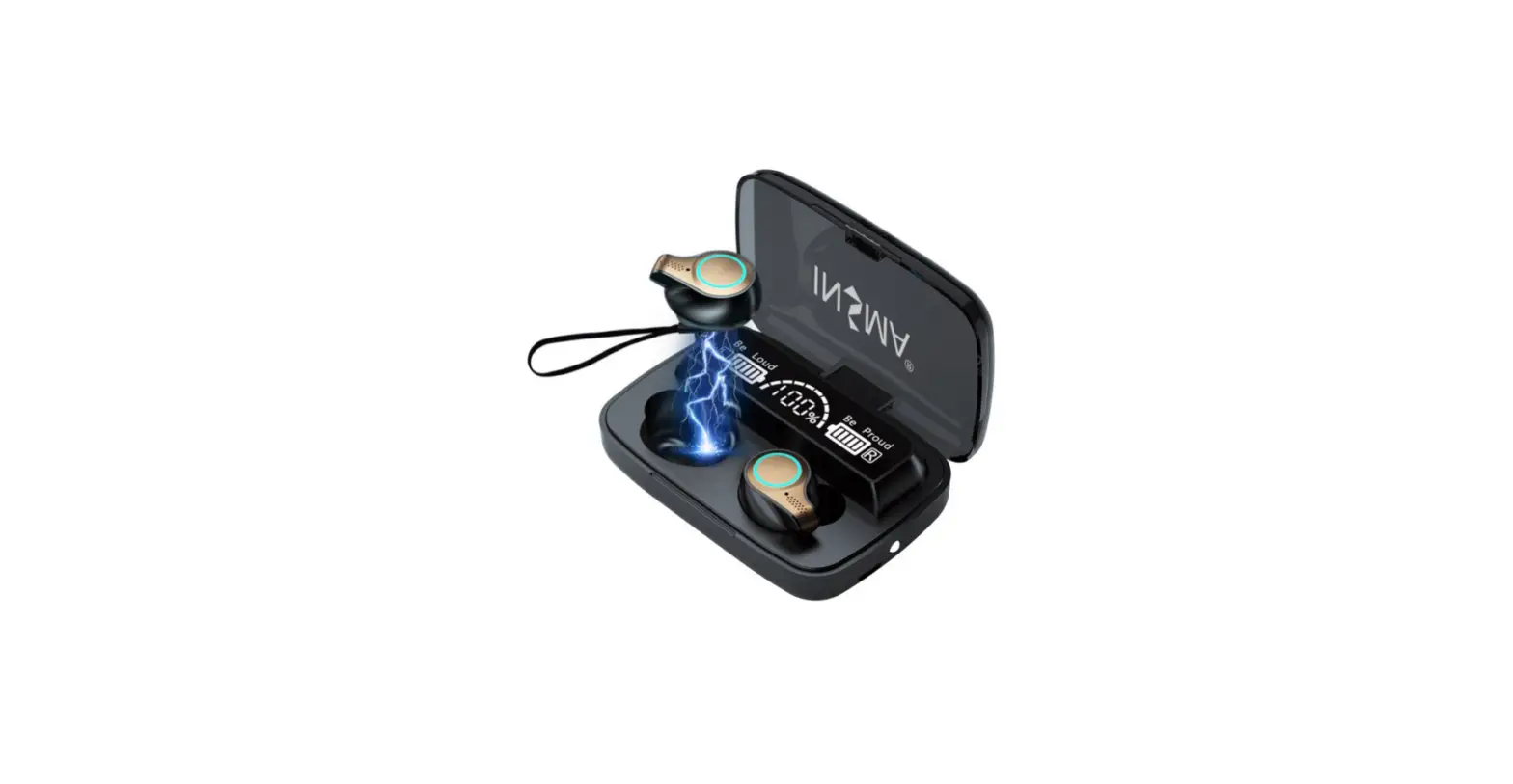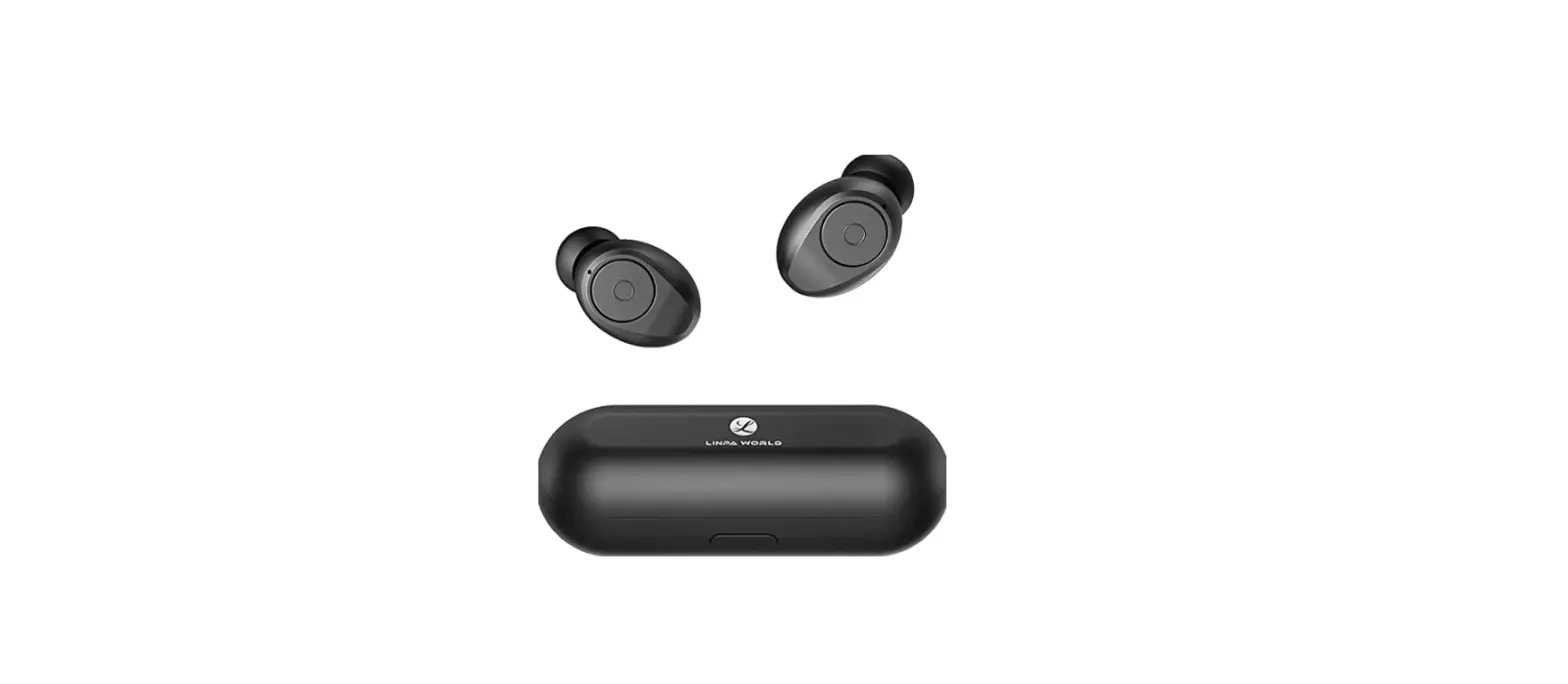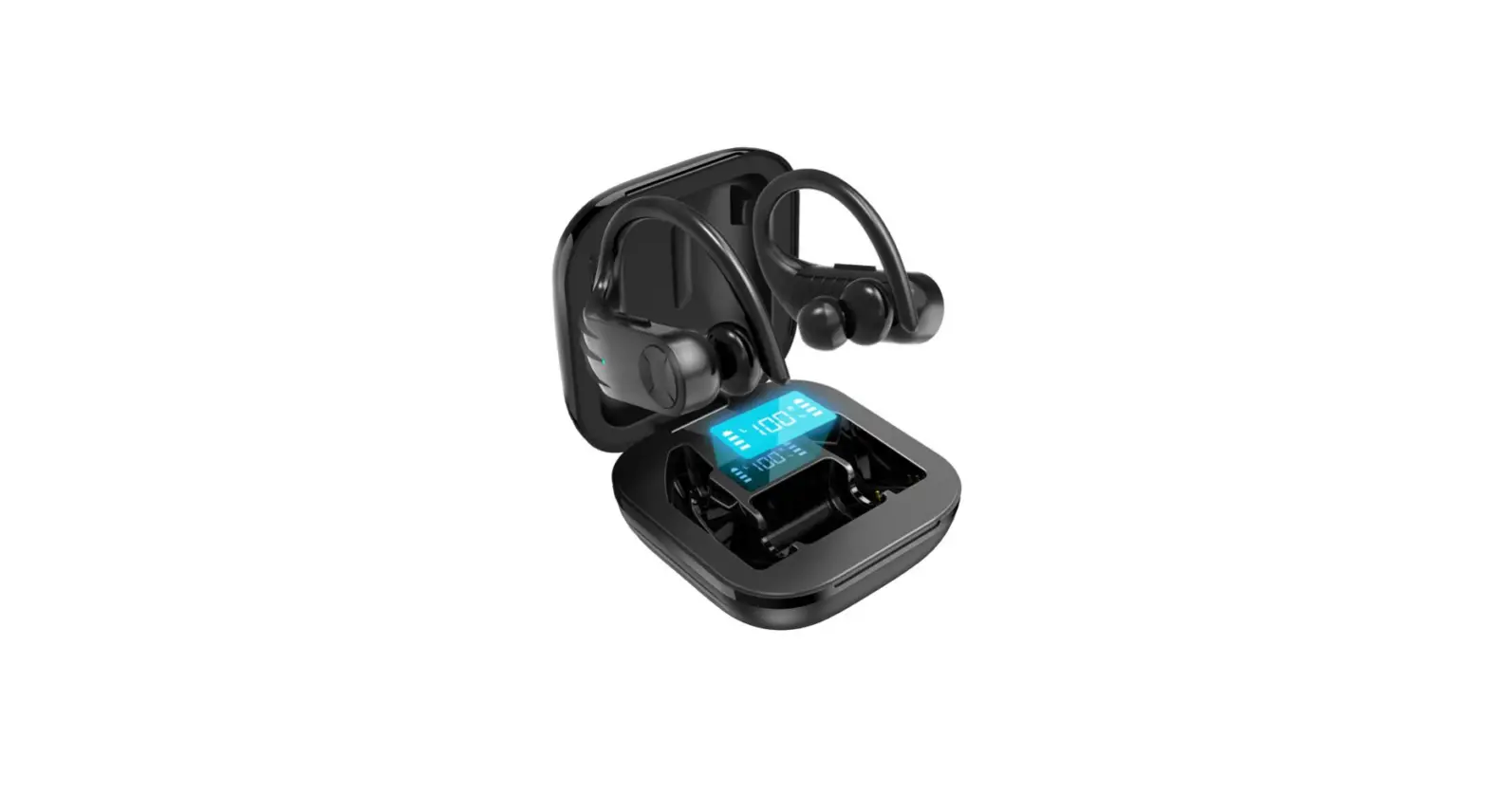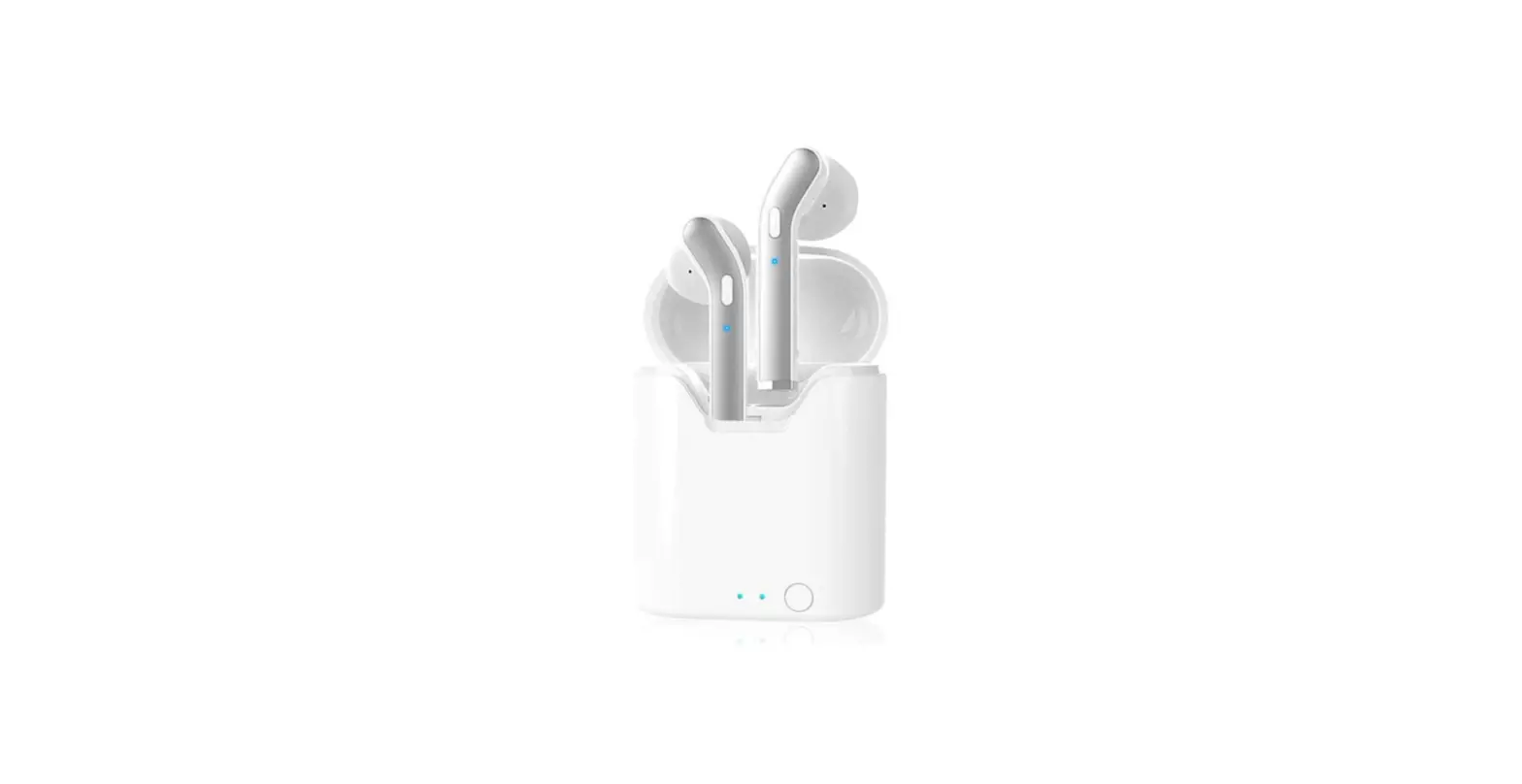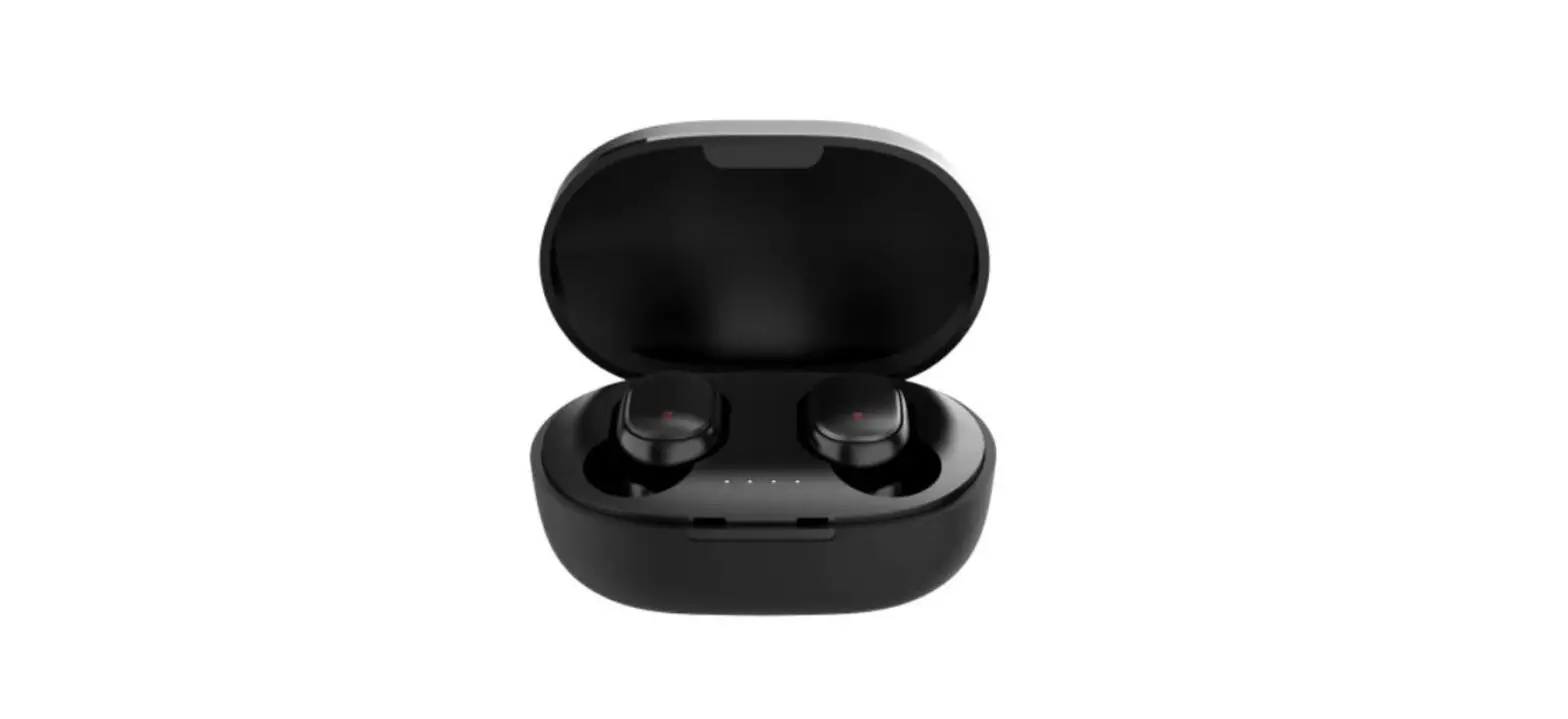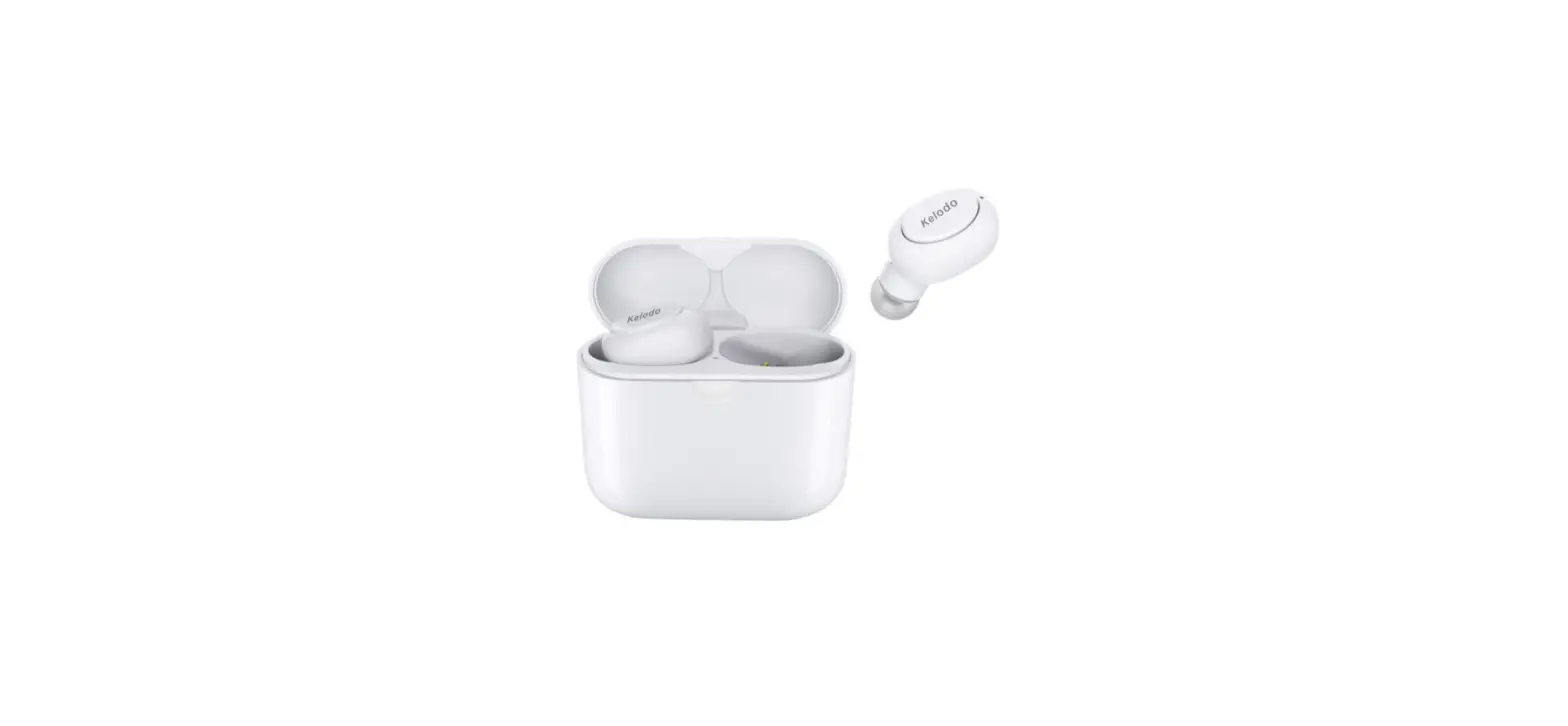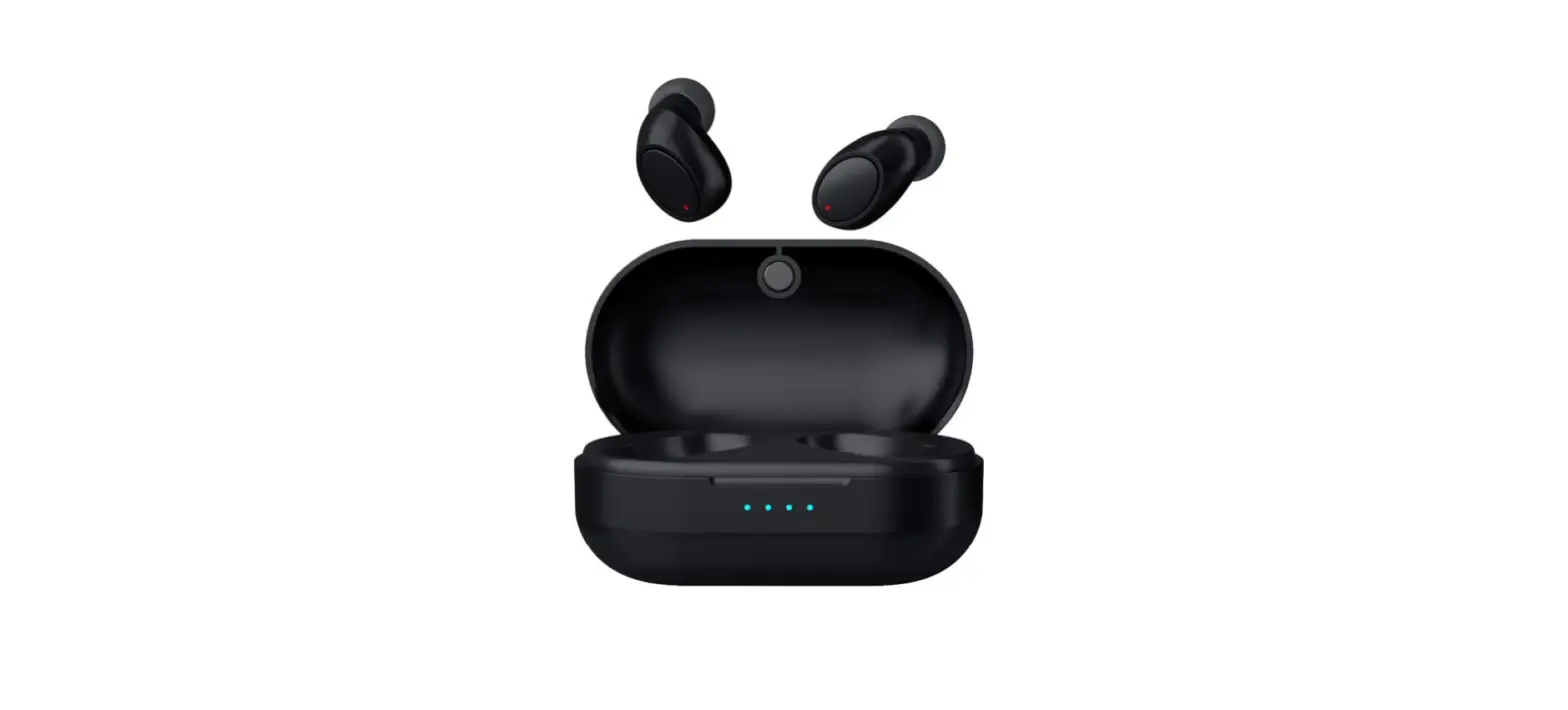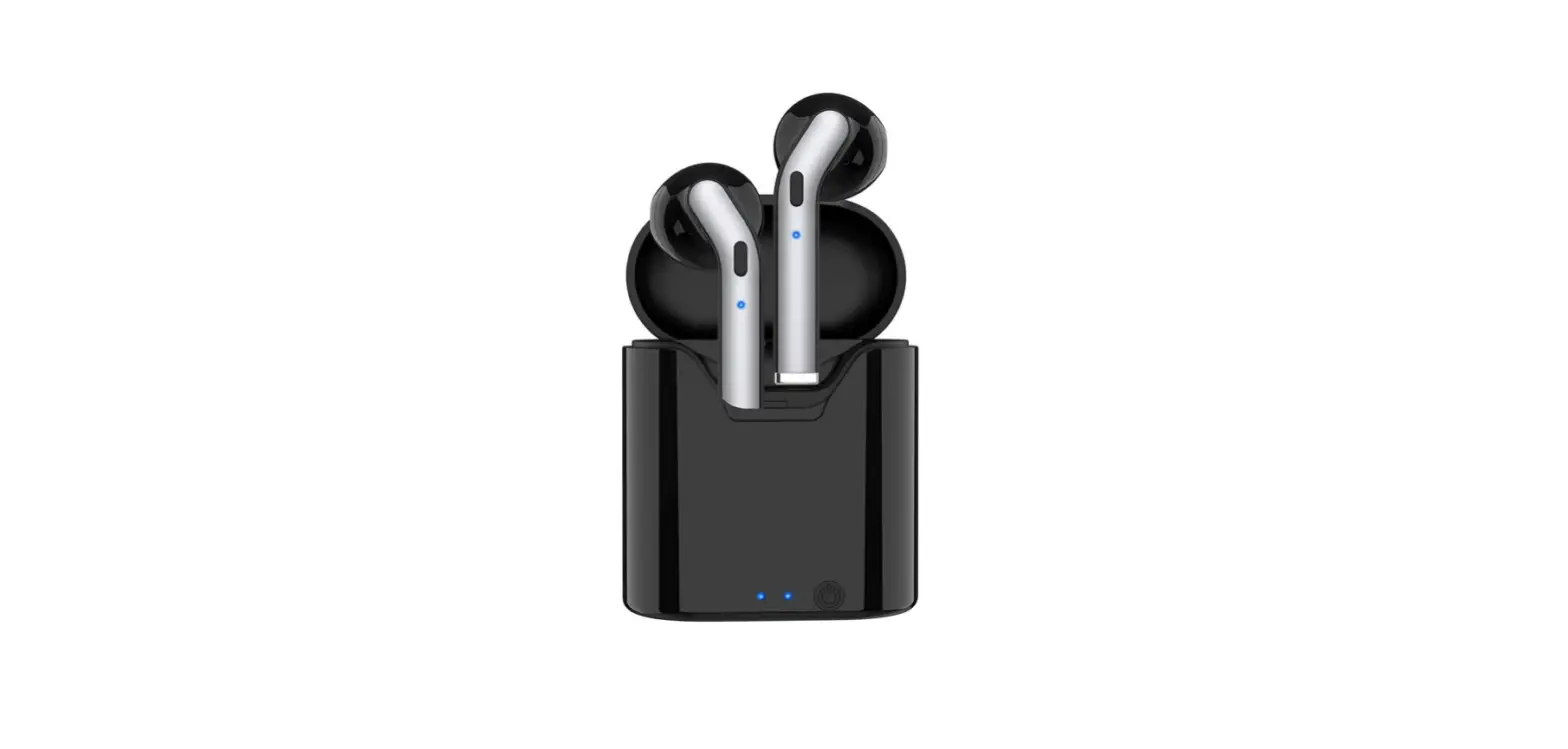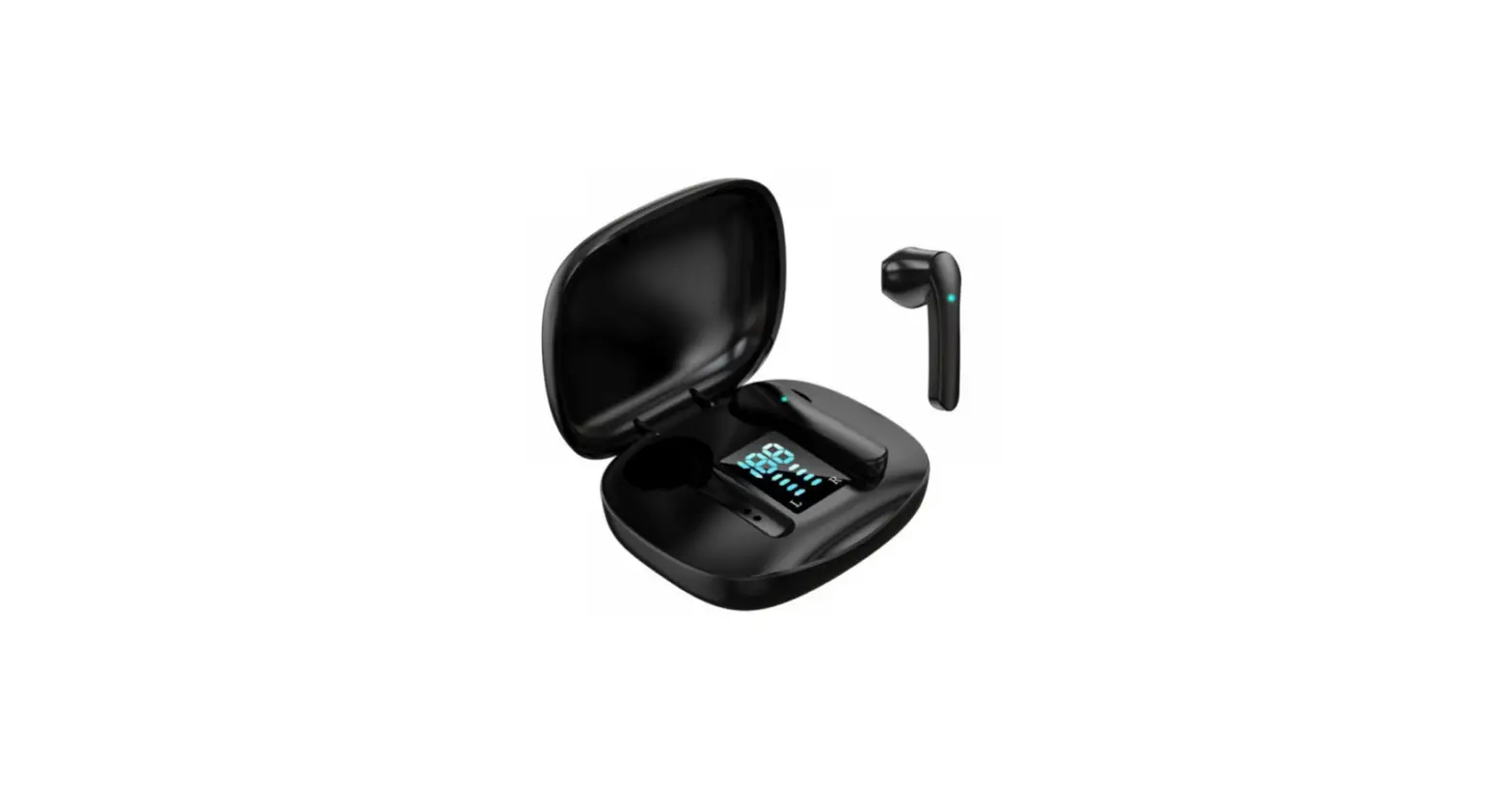

True Wireless Earbuds, TONSTEP Bluetooth 5.1 Headphones
Introduction
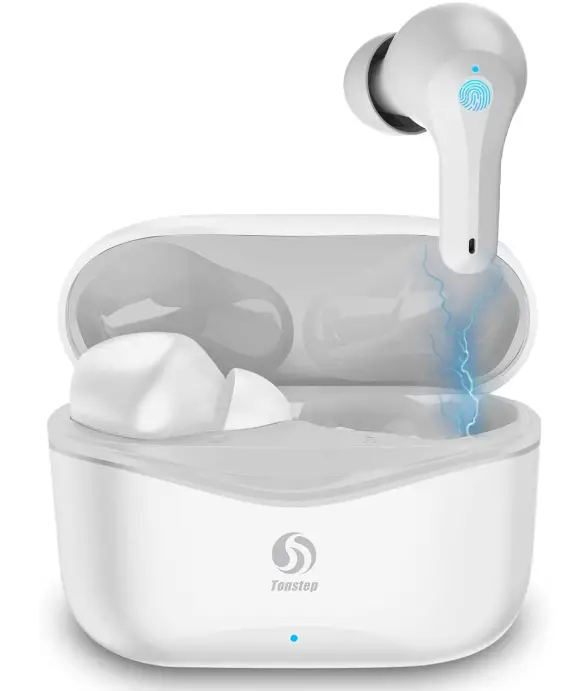
The Tonstep Q7 Bluetooth earbuds’ all-in-ear design and composite diaphragm moving coil unit produce a rich, full sound that has a genuine sensation of hearing, recapturing the dynamics and authenticity of the original music. gives you a realistic sound that makes listening seem as though you are actually there. True Wireless Earbuds use the most recent Bluetooth 5.1 technology, which significantly increases the transmission speed and allows for high-quality calls and low-latency listening. It provides you with a reliable connection over a sufficient distance (10–15 metres). Bluetooth wireless earbuds include an ergonomic, lightweight design that fits in your ear comfortably and securely; Three different silicone ear caps sizes are included, allowing for a custom fit and all-day comfort with no discomfort. They are comfortable and stay in your ears securely while exercise or jogging.
Enjoy your earphones all day with a 5-hour playtime from a single charge and an additional 25-hour playtime from the charging case. Moreover, a type-C cable is included for quicker charging. Touch Control in wireless Bluetooth earphones helps to significantly reduce the strain on your ears when you click the button for various purposes. Tap once to answer calls, twice to switch songs, and once more to activate the voice assistant. It is simple to control without using the phone.
APPEARANCE
- PRODUCT SPECIFICATION
- BLUETOOTH VERSION: V5.2
- CHARGING VOLTAGE/CURRENT: DC 5V/1A
- STAND-BY TIME: 100 days
- TRANSMISSION DISTANCE: 10m -15 m
- TALKING TIME: 2 hours
- FREQUENCY RANGE: 20-20000 Hz
- CHARGING TIME: 1.5 hours
- CHARGING CASE BATTERY: 300 mAh
- EARBUD BATTERY: 30 mAh
- PLAYING TIME: 5 hours
- PRODUCTS USE: If earphones lose pairing function, Put the earphones into the charging case and take it out again.
POWER ON
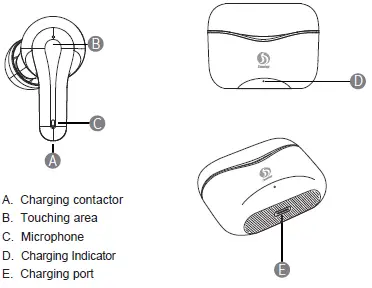
Take the earphone out of the charging case, the earphone will power on automatically. Or manually press the touching area 3 seconds to power on. (if the charging case standby for a long time, it will default without power, but earphones still with power, just press the touching area 3 seconds, then will power on)
POWER OFF
Put the earphones into the charging case with lid closed or long press the earphone 5 seconds to power off. (if earphones not connected for 3 minutes, will power off automatically)
BLUETOOTH PAIRING
After the earphones power on, will be in auto pairing mode. Open the mobile and find Bluetooth “Q7” to connect and pair, it will pair successfully within 3 seconds with an indication sound to show it connected.
CHARGING INDICATION
Use a Type-C charging cable to charge the charging case. The red light flashes while the charging case under charging. The red light stays on when it full charged. When the case charging earphones, the white light of the case stays on and goes off when earphones full charged. When the white light of the charging case flashes, please charge the case promptly.
PHONE CALL MODE
When a call comes in, synchronize with the phone’s ringtone, touch any earphone to answer the call, touch any earphone to hang up during the call, When a call comes in, long press 2S to reject the call.
HOW TO USE THE EARPHONE?
- Single-touch left or right earphones: Play/Pause, Answer/Hang up
- Double-touch: Left earphone > Last song, right earphone > Next song
- Triple-touch: Left earphone > Volume -, right earphone > Volume +
- Long press left or right earphone 3 seconds: Activate voice assistance
SAFETY INFORMATION
Before using and operating the earphones, please read and follow the below precautions to ensure the best performance of it and to avoid dangerous or illegal situations.
ELECTRONIC DEVICES
- Do not use this device in the place where wireless devices are prohibited, otherwise it will interfere with other electronic devices or cause other dangers.
MEDICAL EQUIPMENT INTERFERENCE
- In medical and health care places where the use of wireless devices is prohibited, please follow the rules and turn off the device.
- The radio waves generated by the device may affect the normal operation of implanted medical devices or personal medical devices, such as pacemakers, cochlear implants, hearing aids, etc. If you use these medical devices, please consult the manufacturer for restrictions on the use of this device.
- When using this device, please keep at least 15 cm away from implanted medical devices (such as pacemakers, cochlear implants, etc.)
HEARING LOSS
- Listening to sound at a high volume may permanently damage your hearing. When you use earphones to listen to music or calls, it is recommended to use the minimum volume required for music or calls to avoid hurting your hearing.
- Exposure to high-level volume while driving, driving attention may be distracted and cause accidents.
OPERATING ENVIRONMENT
- Do not use the device in dusty, sharp, compact or near magnetic fields to avoid failure of the internal circuit of the device.
- When installing the device, please keep away from strong magnetic fields or electrical appliances with strong magnetic fields, such as ovens and refrigerators.
- Do not use the device in thunderstorm weather. Thunderstorm weather may cause equipment failure or electric shock hazard.
- Please use the device within a temperature range of -10 ° C ~ + 55 ° C, and store the device and its accessories within a temperature range of -40C ~ + 70 ° C. When the ambient temperature is too high or too low, it may cause device function failure. When the temperature is below 5 ° C, the performance of the battery is limited.
- Do not place the device in direct sunlight, such as the dashboard or window sill of a car.
- Do not place the device near heating sources or exposed fire sources, such as electric heaters, ovens, water heaters, stoves, candles, or other places that may generate high temperatures.
- Do not place sharp metal objects such as pins near the device’s earpiece or speaker, otherwise the metal objects may adhere and cause injury to you.
CHILD HEALTH
- This device and its accessories may contain some small parts. Keep the device and its accessories in a place out of children’s reach. Children may inadvertently damage the device and its accessories, or swallow small parts, causing suffocation or other hazards.
- This device is not a toy; children should use this device under adult supervision.
BATTERY SAFETY
- Do not disassemble or modify the battery, or immerse in water or other liquids, to avoid battery leakage, excessive, fire or explosion.
- Do not drop, crush or puncture the battery. It can cause internal short circuits and overheating.
- This device is equipped with a non-removable built-in battery. Do not replace the battery yourself to avoid damage to the battery or device. The battery can only be replaced by Huawei Customer Service Center.
- Please dispose batteries in accordance with local regulations. Do not dispose batteries as household waste. Improper disposal of the battery may cause the battery to explode.
CHARGER SAFETY
- When charging the device, the power socket should be installed near the device and should be easily accessible.
- When charging is completed or not charging, disconnect the charger from the device and unplug the charger from the power outlet.
ENVIRONMENTAL PROTECTION
- Do not dispose this device and its accessories as ordinary household garbage.
- Please abide by the local laws and regulations on the handling of this device and its accessories, and support recycling operations.
PRECAUTIONS:
- The earphones should be stored in a dry/ventilated environment and avoid contacting with oil, water vapor, steam, moisture and dust to prevent the performance of the product.
- Avoid using harsh organic solvents or items containing these ingredients to clean the earphones.
- The earphones should be used correctly according to the requirements, and pay attention to the effect of the environment on the product. Make sure the connection is smooth and recommend a distance between them within 10 meters.
- If the earphone failed to connect or with poorly connection, please do not dismantle them or the accessories privately. Otherwise, no warranty.
- To ensure the normal use of the earphones, please make sure they are fully charged.
WARRANTY SERVICE
- During normal use of this product, if the product has non-artificially damage performance failure. From the date of the purchase, consumers enjoy a free warranty period with 12 months.
- In one of the following circumstances, consumers cannot enjoy the free warranty benefits:
- Artificially damage.
- Exceeds the warranty period.
- Cannot provide valid proof of purchase.
- Failure to use and maintain the product in accordance with the instructions.
- Unauthorized, dismantle or repair the products privately or product was soaked.
- Other damage caused by force majeure.
PACKING LIST:
- Wireless earphones
- USB charging cable
- User manual
- Charging case
Frequently Asked Questions
Pick up the two headsets from the charging base, turn them on, and within 10 seconds they will automatically go into pairing mode. After a short period of time, two headsets were connected. The headset (R) began to flash alternately red and blue before the phone’s Bluetooth device was opened to conduct a search.
Your device’s Bluetooth setting should be disabled. Earbuds will automatically turn on when you remove them from the case. To manually sync them, double-press the left and right earbuds at the same time. NOTE: Give it another shot if it doesn’t work the first time.
Depending on the audio settings on your headset, it might only play in one ear. So, make sure the mono option is off in your audio properties by checking your audio properties. Make sure the voice levels on both earbuds are balanced as well.
After 10 seconds, the earbud’s indicator becomes red, and it turns off when the device is turned off. Fully Powered When electricity is cut off to the charging case, the white indicator on the charging case turns off. You will receive a voice message if the earphones’ battery is low.
Press the buttons on top of the earbuds twice fast and simultaneously to sync them. They should begin to pulse or breathe in blue and then begin flashing (searching for a device). Turn off your Bluetooth and remove the earbuds from their case.
Try twisting and taping the cord to restore sound if a single earbud periodically loses sound. If twisting the wire doesn’t work, you might have to open the earbud and, if you can, solder the connection. You might occasionally need to purchase new earbuds.
In order to reconnect to your headphones, you must first switch off your source device before turning it back on. As previously noted, the problem might be fixed by first unpairing your earbuds from the source device and then repairing them.
Make sure the audio source has stereo output capabilities if you can only hear audio coming from the left side of your headphones. IMPORTANT: Only the left side of the room will hear sound from a mono device. A device will typically be mono if it has an output jack marked “EARPHONE,” while a device with an output jack marked “HEADPHONE” will typically be stereo.
The majority of cases have a lithium-ion battery that keeps the earphones charging until they are fully charged. The earbuds should always be kept on hand just in case.
Your headphones’ red or amber flashing usually indicates that the battery is getting low. A medium battery level shown by an orange light may indicate that you need to charge the headphones in the next few hours.