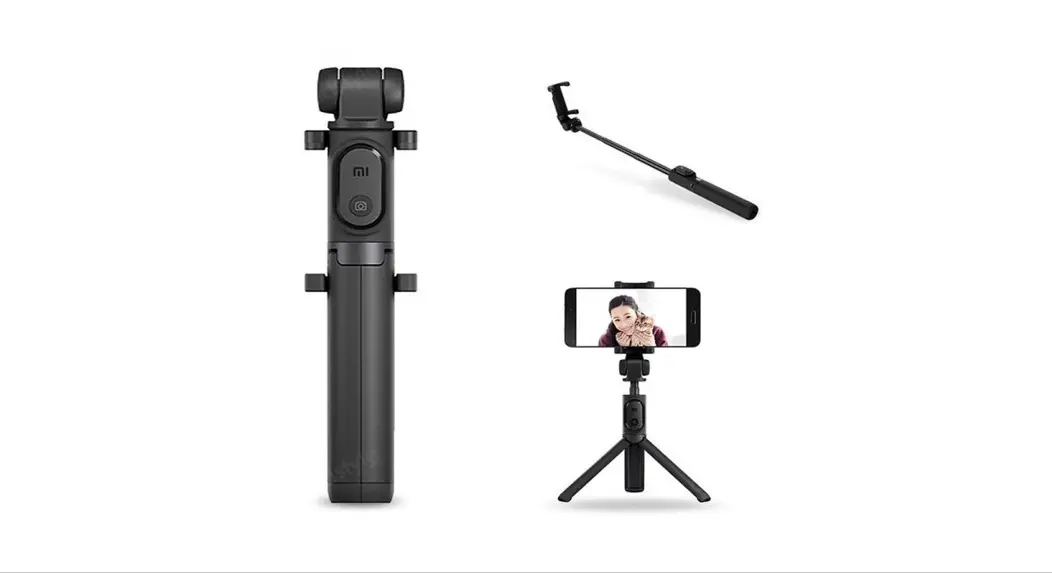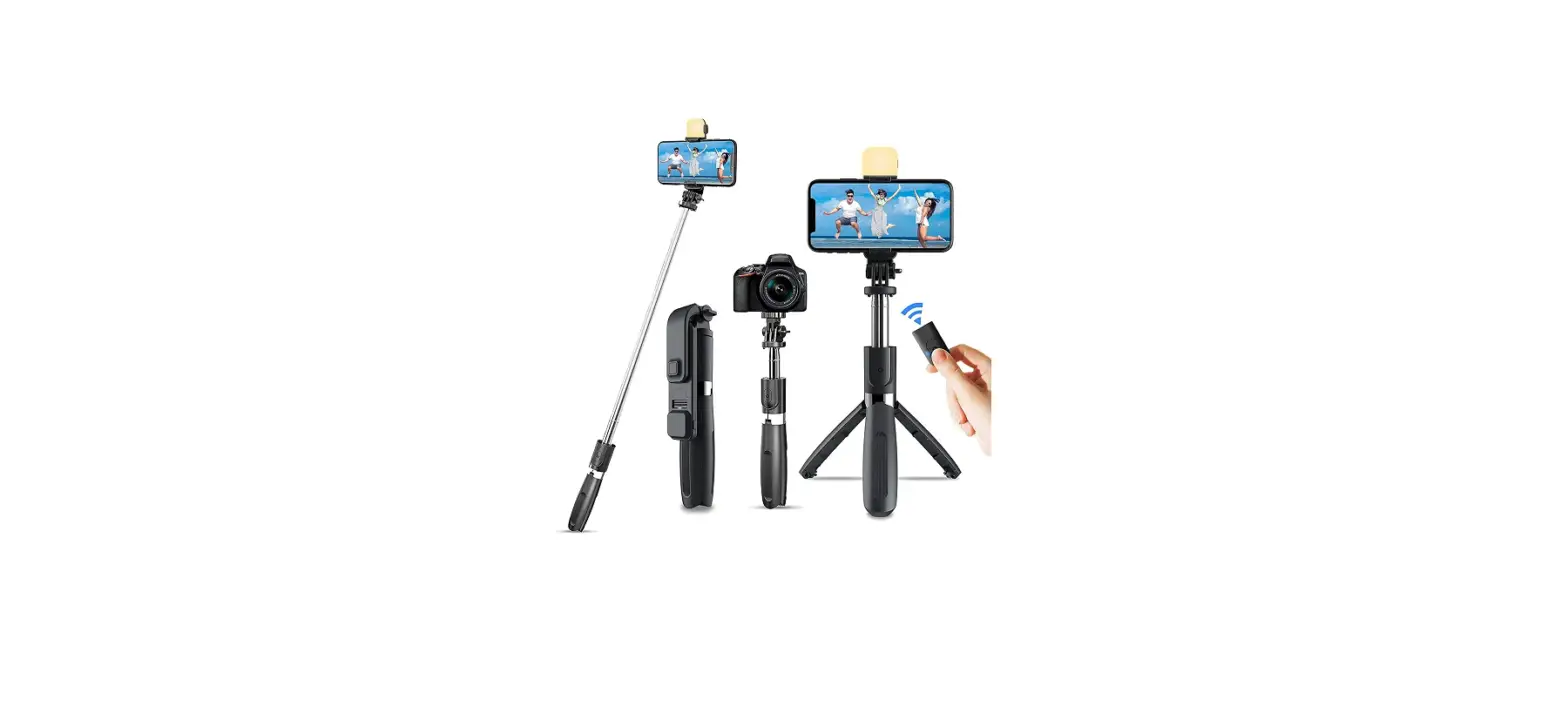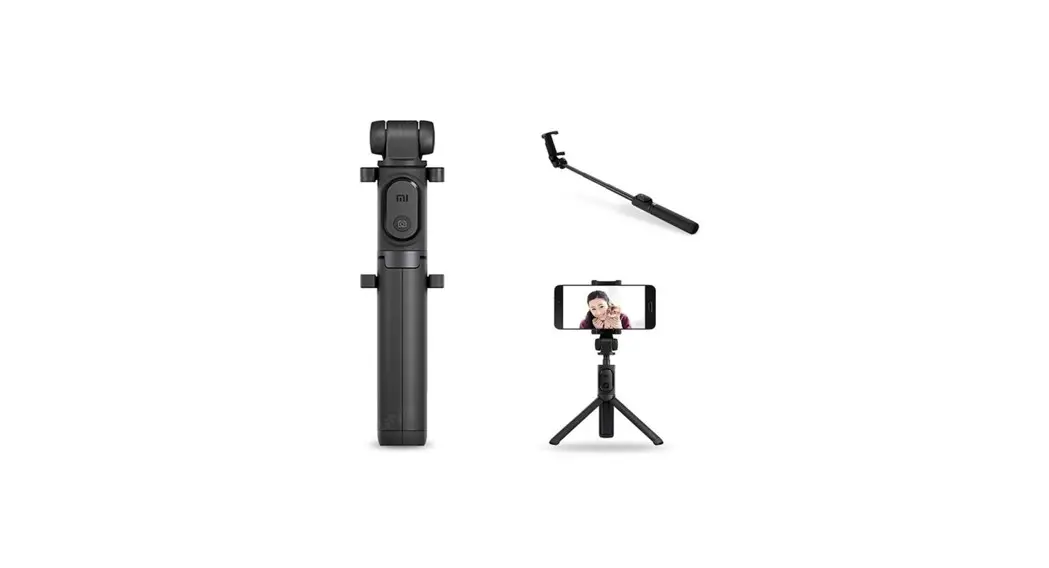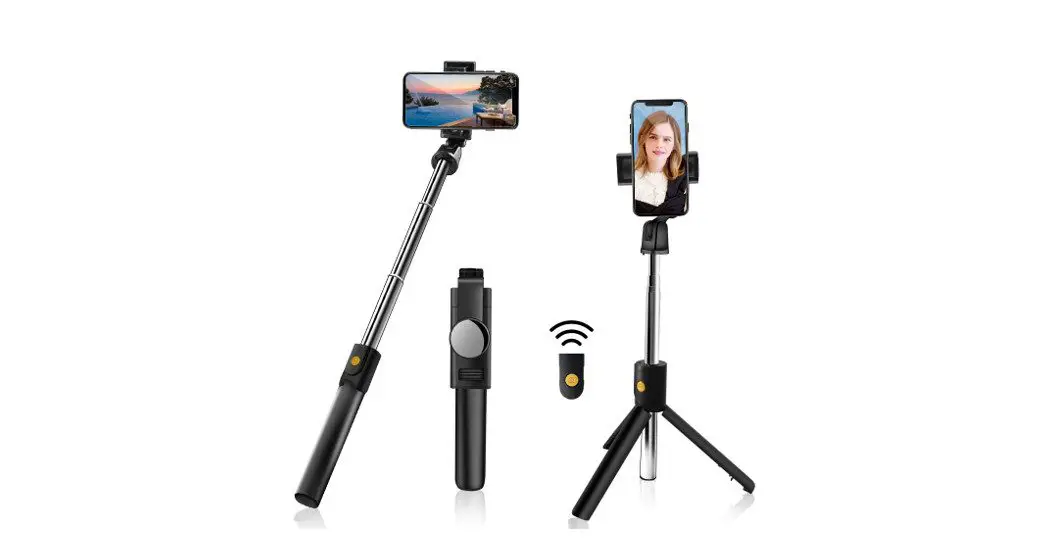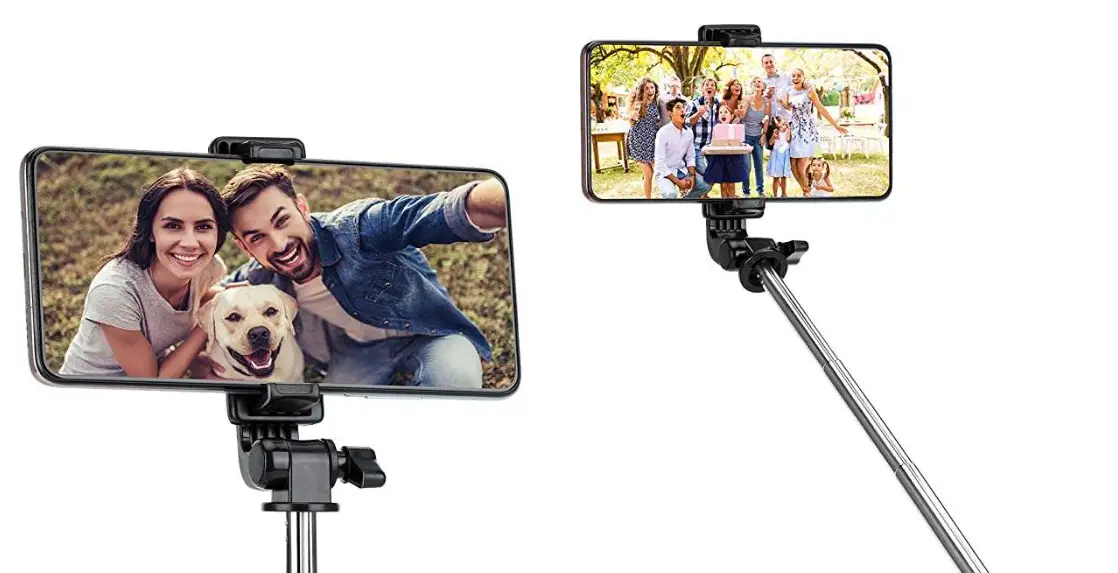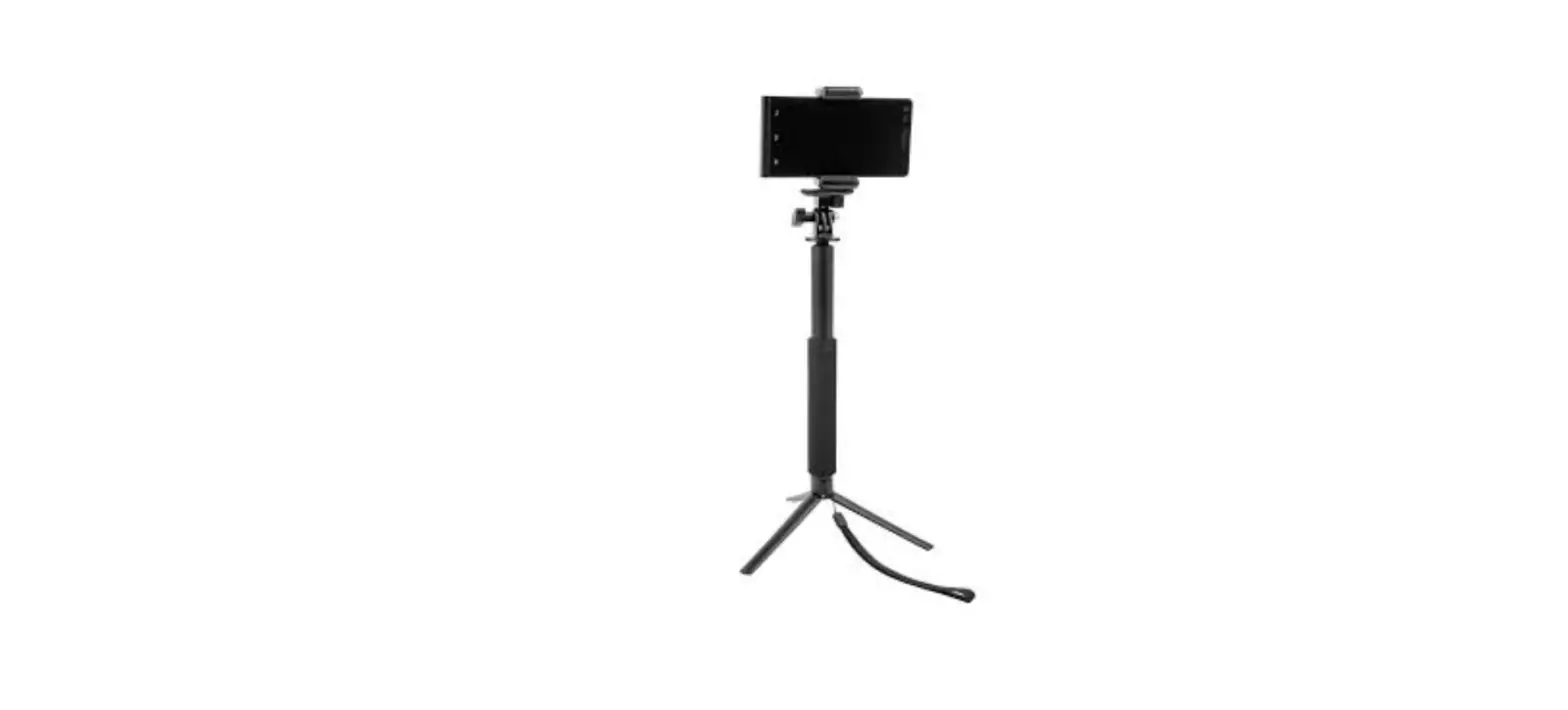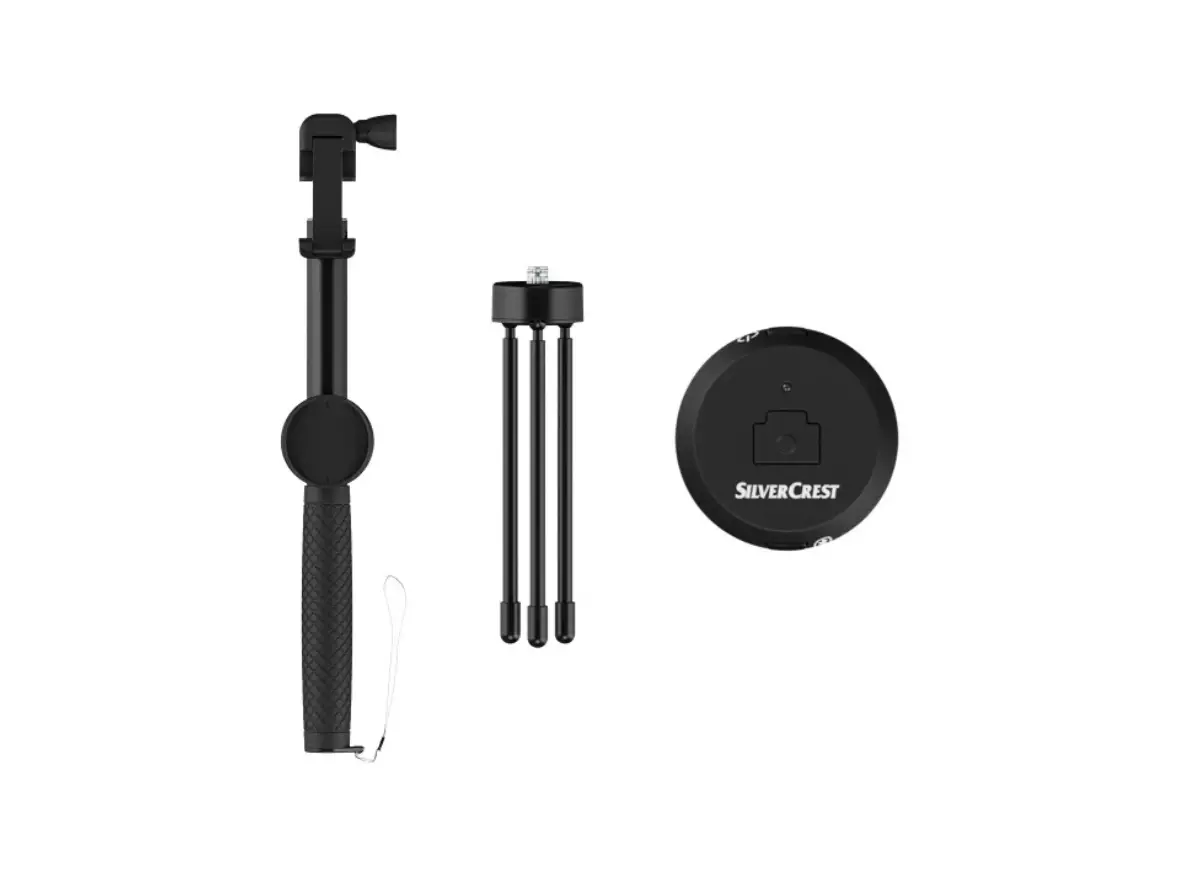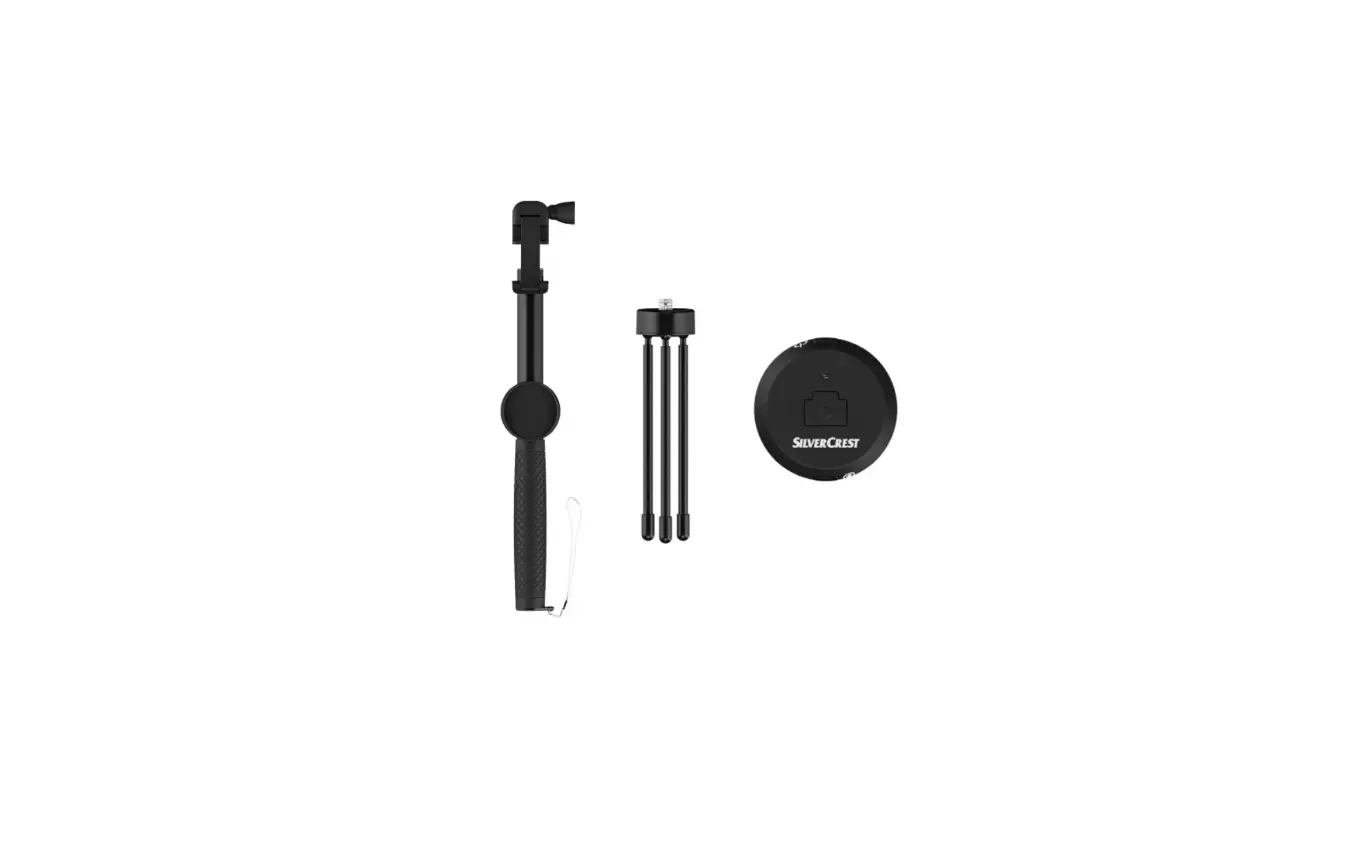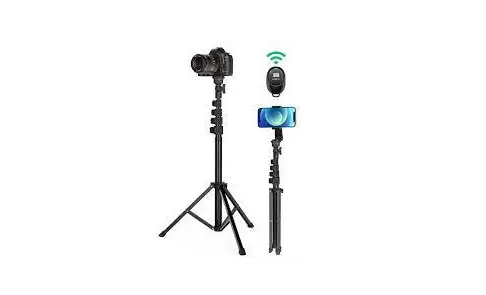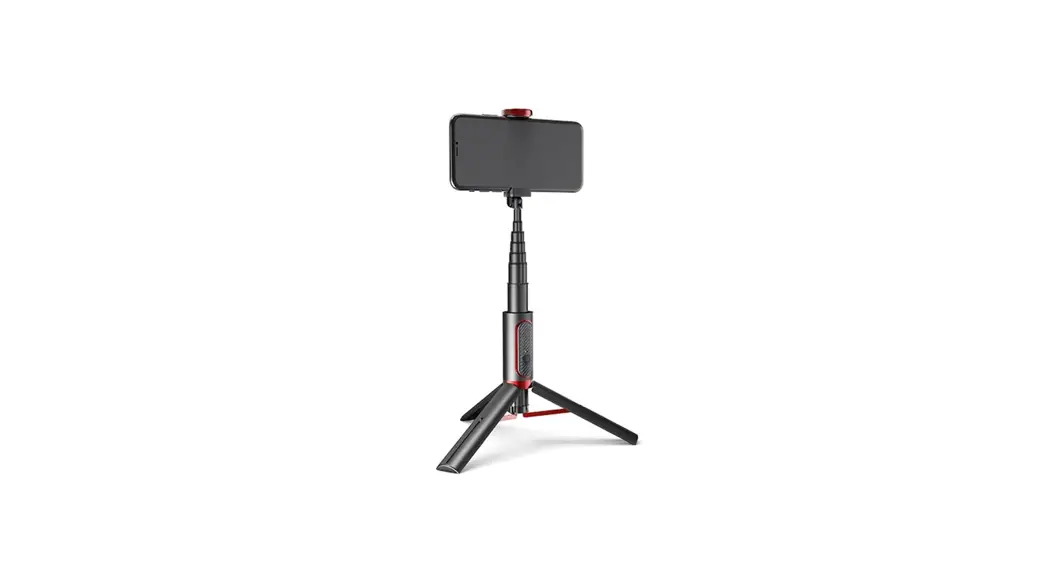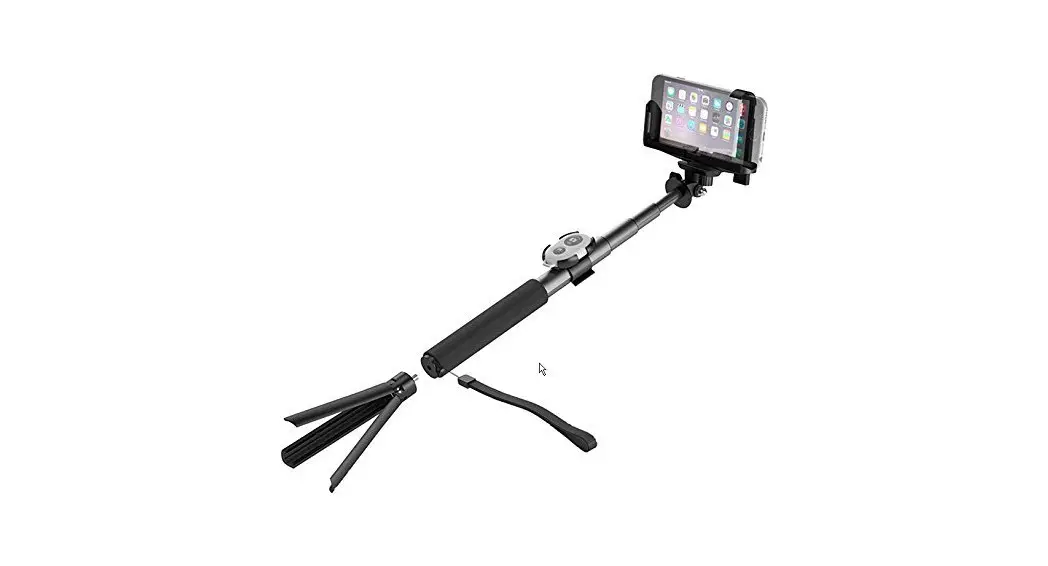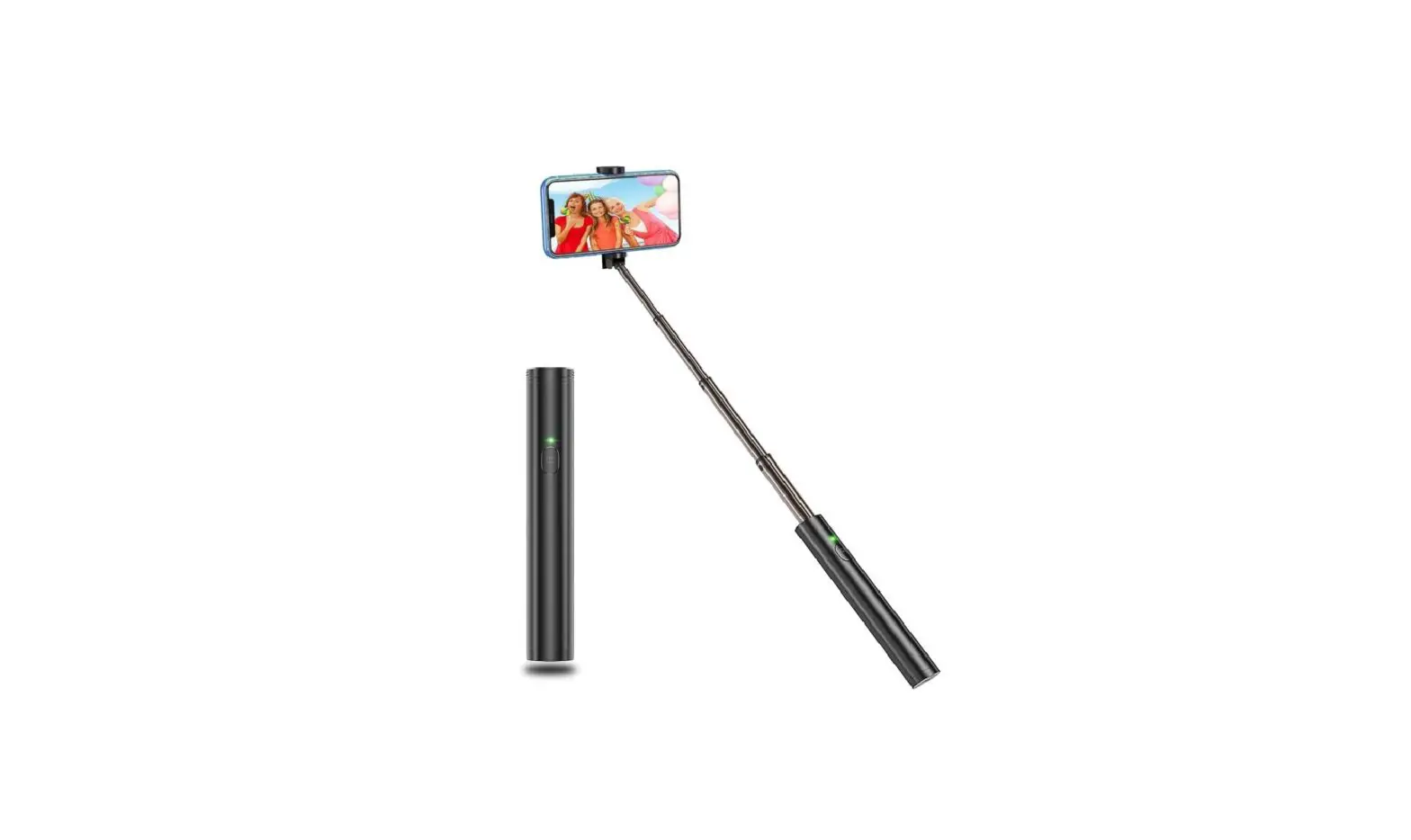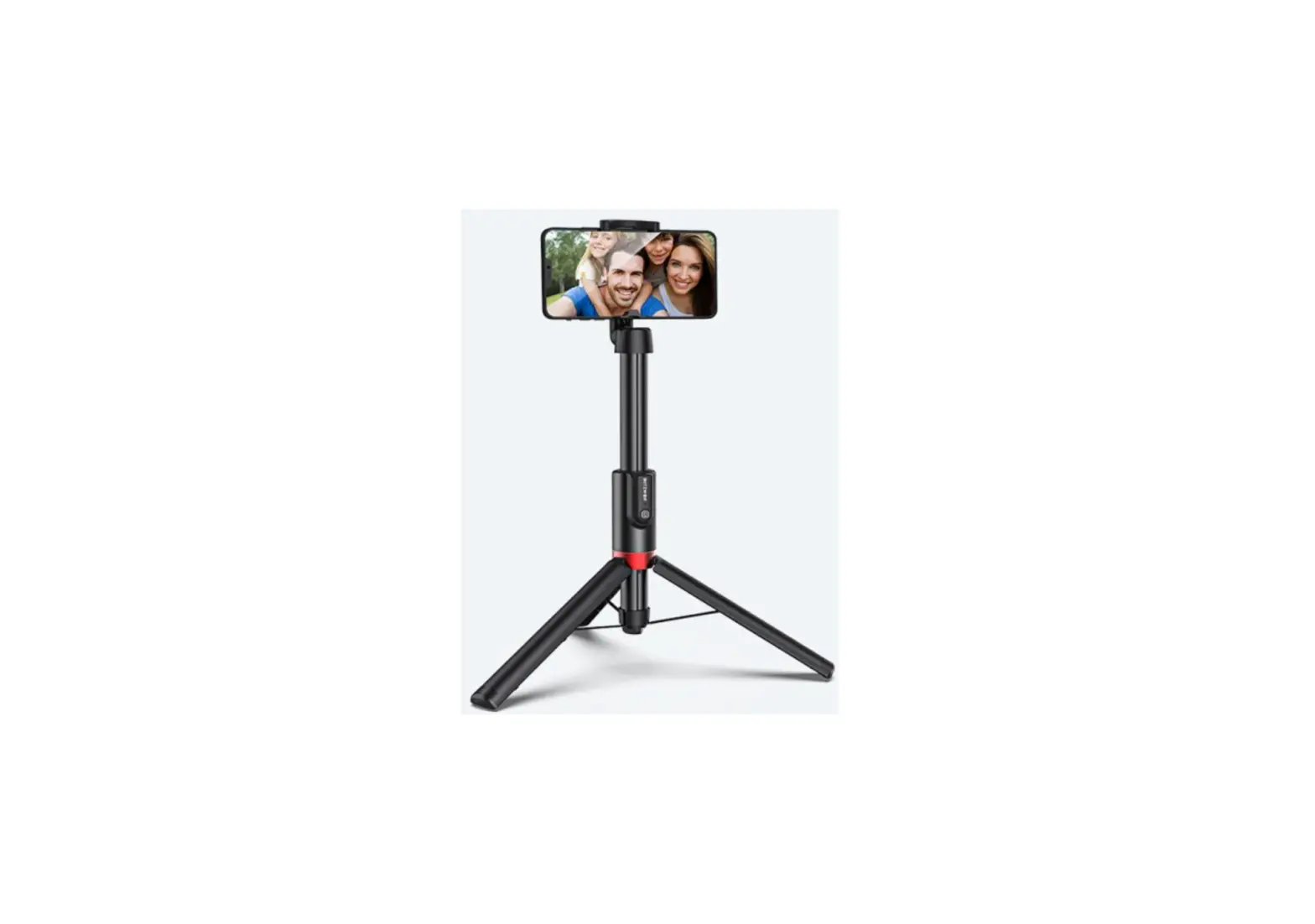
BliTZWOlF BW-BS10 Plus Multifunctional Bluetooth Compatible Selfie Stick
Product description
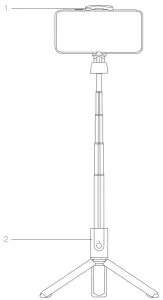
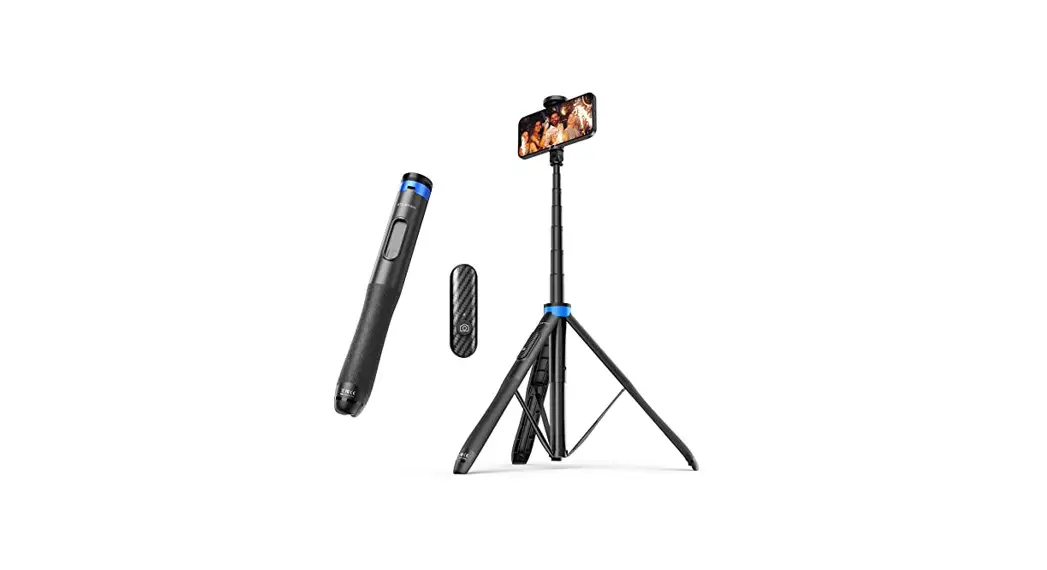
- Phone folder
- Tripod
Specifications
| Model | BW- BS10 Plus |
| Unfolded length | 1300mm(±10rnm) |
| weight | 265g |
| Size | 55*31 . 5*236mm |
| Battery | 50 mAh |
Open Tripod
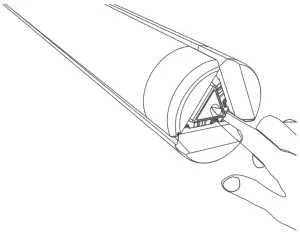
- Press the triangle button at the bottom of the product before use.

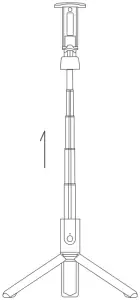
- Pull the telescopic rod out to a proper length. The length of the stick is adjustable.

Note:
Tripod legs will be automatically released and closed when you stretch and retract the telescopic rod. Please do not put your hands direclly on the surface of tripod legs to avoid being pinched.
Bluetooth Connection
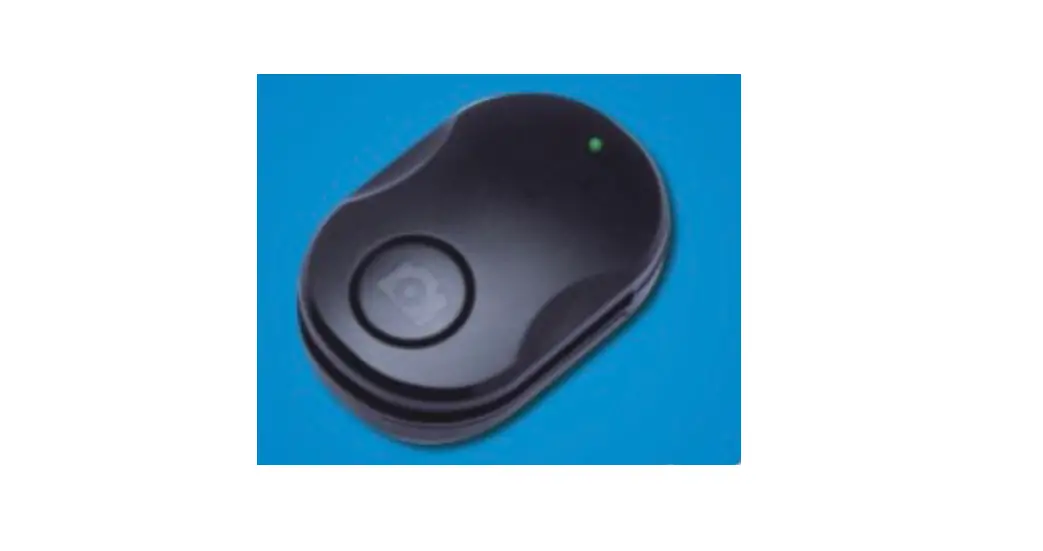
Fix the mobile phone to the phone holder and press the shutter button of the remote controller for 2 seconds. The green light flashes. indicating Bluetooth pairing mode.
Then turn on your phone’s Bluetooth, search and connect to “BW- 8S1 0 Plus”. When it is paired successfully, press the shutter button of the remote controller to take pictures.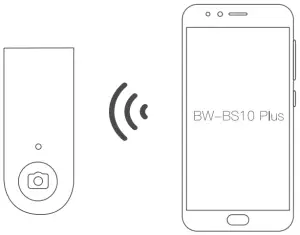
Remove Remote Controller
The remote controller or this product is detachable. Please stretch out the telescopic rod a little and then push up the remote controller to use it independently.
The Bluetooth remote controller is rechargeable. Please remove the remote controller to charge when its battery is low after long- time usage.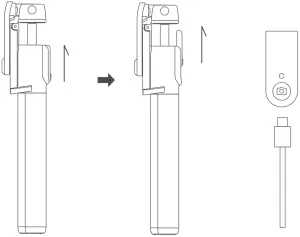
Bracket Rotation
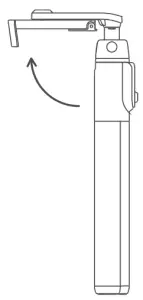
- Rotate Lhe phone holder upward rrom the back or the product until it forms a 7- shape with the handle part.

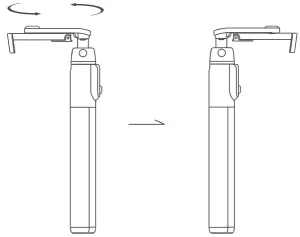
- Hold the handle part with one hand and horizontally rotate the phone holder 180 degrees with the other hand.

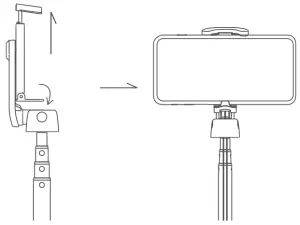
- Stretch the telescopic rod. Unfold the silicone clip of the phone holder and fix your phone.

 | Company: Lotus NL B.V. Address: Koningin Julianaplein 10, 1 e Verd, 2595AA, The Hague, Netherlands. E-mail: [email protected] Tel: +31644168999 |