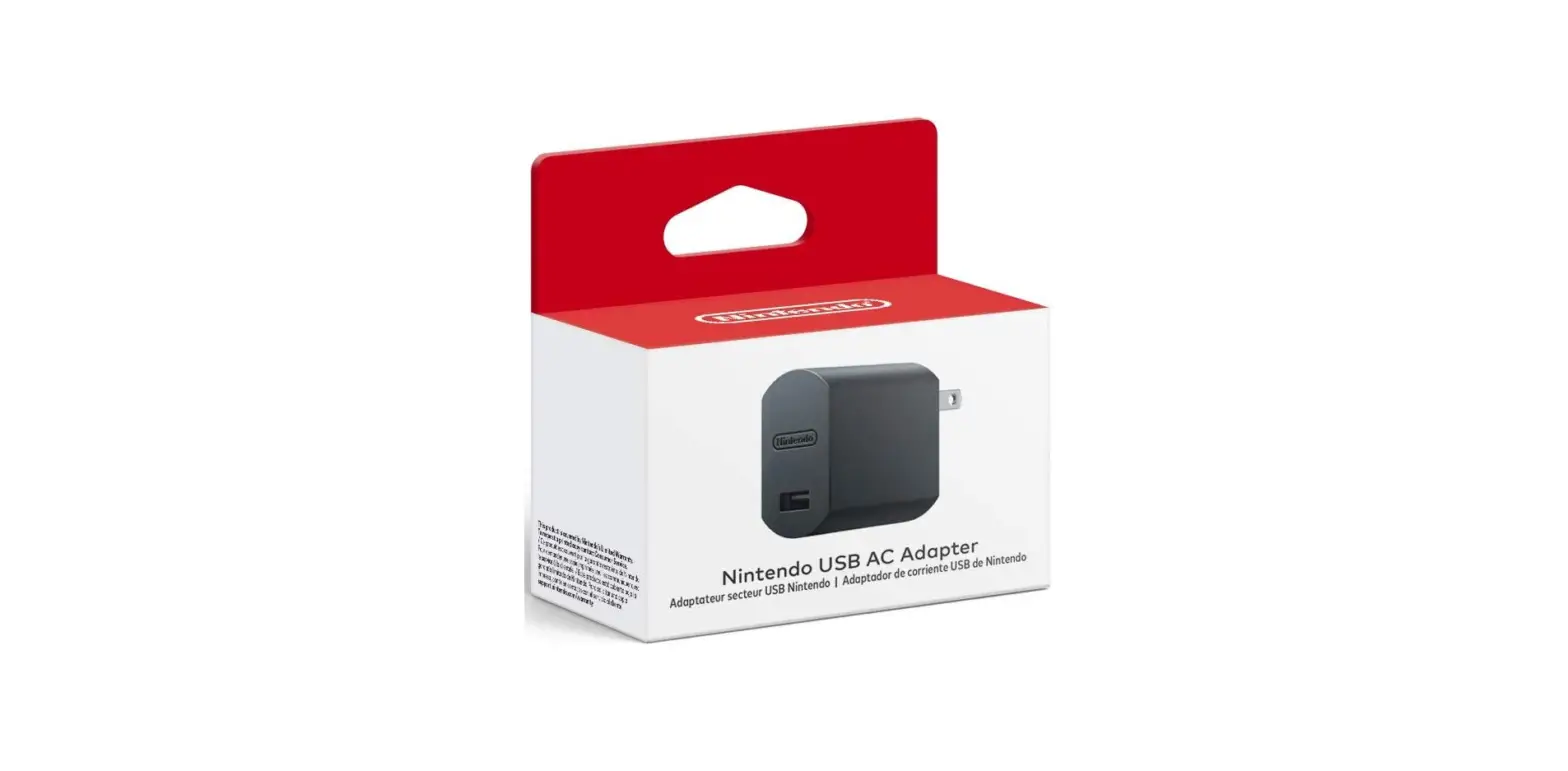

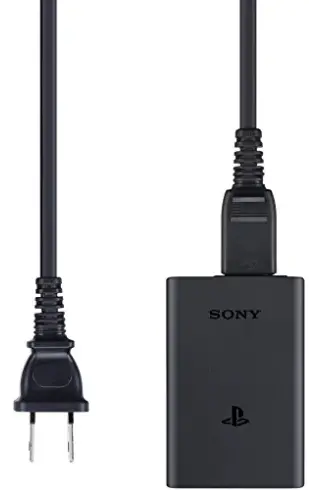
PSVita PCH-ZPC1-U PlayStation Vita AC Adapter
Instruction Manual
Precautions
To ensure the safe use of this product, carefully read this instruction manual and the PlayStation®Vita instruction manual before using it and save the manuals for future reference. The parents or guardians of small children should read the manuals for them to ensure that they use the product safely.
Safety
- If you come into contact with material from a leaking battery, take the following actions:
- If the material gets into the eyes, do not rub. Immediately flush the eyes with clean water and seek medical attention.
- If the material comes into contact with the skin or clothes, immediately rinse the affected area with cleanwater. Consult your physician if inflammation or soreness develops.
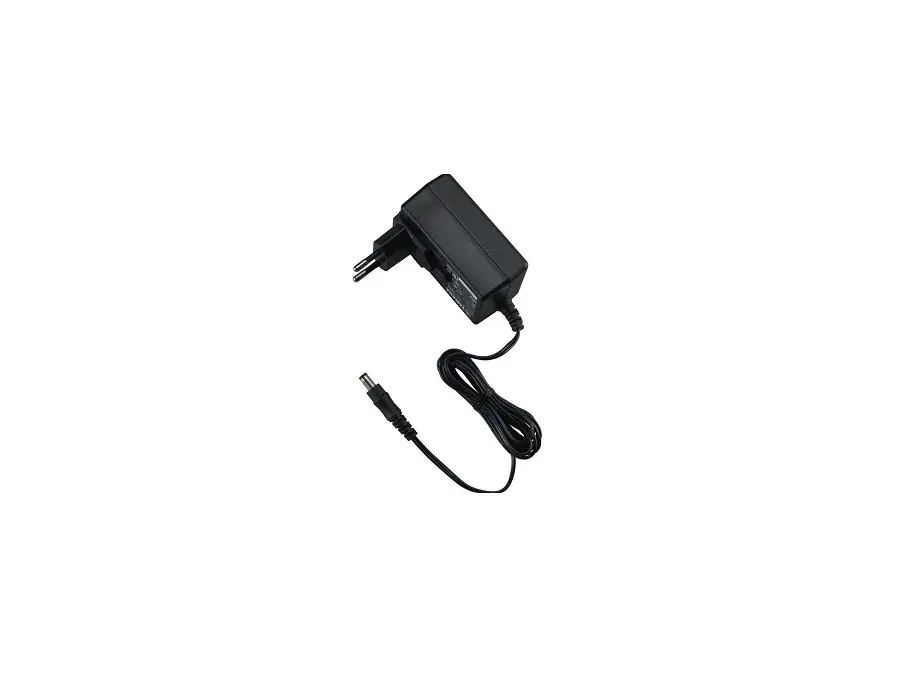
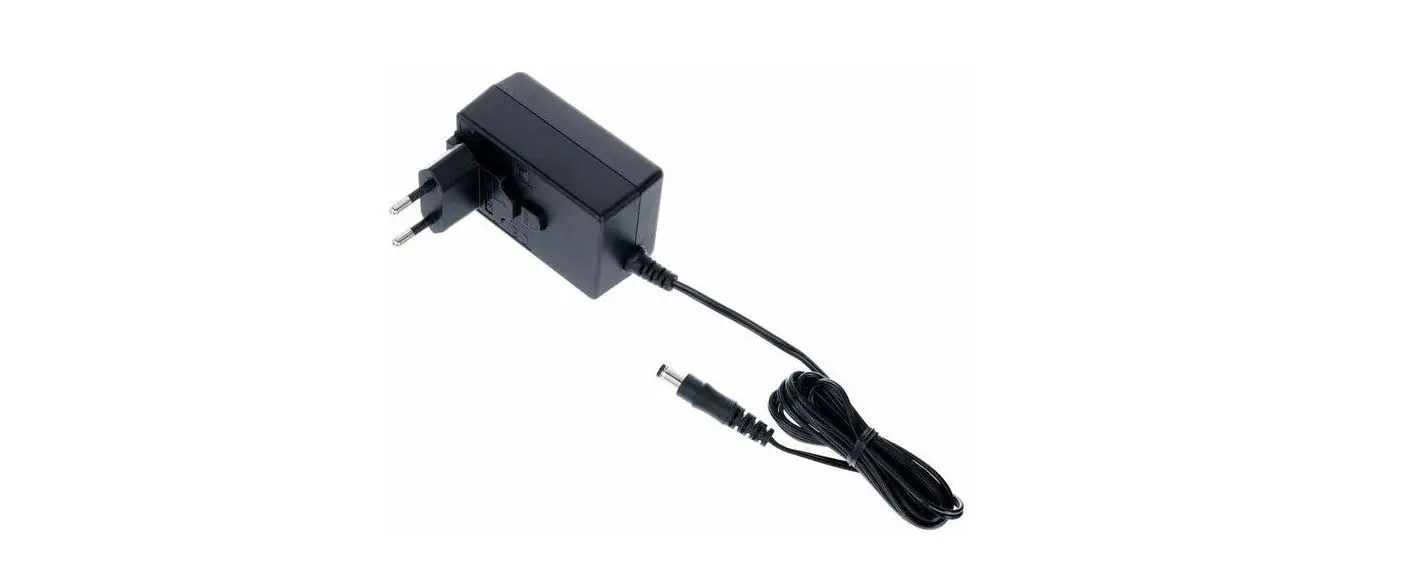
- Do not use a power source other than the supplied AC adaptor, AC power cord and USB cable. Make sure that these components are connected securely.
- Never disassemble or modify the product.
- Do not expose the product to high temperatures, high humidity or direct sunlight.
- Do not expose the product to dust, smoke or steam.
- Do not allow water or small particles to get into the product. Do not allow any metal to touch the connectors, because this can cause a short circuit.
- Do not allow the product to come into contact with liquids.
- Do not connect the AC power cord to a voltage transformer or inverter. Connecting the AC power cord to a voltage transformer for overseas travel or an inverter for use in an automobile may
- cause heat to build up in the system and may cause burns or a malfunction.
- Unplug the AC power cord or AC adaptor from this product before cleaning it or when you do not intend to use it for an extended period of time.
- Before connecting, check that the connectors are free of dust and small particles.
- Keep this product out of the reach of small children. Small children may swallow small parts or may wrap the cables around themselves, which may inflict injury or cause an accident or a malfunction.
- Do not use the product when it is covered by a cloth. Heat could be trapped causing fire or malfunction.
- Do not touch the AC power cord, AC adaptor, USB cable, or the portable charger, if connected to an electrical outlet during an electrical storm.
- Do not touch the product for an extended period of time while in use.
- Do not use this product to supply power to a device while this product is in contact with or close to your body, such as in a pocket. This can cause heat to build up, which might cause burns. Using the product in this way can also cause other harm to your body.
- Only use this product in an environment where temperatures are in the range 5 °C – 35 °C (41 °F – 95 °F). If this product is used where temperatures are outside of this range, heat might build up or the battery might leak or explode.
Use and handling
- Do not throw or drop the product, or otherwise expose it to strong physical impact.
- Do not place the product on the floor or on surfaces that are unstable, tilted or subject to vibration.
- Follow the instructions below to help prevent the product exterior from deteriorating or becoming discoloured.
- Wipe with a soft, dry cloth.
- Do not place any rubber or vinyl materials on the product exterior for an extended period of time.
- Do not use solvents or other chemicals. Do not wipe with a chemically-treated cleaning cloth.
- If this product causes static in a device such as a television or radio, move this product at least one meter away from the device.
- Sony Computer Entertainment Inc. and its subsidiaries and affiliates will not be held liable for any loss of data from the memory of devices such as cell phones that results from the use of this product.
Before disposing of the system
The Portable Charger is made of plastics, metals and a Lithium-ion battery. Follow local regulations when disposing of the system. Sony products can be recycled for free in the United States and Canada by dropping the product off at a number of nationwide locations. Visit www.sony.com/ecotrade and www.eco.sony.ca for details.
Charging the portable charger
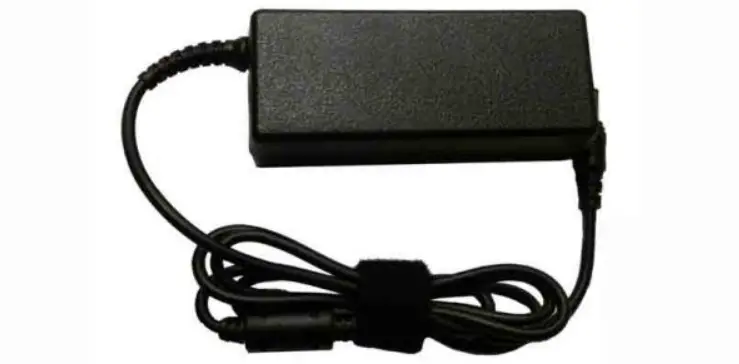
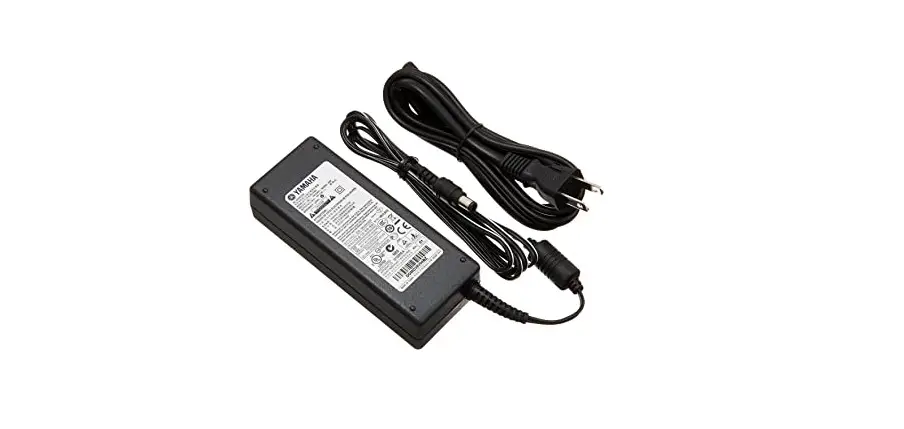
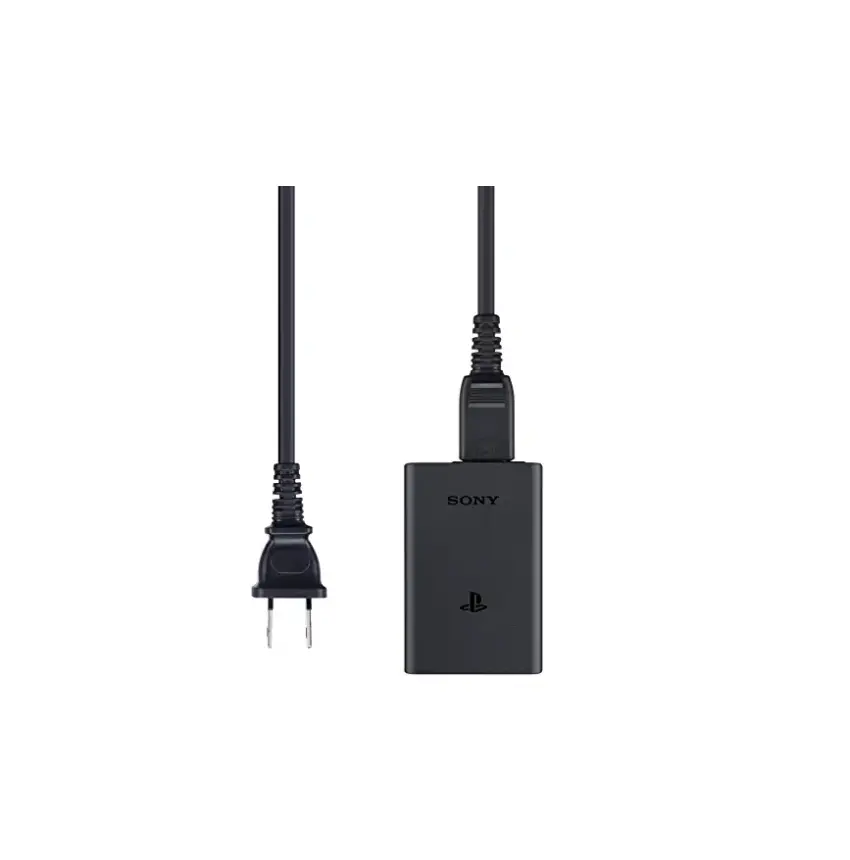
To charge the portable charger, connect the USB cable, AC adaptor, and AC power cord supplied with the PS Vita system to the portable charger as shown in the diagram. Plug the power cord into the electrical outlet last, after making all of the other connections. While the portable charger is charging, the status indicator blinks. When charging has completed, the status indicator turns off.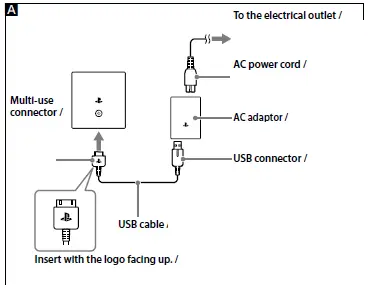
Battery
The battery has a limited lifespan. Battery duration will gradually decrease with repeated usage and age. Battery life also varies depending on the storage method, usage state, environment and other factors.
Approximate charging time
This is the estimated charging time when the battery in the portable charger has no remaining charge. Charging using the AC adaptor: Approximately 7 hours
Supplying power
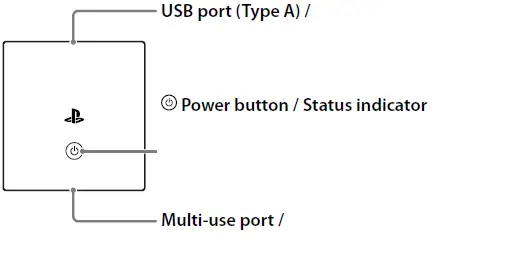
Use the USB cable supplied with the PS Vita system. Connect the PS Vita system, USB cable, and portable charger as shown in the diagram. Press the power button to supply power to the PS Vita system. While supplying power, the status indicator is lit continuously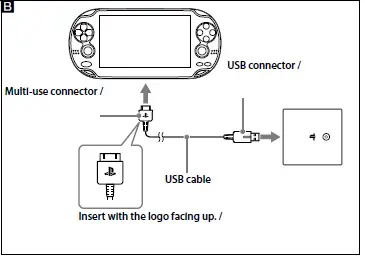
Status indicator states
| Operation | Display pattern | Colour | Remaining battery charge in portable charger |
| Charging the portable charger | Blinking | Green | Approximately 70 % or more |
| Orange | Approximately 40 – 70 % | ||
| Red* | Approximately 40 % or less | ||
| Not lit (indicator is off) | – | Fully charged | |
| Supplying power | Lit continuously | Green | Approximately 70 % or more |
| Orange | Approximately 40 – 70 % | ||
| Red | Approximately 40 % or less | ||
| Not lit (indicator is off) | – | Finished supplying power / No remaining charge |
Specifications
- Input DC 5 V / 1.0 A
- Output DC 5 V / 1.5 A
- Battery Built-in, rechargeable Lithium-ion battery
- DC 3.7 V, 5000 mAh
- Operating temperature 5 °C – 35 °C (41 °F – 95 °F)
- External dimensions (w × h × d)
- Approx. 67 × 70 × 22 mm (2.7 × 2.8 × 0.9 in)
- Weight Approx. 135 g (4.8 oz)
LIMITED WARRANTY
Sony Computer Entertainment America LLC (SCEA) warrants to the original purchaser that this product shall be free from defects in material and workmanship for a period of one (1) year from the date of purchase. This warranty does not apply to any consumables (such as batteries). For defects in material or workmanship within the warranty period, upon showing a proof of purchase, SCEA agrees for a period of one (1) year to either repair or replace this product with a new or factory-recertified product at SCEA’s option. For the purpose of this Limited Warranty, “factory recertified” means a product that has been returned to its original specifications. Visit http://www.us.playstation.com/ support or call 1-800-345-7669 to receive a return authorization and shipping instructions. This warranty shall not be applicable and shall be void if the defect in the SCEA product has arisen through abuse, unreasonable use, mistreatment, neglect, or means other than from a defect in materials or workmanship.
THIS WARRANTY IS IN LIEU OF ALL OTHER WARRANTIES AND NO OTHER REPRESENTATIONS OR CLAIMS OF ANY NATURE SHALL BE BINDING ON OR OBLIGATE SCEA. ANY IMPLIED WARRANTIES APPLICABLE TO THIS PRODUCT, INCLUDING WARRANTIES OF MERCHANTABILITY AND FITNESS FOR A PARTICULAR PURPOSE, ARE LIMITED TO THE ONE (1) YEAR PERIOD DESCRIBED ABOVE. IN NO EVENT WILL SCEA BE LIABLE FOR INCIDENTAL OR CONSEQUENTIAL DAMAGES RESULTING FROM POSSESSION, USE OR MALFUNCTION OF THE SCEA PRODUCT. SOME STATES OR PROVINCES DO NOT ALLOW LIMITATION ON HOW LONG AN IMPLIED WARRANTY LASTS AND SOME STATES DO NOT ALLOW THE EXCLUSION OR LIMITATIONS OF CONSEQUENTIAL OR INCIDENTAL DAMAGES, SO THE ABOVE LIMITATIONS OR EXCLUSION MAY NOT APPLY TO YOU.
This warranty gives you specific legal rights, and you may also have other rights which vary from state to state or province to province. This warranty is valid only in the United States and Canada.
FCC
This device complies with Part 15 of the FCC Rules. Operation is subject to the following two conditions:
- this device may not cause harmful interference, and
- this device must accept any interference received, including interference that may cause undesired operation.
This equipment has been tested and found to comply with the limits for a Class B digital device, pursuant to Part 15 of the FCC Rules. These limits are designed to provide reasonable protection against harmful interference in a residential installation. This equipment generates, uses, and can radiate radio frequency energy and, if not installed and used in accordance with the instructions, may cause harmful interference to radio communications. However, there is no guarantee that interference will not occur in a particular installation. If this equipment does cause harmful interference to radio or television reception, which can be determined by turning the equipment off and on, the user is encouraged to try to correct the interference by one or more of the following measures:
- Reorient or relocate the receiving antenna.
- Increase the separation between the equipment and receiver.
- Connect the equipment into an outlet on a circuit different from that to which the receiver is connected.
- Consult the dealer or an experienced radio/TV technician for help.
FAQS
How can I charge my PS Vita without a charger?
You can also charge your system by connecting it to a USB device such as a computer using the USB cable. When charging your system using a USB device, turn off the power completely.
Can you charge PS Vita with any charger?
So, any 5V power source (including a USB connection to a computer) will charge the PS Vita battery.
Can you charge Vita with phone charger?
You will need the USB cable that came with the Vita, as well as the Vita power brick, to charge it
What charger does PS Vita 1000 use?
USB PS Vita 1000 Charger, Compatible for Sony Playstation Vita 1000 PSV Charger Cable, Data and Charging Cable Fit for Sony Sony PSV 1000 2 in 1 USB 2.0 Data Sync Transfer and Power Charger Cable Cord.
Is there another way to charge a PS Vita?
You will need the USB cable that came with the Vita, as well as the Vita power brick, to charge it
Can you charge PS Vita without AC adapter?
Like others mentioned, you CAN charge it from any USB port.
Use the official USB Cable to charge and sync your PlayStation Vita
To fully recharge the battery from 0 percent will take 2 hours and 40 minutes
My battery last about 3 hours and 40 minutes with brightness halfway (so about %50 brightness) and no WiFi
Input: 100-240V 50/60HZ. Output: 5V=1.5A. Compatible with: Sony PS Vita PSV
Yes, it is absolutely safe to charge a device with a charger that has more current capacity than needed.
This method is NOT supported by the first generation PSP models
No, if you just google images search them both you can see that the Vita has a rectangular plug and the PSP plug is circular.
Yeah you can’t run the vita off the adapter without a battery. the system requires a minimum stored power level before it allows the system to turn on.
According to PlayStation exec Shuhei Yoshida, the second-generation PS Vita will charge over Micro USB