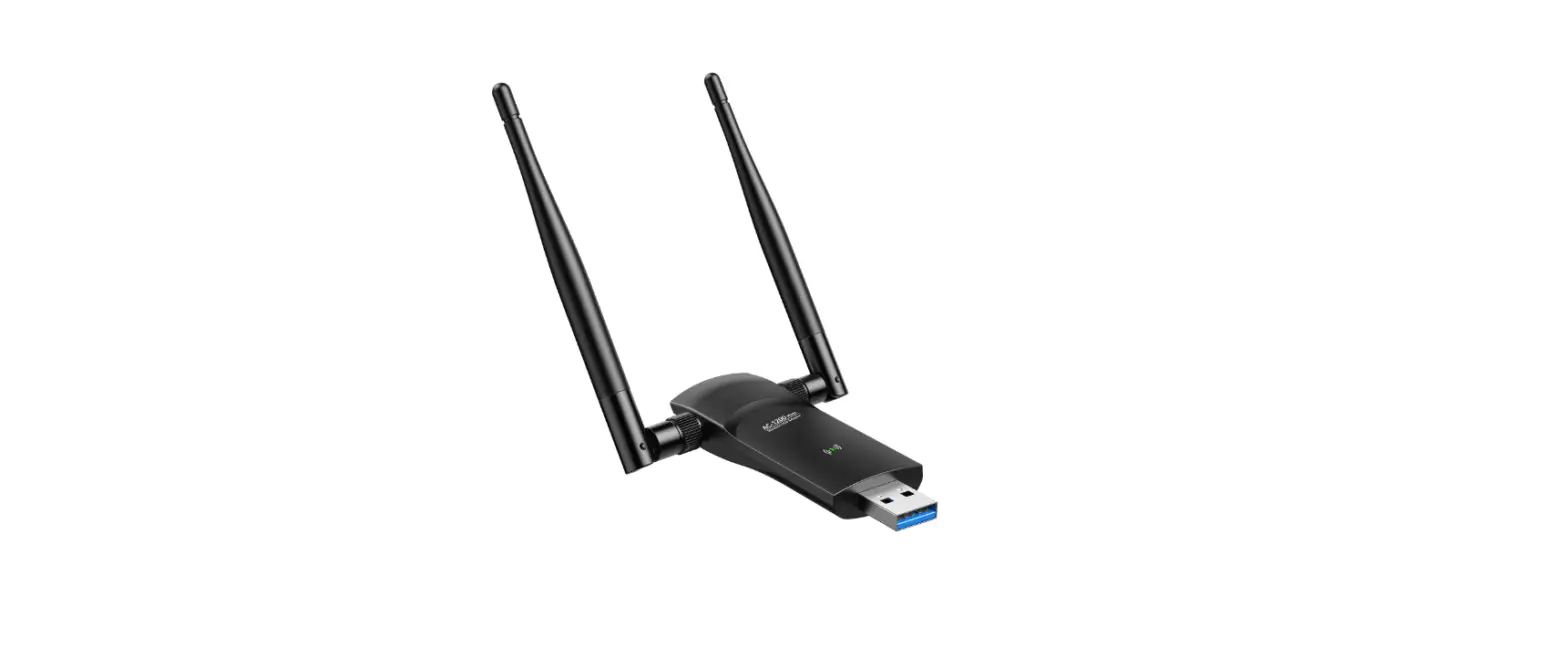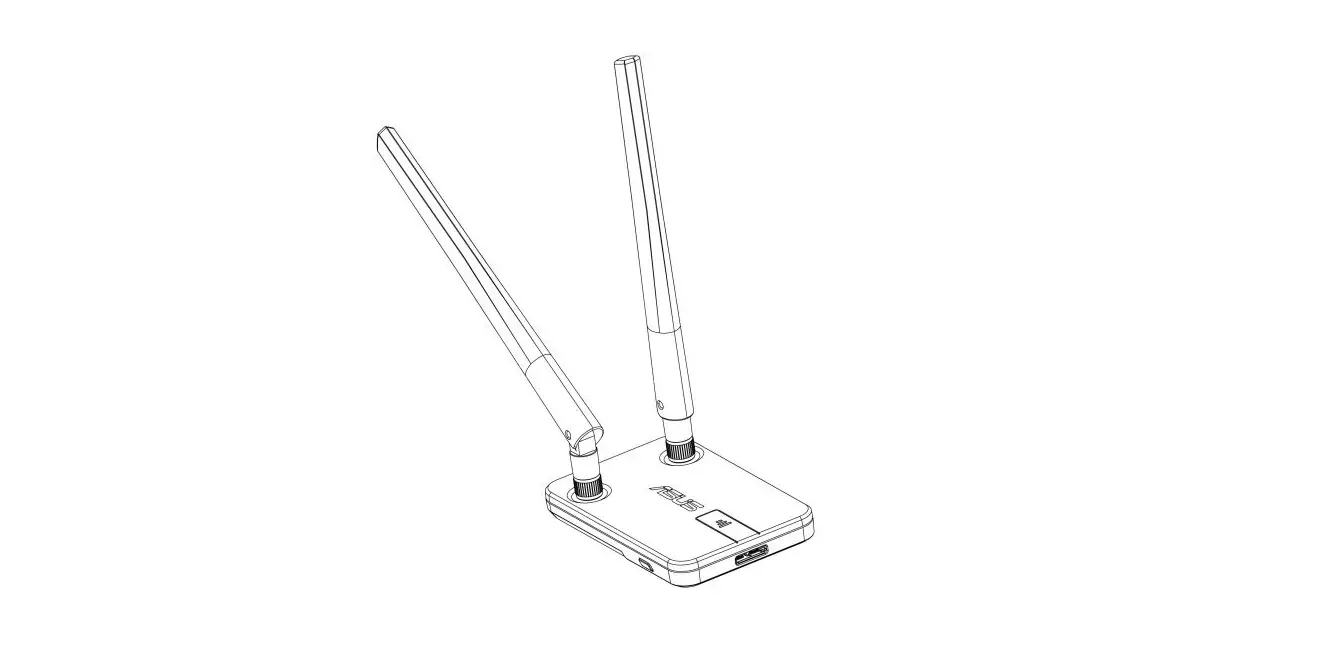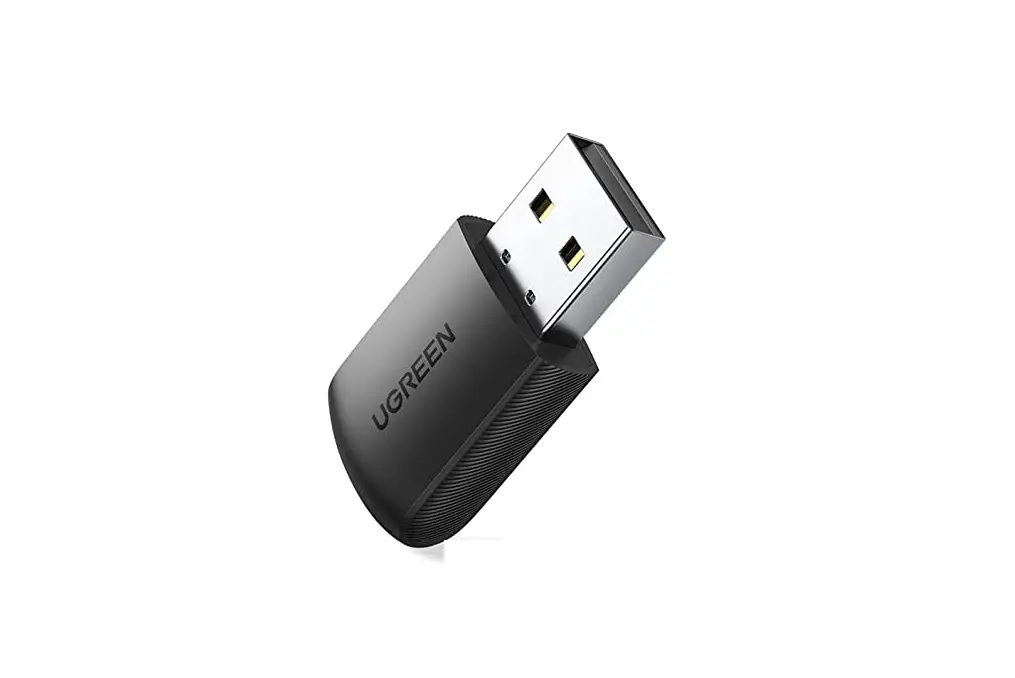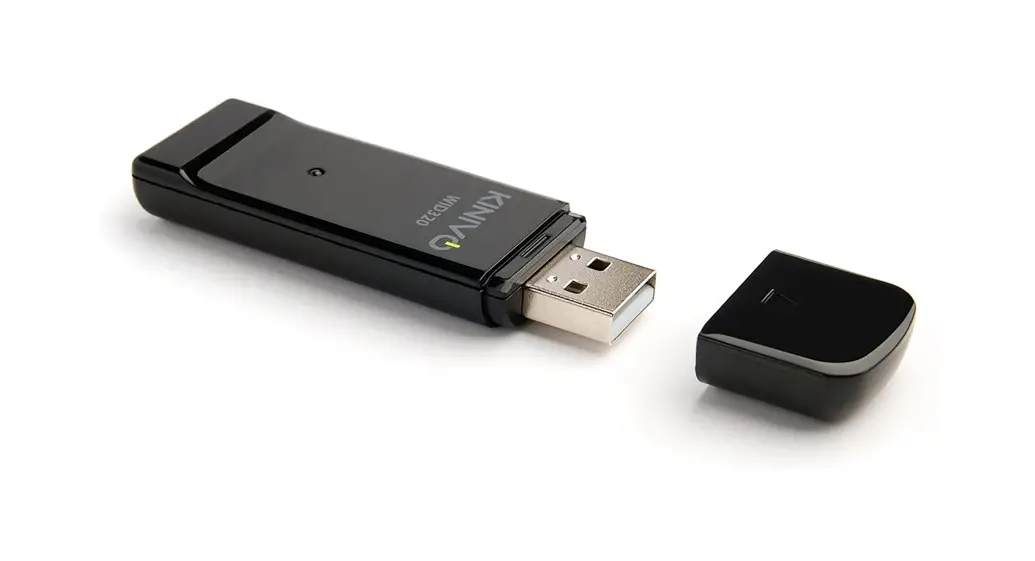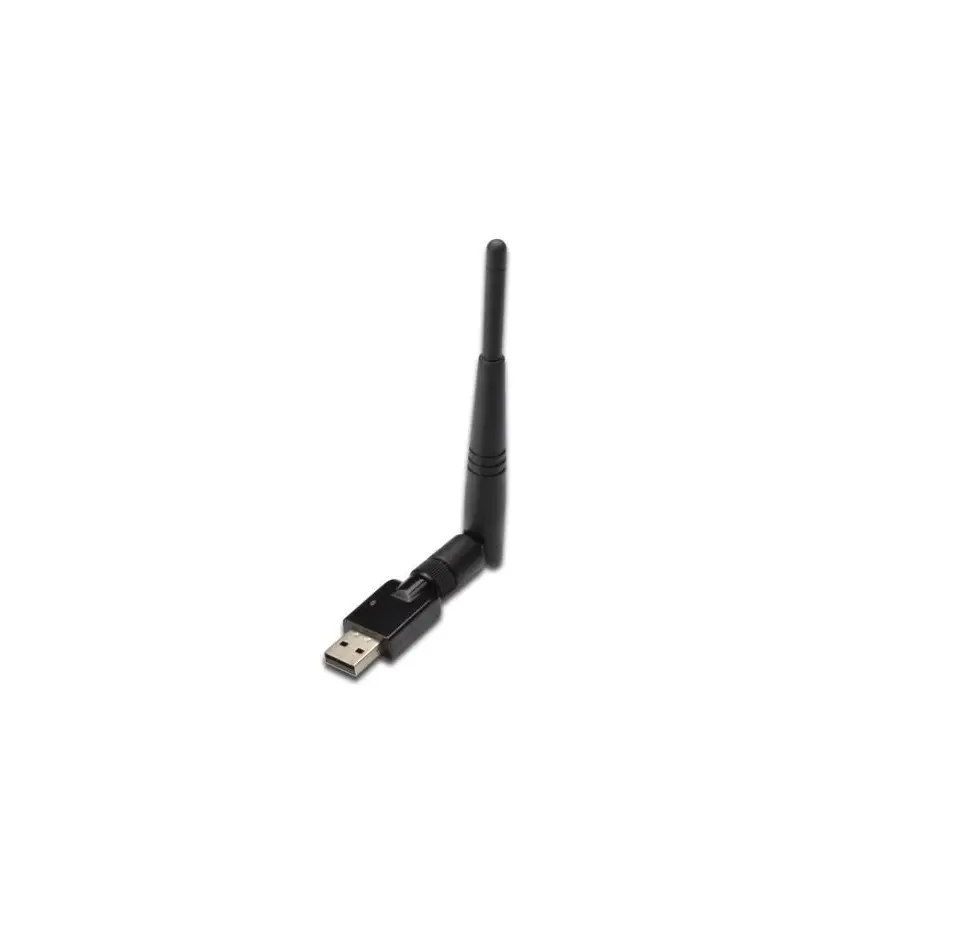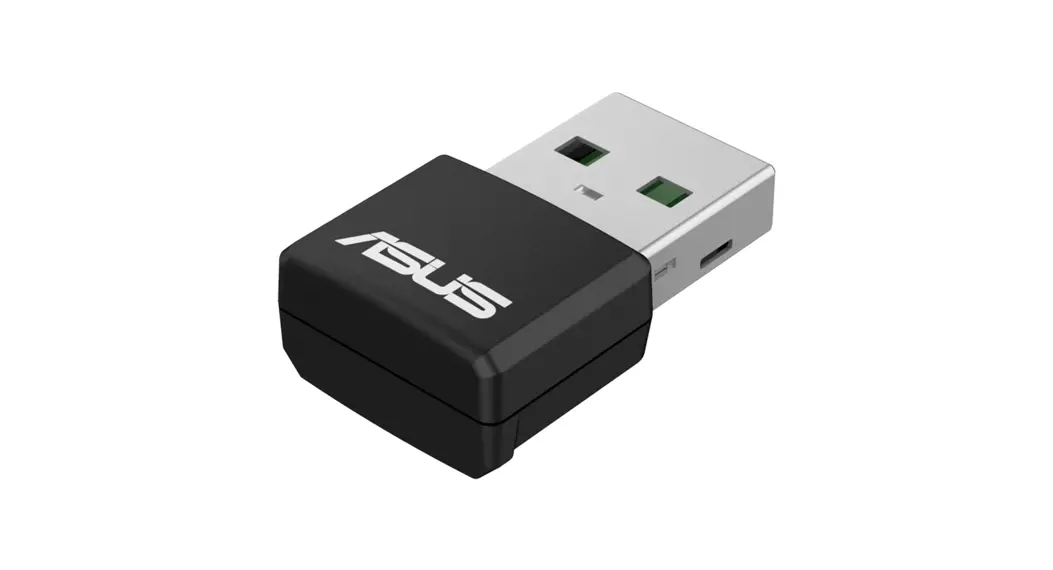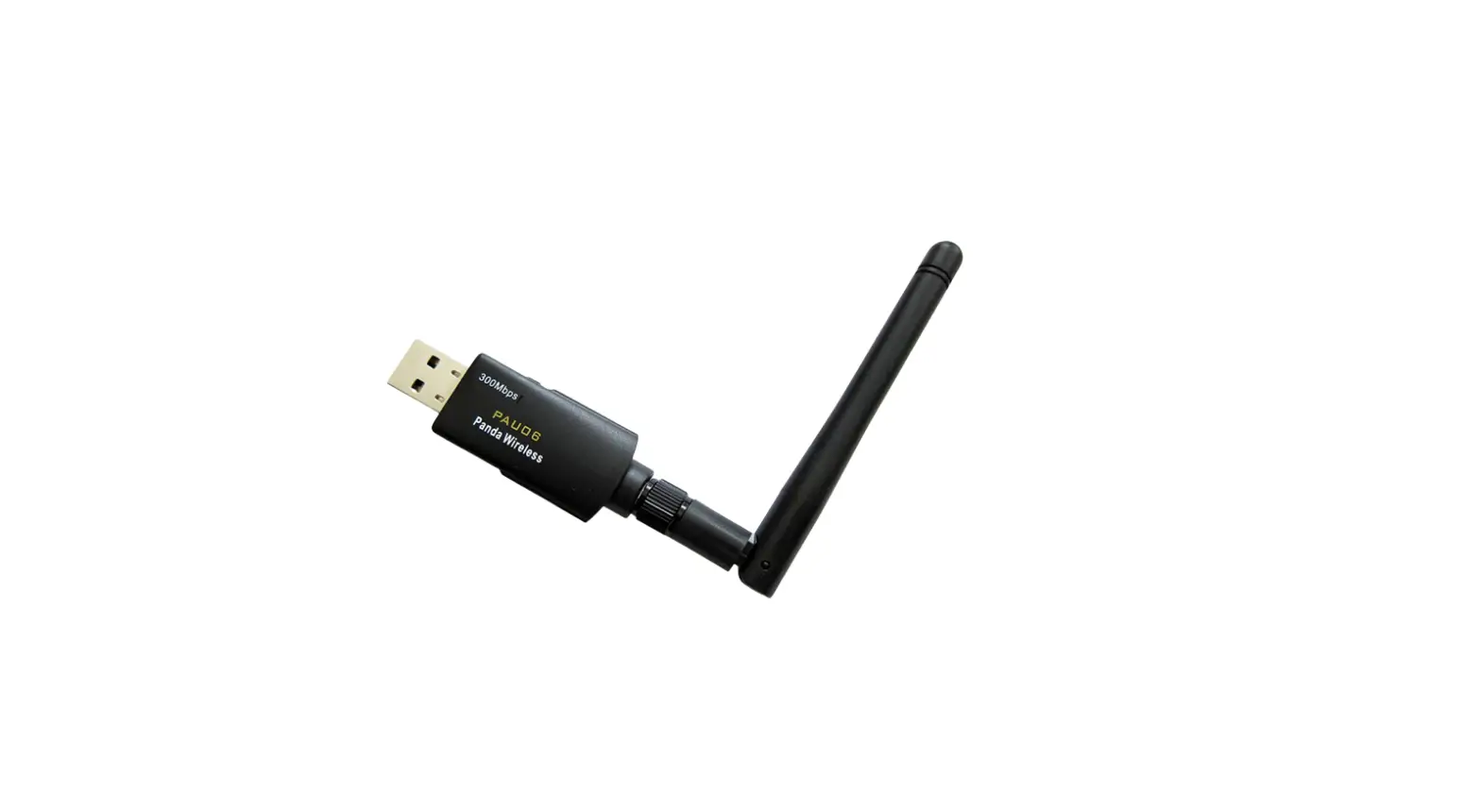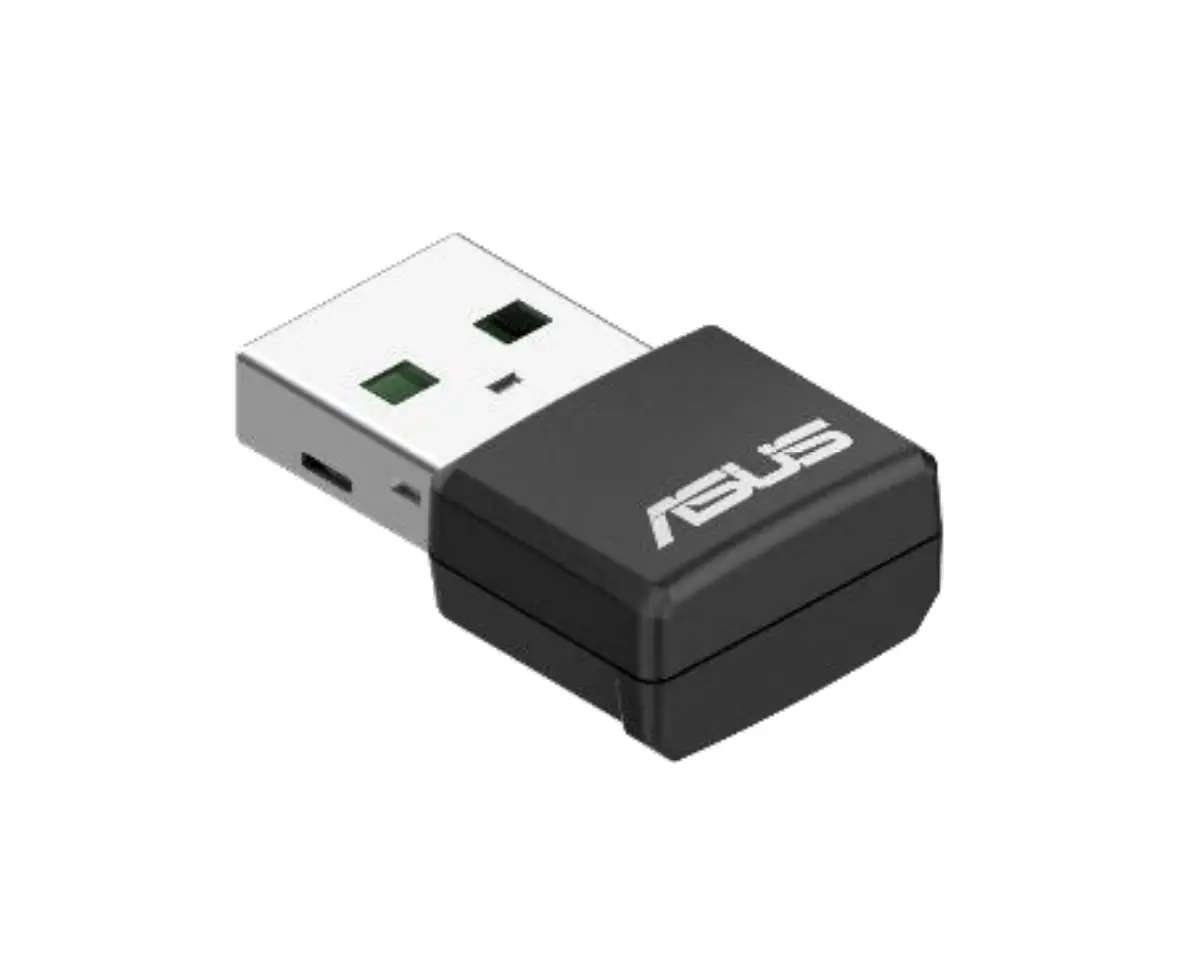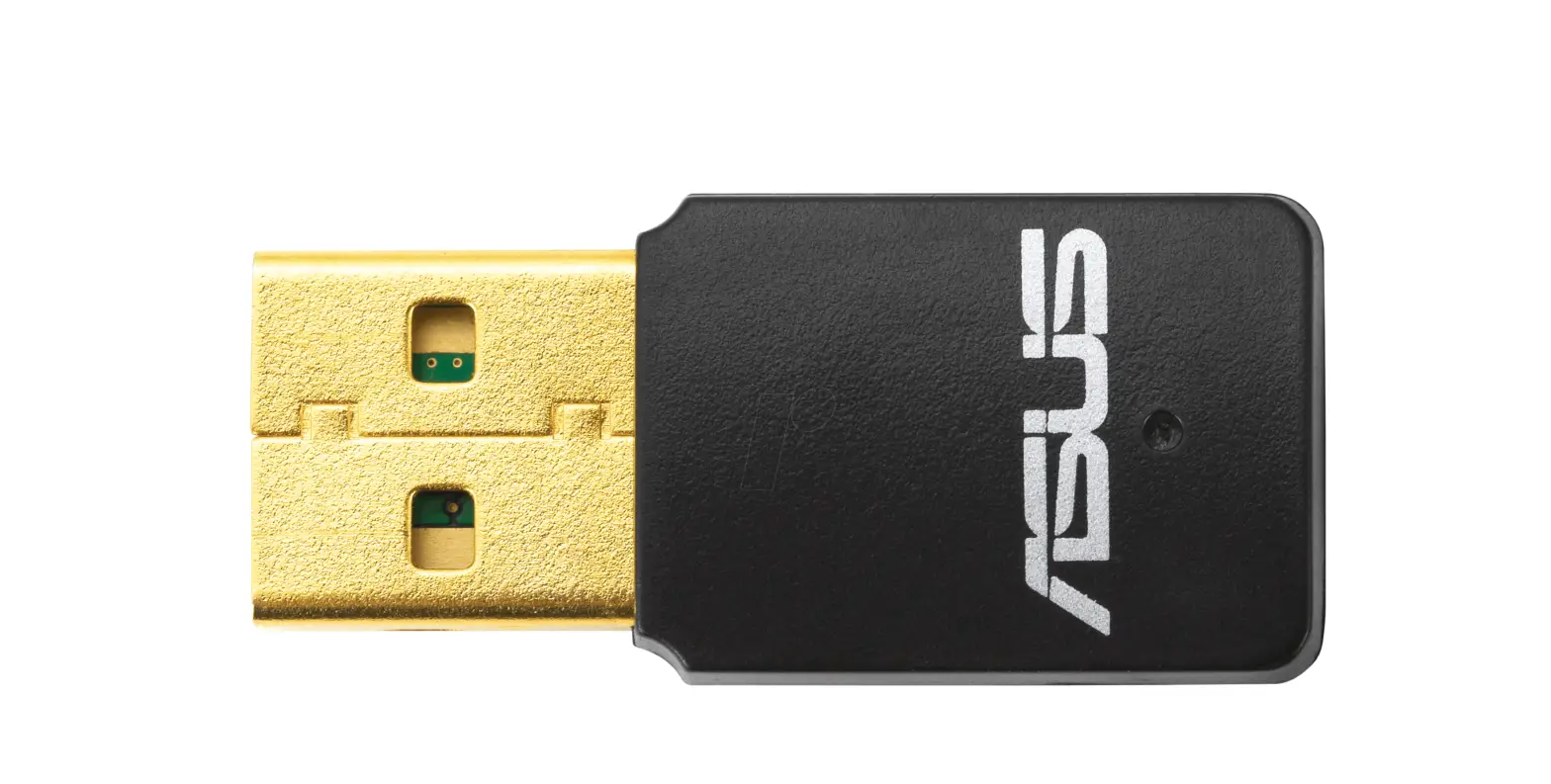
 ASUS N-300 USB-N13 C1 Wireless USB Adapter
 ASUS N-300 USB-N13 C1 Wireless USB Adapter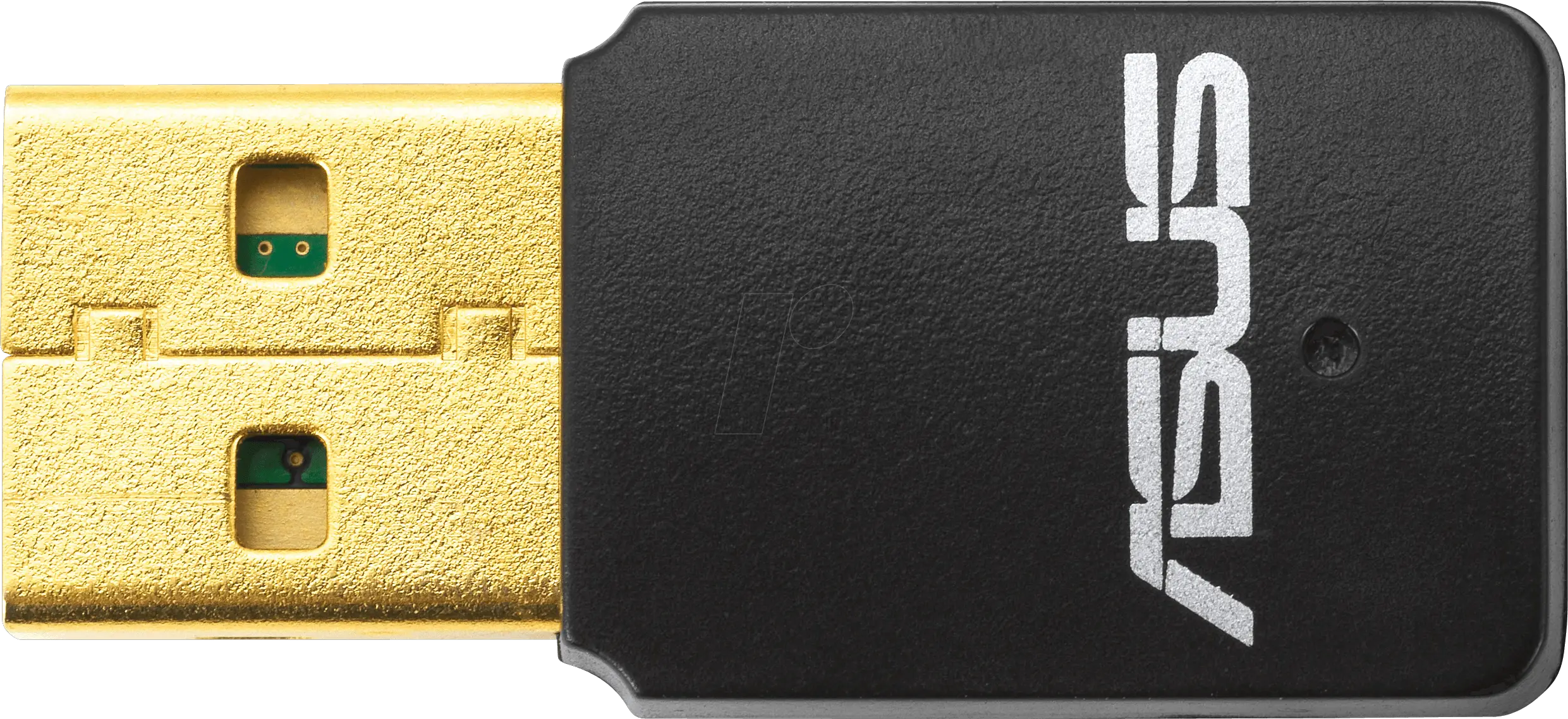
Setting up a Home Network
Insert the support CD into the optical drive and follow the onscreen instructions to complete the installation.
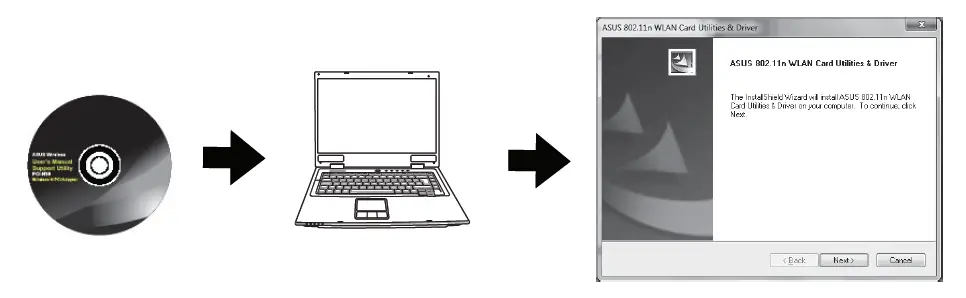 Configure USB-N13 using ASUS driver.
Connect to a wireless network on Windows 10. 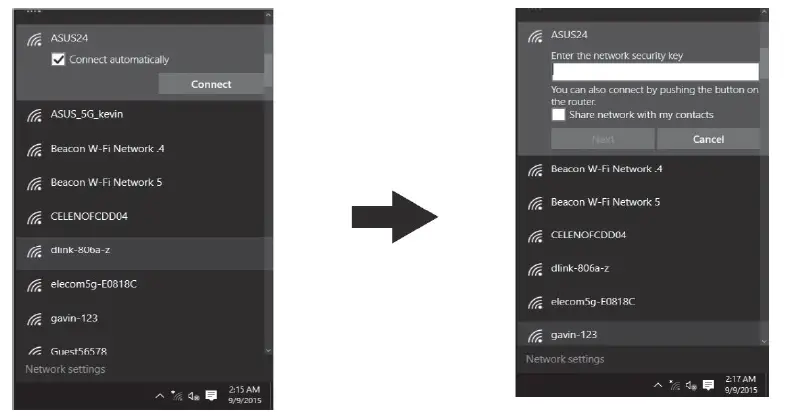 Setup is completed.
- Insert the support CD into the optical drive and follow the onscreen instructions to complete the installation.
- Connect to a wireless network on Windows 10.
- Setup is completed.
Precautions for the use of the device
- Pay particular attention to the personal safety when use this device in airports, hospitals, gas stations and professional garages.
- Medical device interference: Maintain a minimum distance of at least 15 cm (6 inches) between implanted medical devices and ASUS products in order to reduce the risk of interference.
- Kindly use ASUS products in good reception conditions in order to minimize the radiation’s level.
- Keep the device away from pregnant women and the lower abdomen of the teenager.
ASUS Recycling/Takeback Services
REACH
Complying with the REACH (Registration, Evaluation, Authorization, and Restriction of Chemicals) regulatory framework, we published the chemical substances in our products at ASUS REACH website at http://csr.asus.com/english/REACH.htm.
Federal Communications Commission Statement
This device complies with Part 15 of the FCC Rules. Operation is subject to the following two conditions:
- This device may not cause harmful interference.
- This device must accept any interference received, including interference that may cause undesired operation.
This equipment has been tested and found to comply with the limits for a class B digital device, pursuant to part 15 of the FCC Rules. These limits are designed to provide reasonable protection against harmful interference in a residential installation.
This equipment generates, uses and can radiate radio frequency energy and, if not installed and used in accordance with the instructions, may cause harmful interference to radio communications. However, there is no guarantee that interference will not occur in a particular installation. If this equipment does cause harmful interference to radio or television reception, which can be determined by turning the equipment o and on, the user is encouraged to try to correct the interference by one or more of the following measures:
- Reorient or relocate the receiving antenna.
- Increase the separation between the equipment and receiver.
- Connect the equipment into an outlet on a circuit different from that to which the receiver is connected.
- Consult the dealer or an experienced radio/TV technician for help
WARNING! Any changes or modifications not expressly approved by the party responsible for compliance could void the user’s authority to operate the equipment.
Radiation Exposure Statement: This equipment complies with FCC radiation exposure limits set forth for an uncontrolled environment. End users must follow the specific operating instructions for satisfying RF exposure compliance. To maintain compliance with FCC exposure compliance requirement, please follow operation instruction as documented in this manual.
WARNING! This equipment must be installed and operated in accordance with provided instructions and the antenna(s) used for this transmitter must be installed to provide a separation distance of at least 0.5 cm from all persons and must not be co-located or operating in conjunction with any other antenna or transmitter.
Compliance Statement of Innovation, Science and Economic Development Canada (ISED)
This device complies with Innovation, Science and Economic Development Canada license exempt RSS standard(s). Operation is subject to the following two conditions: (1) this device may not cause interference, and (2) this device must accept any interference, including interference that may cause undesired operation of the device.
Radio Frequency (RF) Exposure Information
The radiated output power of the ASUS Wireless Device is below the Innovation, Science and Economic Development Canada radio frequency exposure limits. The ASUS Wireless Device should be used in such a manner such that the potential for human contact during normal operation is minimized.
This equipment should be installed and operated with a minimum distance of 0.5 cm between the radiator any part of your body.
This device has been certified for use in Canada. Status of the listing in the Innovation, Science and Economic Development Canada’s REL (Radio Equipment List) can be found at the following web address:
http://www.ic.gc.ca/eic/site/ceb-bhst.nsf/eng/h_tt00020.html
Additional Canadian information on RF exposure also can be found at the following web: https://www.ic.gc.ca/eic/site/smtgst.nsf/eng/sf08792.html
Networks Global Hotline Information
| Area | Country | Hotline Number | Service Hours |
|
Europe | Cyprus | 800-92491 | 09:00-13:00; 14:00-18:00 Mon-Fri |
| France | 0033-170949400 | 09:00-18:00 Mon-Fri | |
|
Germany | 0049-1805010920 0049-1805010923 (component support) 0049-2102959911 (Fax) | 09:00-18:00 Mon-Fri 10:00-17:00 Mon-Fri | |
| Hungary | 0036-15054561 | 09:00-17:30 Mon-Fri | |
| Italy | 06 97626662 | 09:00-13:00; 14:00-18:00 Mon-Fri | |
| Greece | 00800-44142044 | 09:00-13:00; 14:00-18:00 Mon-Fri | |
| Austria | 0043-820240513 | 09:00-18:00 Mon-Fri | |
| Netherlands/ Luxembourg | 0031-591570290 | 09:00-17:00 Mon-Fri | |
| Belgium | 0032-78150231 | 09:00-17:00 Mon-Fri | |
| Norway | 0047-2316-2682 | 09:00-18:00 Mon-Fri | |
| Sweden | 0046-858769407 | 09:00-18:00 Mon-Fri | |
| Finland | 00358-969379690 | 10:00-19:00 Mon-Fri | |
| Denmark | 0045-38322943 | 09:00-18:00 Mon-Fri | |
| Poland | 0048-225718040 | 08:30-17:30 Mon-Fri | |
| Spain | 0034-902889688 | 09:00-18:00 Mon-Fri | |
| Portugal | 00351-707500310 | 09:00-18:00 Mon-Fri | |
| Slovak Republic | 00421-232162621 | 08:00-17:00 Mon-Fri | |
| Czech Republic | 00420-596766888 | 08:00-17:00 Mon-Fri | |
| Switzerland-German | 0041-848111010 | 09:00-18:00 Mon-Fri | |
| Switzerland-French | 0041-848111014 | 09:00-18:00 Mon-Fri | |
| Switzerland-Italian | 0041-848111012 | 09:00-18:00 Mon-Fri | |
| United Kingdom | 0044-1442265548 | 09:00-17:00 Mon-Fri | |
| Ireland | 0035-31890719918 | 09:00-17:00 Mon-Fri | |
| Russia and CIS | 008-800-100-ASUS | 09:00-18:00 Mon-Fri | |
| Ukraine | 0038-0445457727 | 09:00-18:00 Mon-Fri |
| Area | Country/ Region | Hotline Numbers | Service Hours |
|
Middle East + Africa | Egypt | 800-2787349 | 09:00-18:00 Sun-Thu |
| Saudi Arabia | 800-1212787 | 09:00-18:00 Sat-Wed | |
| UAE | 00971-42958941 | 09:00-18:00 Sun-Thu | |
| Turkey | 0090-2165243000 | 09:00-18:00 Mon-Fri | |
| South Africa | 0861-278772 | 08:00-17:00 Mon-Fri | |
| Israel | *6557/00972-39142800 *9770/00972-35598555 | 08:00-17:00 Sun-Thu 08:30-17:30 Sun-Thu | |
|
Balkan Countries | Romania | 0040-213301786 | 09:00-18:30 Mon-Fri |
| Bosnia Herzegovina | 00387-33773163 | 09:00-17:00 Mon-Fri | |
| Bulgaria | 00359-70014411 00359-29889170 | 09:30-18:30 Mon-Fri 09:30-18:00 Mon-Fri | |
| Croatia | 00385-16401111 | 09:00-17:00 Mon-Fri | |
| Montenegro | 00382-20608251 | 09:00-17:00 Mon-Fri | |
| Serbia | 00381-112070677 | 09:00-17:00 Mon-Fri | |
| Slovenia | 00368-59045400 00368-59045401 | 08:00-16:00 Mon-Fri | |
|
Baltic Countries | Estonia | 00372-6671796 | 09:00-18:00 Mon-Fri |
| Latvia | 00371-67408838 | 09:00-18:00 Mon-Fri | |
| Lithuania-Kaunas Lithuania-Vilnius | 00370-37329000 00370-522101160 | 09:00-18:00 Mon-Fri 09:00-18:00 Mon-Fri |
| Area | Country/Region | Hotline Numbers | Service Hours |
| Australia | 1300-278788 | 09:00-18:00 Mon-Fri | |
| New Zealand | 0800-278788 | 09:00-18:00 Mon-Fri | |
| Japan | 0800-1232787 | 09:00-19:00 Mon-Sun | |
| 0081-570783886 | 09:00-19:00 Mon-Sun | ||
| ( Non-Toll Free ) | |||
| Korea | 0082-215666868 | 09:30-17:00 Mon-Fri | |
| Thailand | 0066-24011717 | 09:00-18:00 Mon-Fri | |
| 1800-8525201 | |||
| Singapore | 0065-64157917 | 11:00-19:00 Mon-Fri | |
| 0065-67203835 | 11:00-19:00 Mon-Fri | ||
| Asia-Pacific | (Repair Status Only) | 11:00-13:00 Sat | |
| Malaysia | 1300-88-3495 | 9:00-18:00 Mon-Fri | |
| Philippine | 1800-18550163 | 09:00-18:00 Mon-Fri | |
| India | 1800-2090365 | 09:00-18:00 Mon-Sat | |
| India(WL/NW) | 09:00-21:00 Mon-Sun | ||
| Indonesia | 0062-2129495000 | 09:30-17:00 Mon-Fri | |
| 500128 (Local Only) | 9:30 – 12:00 Sat | ||
| Vietnam | 1900-555581 | 08:00-12:00 | |
| 13:30-17:30 Mon-Sat | |||
| Hong Kong | 00852-35824770 | 10:00-19:00 Mon-Sat | |
| Taiwan | 0800-093-456; | 9:00-12:00 Mon-Fri; | |
| 02-8143900 | 13:30-18:00 Mon-Fri | ||
|
Americas | USA Canada | 1-812-282-2787 | 8:30-12:00 EST Mon-Fri 9:00-18:00 EST Sat-Sun |
| Mexico | 001-8008367847 | 08:00-20:00 CST Mon-Fri 08:00-15:00 CST Sat | |
| Brazil | 4003 0988 (Capital) 0800 880 0988 (demails localidades) | 9:00am-18:00 Mon-Fri |
CE statement
Simplified EU Declaration of Conformity
ASUSTek Computer Inc. hereby declares that this device is in compliance with the essential requirements and other relevant provisions of Directive 2014/53/EU. Full text of EU declaration of conformity is available at https://www.asus.com/support/.
This equipment complies with EU radiation exposure limits set forth for an uncontrolled environment. This equipment should be installed and operated with minimum distance 0.5 cm between the radiator & your body.
All operational modes:
2.4GHz: 802.11b, 802.11g, 802.11n (HT20), 802.11n (HT40)
The frequency, mode and the maximum transmitted power in EU are listed below:
2412-2472MHz (802.11 HT20): 19.995 dBm
| Manufacturer | ASUSTeK Computer Inc. Tel: +886-2-2894-3447 Address: 1F, No. 15, Lide Rd., Beitou Dist., Taipei City 112, Taiwan |
| Authorised representative in Europe | ASUS Computer GmbH Address: HARKORT STR. 21-23, 40880 RATINGEN, GERMANY |
| Authorised distributors in Turkey | BOGAZICI BILGISAYAR TICARET VE SANAYI A.S. Tel./FAX No.: +90 212 331 10 00 / +90 212 332 28 90 Address: ESENTEPE MAH. BUYUKDERE CAD. ERCAN HAN B BLOK NO.121 SISLI, ISTANBUL 34394 |
| CIZGI Elektronik San. Tic. Ltd. Sti. | |
| Tel./FAX No.: +90 212 356 70 70 / +90 212 356 70 69 | |
| Address: GURSEL MAH. AKMAN SK.47B 1 KAGITHANE/ISTANBUL | |
| KOYUNCU ELEKTRONiK BiLGi iSLEM SiST. SAN. VE DIS TIC. A.S. | |
| Tel. No.: +90 216 5288888 | |
| Address: EMEK MAH.ORDU CAD. NO:18, SARIGAZi, SANCAKTEPE ISTANBUL | |
| ENDEKS BİLİŞİM SAN VE DIŞ TİC LTD ŞTİ | |
| Tel./FAX No.: +90 216 523 35 70 / +90 216 523 35 71 | |
| Address: NECIP FAZIL BULVARI, KEYAP CARSI SITESI, G1 BLOK, NO:115 Y.DUDULLU, UMRANIYE, ISTANBUL | |
| PENTA TEKNOLOJI URUNLERI DAGITIM TICARET A.S | |
| Tel./FAX No.: +90 216 528 0000 | |
| Address: ORGANIZE SANAYI BOLGESI NATO YOLU 4.CADDE NO:1 UMRANIYE, ISTANBUL 34775 |
NOTES:
- UK support e-mail: [email protected]
- For more information, visit the ASUS support site at:
https://www.asus.com/support/
 Official Support | ASUS Global
 ASUS Corporate Social Responsibility
 Official Support | ASUS Global
 Radio equipment list (REL)
 Сертифікати ASUS