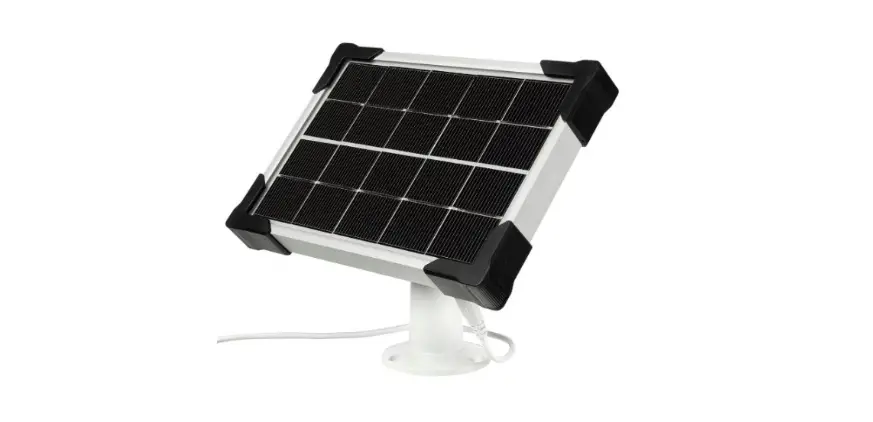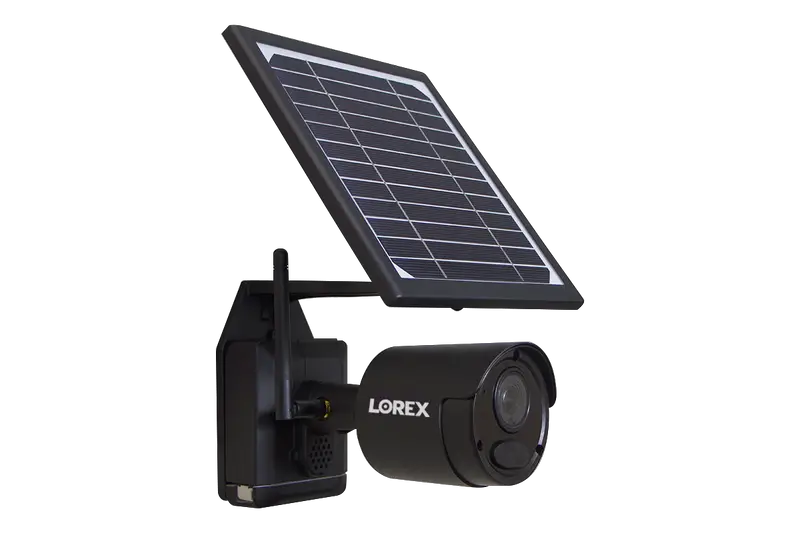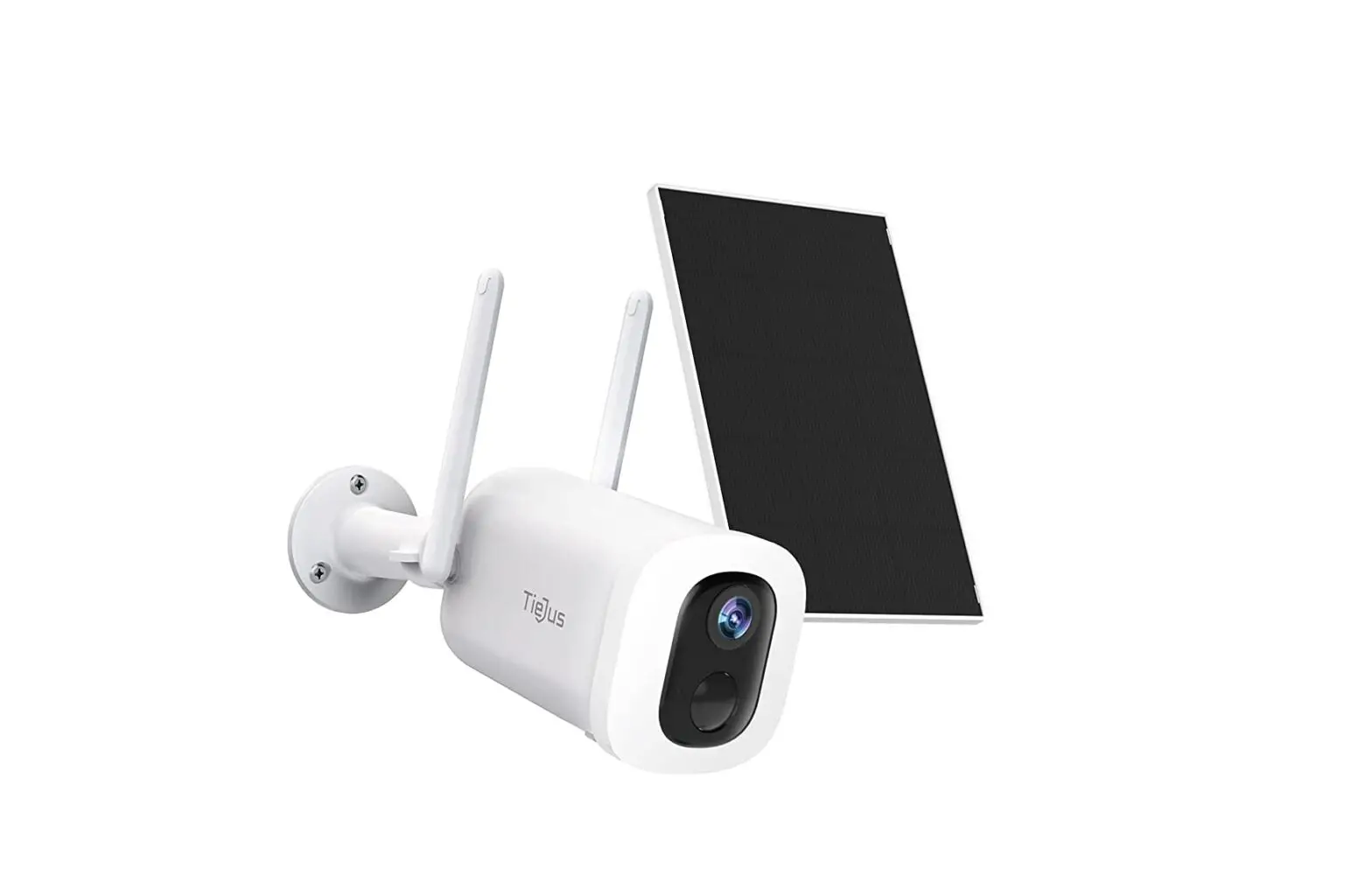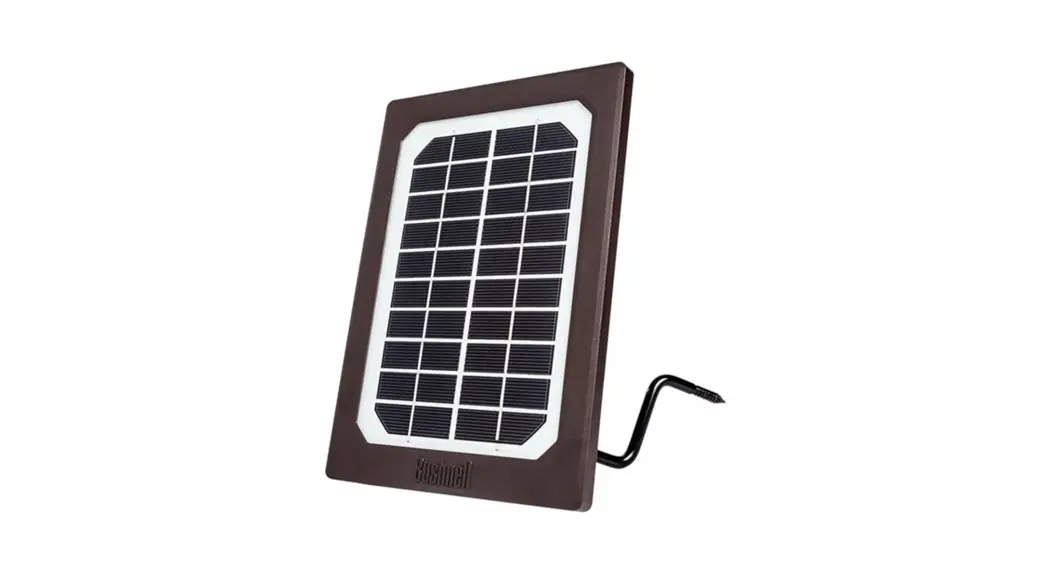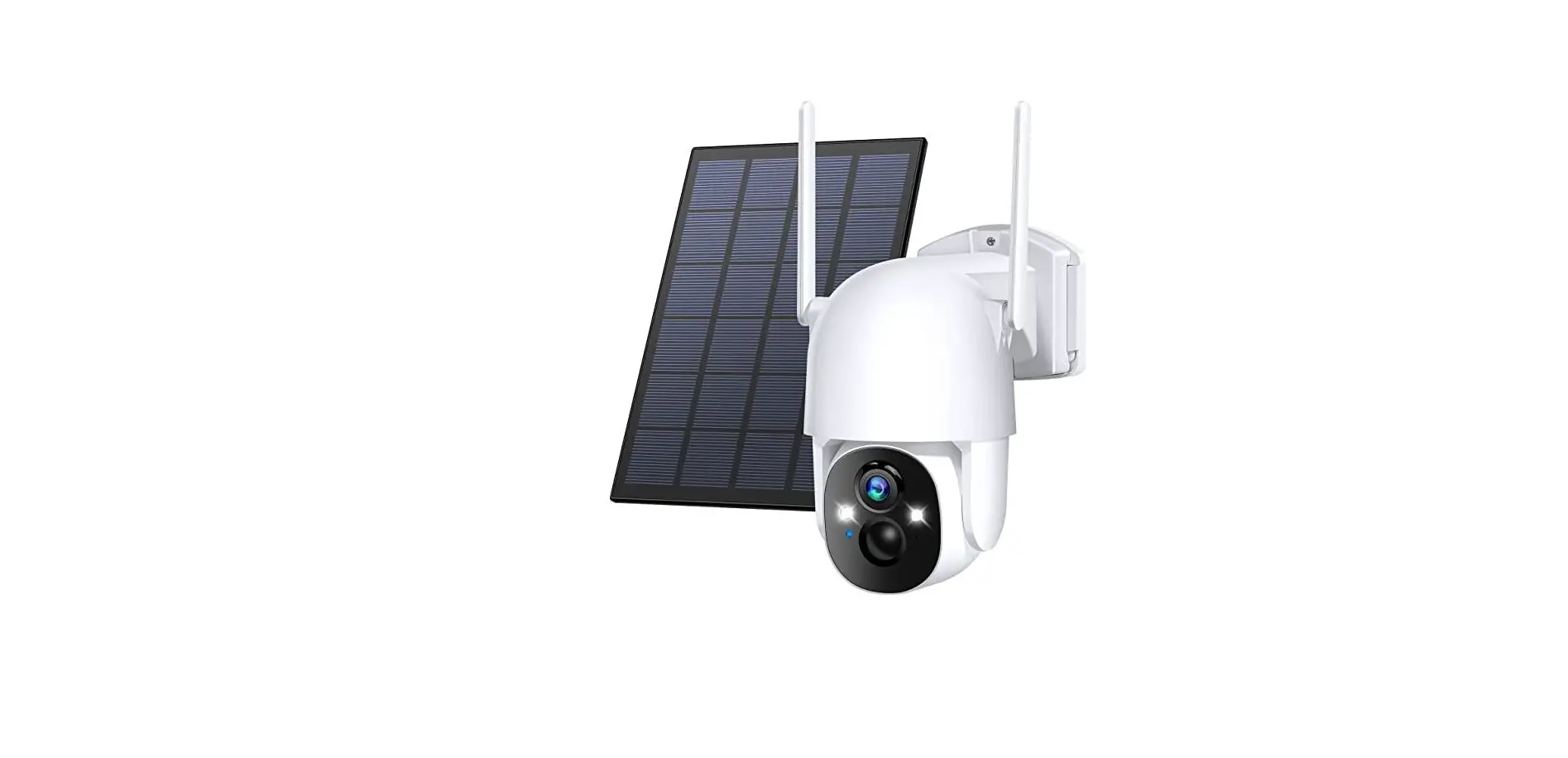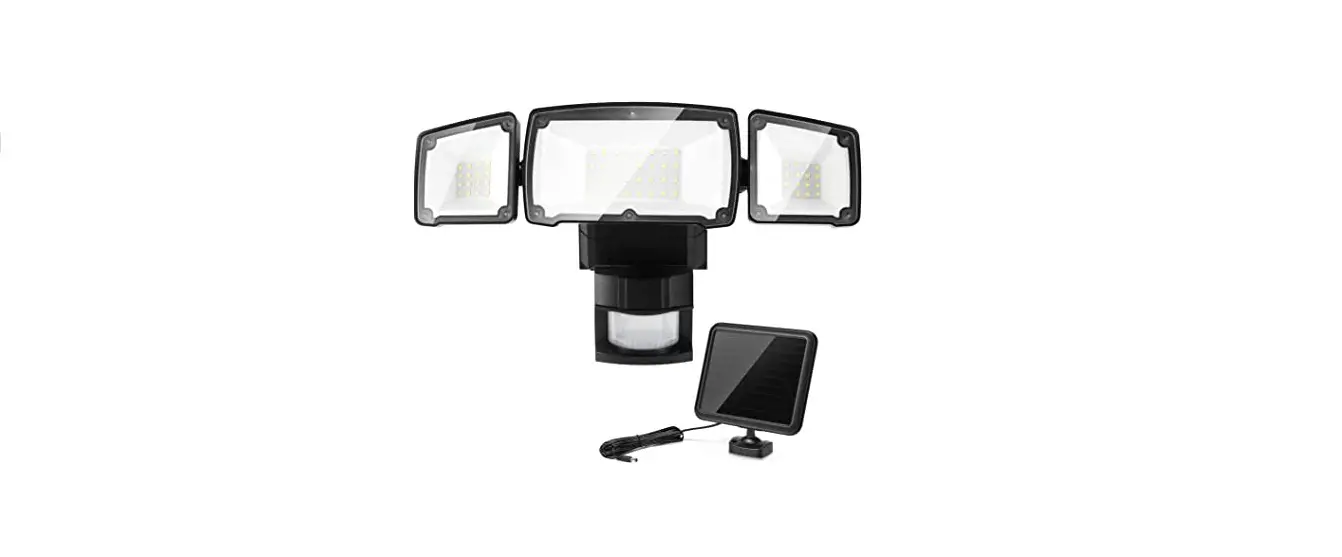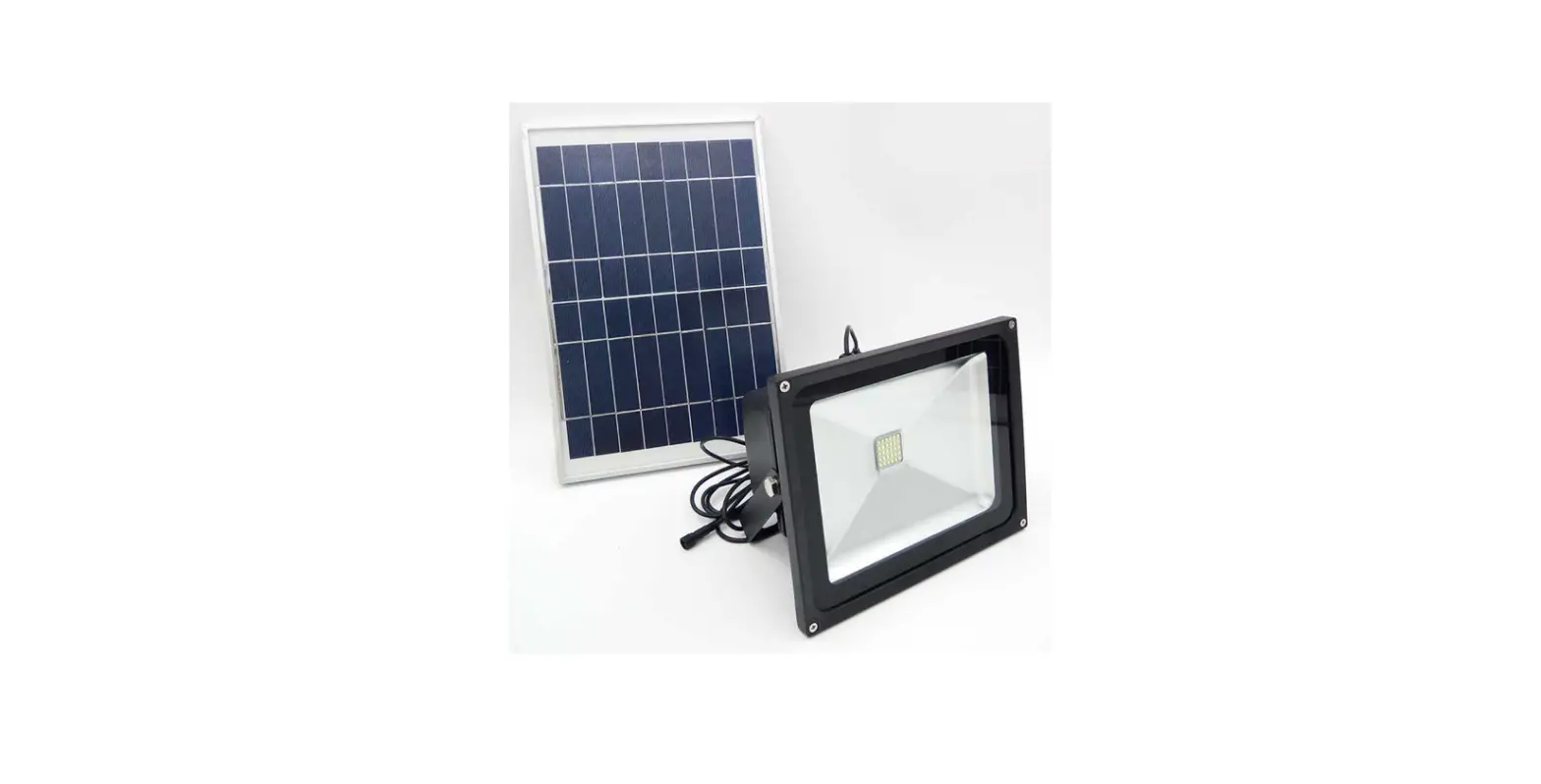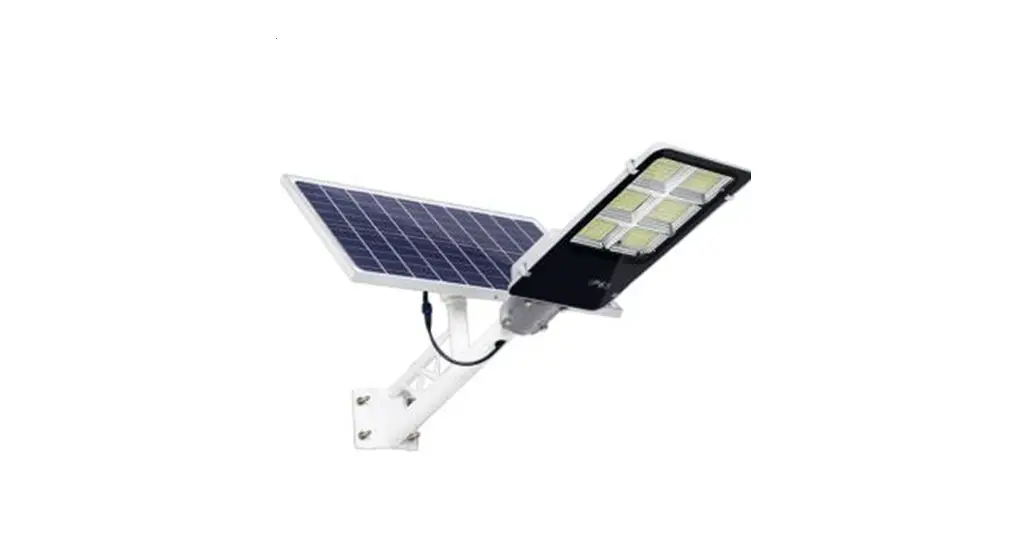

SOLAR PANEL FOR OUTDOOR CAMERA
QUICK START GUIDE
Step 1
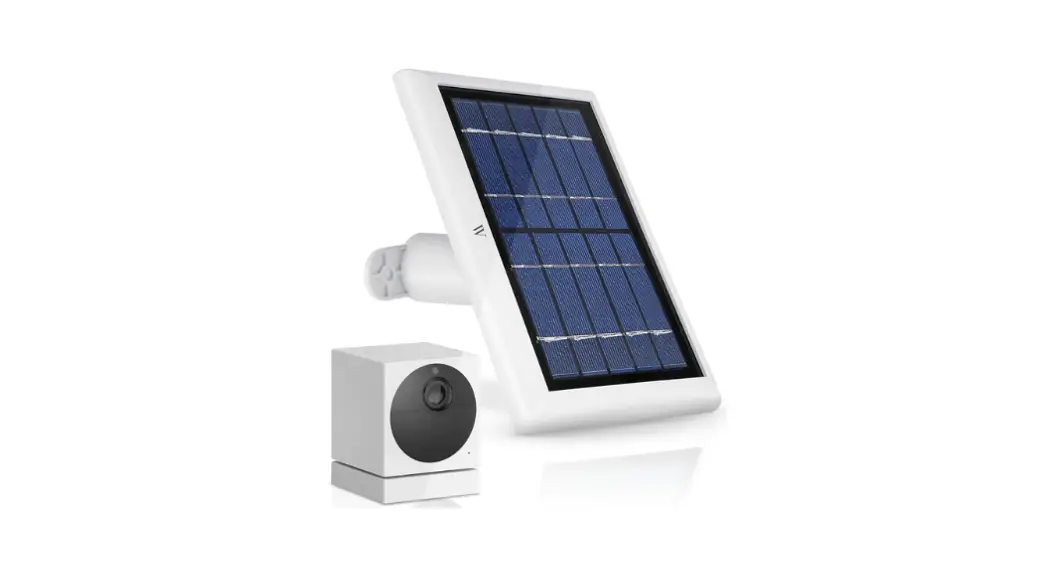
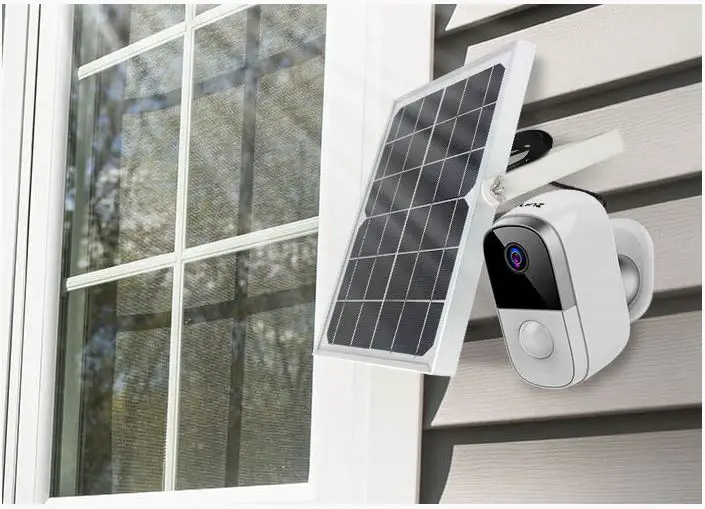
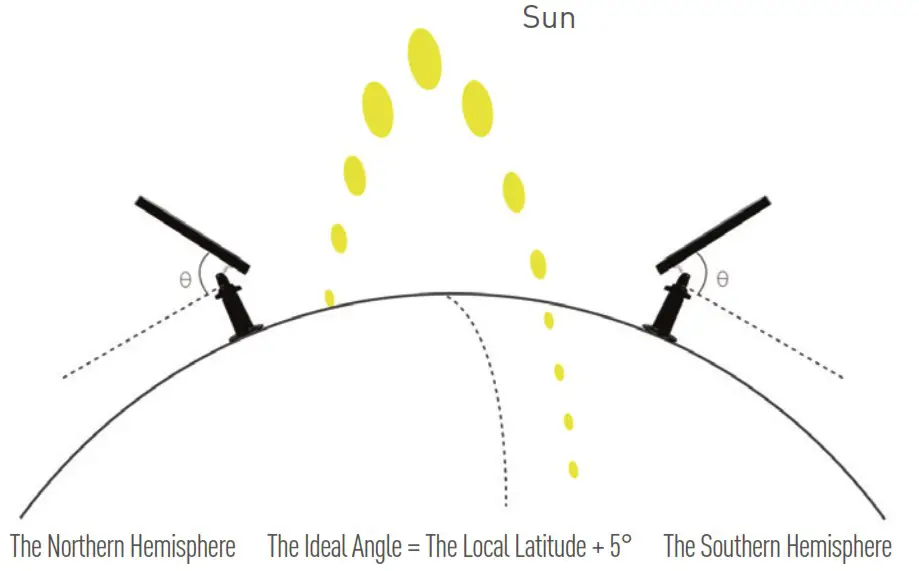
Please select a position with the most sunlight throughout the year for your solar panel. The solar panel only needs a few hours of direct sunlight to sufficiently power your camera daily. The amount of energy that the solar panel can produce is affected by weather conditions, seasonal changes, geographic locations, etc.
Step 2
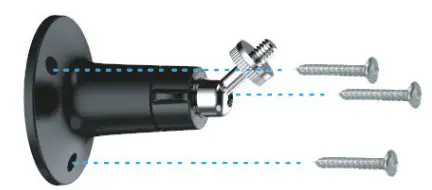 | Mount the bracket with the mounting template and the screws provided in the package. |
Step 3
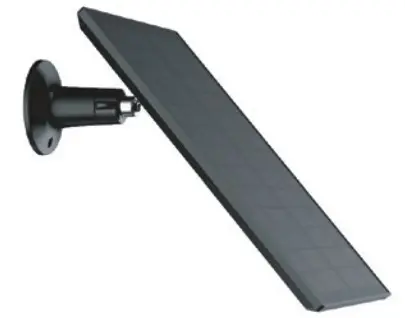 | Slot the solar panel into the bracket and make sure it is securely attached. |
Step 4
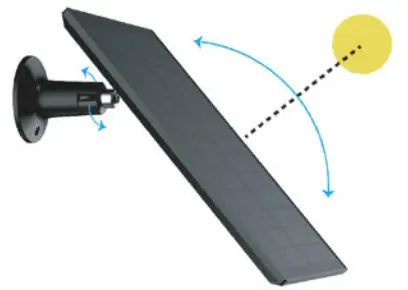 | Loosen the adjusting control on the bracket and adjust the angle of the solar panel to make it receive direct sunlight, and then re-tighten the adjusting control to secure your setting. |
Step 5
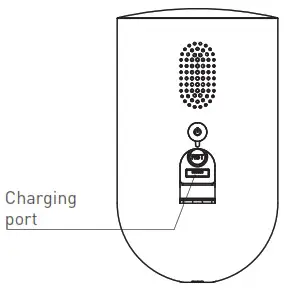 | Plug the cord into the back of the Outdoor Camera to provide continuous power while in sunlight and never recharge your batteries. |