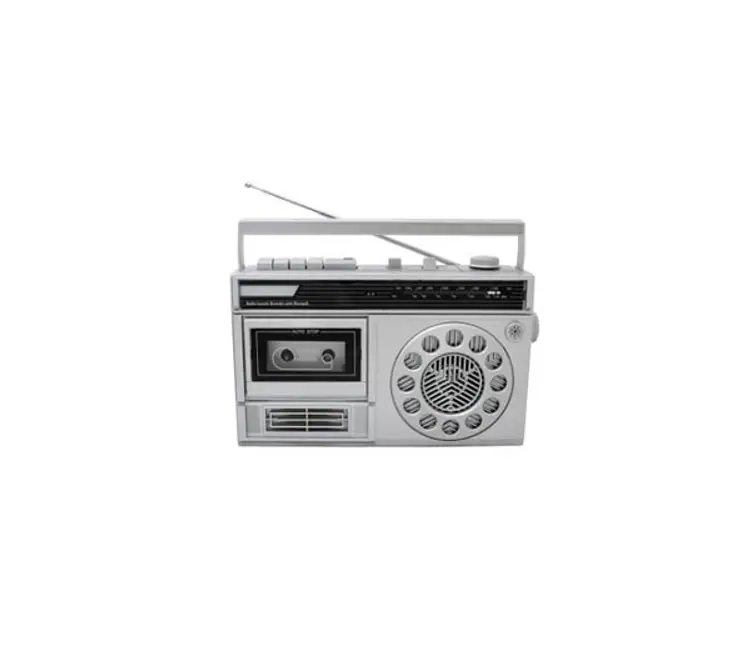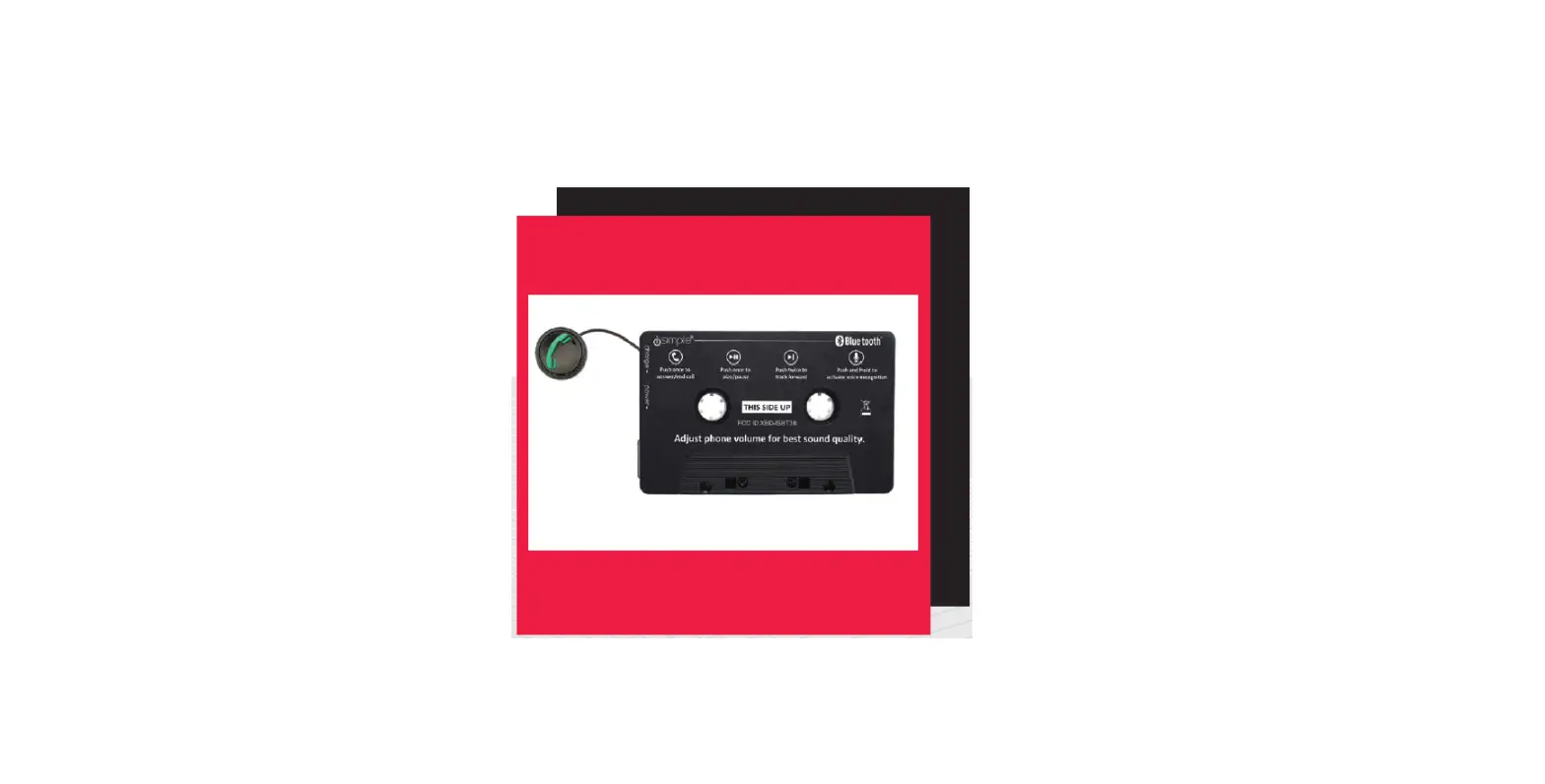

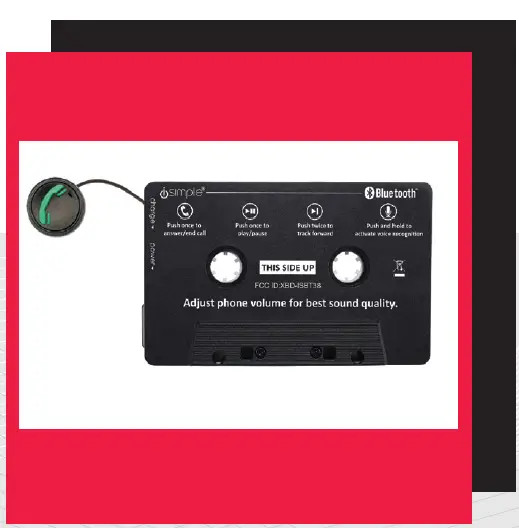
isimple BTHFS380 Call Cassette BT
ABOUT THIS PRODUCT
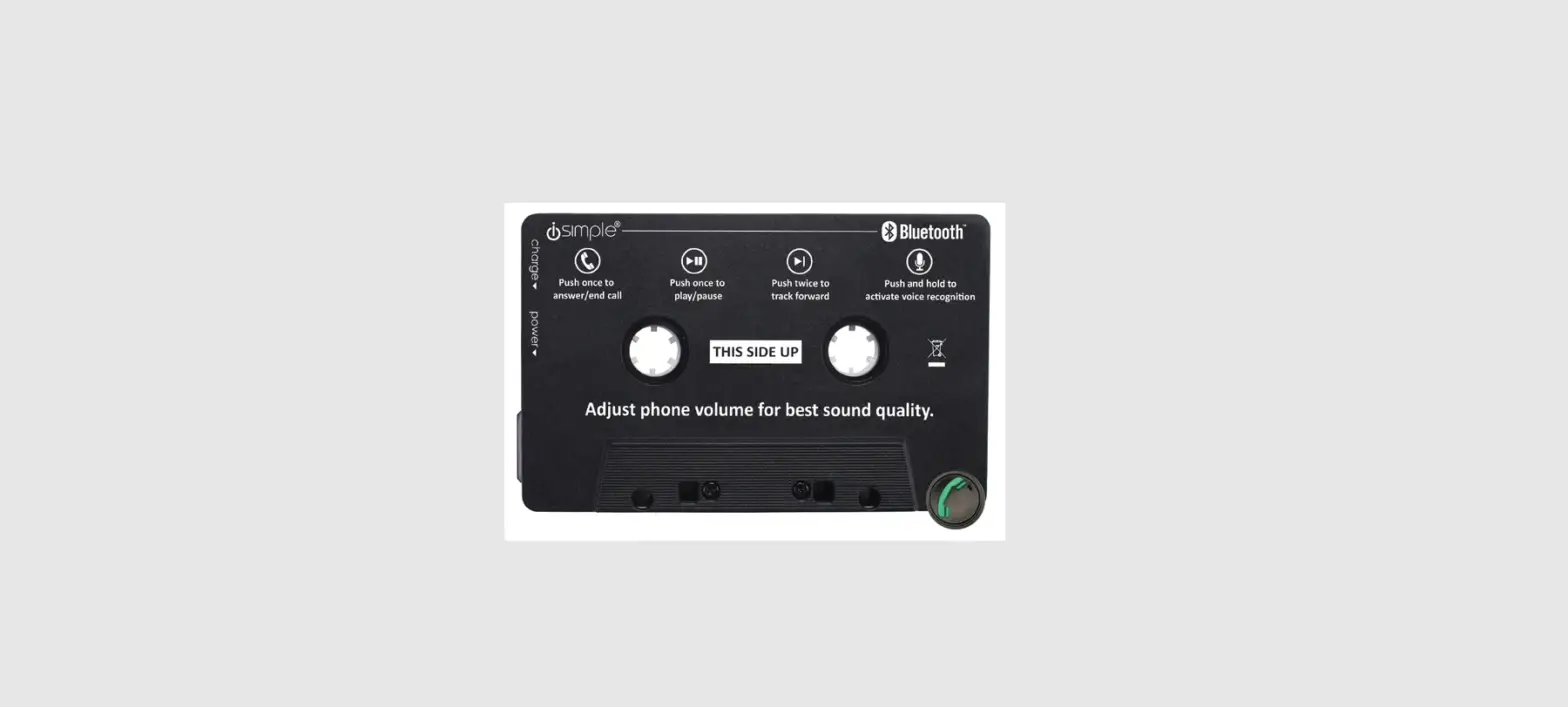
Hands-free calling and music streaming through your car radio’s cassette player! Spotify, Pandora, Google Play, YouTube Red, iTunes, or whatever else you’re using.
Features
- Compatible with any car’s cassette player. That’s right- it’s not useless after all!
- Dash-mounted push-button capability. Answer a call, pause your music, skip a track, or enable voice recognition – without taking Myour eyes off the road.
- Bluetooth equipped. No headphone jack? No problem! Our new CallCassette version is Bluetooth enabled.
- Flat cable design. Say goodbye to hopelessly tangled cables! Ou innovative flat cable design doesn’t tie itself in knots.
Be careful when removing all items from the packaging tray. Take care not to tug or pull on cables
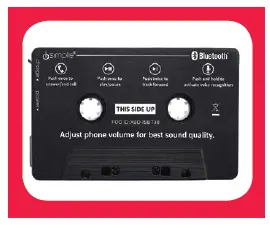
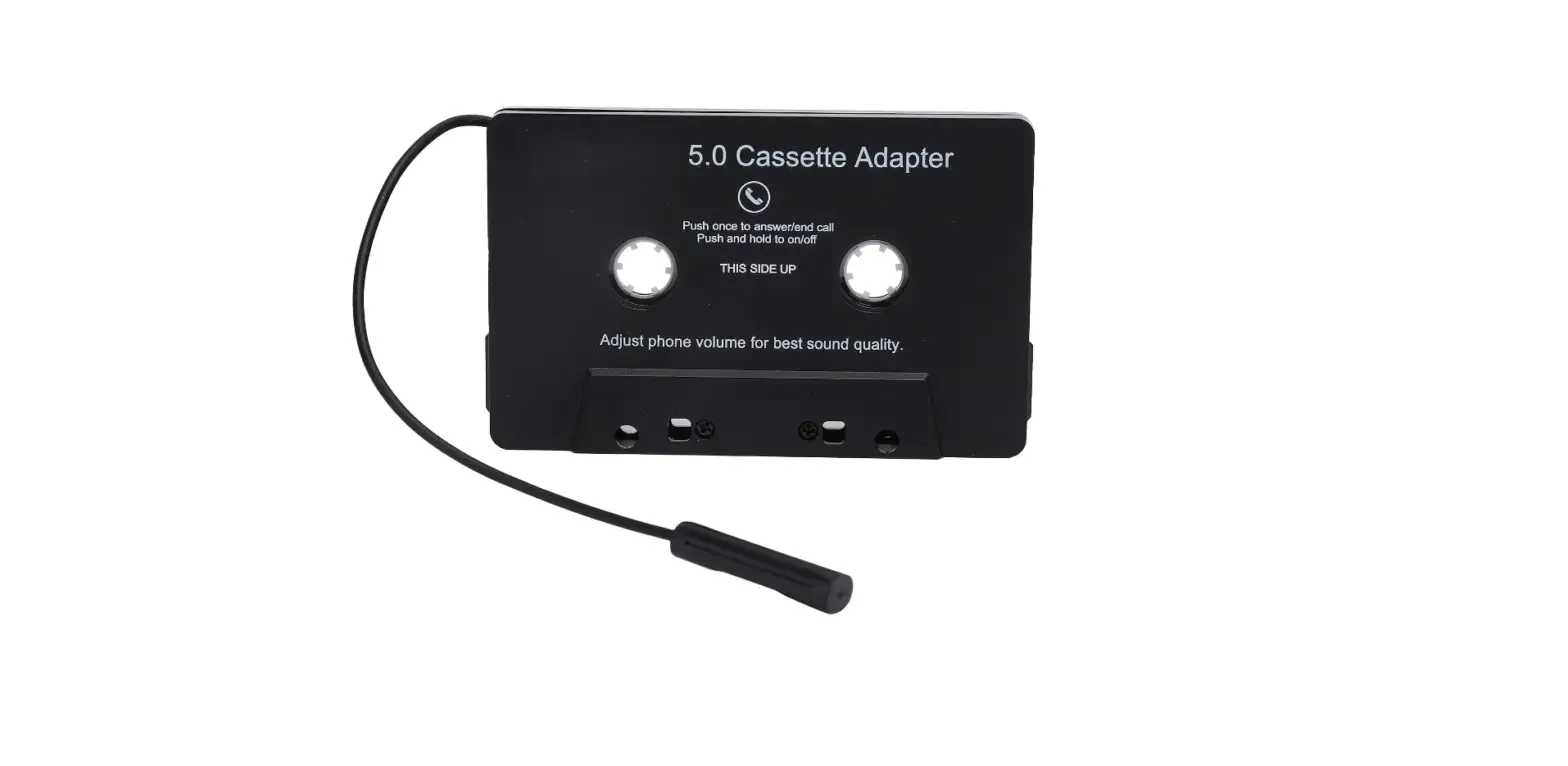
Bluetooth Cassette (A)
Inserts into your car radio’s cassette player
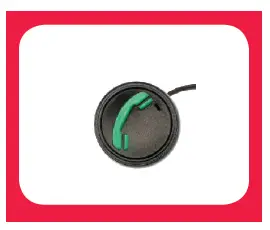
Control Button with Mic (B)
Used to control your audio and calls
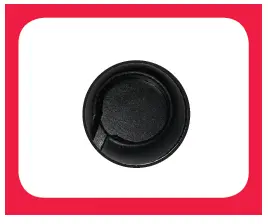
Button Dash-Mount (C)
Adheres to your dash. Holds control button
CHARGING GUIDE
NOTE: Make sure you are parked in a safe spot before installation or whenever you are pairing a device. NEVER WHILE DRIVING.
How to Charge BTHFS380
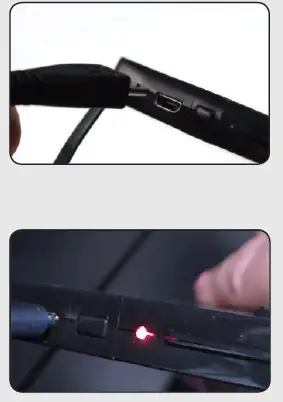
Plug the micro-USB end of the enclosed charging cable into the CallCassette (A). Plug the USB end of the BTHFS380 charging cable into a USB power source. When connected to a power source, the LED light will glow red while charging. When charging is complete, the red LED light will turn off. You’re now ready to pair
INSTALLATION INSTRUCTIONS.
STEP 1
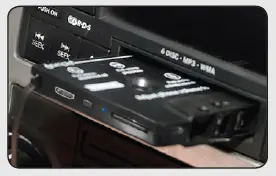
Insert CallCassette (A) into your car radio, noting “THIS SIDE UP”. Tip! If the cassette adapter cannot be loaded in “This Side Up”, you can insert the cassette adapter upside down, just make sure you press the A/B button on your car radio.
STEP 2
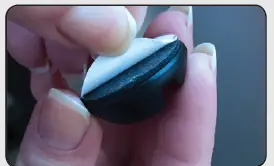
Determine an easily accessible location for the Control nButton (B). Remove the adhesive backing from the button (C) mount and attach to a clean, flat surface with the cablen notch facing in the proper direction for the cable.
STEP 3
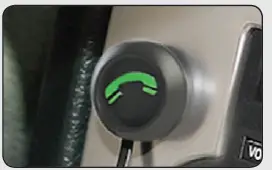
Insert the Control Button (B) into the button mount
PAIRING GUIDE
Make sure that Bluetooth on your device is turned on.
Step 1
Turn on BTHFS380 by pressing the Power Button on then CallCassette (A). The LED light will begin flashing red/bluem to indicate power is on and is ready for pairing
Step 2
Open the Bluetooth menu on your smartphone, and scan Nfor available Bluetooth devices. Find “CallCassette” from the list, and select “Connect
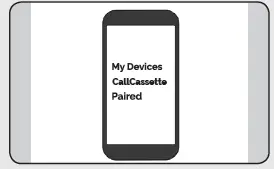
When a successful connection has been established, the LED light will confirm with a steady red light and then the light will turn off
HOW TO PLAY YOUR PHONE’S AUDIO
Step 1
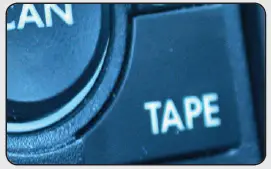
Select the “TAPE” source on your radio to hear music and phone calls from your phone.
Step 2
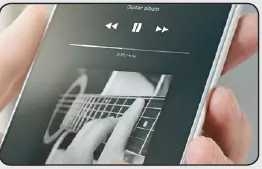
On your device, access your music/media player of choice
Step 3
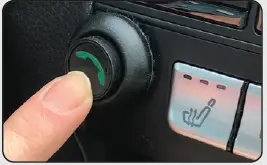
Use the Control Button (B) for functions such as play, pauseand track forward
(Performance and functions may vary depending on the device and app used.)
| Action | Description |
| PLAY | Press button once |
| FORWARD TRACK | Press button twice |
| REVERSE | Press button three times |
| ENABLE VOICE RECOGNITION | Press button and hold |
Adjust the volume using your device and radio volume.
CALLING INSTRUCTIONS
How to Make Calls Using Your BTHFS380
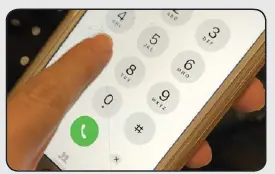
Make sure your phone is paired and select the “TAPE” source on your radio to hear music and phone calls from your phone. To dial a phone number use your phone’s keypad or simplyn activate Voice Recognition by pressing and holding Controlm Button (B.) See below chart for how to accept/answer and end calls.
| Action | Description |
| ACCEPT/END CALLS | Press button once (B) |
How to Power Off BTHFS380
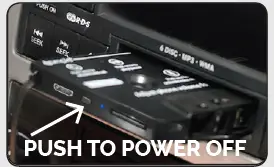
To power off, press the power button on CallCassette (A) for 5 seconds. The LED light will flash red and then turn off.\
ABOUT AUTO-CONNECT
When powered on, CallCassette will Auto-Connect to the last device paired if the device is available
ABOUT POWER SAVE MODE
If you forget to turn it off, don’t panic, CallCassette will automatically shut down after 3 minutes when out of range of your smartphone. Your CallCassette battery life is approximately 5 hours. To preserve it, you should power off when not in use
ABOUT LOW BATTERY WARNING
You can expect about 5 hours of playback from your cassette on a single charge. NOTE: When the built-in battery is low, CallCassette LED light will start flashing red about every 8 seconds.
SAFETY WARNING
This equipment may be reset by unintentional electrostatic discharge during operation. Exposureb to direct sunlight or extreme heat may cause damage or malfunction.
- FCC Class B Radio Frequency Interference Statement: This equipment has been tested and found to comply with the limits for a Class B digital device, pursuant to Part 15 of FCC rules. These limits are designed to provide reasonable protection against harmful interference in a residential installation. This equipment generates, uses, and can radiate radio frequency energy and, if notn installed and used in accordance with the instructions, may cause harmful interference to radio communications.
- However, there is no guarantee that interference will not occur in a particular installation. If thisequipment does cause harmful interference to radio or television reception, more of the following measures:
- Re-orientate or relocate the receiving antenna.
- Increase the separation between the equipment and receiver.
- Connect the equipment into an outlet on a circuit different from that of which the receiver is connected.
- Consult the dealer or an experienced radio / television technical for help
NOTICE: The changes of modifications not expressly approved by the party responsible compliance could void the user authority to operate the equipment
Technical Support
US EU
Technical Support
AAMP Global
Tel.: 866-788-4237
[email protected]
www.iSimple.com
AAMP Global UK
Tel.: +01-800-477-2267
[email protected]
www.iSimple.com