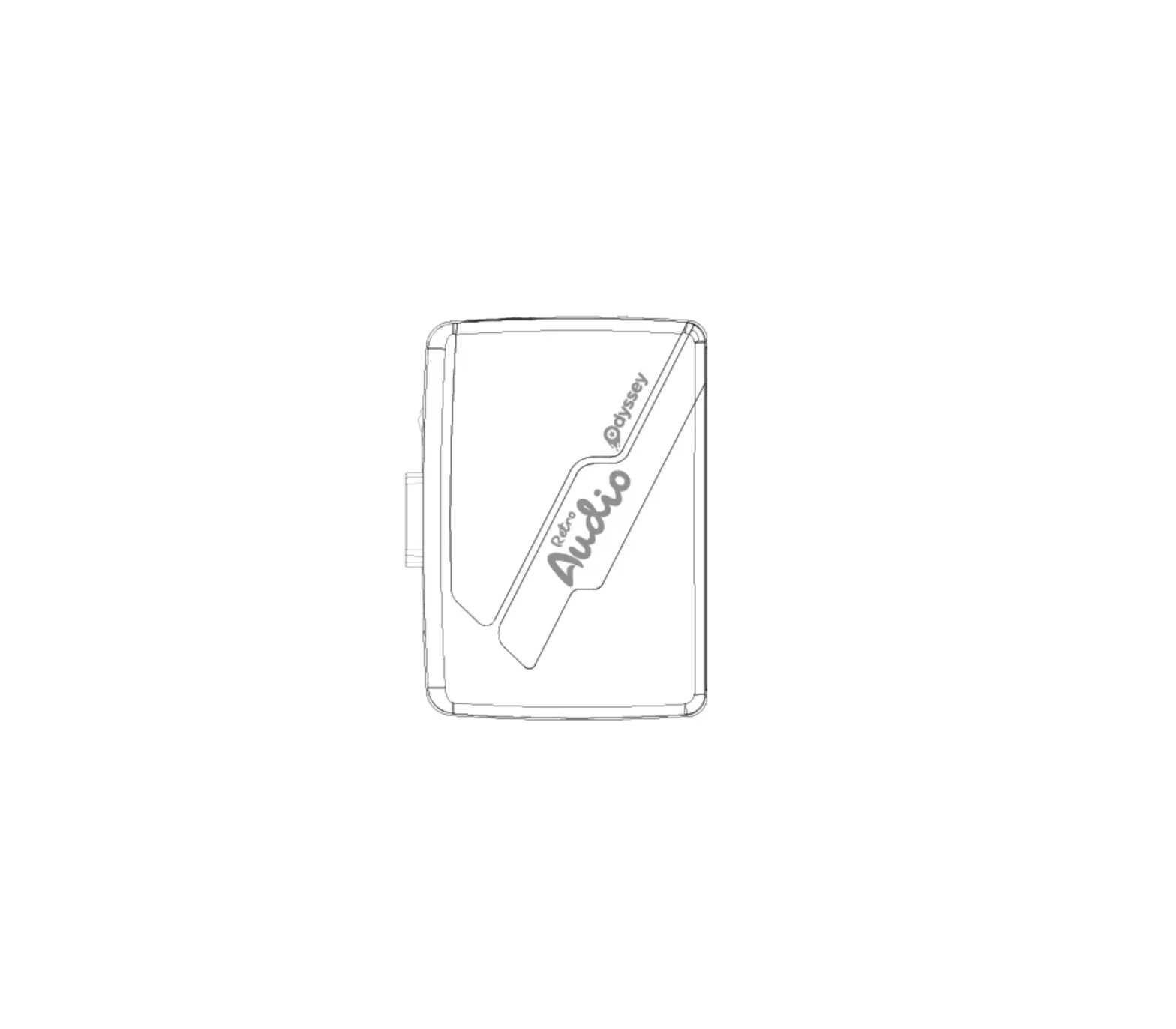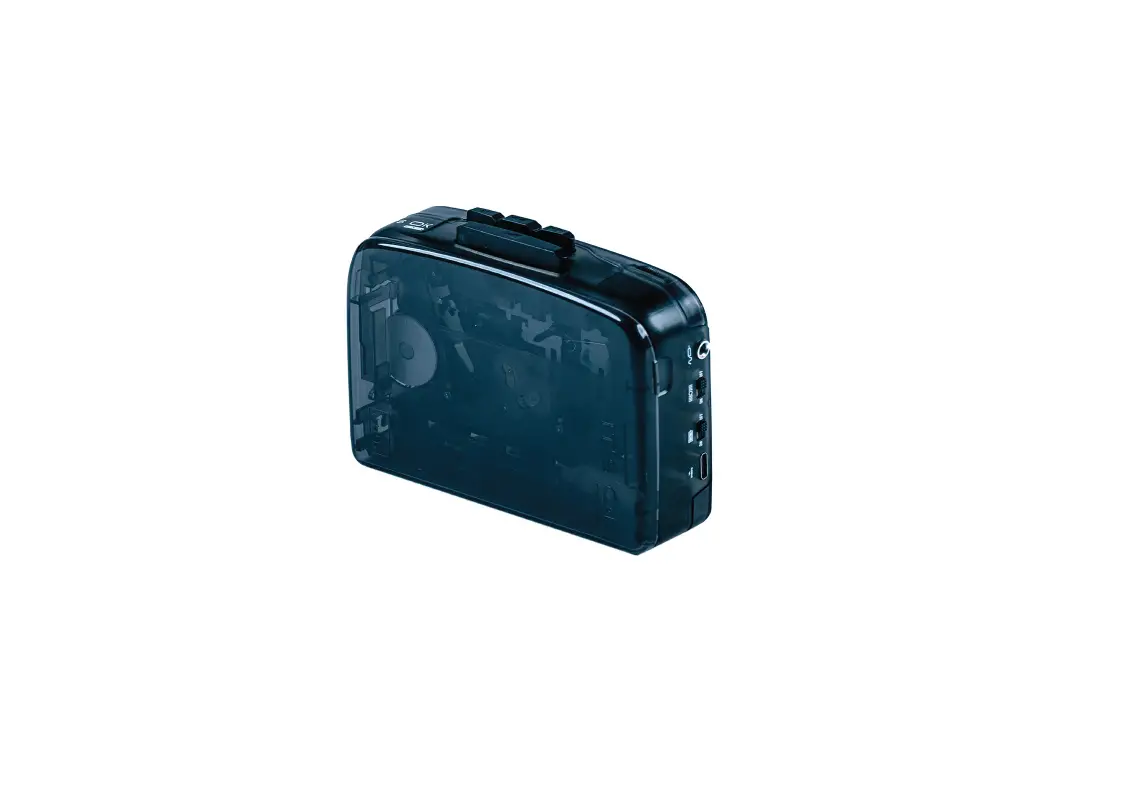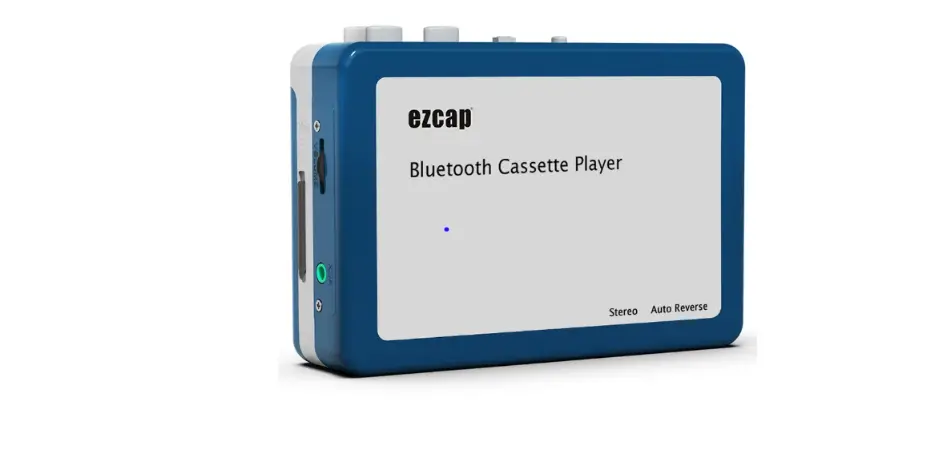

EZCAP215 Bluetooth Cassette Player
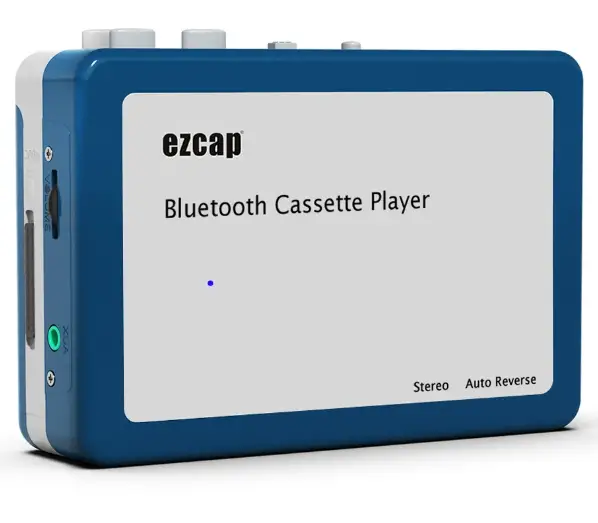
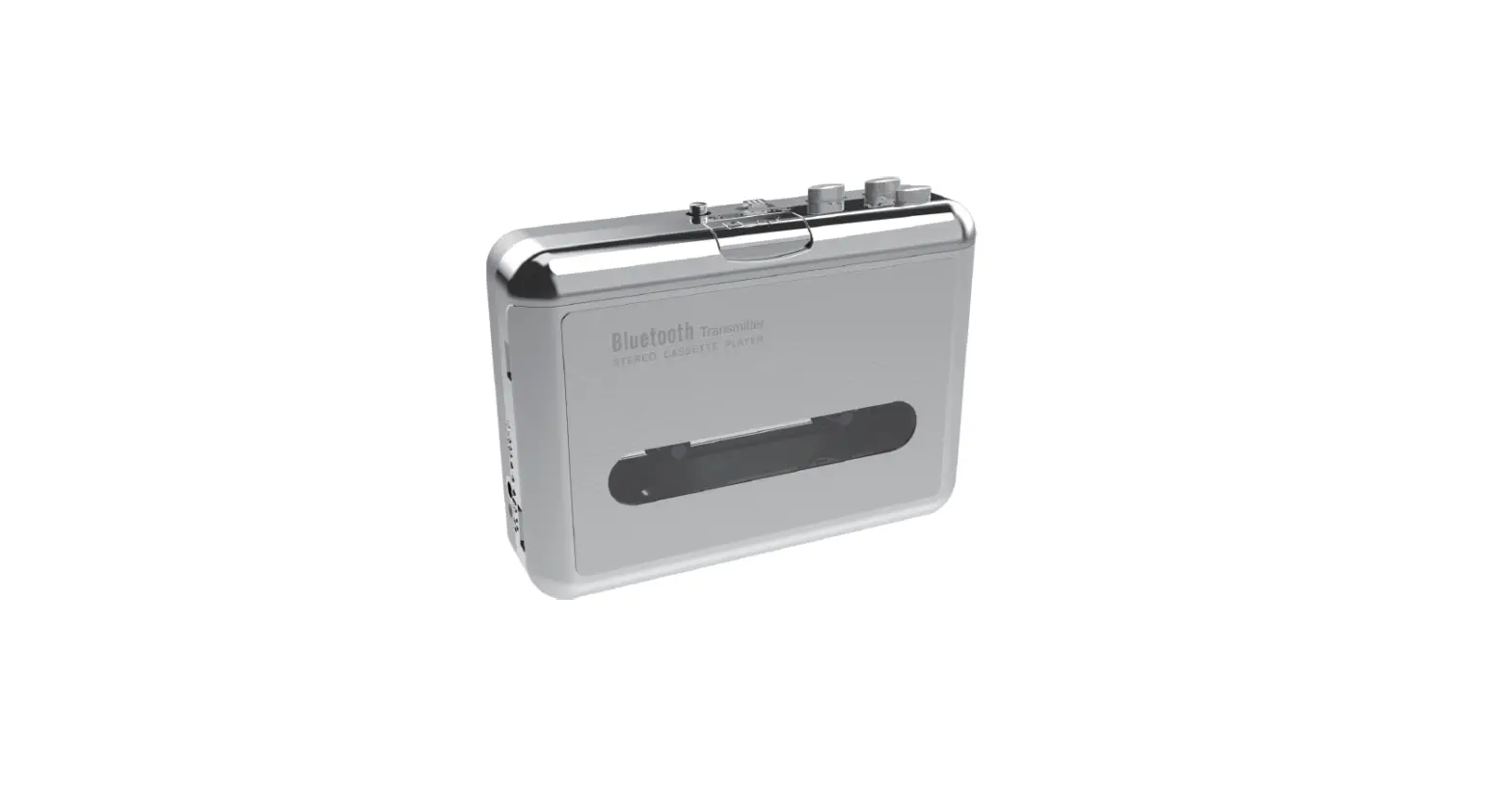
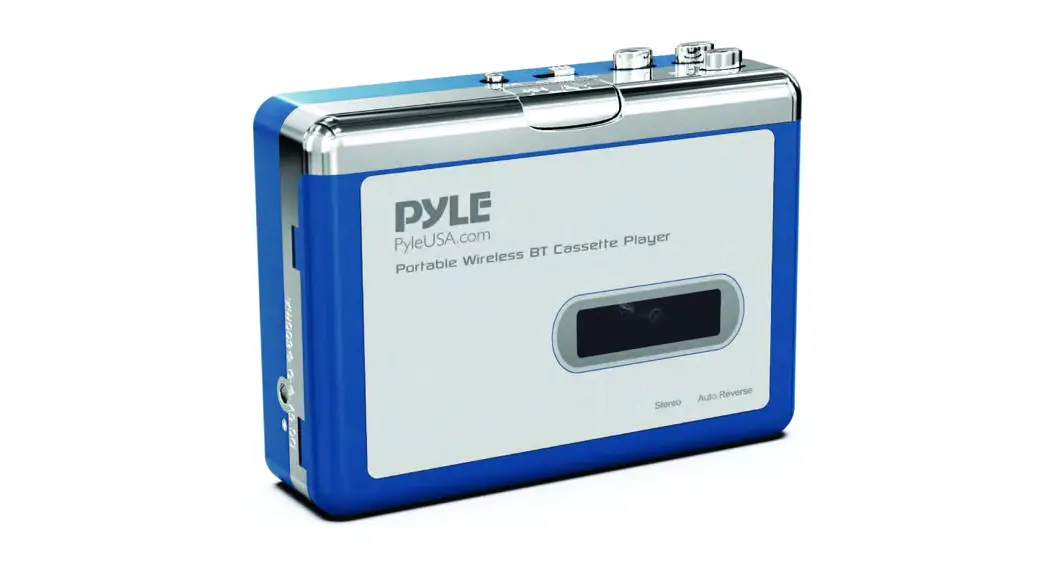
Thanks for purchasing ezcap215 Bluetooth Cassette Player. The following guides you how to set up. Hope this device will bring you nice digital experience. With this ezcap215 Bluetooth Cassette Player, you can easily transmit cassette tape music to your Bluetooth earphone or speaker, you player anymore.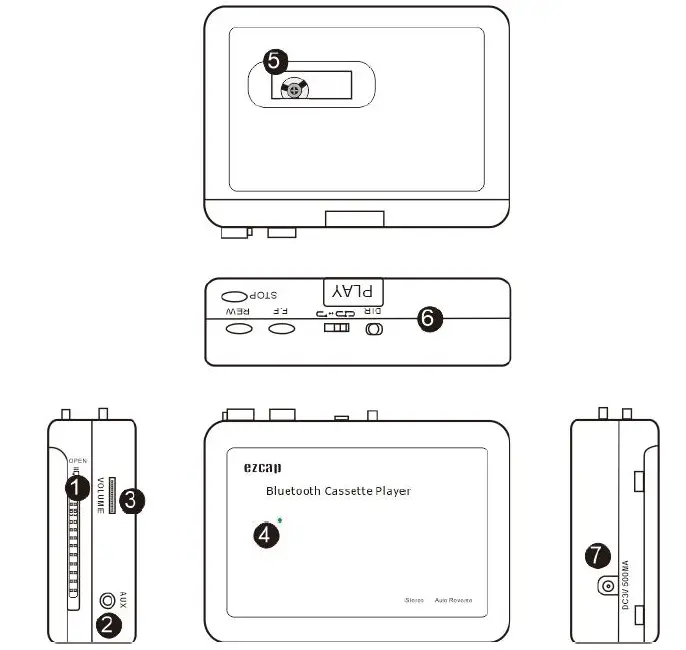
Features
- Lid switcher—Slide down to open the lid, so can put cassette in.
- AUX port—-Audio output to earphone or speaker.
- Volume control.
- Bluetooth LED Indicator:
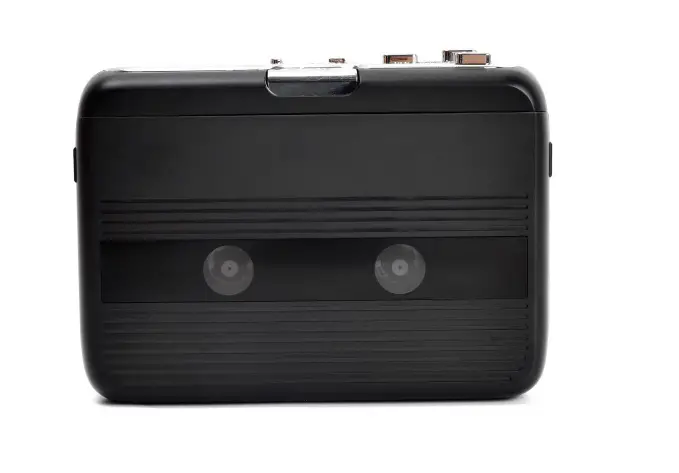
- Quick flash (1 time per second) — Search Bluetooth receiver. Slow flash (1 time per two seconds) — Paired Bluetooth receiver successful.Transparency window—-To check if cassette is running.
- Cassette operate buttons—–See following details. PLAY—press to play cassette.
- STOP—press to stop play cassette.
- F.F—Fast forward.
- REW—Rewind.
- DIR—Change the direction of cassette playing.
Operations Cassette
Power supply:
- You can simply use the USB cable in the package to power supply this device.
- Or you can also use 2 AA batteries—-Open the lid of the deck, and put batteries in the groove.
Operate: - Put a cassette in.
- Connect a speaker or earphone to AUX of the device, or turn on a Bluetooth earphone or speaker.
- Press PLAY button of the top, you should hear the sound from the cassette playing.
- The LED should quick flash when you just connected power, device is searching the Bluetooth receivers. If you turn on your Bluetooth earphone or speaker, they will pair successful after few seconds, and LED should slow flash. And you should hear the sound from your Bluetooth receiver. Additional Instructions for Bluetooth:
- Device starts to search Bluetooth receivers when you connect power, and LED quick flashes.
- Usually, device will pair successful after few seconds, and LED slow flashes.
- If you d minutes, it will stop search, and LED will turn off.
- You should power off and power on to start searching Bluetooth receiver again when the LED is turn off.
Specifications
| Bluetooth | 4.2 |
| Effective Distance | About 10m |
| Supporting Agreement | A2DP, AVRCP, AVCTP, AVDTP, HFP, SPP, SMP, ATT, GAP, GATT, RFCOMM, SDP, I2CAP |
| Signal-Noise Ratio | 90db |
| Frequency Range | 2.402GHz – 2.480GHz |
| Audio Channel | Stereo L/R |
| Audio Input | Cassette tape |
| Audio Output | 3.5mm earphone jack, Bluetooth transmitter |
| User Interface | Control buttons: PLAY, STOP, F.F, REW, DIR. Auto reverse switch, Volume control. |
| LED indicator: Quick flash for search Bluetooth receiver, slow flash for pair successful. | |
| Power supply | 2*AA Battery, or USB port power supply (5V DC adapter) |
| Package Contents | ezcap215 Bluetooth Cassette Player, USB power cable, Earphone, Manual |
| Bit Rate | 128Kbps |
| Dimensions | 113 x 85 x 32 mm |
| Weight | 180g |
FCC Warning
This device complies with Part 15 of the FCC Rules. Operation is subject to the following two conditions: This device may not cause harmful interference, and this device must accept any interference received, including interference that may cause undesired operation.
NOTE 1:
This equipment has been tested and found to comply with the limits for a Class B digital device, pursuant to part 15 of the FCC Rules. These limits are designed to provide reasonable protection against harmful interference in a residential installation. This equipment generates uses and can radiate radio frequency energy and, if not installed and used in accordance with the instructions, may cause harmful interference to radio communications. However, there is no guarantee that interference will not occur in a particular installation. If this equipment does cause harmful interference to radio or television reception, which can be determined by turning the equipment off and on, the user is encouraged to try to correct the interference by one or more of the following measures:
- Reorient or relocate the receiving antenna.
- Increase the separation between the equipment and receiver.
- Connect the equipment into an outlet on a circuit different from that to which the receiver is connected.
- Consult the dealer or an experienced radio/TV technician for help.
NOTE 2:
Any changes or modifications to this unit not expressly approved by the party responsible for compliance could void the user’s authority to operate the equipment.