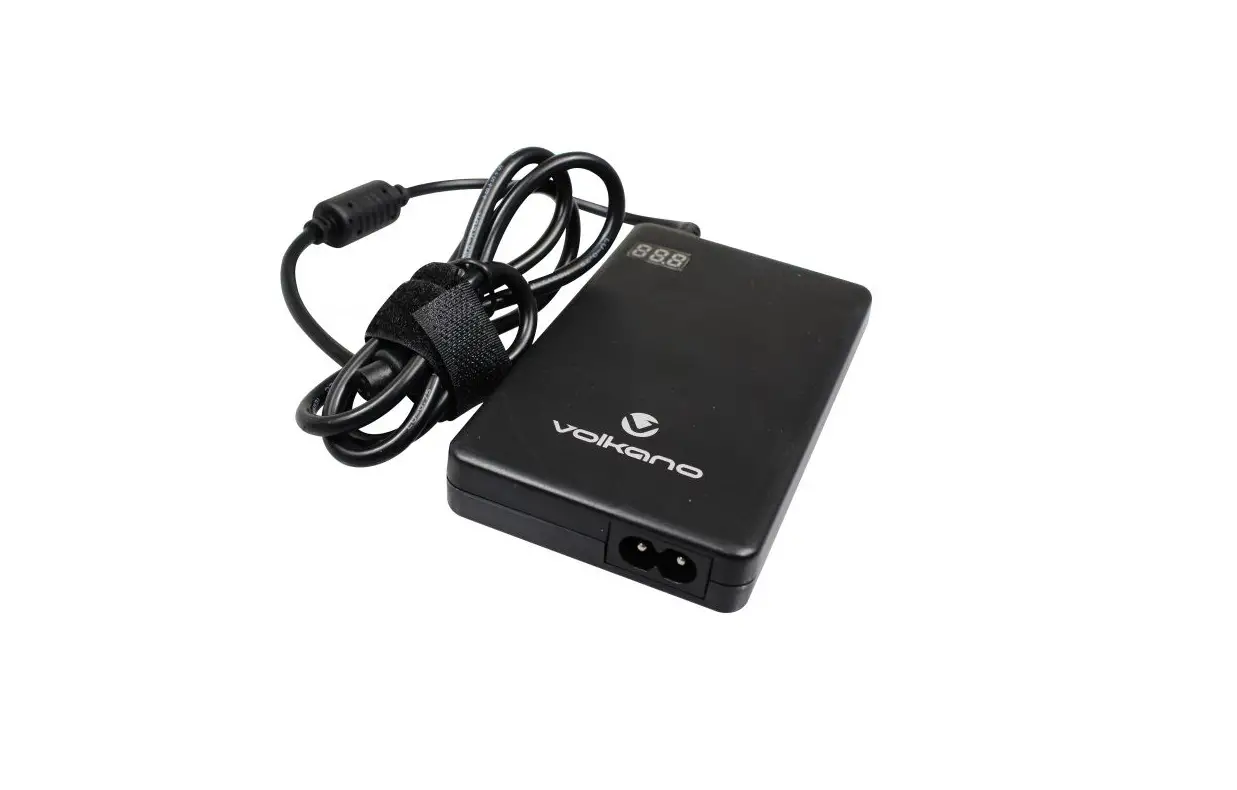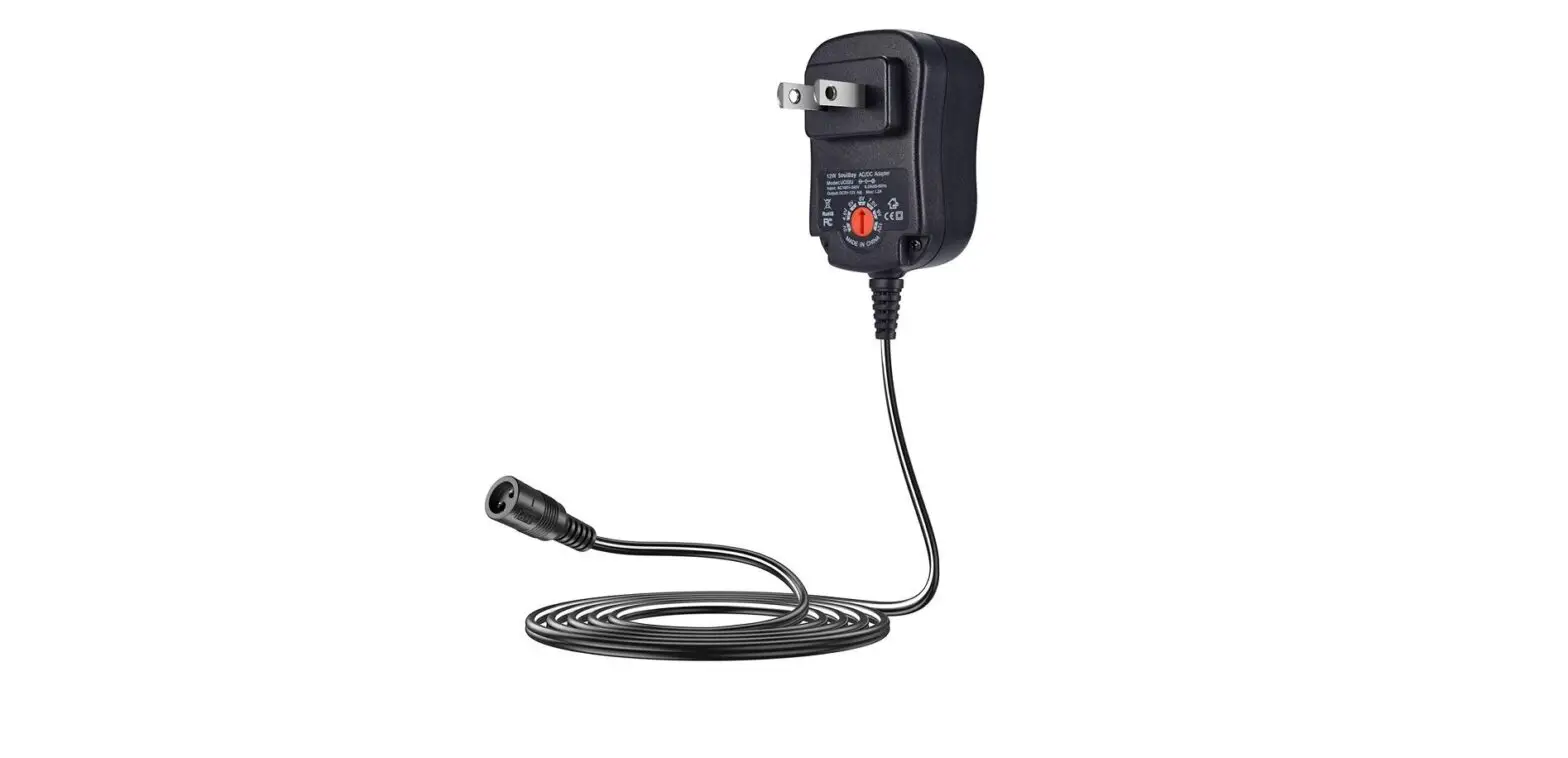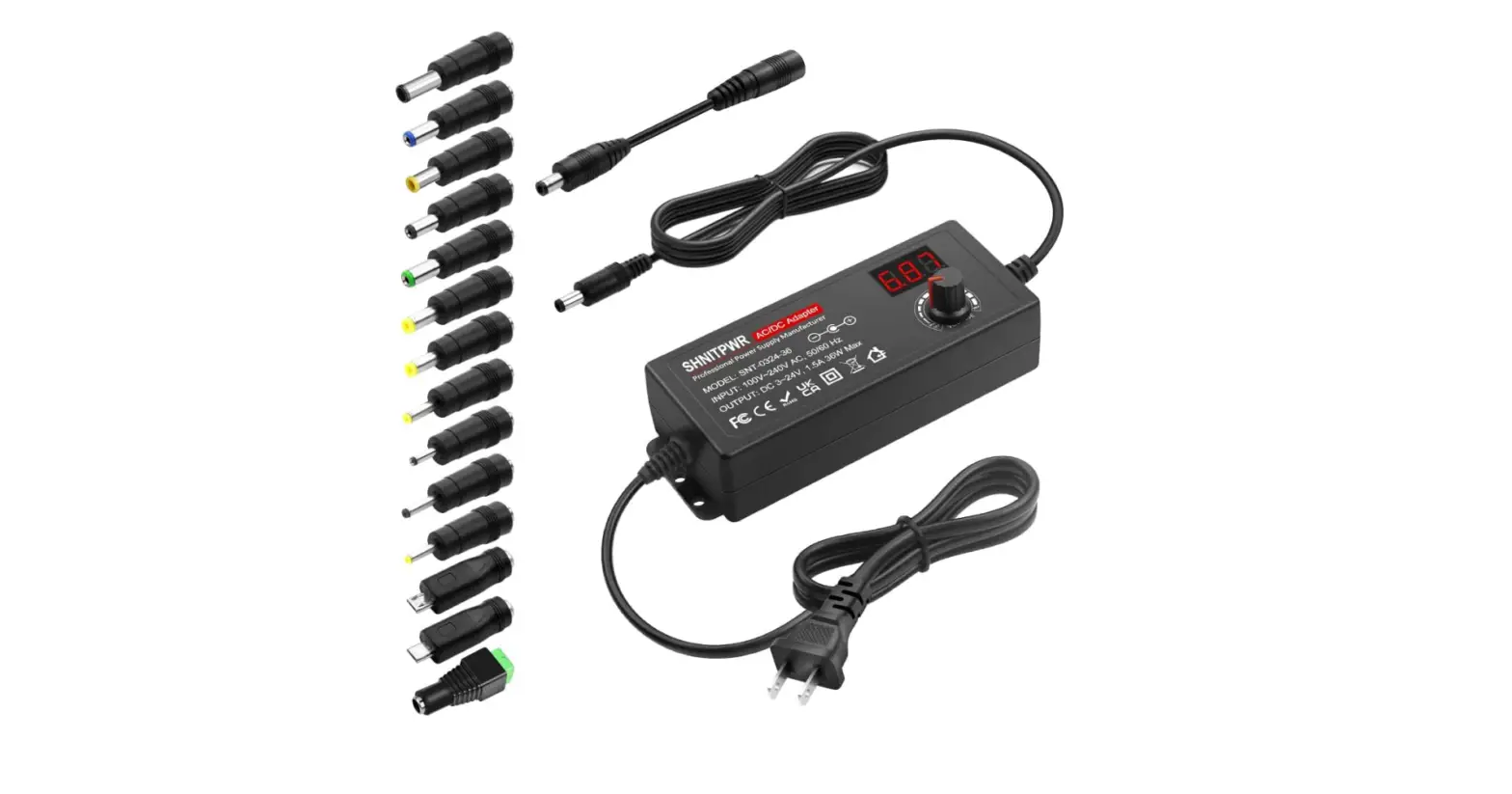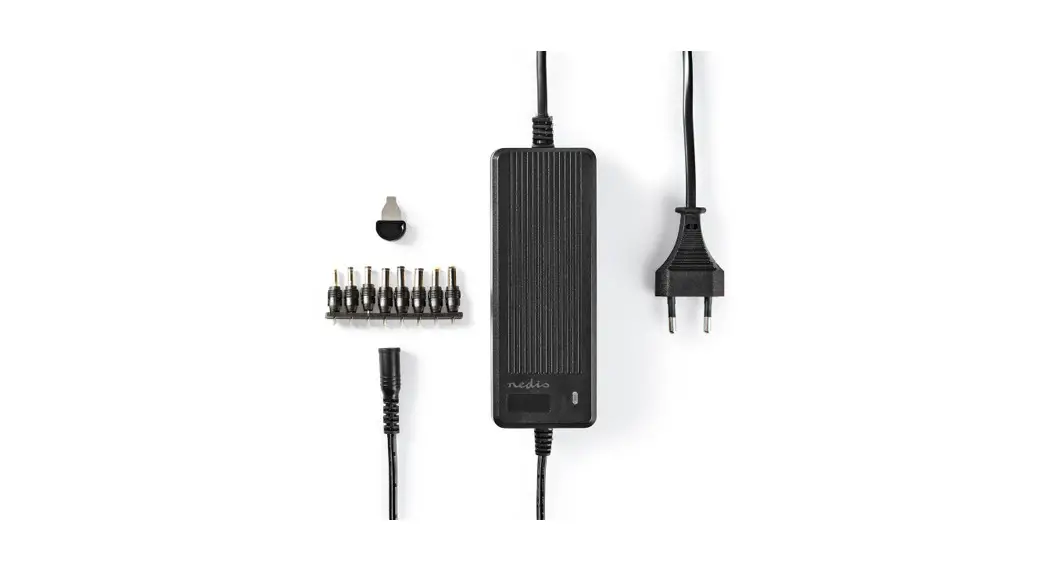

Universal AC Adapter
6 to 16 V
ACPA116
 |  |
Universal AC Adapter
 For more information see the extended manual online: ned.is/acpa116
Intended use
This product is intended as an AC adapter for charging devices.
The product is intended for indoor use only.
The product is not intended for professional use.
Any modification of the product may have consequences for safety, warranty, and proper functioning.
Specifications
Product | Universal AC Adapter |
| Article number | ACPA116 |
| Dimensions (l x w x h) | |
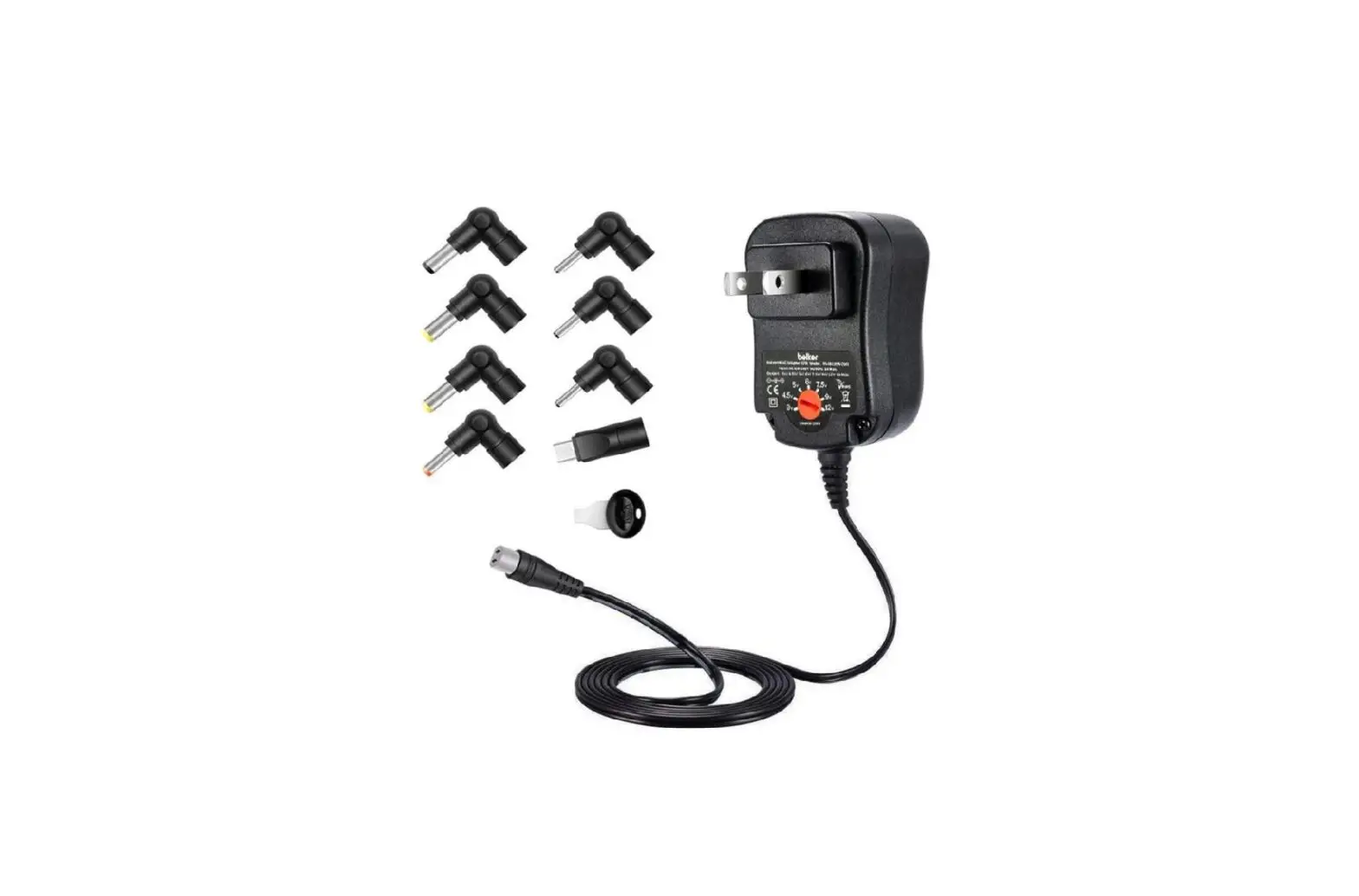
| Dimensions plug type | 3.5 x 1.1 mm 3.5 x 1.35 mm 4.0 x 1.7 mm 4.8 x 1.7 mm 5.0 x 2.1 mm 5.5 x 2.1 mm 5.5 x 2.5 mm 6.3 x 3.0 mm |
| Dimensions output voltage and current | 6 VDC; 5.0 A 7,5 VDC; 5.0 A 9 VDC; 5.0 A 12 VDC; 5.0 A 13,5 VDC; 3,8 A 15 VDC; 3,8 A 16 VDC; 3,5 A |
| Input voltage | 100 – 240 VAC; 50/60Hz; 1.5 A |
| Output power | 60 W |
| Output current | 3.5 – 3.8 – 5.0 A |
| Weight | 279 g |
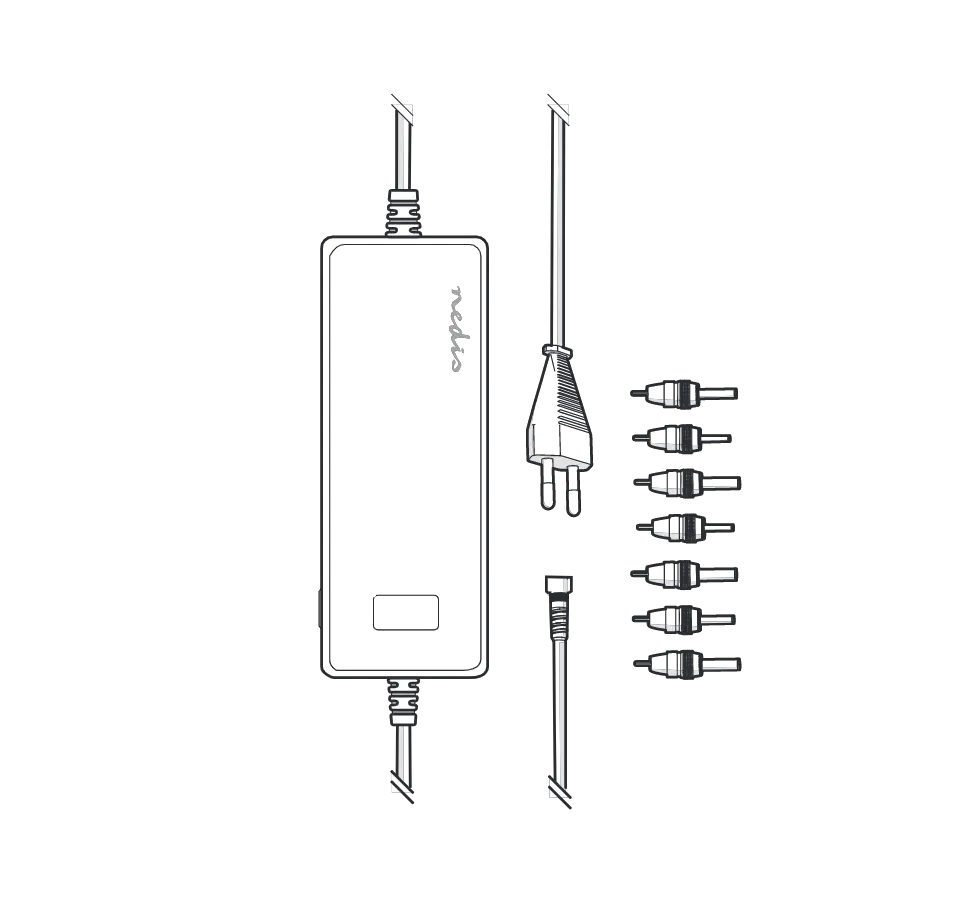
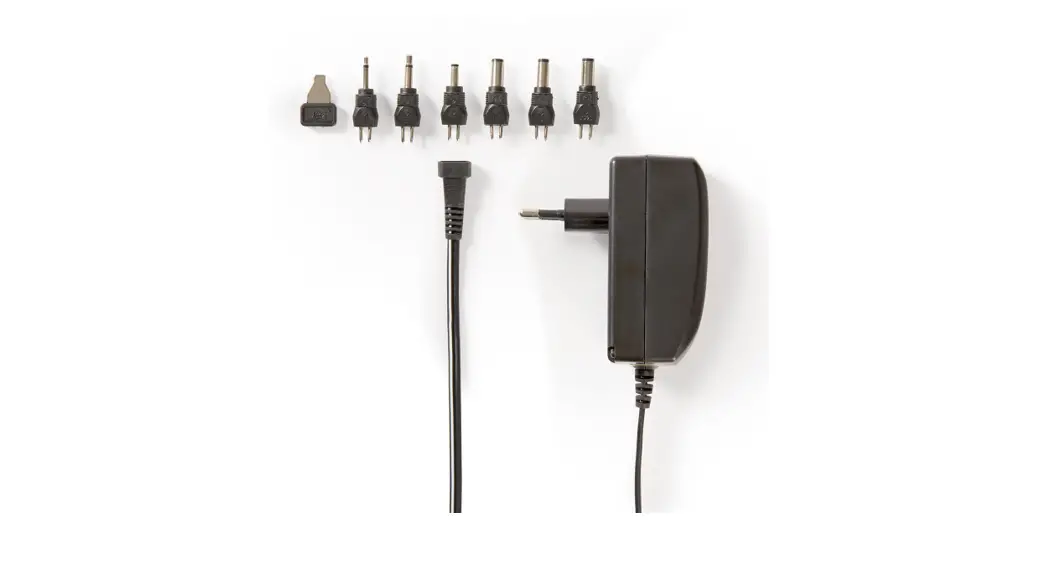
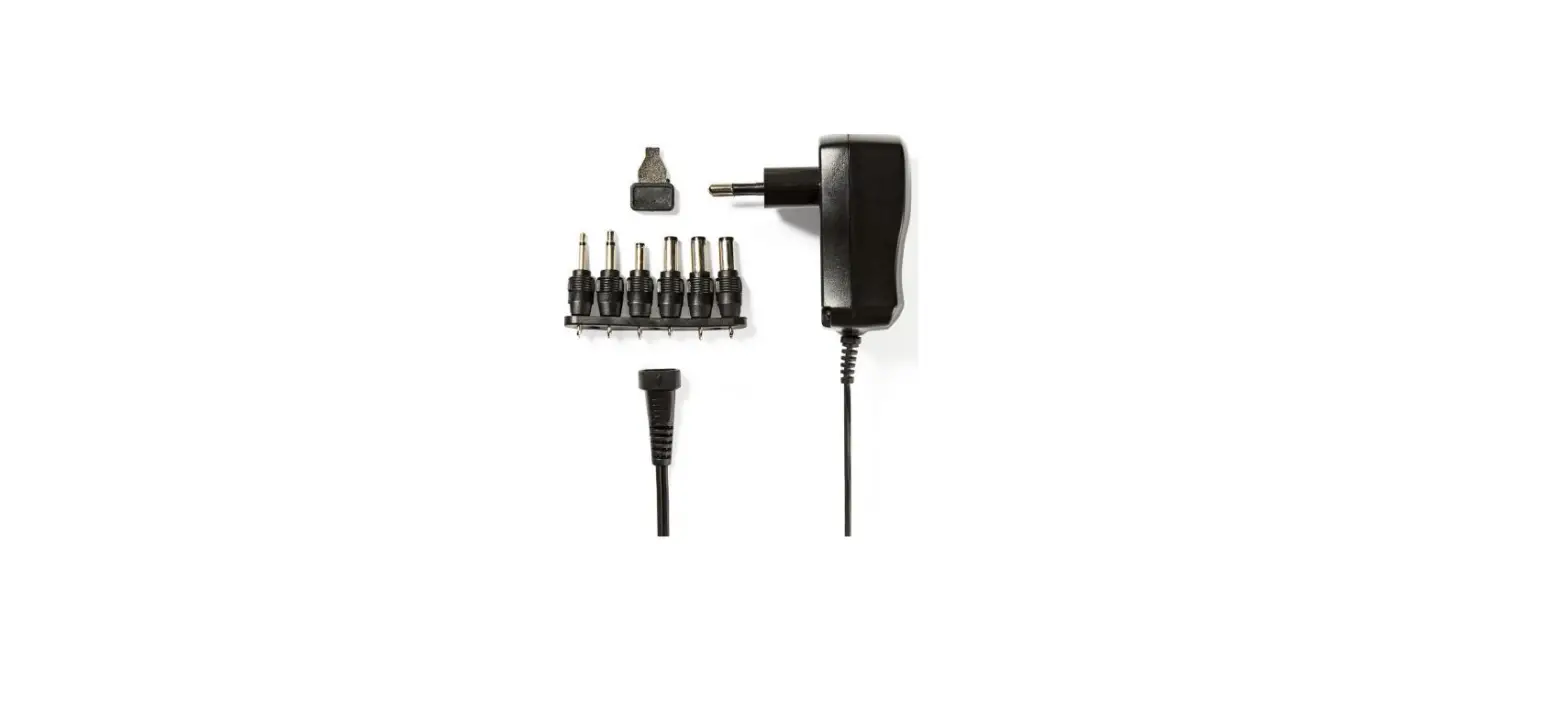
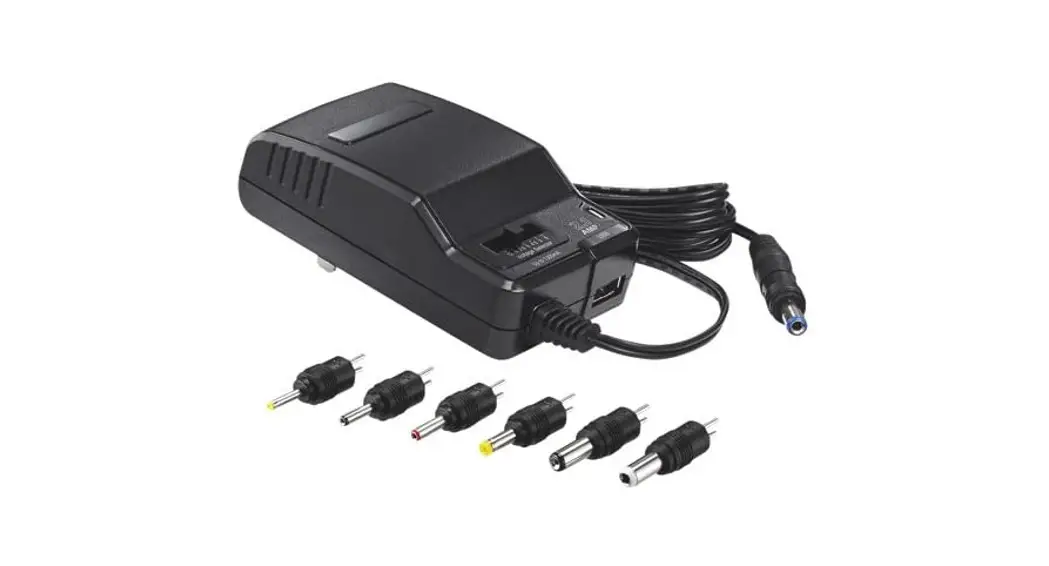
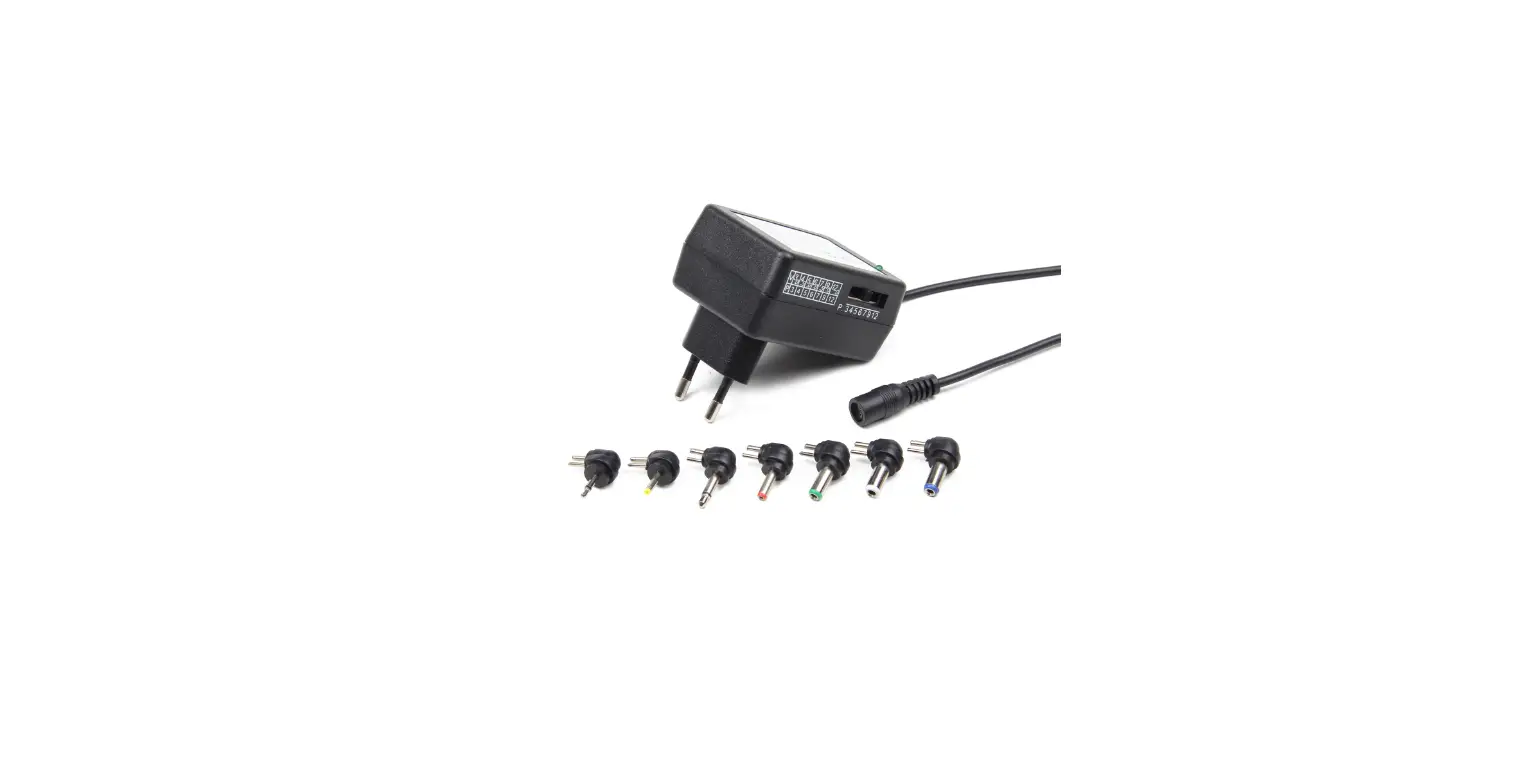
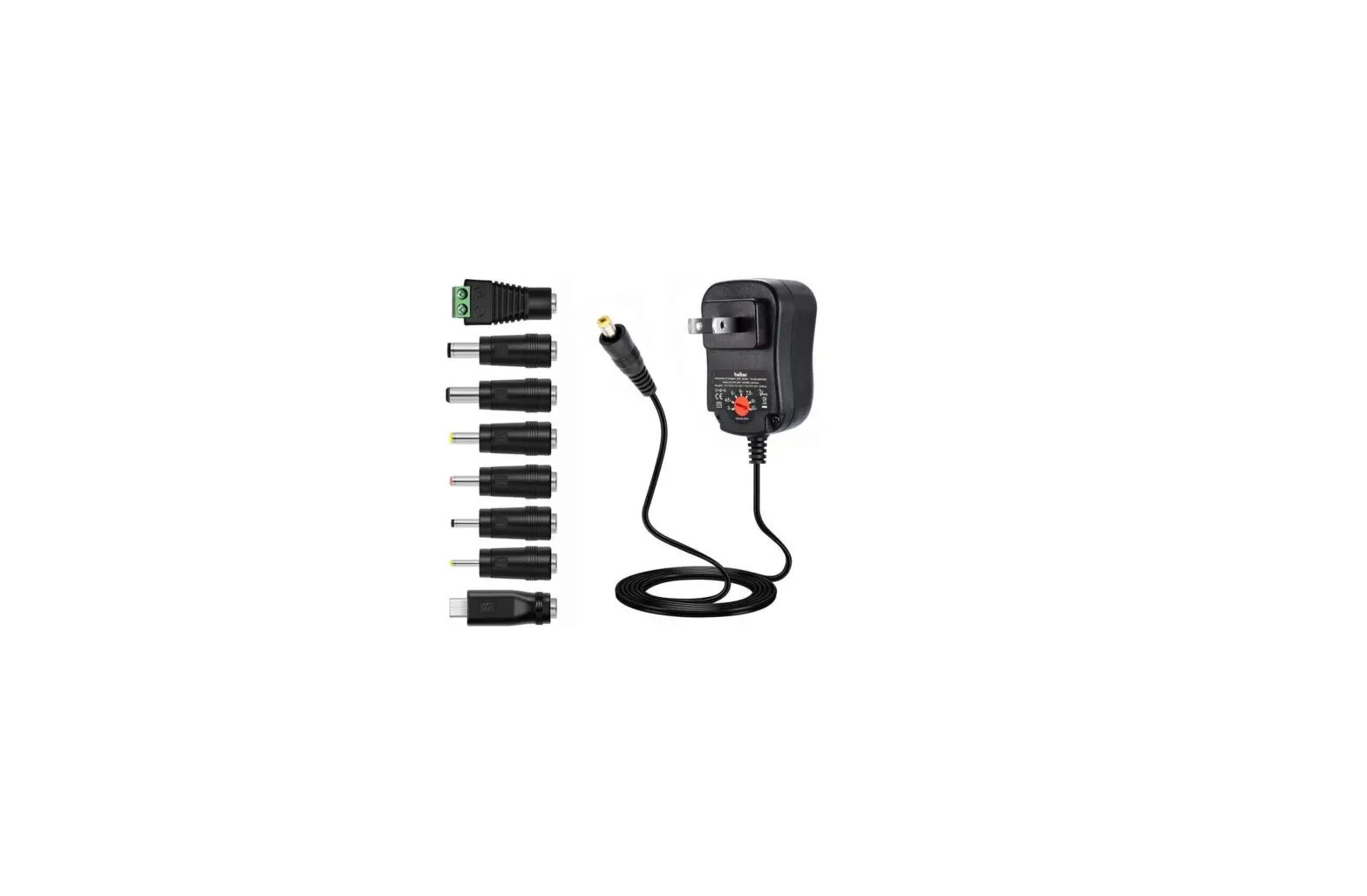
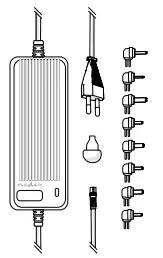
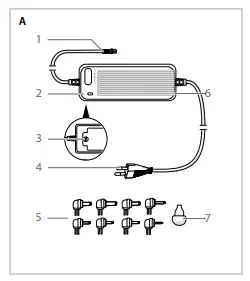
Main parts (image A)
| 1. DC cable | 5 .Interchangeable DC connectors |
| 2. LED indicator | 6. AC adapter |
| 3. Output voltage switch | 7. Voltage output key |
| 4 . Power cable |
Safety instructions
-WARNING
- Ensure you have fully read and understood the instructions in this document before you install or use the product. Keep the packaging and this document for future reference.
- Only use the product as described in this document.
- Do not use the product if a part is damaged or defective. Replace a damaged or defective product immediately.
- Do not drop the product and avoid bumping.
- This product may only be serviced by a qualified technician for maintenance to reduce the risk of electric shock.
- Do not expose the product to water or moisture.
- Disconnect the product from the power source and other equipment if problems occur.
- Do not exceed the maximum operating temperature of the product.
- Always check that the voltage of the product corresponds to the mains voltage.
- Always use the correct DC connector for your device.
- Keep the product out of reach from children.
- Do not unplug the product by pulling on the cable. Always grasp the plug and pull.
- Unplug the product when your device is charged or if you do not plan on using the product for an extended period of time.
- Unplug the product when your laptop is charged or if you do not plan on using the product for an extended period of time
- Do not connect a bound cable to the power outlet.
Installation of the AC adapter
- Plug the DC connector A5 that is compatible with your device into the DC cable A1.
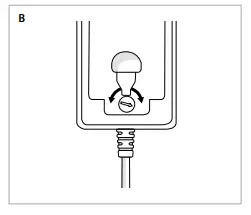
- Adjust the output voltage switch A3 to match your device using the voltage output key A7.
- Please check the original manual of your device for the right DC connector.
The product is now ready for use.
Using the product
- Plug the power cable A4 into a working power outlet.
- Plug A1 into your device.
The AC adapter now charges the battery and powers your device.
 Smart solutions for your daily needs | Nedis