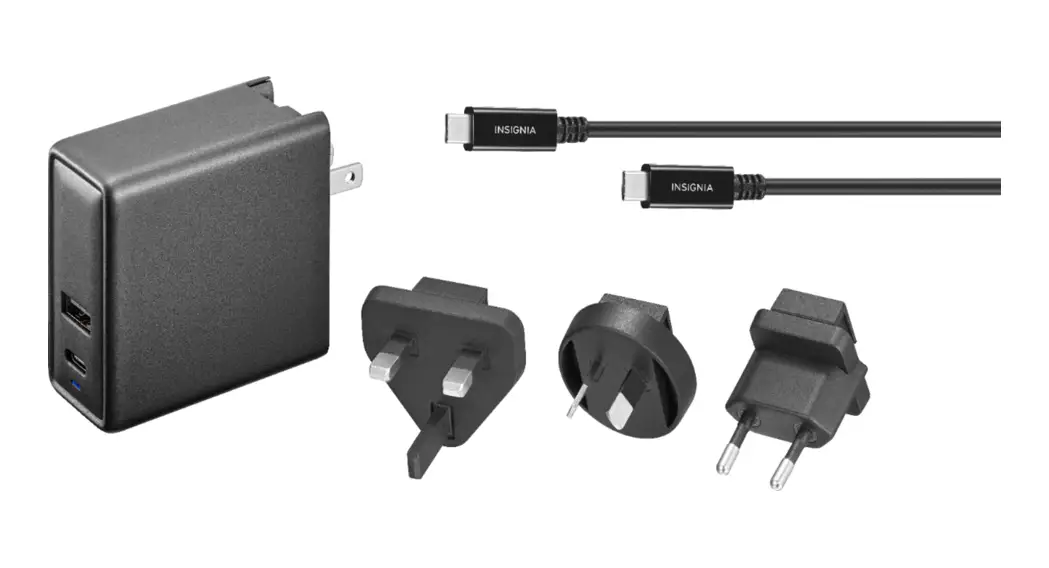
NS-AC501 600mA AC Adapter Set
Product Information:
Quick Setup Guide | NS-AC501 / NS-AC501-C 600mA AC Adapter
Set
This is a quick setup guide for the NS-AC501 / NS-AC501-C 600mA
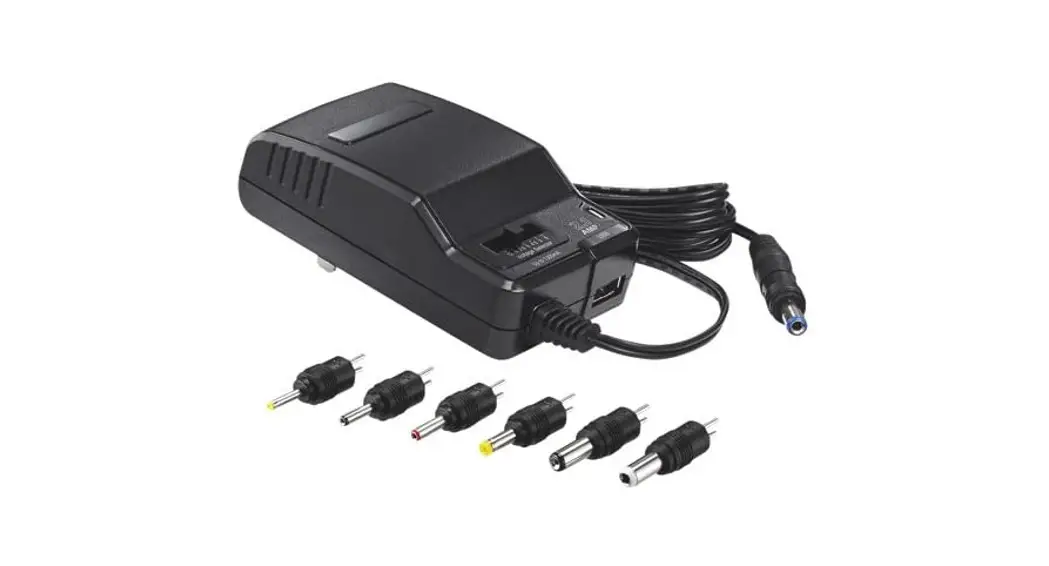
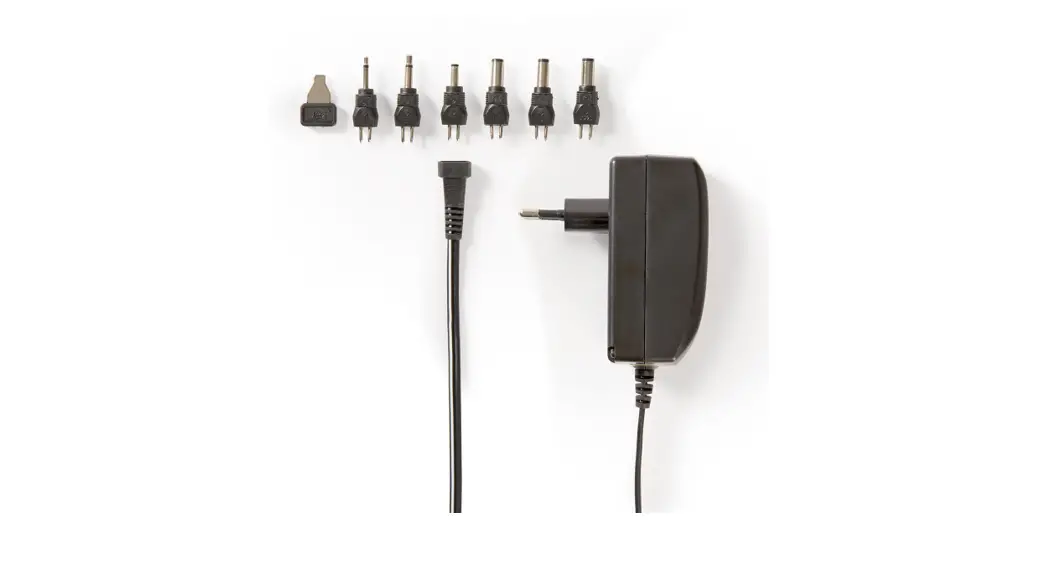
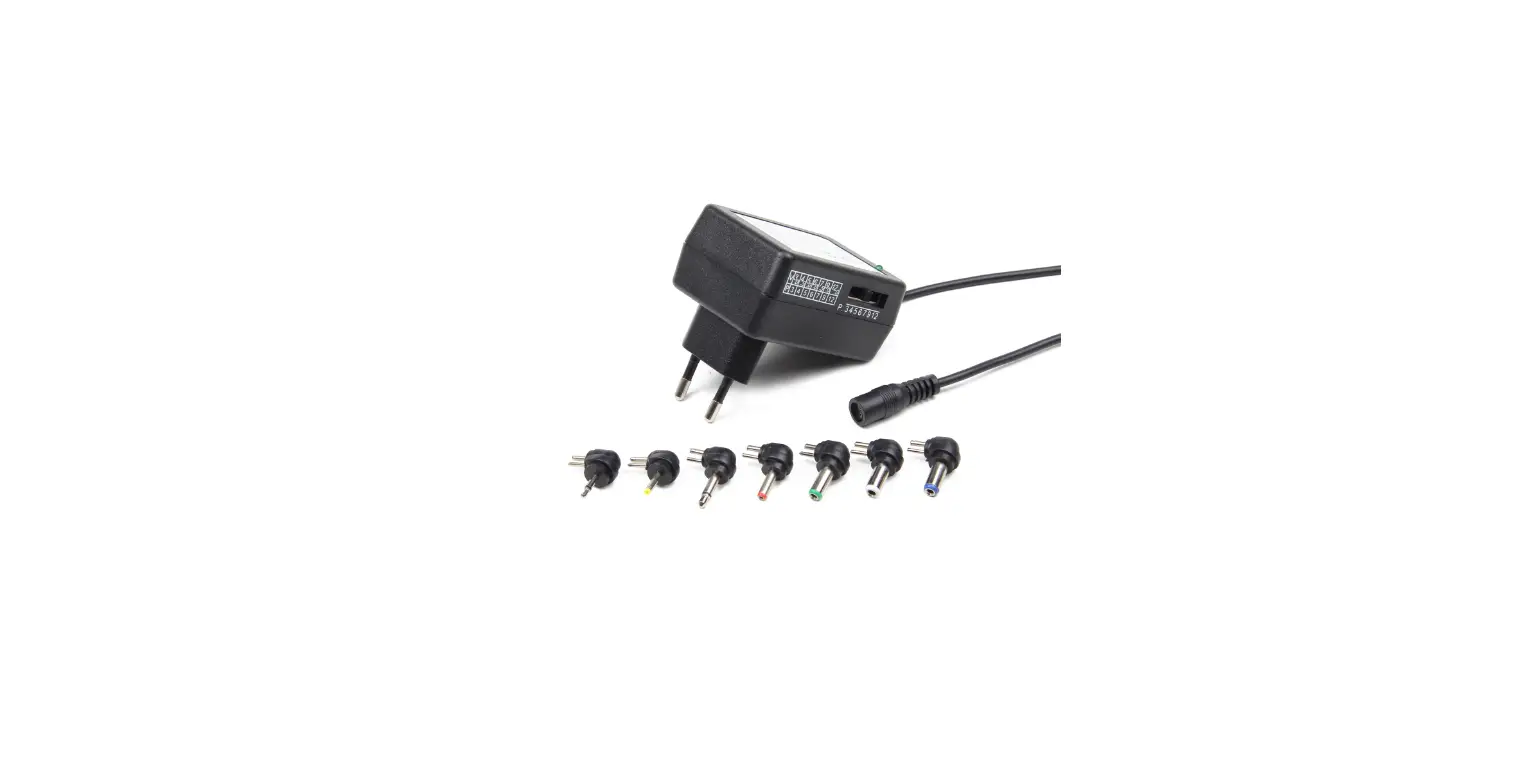
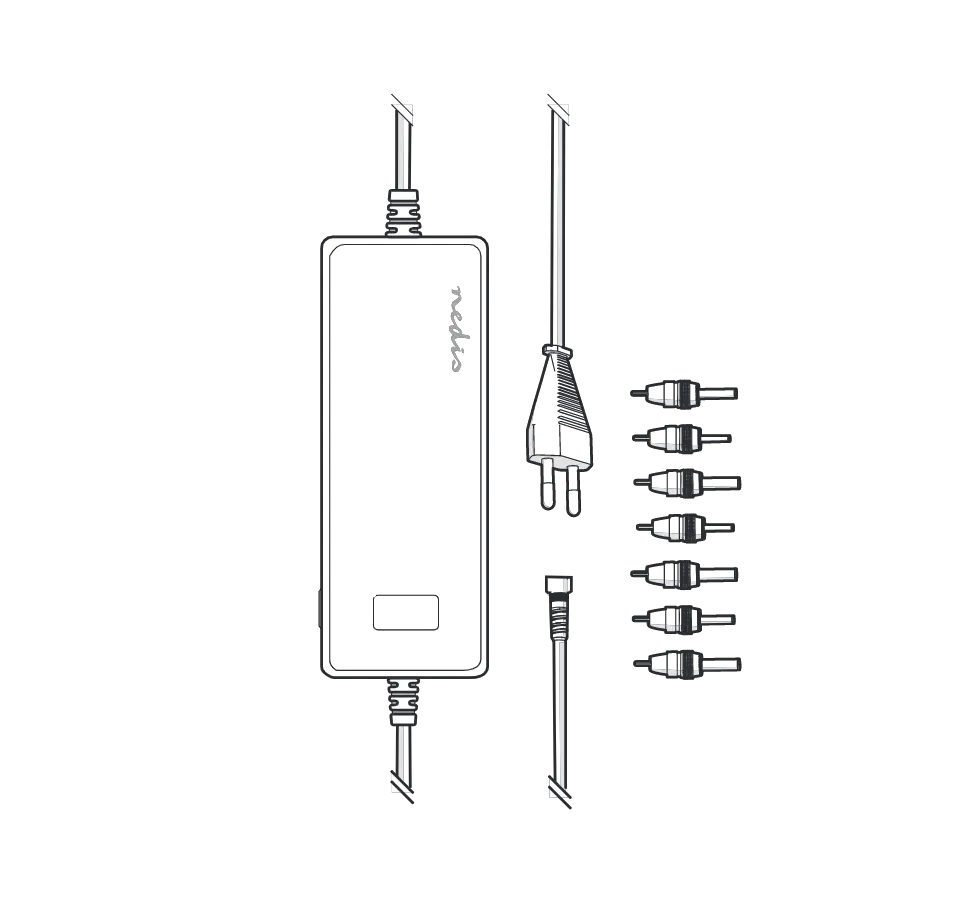
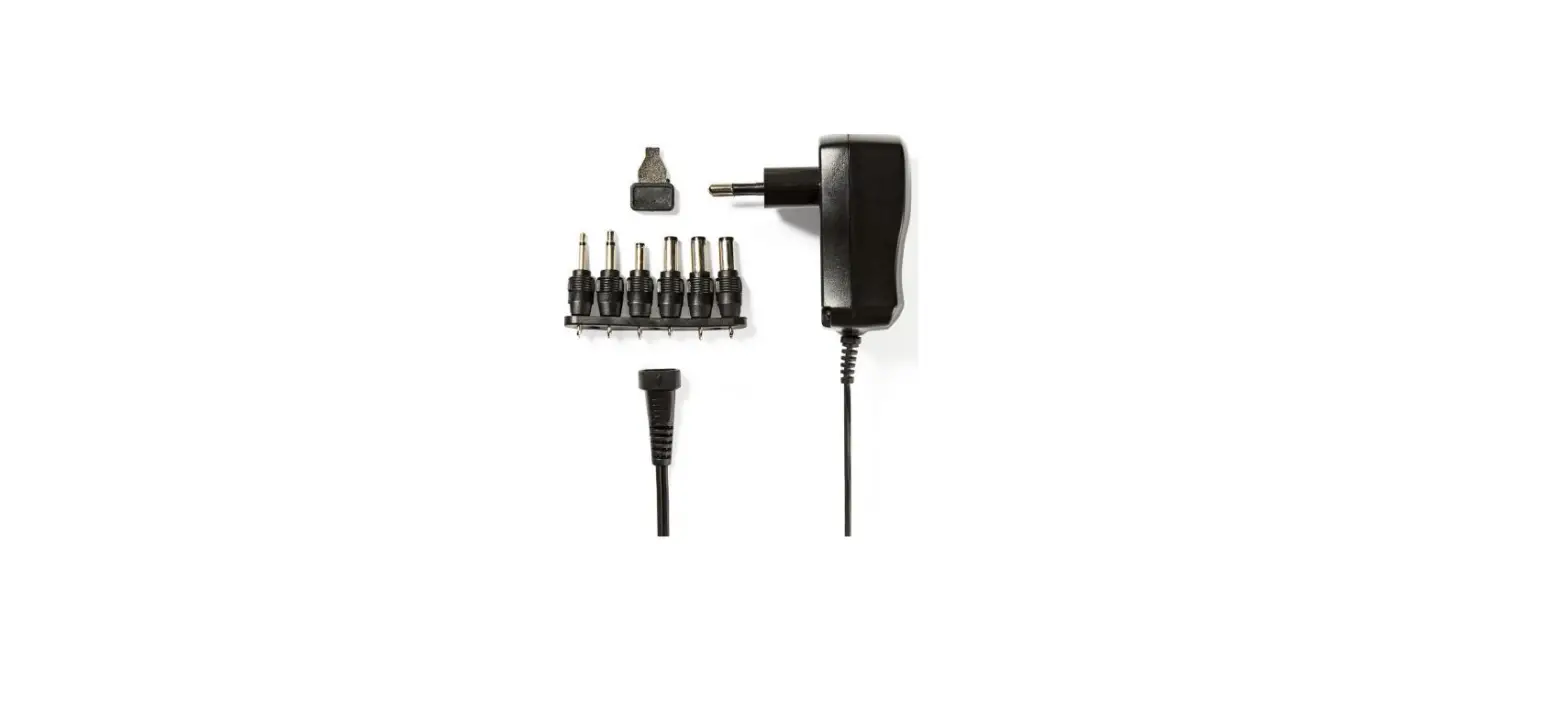
AC Adapter Set. The adapter set includes a connector, voltage
selector, power indicator, and power cord.
Specifications:
- Input Voltage: 3-12 V DC
- Maximum Current: 600mA (0.6A)
Important Safety Instructions:
Before using the product, please read and follow these safety
instructions to ensure the safety of yourself and your devices:
- Identifying the correct voltage and polarity settings and
adjusting the product is the user’s responsibility. - Using incorrect voltage or polarity settings can result in
damage to the connected device.
Choosing a Tip:
To ensure compatibility, follow these steps:
- Carefully test the tips by gently inserting them into the DC
jack of your device. - Choose a tip that fits snugly without forcing it to fit.
- If you have your old adapter, you can compare the connector of
the old adapter to the available tips.
Setting Up Your Adapter:
Follow these steps to set up your adapter:
- Check the input requirements of the device you are connecting
to the adapter. Do not use this adapter if your device requires
more than 600mA (0.6A) of current. - Check the voltage of your device and slide the voltage selector
on your adapter to match the device’s voltage. Do not use this
adapter if your device’s voltage is not between 3 and 12 V DC. - Ensure the polarity setting is correct. The positive polarity
is indicated by the “+” symbol on the adapter.
Product Usage Instructions:
Using Your Adapter:
Follow these steps to use your adapter:
- Connect the adapter to a power outlet.
- Connect your device to the adapter using the appropriate
tip. - You can now use or charge your device as usual.
Legal Notices:
This device complies with part 15 of the FCC Rules. Operation is
subject to the following two conditions: (1) This device may not
cause harmful interference, and (2) this device must accept any
interference received, including interference that may cause
undesired operation.
Canadian Notice: CAN ICES-3 B/NMB-3 B
One-Year Limited Warranty:
This product comes with a one-year limited warranty. For more
details, visit www.insigniaproducts.com.
Contact Insignia:
For customer service, call 1-877-467-4289 (U.S. and Canada) or
01-800-926-3000 (Mexico). You can also visit www.insigniaproducts.com.
NS-AC501_NS-AC501-C_14-1442_QSG_V2_EN.ai 1 1/13/2015 10:35:17 AM
V2
FINAL FOR PRINT
Final flat size: 228.6 x 114.3 mm Final fold size: 57.15 x 114.3 mm
Quick Setup Guide | NS-AC501 / NS-AC501-C 600mA AC Adapter Set
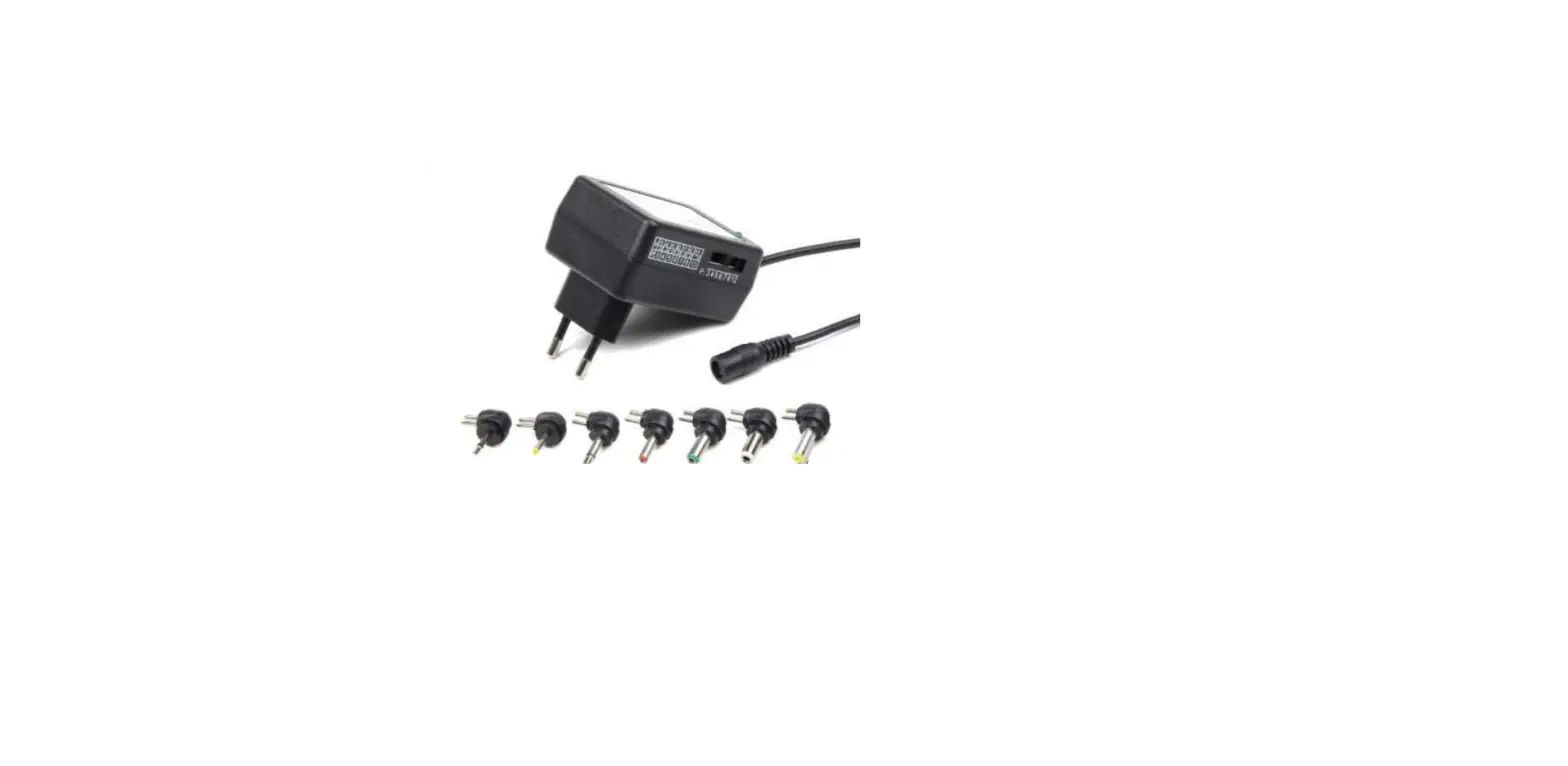
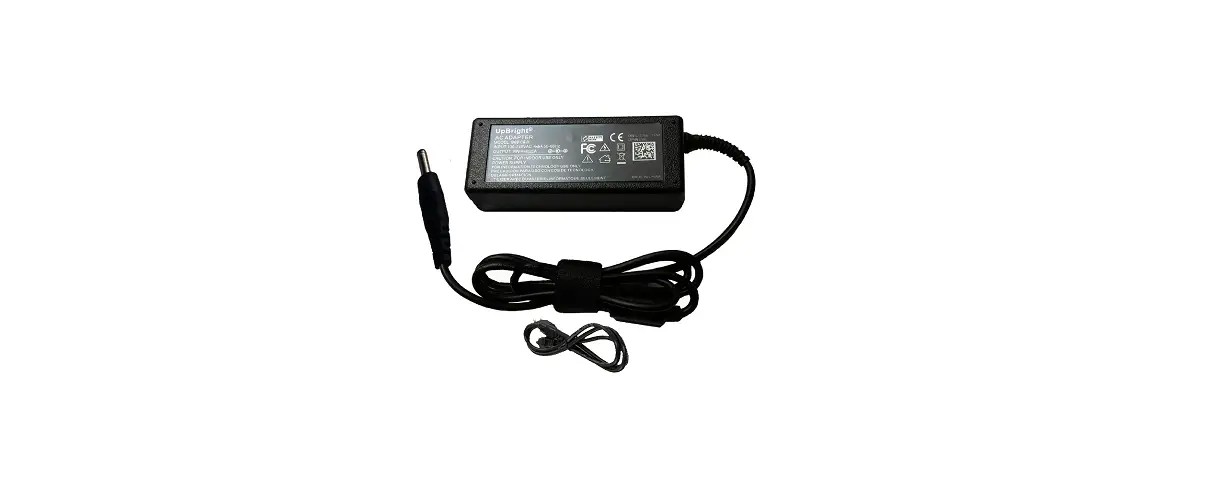
PACKAGE CONTENTS · Universal AC adapter · 7 adapter tips · Quick Setup Guide FEATURES
Connector
Tips
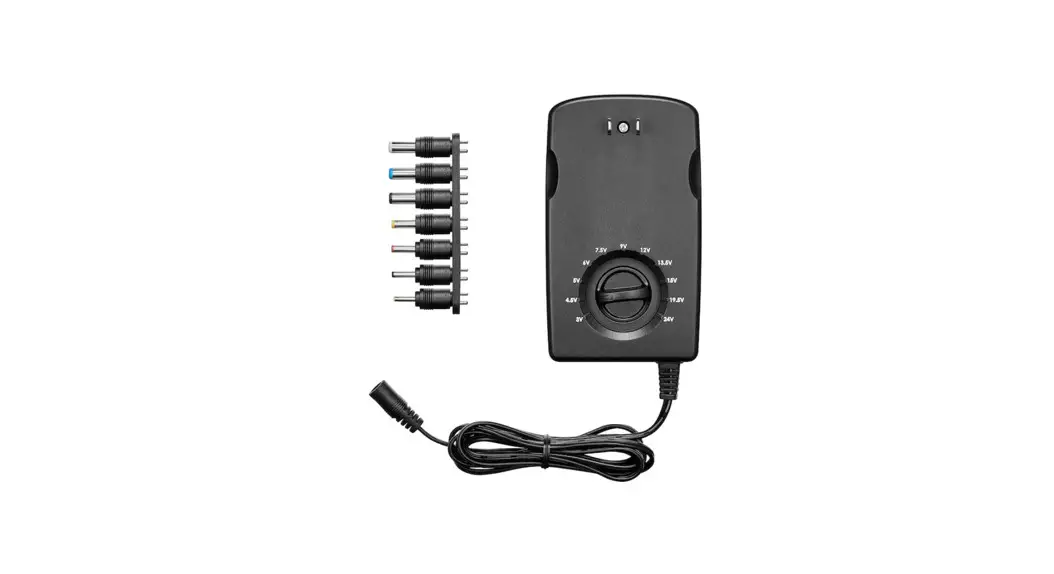
Voltage selector
Power indicator
Power cord
Check out these important
BE CAREFUL!
safety instructions to keep
yourself and your devices safe.
Warning: Identifying the correct voltage and polarity settings and adjusting the product is the user’s responsibility.
· This adapter should only be used with a 120V power outlet. Follow all necessary safety precautions.
· Not recommended for use by children. · Failure to adjust the adapter settings to match your
connected device’s requirements can result in damage to the device.
COMPATIBILITY Your device is compatible with this adapter if: · The correct tip is available · Your device’s voltage is between 3 and 12 V DC · Your device’s input does not require more than 600mA
(0.6A) of current · Your device has a positive polarity
CHOOSING A TIP Carefully test the tips by gently inserting them into the DC jack of your device. Choose a tip that fits snugly, but do not force it to fit.
Note: If you have your old adapter, you can compare the connector of the old adapter to the available tips.
SETTING UP YOUR ADAPTER You can find your device’s input, polarity, and voltage on the device itself, on its old adapter, or in its manual. Contact the manufacturer if you cannot find this information. Using incorrect settings could damage your device. 1 Check the input of the device you are connecting to
your adapter. Do not use this adapter if your device requires more than 600mA (0.6A) of current. 2 Check the voltage of your device, then slide the voltage selector on your adapter to the same voltage. Do not use this adapter if your device’s voltage is not between 3 and 12 V DC.
3 Check the polarity of the device you are connecting to your adapter. · If your device has a positive polarity, connect the chosen tip to the adapter’s connector.
POSITIVE POLARITY
OR
· If your device has negative polarity, do NOT use this adapter to power your device.
Before using your new product, please read these instructions to prevent any damage.
NS-AC501_NS-AC501-C_14-1442_QSG_V2_EN.ai 2 1/13/2015 10:35:17 AM
USING YOUR ADAPTER
Warning: If your device does not work, immediately unplug the adapter. · Connect the adapter to your device, then connect it
to a power outlet. Use or charge your device as usual.
TROUBLESHOOTING My device isn’t working. · Immediately unplug the adapter. · Check the polarity of your adapter and make sure it
matches the polarity of the device you want to charge. · Make sure that your device requires less than 600mA (.6A) of current. · Make sure that the voltage selector is set to the correct voltage. · Make sure that you have selected the correct tip. My adapter is hot. · It is normal for an adapter to feel warm during use. Make sure that it is placed in a well-ventilated area. · If your adapter feels abnormally hot, check your adapter’s settings and make sure that it is compatible with your device.
SPECIFICATIONS
· Input: 120V AC · Output: 3, 4.5, 6, 7.5, 9, or 12V DC 600mA
LEGAL NOTICES
FCC Statement Caution: Changes or modifications not expressly approved by the part responsible for compliance could void the user’s authority to operate the equipment. This equipment has been tested and found to comply with the limits for a Class B digital device, pursuant to part 15 of the FCC Rules. These limits are designed to provide reasonable protection against harmful interference in a residential installation. This equipment generates, uses and can radiate radio frequency energy and, if not installed and used in accordance with the instructions, may cause harmful interference to radio communications. However, there is no guarantee that interference will not occur in a particular installation. If this equipment does cause harmful interference to radio or television reception, which can be determined by turning the equipment off and on, the user is encouraged to try to correct the interference by one or more of the following measures: · Reorient or relocate the receiving antenna. · Increase the separation between the equipment and
receiver. · Connect the equipment into an outlet on a circuit different
from that to which the receiver is connected. · Consult the dealer or an experienced radio/TV technician for
help.
This device complies with part 15 of the FCC Rules. Operation is subject to the following two conditions: (1) This device may not cause harmful interference, and (2) this device must accept any interference received, including interference that may cause undesired operation.
Canadian Notice CAN ICES-3 B/NMB-3 B
ONE-YEAR LIMITED WARRANTY Visit www.insigniaproducts.com for details. CONTACT INSIGNIA: For customer service, call 1-877-467-4289 (U.S. and Canada) or 01-800-926-3000 (Mexico) www.insigniaproducts.com
INSIGNIA is a trademark of Best Buy and its affiliated companies. Registered in some countries. Distributed by Best Buy Purchasing, LLC 7601 Penn Ave South, Richfield, MN 55423 U.S.A. ©2015 Best Buy. All rights reserved. Made in China
V2 ENGLISH 14-1442
 Insignia Consumer Electronic Products