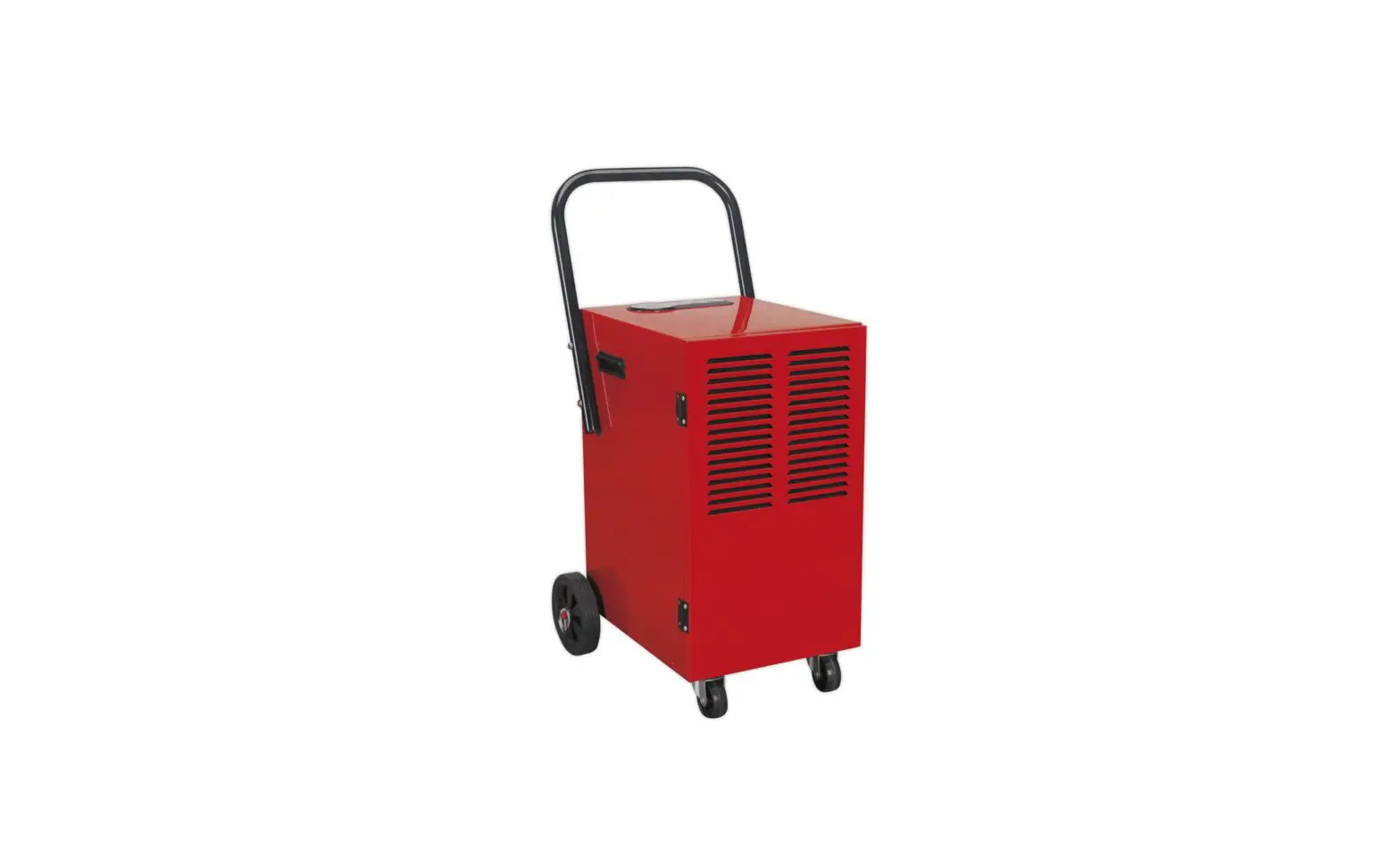
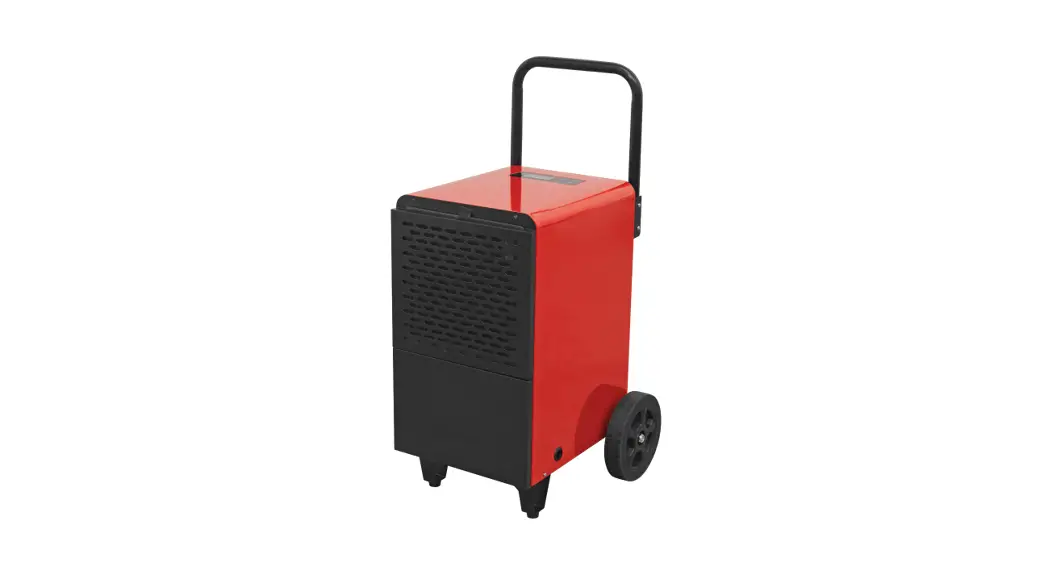
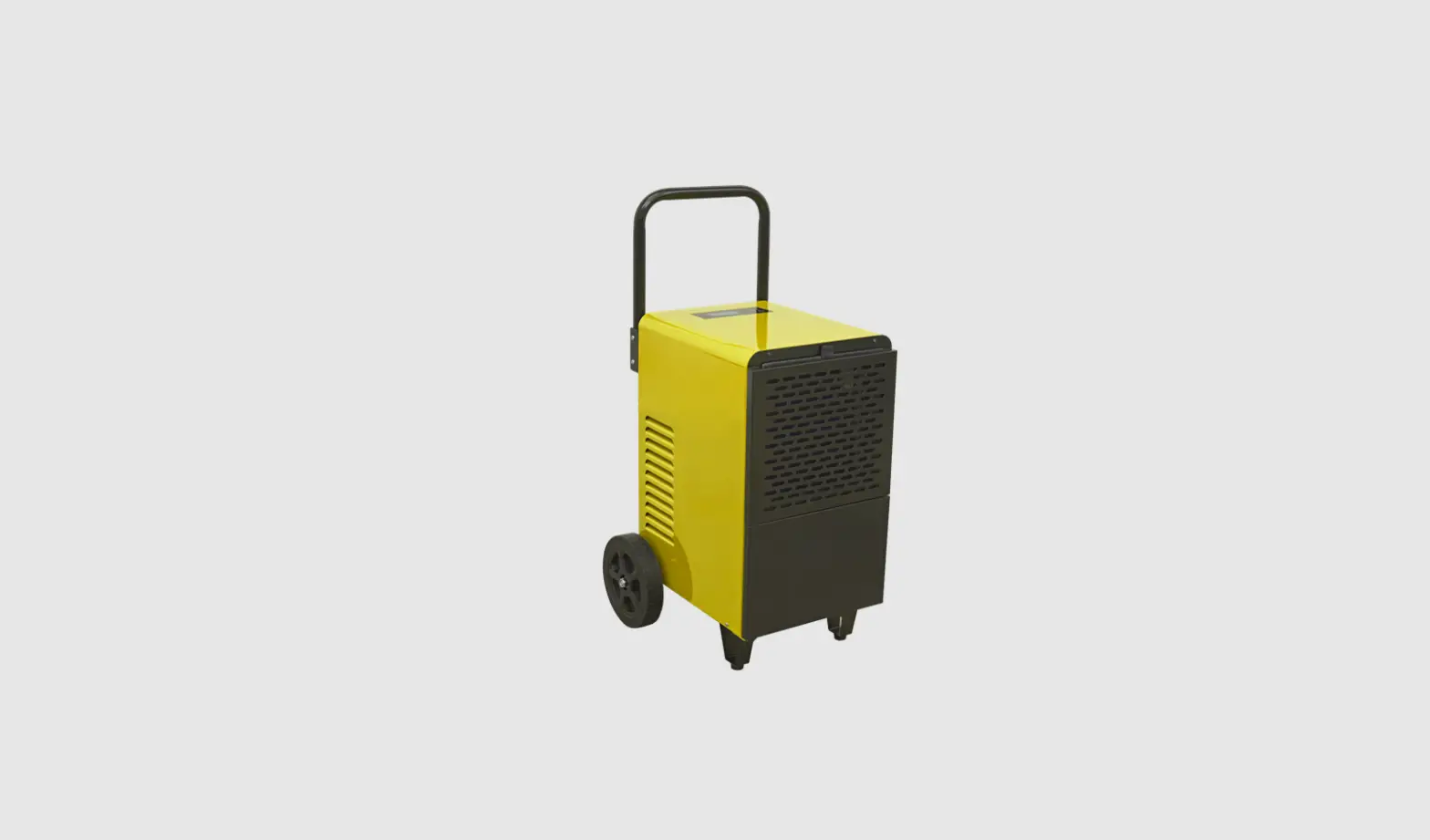
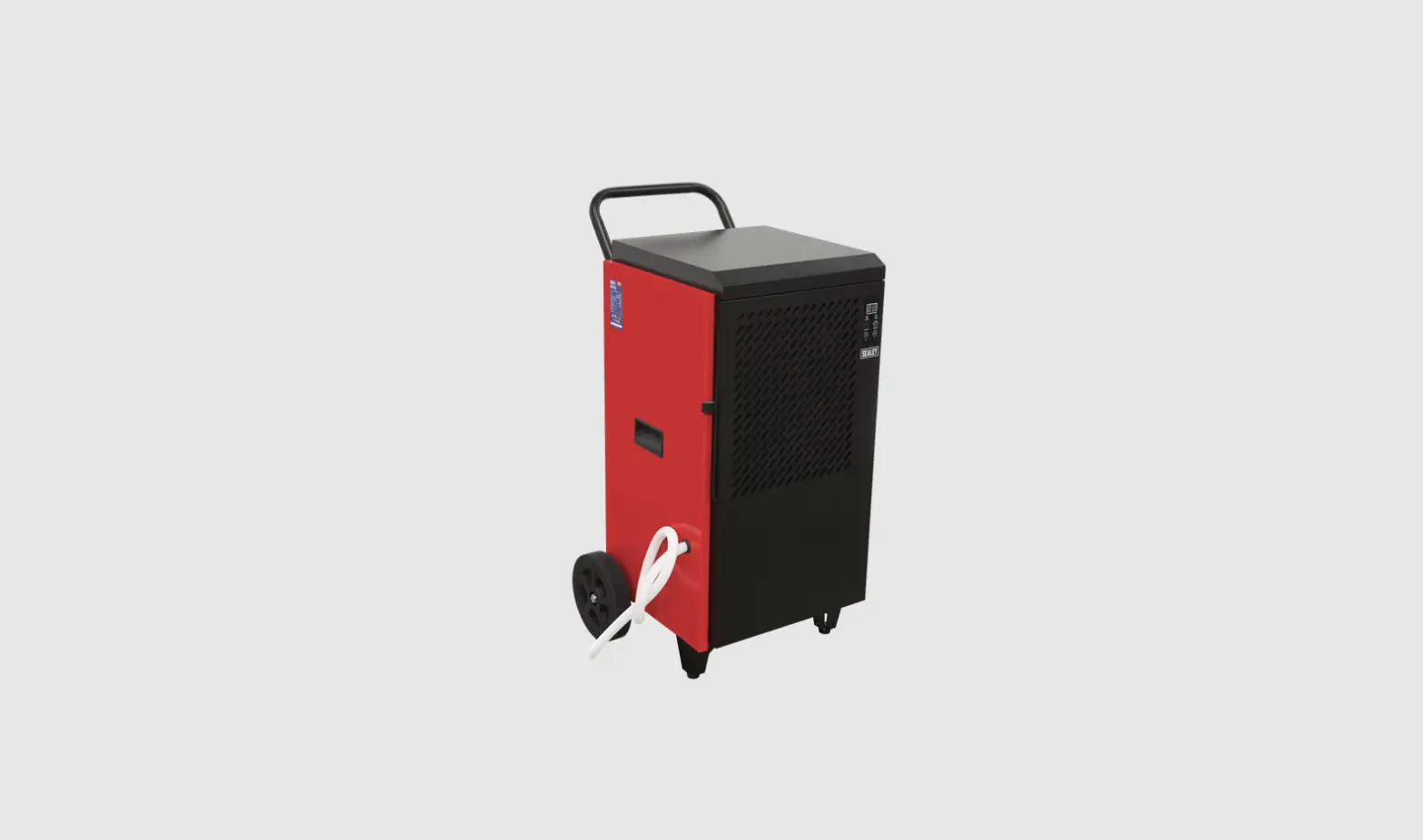
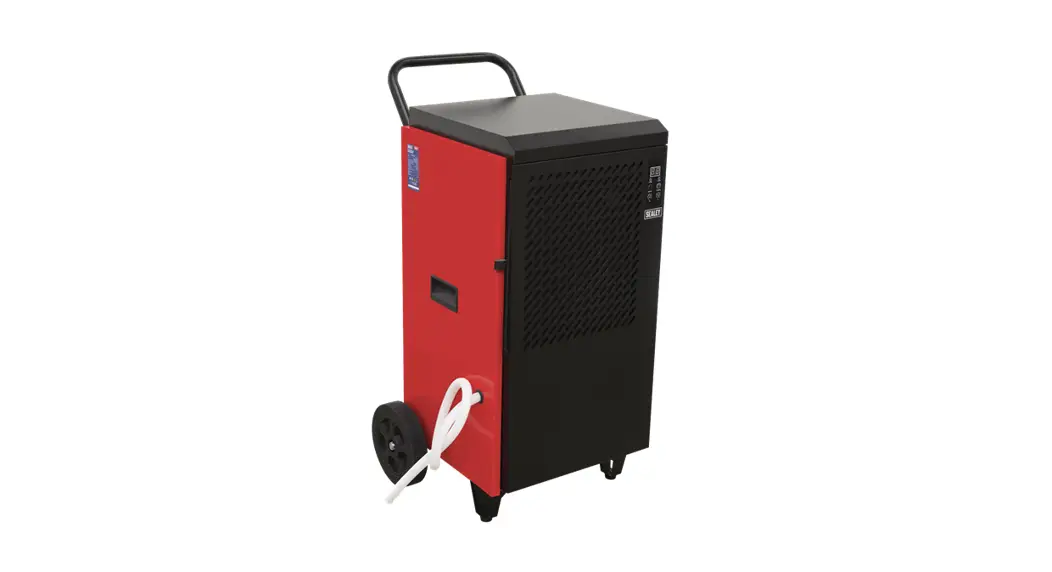
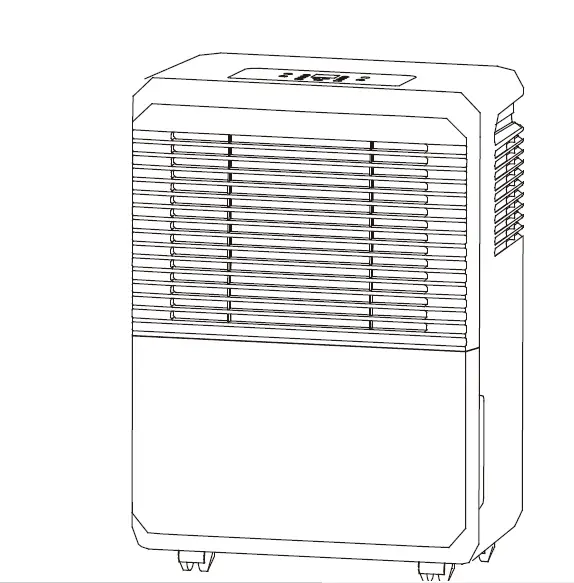
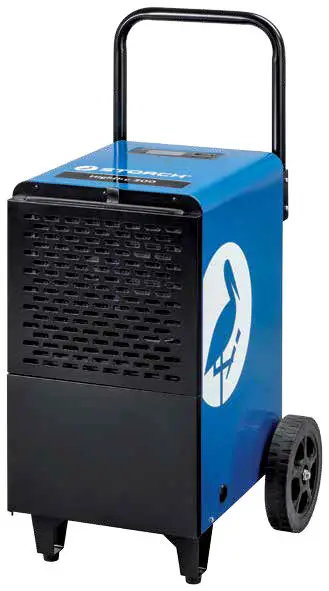
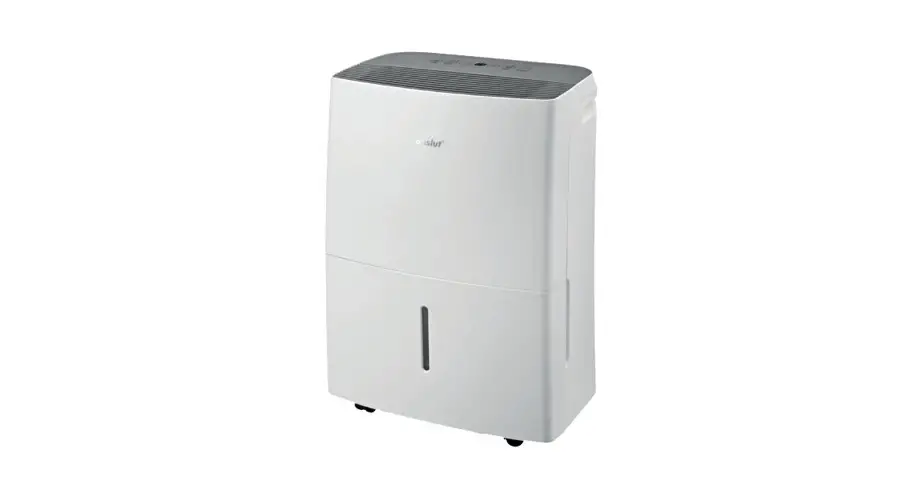
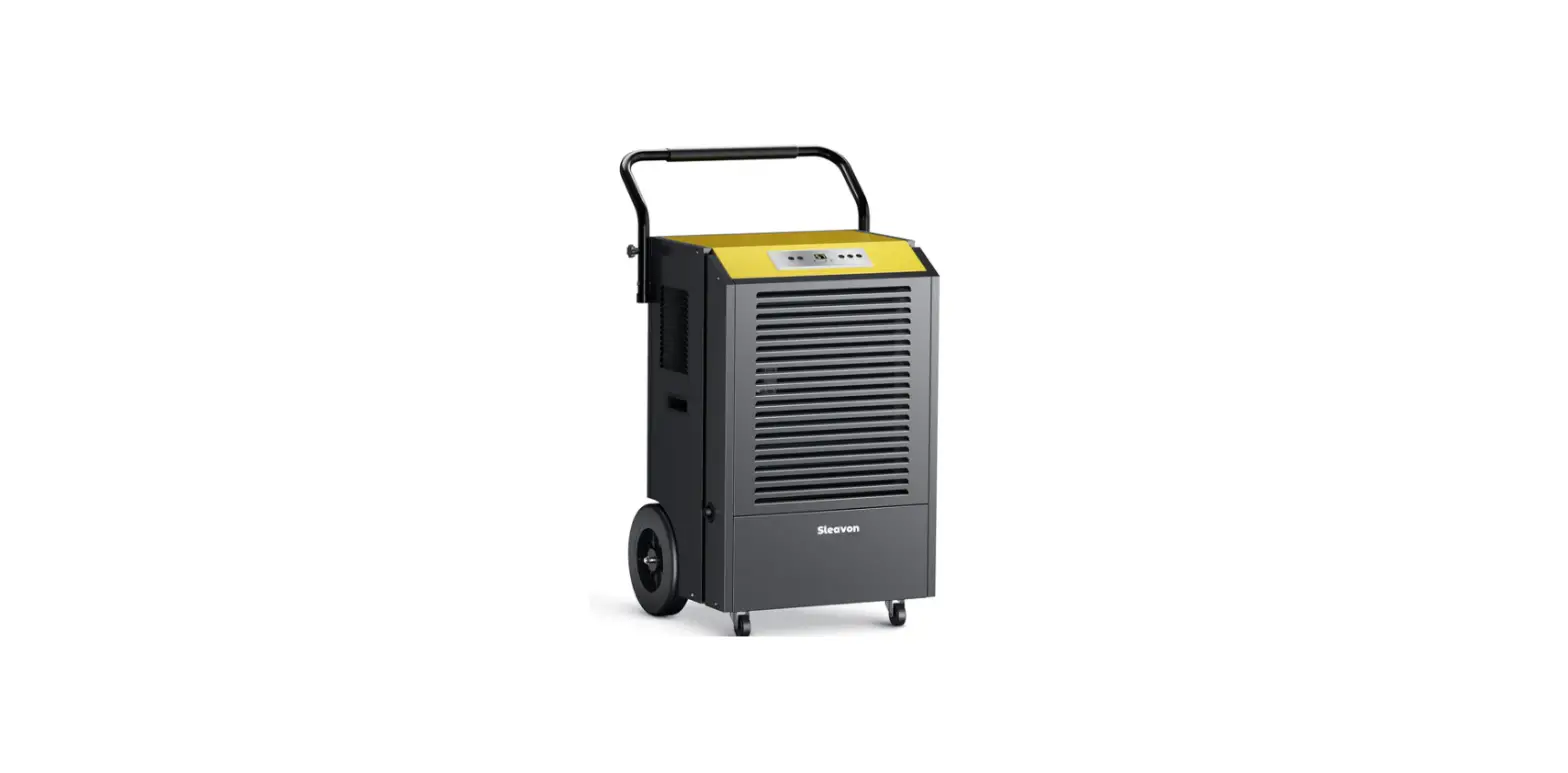
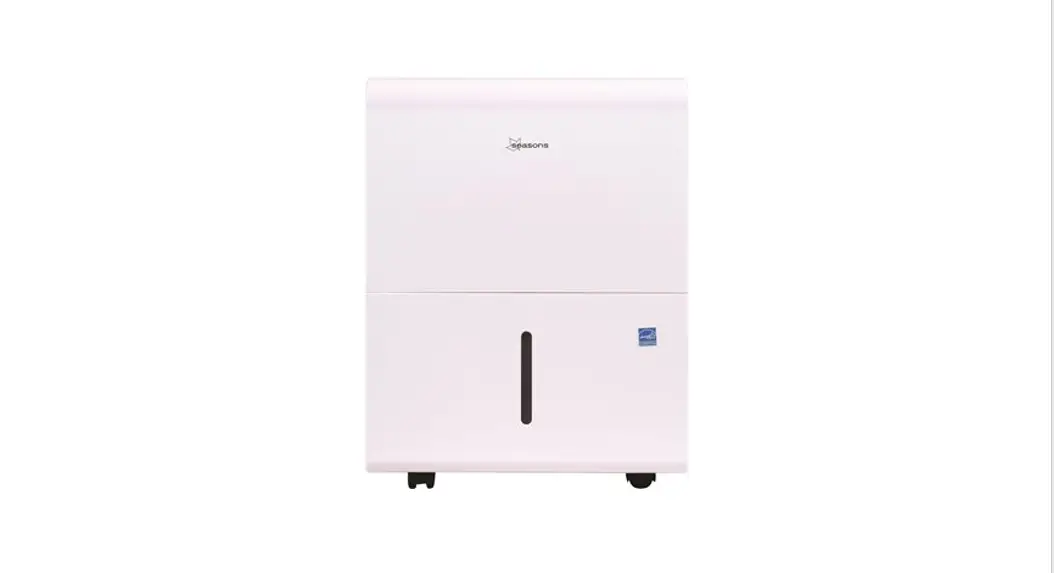
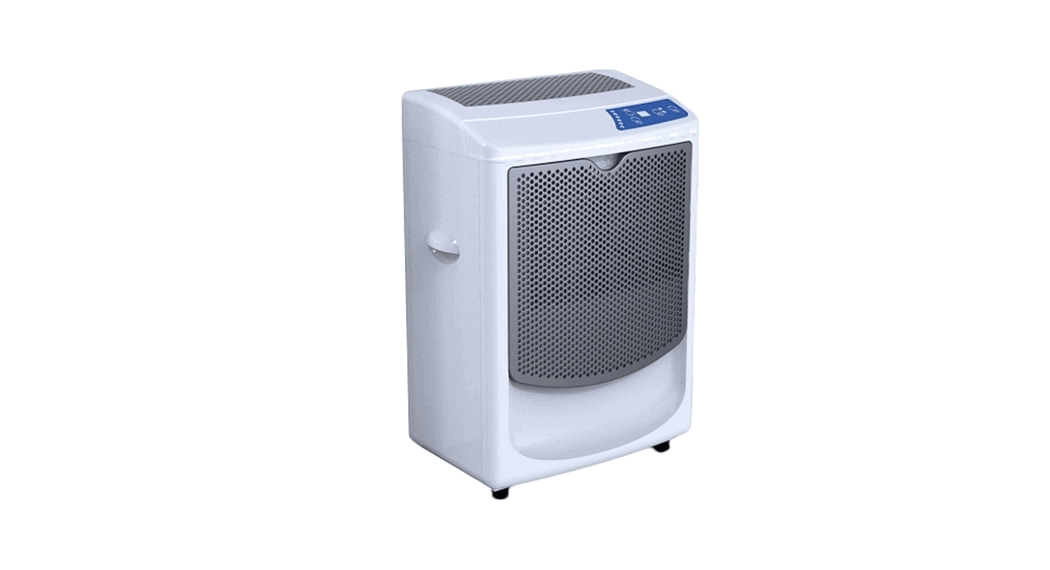
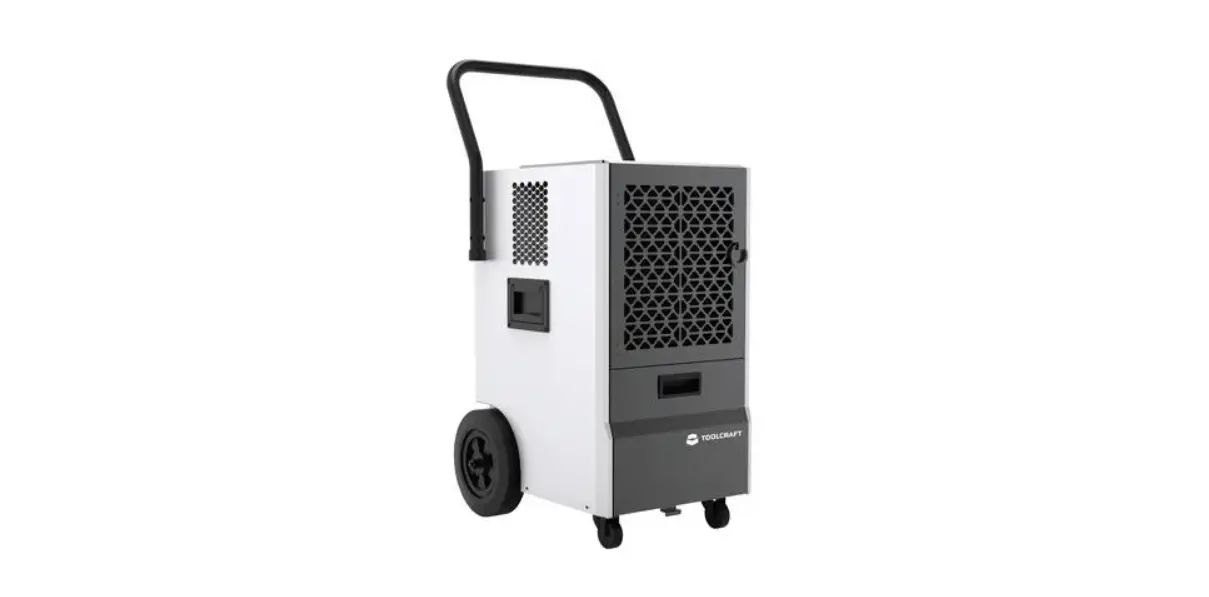
SDH50.V3 Industrial Dehumidifier
Product Information
Product Name: 50L INDUSTRIAL
DEHUMIDIFIER
Model Number: SDH50.V3
Manufacturer: Sealey
Safety Instructions
IMPORTANT: PLEASE READ THESE INSTRUCTIONS
CAREFULLY. NOTE THE SAFE OPERATIONAL REQUIREMENTS, WARNINGS &
CAUTIONS. USE THE PRODUCT CORRECTLY AND WITH CARE FOR THE PURPOSE
FOR WHICH IT IS INTENDED. FAILURE TO DO SO MAY CAUSE DAMAGE AND/OR
PERSONAL INJURY AND WILL INVALIDATE THE WARRANTY. KEEP THESE
INSTRUCTIONS SAFE FOR FUTURE USE.
- SAFETY
- Do not cover
- Risk of fire
- Indoor use only
- ELECTRICAL SAFETY
- It is the responsibility of the owner and the operator to read,
understand and comply with the following: - You must check all electrical products,
before use, to ensure that they are safe. You must inspect power
cables, plugs, sockets and any other connectors for wear or damage.
You must ensure that the risk of electric shock is minimised by the
installation of appropriate safety devices. A Residual Current
Circuit Breaker (RCCB) should be incorporated in the main
distribution board. You must also read and understand the following
instructions concerning electrical safety.
Product Usage Instructions
- ELECTRICAL SAFETY
- Ensure that cables are always protected against short circuit
and overload. - Regularly inspect power supply cables and plugs for wear or
damage and check all connections to ensure that none are
loose. - Ensure that the voltage marked on the appliance matches the
power supply to be used and that the plug is fitted with the
correct fuse – see fuse rating at right. - DO NOT use worn or damaged cables, plugs
or connectors. Have any faulty item repaired or replaced
immediately by a competent electrician. - It is recommended that this device is wired directly to a fused
isolator switch. If, however, a plug is fitted, the following
applies:- Fit a new plug according to the following instructions (UK
only).
- Fit a new plug according to the following instructions (UK
- Connect the GREEN/YELLOW earth wire to the earth terminal
‘E’. - Connect the BROWN live wire to the live terminal ‘L’.
- Connect the BLUE neutral wire to the neutral terminal ‘N’.
- After wiring, check that there are no bare wires, that all
wires have been correctly connected, that the cable restraint is
tight.
- GENERAL SAFETY
- Check that the dehumidifier is in sound condition and good
working order. Take immediate action to repair or replace damaged
parts. - Use recommended parts only. Unauthorised parts may be dangerous
and will invalidate the warranty. - DO NOT stand or place any object less
than 10cm from the front or rear of the unit. - DO NOT obstruct the air intakes or
outlets of the dehumidifier. - DO NOT place any object into the outlets
– the unit has a fan running at high speed, contact with this will
cause injury. - DO NOT operate the dehumidifier when you
are tired or under the influence of alcohol, drugs or intoxicating
medication. - DO NOT switch the dehumidifier off by
disconnecting it from the mains. ALWAYS switch to the OFF position
first. - DO NOT remove the float lever from the
water collection tank.
50L INDUSTRIAL DEHUMIDIFIER MODEL NO: SDH50.V3
Thank you for purchasing a Sealey product. Manufactured to a high standard, this product will, if used according to these instructions, and properly maintained, give you years of trouble free performance.
IMPORTANT: PLEASE READ THESE INSTRUCTIONS CAREFULLY. NOTE THE SAFE OPERATIONAL REQUIREMENTS, WARNINGS & CAUTIONS. USE THE PRODUCT CORRECTLY AND WITH CARE FOR THE PURPOSE FOR WHICH IT IS INTENDED. FAILURE TO DO SO MAY CAUSE DAMAGE AND/OR PERSONAL INJURY AND WILL INVALIDATE THE WARRANTY. KEEP THESE INSTRUCTIONS SAFE FOR FUTURE USE.
Refer to instructions
1. SAFETY
Do not cover
Warning! Risk of fire
Indoor use only
1.1.
ELECTRICAL SAFETY
WARNING! It is the responsibility of the owner and the operator to read, understand and comply with the following:
You must check all electrical products, before use, to ensure that they are safe. You must inspect power cables, plugs, sockets
and any other connectors for wear or damage. You must ensure that the risk of electric shock is minimised by the installation of
appropriate safety devices. A Residual Current Circuit Breaker (RCCB) should be incorporated in the main distribution board. You
must also read and understand the following instructions concerning electrical safety.
9
Ensure that cables are always protected against short circuit and overload.
9
Regularly inspect power supply cables and plugs for wear or damage and check all connections
to ensure that none are loose.
9
Ensure that the voltage marked on the appliance matches the power supply to be
used and that the plug is fitted with the correct fuse – see fuse rating at right.
8
DO NOT use worn or damaged cables, plugs or connectors. Have any faulty item repaired or
replaced immediately by a competent electrician.
9
It is recommended that this device is wired directly to a fused isolator switch. If, however, a plug
is fitted, the following applies:
9
Fit a new plug according to the following instructions (UK only).
a) Connect the GREEN/YELLOW earth wire to the earth terminal `E’. b) Connect the BROWN live wire to the live terminal `L’. c) Connect the BLUE neutral wire to the neutral terminal `N’.
Recommended fuse rating 13 Amp
d) After wiring, check that there are no bare wires, that all wires have been correctly connected,
that the cable restraint is tight.
1.2.
GENERAL SAFETY
9
Check that the dehumidifier is in sound condition and good working order. Take immediate action to repair or replace damaged parts.
9
Use recommended parts only. Unauthorised parts may be dangerous and will invalidate the warranty.
8
DO NOT stand or place any object less than 10cm from the front or rear of the unit.
8
DO NOT obstruct the air intakes or outlets of the dehumidifier.
8
DO NOT place any object into the outlets – the unit has a fan running at high speed, contact with this will cause injury.
8
DO NOT operate the dehumidifier when you are tired or under the influence of alcohol, drugs or intoxicating medication.
8
DO NOT switch the dehumidifier off by disconnecting it from the mains. ALWAYS switch to the “OFF” position first.
8
DO NOT remove the float lever from the water collection tank.
8
DO NOT connect or disconnect the plug from the mains with wet hands.
9
Always discard the water from the collection tank, DO NOT use it for any other purpose.
9
Place the dehumidifier on a level and stable surface.
8
DO NOT use the dehumidifier at ambient temperatures below 5°C.
8
DO NOT use the dehumidifier outside.
8
DO NOT use means to accelerate the defrosting process or to clean, other than those recommended by the manufacturer.
9
The appliance shall be stored in a room without continuously operating ignition sources (for example: open flames, an operating gas
appliance or an operating electric heater.
8
DO NOT pierce or burn.
9
Be aware that refrigerants may not contain an odour.
9
When using continuous draining, make sure that the drain hose is positioned correctly.
9
Ensure that heating appliances are not exposed to the flow of air from the dehumidifier.
9
Before attempting to move the dehumidifier, empty the contents of the collection tank.
9
Switch off and disconnect it from the mains before attempting any cleaning or other maintenance work.
9
Ensure that the dehumidifier is correctly turned off when not in use, and stored in a safe, dry area, out of reach of children.
This appliance can be used by children aged from 8 years and above and persons with reduced physical, sensory or mental
capabilities or lack of experience or knowledge if they have been given supervision or instruction concerning use of the appliance in
a safe way and understand the hazards involved. Children shall not play with the appliance. Cleaning and user maintenance shall
not be made by children without supervision.
WARNING: If the power cord is damaged, it must be replaced by a professionally trained person.
© Jack Sealey Limited
Original Language Version
SDH50.V3 Issue 3 (2,3,4) 20/04/23
2. INTRODUCTION
Powerful dehumidification capacity, extracts up to 50 litres of water per day. Removes excess moisture from air, preventing build-up of mildew
and mould. Features auto-defrost function, which activates if the room temperature falls too low. The unit has a 24hr timer function for delay
starting and auto-shut-off. Washable air filter. Refrigerant is environmentally friendly R290. May be connected to a drain hose for continuous
operation. Mounted on castors for manoeuvrability.
3. SPECIFICATION
fig.1
MODEL NO:…………………………………………………SDH50.V3
CO2 Equivalent:………………………………………………… 0.0006t Condensate Tank: ………………………… 7L (with Auto Shut-Off) Dehumidifying Capacity: …………………50L/day(30°CRH80%) Freezing Pressure (Max):…………………………………….2.5MPa Fuse Rating: …………………………………………………………..13A Global Warming Potential (Rating): ……………………………….. 3 IP Rating: ………………………………………………………………IP22 Maximum Airflow: ……………………………………………..350m³/hr Power (Rated):……………………………… 750W ( 27°C RH60%) Power (Max):………………………………… 900W ( 30°C RH80%) Refrigerant: ………………………………………………….R290/0.2kg Steaming Pressure (Max): …………………………………..1.0MPa Supply:…………………………………………………….. 230V ~ 50Hz Working Space:……………………………………………….50-120m³ Working Temperature: ………………………………………….5-35°C
4. ASSEMBLY
4.1.
4.2. Note:
WHEEL INSTALLATION: Take the machine body, wheel axle, wheel and screws out of the packaging case, and lay the machine body down. As shown in Fig. 2, fix the wheel axle on the machine body with 4 screws, and fix a wheel at both ends of the axle. Return the unit to an upright position after attaching the wheels.
HANDLE INSTALLATION: Marry up the holes in the brackets with the holes in the bottom of the handle. It may be useful to fix the screws in the lower holes first, then flip the handle upwards, and secure it with the screws in the upper holes. Once assembled, DO NOT use for 2 hours.
fig.2
Water Tank
fig.3
Water Plug
Water Tank Outlet
5. OPERATION
Drain Pipe
5.1. 5.1.1.
5.1.2. Note: 5.2.
Water tank usage: You may use the water tank in two ways. DIRECT USE. When the water tank is full, the machine automatically shuts down and enters the standby state, the LED displays the “Full Water” signal and the dehumidifier will alarm. When the water tank is emptied and put in place again, the dehumidifier can continue its performance. CONTINUOUS DRAINAGE. As shown in Fig. 3, to restore the performance of the water tank, you need to take out the water tank, and mount the drain pipe. When using continuous drainage, the drainage pipe shall not be set higher than the water tank. FUNCTION DESCRIPTION
BUTTON ON/OFF
+
–
Timing
OPERATION INSTRUCTIONS
Changes between Switch on and Switch off.
Adjust different set values in different states; 1. Increases the humidity value set (RH10% to 95%) 2. Increases the timing (hour) set (00 to 24)
Adjust different set values in different states; 1. Decreases the humidity value set (RH10% to 95%) 2. Decreases the timing(hour) set (00 to 24)
Short press the button to launch a cycle to off. Set on/off Timer and Exit
© Jack Sealey Limited
Original Language Version
SDH50.V3 Issue 3 (2,3,4) 20/04/23
A Power Indicator Light
B Water Tank Full Indicator Light
C Timer Indicator Light
D On/Off Set
E Set Timer
F Add to Set Time
G Reduce Set Time
5.3. HUMIDITY CONTROL
5.3.1. When the rooms humidity value is 3% lower than the set humidity on the machine, the compressor will shut down, the fan will delay
for 3 minutes and shut down; and when it’s 3% higher than the humidity value set on the machine, both the fan and compressor will
operate.
5.3.2. When the humidity is set at the minimum value, the machines default is to enter the continuous dehumidifying mode.
5.3.3. Upon fault of the humidity sensor, it turns to the continuous dehumidifying mode.
5.3.4. Upon fault of the coil sensor, it turns to the timing defrosting mode (See the defrosting mode).
5.3.5. When it’s shut down, the fan will run for 10 seconds.
5.4.
PROTECTION FUNCTION
5.4.1. Once shut down, the compressor will take 3 minutes to start. Quick start is available for the first power-on.
5.4.2. Power off memory: For abrupt power outage or accidental unplugging, the system will automatically return to the operating state right
before the `incident’, and continue at that state for the next power-on.
5.4.3. Full water protection: When the water tank is full, the dehumidifier automatically shuts down and enters the standby state, the
indicator light “Full Water” on and buzzer alarms.
5.5.
DEFROSTING MODE
Defrosting mode Automatic Defrosting
Defrosting faults
Description Sensor at normal state
Coil sensor faults (E1 displayed)
Temp-damp sensor faults Coil sensor and temp-damp sensor faults
1. The compressor constantly runs for 20 minutes, coil temperature below 0°C constantly over 30 minutes, it starts the defrosting mode. 2. Coil temperature over 5°C for a 90 second period, or defrosting time over 8 minutes, it has stopped defrosting mode.
1. When the ambient temperature is lower than 25°C, it will not start a defrosting cycle; 2. When ambient temperature is lower than 25°C but higher than 15°C, the compressor runs constantly for 30 minutes, it defrosts for 10 minutes of that 30 minute period; 3. When ambient temperature is less than 15°C but higher than 4°C, compressor runs constantly 20 minutes, it defrosts 12 minutes;
1. The compressor runs constantly over 20 minutes, coil temperature below 0°C constantly runs over 20 minutes, it starts defrosting mode.
1. The compressor runs constantly over 40 minutes, it defrosts in 10 minutes; 2. Coil temperature over 5°C runs constantly over 90 seconds; or defrosting time runs over 25 minutes, it stops defrosting mode.
5.6. 5.6.1. 5.6.2.
5.6.3.
TIMING AND ON/OFF FUNCTION
When the machine is powered on, set timer for powering off; and when the machine is powered off, set timer for it to power on. Setting timer for both powering on and off then initiates the cycle timer mode. Set timer for powering on: When it’s powered off, press the “Timing” Button. As the “Timing On” icon flickers and the time set flickers in relevant area, press “+” or “-” to adjust the timing. The dehumidifier will make a sound once the button is pressed. When the time set increases or decreases by “1”, holding the button for 2 seconds will continually increase or decrease the time. For non-action for 10s when it’s adjusted to the required value, the dehumidifier accepts the new setting and the “Timing On” icon flickers (Ranging from 0 to 24H, and 0H as default); Set timer for powering off: When it’s powered on, press the “Timing” Button. As the “Timing Off” icon flickers and the time set flickers in relevant area, press “+” or “-” to adjust the timing. The dehumidifier makes a sound once the button is pressed. When the time set increases or decreases by “1”, holding the button constantly for 2s can continually increase or decrease the time. For non-action for 10s when it’s adjusted to the required value, the dehumidifier accepts the new setting and the “Timing Off” icon flickers (Ranging from 0H to 24H, and 0H as default);
© Jack Sealey Limited
Original Language Version
SDH50.V3 Issue 3 (2,3,4) 20/04/23
6. TROUBLESHOOTING
6.1.
Upon fault of the dehumidifier, please cut off the power supply immediately, unplug the plug and check the following items:
Faults
Cause Analysis
Solutions
No power to the wall socket.
Check the power supply.
Shown as no power
Check the plug plugged in properly.
Check the fuse is not blown.
Plug the power supply in the socket. Replace the fuse.
Fails to turn on
Power transformer is broken.
Environmental humidity lower than the set value.
Replace the transformer. Set again according to the demand.
Shown as power on
If the water tank is installed incorrectly.
Place the water tank in right position.
If the entire machine is defrosting. Wait for the completion of defrosting cycle.
Unfavourable dehumidifying effect
If the air inlet/outlet is obstructed. If the door and window are open. If the indoor temperature is too low.
Remove the obstacle. Close the door and window. Don’t run the dehumidifier.
Heavy noise
If the ground is firm and flat. Dehumidifier is stood precariously.
Resettle the dehumidifier. Resettle the dehumidifier.
Water leakage
Dehumidifier stood on an incline. Drain pipe/outlet obstructed.
Move dehumidifier to a level surface. Dismantle the front plate to eliminate blockages.
E1
Coil sensor fault
Turn to timing for defrosting, to cancel system fault function.
E2/E3
Fault of humidity & temperature sensor.
Replace the humidity & temperature sensor.
EE
Refrigerant leakage.
Ask for help from professionals if the “EE” signal remains.
6.2.
6.3. 6.4. 6.5. 6.5.1. 6.5.2.
6.5.3. 6.5.4. 6.5.5. 6.5.6.
6.5.7.
6.5.8.
If the said methods still fail to eliminate the above problems, please directly contact the manufacturer or agents. DO NOT disassemble the dehumidifier, contact Sealey for repairs. It’s normal to hear the sound of the circulation of refrigerant when the dehumidifier runs. It’s normal for the air vent to blow warm air.
INFORMATION FOR THE USER: As a precision part, the humidity sensor may be damaged when used in environment filled with strong corrosive gas and heavy dust. As the dehumidifier is non-resistant against explosion, it’s forbidden to be used in environment of special requirements such as that filled with combustible/explosive gas, dust, chemicals or biological products. Damage caused to the dehumidifier by use in said environment will void the warranty. As water may be discharged from the machine after a certain amount of use, attention shall be paid to managing this water. To minimize faults and maximize the lifetime, press the buttons gently. The deviation between the humidity shown on the sensor and the actual humidity is normal, due to impact by the location, environment and temperature. Since the cooled air is dried by the condenser before being discharged during operation of the dehumidifier, it’s normal for the air discharged to be hotter than the environment. Since the dehumidifying effect is associated with the temperature and humidity of the environment, the higher the temperature and humidity of the environment, normally the greater the dehumidifying effect; while the lower the temperature and humidity of the environment, typically the lower the dehumidifying effect.
ENVIRONMENT PROTECTION Recycle unwanted materials instead of disposing of them as waste. All tools, accessories and packaging should be sorted, taken to a recycling centre and disposed of in a manner which is compatible with the environment. When the product becomes completely unserviceable and requires disposal, drain any fluids (if applicable) into approved containers and dispose of the product and fluids according to local regulations.
REGISTER YOUR PURCHASE HERE
Note: It is our policy to continually improve products and as such we reserve the right to alter data, specifications and component parts without prior notice. Please note that other versions of this product are available. If you require documentation for alternative versions, please email or call our technical team on [email protected] or 01284 757505. Important: No Liability is accepted for incorrect use of this product. Warranty: Guarantee is 12 months from purchase date, proof of which is required for any claim.
SSeeaalleeyy GGrroouupp,, KKeemmppssoonn WWaayy,, SSuuffffoollkk BBuussiinneessss PPaarrkk,, BBuurryy SStt EEddmmuunnddss,, SSuuffffoollkk.. IIPP3322 77AARR 01284 75705102084 75750010284 [email protected]@.uskealey.cow.wukw.sealewy.wcow..uskealey.co.uk
© Jack Sealey Limited
Original Language Version
SDH50.V3 Issue 3 (2,3,4) 20/04/23
 Sealey - Leading Professional Tool & Workshop Equipment Supplier