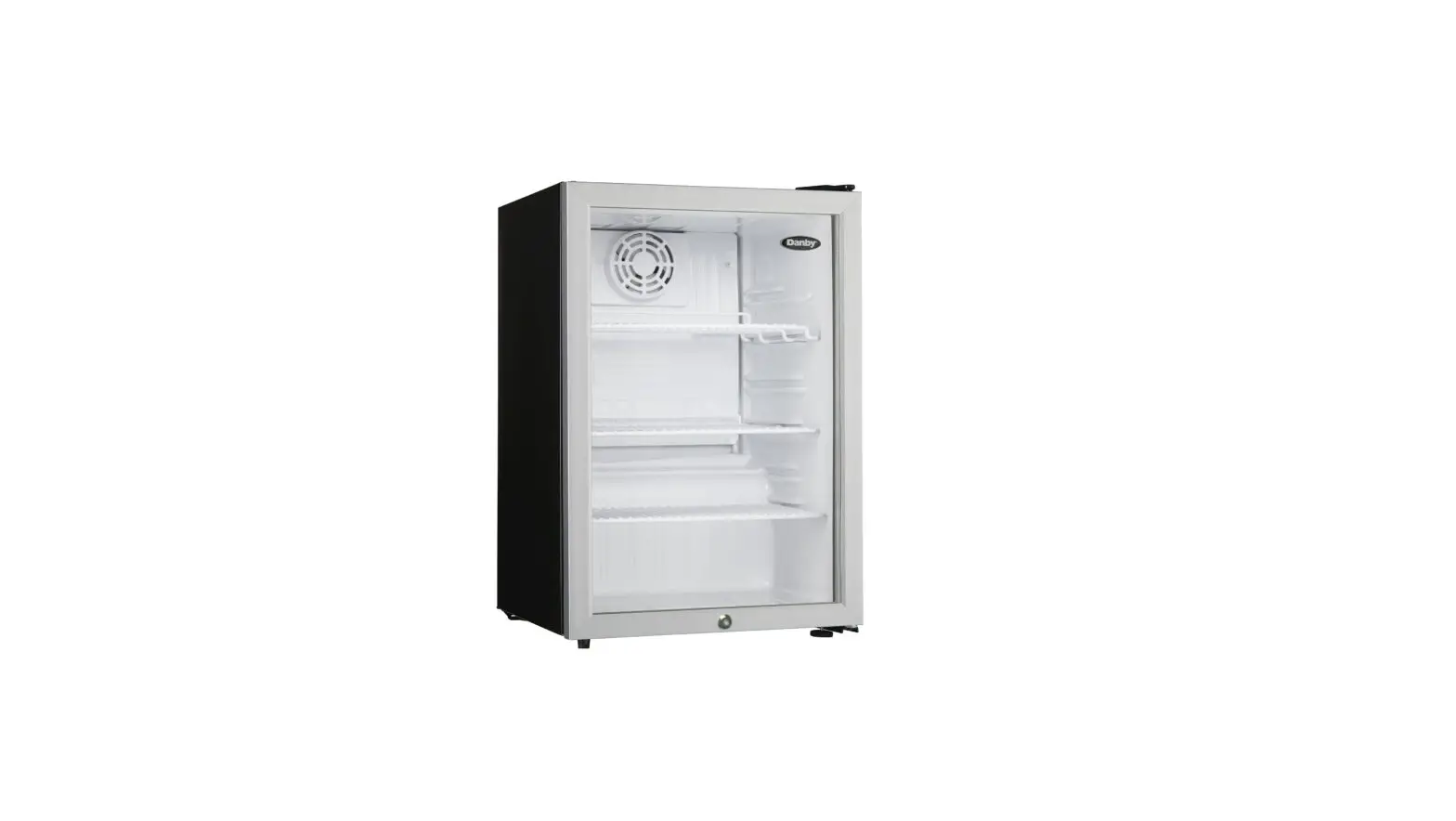
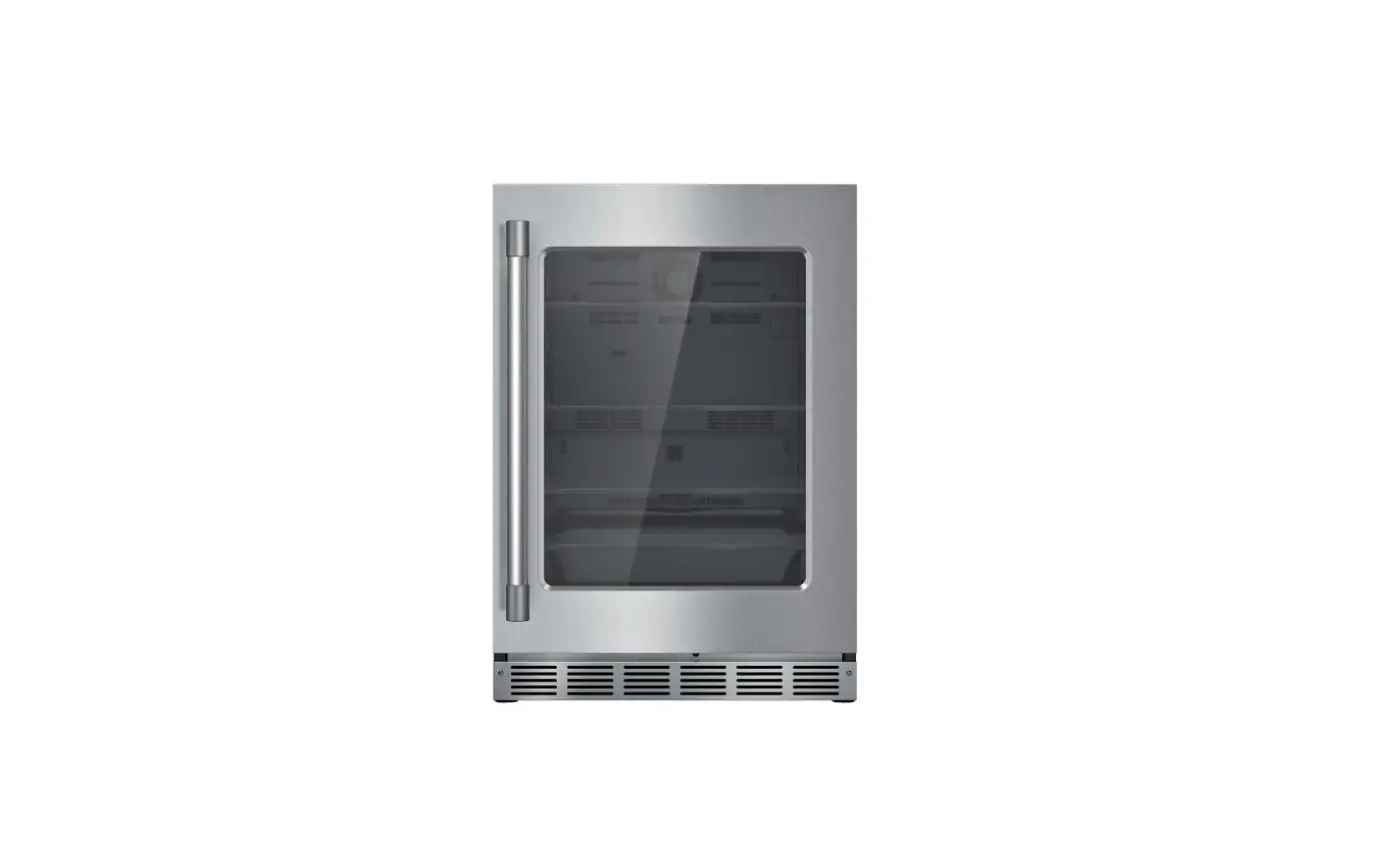
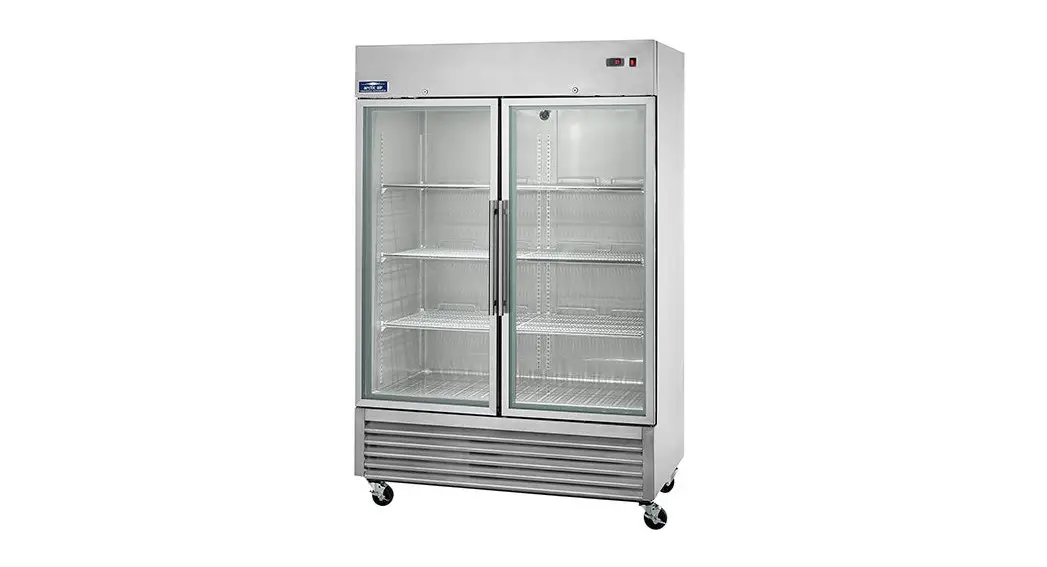
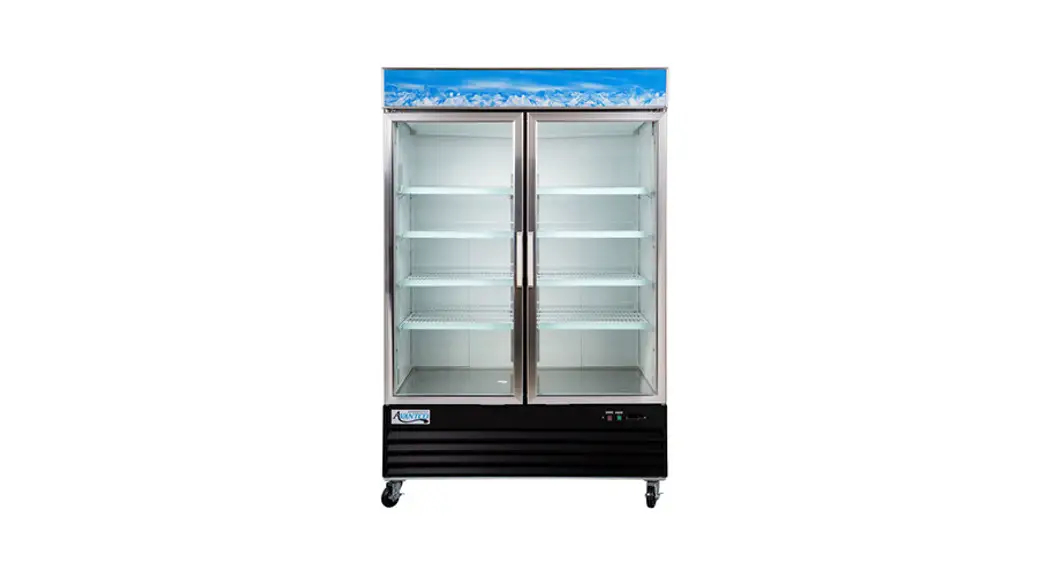
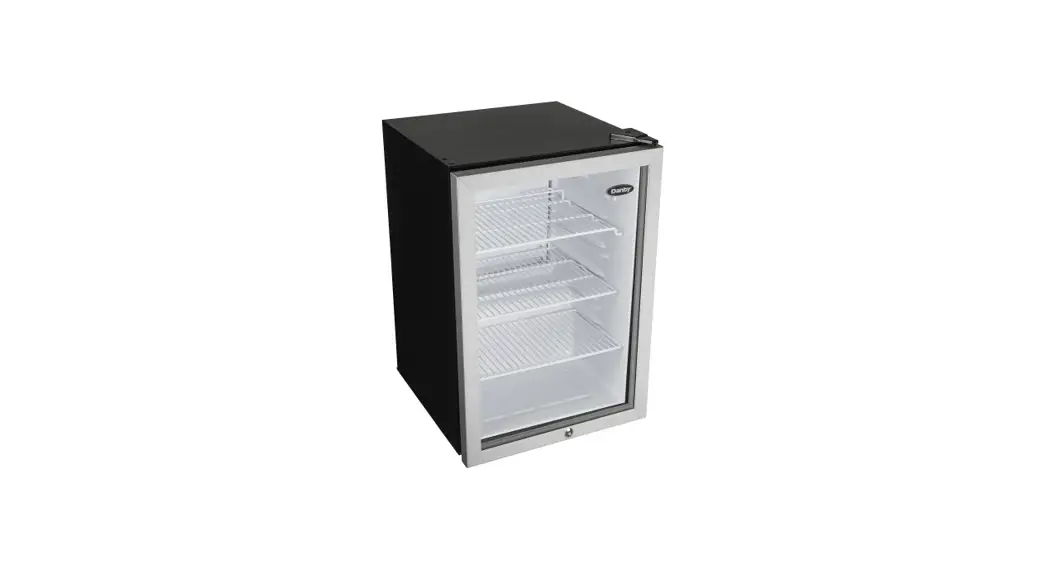
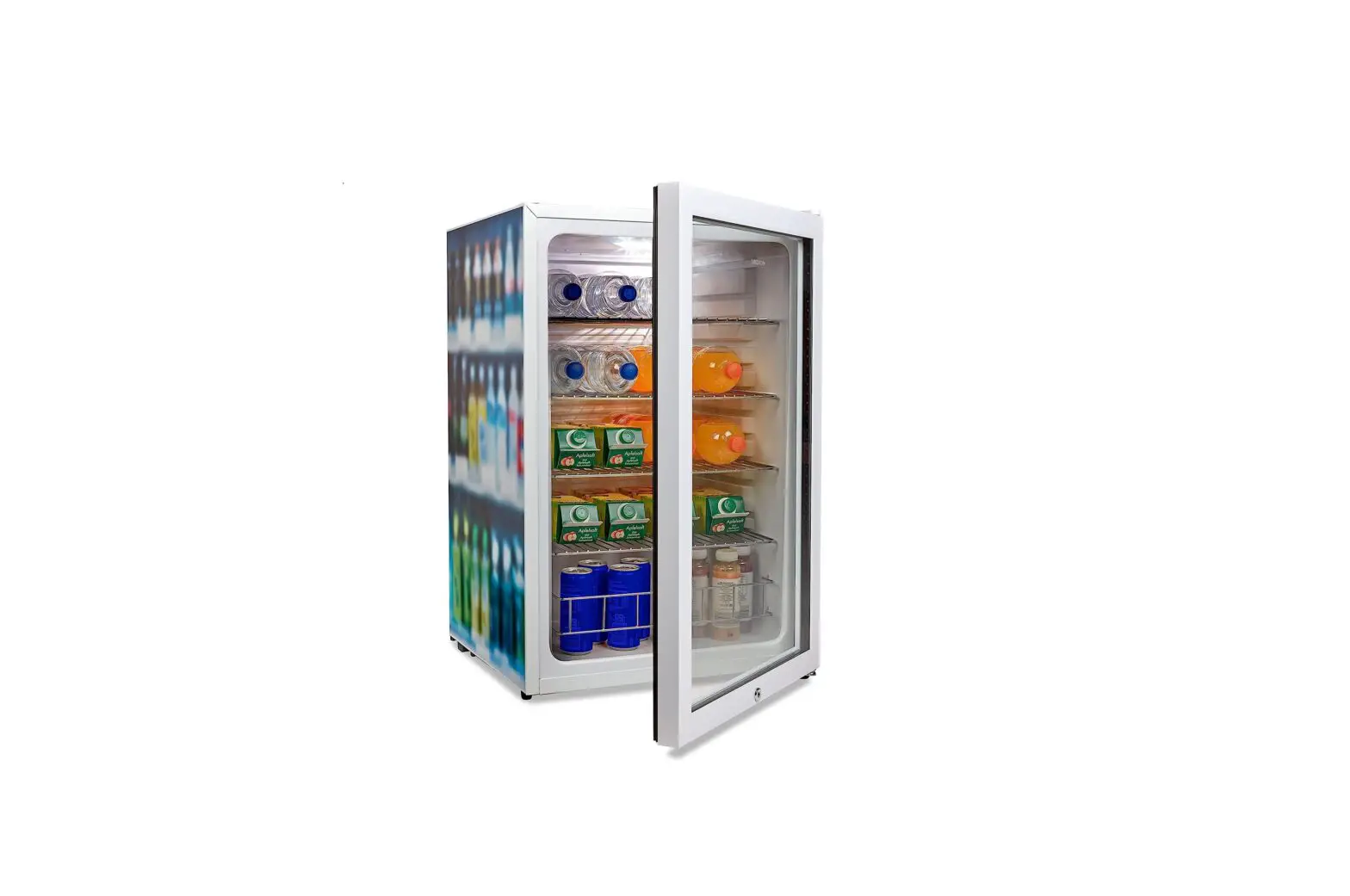
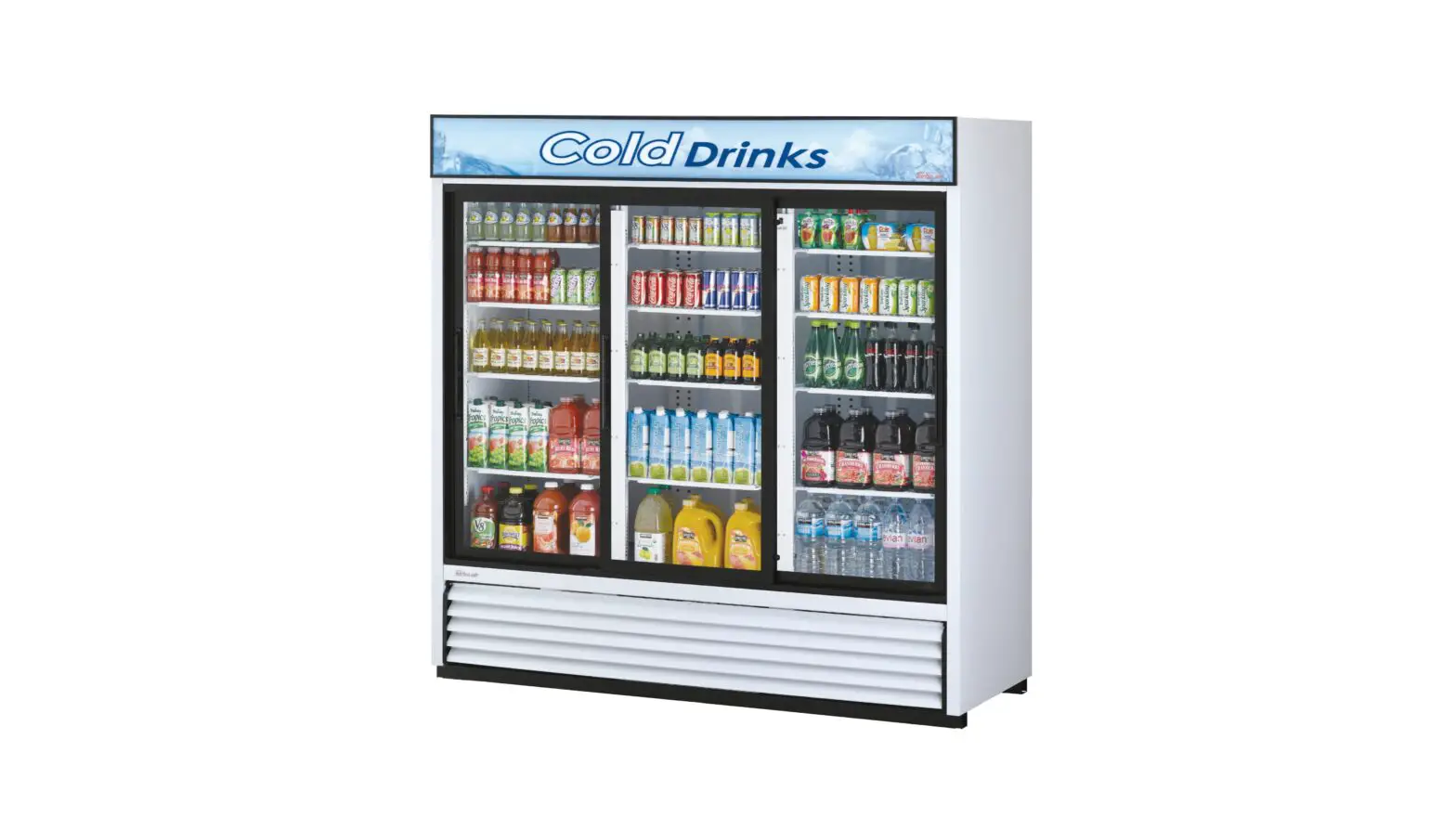
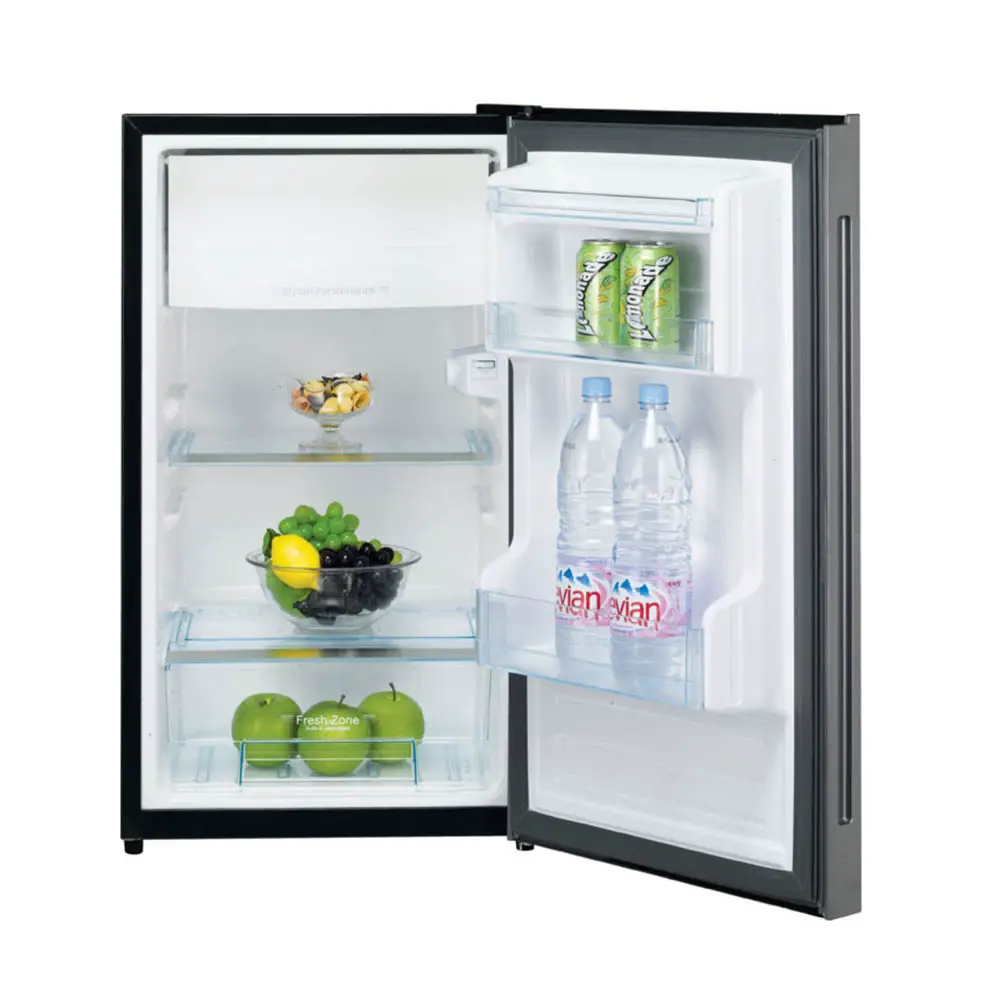
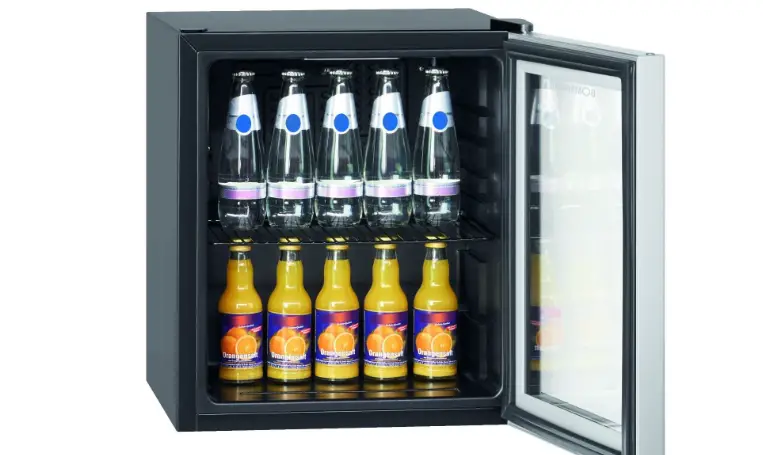
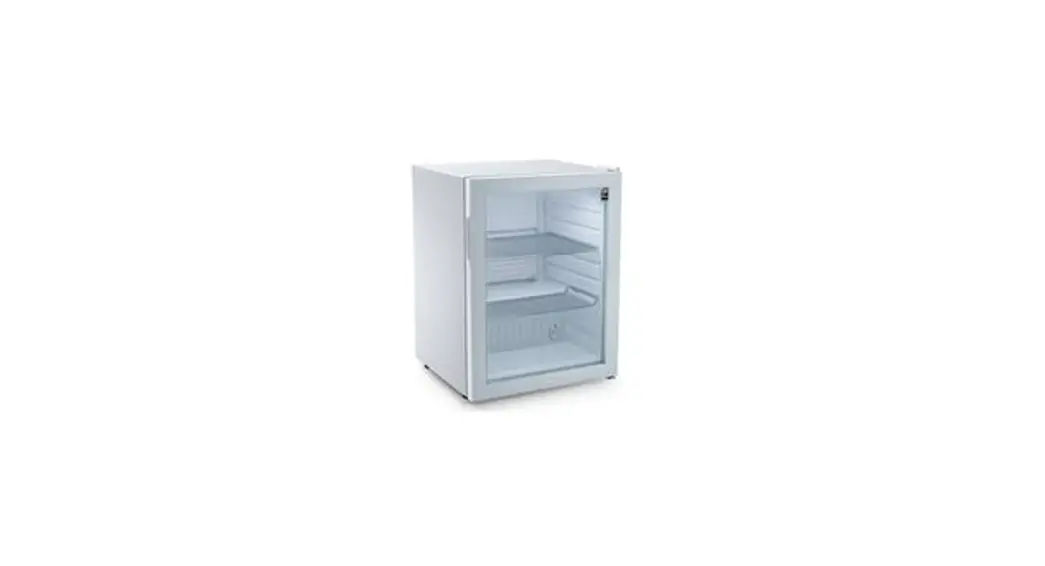
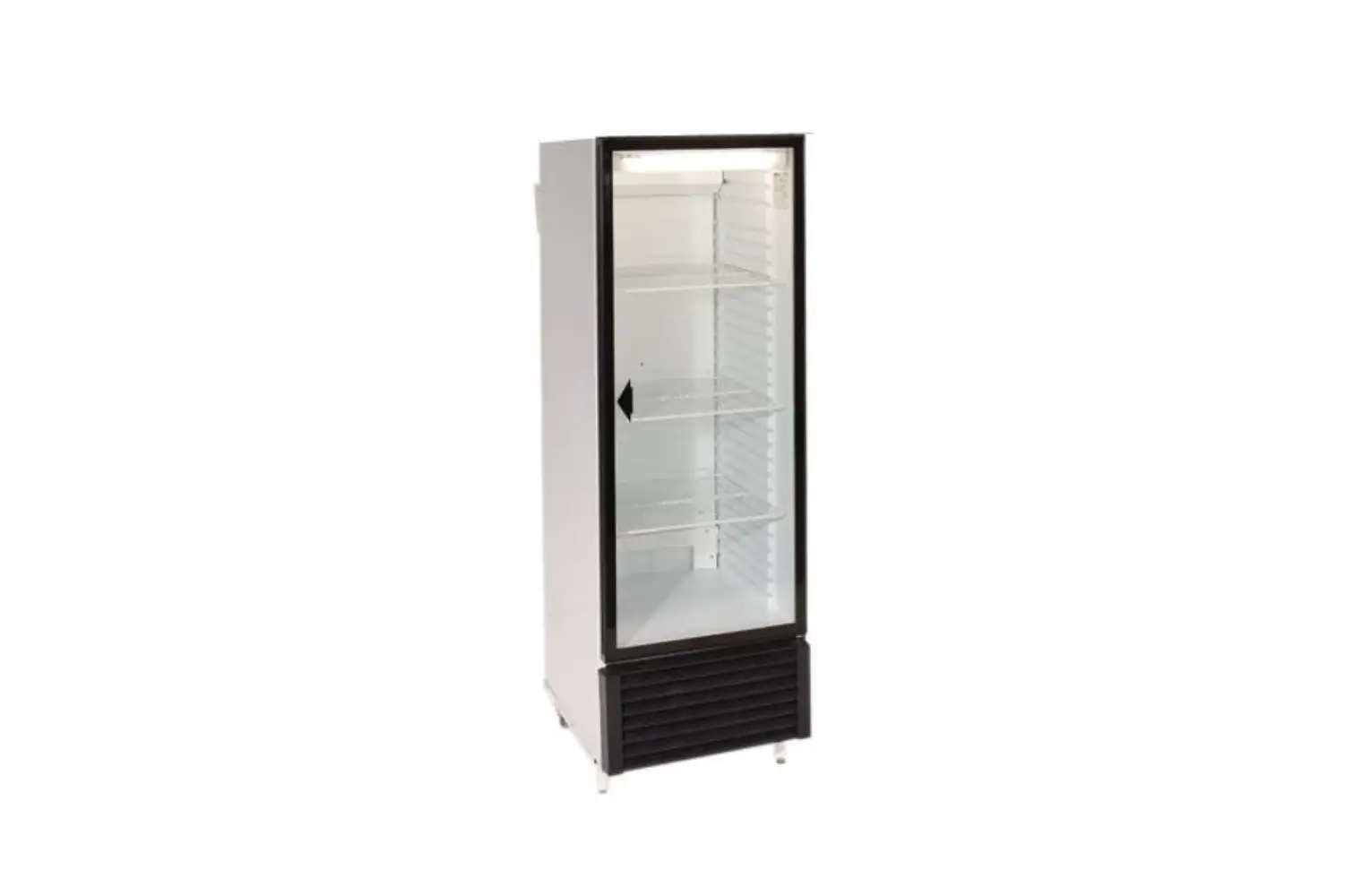
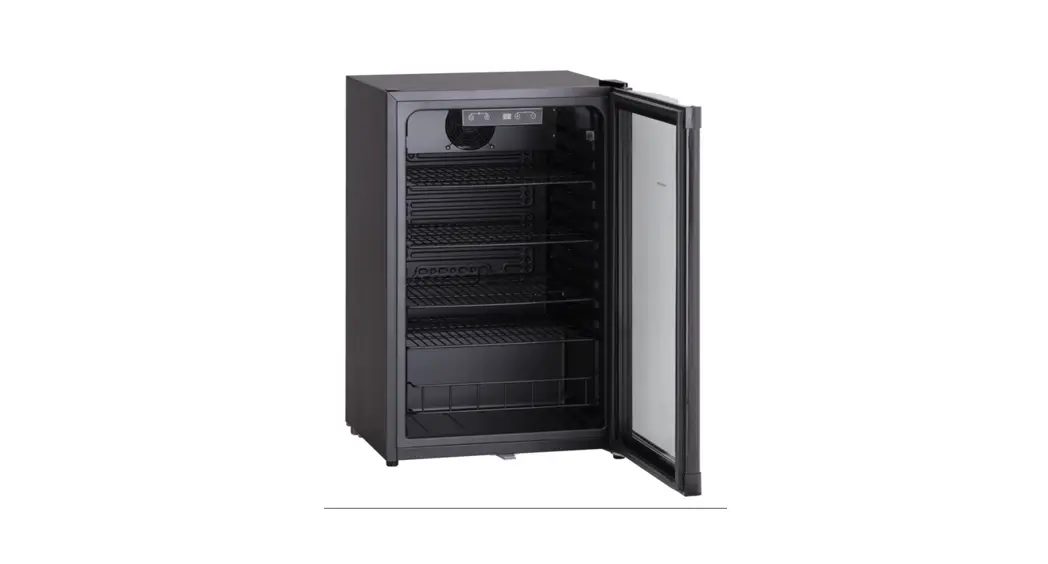
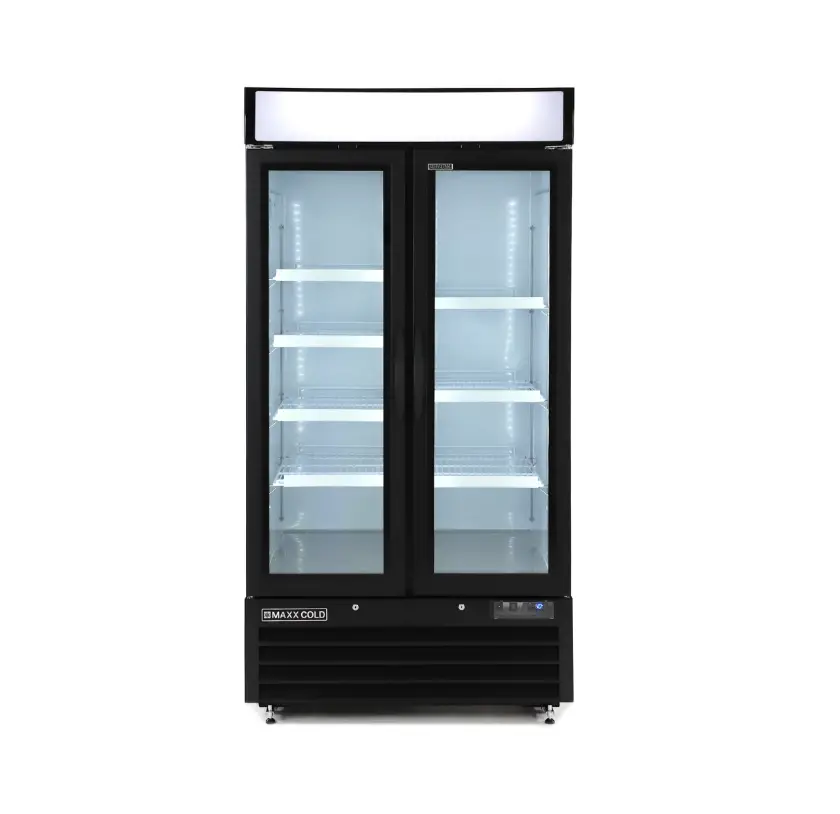
SW75 Medical Refrigerator Upright Glass Door
Product Information
Product Model:
- YC-480
- YC-270
- YC-180
- YC-154
- YC-66
Thank you for purchasing and using this product. Please read
this manual carefully and keep it properly before using.
Contents
- Structure
- Important Safety Instruction
- Medical Cooler Installation
- Operation Indicator
- Troubleshooting
- Maintenance
- Executive Standard
1. Structure
- (1) Display Board
- (2) Door Handle
- (5) Air Outlet
- (2) Sensor
- (4) Shelf
- (6) Feet
Note: The company reserves the right to design and change the
product. The appearance of the units that you purchase might be
slightly different from the Manual, but it does not affect your
proper operations and usage.
2. Important Safety Instruction
Please read the following precautions carefully to avoid
personal injury or property loss caused by mis-operation for your
safe use of the product. This product can be used in scientific
research institutes, biological pharmaceutical factories,
hospitals, health and epidemic prevention stations, cosmetics
manufacturers, families and individuals, and other units, suitable
for accurate temperature and humidity requirements of the product
storage and display.
- Inflammable and explosive articles cannot be stored. If the
articles are volatile, they must be stored in closed containers
first. - The design of this product is limited to subtropical climate
(0-38°C), otherwise the equipment may not work properly. - The glass door series should not be used at an altitude of more
than 1500 meters. Otherwise, the glass may break and injure the
human body. - Do not extend the power cord without authorization, and do not
connect the ground wire to gas pipes, water pipes, lightning rods,
and telephone lines. - It is forbidden to install it in places where corrosive and
flammable gases may leak, otherwise it may explode or damage the
equipment.
3. Medical Cooler Installation
After receiving the product, please confirm whether the package
is complete and whether the appearance is defective or
deformed.
Open the door to check whether the internal components are
complete, such as shelf, instructions, buttons, etc.
After confirmation, place the product at the place you specify.
Adjust the level of the feet and ensure that the left, right
and
Owner’s Manual
The temperature in the box can be adjusted from 2°C to 8°C
YC-480 YC-270 YC-180 YC-154 YC-66
Thank you for purchasing and using this product. Please read this manual carefully and keep it properly before using.
1
1
Contents
1.Structure …………………………………………………………………………….3
2. ……………………………………………………………………………………….. Im portantsafety instruction……………………………………………………….4
3. ……………………………………………………………………………………….. M edicalcooler installation…………………………………………………………5
4. OperationIndicator ………………………………………………………………. 6
5. ……………………………………………………………………………………….. Tr oubleshooting ……………………………………………………………………… 7
6.Maintenance ……………………………………………………………………….9
7. ……………………………………………………………………………………….. Ex ecutive standard ………………………………………………………………… 11
1
2
1. Structure
(1) Display Board (2) Door Handle (5)Air Outlet
(2)Sensor (4)Shelf (6)Feet
Note :The company reserves the right to design and change the product. The appearance of the units that you purchase might be slightly different from the Manual, but it does not affect your proper operations and usage.
1
3
2.Important safety instruction
Please read the following precautions carefully to avoid
personal injury or property loss caused by mis-operation for
your safe use of the product. This product can be used in scientific research institutes,
biological pharmaceutical factories, hospitals, health and
epidemic prevention stations, cosmetics manufacturers,
families and individuals and other units , suitable for accurate
temperature and humidity requirements of the product storage
and display.
Inflammable and explosive articles cannot be stored. If
the articles are volatile, they must be stored in closed
containers first. The design of this product is limited to subtropical
climate (0-38), otherwise the equipment may not work
properly. The glass door series should not be used at an altitude of
more than 1500 meters. Otherwise, the glass may break
and injure the human body.
Do not extend the power cord without authorization, and do
not connect the ground wire to gas pipes, water pipes, lightning
rods, and telephone lines. It is forbidden to install it in places
where corrosive and flammable gases may leak, otherwise it
1
4
may explode or damage the equipment.
3.Medical cooler installation
After receiving the product, please confirm whether the
package is complete and whether the appearance is defective or
deformed.
Open the door to check whether the internal components
are complete, such as shelf, instructions, buttons, etc.
After confirmation, place the product at the place you specify.
Adjust the level of the feet and ensure that the left, right and
back of the product are 5CM away from the wall to facilitate
cooling.
Keep away from heat sources and places with high humidity,
such as shower rooms and laundry rooms and avoid direct
sunlight.
When handling, the Angle should not be greater than 45
degrees, lying down or upside down, if there is lying down or
upside down, must stand for 2 hours before power use.
Ensurethatthevoltageisintherangeof220V-240V/50Hz,the
product must use an independent socket and have reliable
grounding.
When using for the first time, put the items in batches after
the temperature in the box reaches the set value to ensure the
temperature in the box.
1
5
4.Operation Indicator
Control panel.
ON/OFF of the whole system ON/OFF of Inside Cabinet LED light
Open alarm indicator
Refrigerating indicator
High temperature alarm indicator
Low temperature alarm indicator
Defrosting indicator Temperature Upsetting
Temperature Down setting
1
6
If you need to adjust the temperature, hold down for5S,
and
.Then press the button to adjust the temperature
to therequiredvalue.After5S,the temperature in the box will be
displayed again. The increase/decrease of each button
is
0.1 ° C. LED light on/off button, every time you press it, the LED light
will light up, press it again to turn off, after 10 minutes of no
operation, it will automatically turn off. automatically extinguished, because some biological products,
chemical samples, pharmaceutical preparations, cosmetics, etc.
are sensitive to light, long-term light will affect their effects.
Therefore, the built-in LED light is cold light with soft light, which
can provide illumination without harming the chemical properties
of the stored items.
5. Troubleshooting
After each power-on, all components work, the indicator
lights are all on, and the system self-checks for 10 seconds, and
the compressor starts with a delay of 3minutes after the system
self-check is normal. After 2 hours of normal power-on, there is no obvious change in
1
7
the temperature in the box, the system alarms and buzzes, the display flashes “HHH”, the compressor is forced to stop and it recovers after power-on again. Alarm code, cause analysis and treatment measures.
Alarm code
Cause analysis
Treatment
measures
“Hi”or”Low”Flicker
alternately
with
temperature and buzzer.
The temperature in the box is higher/lower than the set maximum/minimum value, and the door is not closed
Close the door for the first time, observe whether the temperature has changed significantly, and alarm when the temperature reaches the
for a long time.
set value Automatic release.
“Door” Flicker alternately The door is not closed or the Close the door in place and with temperature and buzzer. door is not closed properly. the alarm will be lifted
automatically.
“E1″or”E2″Flicker alternately Refrigeration temperature button clear
with temperature and sensor failure.
refrigeration into
alarm,
buzzer.
“E3″or”E4″Flicker alternately Defrost temperature sensor with temperature and failure
Enter the second procedure, does not affect the normal use, at the same time contact after-sales.
button clear alarm, defrost into
buzzer.
“E5″Alternating
with Defrost heating wire fault.
temperature scintillation bees
Enter the second procedure, does not affect the normal use, at the same time contact after-sales Contact after-sales service to replace the heating wire.
The buzzer sounds.
“E6″Alternating
with Temperature Compensation Contact after-sales service to
temperature scintillation bees Heater Failure.
replace the PTC.
Sound is singing.
1
8
“E6″Alternating
with The communication between Check whether the
temperature scintillation bees the power board and the connection terminals of the
Sound is singing.
main board is faulty.
main board and the power board are loose. If the fault is
not eliminated after correct
connection, please
contact after sales.
6. Maintenance
In the process of use, reduce the frequency of opening and closing the door as far as possible, shorten the time of opening the door to reduce the leakage of air conditioning and save electricity. Try to set the temperature to the upper limit when meeting the required temperature of the item. Do not put your fingers, sticks and other things into the fan or directly contact the compressor to avoid scalding. When not in use for a long time, take out all items, unplug the power plug, open the cabinet door and clean the inside of the box to dry the water. Clean with a soft cloth or neutral detergent then wipe with a wet cloth and do not rinse directly. Normal operation for following phenomenon:
Heating on the back or side of the product is a normal phenomenon.
Condensation formed inside the cabinet :Glass surface
1
9
condensation: when the glass surface will produce a little water
1
10
droplets , this is due to the environmental humidity is equal to 78% , Please wipe it away with dry cloth. 3 Liquid Sound: When the compressor is working, there seems to be no sound of flowing water in the box. The flowing sound of refrigerant in the refrigeration system , which is a normal phenomenon. 4 Glass breaking sound: when the equipment is defrosting, itwill occasionally make a sound similar to glass breaking, which is the sound of popping or crackling noise due to the auto defrost cycle melting frost build-up , which is a normal phenomenon.
7.Executive standard
This product implements the following standards
1
10
Warning Refrigerant and foam layer is flammable , Pay attention to the fire when maintenance , installation , transportation and handling. Used product need to be recycled by specialized companies , don’t
arbitrarily discarded.
1
11