Datomaster Watch
Product Information
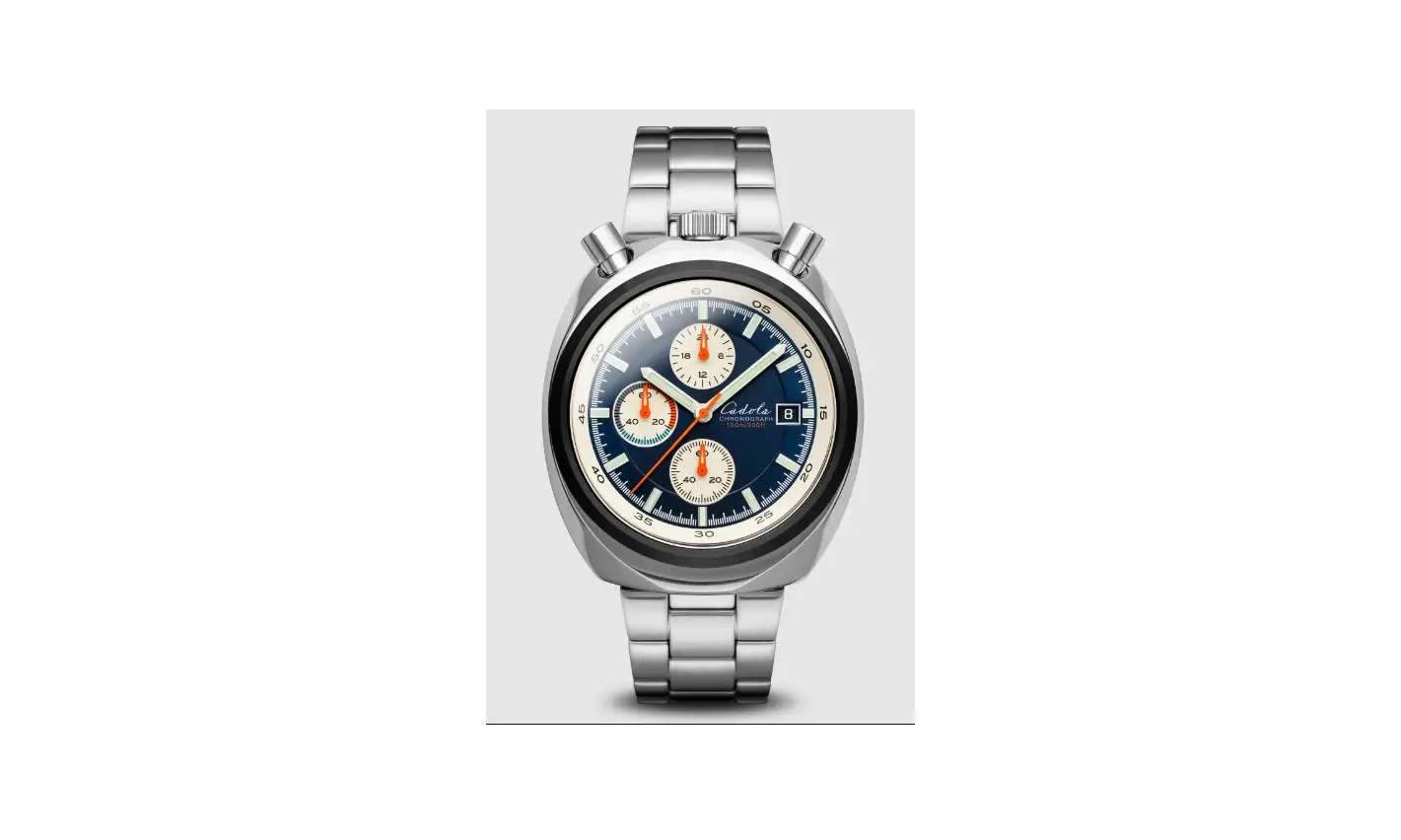
The product is a DATOMASTER MANUAL watch. It features various
watch parts, including a chronograph with a 30-minute hand, running
seconds hand, hour hand, and minute hand. It also has a chronograph
seconds hand. The watch has a band, case, and a date window. The
crown has three positions for different functions, including normal
crown position, setting the date, and setting the time.
Product Usage Instructions
Manual Winding
To manually wind the watch:
- Turn the crown clockwise.
- As you wind the watch, you will feel a slight resistance that
increases as the tension mounts. - Depending on the watch’s size, wind it 20 to 30 forward turns
until you feel resistance. - Stop winding immediately when you feel resistance to avoid
damage from over-winding.
Setting the Date
To set the date:
- Pull the crown out to the second position (position 2).
- Turn the crown clockwise to adjust the date.
- Avoid setting the date between 9 PM and 3 AM to ensure proper
day change. - Push the crown back into the normal position (position 1).
Setting the Time
To set the time:
- Pull the crown out to the third position (position 3).
- Turn the crown to adjust the minute and hour hands.
- Push the crown back into the normal position (position 1).
Using the Chronograph
The chronograph on this watch can measure up to 60 minutes.
Here’s how to use it:
- To start the chronograph, press the upper pusher A.
- The chronograph hands will begin to move.
- To stop the chronograph, press the upper pusher A again. The
chronograph hands will stop and indicate the elapsed time. Read the
elapsed seconds on the large central hand and minutes on the
sub-dial at the 9 o’clock position. - To reset the chronograph, press the lower pusher B. All the
chronograph hands will be reset to the 0 position.
MANUAL WINDING
DATOMASTER MANUAL Watch parts
Chronograph 30 minute hand Running seconds hand Hour hand Minute hand
Chronograph seconds hand
1
Band
Case Date window
Pusher A
Chronograph Start/Stop
Crown
Pusher B
Chronograph Reset
Dial
DATOMASTER MANUAL Crown Position
1
2
3
1 Normal crown position 2 Setting the date 3 Setting the time
2
DATOMASTER MANUAL Manual winding
1 Manual winding
Turn the crown clockwise. As you’re winding your watch, you will feel a slight resistance which increases as the tension mounts. Depending on the size of the watch, 20 to 30 forward turns should lead to resistance.
Purely manually wound movements require winding
at regular intervals, normally on a daily basis, to keep
1
operating. Take care to stop winding this type of
movement at the first sign of resistance as damage
may result from over winding.
3
DATOMASTER MANUAL Setting the date
1
23
1. Pull the crown out to the 2 position
2. Turn the crown clockwise for date setting
Do not set the date between 9 PM and 3 AM, otherwise the day may not change properly.
3. Push the crown back into the normal 1 position
4
DATOMASTER MANUAL Setting the time
1. Pull the crown out to the 3 position
2. Turn the crown to set minute and hour hands
1
2
3
3. Push the crown back into the normal 1 position
5
DATOMASTER MANUAL Using the chronograph
THIS MODEL CHRONOGRAPH FEATURES STOPWATCH THAT CAN MEASURE UP TO 60 MINUTES
1. To start the chronograph: Press the upper pusher A
A
The chronograph hands will begin to move
2. To stop the chronograph: Press the upper pusher A again. The chronograph hands will stop and indicate the elapsed time. (Read the elapsed seconds on the large central hand and minutes on the sub-dial in the 9 o’clock position)
B
3. To reset the chronograph: Press the lower pusher B to reset the chronograph. All the chronograph hands will be reset to “0” position
6