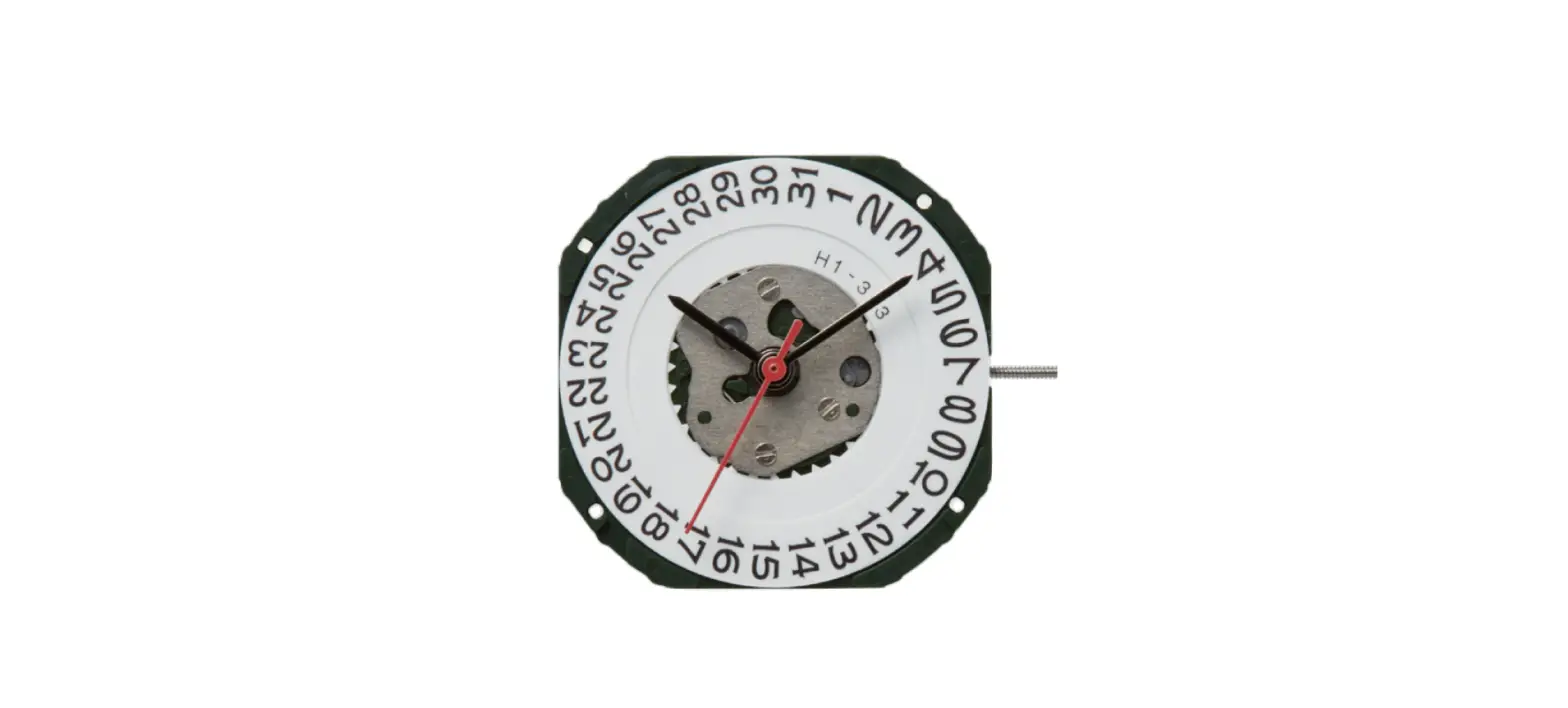
91951 Datomaster Mecaquartz Watch
Product Information
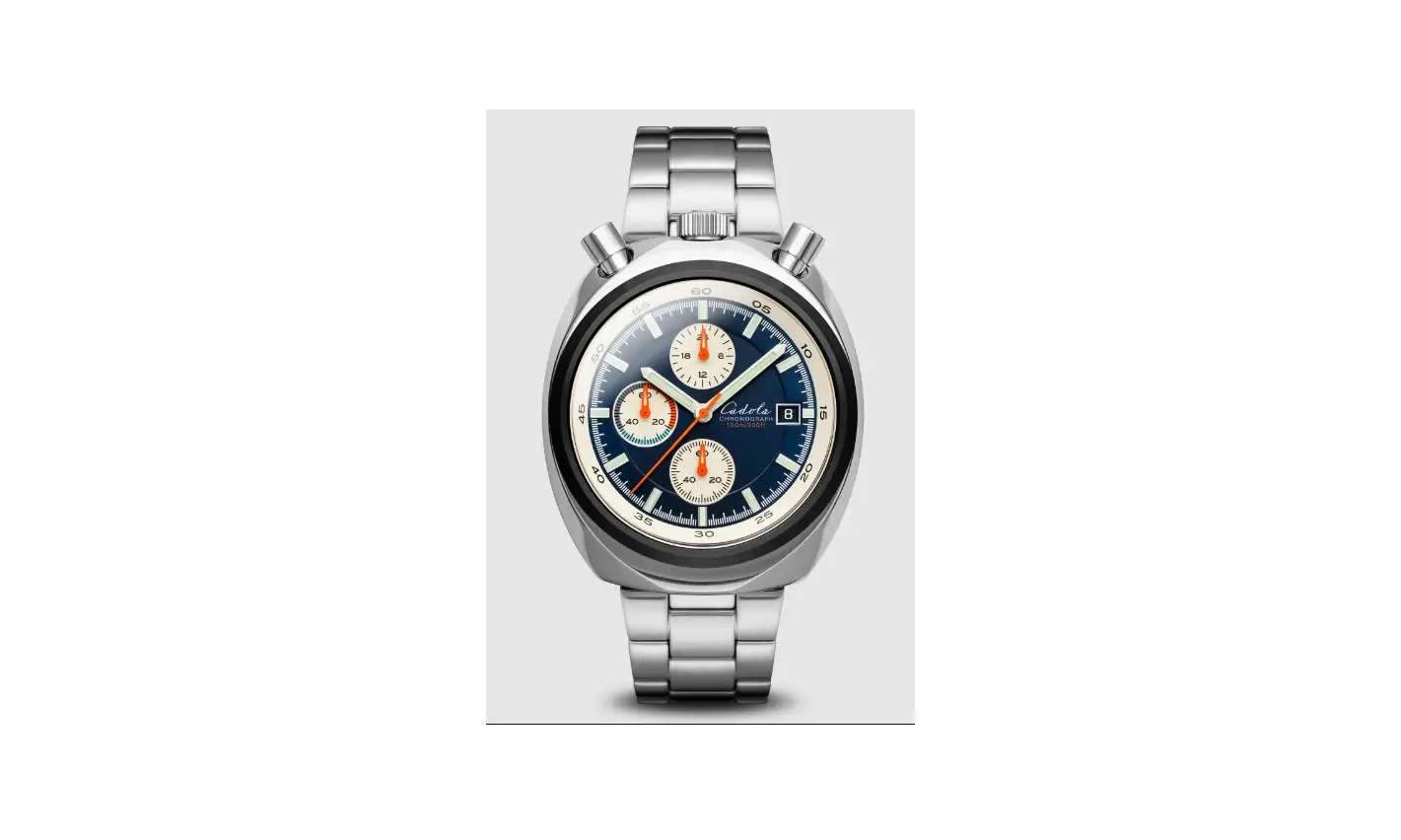
The DATOMASTER MECAQUARTZ is a watch that features various
functions and parts:
- 24 Hour Hand: Indicates the time in a 24-hour format.
- Chronograph Minute Hand (60m): Measures elapsed time up to 60
minutes. - Hour Hand: Indicates the hour of the current time.
- Minute Hand: Indicates the minute of the current time.
- Chronograph Seconds Hand: Measures elapsed seconds during
chronograph operation. - Band: The strap that holds the watch on your wrist.
- Case: The outer casing of the watch that protects the internal
components. - Pusher A: An upper button used for starting and stopping the
chronograph. - Crown: A knob used for adjusting various settings of the
watch. - Pusher B: A lower button used for resetting the
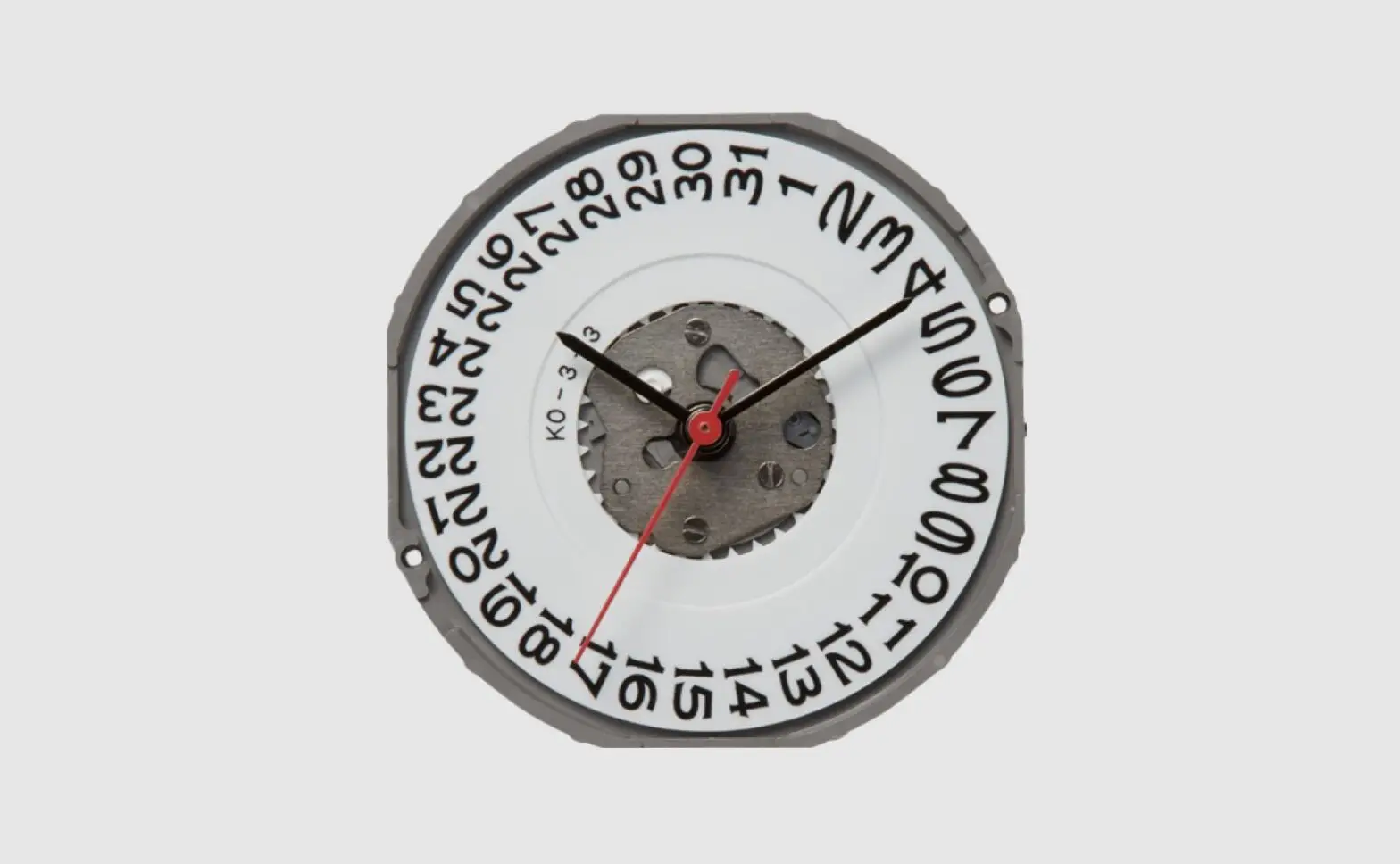
chronograph. - Date window: Displays the current date.
Product Usage Instructions
Setting the Date
- Pull the crown out to the 2 position.
- Turn the crown clockwise to adjust the date. Note: Avoid
setting the date between 9 PM and 3 AM to ensure proper day
change. - Push the crown back into the normal 1 position.
Setting the Time
- Pull the crown out to the 3 position.
- Turn the crown to set the minute and hour hands to the desired
time. - Push the crown back into the normal 1 position.
Using the Chronograph
The chronograph function allows you to measure elapsed time up
to 60 minutes.
- To start the chronograph, press the upper pusher A. The
chronograph hands will begin to move. - To stop the chronograph, press the upper pusher A again. The
chronograph hands will stop, indicating the elapsed time. The large
central hand displays the elapsed seconds, and the sub-dial at the
9 o’clock position displays the elapsed minutes. - To reset the chronograph, press the lower pusher B. All the
chronograph hands will be reset to the 0 position.
DATOMASTER MECAQUARTZ Watch parts
24 Hour Hand Chronograph Minute Hand (60m)
Hour Hand Minute Hand Chronograph Seconds Hand
1
Band
Case
Pusher A
Chronograph Start/Stop
Crown
Pusher B
Chronograph Reset
Date window
DATOMASTER MECAQUARTZ Crown Position
1
2
3
1 Normal crown position 2 Setting the date 3 Setting the time
2
DATOMASTER MECAQUARTZ Setting the date
1
2
3
1. Pull the crown out to the 2 position.
2. Turn the crown clockwise for date setting.
Do not set the date between 9 PM and 3 AM, otherwise the day may not change properly.
3. Push the crown back into the normal 1 position.
3
DATOMASTER MECAQUARTZ Setting the time
1
2
3
1. Pull the crown out to the 3 position. 2. Turn the crown to set minute and hour hands. 3. Push the crown back into the normal 1 position.
4
DATOMASTER MECAQUARTZ Using the chronograph
THIS MODEL CHRONOGRAPH FEATURES STOPWATCH THAT CAN MEASURE UP TO 60 MINUTES.
1. To start the chronograph: Press the upper pusher A
A
The chronograph hands will begin to move.
2. To stop the chronograph: Press the upper pusher A again. The chronograph hands will stop and indicate the elapsed time. (Read the elapsed seconds on the large central hand and minutes on the sub-dial in the 9 o’clock position).
B
3. To reset the chronograph: Press the lower pusher B to reset the chronograph. All the chronograph hands will be reset to “0” position.
5