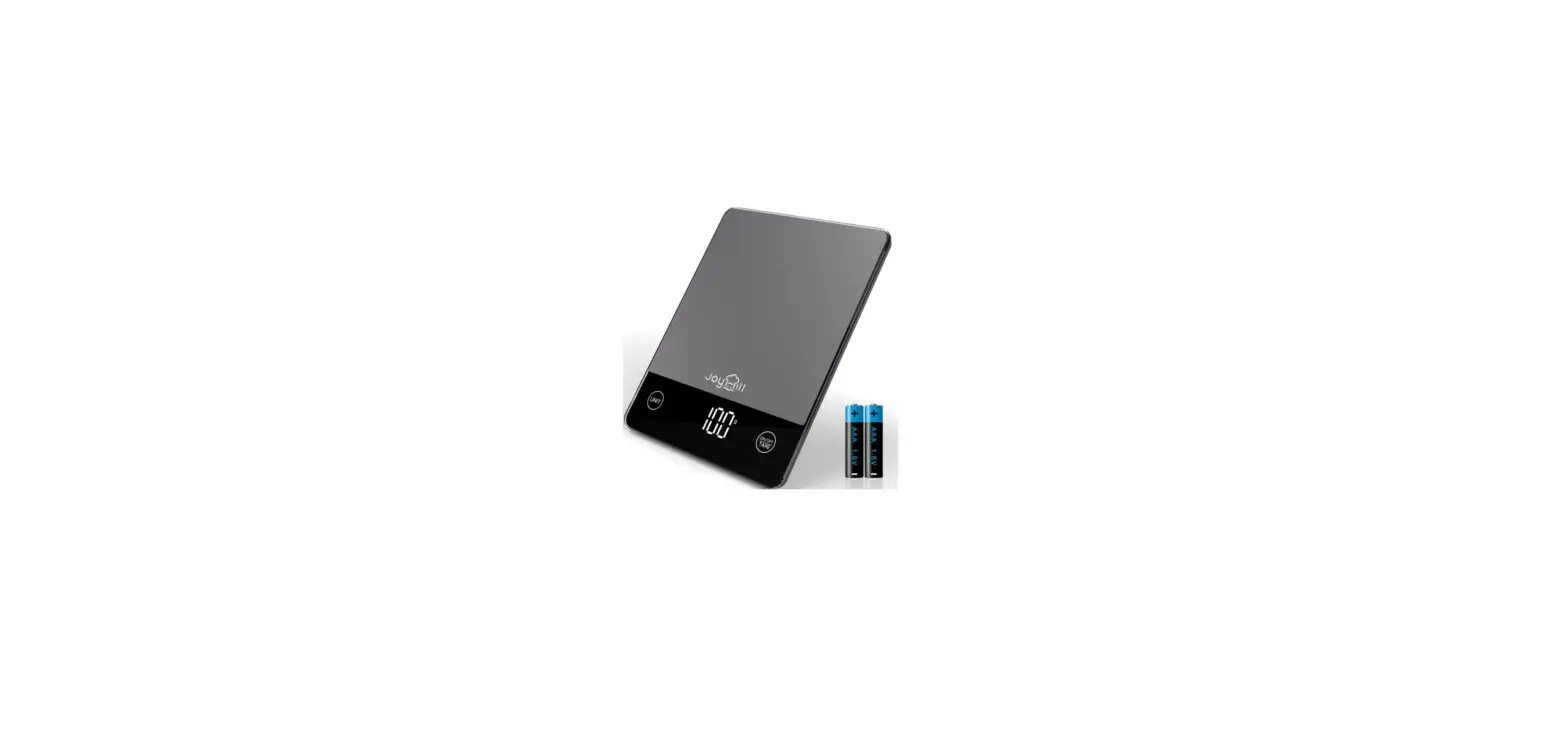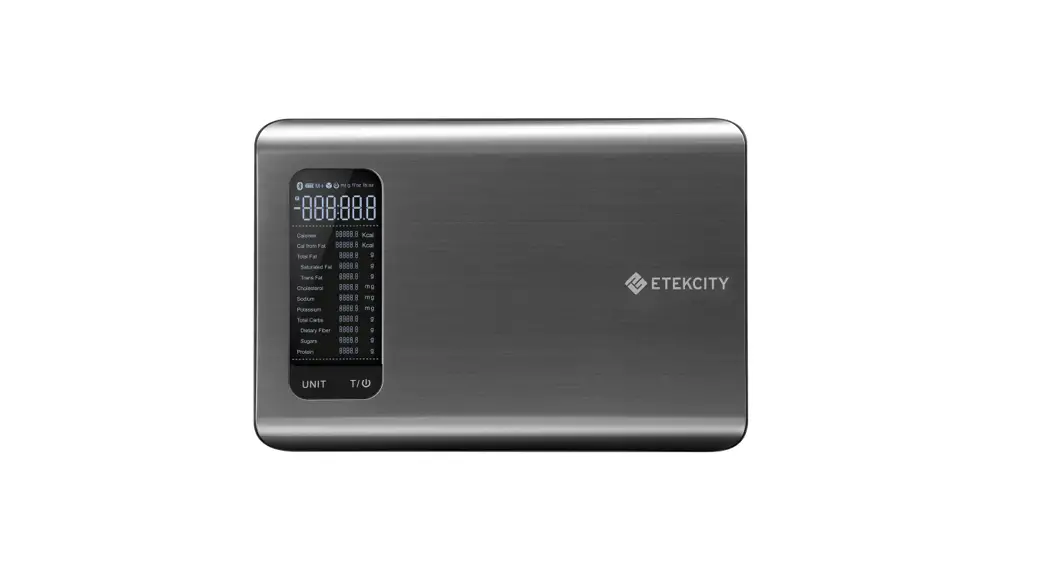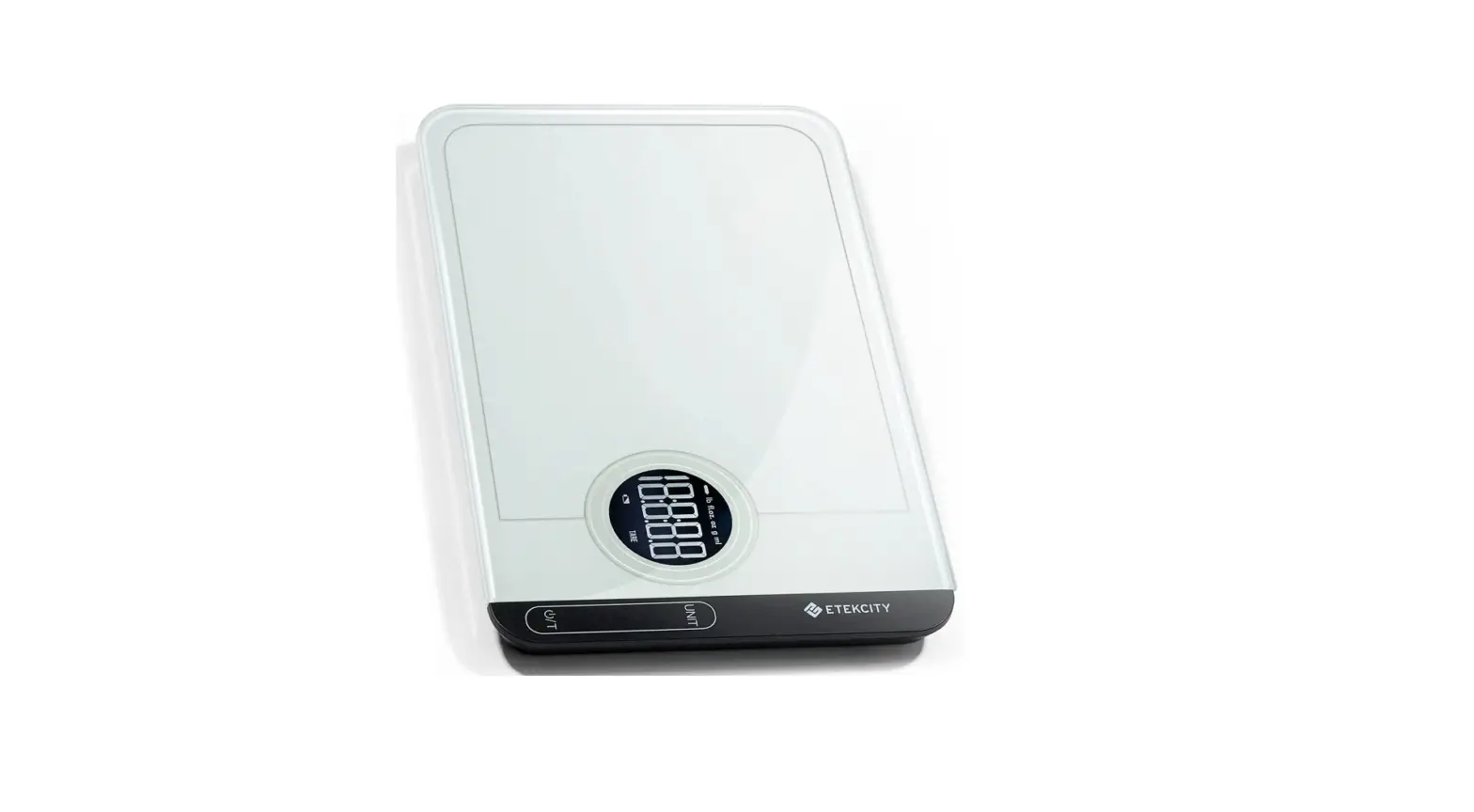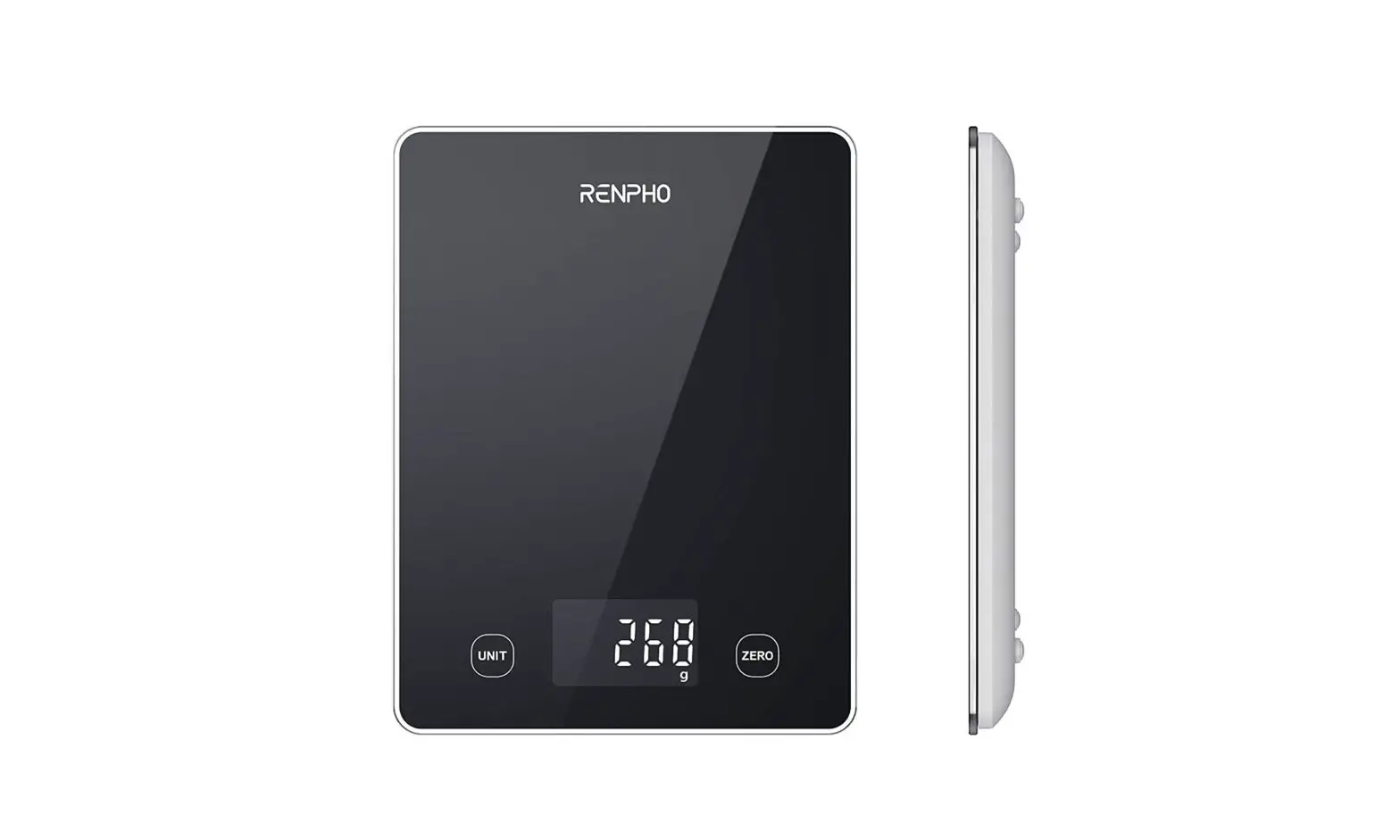

URAMAZ CK10E Smart Food Scale
INTRODUCTION
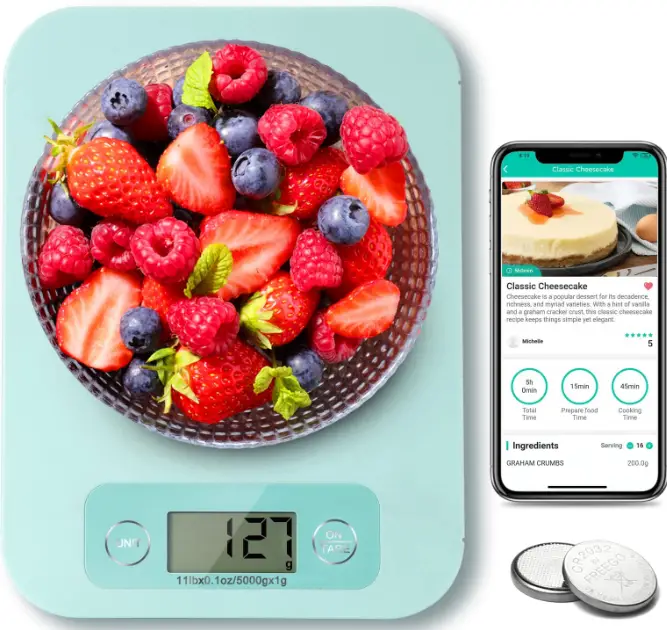
Thank you for choosing our smart kitchen scale! To ensure precise measurement and long service life of your scale, please read this manual before using the scale and keep it for further reference. The smart kitchen scale helps you recording and tracking nutrition intake in the APP. It uses wireless transfer to send the data to your smartphone. Recording and analyzing your nutrition intake for your health. By downloading the APP which works with the smart kitchen scale, you can view nutritional intake data at any time.
MAIN FEATURES
- High-precision sensors ensure accuracy.
- Precisely measure the volume of water and milk.
- One touch to tare.
- Low power, overload indication.
- Battery saving mode & Auto-off function.
- Wireless transfer technology to send data to smartphone.
- Viewing calories, salt, fat, protein, carbohydrates, cholesterol, fiber and other nutrition info in the APP.
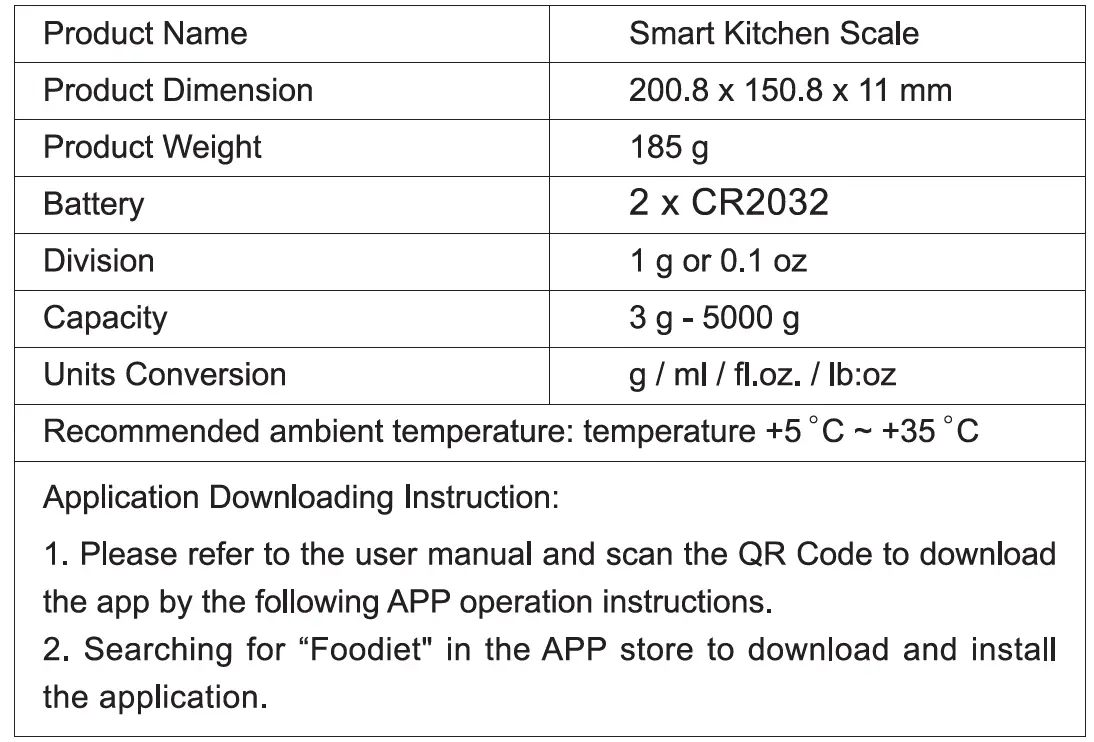
SPECIFICATION
DISPLAY INSTRUCTION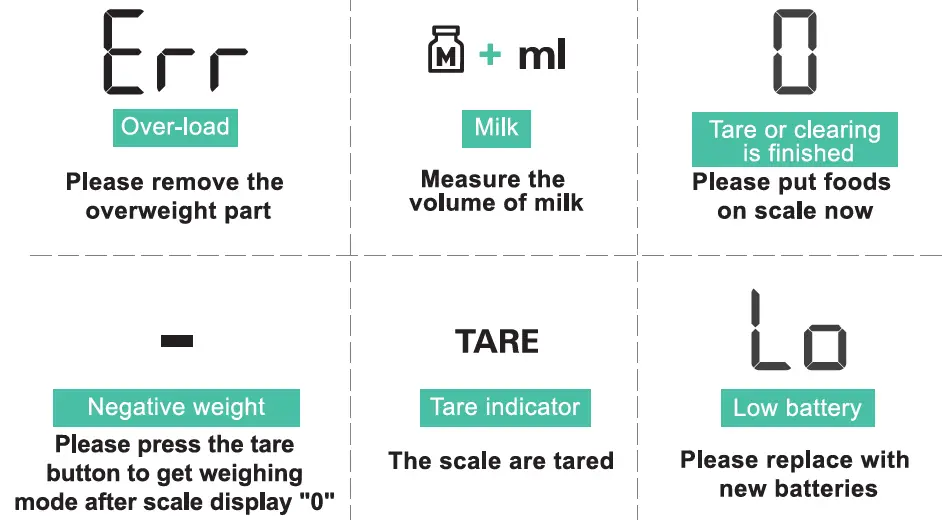
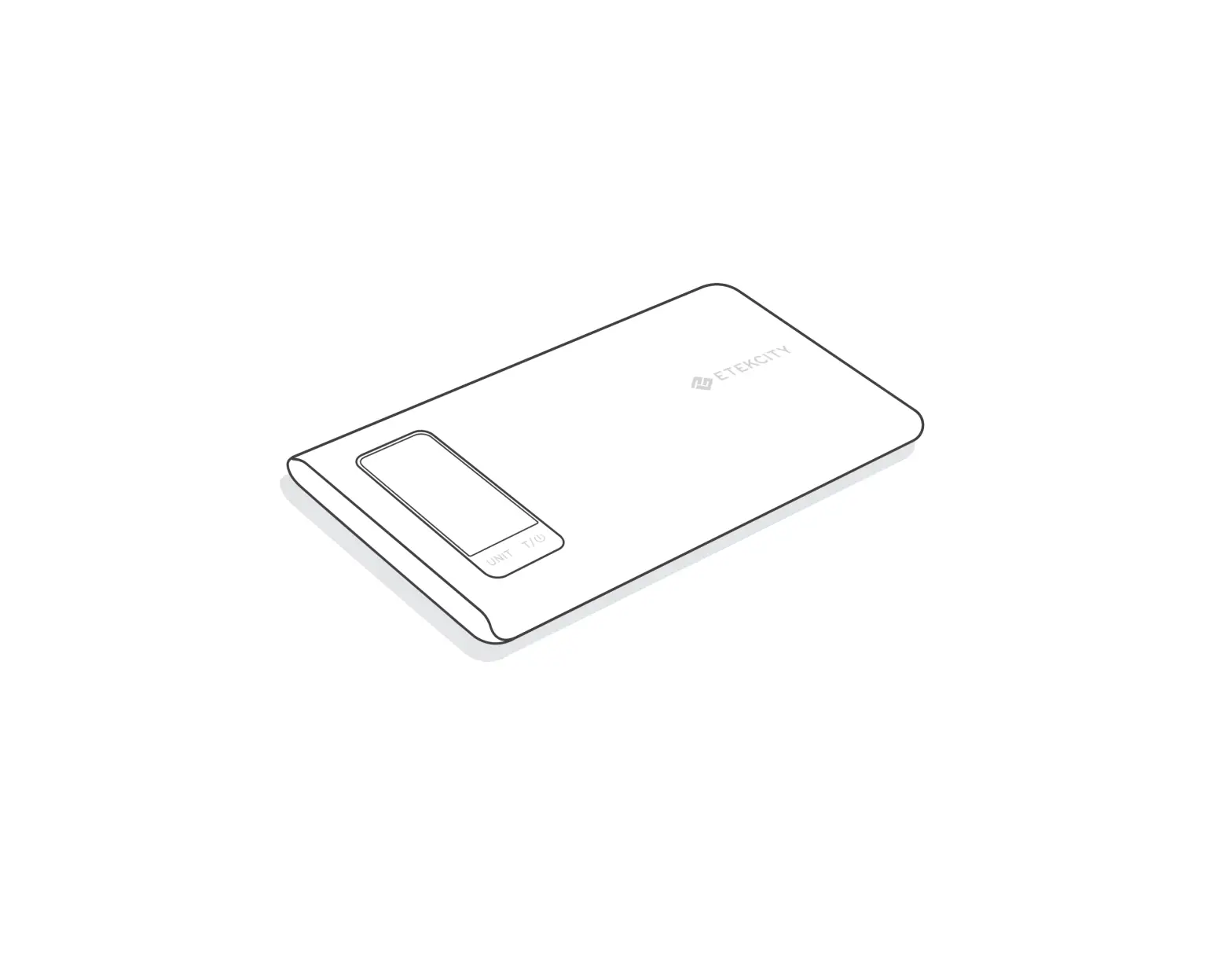
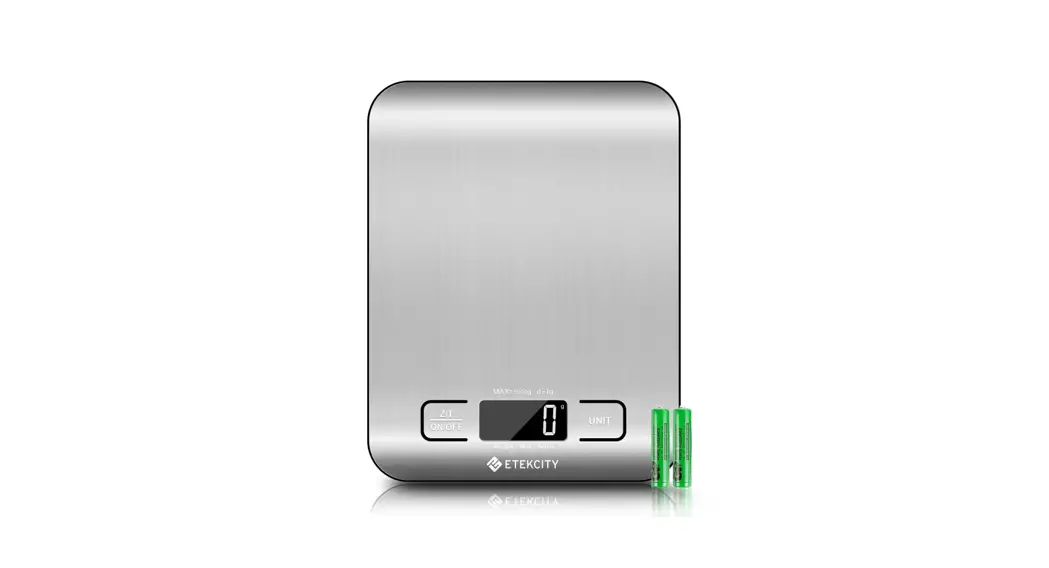
PRODUCT STRUCTURE
PRODUCT LAYOUT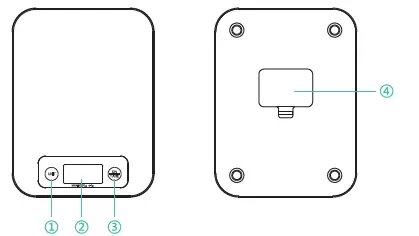
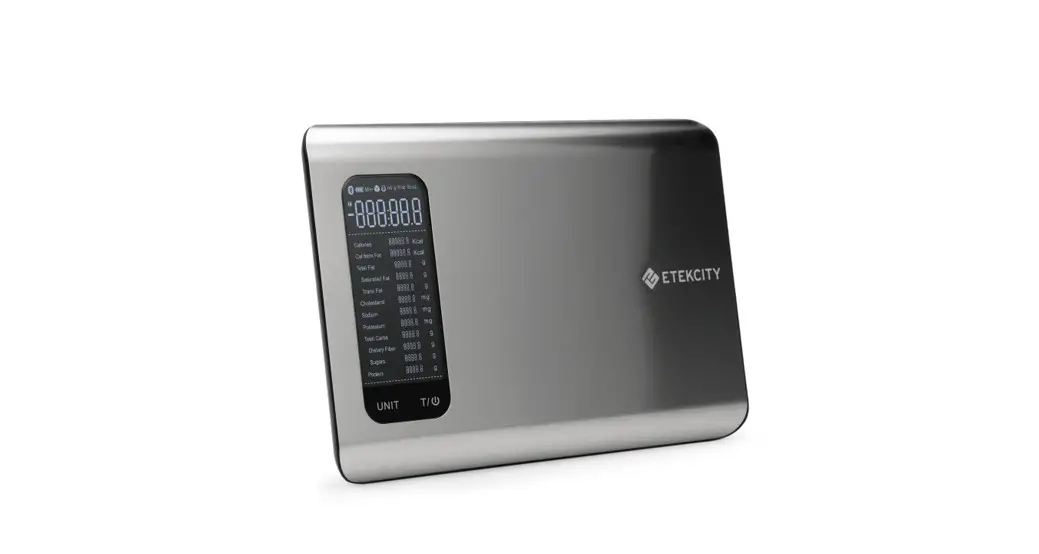
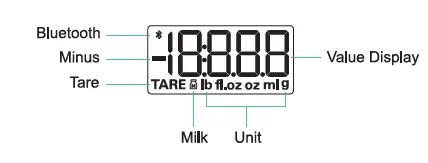
LCD Display
OPERATION INSTRUCTION
- Please remove the battery spacer according to the indicated information before use.
- Please place the scale on a hard and level surface.
- Power on: Press the button. It will start working with “0g” displayed.
- Unit switching: Press the button to switch units among g, ml, fl.oz, lb:oz.
- Volume weighing: You can weigh the volume of water or milk by pressing the button. When only the “ml” or “fl.oz” indicator light is on, it means that the device is in the function of weighing water; when “ml” and the milk indicator light up at the same time, it means that the device is in the function of weighing milk volume.
- Tare: Weigh Object A first, press once, wait for tare finishing and back to zero. When the “TARE” light is on and the value is zero, place object B in the center of the scale, object B weight is displayed.
- Continuous taring: You can use the tare function repeatedly by pressing the button continuously. Press the button once before all objects on the scale are removed, and the weight of all objects will be displayed on the LCD screen.
- Clear to zero: After the measurement is completed, remove all objects on the scale. Press the button to clear to zero if the value displayed is not zero.
- Auto power off (Power Saving Mode): If there is no operation or weight changed on scale within 30 seconds, it will enter into Power Saving Mode; and it will automatically shut down if there is still no operation within 90 seconds.
- Manual power off: To extend battery life, please press the button over 3 seconds to shut down the scale.
APP OPERATION INSTRUCTIONS
Step 1: Download APP – Foodiet Step 2: Weighing and Recording Food
Operation 1:
- Turn on your phone’s Bluetooth and place the food on the scale.
- Click “What is on the scale”.
- Choose food and click “Add” to record.
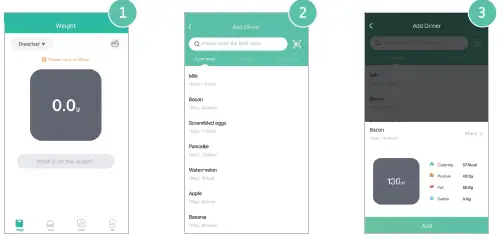
Operation 2:
- Click “diary” to add food.
- Choose food to record.
- Turn on your phone’s Bluetooth and place the food on the scale.
- Click “Add”, record completed.
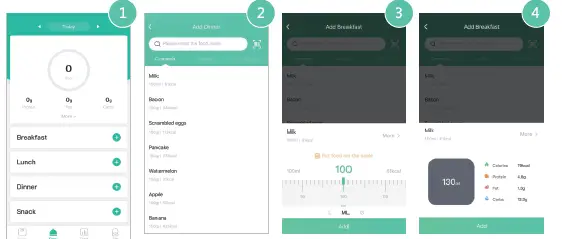
ATTENTION
In order to prevent any property and body damage during use and to maintain the long-term capability of the product. Please observe these following while using this product.
- Please put the device on a clean, hard and level surface.
- To ensure the accuracy of this device, please do not to use the scale in an environment that is too wet, cold or hot.
- This is a high-precision electronic weighing device, please handle it gently and do not drop or hit it, otherwise the device will be easily damaged.
- This device is a household product and should not be for commercial use.
- Please do not weigh corrosive objects directly.
- If the scale hasn’t been used for a long time, please take out the battery to avoid battery leakage, heating or cracking etc. which brings damage to the product.
Packing List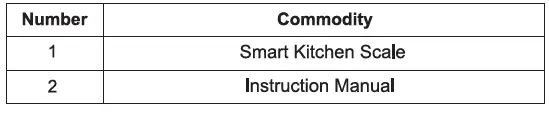
FCC
This device complies with part 15 of the FCC Rules. Operation is subject to the following two conditions:
- this device may not cause harmful interference, and
- this device must accept any interference received, including interference that may cause undesired operation.
Any changes or modifications not expressly approved by the party responsible for compliance could void the user’s authority to operate the equipment. NOTE: This equipment has been tested and found to comply with the limits for a Class B digital device, pursuant to Part 15 of the FCC Rules. These limits are designed to provide reasonable protection against harmful interference in a residential installation. This equipment generates, uses and can radiate radio frequency energy and, if not installed and used in accordance with the instructions, may cause harmful interference to radio communications. However, there is no guarantee that interference will not occur in a particular installation. If this equipment does cause harmful interference to radio or television reception, which can be determined by turning the equipment off and on, the user is encouraged to try to correct the interference by one or more of the following measures: –
- Reorient or relocate the receiving antenna.
- Increase the separation between the equipment and receiver.
- Connect the equipment into an outlet on a circuit different from that to which the receiver is connected.
- Consult the dealer or an experienced radio/TV technician for help.
FAQS
How do I know if my food scale is off?
Place one nickel on the scale and note the weight. Place another nickel on the scale and note the new weight.
Can food scales be inaccurate?
Digital kitchen scales are not always accurate. If you don’t have the scale manual anymore, you can still estimate the accuracy, which is usually about half the size of the smallest unit it records. So, if your scale shows grams, the results should be within ½ gram (. 0005 kg).
Why does my scale show different weights when I move it?
That’s because, over time, the wear and tear of regular use can cause a scale to lose its accuracy
Should you scale food before or after cooking?
While some prefer to weigh out their food once all cooking is over for convenience’s sake, putting in the extra hard yards to pre-weigh your ingredients will ensure that what you’re entering is ACCURATE.
How do I restart my scale?
Remove all batteries from the back of your scale. Leave the scale without its batteries for at least 10 minutes.
Why my scale is not working?
Remove the new batteries and inspect the terminals for any corrosion left by the previous batteries.
What happens if you dont calibrate a scale?
Failure to use the correct calibration weight will result in a faulty calibration, and will cause inaccurate readings following that calibration (until the scale has been calibrated again successful).
Why is my scale so inconsistent?
Even if your scale is calibrated, it could show inconsistent readings if it’s resting on an uneven, tilted or rounded surface.
Why does one scale say I weigh more than the other?
That’s because each brand of scale may have different calibrations, and some scales may be synchronized for your own body type or BM
What happens if you put too much weight on a scale?
Overloading your scale can cause irreparable damage to the internal load cell
Why does my scale say one weight and then another?
Every time a digital scale is moved it needs to be calibrated. Initializing the scale resets the internal parts allowing the scale to find the correct “zero” weight and ensure accurate readings.
Do I weigh my food raw or cooked?
Weighing your food raw is most accurate because when you cook any food it either absorbs water or water evaporates.
Do you count calories raw or cooked?
While it may seem trivial, the calorie difference can add up quickly and slow your progress toward your goals.
Should I weigh protein cooked or raw?
Weigh and measure your protein sources RAW. while cooking. Furthermore the nutrition facts on the label are for the RAW food not the cooked food.
Why is my weight not moving on the scale?
When the scale doesn’t move, you are losing body fat while gaining muscle. Your weight may stay the same, even as you lose inches, a sign that you’re moving in the right direction.