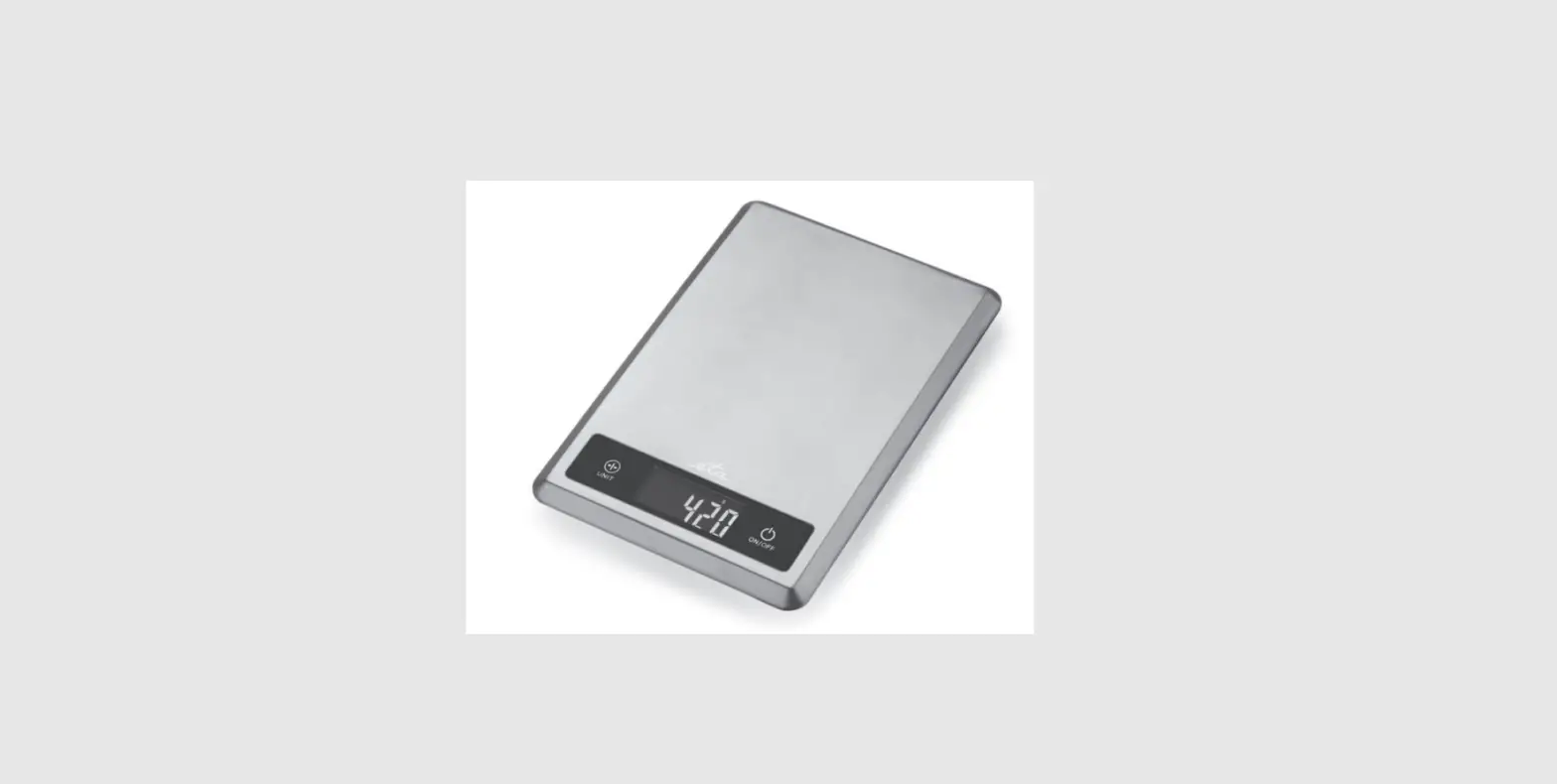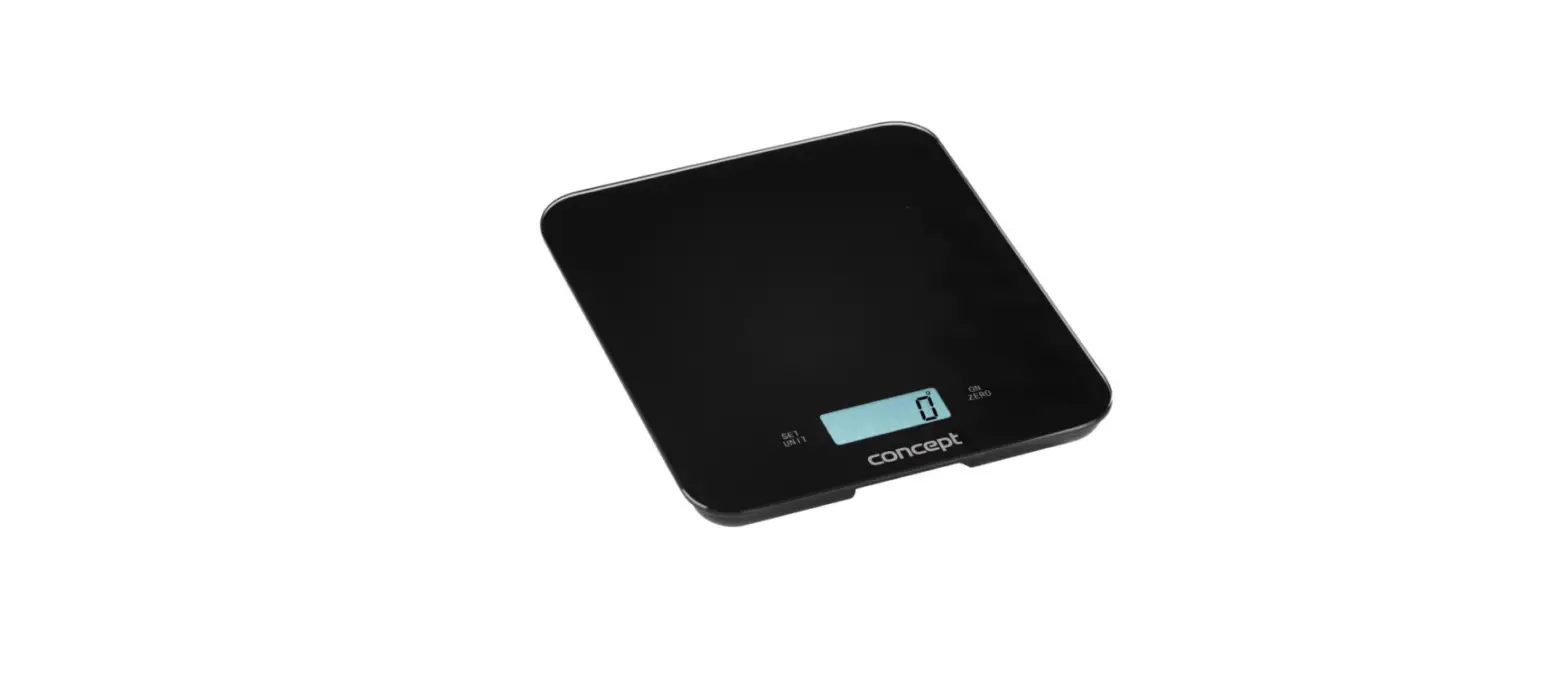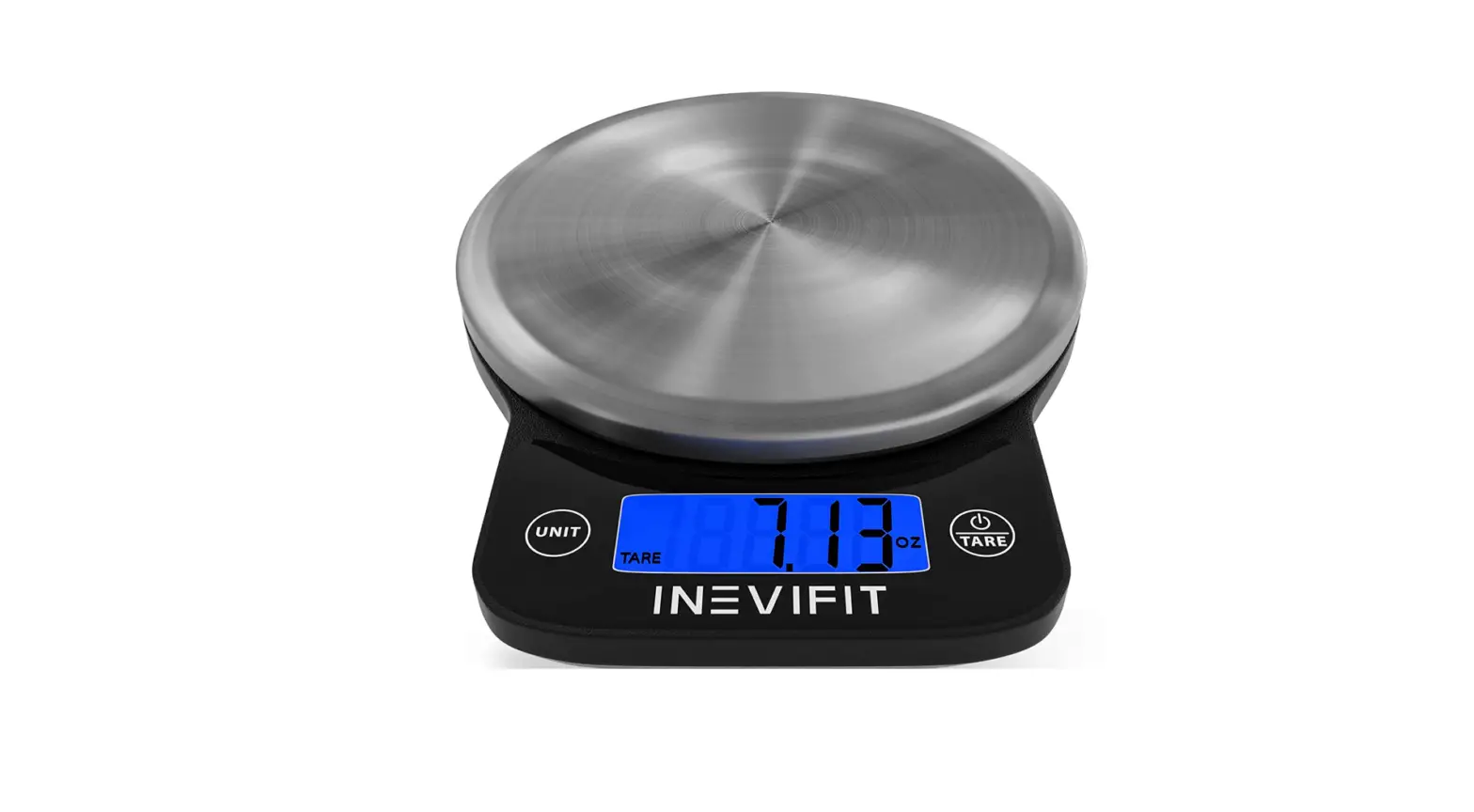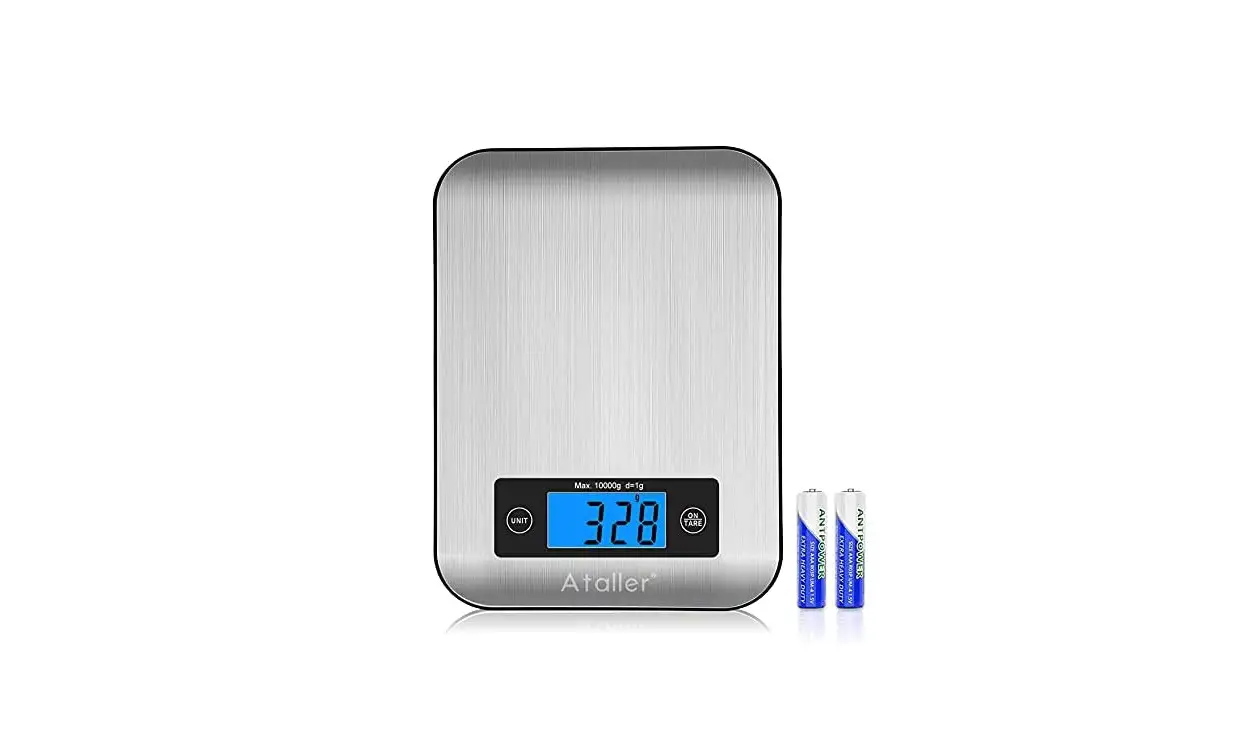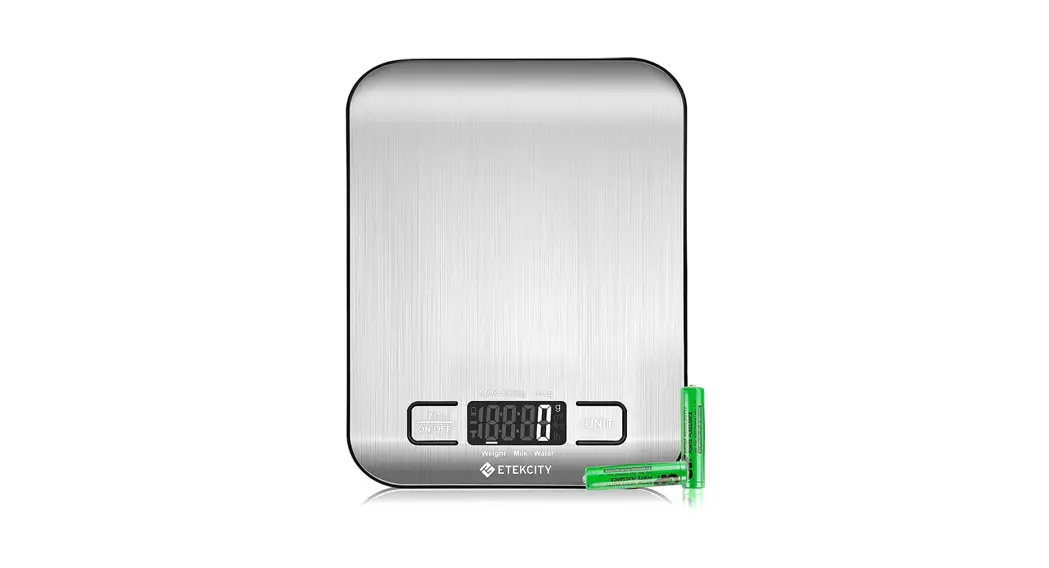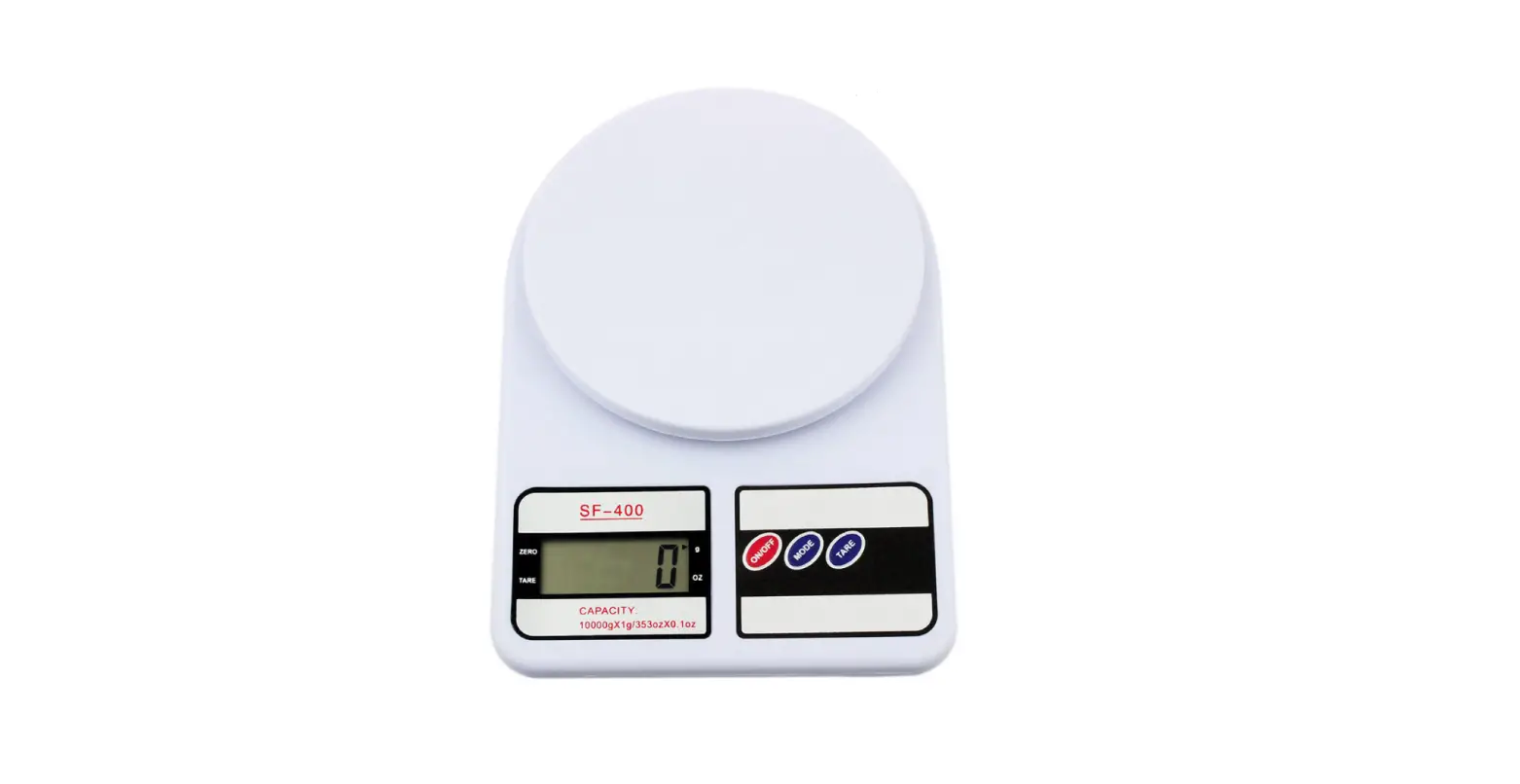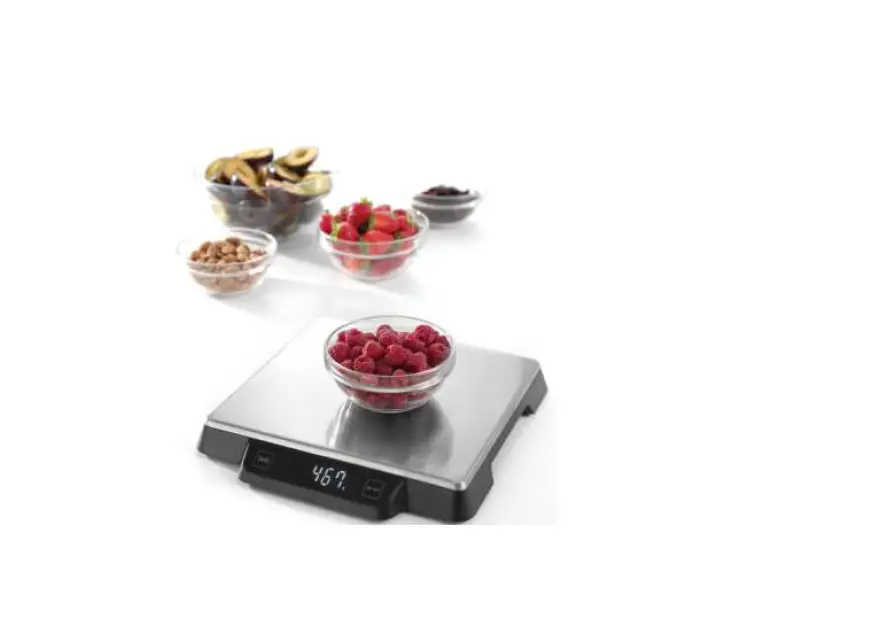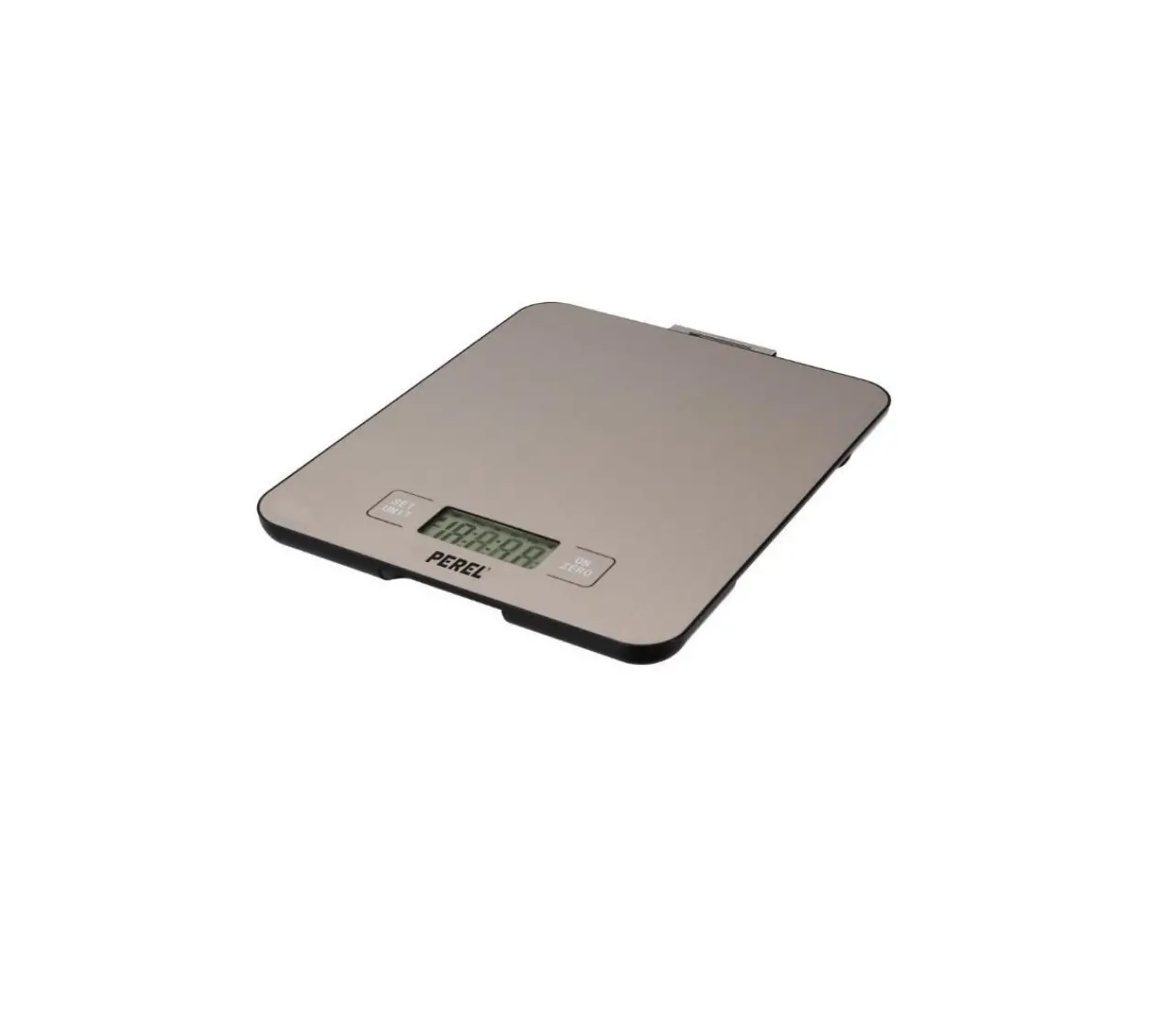

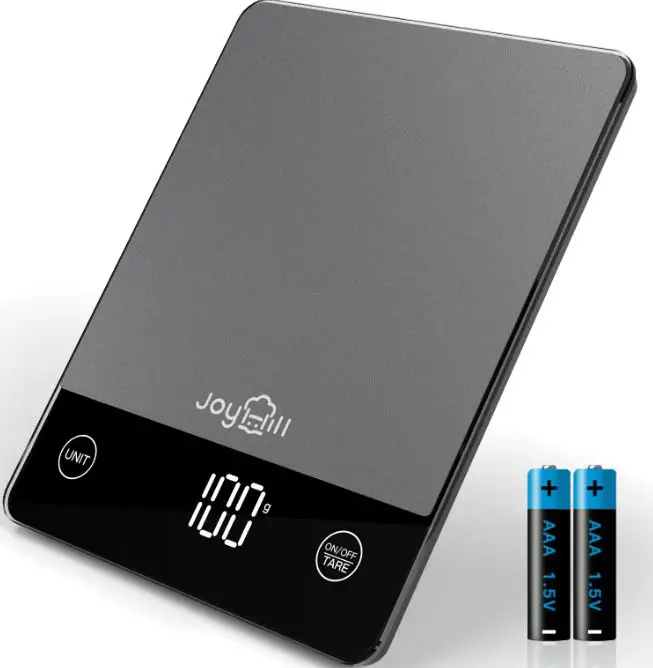
JOYHILL CK650 Digital Kitchen Scale Food
Features
- Default unit: The unit at the end of the last use
- Switch button: ON/OFF
- Power 2 xAAA batteries
- Auto-off time: about 120s
- Manual off : keep press on button ON/OFF for 2s
- Minimal weight: 5g
- Capacity: 10kg
- Overload value: 10600g
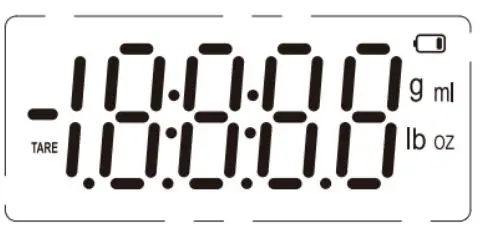
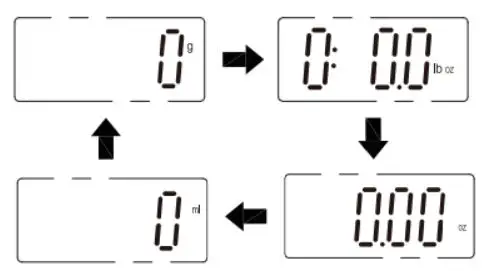
- Unit conversion: press UNIT to change, g-lb:0z-0Z-ml
- Graduation: 1g, 0.1oz, 0.050z, 1ml
- Power on display: turm to zero, 0g
- No weight display: Og-0:0.0lb:oz-0.000z-Oml
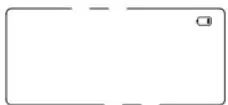
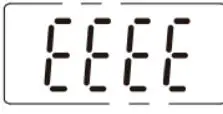
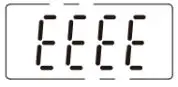
- Overload indication:

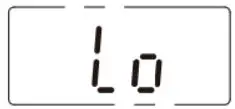
- Low voltage indication: low than 2.6V indicated by
 ,low than 2.5V indicated by
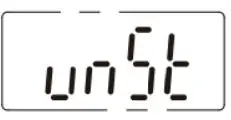
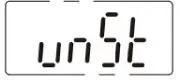
- Weight unstable indication:

- Negative weight indication: indicate actual negative weight.


 ,low than 2.5V indicated by

Unit Conversion
- When power on, the default unit is the unit at the end of the last use.
- If the user need to switch the unit, press the button ON to start up the scale then press UNIT button to change, g=>lb:oz, lb:oz=>0z, 0z=>ml,ml=>g

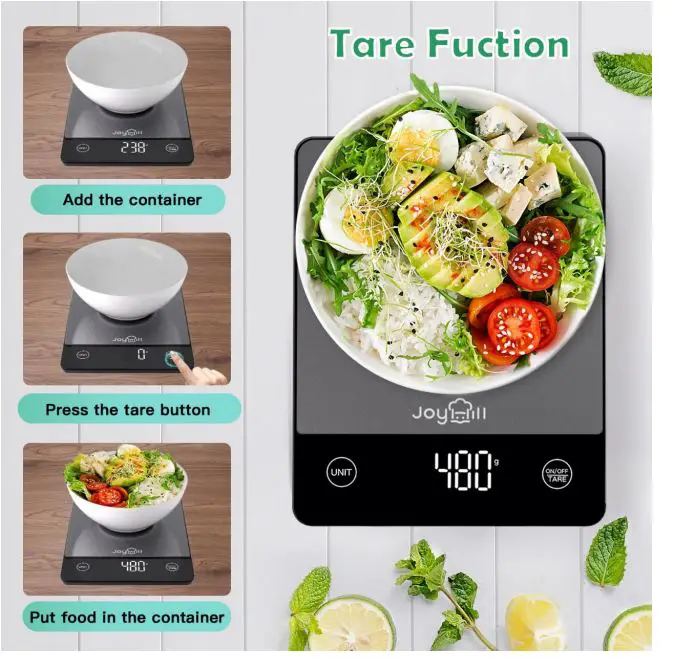
Tare Function
- Firstly put the scale or flat and hard surface, press ON/OFF button to start up the scale, return to zero after full display.

- Put the container on the scale, the LED indicates the weight of the container press ON/OFF button.

- Keep put on the container, it indicates the weight of the last container.

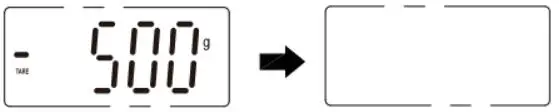
- Take off all the containers, it indicates the actual negative weight, press ON/OFF to return to zero.



Sign Tips
- When the voltage of the battery get low it indicates below

- When the voltage of the battery get low and the scale fail to work, it indicates below.

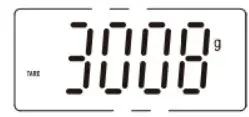
- Unstable zero indication: If the “unSt” symbol is dis played on the LED screen, it means that the weight on the scale is not stabilized, or that te scale is not placed on a hard, level and flat surface.
- Place the scale on a flat stable surface and try again.

- Overload indication

Reminder
- Ensure the scale is on a flat, even and firm surface.
- This scale is not waterproof. Do not expose to moisture.
- Clean the scale with a slightly damp cloth. Do not use any chemical/abrasive cleaning agents to clean the scale.
- Please remove the battery if the scale is not to being Used for a week.

Noted: Low voltage indication: low than 2.6V indicated by instead of the display of the remaining battery power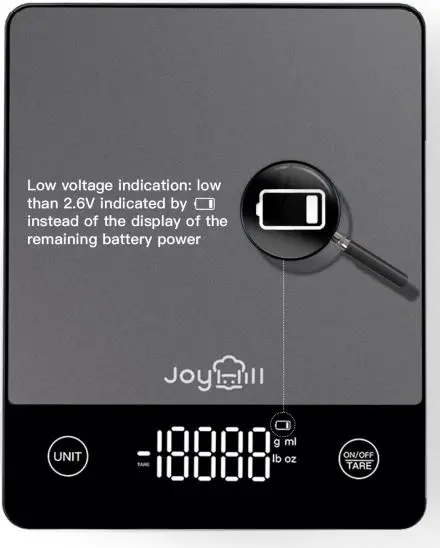
Sign Tips
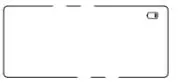
- When the voltage of the battery get low it indicates below:


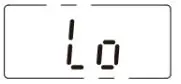
- When the voltage of the battery get low and the scale fail to work, it indicates below.
- Unstable zero indication: If the “unSt” symbol is displayed on the LED screen, it means that the weight on the scale is not stabilized, or that tre Scale is not placed on a hard, level and flat surface.
- Place the scale on a flat stable surface and try again.

- Overload indication.

- When the voltage of the battery get low it indicates below:
Reminder
- Ensure the scale is on a flat, even and firm surface.
- This scale is not waterproof. Do not expose to moisture.
- Clean the scale with a slightly damp cloth. Do not use any chemical abrasive cleaning agents to clean the scale.
- Please remove the battery if the scale is not to being Used for a week
FAQS
What’s the maximum and Minimum weight this food weight scale can measure?
1 gram. Up to 22lbs
As weighing something big enough to cover the display, does the scale show its weight after the object has been lifted?
Actually not. It would go back to zero, if you remove it. However, you could zero it out and then remove the object, and it will go negative the weight of the object, so that is a way to get the weight you want
How to use the digital gram scale tare function?
Turn on the kitchen scale first, put the container on, press TARE button once, the scale should get to 0 and then add product to the container.
Is this scale good for baking?
Yes, this is a great scale for measuring baking ingredients
How long will the display stay on before it automatically turns off?
Joyhill digital kitchen scale will automatically turn off the LCD display after 120 seconds of inactivity.
Is this food scale precise weight?
The scale provides reliable and precise weight graduation accurate to 1g/0.05oz, please place the kitchen scale on a hard, flat and firm surface before measuring, if the surface is not flat, it will affect the accuracy.
How do you clean the digital food scale?
Wipe with damp cloth but don’t immerse the whole body into water. Cleans easily by wiping off with damp cloth.
Does this kitchen food scale contain batteries?
Yes, kitchen scale grams and ounces come with 2 of AAA batteries.
Is it worth buying a food scale?
If you’re trying to be more mindful about your eating, a scale is a great way to stay on track
Are digital food scales accurate?
Measures in 0.1-gram increments: Most digital food scales weigh in whole grams (or eighths of an ounce), and that level of accuracy is fine for most recipes.
What is a digital food scale?
The display easily slides back in for seamless storage. With zeroing function and unit conversion buttons measuring from 0.1 ounces to one metric gram and more, this tool provides maximum precision
Is it better to weigh food or measure it?
Weighing food is certainly more accurate than simply taking a volume measurement because the amount of food you can fit in a measuring cup or spoon varies greatly
What is a good food scale brand?
The display easily slides back in for seamless storage. With zeroing function and unit conversion buttons measuring from 0.1 ounces to one metric gram and more, this tool provides maximum precision