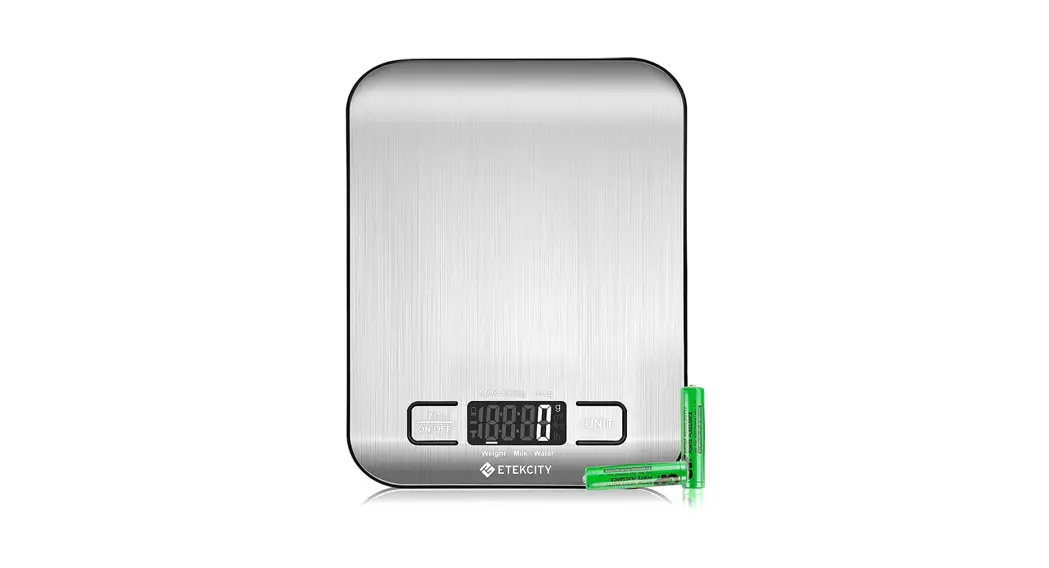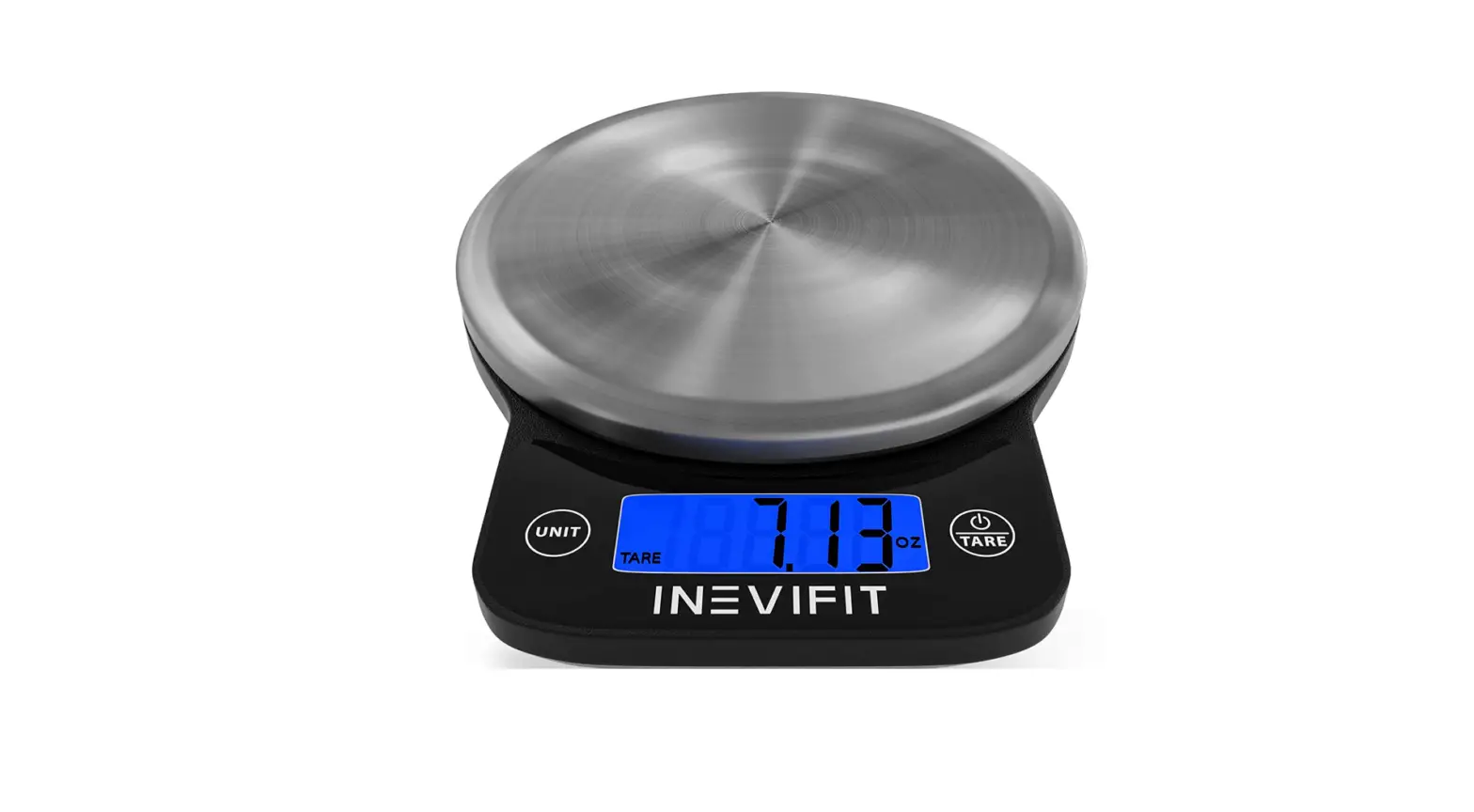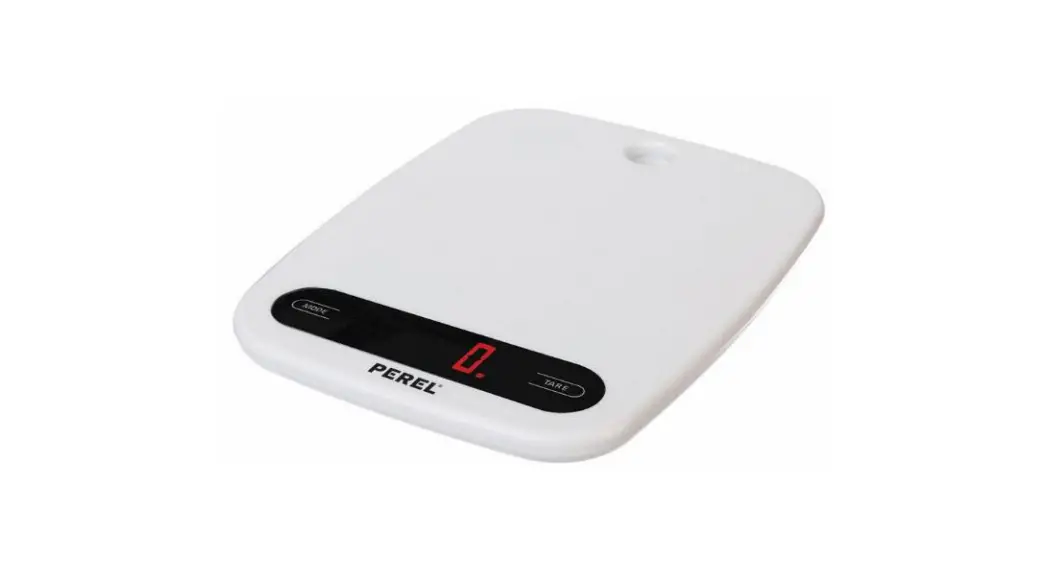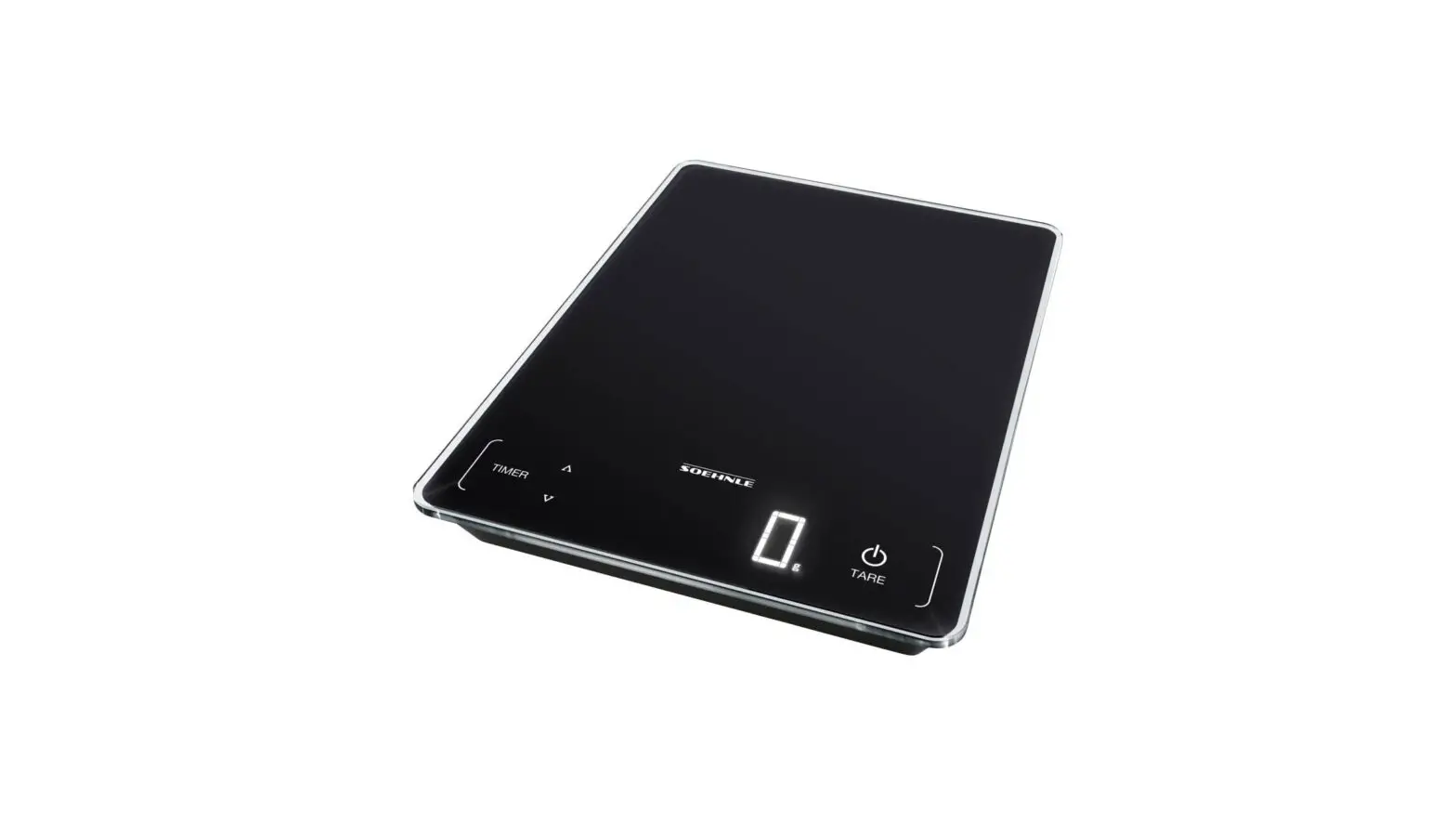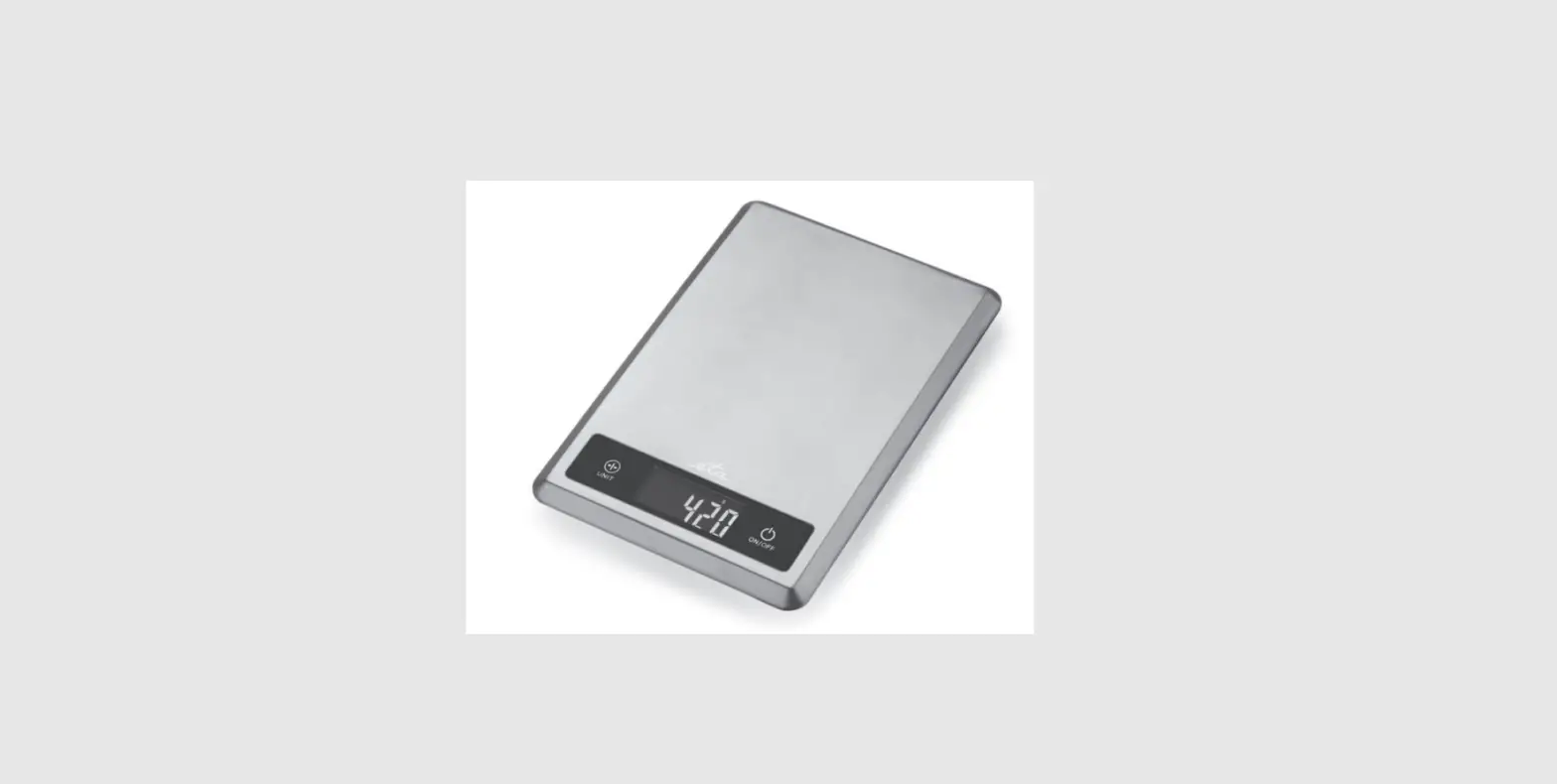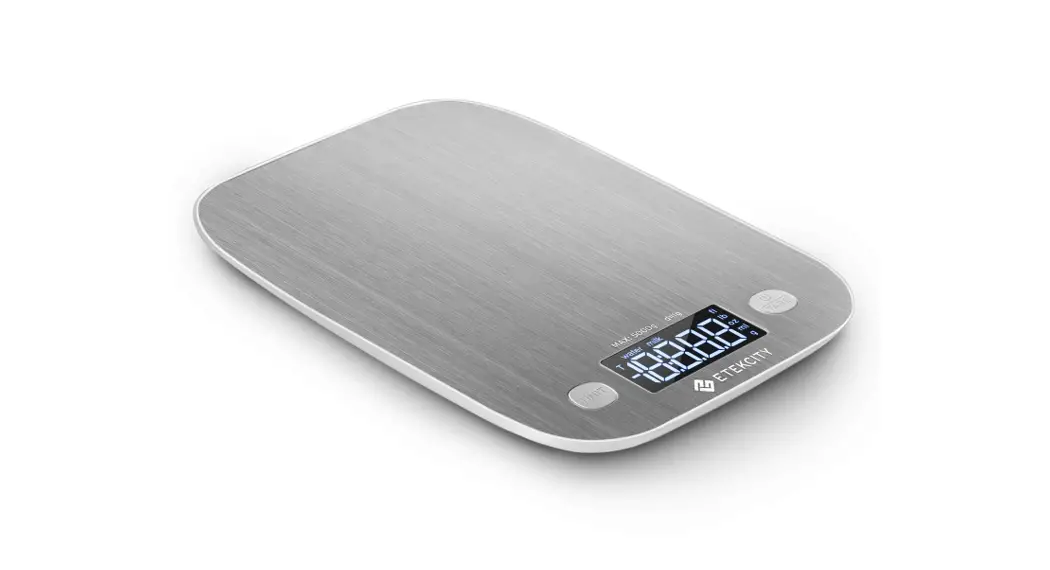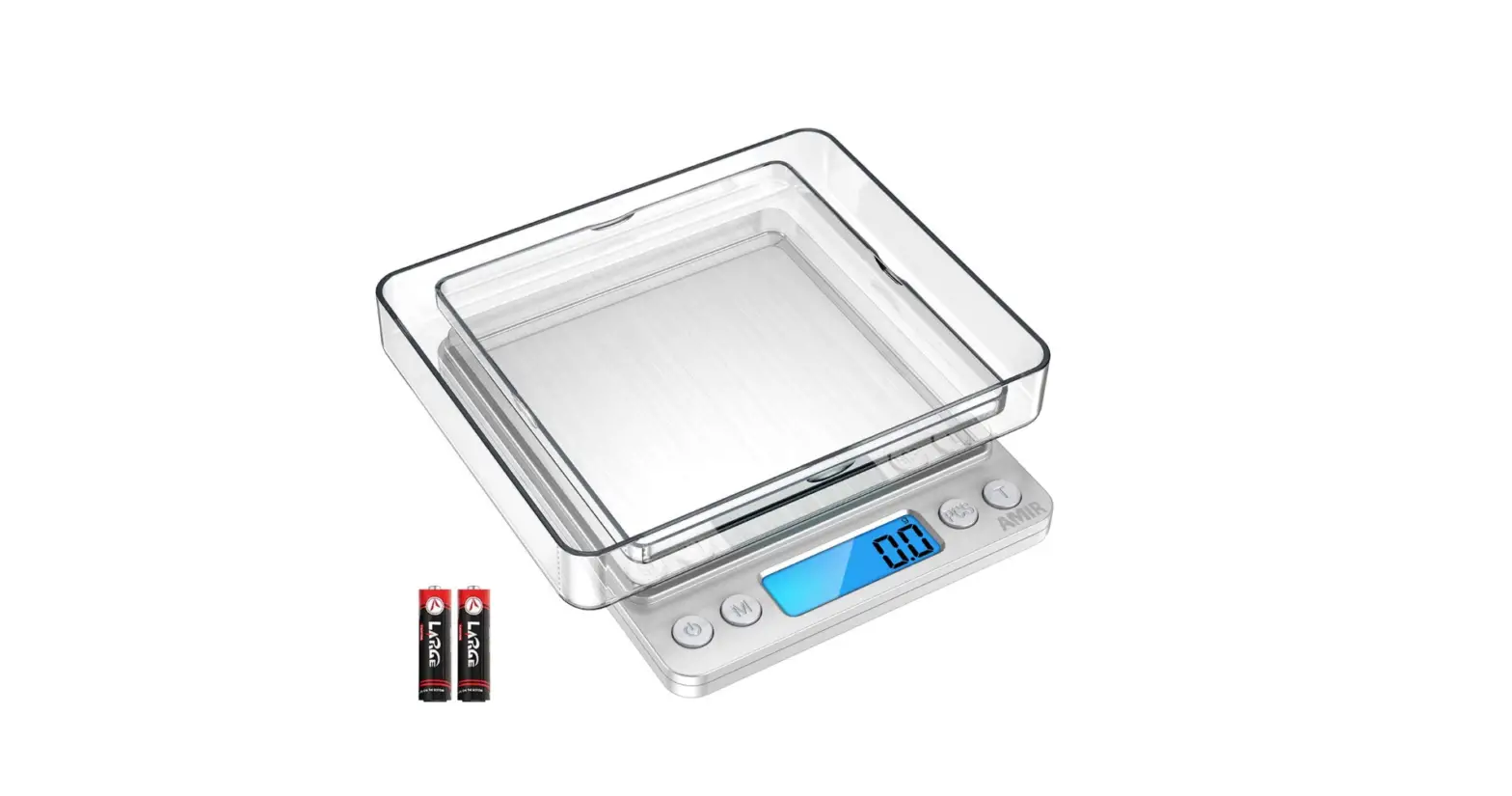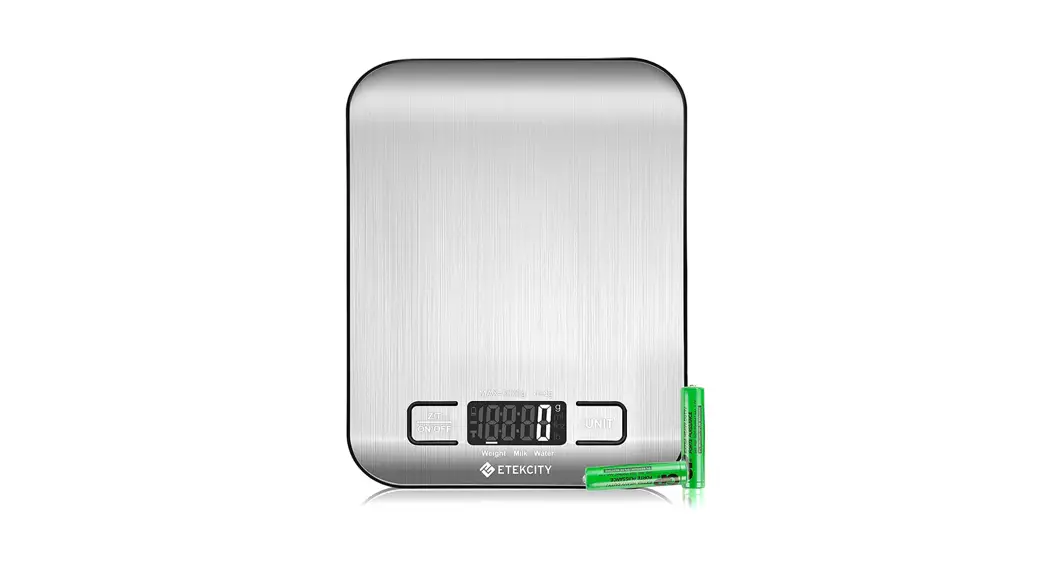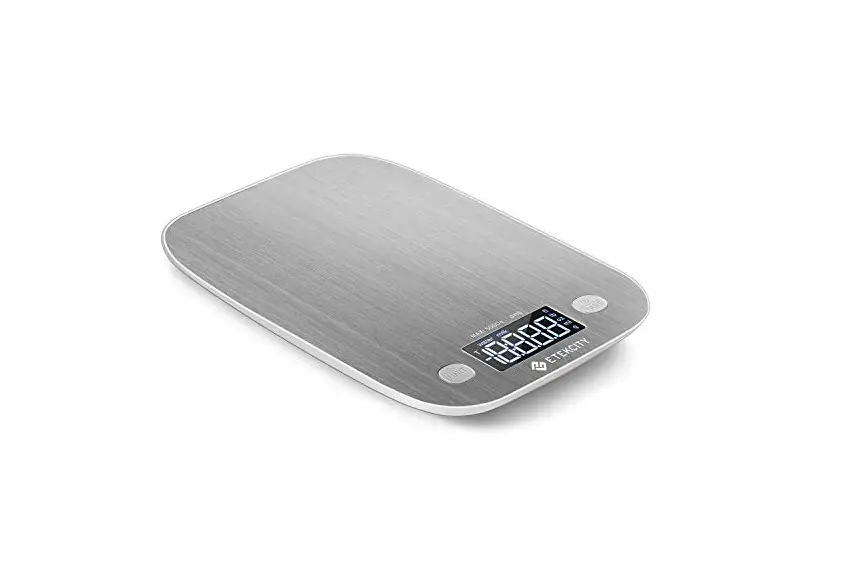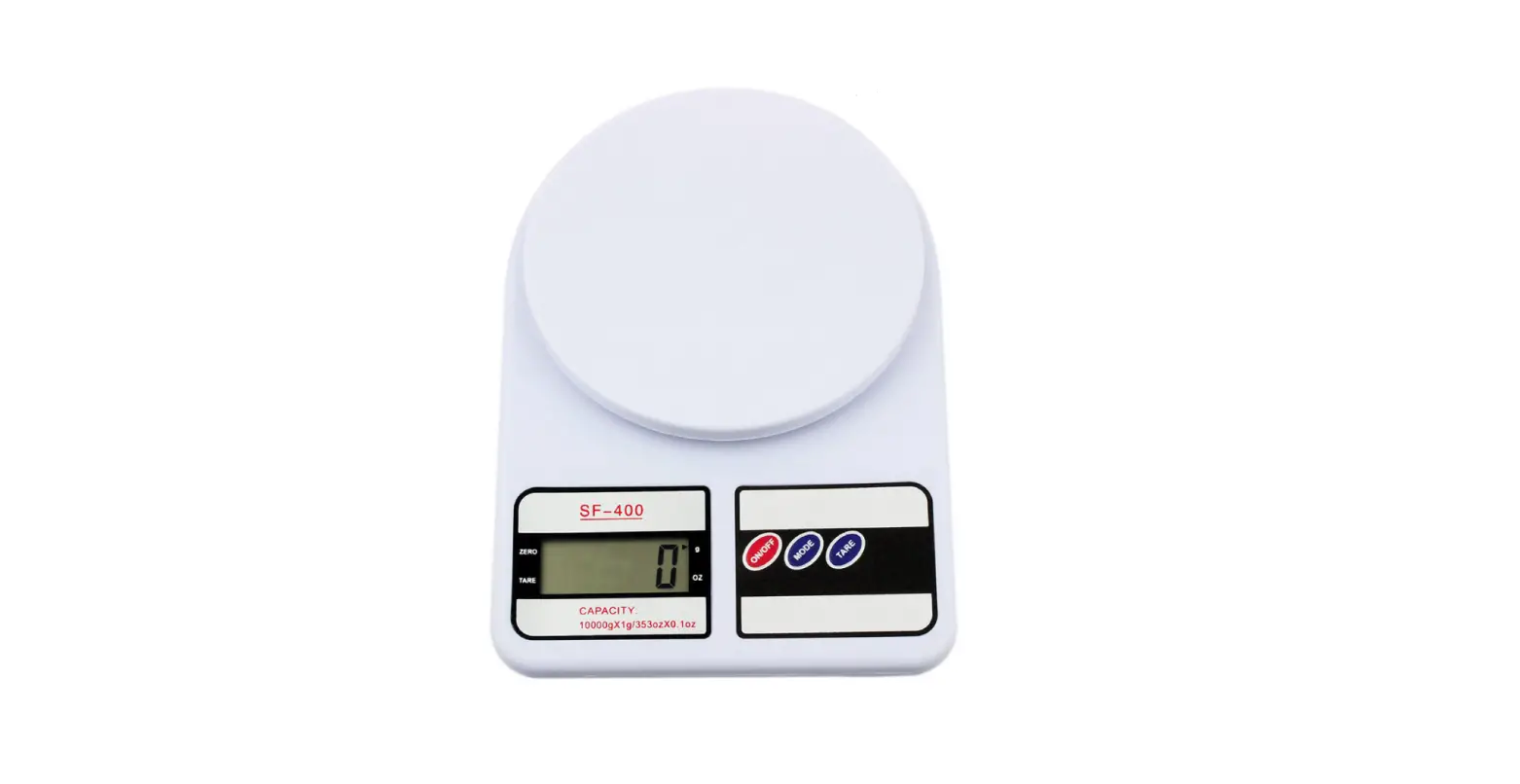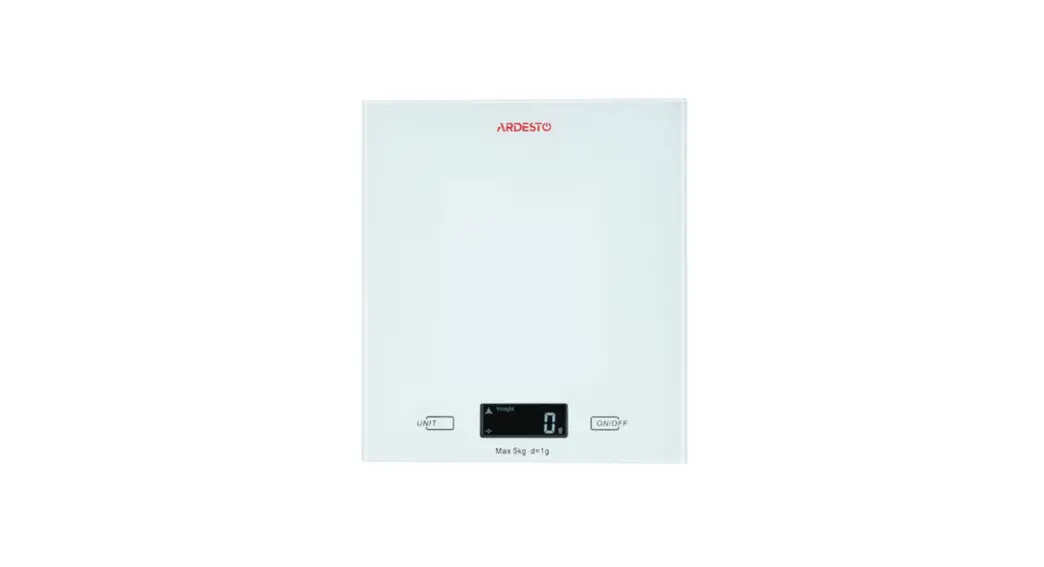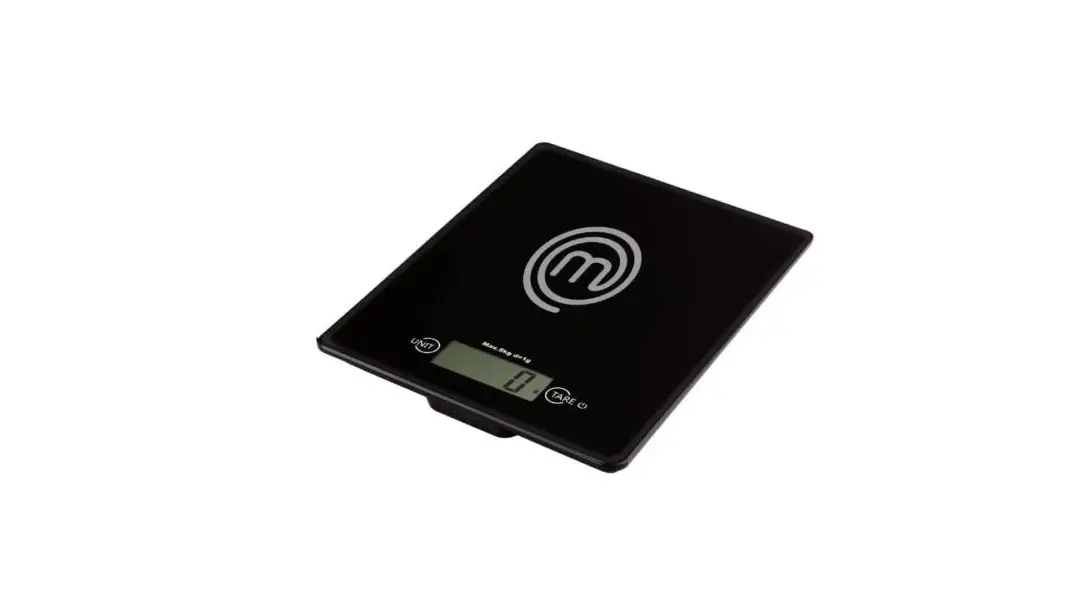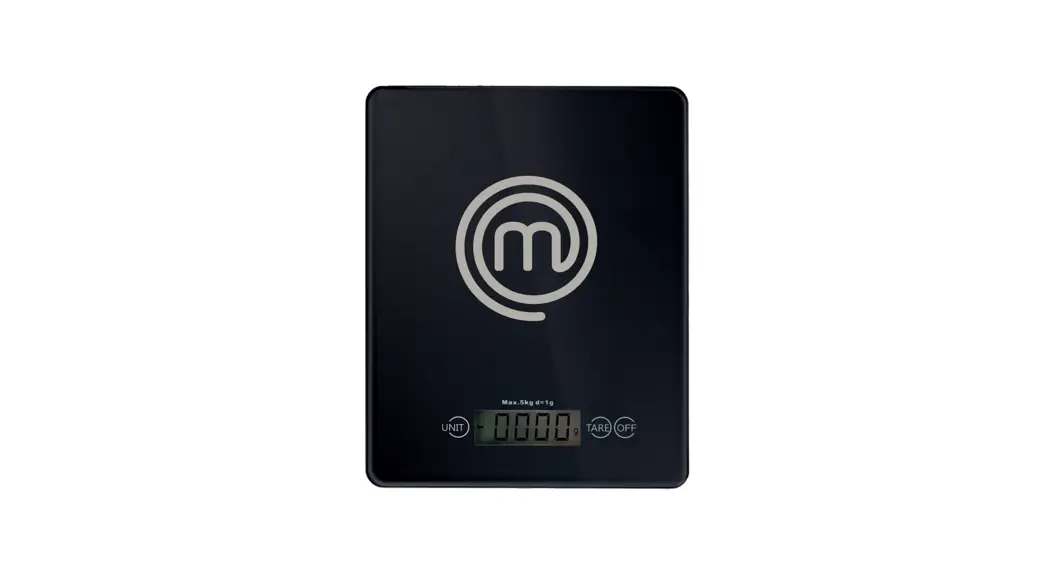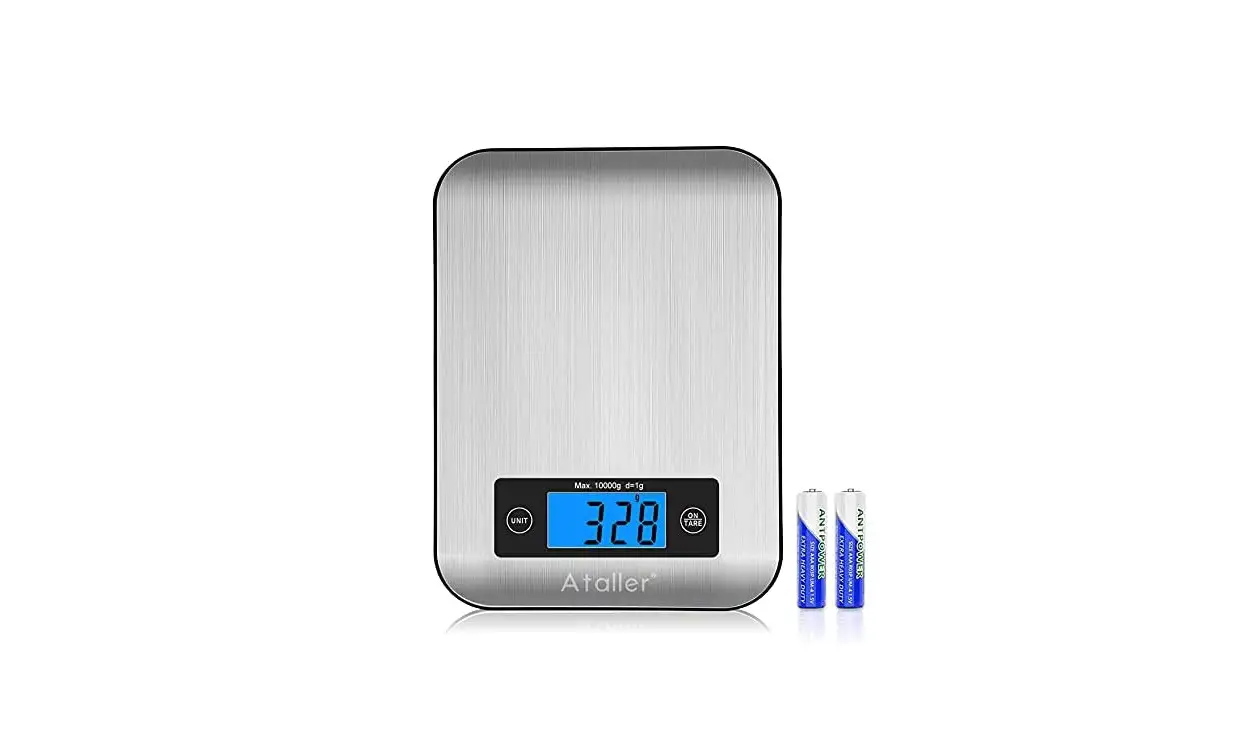
Digital Kitchen Scale • USER MANUAL
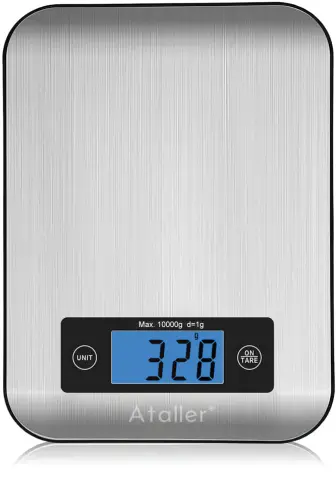


Model No.: KS-2088
1. Features
1-1. Default unit: g
1-2. Switch button: ON/TARE
1-3. Power: 2 x AAA batteries
1-4. Auto off time about: 60s
1-5. Manual off : keep press on button ON/TARE for 2s
1-6. Minimal weight: 5g
1-7. Capacity: 10kg
1-8. Overload value: 10600g
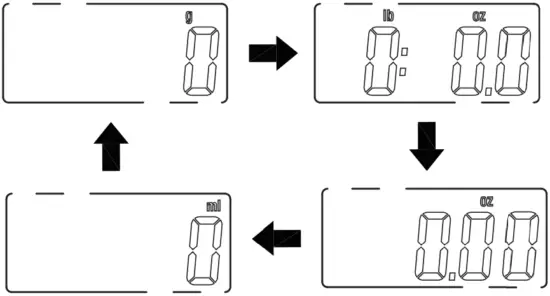
1-9. Unit conversion: press UNIT to change, g-lb:oz-oz-ml
1-10. Graduation: 1g, 0.1oz, 0.05oz, 1ml
1-11. Power on display: turn to zero , 0g
1-12. No weight display: 0g-0:0.0lb:oz-0.00oz-0ml
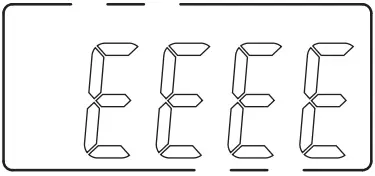
1-13. Overload indication: 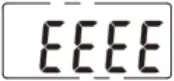
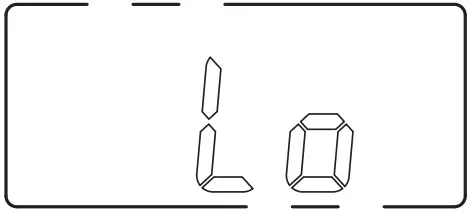
1-14. Low voltage indication: low than 2.6V indicated by  , low than 2.5V indicated by
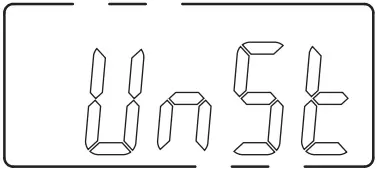
1-15. Weight unstable indication: 
1-16. Negative weight indication: indicate actual negative weight.
2. Unit Conversion
2-1. When power on, the default unit is g.
2-2. If the user need to switch the unit, press button ON to start up the scale ,then press UNIT button to change, g=>lb:oz, lb:oz=>oz, oz=>ml, ml=>g
3. Weighing Operation
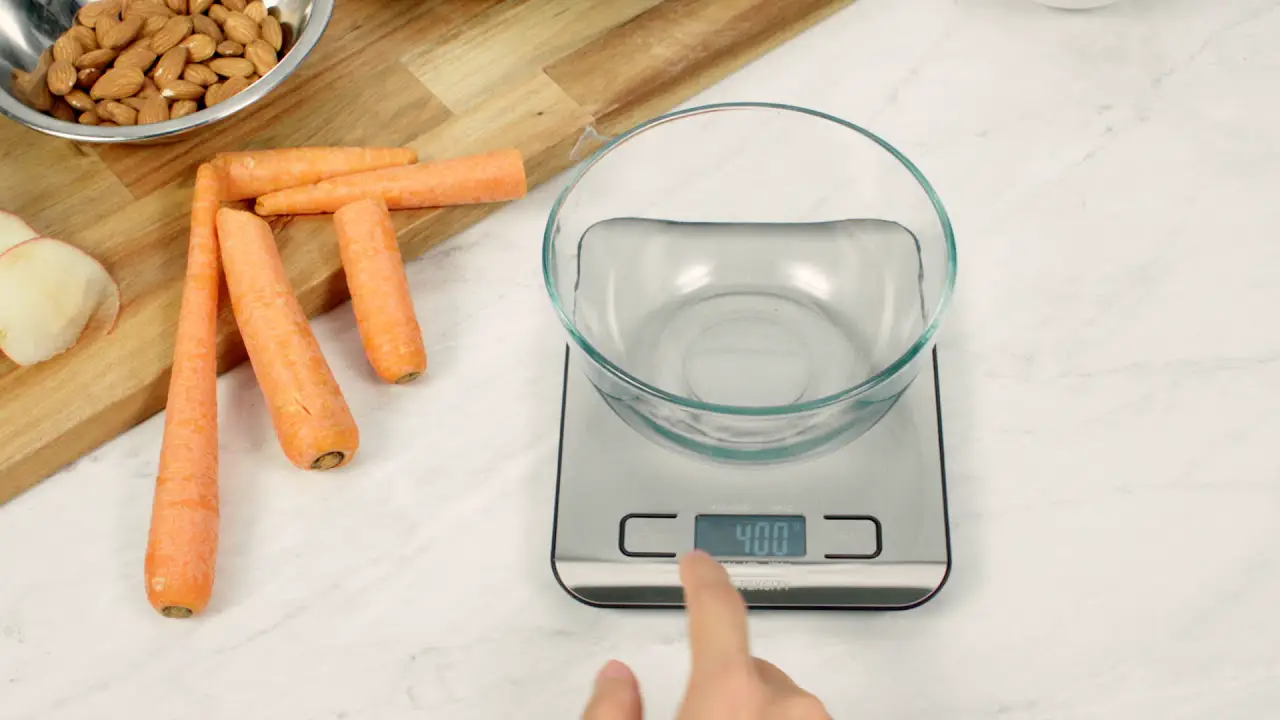
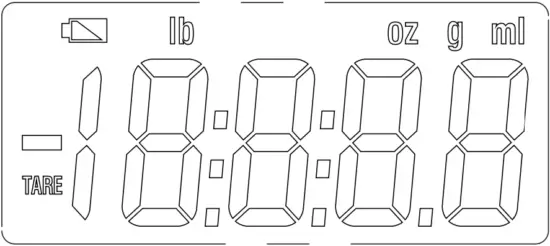
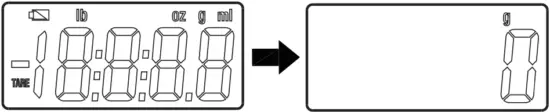
3-1. Firstly put the scale on flat and hard surface, press ON/TARE button to start up the scale, return to zero after full display.
3-2.Put the object on the scale, the LCD indicates the weight of the object; press TARE button.
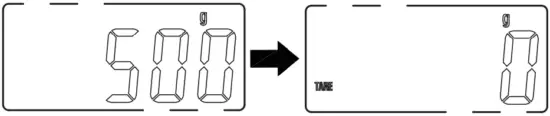 3-3. Add another item to the scale, and you will get a reading of its weight regardless of previously measured item.press the ON/TARE button to reset the scale to zero
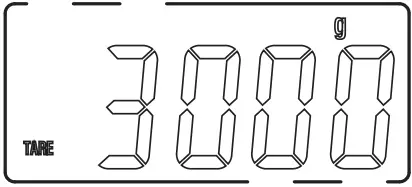
3-4. Take off all the objects, it indicates the actual negative weight, press ON/TARE to return to zero.
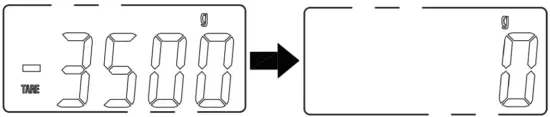
4. Sign Tips
4-1. When the voltage of the battery get low it indicates below:
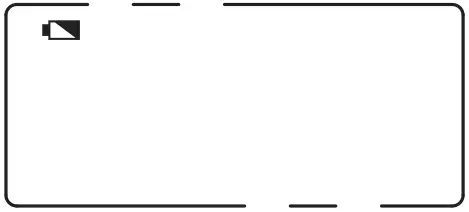
4-2. When the voltage of the battery get low and the scale fail to work, it indicates below.
4-3. Unstable zero indication: If the “unSt” symbol is displayed on the LCD screen, it means that the weight on the scale is not stabilized, or that the scale is not placed on a hard, level and flat surface. Place the scale on a flat stable surface and try again.
4-4.Overload indication:
5. Reminder
5-1. Ensure the scale is on a flat, even and firm surface.
5-2. This scale is not waterproof. Do not expose to moisture.
5-3. Clean the scale with a slightly damp cloth. Do not use any chemical/abrasive cleaning agents to clean the scale.
5-4. Please remove the battery if the scale is not to being used for along time.

Version: 20210001