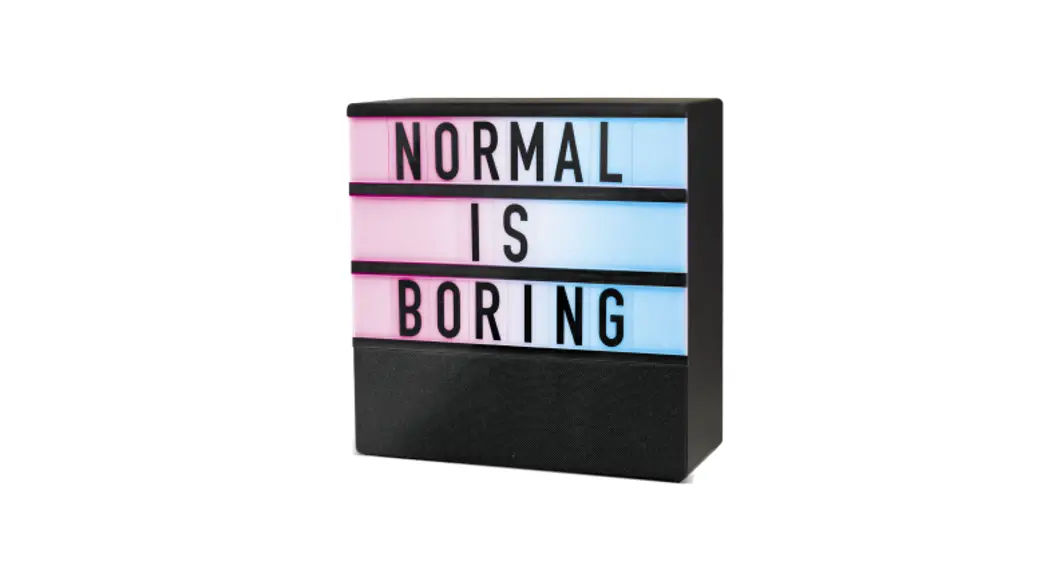

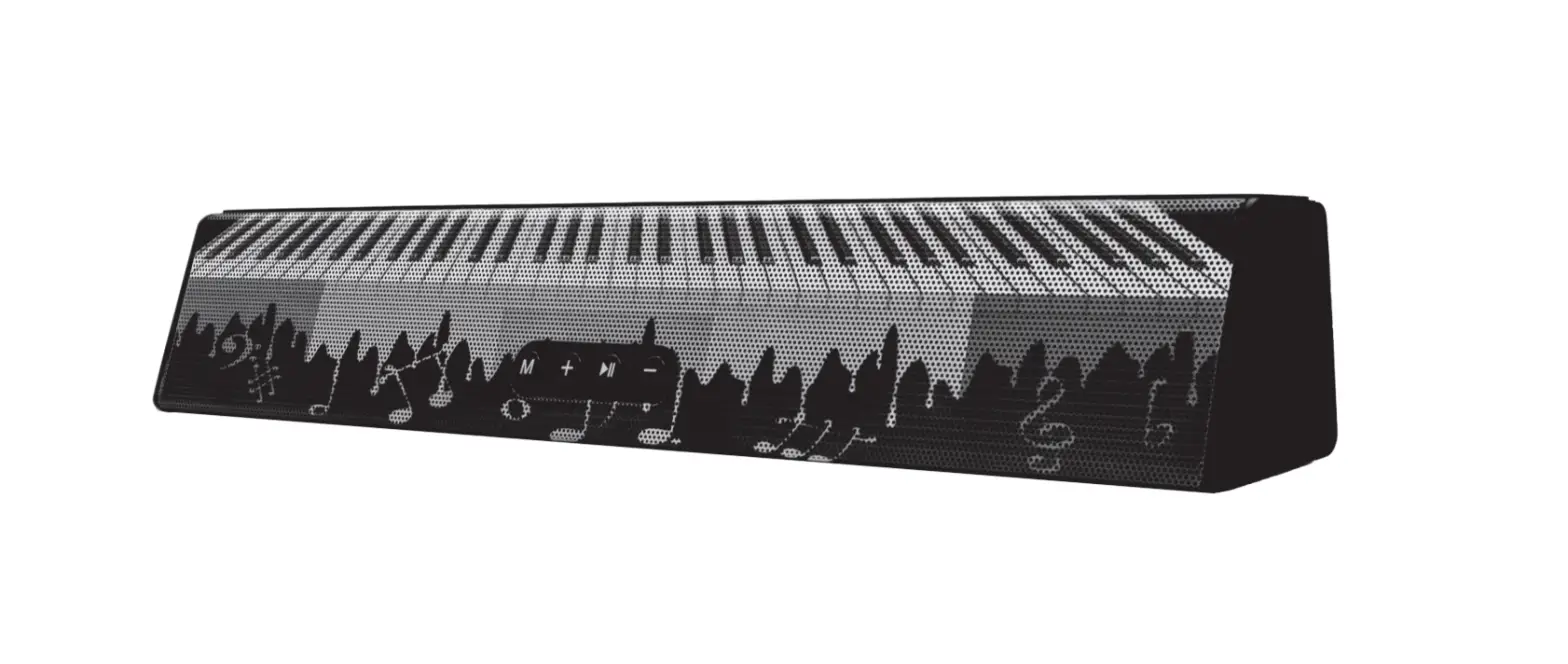
SB6 Music Light Box
User Manual 

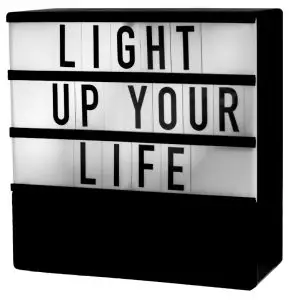
Charging the Speaker
The speaker works on an internal rechargeable lithium battery Please charge your speaker fully before first use
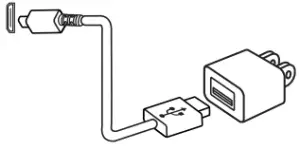
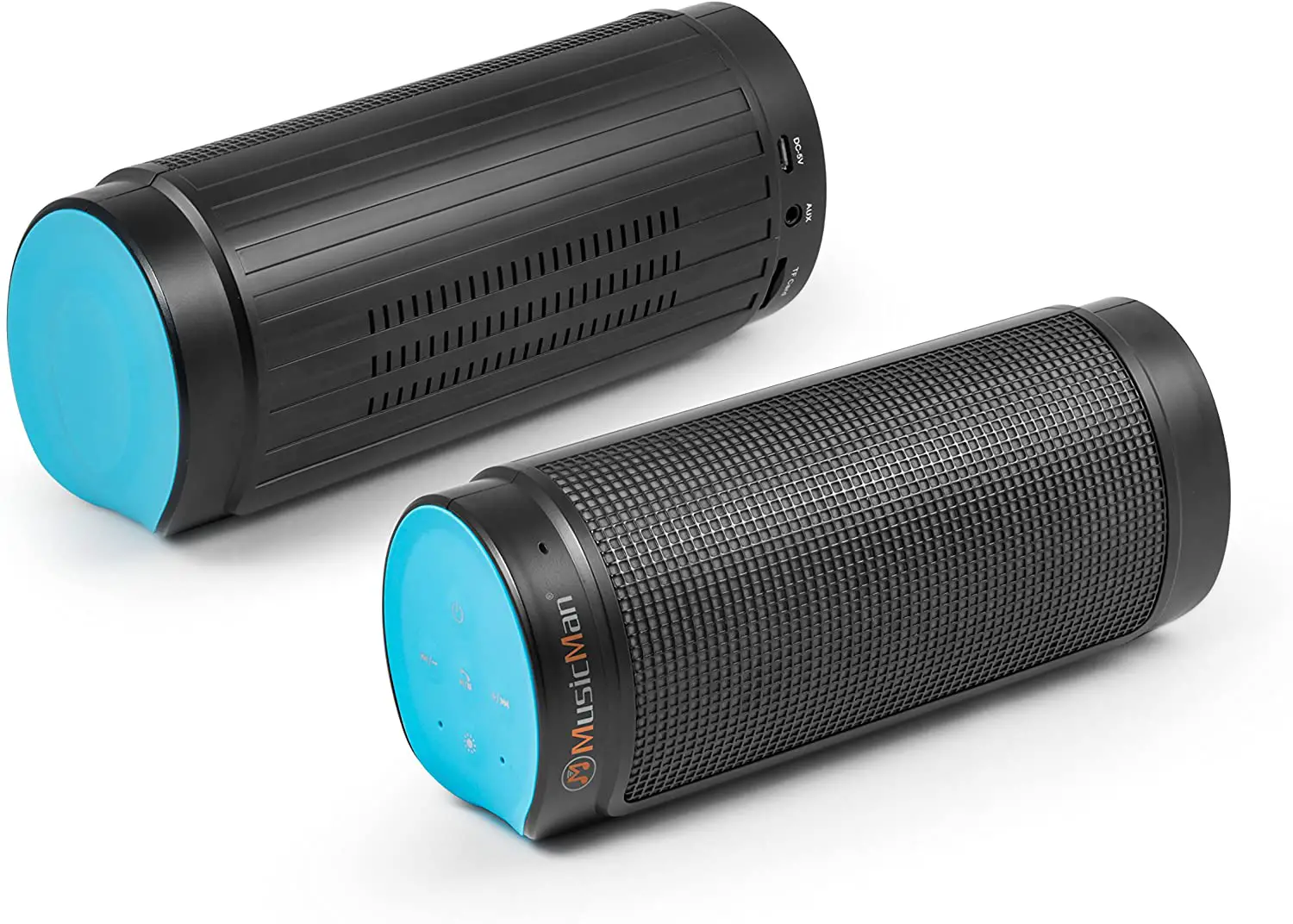
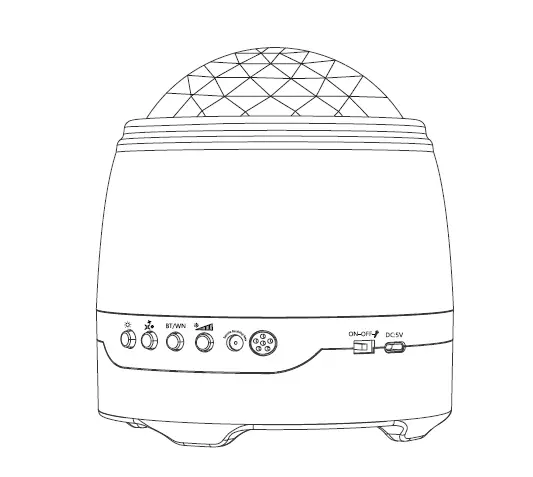
- insert the small connector of the supplied micro USB cable into the micro-USB charging port on the side of the speaker
- Insert the large connector into the USB port of your charging device.
- The LED indicator will turn RED while charging and turn OFF when fully charged.
- Disconnect the USB cable when it is fully charged.
Bluetooth Operation
- Slide the power switch to the ON position.
- A tone will be heard and the speaker will enter Bluetooth pairing mode or re-pair to a previously-paired device.
- A tone will be heard and the Bluetooth LED indicator will quickly flash BLUE.
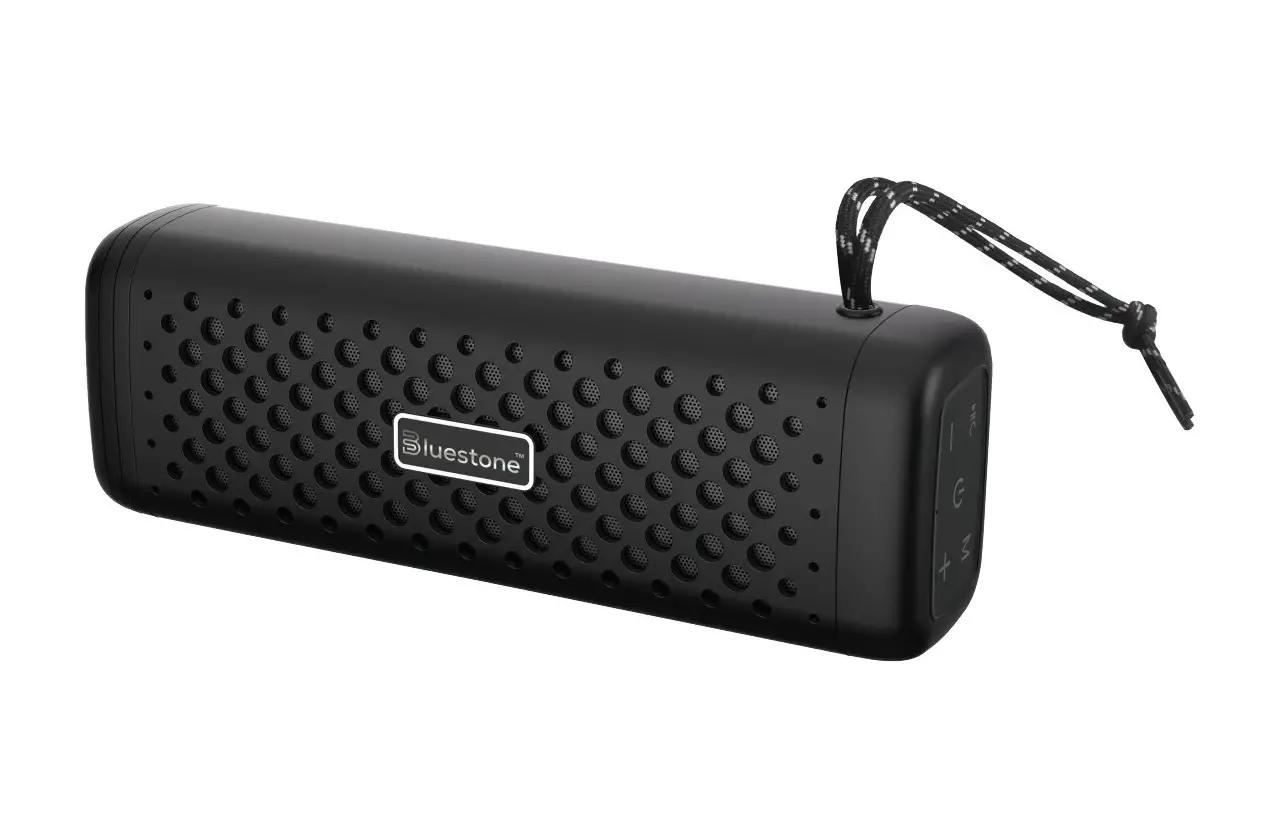
- Set your mobile device to search for Bluetooth devices, when it appears, select “Bluestone SB6 from the list of found devices. (Your device will pair without a password but if required enter 0000 to finalize the pairing.)
- Once successfully paired, a tone will be heard and the Bluetooth LED indicator will slowly flash blue.
- Start playing music on your device. Keep Your device within 10 meters of your speaker.
- Turn the speaker off when not in use by sliding the switch to the OFF position.
Light Operation
- Quick press the[
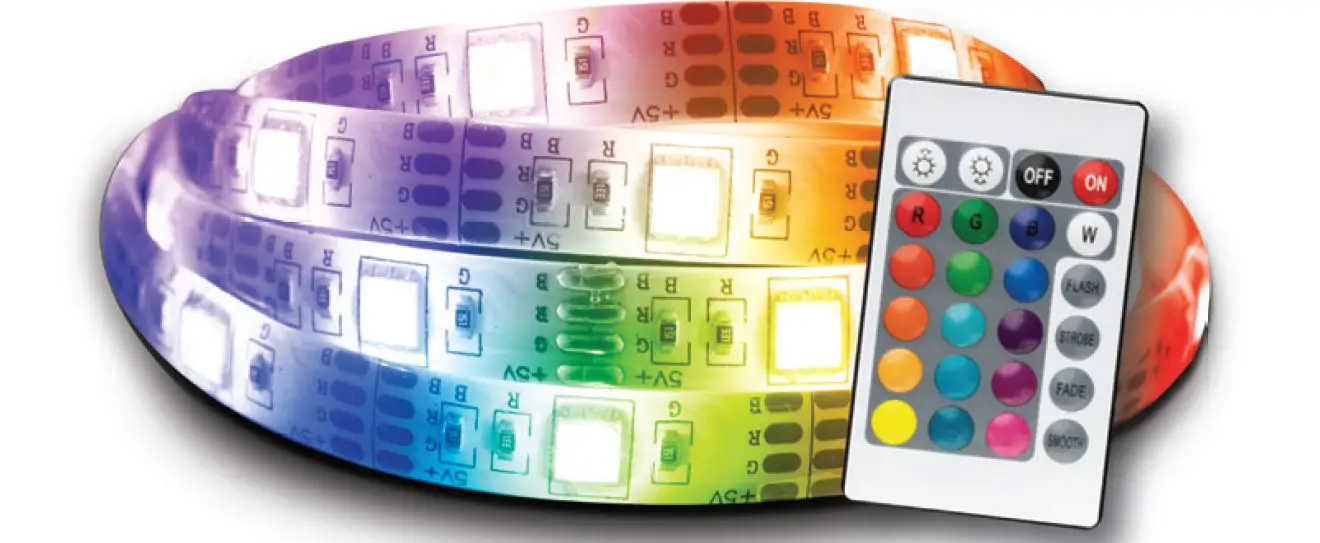
 ] button to cycle through the speaker light modes. (White, Flashing RGB, Slow Transition RGB, RGB response to the music.)
 - Quick press the [] button five times to turn off the LED light.
 ] button to cycle through the speaker light modes. (White, Flashing RGB, Slow Transition RGB, RGB response to the music.)
IMPORTANT SAFEGUARDS
- Do not use this unit for anything other than its intended use.
- Keep the unit away from the heat source, direct sunlight, humidity, water, or any other liquid.
- Do not expose the device to extremely high or low temperatures, as it may damage the battery.
- Do not operate the unit if it has been wet or moist to prevent electric shock and/or injury to yourself and damage to the unit.
- Do not use the unit if it has been dropped or damaged in any way.
- Repairs to electrical equipment should only be performed by a qualified electrician. Improper repairs may place the user at serious risk.
- Keep the unit out of reach of children.
- This unit is not a toy.
BATTERY DISPOSAL:
This product contains a lithium polymer battery. Lithium polymer batteries are environmentally safe when fully discharged. Please refer to your local and state laws for battery disposal procedures.
©SM TEK GROUP INC, All rights reserved.
BlueStone is a trademark of SM TEK GROUP INC.
New York, NY 10001
www.smtekgroup.com
1 Year Limited Warranty
Please Email [email protected]
Made in China
![Philips Micro Music System [btb8000] User Manual](https://static-data1.manualsee.com/1/img/369/18086/2020/12/Philips-Micro-Music-System-BTB8000-1200x823.jpg "Philips Micro Music System [btb8000] User Manual")