Easiphones Launcher Instructions
Installation Instructions
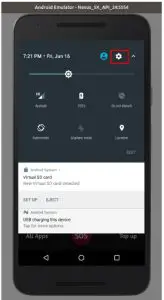
- Go to “Settings”

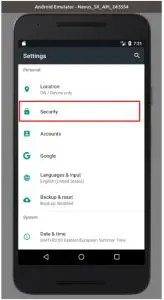
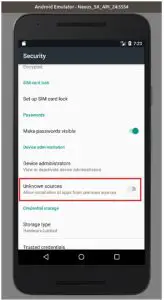
- Go to “Security”
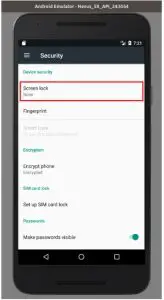
- Touch “Screen lock”
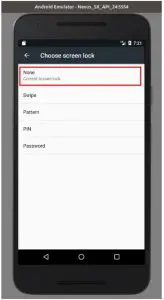
- Touch “None”
- Enable “Unknown sources” (Disable this after installation)
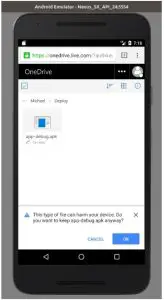
- Open Chome Browser and download APK file from following URL:
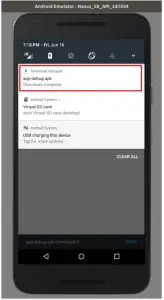
https://easiphones.co.uk/wp-content/uploads/app-release.apk - Run the APK when download complete.
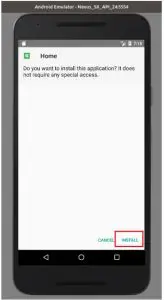
- Touch “Install”
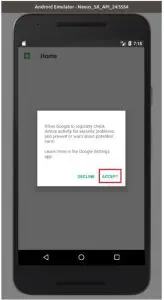
- Touch “Accept”
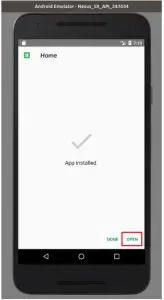
- Touch “Done”
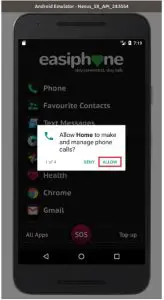
- Select “Allow” for all 4 permission requests
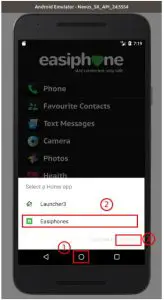
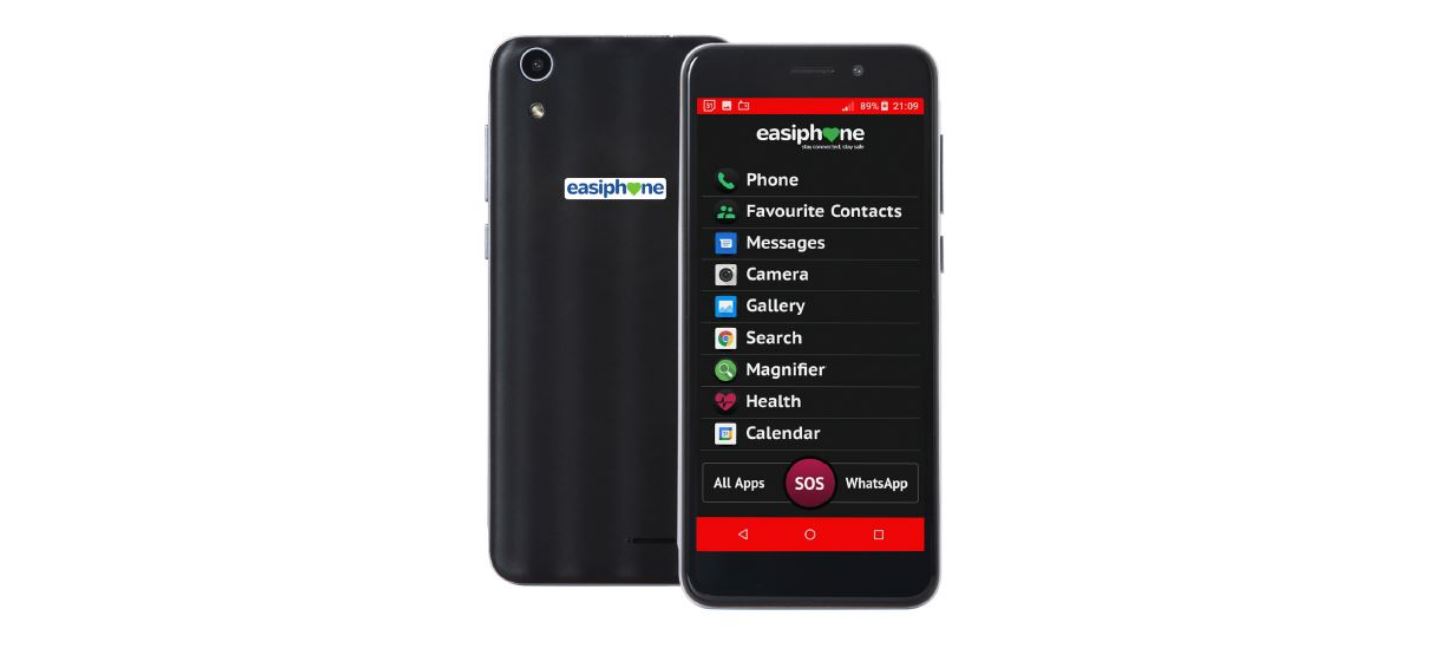
- Touch “Home” button then touch “Easiphones” then touch “Always”