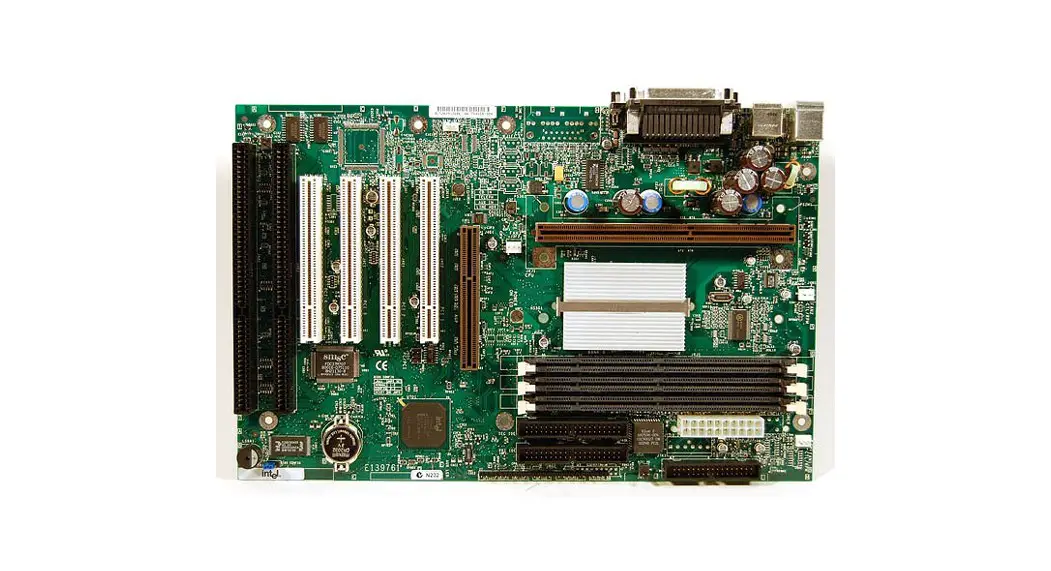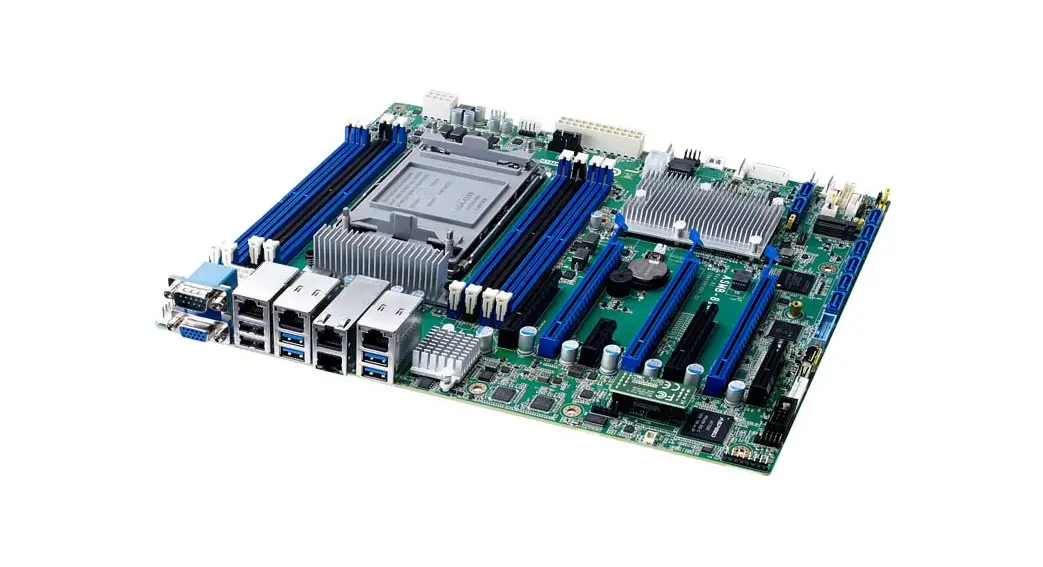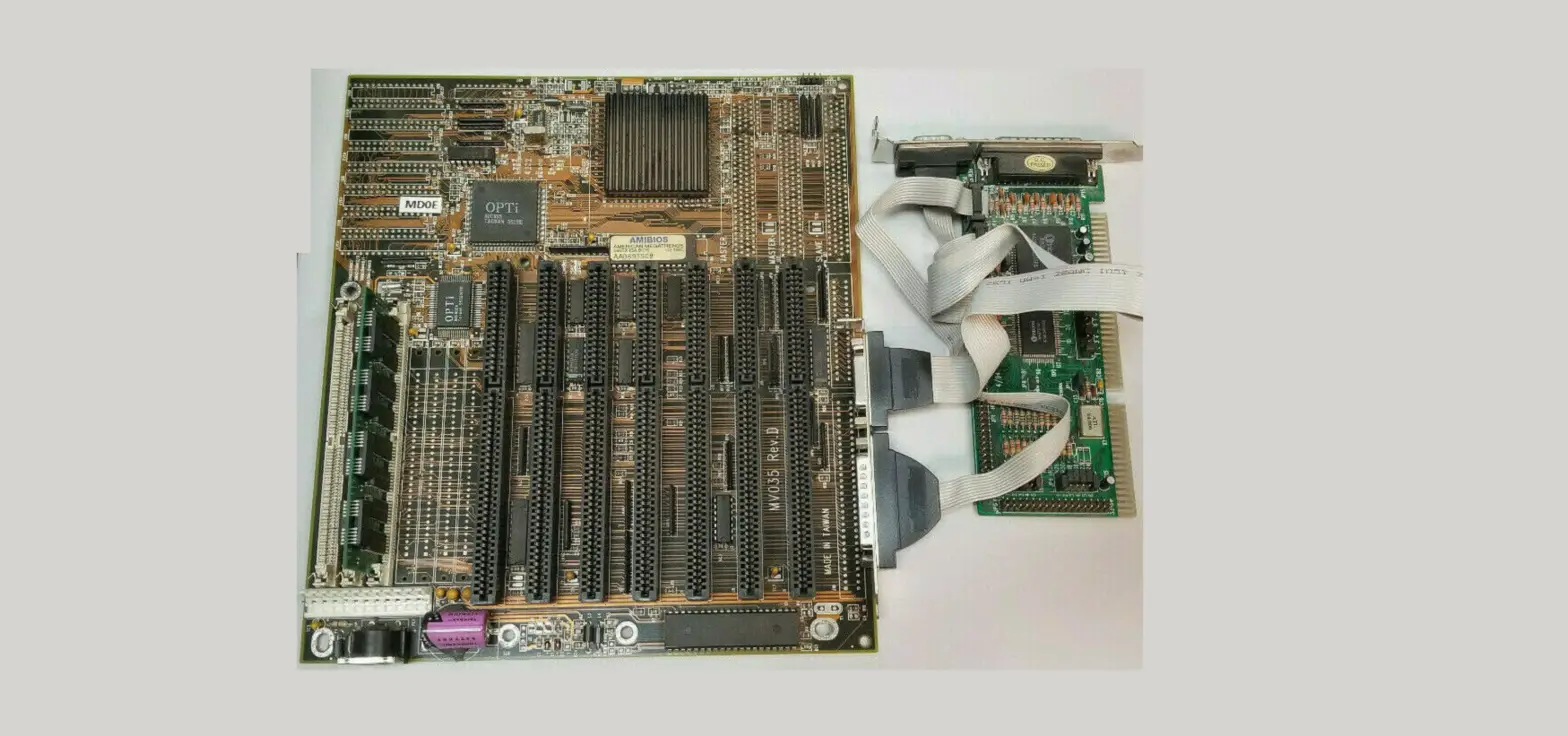
INTEL CORPORATION RC440BX Motherboard User Guide

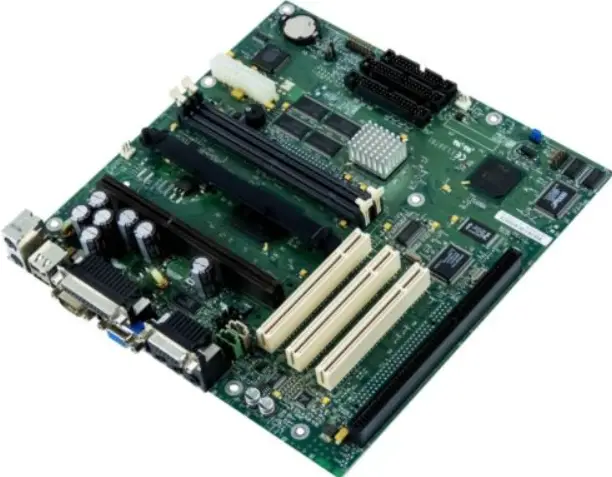
INTEL CORPORATION
RC440BX
Device Type Mainboard
Processor Pentium II/Celeron
Processor Speed 233/266/300/333/350/400MHz
Chip Set Intel 440BX
Video Chip Set nVidia
Maximum Onboard Memory 256MB (SDRAM supported)
Maximum Video Memory 2MB
Audio Chip Set Crystal
Cache 0/128/256/512KB (located on the CPU)
BIOS AMI
Dimensions 305mm x 244mm
I/O Options 32-bit PCI slots (4), floppy drive interface, game/MIDI port, IDE interfaces (2), parallel port,
PS/2 mouse port, serial ports (2), VGA feature connector, VGA port, IR connector, USB
connectors (2), ATX power connector, line in, line out, microphone in, audio in – CD-ROM,
wake on LAN connector, wake on modem connector
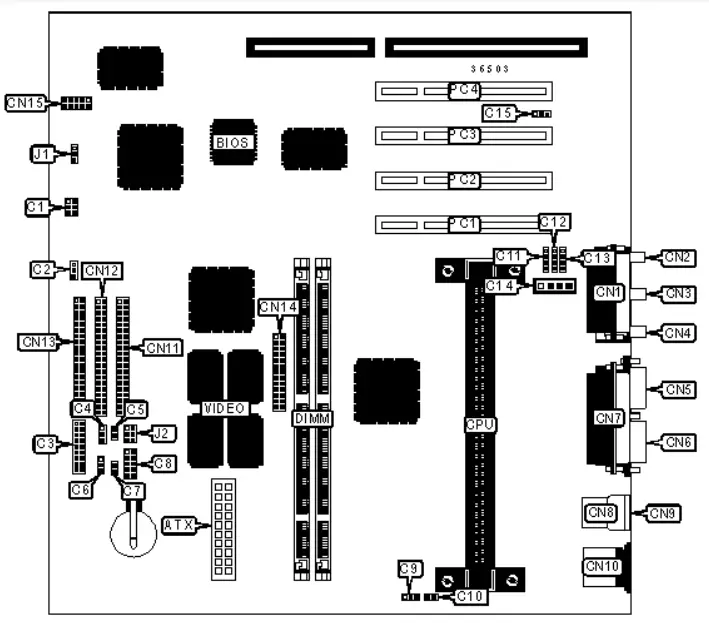
| CONNECTIONS | |||
| Purpose | Location | Purpose | Location |
| ATX power connector | ATX | Game/MIDI port | CN1 |
| C1 | CN2 | ||
| PC/PCI audio connector | Microphone in | ||
| Chassis fan power | C2 | Line in | CN3 |
| Front panel connector | C3 | Line out | CN4 |
| Wake on LAN connector | C4 | Serial port 1 | CN5 |
| SCSI interface LED | C5 | VGA port | CN6 |
| Chassis fan power | C6 | Parallel port | CN7 |
| Wake on modem connector | C7 | USB connector 1 | CN8 |
| Front panel USB connector | C8 | USB connector 2 | CN9 |
| Chassis fan power | C9 | PS/2 mouse port | CN10 |
| Chassis intrusion connector | C10 | IDE interface 1 | CN11 |
| Line in | C11 | IDE interface 2 | CN12 |
| Auxiliary line in | C12 | Floppy drive interface | CN13 |
| Telephony connector | C13 | VGA feature connector | CN14 |
| Audio in – CD-ROM | C14 | Serial port 2 | CN15 |
| Digital audio in | C15 | 32-bit PCI slots | PC1 – PC4 |
DIMM CONFIGURATION | ||
| Size | Bank 0 | Bank 1 |
| 8MB | (1) 1M x 64 | None |
| 16MB | (1) 2M x 64 | None |
| 16MB | (1) 1M x 64 | (1) 1M x 64 |
| 24MB | (1) 2M x 64 | (1) 1M x 64 |
| 32MB | (1) 4M x 64 | None |
| 32MB | (1) 2M x 64 | (1) 2M x 64 |
| 40MB | (1) 4M x 64 | (1) 1M x 64 |
| 48MB | (1) 4M x 64 | (1) 2M x 64 |
| 64MB | (1) 8M x 64 | None |
| 64MB | (1) 4M x 64 | (1) 4M x 64 |
| 72MB | (1) 8M x 64 | (1) 1M x 64 |
| 80MB | (1) 8M x 64 | (1) 2M x 64 |
| 96MB | (1) 8M x 64 | (1) 4M x 64 |
| 128MB | (1) 16M x 64 | None |
| 128MB | (1) 8M x 64 | (1) 8M x 64 |
| 136MB | (1) 16M x 64 | (1) 1M x 64 |
| 144MB | (1) 16M x 64 | (1) 2M x 64 |
| 160MB | (1) 16M x 64 | (1) 4M x 64 |
| 192MB | (1) 16M x 64 | (1) 8M x 64 |
| 256MB | (1) 16M x 64 | (1) 16M x 64 |
| Note: Board accepts SDRAM memory. | ||
CACHE CONFIGURATION
Note: 256KB/512KB cache is located on the Pentium II CPU. 128KB cache is located on the Celeron 300A & 333 CPU.
VIDEO MEMORY CONFIGURATION
Note: Video memory is factory installed and is not configurable.
USB PORT 1 SELECTION | |
| Setting | J2 |
| Signals routed to back panel | Pins 2 & 3, 5 & 6 closed |
| Signals routed for a front panel USB | Pins 1 & 2, 4 & 5 closed |
| USB disconnected | Open |
| BIOS SELECTION | |
| Setting | J1 |
| Normal operation | Pins 1 & 2 closed |
| Configuration mode | Pins 2 & 3 closed |
| Recovery mode | Open |