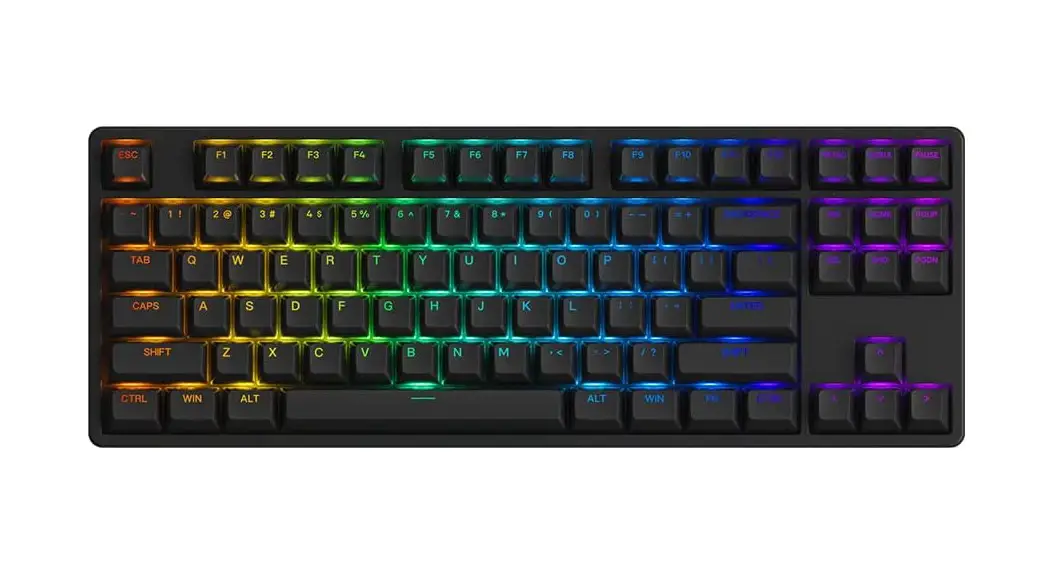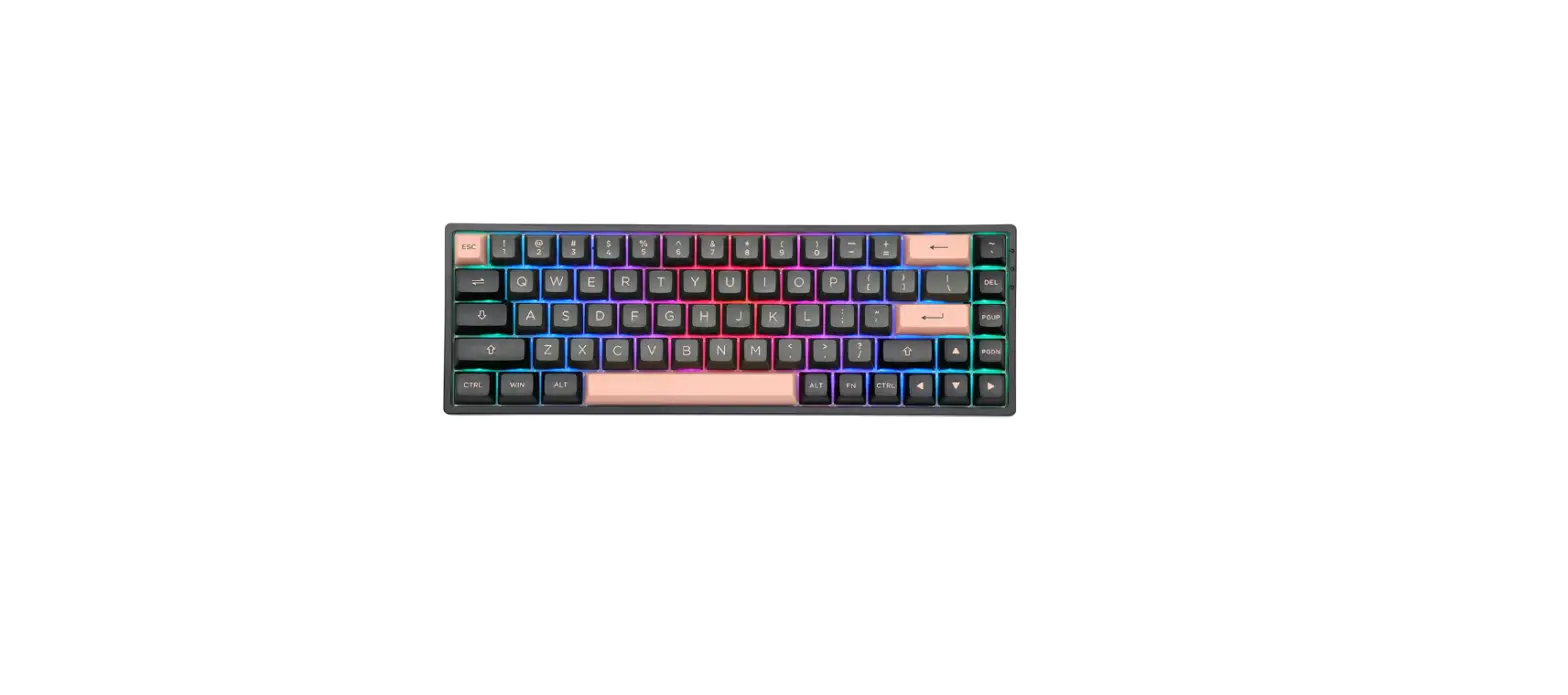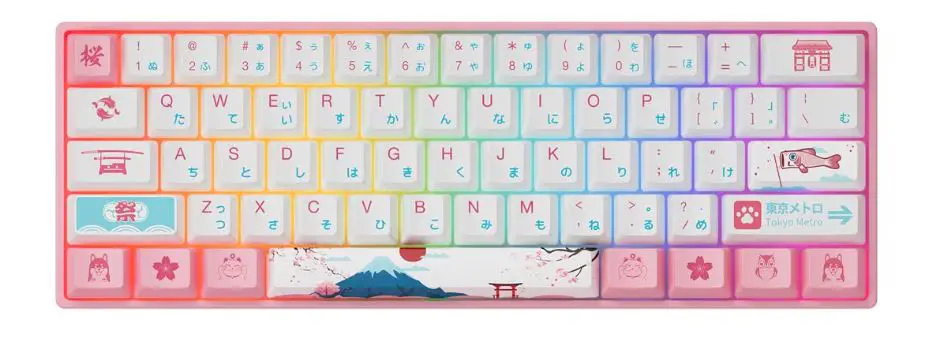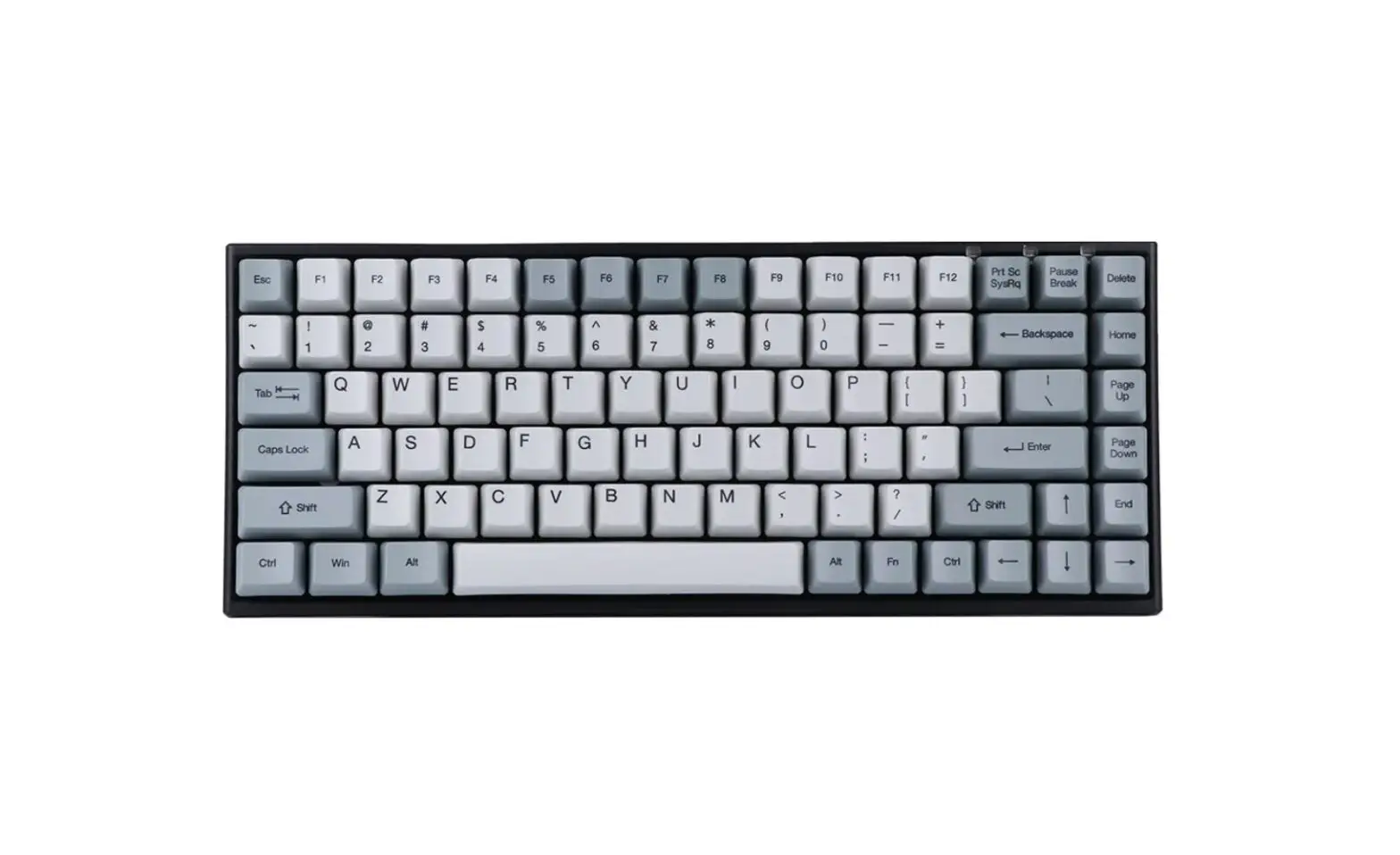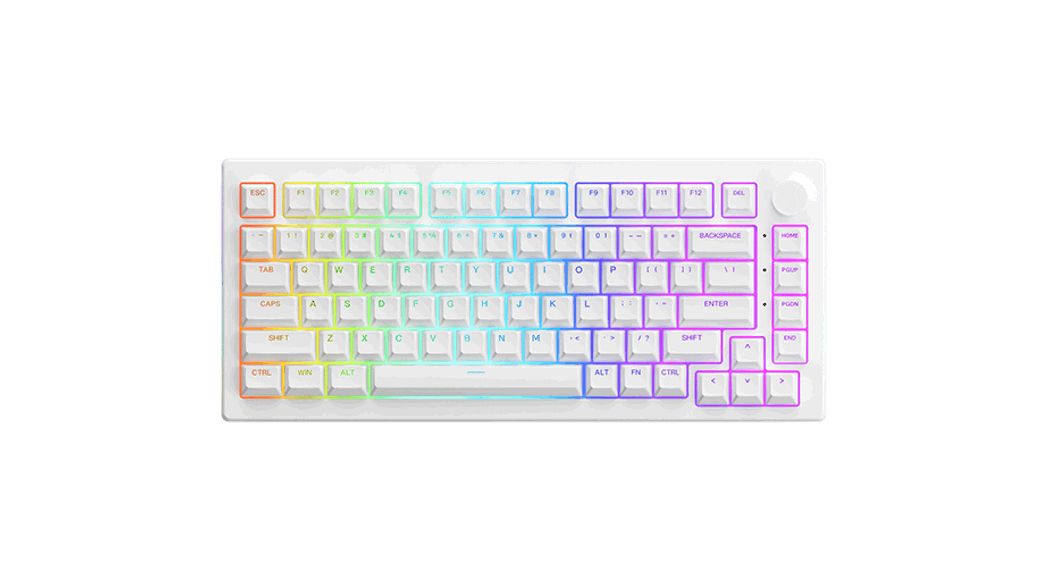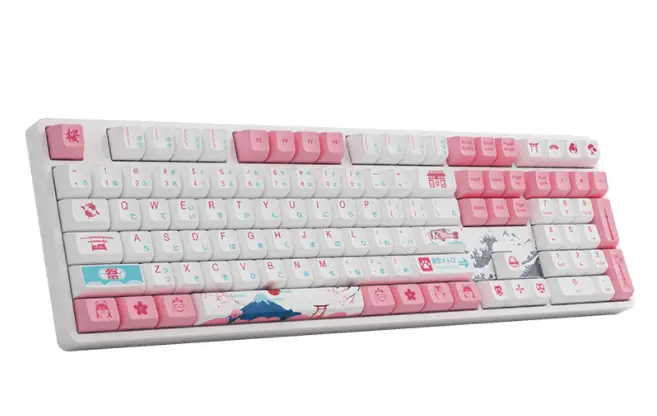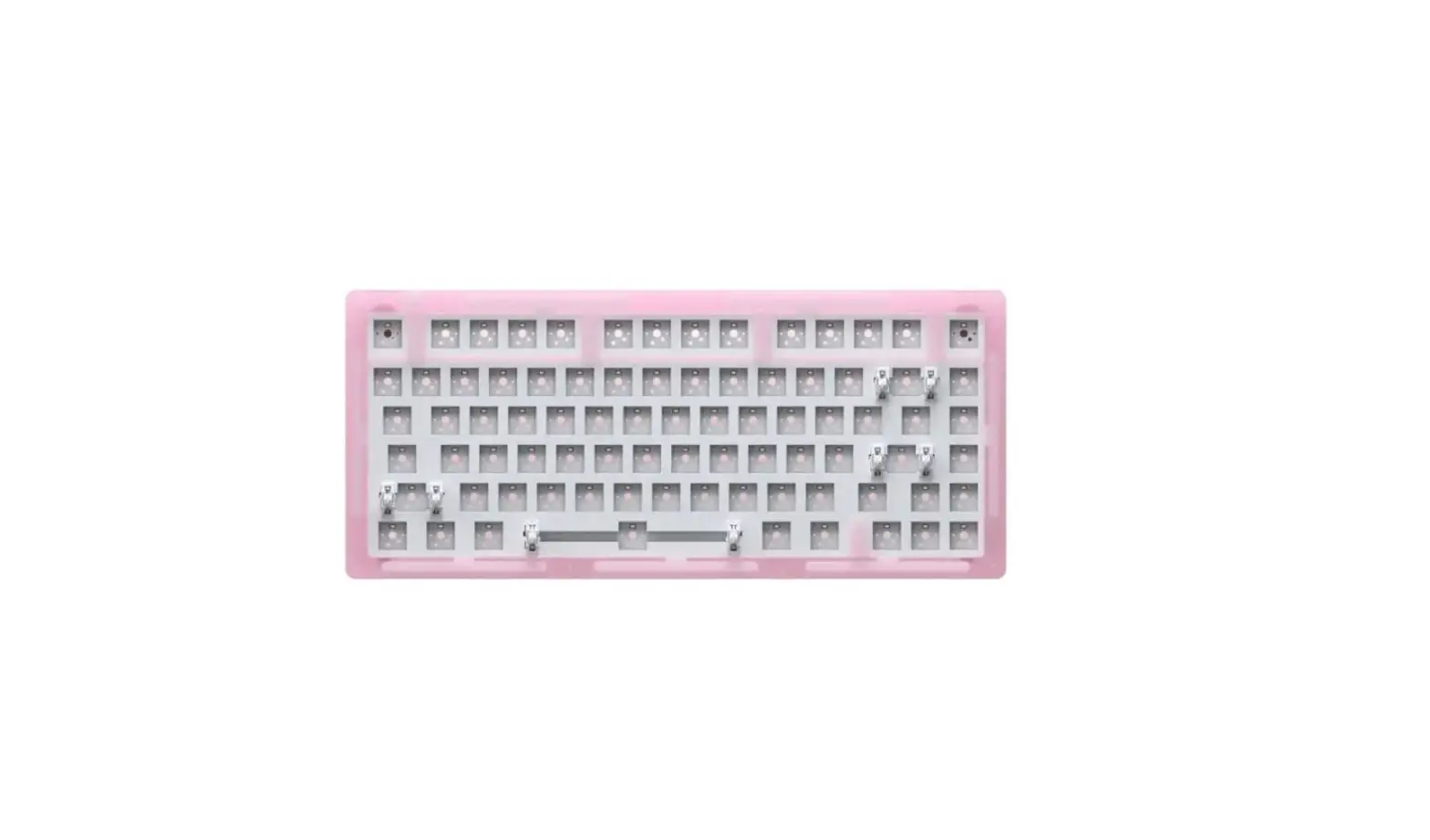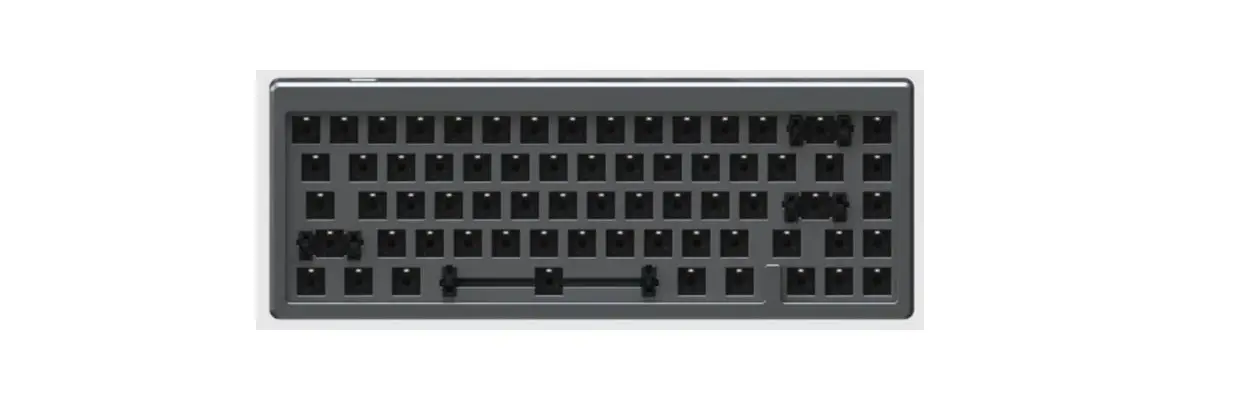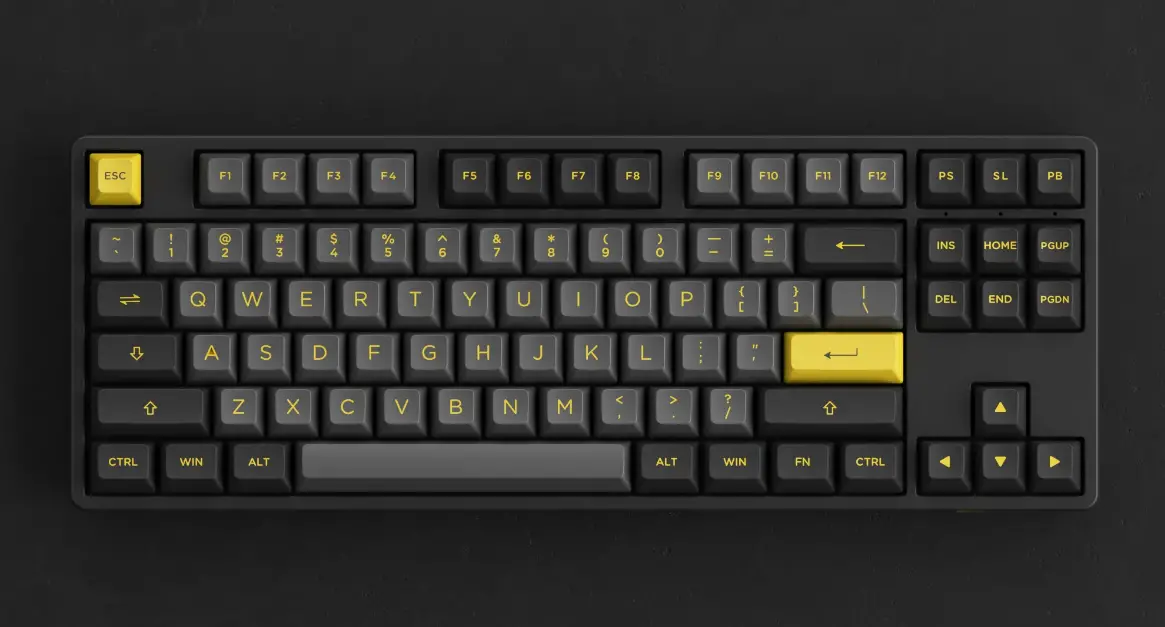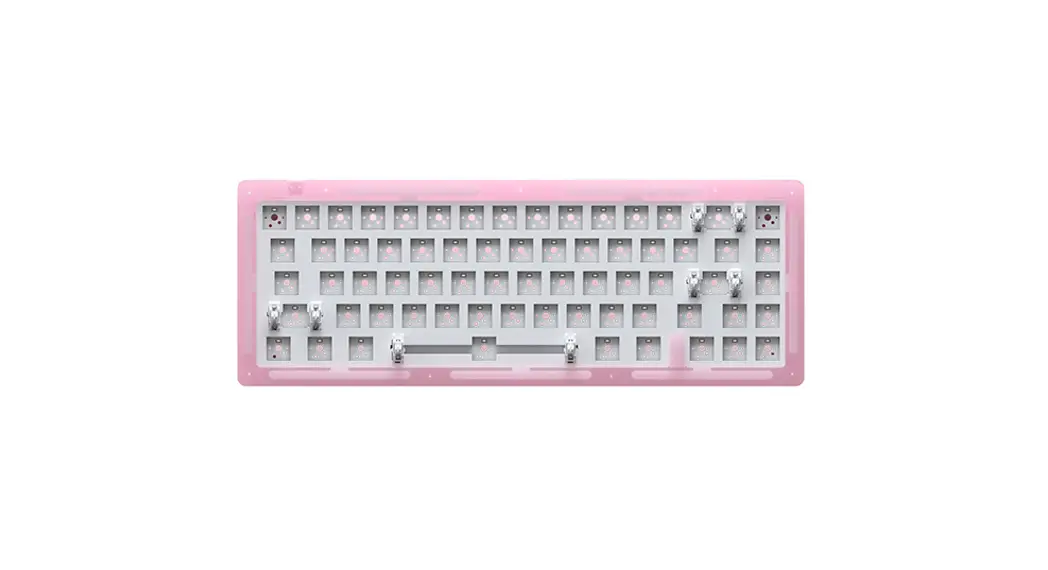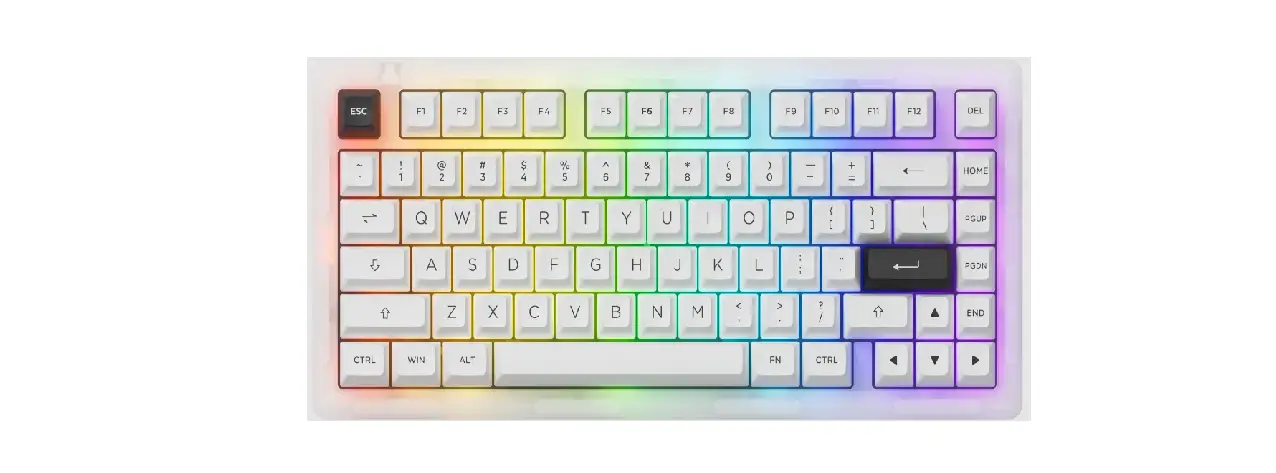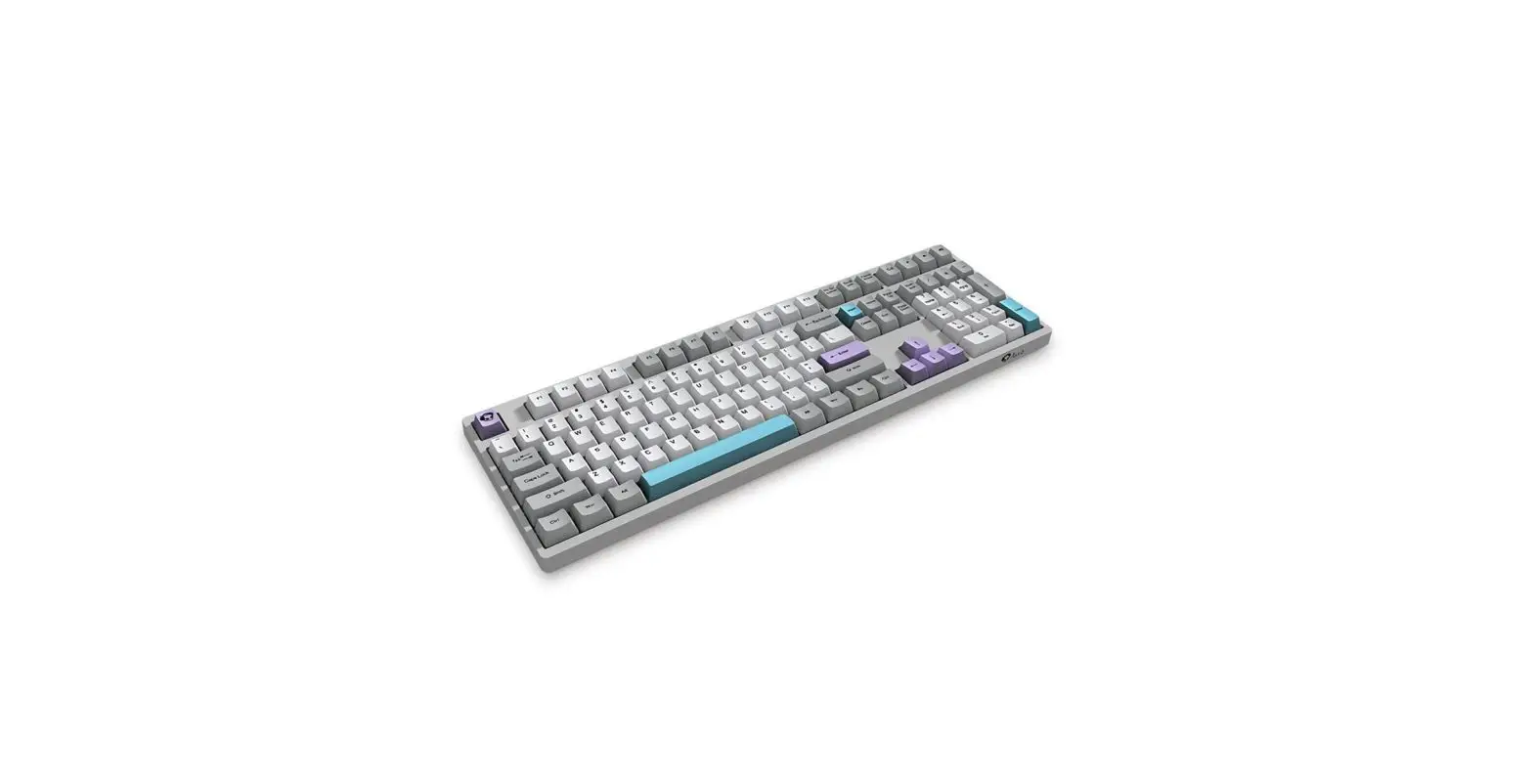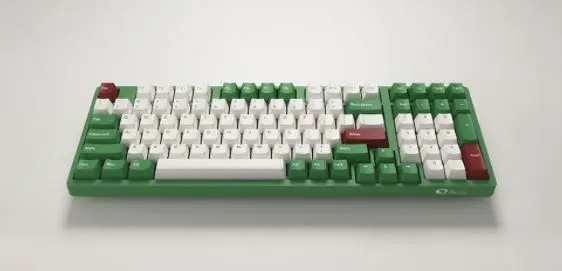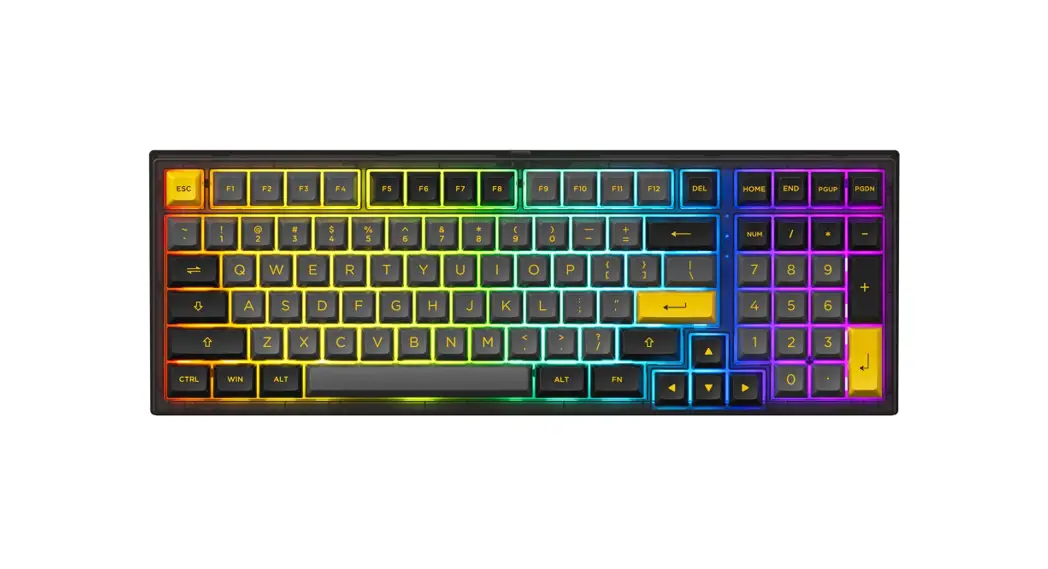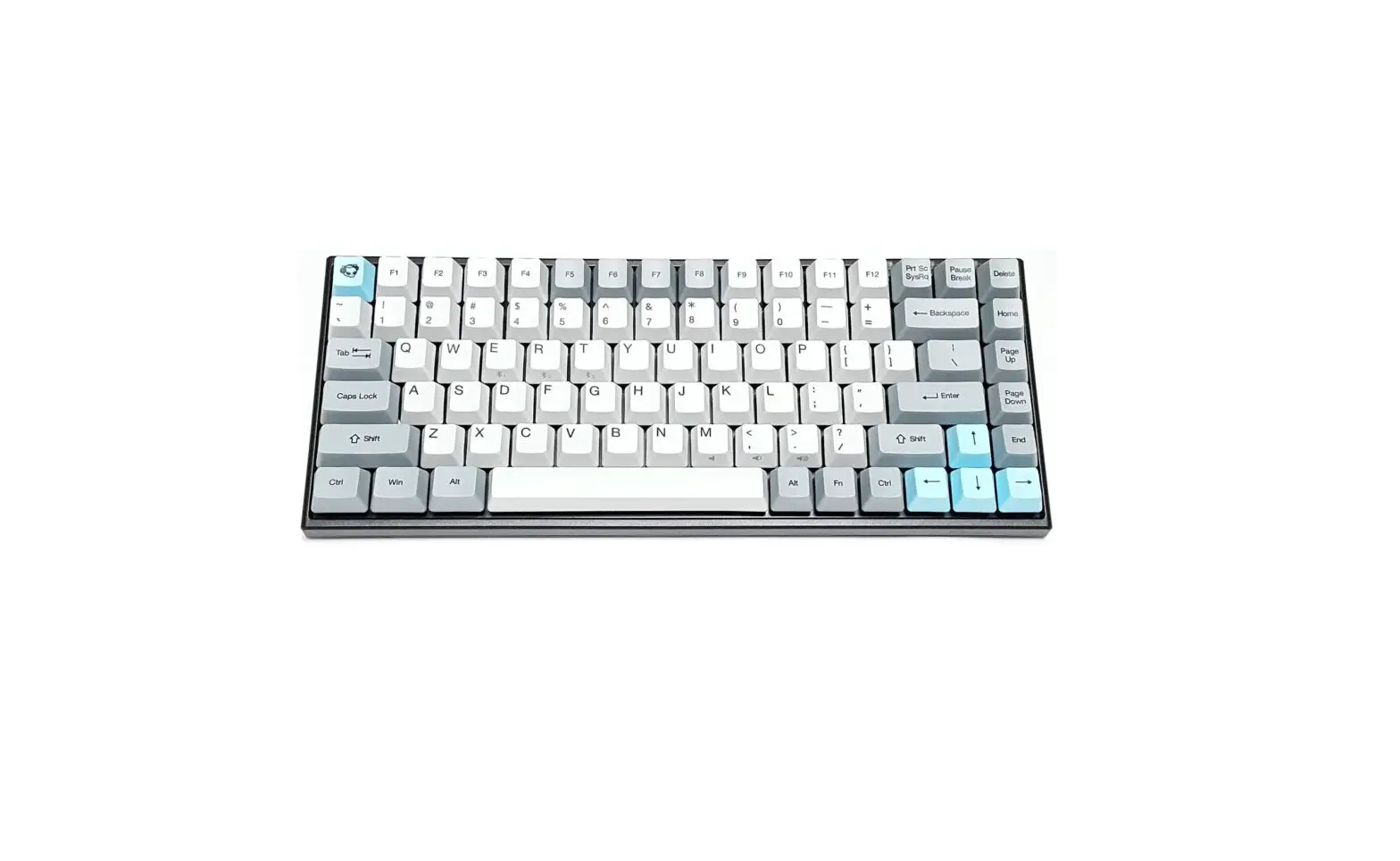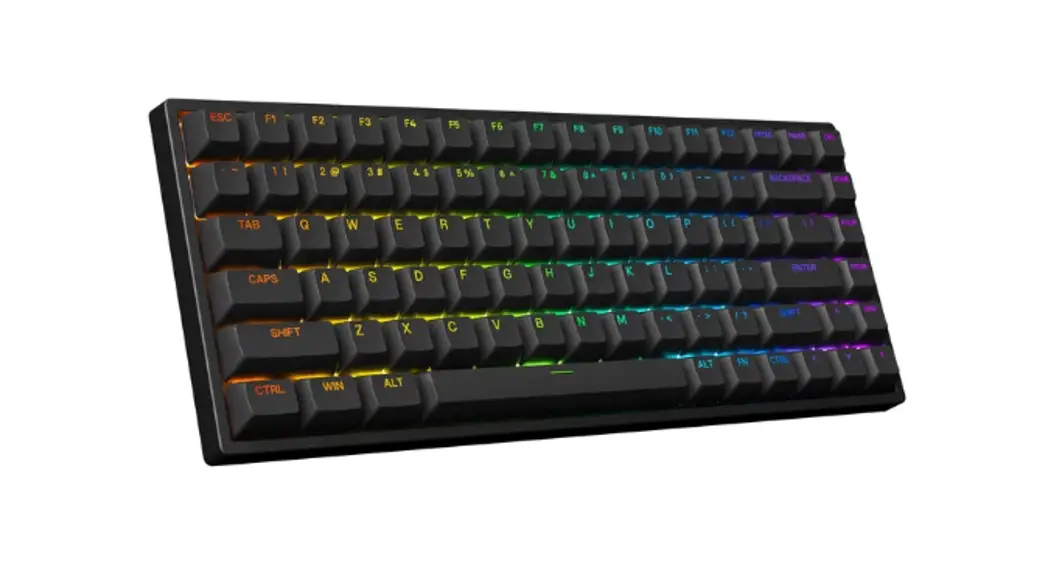
 3084S Shine Through Keyboard
User Manual
Technical Specifications
| Dimensions | Approximately 316*126*28mm |
| Weight | Approximately 0.85kg |
| Country of Origin | China |
| Type | Mechanical Keyboard |
| Keycap | PBT Material |
| Interface | Type-C To USB |
| Multimedia Keys | YES |
| N-Key Rollover | YES |
| Key/Lighting Effects Customization | With driver in wired mode |
HotKeys
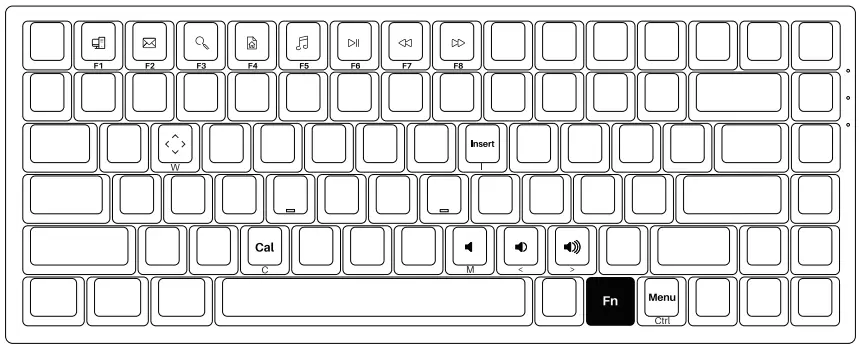
| Fn+ | F1 | = | File Explorer |
| F2 | |||
| F3 | Windows Search | ||
| F4 | Browser Homepage | ||
| F5 | Media |
| Fn+ | F6 | = | Pause /Playback |
| F7 | Previous Song | ||
| F8 | Next Song | ||
| I | Insert | ||
| C | Calculator |
| Fn+ | M | = | Mute |
| < | Decrease Volume | ||
| > = | Increase Volume | ||
| w | Swap W A S D with ↑↓ ← → |
System Commands (Windows)
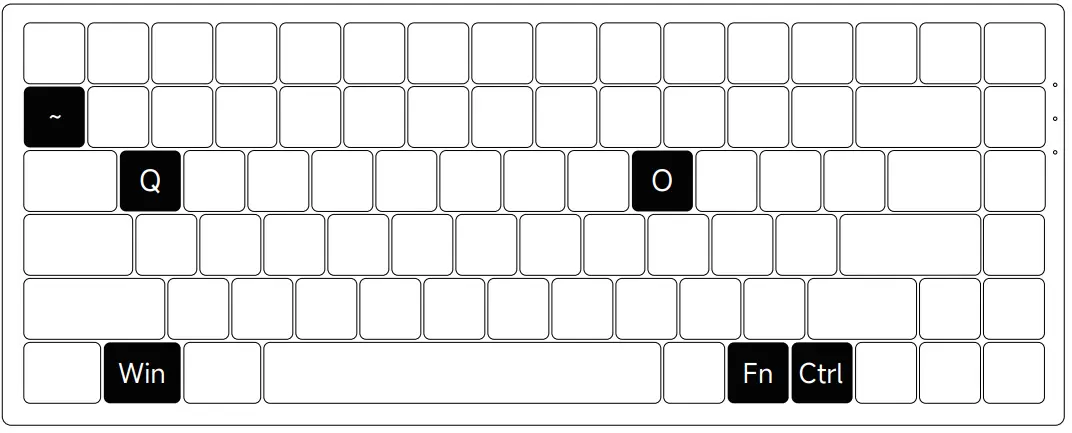
| Lock Windows Key | Press Fn and left Win key |
| Restore Factory Settings | Hold down Fn and press ~ key for 5S |
| Revert Ctrl into Menu (APP) key | Hold down Fn and press right Ctrl for 3S |
| Enter Windows system | Hold down Fn and press Q key for 3S |
| Enter Mac system | Hold down Fn and press O key for 3S |
System Commands(Mac)
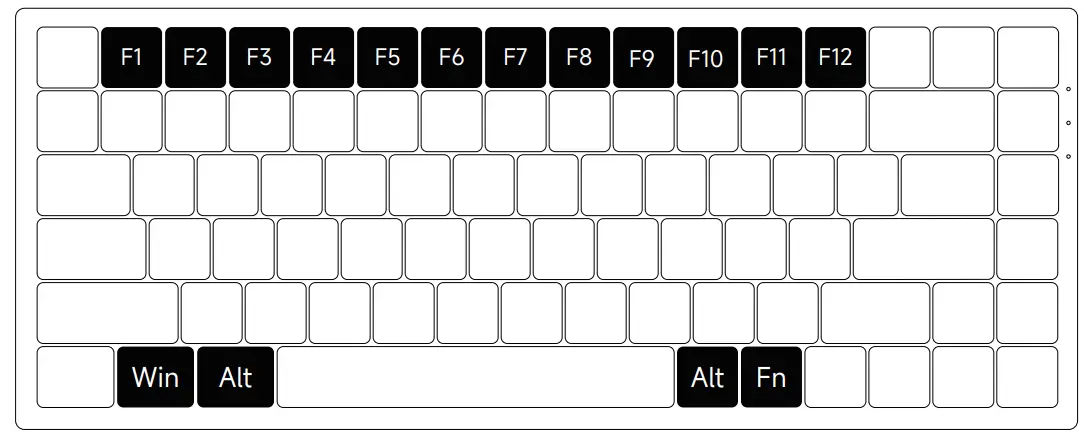
| F1 | Decrease display brightness |
| F2 | Increases display brightness |
| F3 | Open mission control |
| F4 | Activate Siri |
| F7 | Skip back (Audio) |
| F8 | Pause/Play (Audio) |
| F9 | Skip forward (Audio) |
| F10 | Mute |
| F11 | Volume down |
| F12 | Volume up |
| Left Win | Option |
| Left Alt | Command |
| Right Alt | Command |
Fn + (F1 ~ F12)
F1 ~ F12
Backlight Settings
|
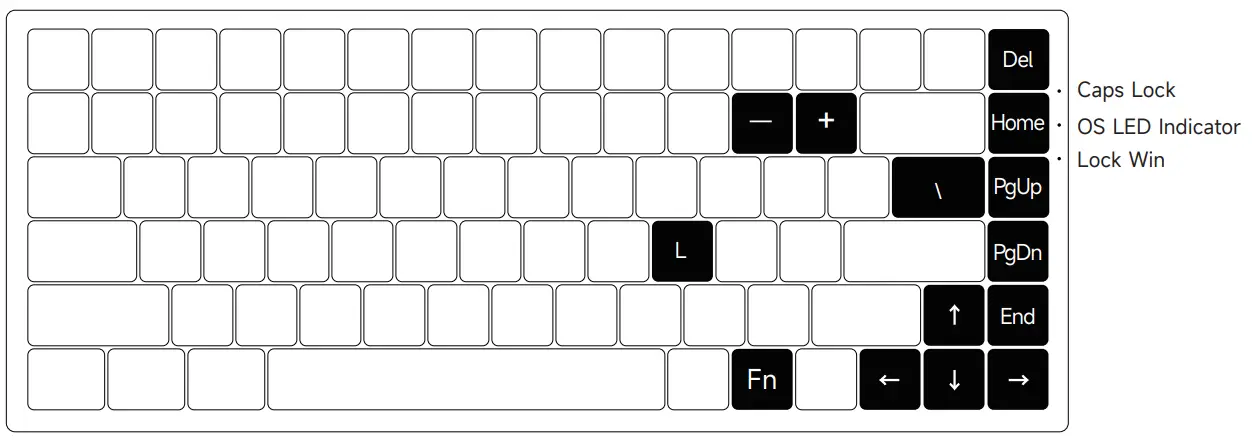
Fn+ | Del | Effect 1 – Effect 4 | |
| Home | = | Effect 5 – tEffect 8 | |
| PgUp | Effect 9 – Effect 12 | ||
| PgDn | Effect 13 – Effect 16 | ||
| End | Effect 17 – Effect 20 | ||
| L | Light On / Off |
|
Fn+ | “↑” | Bright | |
| “↓” | = | Dim | |
| “←” | Set animation direction to left | ||
| “→” | Set animation direction to right | ||
| “-” | Slower Animation | ||
| “+” | Faster Animation |
Fn + \
In all lighting effects with RGB color mode, this shortcut allows you to set the backlight color to 7 single color with RGB loop effect.
Key/Lighting Effects Customization Instruction
- The key/lighting effects customization must with Akko driver.
- In wired mode, the lighting effects can also achieve music rhythm effects with Akko driver.
- Please download the Akko Cloud driver on our website.
- Users can download the driver via en.akkogear.com
Akko Warranty and Service Statement
- Akko provides 1-yr warranty for customers in mainland China. For other regions, please contact your seller (Akko distributor) for specific warranty policy.
- If the warranty window expires, customers need to pay for repairs. Akko will also provide instructions if users prefer to repair the keyboard by themselves. However, users shall take full responsibility for any loss happenedduring self-repair.
- Dissembling the keyboard without manufacturer/seller’s instruction will immediately void the warranty.
- The return and warranty policy may vary in different platforms and are subject to the specific distributor at the time of purchase. Precautions Man-made damage is not limited to immersion, falling off, and pulling off the wires with excessive forces, etc.
 |  |
| http://qr.weibo.cn/g/49ssmq | http://weixin.qq.com/r/aDtOVoXE6tiVrcE19256 |
 Akko艾酷官方网站 | æ½®æµæ—¶å°šå¤–设_Akko机械键盘官网
 Akko | Designer for Mechanical Keyboards
 Akko艾酷官方网站 | æ½®æµæ—¶å°šå¤–设_Akko机械键盘官网