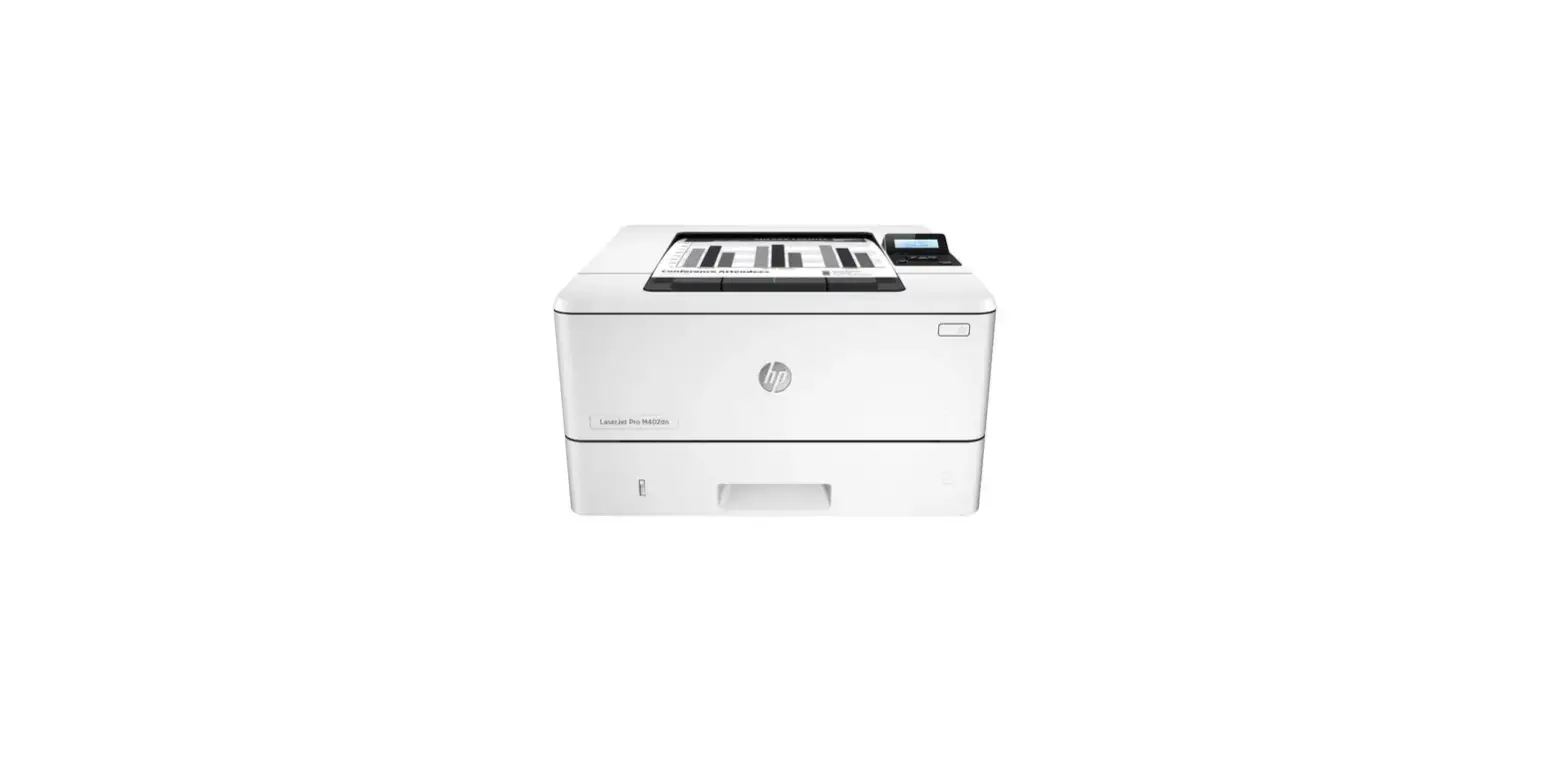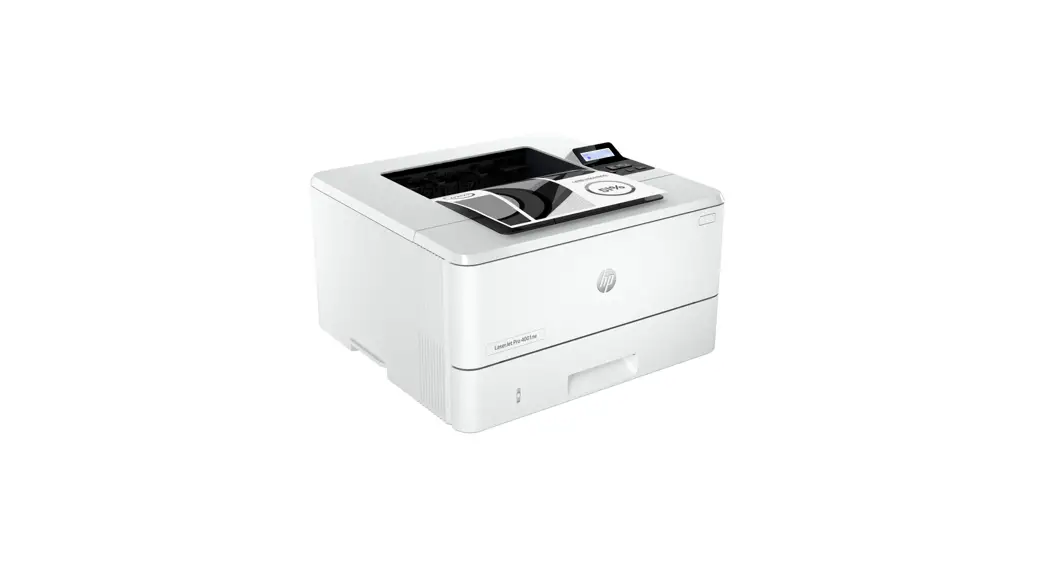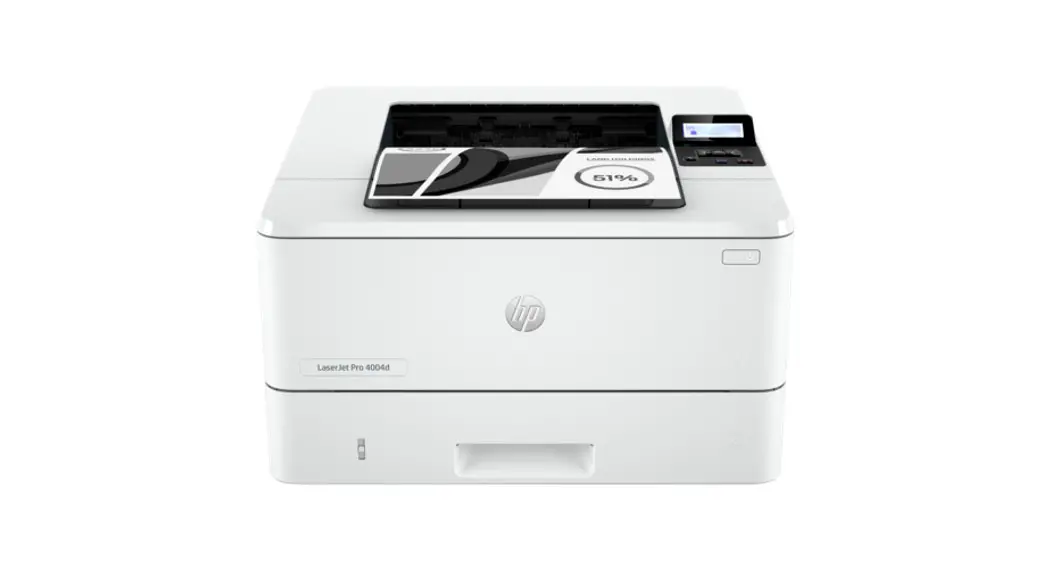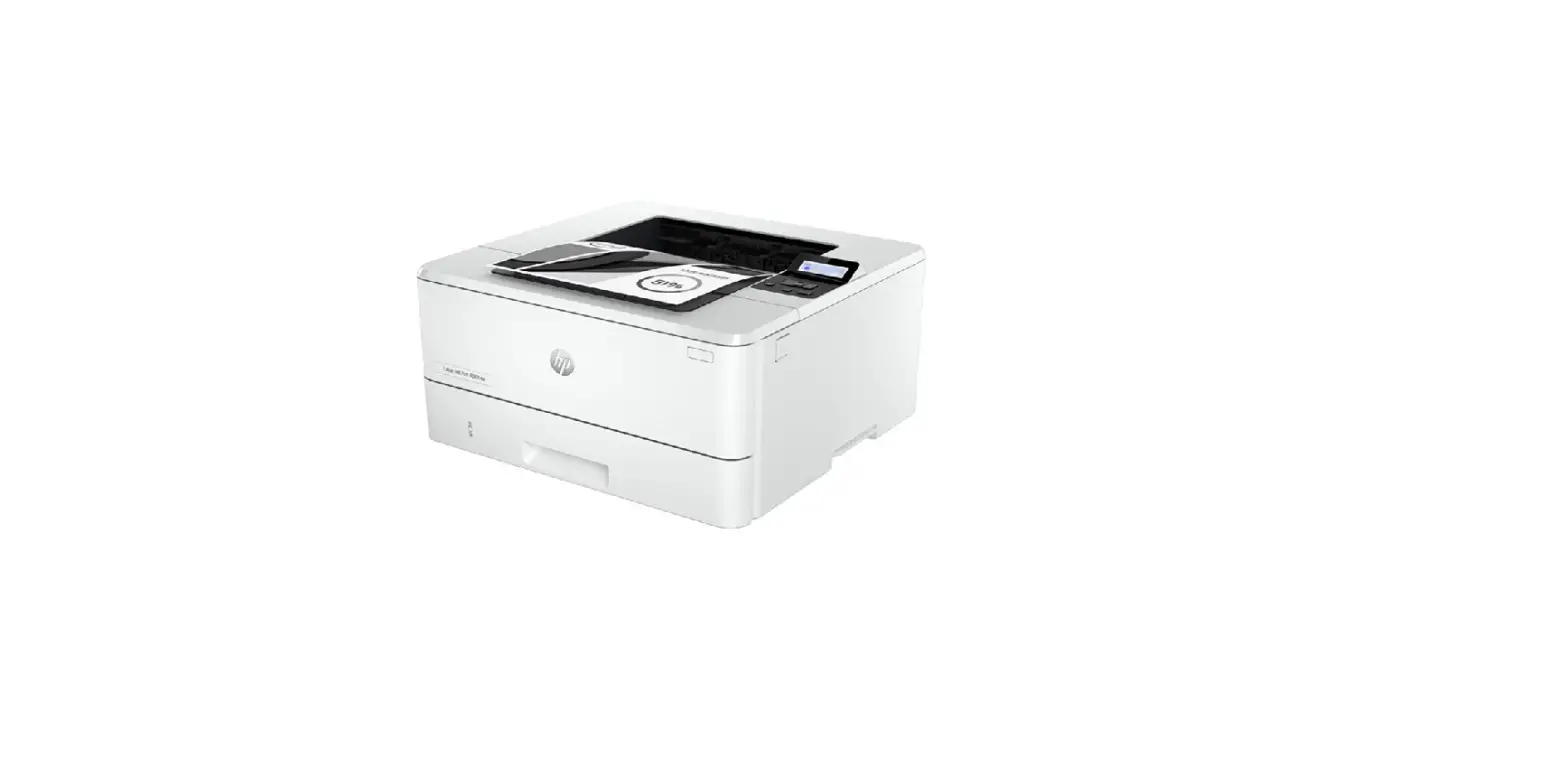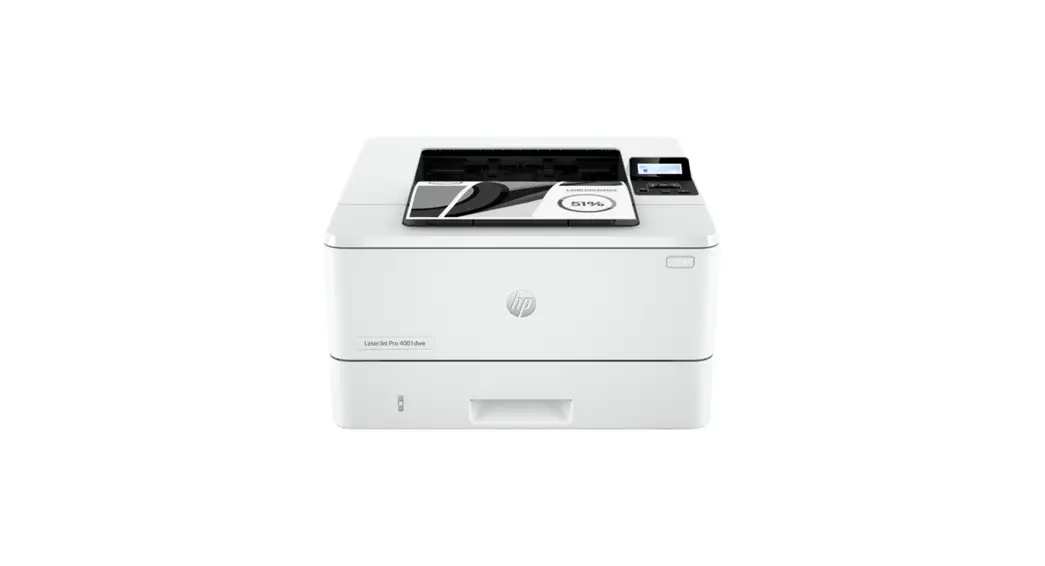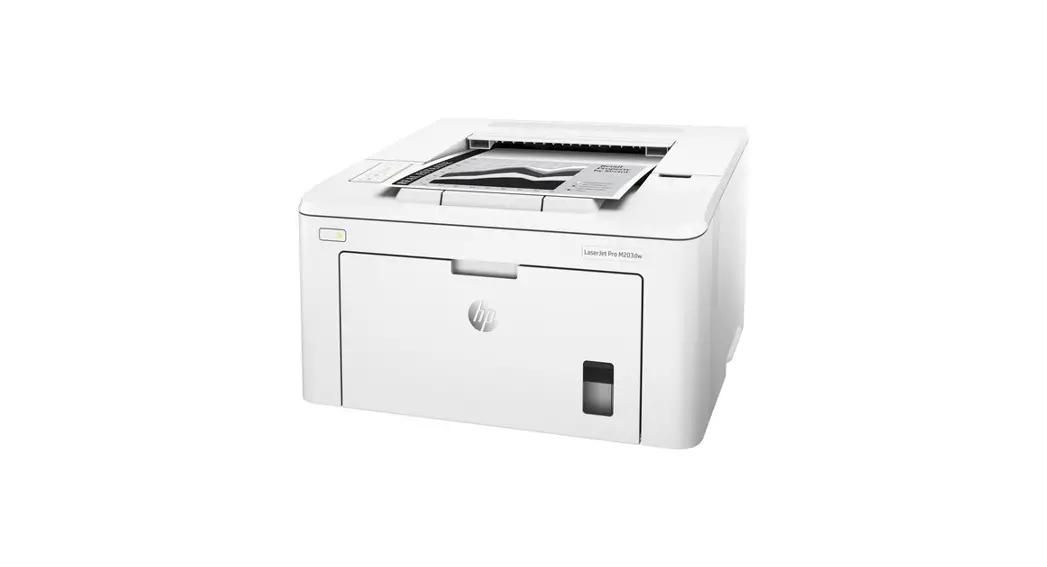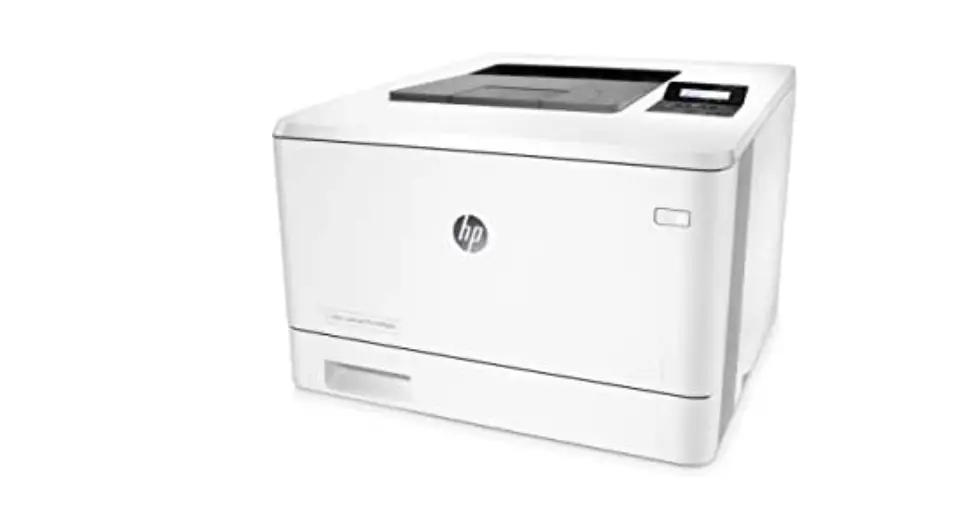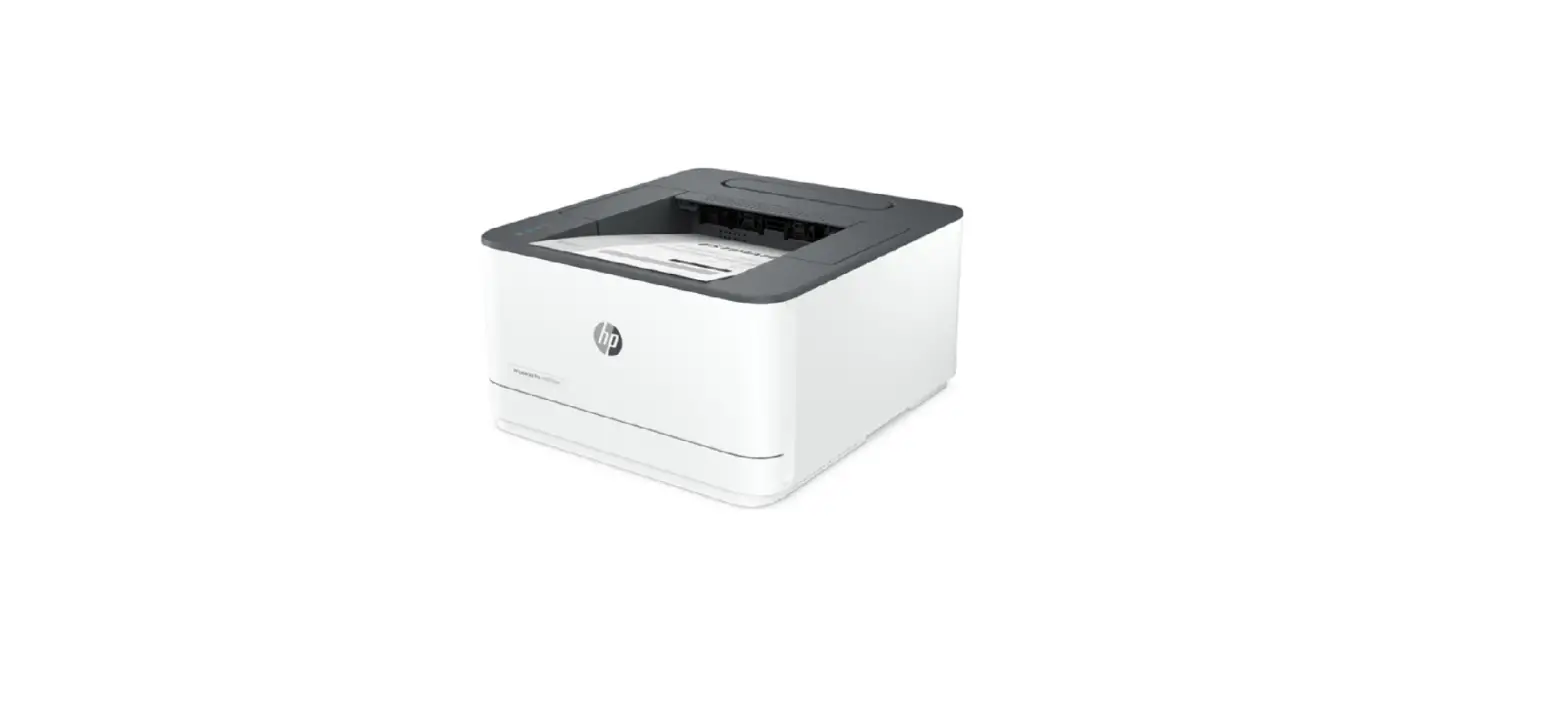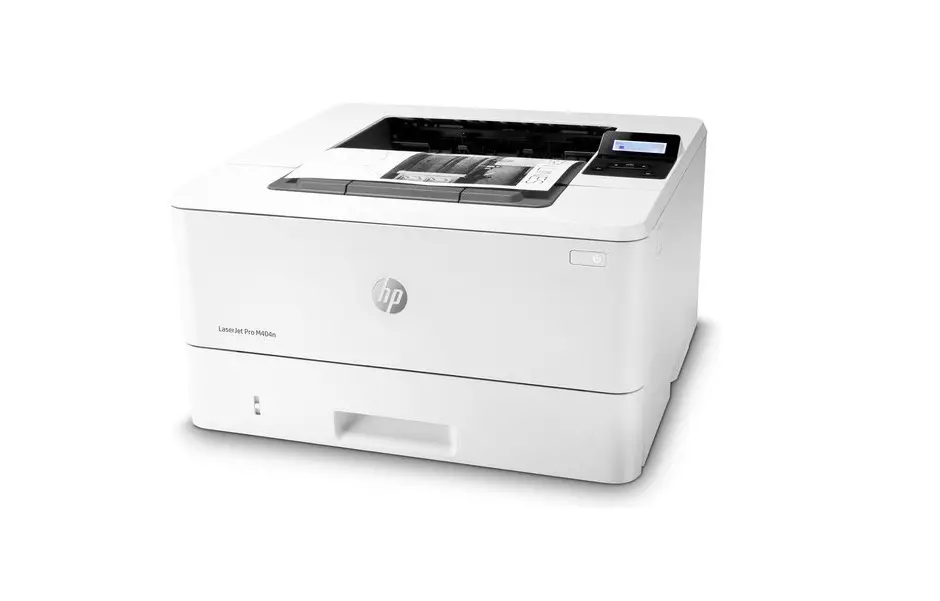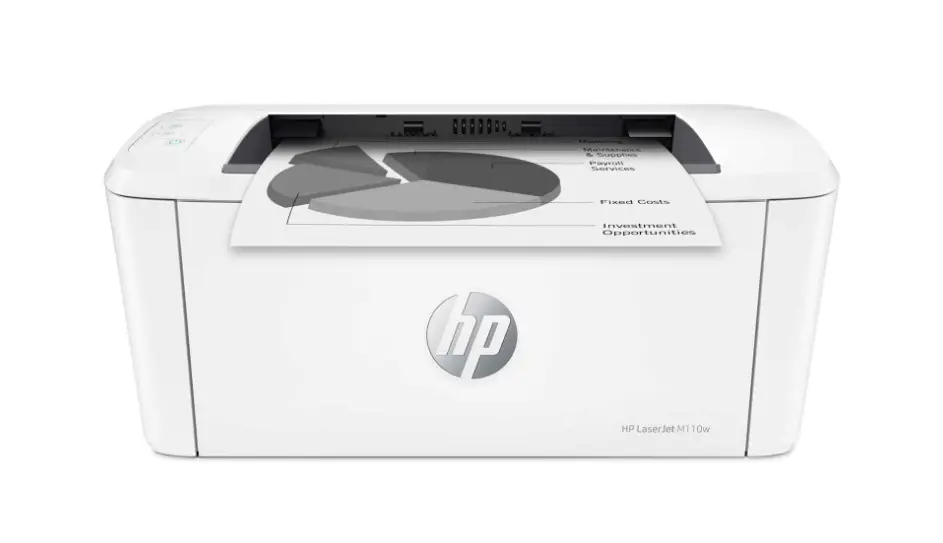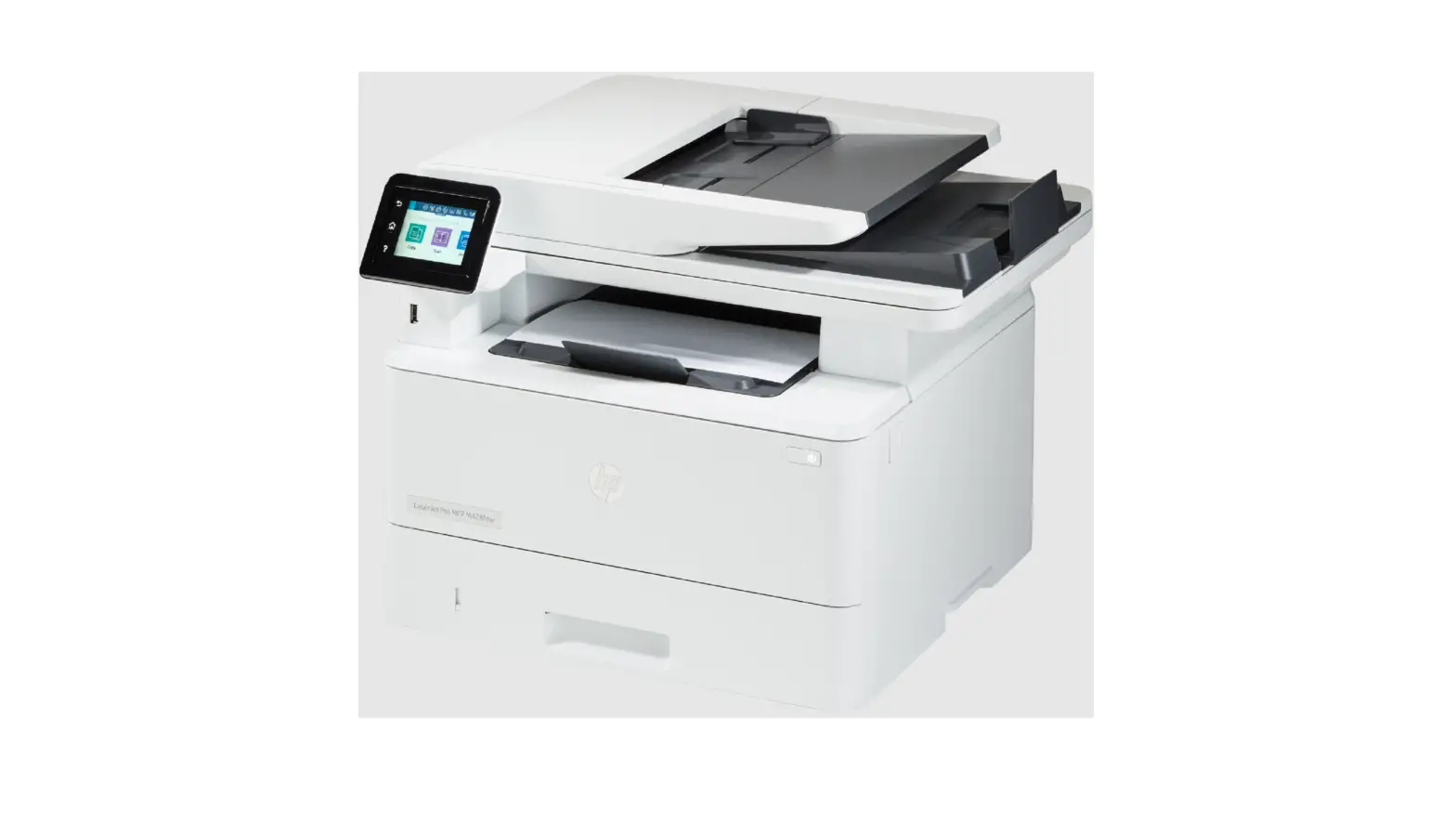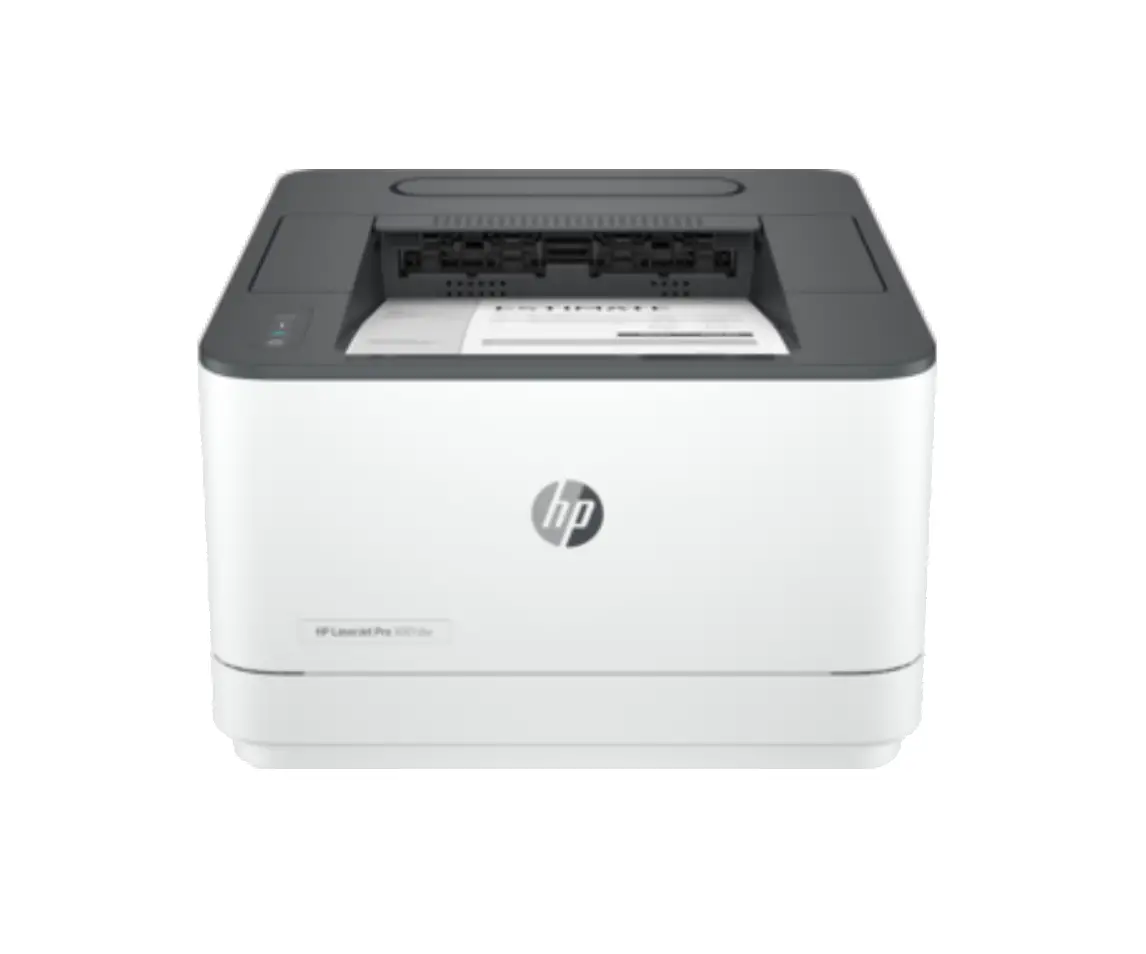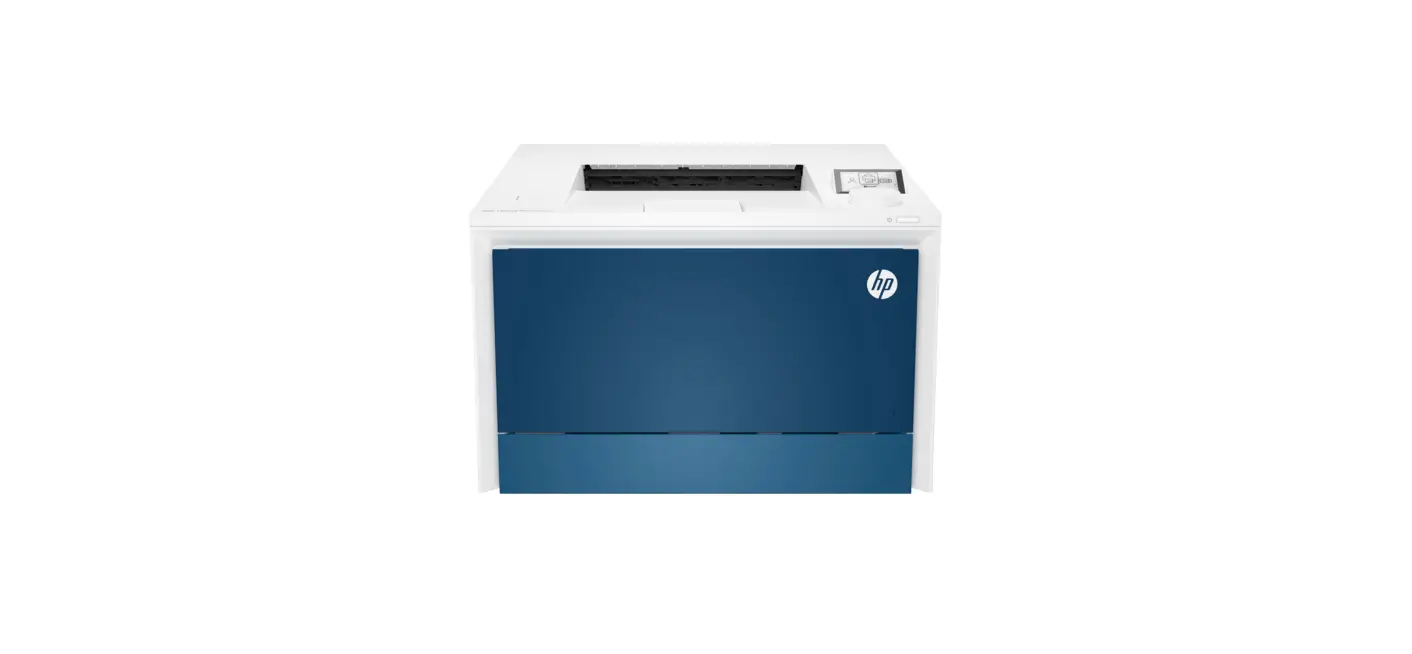

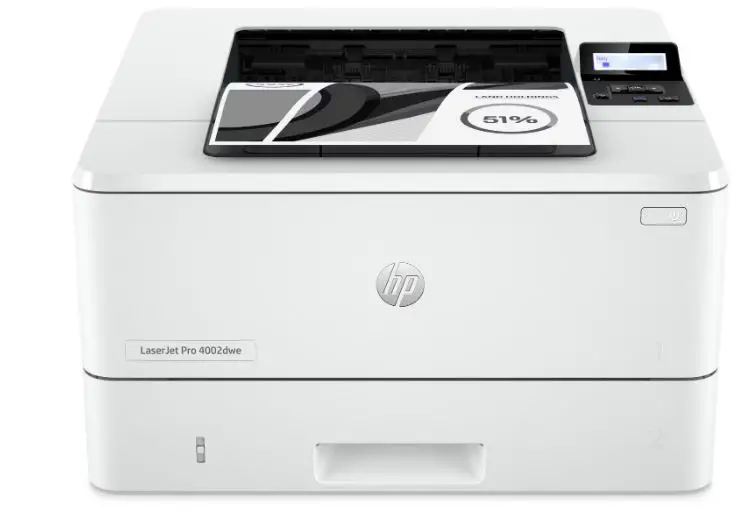
hp 4002d Series LaserJet Pro Laser
HOW TO USE
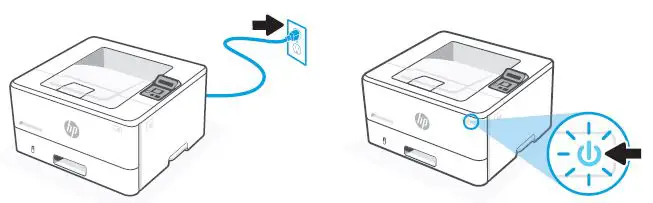
Plug in and power on.
STEPS
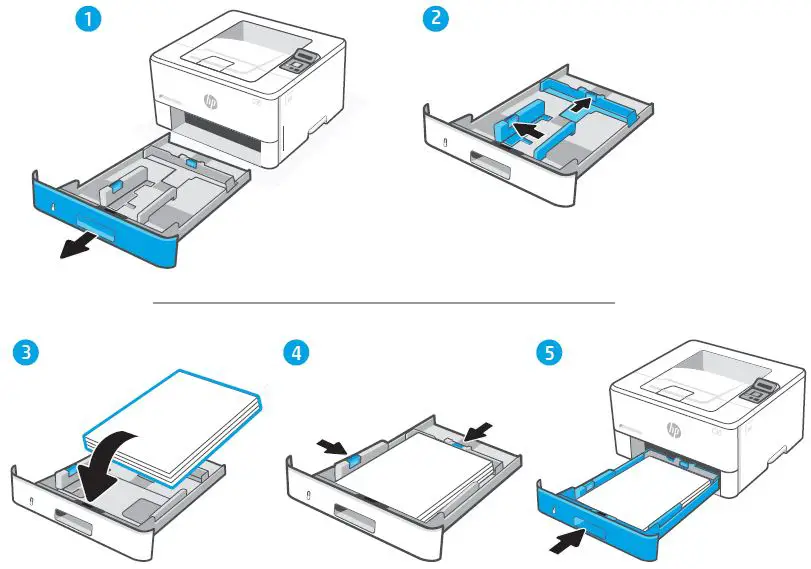
Load paper and adjust the guides.
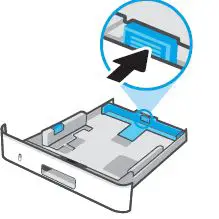
Note: If loading paper larger than A4, squeeze the latch at the back of the tray and pull backward. Tray 2 will extend from the rear of the printer approximately 10mm (0.39 inches).
Connect the USB cable to the USB port on the back of the printer and to the computer.

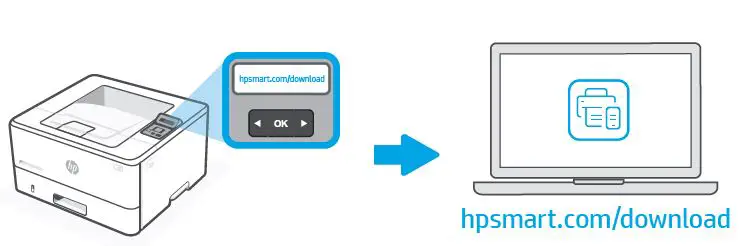
Your computer should prompt you to download the HP software, but if you do not see the prompt in time, go to hpsmart.com/download to install the software, and follow the prompts to complete setup.
Get help with setup
Find setup information and videos online.
Printed in [German] Printed in [English]
© Copyright 2022 HP Development Company, L.P.
 hp.com/support/printer-setup
 HP Smart