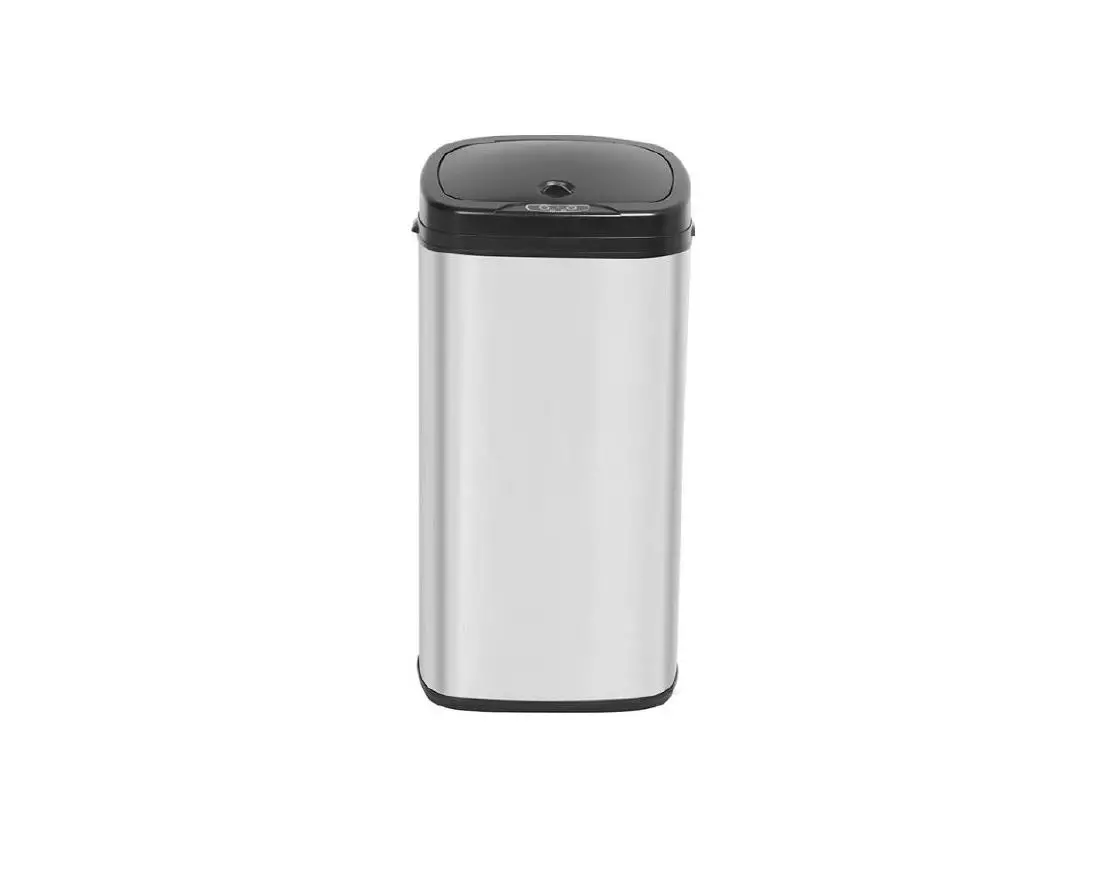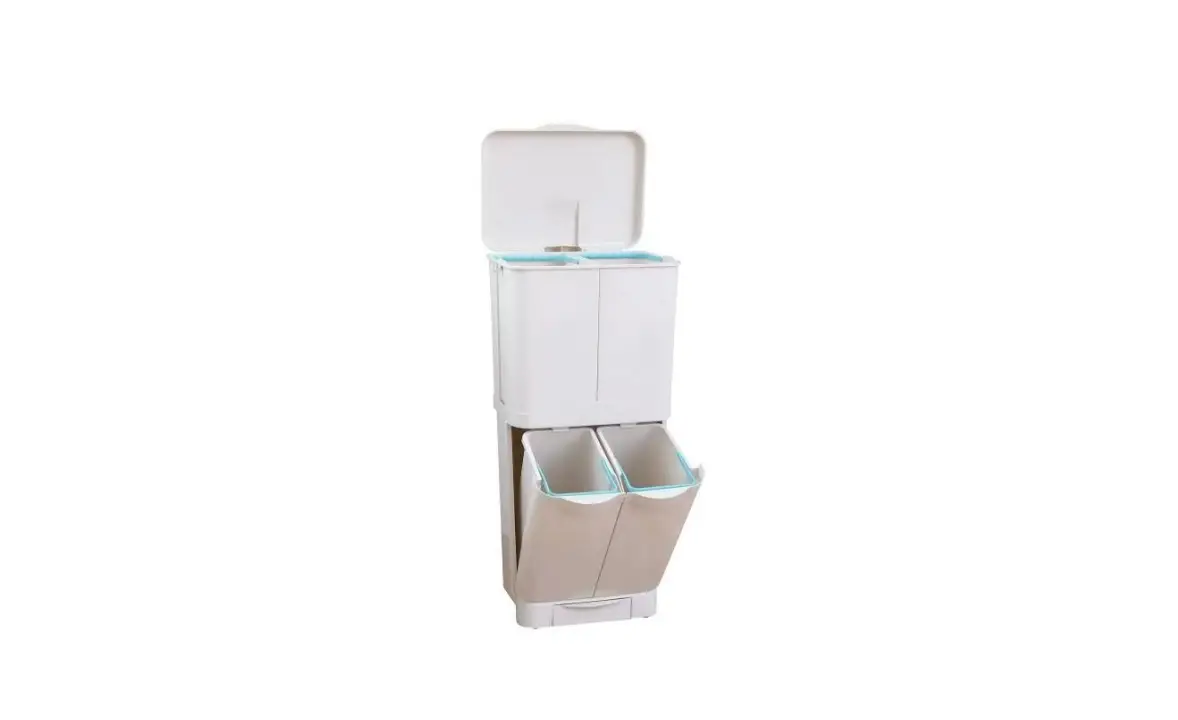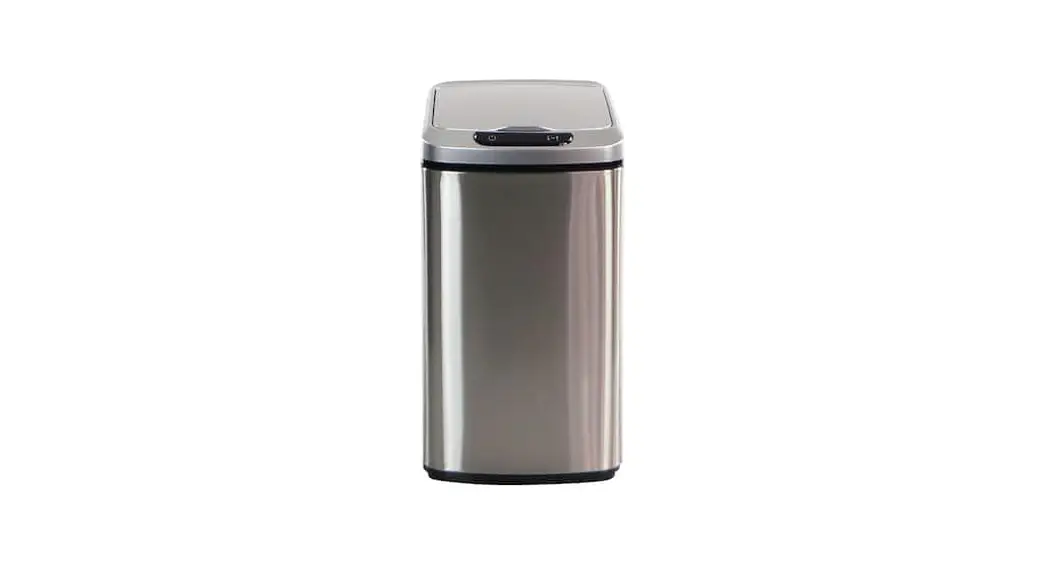

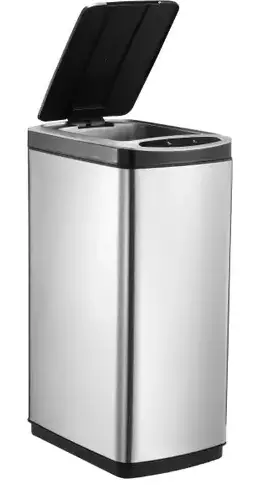
kogan OV50LMSNBLA 50L Motion Sensor Dual Compartment Bin
SAFETY & WARNINGS
- This product is designed for indoor use only. Do not use it outdoors.
- Do not allow children to sit on the bin.
- Do not expose the bin to direct sunlight. Doing so may cause the product to deform and fade.
- Do not move the bin when there are contents inside it.
- Lift the garbage bag out gently to avoid breaking the bag.
- This product is designed for household use. It is not suitable in a commercial environment.
OPERATION
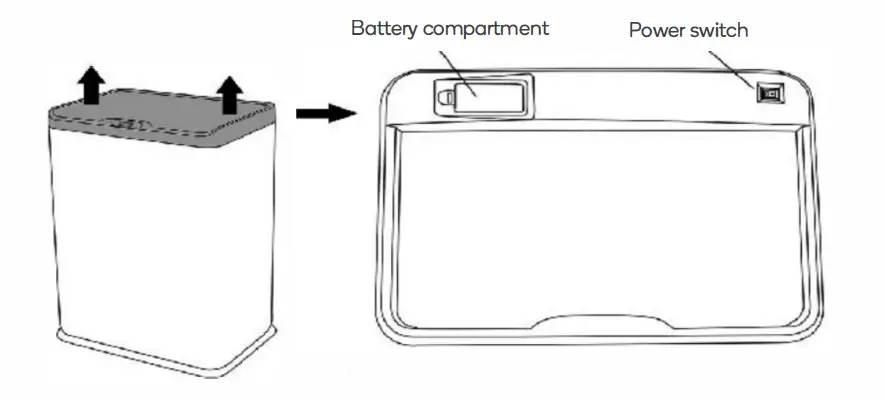
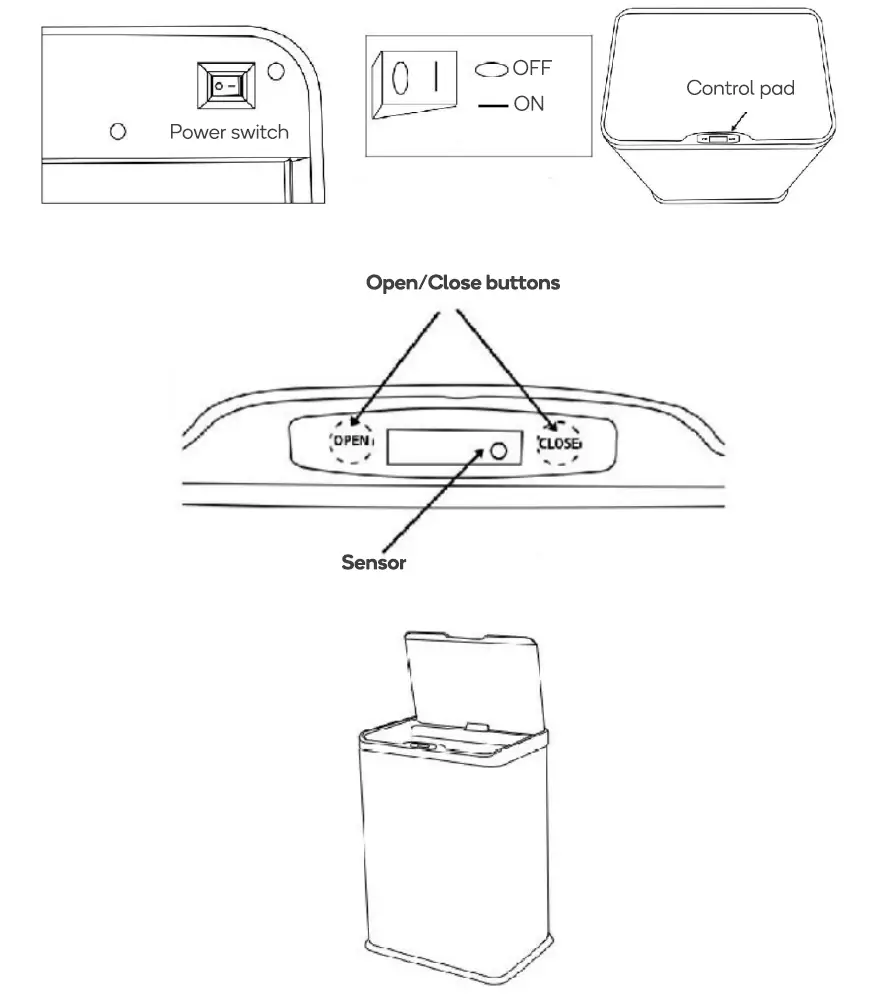
- Remove the lid and turn it over to gain access to the battery compartment and power switch.
- Open the battery compartment and install x4 AA batteries.
- Place the power switch in the ‘On’ position.
Opening/Closing the Bin
- Press the buttons on the control pad to open/close the bin.
- Touch the sensor with your hand and the bin will open. The bin will automatically close itself in 5 seconds.
CLEANING & CARE
- To remove any stains and dirt, clean using a slightly damp cloth with a neutral detergent.
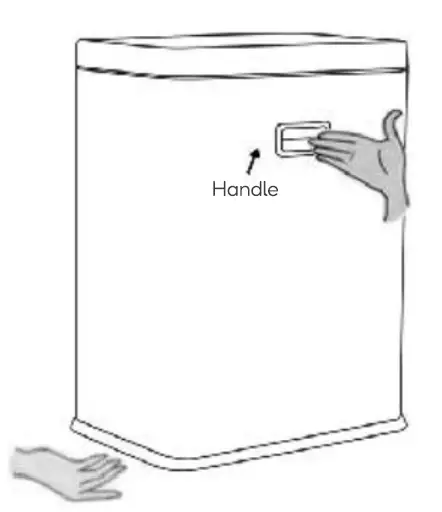
Note: The lid is equipped with an electronic sensor, do not expose it to water. - When moving the bin, be sure to hold it using the handles. Do not hold it from the lid.
 Need more information?
We hope that this user guide has given you
the assistance needed for a simple setup.
For the most up-to-date guide for your product,
as well as any additional assistance you may require, head online to help.kogan.com
kegan.com