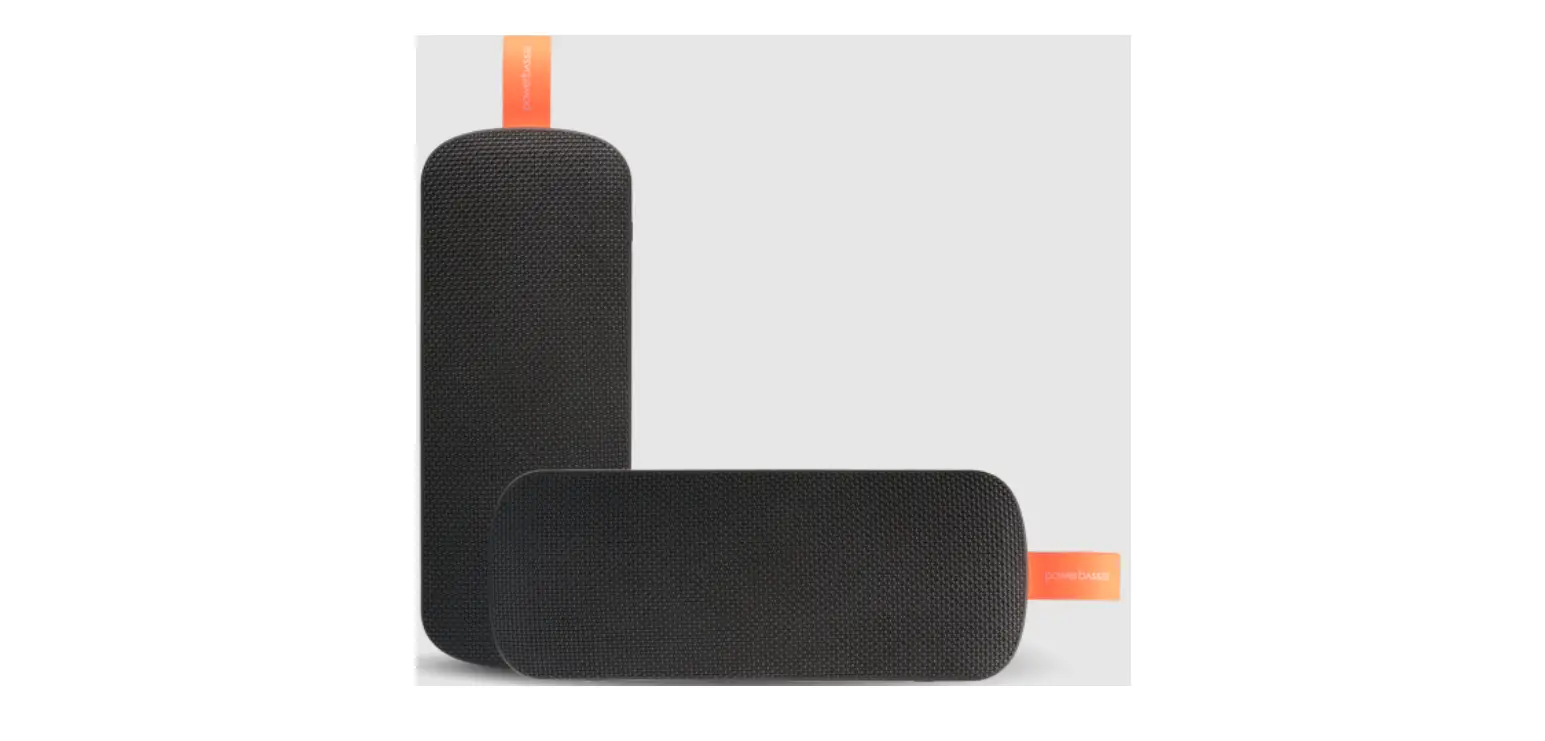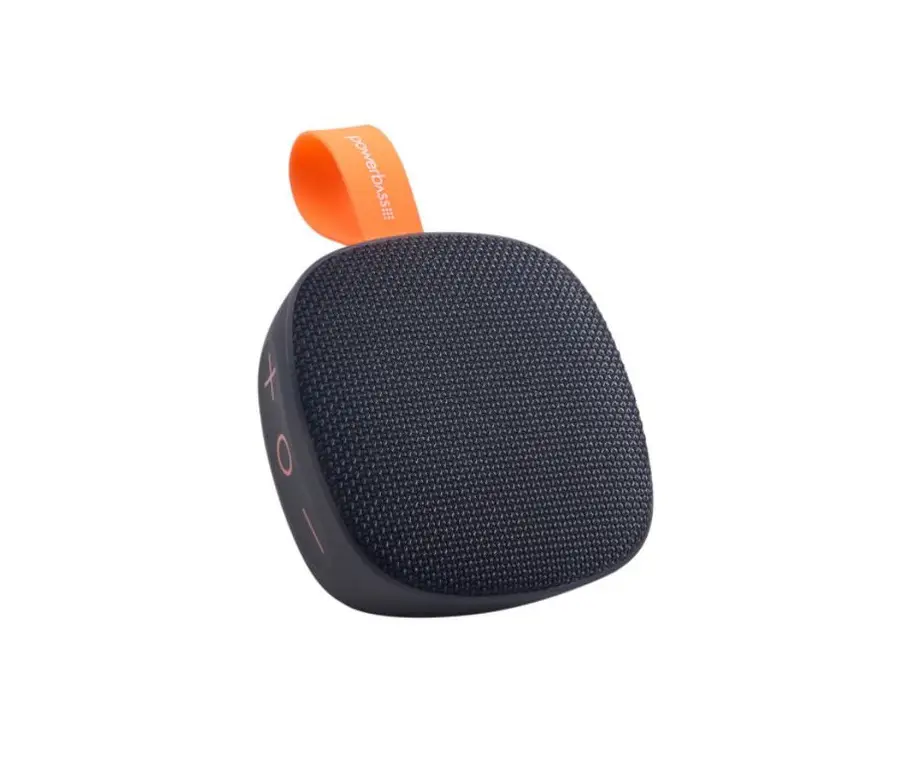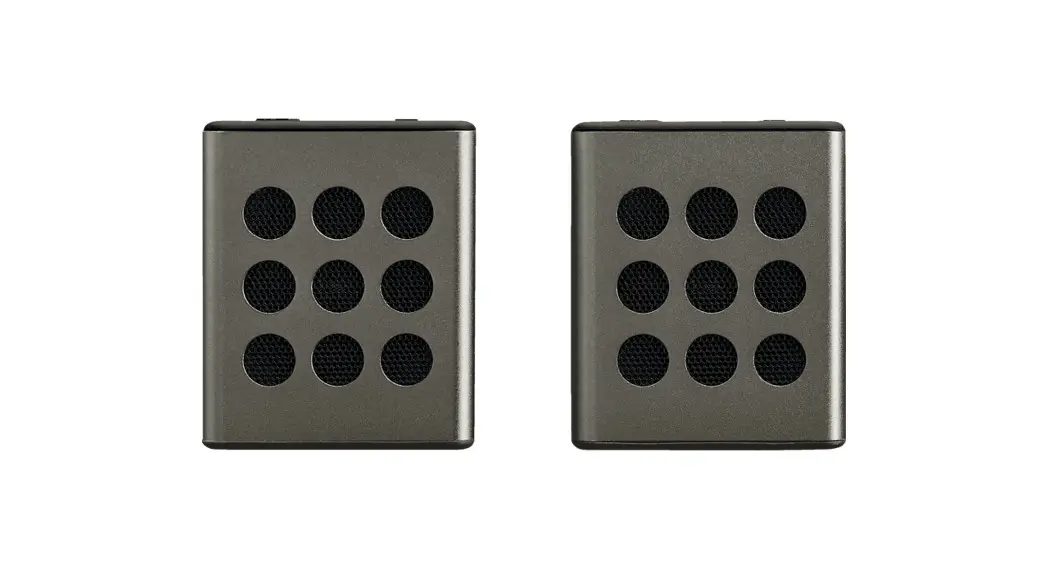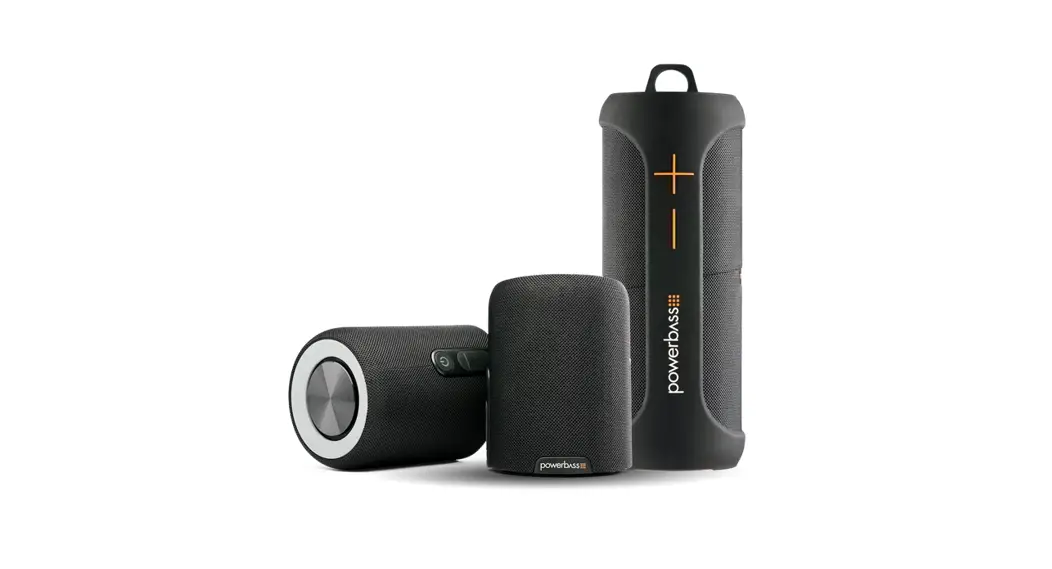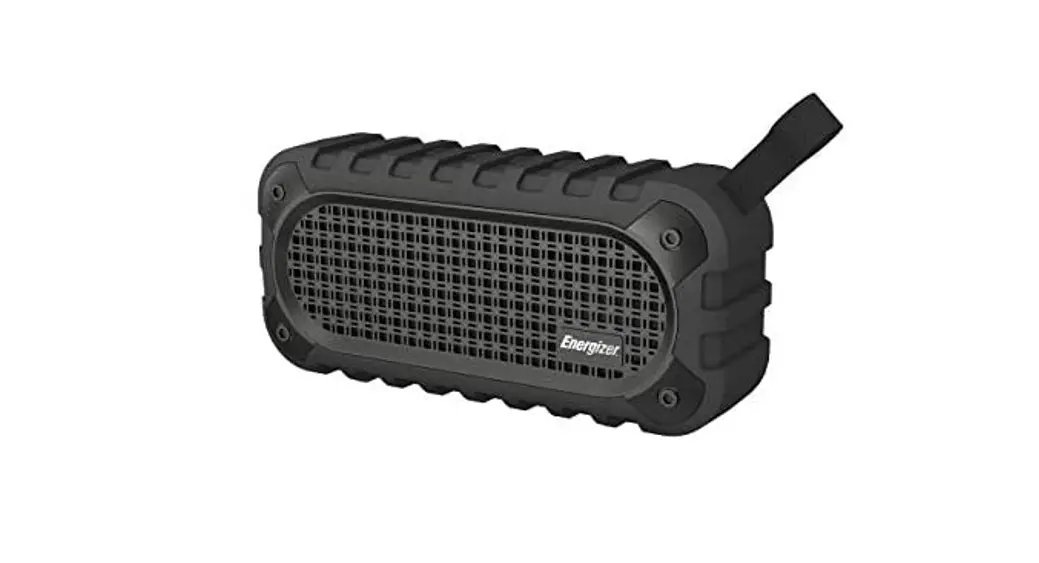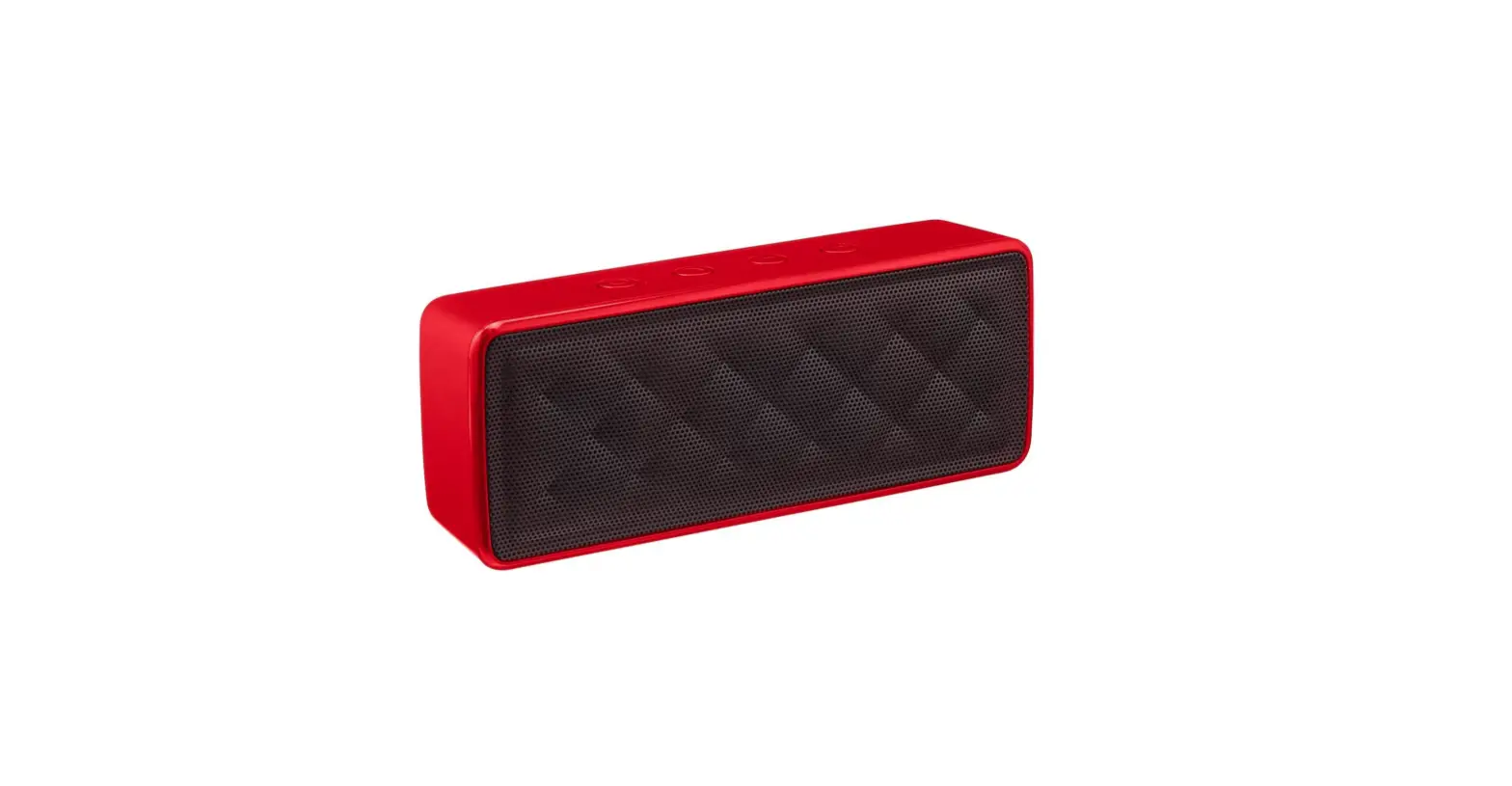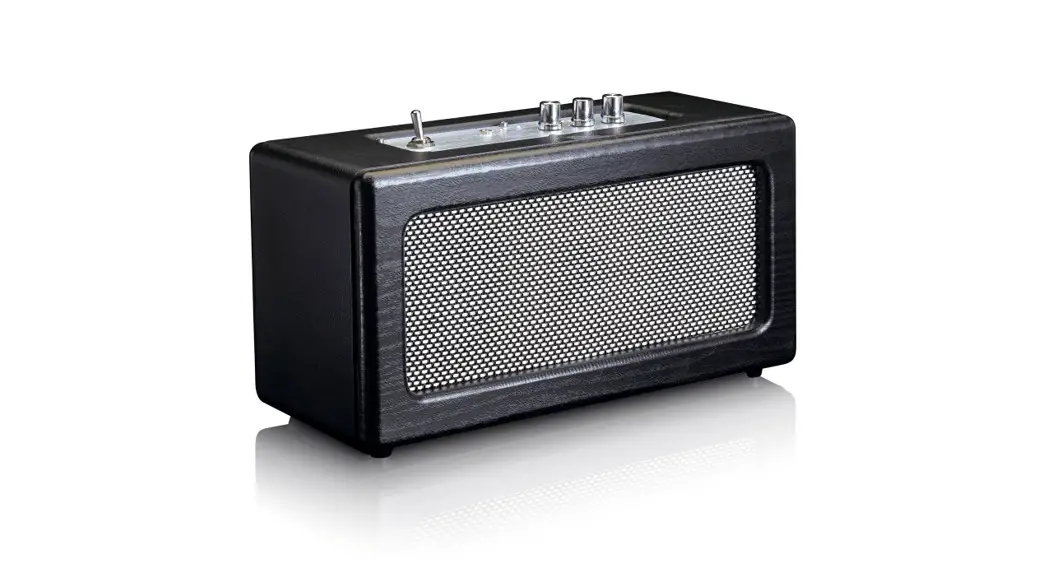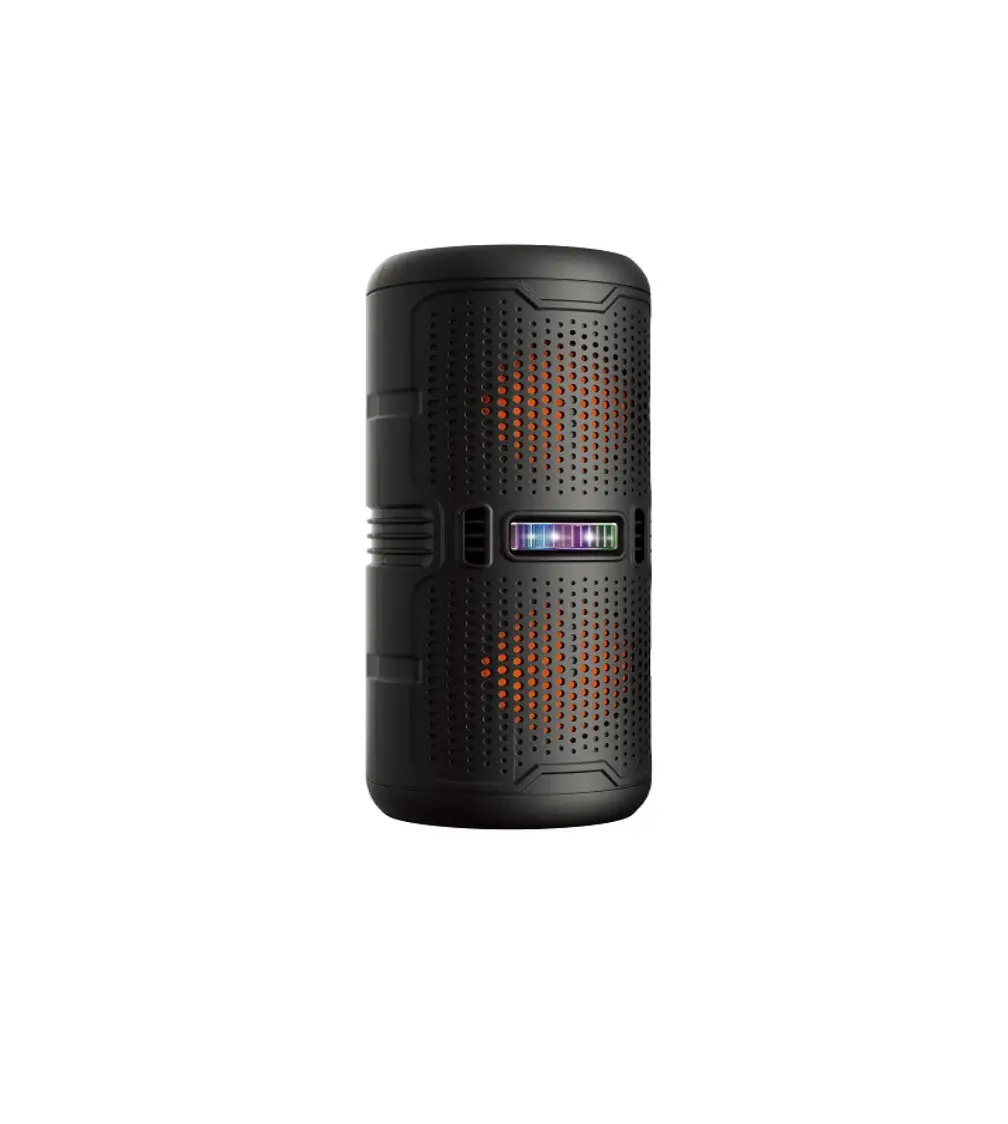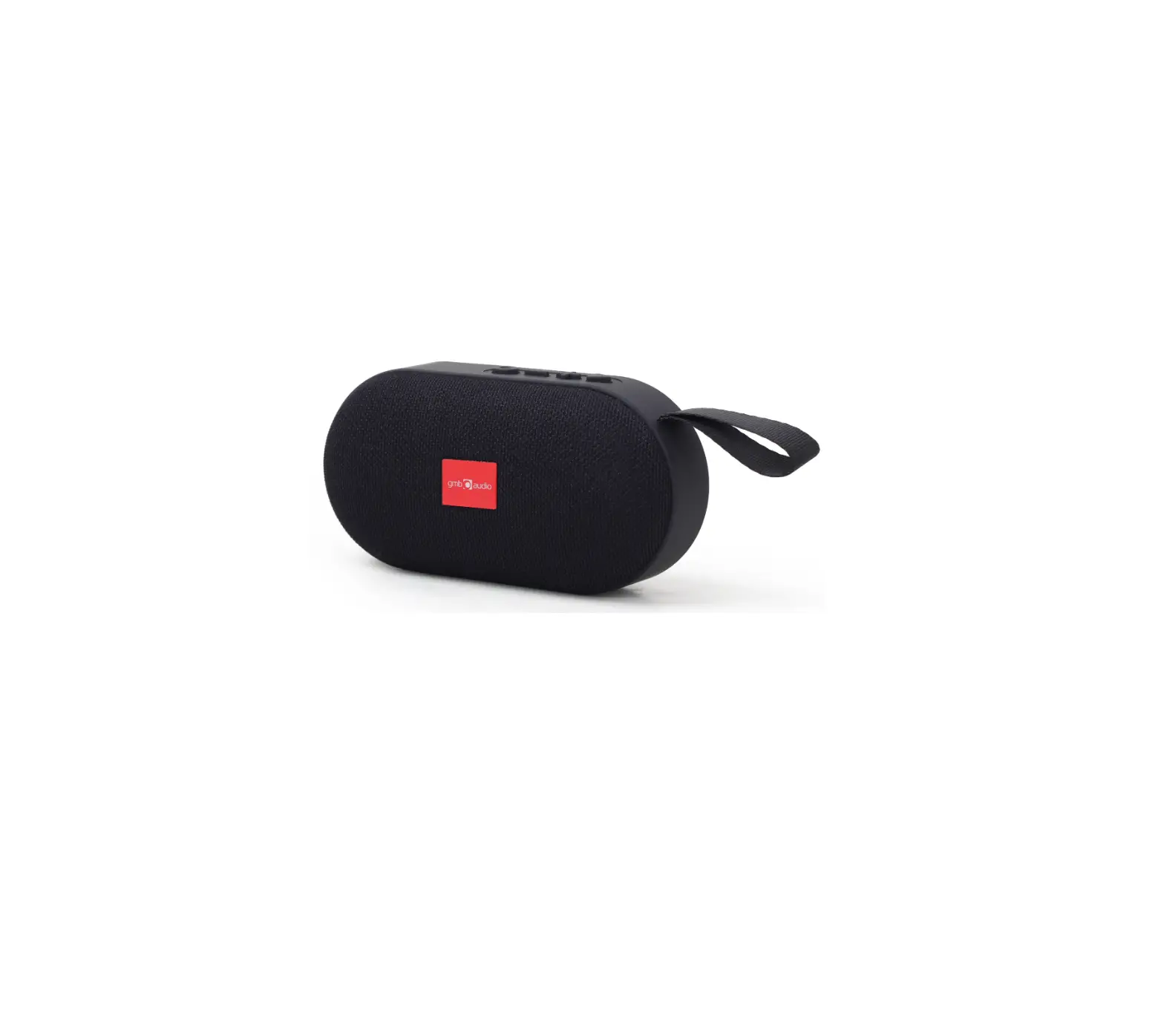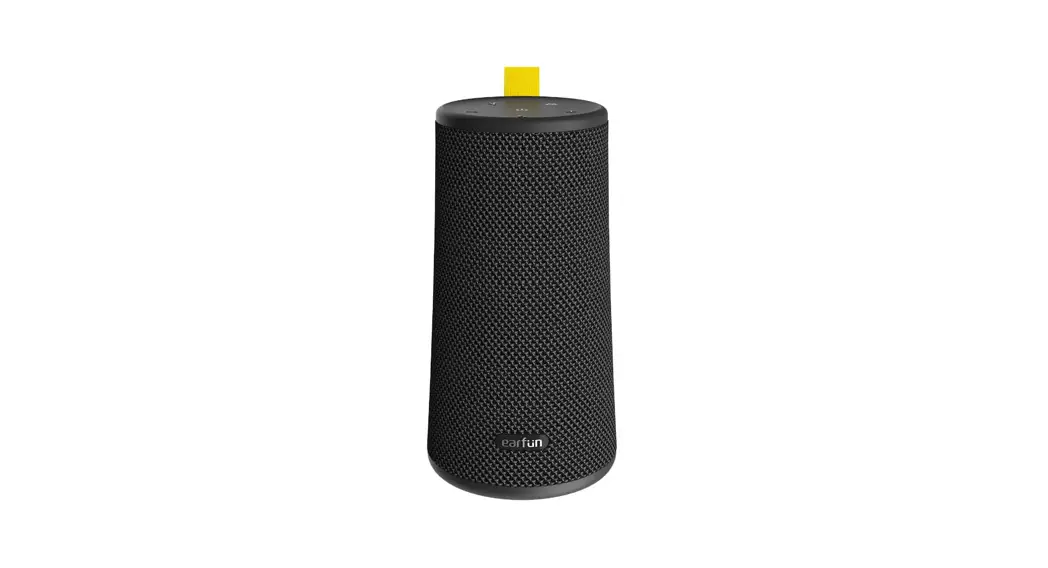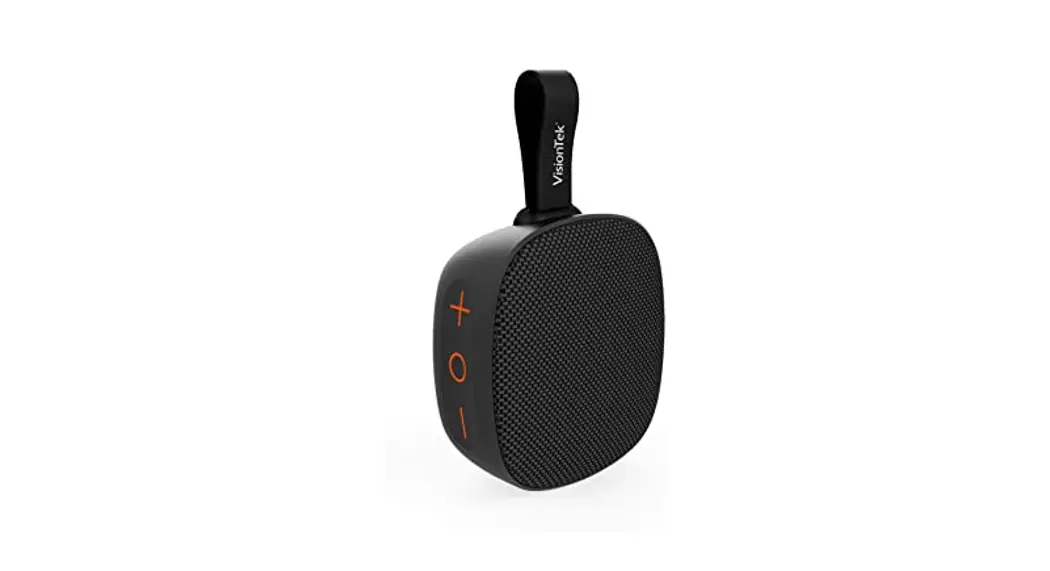
 BT-50 Sound Cube
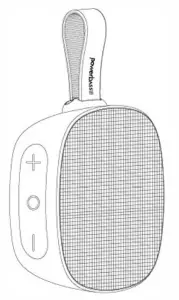 User’s Manual
Step 1 – Power On Bluetooth Connection
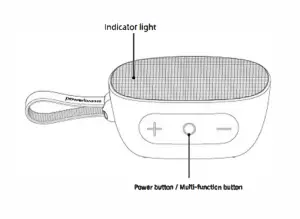
Long-press the  button for 2 seconds, you will hear the prompt tone of power on. The blue LED indicator light will flash quickly and enter into the Bluetooth pairing status
Step 2 – Phone Bluetooth Choose Device
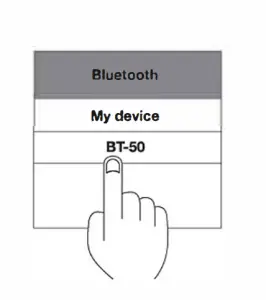
Find “BT-50” in your Bluetooth list and select it.
Step 3 – Pairing Success Bluetooth Indicator
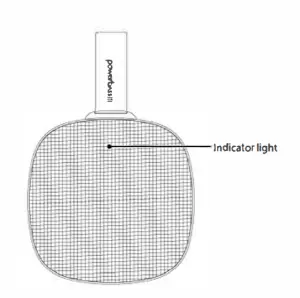
The LED indicator remains blue once the pairing is done, music may be played afterwards.
TWS Function
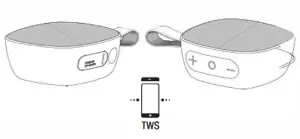
- Power both BT-50 SoundCubes on.
- On one of the BT-50 SoundCubes SHORT PRESS the
 buttons at the same time. They will enter into TWS Pairing mode accompanied by a sound notification.
 - After 1-2 seconds the two SoundCubes will pair automatically followed by another audible notification when they are connected successfully.
- Open the Bluetooth Devices Settings on your Bluetooth source menu and select ‘BT-50’
Disconnect: SHORT PRESS  to disconnect TWS.
NOTE: For TWS pairing, please let the two speakers finish connecting to each other prior to enabling the Bluetooth source.
NOTE: TWS only works in Bluetooth mode
Basic Operation

POWER BUTTON/MULTI-RJNCTION BUTTON
Power on/off: Long press for 2 seconds
Answer/end call: Short Press
ReJect call: Press twice
Resume/pause music: Short Press
Disconnect Bluetooth: Press 2x to disconnect Bluetooth.VOLUME BUTTONS
Volume increase: Short press
Volume decrease: Short press 
Next track: Long press in Bluetooth or TF Card Mode
Previous track: Long press in Bluetooth or TF Card Mode
Next FM Station: Long press in FM Mode
Previous FM Station: Long press in FM Card Mode MODE BUTTON
Switdl between Bluetooth/SD/FM: Short press
Search FM Radio stations: Long press
OPERATING THE FM RJNCTION
Swivel to FM Mode: Short press A prompt tone with following.
Search FM Stations: Long press to start searching for a station.
Switdl FM Stations: Long press or switch.
Interface Instructions
| POWER ON | When powered on the blue indicator will flash quickly. |
| BLUETOOTH MODE | Blue indicator tight turns on when Bluetooth connects successfully. The blue indicator light will flash quickly when the Bluetooth signal is out of range. After 10 minutes the unit will turn off automatically. |
| Micro SD CARD MODE | Insert Micro SD card, the blue indicator light will flash slowly during playback; the blue indicator will remain solid when pausing music. |
| FM MODE | The blue indicator light will flash quickly during channel searching. The blue indicator light will flash slowly during radio playback. The blue indicator light will remain solid when paused. |
| CHARGING MODE | The red indicator light will remain solid while charging. the red indicator light will be off when charging is done. |
| LOW BATTERY | You will hear an alert tone, LED indicator solid Blue. |
BT-50 Specifications
| Product Name: | BT-50 Sound Cube |
| Bluetooth Version: | 5.0 |
| Battery Capacity: | 1200mAh |
| Play Time: | 4–6 hours (70% volume) |
| Charging Time: | 2-3 hours |
| Driver Units: | 5W/4Ω |
| Charging Current: | 5V / 0.5A |
| Product Dimensions: | 144 x 95 x 46mm |
| Product Weight: | 210g |
NOTES:
- Please read this manual carefully before use.
- Upon using the speaker for the first time, please fully charge the unit.
- Please use the included certified adapter which has passed national safety certifications.
- Please charge the speaker at least once a month to maintain battery performance.
- Using this speaker in an extremely cold or hot environment (beyond the range of 104’F to -20-F) may trigger the auto tum off to protect the internal circuit
- Charging this speaker in a high-temperature environment may trigger the auto tum off for charging to protect the battery. The Power
The indicator will flash quickly to indicate that the charging environmental temperature or the product internal temperature is too high. - Recommended ambient storage temperature: -20’F-95’F RH <70% (recommended 77″C ,!:5′ ).
FAQ
Q: What kind of charger should we use fur the speaker?
A: While all common micro USB chargers can Ile used, we suggest S>//2A or above 2A.
Q: What ff there Is noise or discontinuous sound during playback?
A: Normal range of the Bluetooth speaker is 30ft with a clear unobstructed path.
Please check if the speaker is within range with a clear path.
Q: Why did the speaker power off lll1omallcally without the Bluetooth disconnecting?
A: ff the speaker is not paired for longer than t Omin, It will automatically tum off.
Q: Why does the speaker not connect to the once-paired phone or device?
A: Remove BT-50 from your Bluetooth Device List then restart pairing (pg 1-3).
Q: What Is the start-up .- of the speaker?
A: IJefru.lt mood is Bluetooth mode but if a Micro US8 is inserted, It will Ile in Micro USB mode.
Q: Why will the speaker not power up?
A: Plug in the charger and retry in a few minutes or try to long-press the power button for 10-30 seconds to force resel
IMPORTANT SAFETY INSTRUCTIONS:
- Oo not personally disassemble or repair this speaker, otherwise, It may cause product damage or personal injLI}’
- Oo does not use the Sjleaker in dusty, humid, av, or high-temperature environment
- Oo does not place this speaker near a heat source, in direct sunlight, in a dusty area, or on a vibrating surface.
- In order to reduce the risk of fire, please do not cover this speaker while in use (news)apers, tablecloths, curtains, etc.,).
- 1l1is speaker is rated IPX7, please do not exceed the nominal parameters (submerged …, to 1 meter of water for 30 minutes).
- When any part of the product is damaged, such as the power cool, f)lug, liquid entering into or an object falling onto the device, an<I is unable to operate normally or fails, It must be repaired.
- When the product is fully charged, do not keep the charger connected for a long period of time.
- l1e maximum ambient temperature should not exceed 140″F.
‘This Sjleaker supports mobile phones and tablet PCs etc.
 Made in China