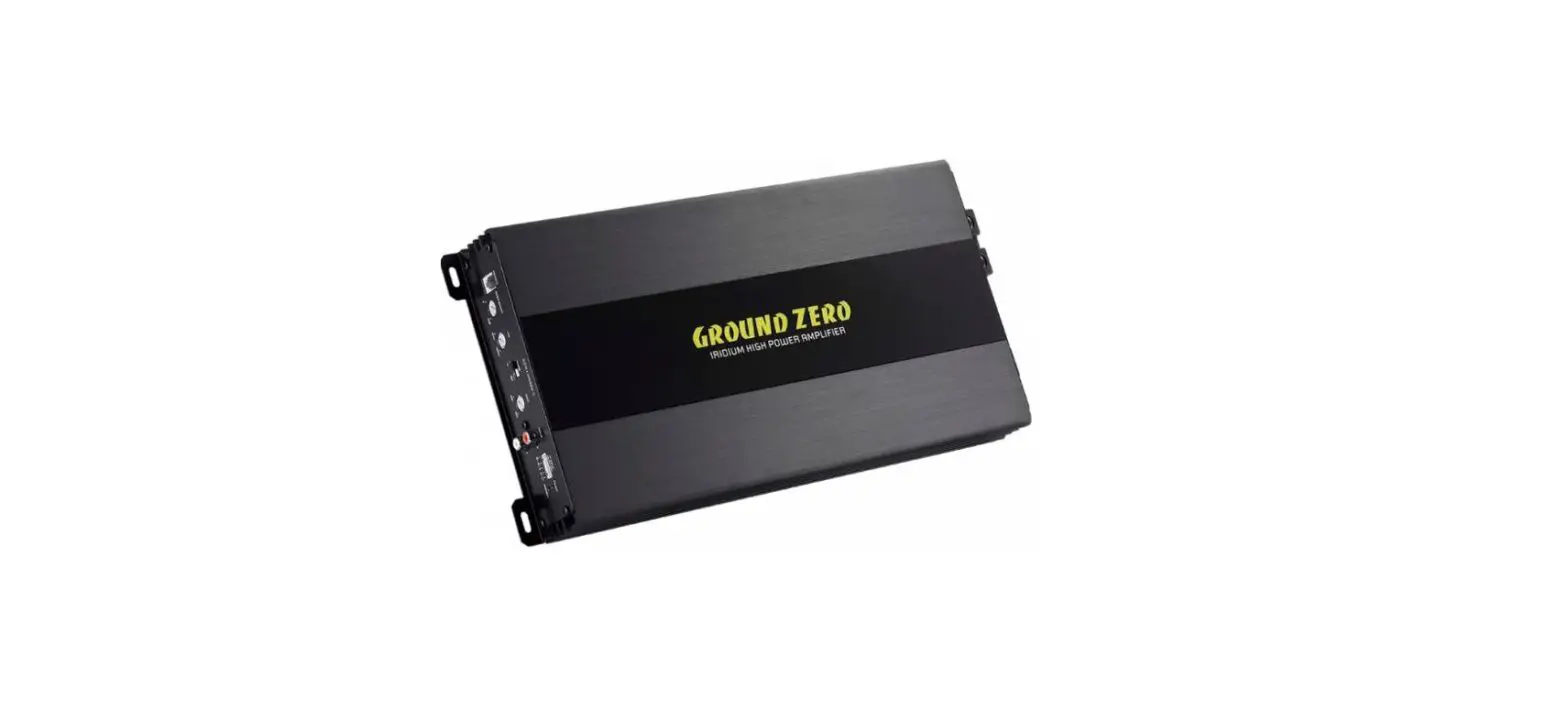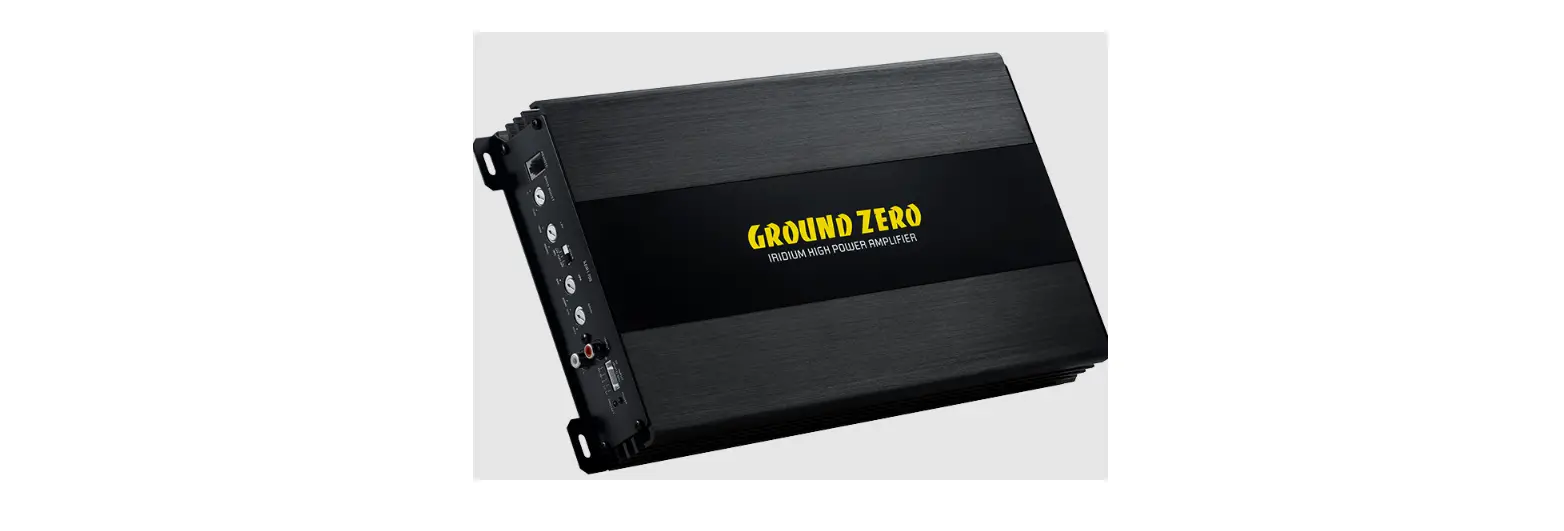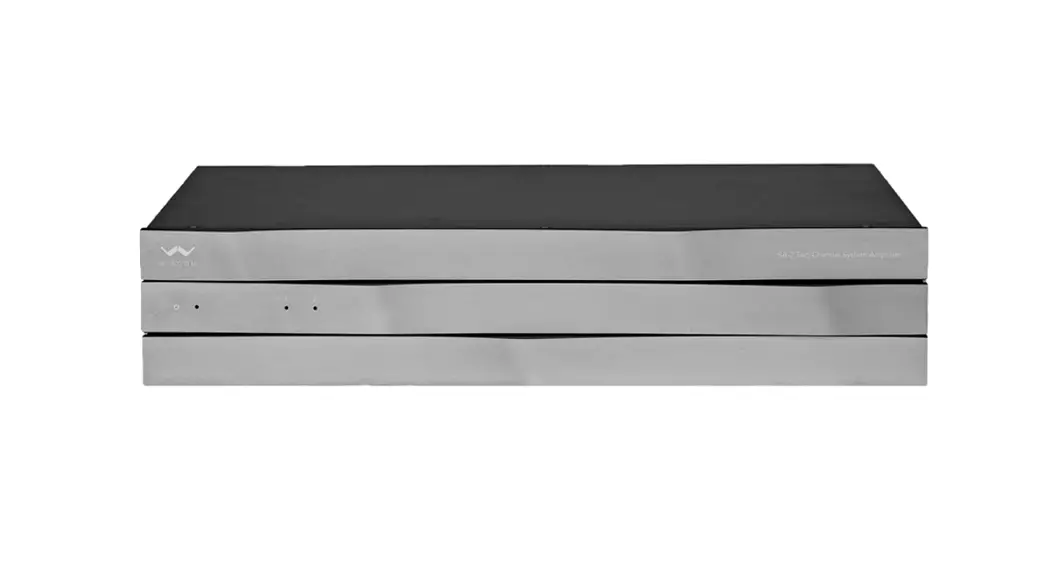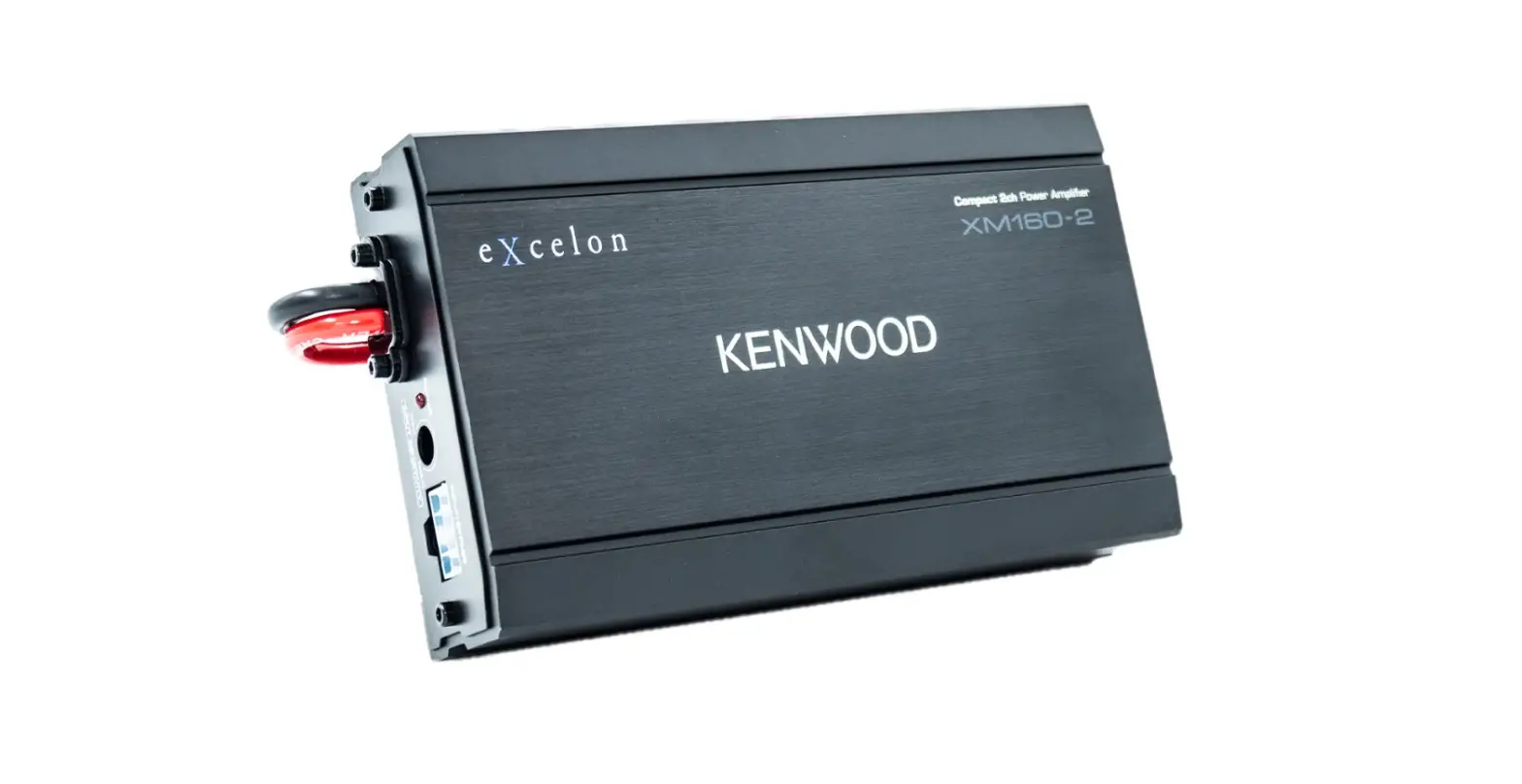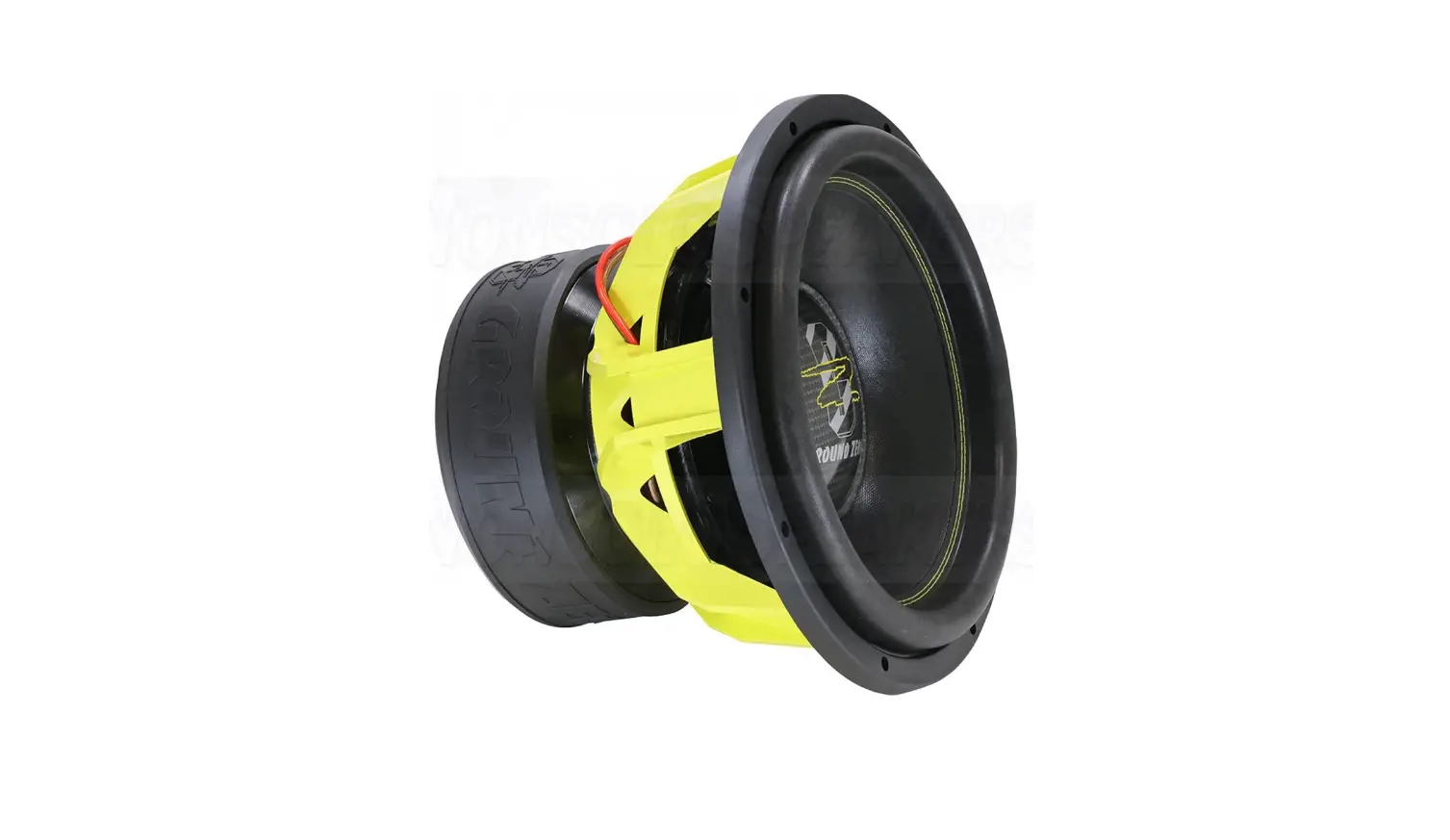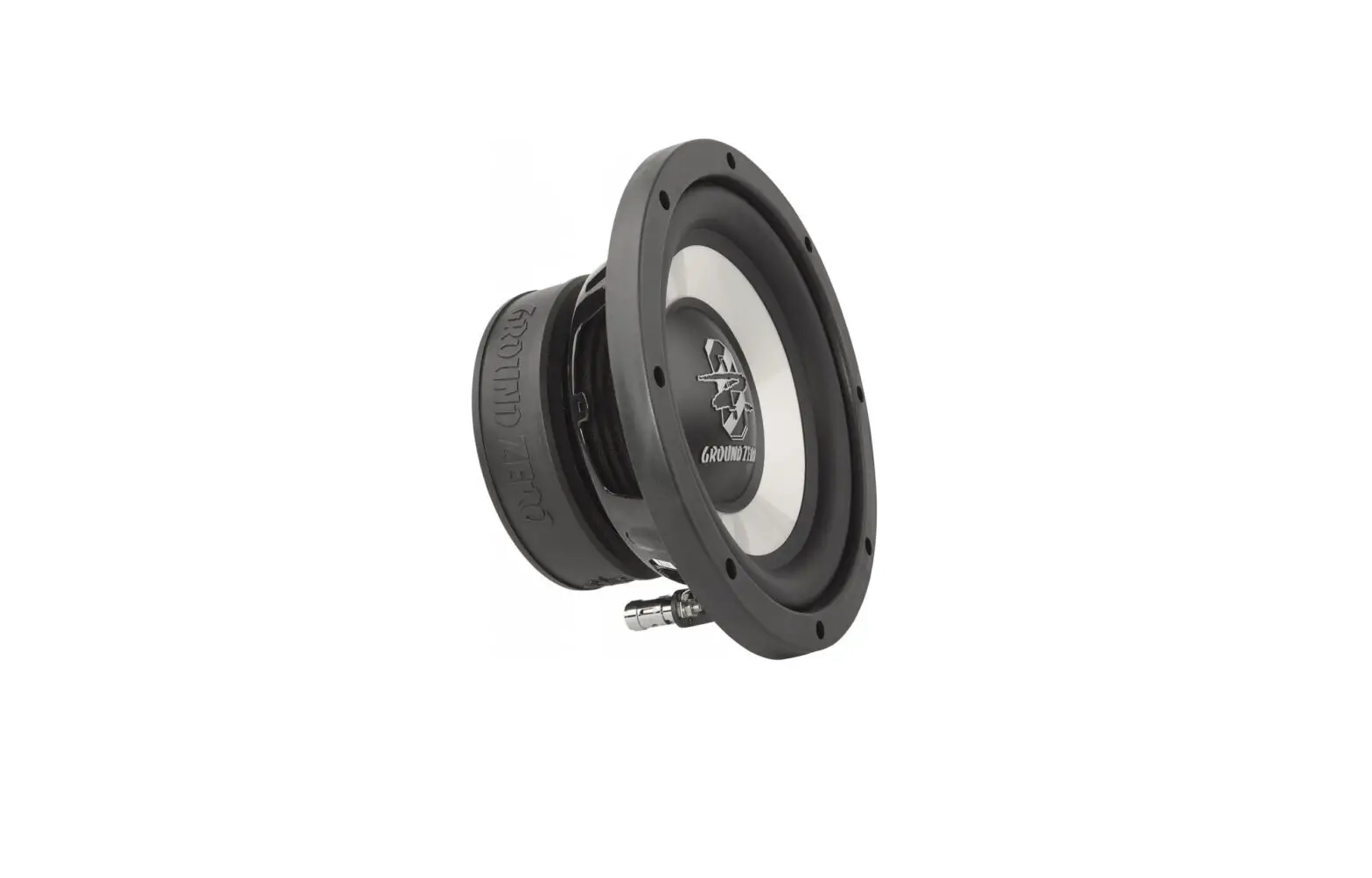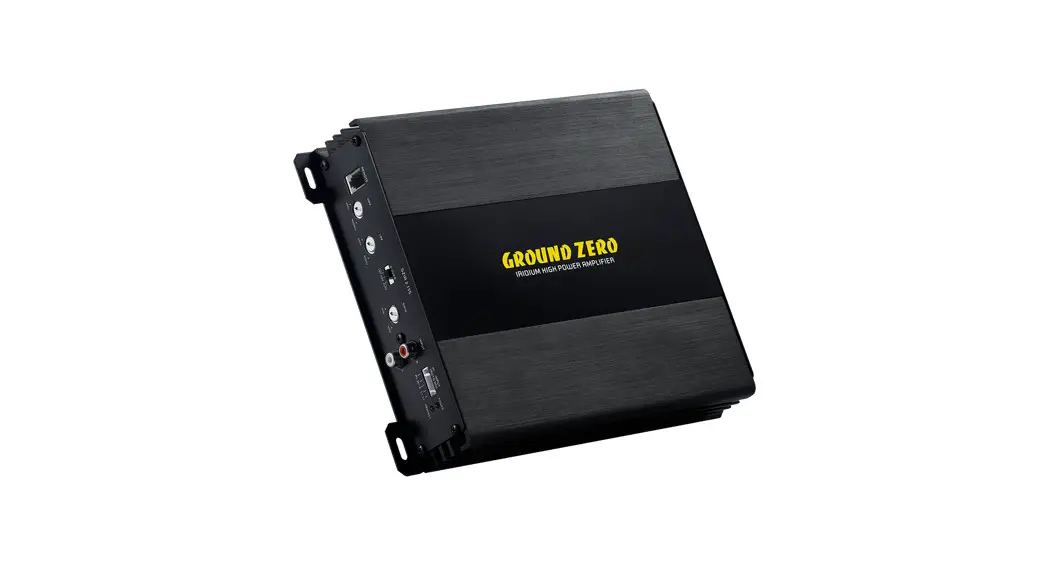
 2-KANAL VERSTÄRKER
GZIA 2.135
Owner´s Manual
IRIDIUM SERIES
Features
|
|
Mounting instructions
- As a precaution, it is recommended to disconnect the vehicle’s battery before mounting the amplifier.
Note: For new vehicles, disconnecting the battery might cause various errors in your vehicle´s electric system that can be cleared only by authorized service partners of your vehicle´s manufacturer! Please ask your service partner first before disconnecting the battery! - The power supply wire (+12 V) has to be protected within max. 20 cm / 8″ by the main fuse holder with a fuse value matching the recommendation for your amplifier
Note: If there is more than one amplifier connected using this power wire, the main fuse value must be equal to the sum of the recommended fuses of all connected devices.
However, make sure the diameter of your power wire will be enough for the required current! - If necessary, replace a defective fuse with a fuse of identical quality and value
- Never drill holes to the vehicle´s gas tank, brake lines, wirings, or any other important vehicle parts!
- Never pass wires over sharp edges or vehicle parts due avoid any kind of damage
- Keep the wiring away from the antenna and electronic devices contributing to radio reception
- Lay the power supply wiring always separated from speaker wiring to avoid disturbance
- The amplifier contains a temperature protection circuit that turns the device off in case of overheating.
After a certain cooling time, it will turn on automatically. To avoid heat build-up, enough air supply for cooling must be provided. Never cover the surface of the amplifier´s heatsink entirely - The amplifier should NEVER be mounted onto a vibrating part or surface such as a subwoofer enclosure. This might lead to malfunction due to loosened electrical parts inside the amplifier.
- Some amplifiers offer a high-level input option, however, if a pre-amplified output (RCA) is available (at the head unit), it is strongly recommended to make use of them.
Terms of warranty
The limited warranty for this product is covered by GROUND ZERO´s regional distribution partners and their terms and conditions. For further information contact your local retailer or distributor.
Recommended wiring
| Speaker wires | min 1.5 mm² / 15 AWG |
| Power supply wires | min 10 mm² / 8 AWG |
GROUND ZERO products are engineered in Germany

GROUND ZERO – international sponsor

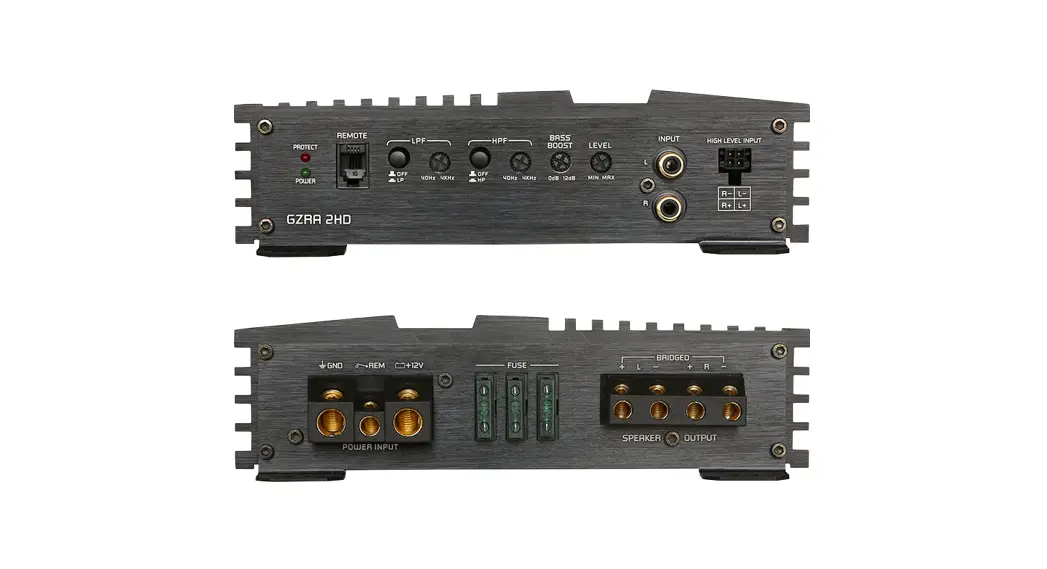
Controls & Features
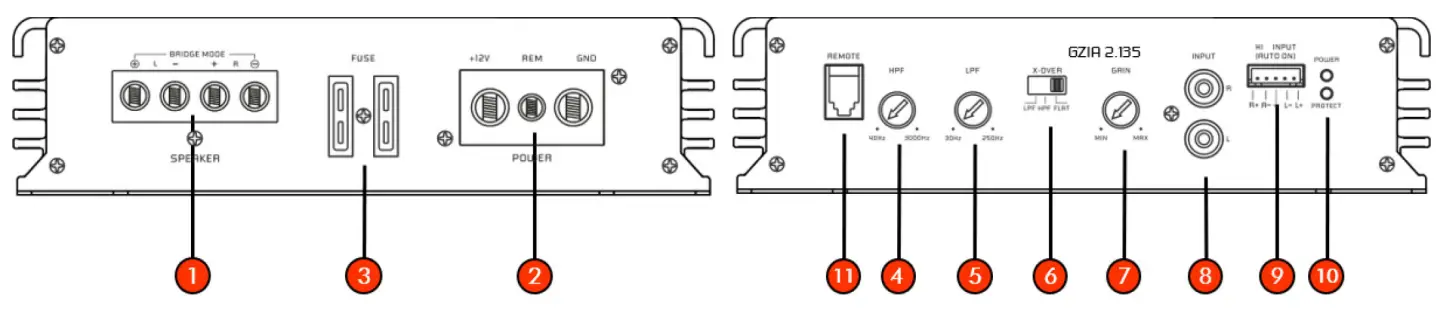
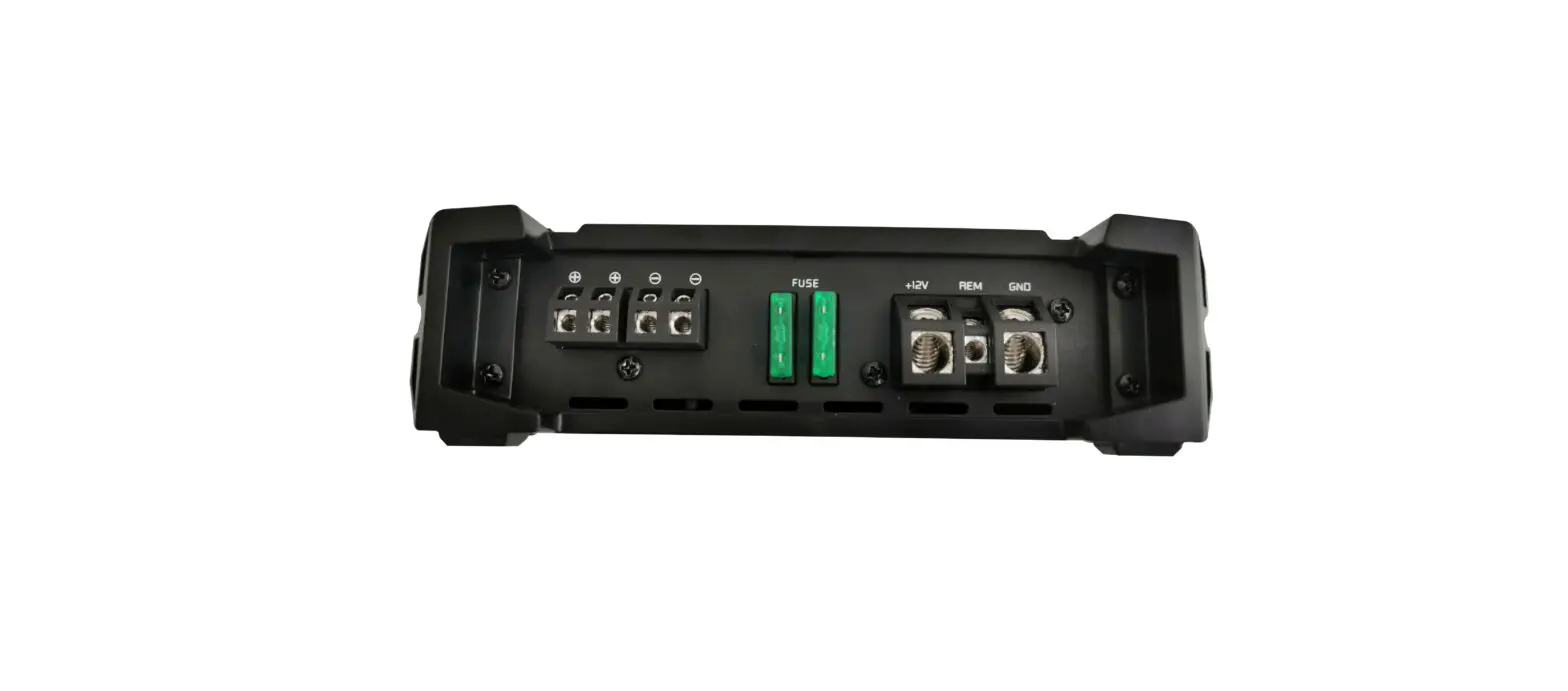
| 1 | Speaker terminal | Tom conned the speaker wires Min. load in stereo mode: 2 ohms/channel Min. load in bridged mode: 4 ohms |
| 2 | Power terminal | + 12V: To be connected to the positive terminal of the battery REM: To be connected to the remote output of the head unit*(*not required in high-level mode) GND: To be connected to the vehicle’s ground (or &alit to the negative terminal of the battery) |
| 3 | Fuse(s) | If necessary to replace a defective fuse, it’s strongly recommended to use a fuse with the identical value |
| 4 | High pass filter | To adjust the required crossover point. Frequencies below the selected crossover point will be filtered (40 Hz to 3000 Hz) |
| 5 | Low pass filter | To adjust the required crossover point. Frequencies above the selected crossover point will be filtered (30 Hz to 250 Hz) |
| 6 | Mode switch | To set up the crossover for the required use of the amplifier FLAT: entire frequency range will be reproduced HPF: only mid/high frequencies will be reproduced LPF: only low frequencies will be reproduced |
| 7 | Sensitivity control | Controller to adjust the input sensitivity |
| 8 | Line input (RCA) | Input sockets to conned RCA wires Important note: High-level and RCA inputs should never be used simultaneously! This may cause serious damage to the amplifier |
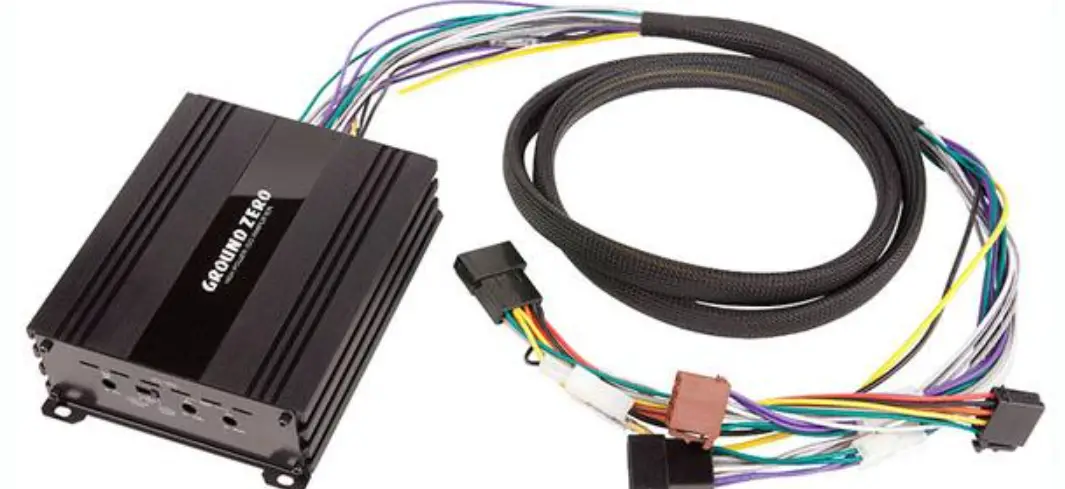
| 9 | High-level input | Head units without RCA pre-amplifier output signal can be connected using the high-level input to conned the speaker output of the head unit directly. If used, the amplifier turns on automatically (auto-on feature) The remote input of the power supply terminal remains unused Important note: High-level and RCA inputs should never be used simultaneously! This may cause serious damage to the amplifier |
| 10 | Status indication | POWER (green) ok (correct operation) PROTECT (red) error (protection mode) |
| 11 | Remote wire socket | Tom conned the optionally available boss level remote control |
Specifications
| Model | GZIA 2.135 |
| Amplifier type | 2 channel class AB |
| RMS Power @ 4 n CEAStandard CEi42006-A | 2x 85 W (I% il-D+Nlj |
| RMS Power @ 2 n CEAStanchrd CEA-2006-A | 2x 135 W (1%THD+14) |
| RMS Power @ 4 Din bridged mode CEASt:Mold CEA-2006-A | 260 W (1%THD+14) 300 W [1016THD+N) |
| Low pass filter | 30 FE — 250 Hz (12 dB/oct) |
| High pass filter | 40 Hz — 30001-12 (12 d8foc1) |
| Frequency response | 10 tit – 30 kHz (± 3 dB) |
| Signal to noise ratio (SNR) | > 99 d8 |
| Total harmonic distortion (THD+N) | < 0.02% |
| Damping factor | > 150 |
| Input sensitivity | 200 mV— 6 V |
| Fuse(s) | 2x 15A |
| Dimensions WxHxD (heatsink/overall) | 192 x 49 x 214/242 mm |
| Dimensions WxHxD (heatsink/overall) | 7.56 x 1.93 x 8.43/9.53′ |
Troubleshooting guide
Symptoms | Check/ Cause | Action |
| No audible sound | Does the POW lead turn green? | Check protection fuse(s) of the amplifier (harness) Check remote wire connection (RCA input mode) Check +12 Volt power supply wire connection Check ground wire connection |
| Did the PROTECT lead turn to red? | Check for speaker shod or amplifier overheating | |
| The device does not turn on | The power supply of the amplifier? | Check per wire or connections |
| Remote wire-powered? (RCA input mode | Check remote wire connection to the head unit | |
| No sound on one channel | Is Speaker wiring undamaged? | Check for short circuit or open connections |
| The input signal on each RCA lead? | Reverse left and right RCA inputs to check the audio input signal | |
| The device turns off at medium / high volume | Load impedance of each speaker correct? | Check if each speaker load impedance matches the technical specifications of the amplifier |
| Status LED turned on red | Temperature protection circuit active | Decrease head unit’s volume /wait for cooling |
| Speaker wires short / speaker damaged | Check speaker /wires and insulate if necessary |

 http://www.ground-zero-audio.com
Ground Zero GmbH
Erlenweg 25, 85658 Egmating, Germany
Tel. +49 (0)8095/873 830 Fax -8310
www.ground-zero-audio.com
 Ground Zero Audio – Car Audio Products