
Alexa Voice Car Kit User Manual
BTAAX100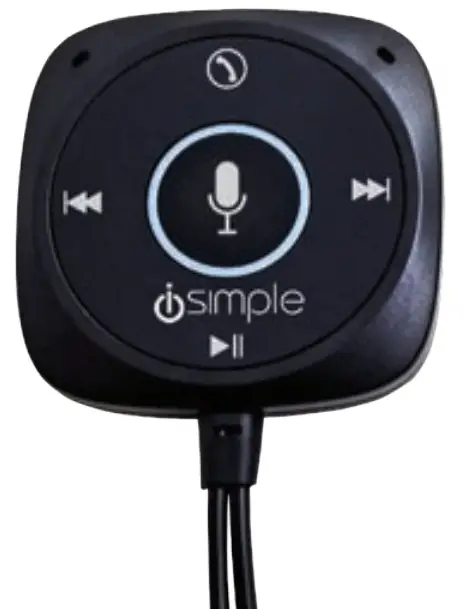
ABOUT THIS PRODUCT
Let Alexa make your driving experience easier and safer, activate media streaming, navigation, calls, charging and more!
Features
- Charge your phone and access Alexa
- Amazon Alexa Enabled with Android and iOS app
- Hands-free calling & clear call audio via your vehicle’s speakers
- Media streaming (from your device through your vehicle’s speakers)
- Simple control of calls and streaming using Alexa commands
- Easy to use on-module buttons to track forward and back (non-invasive LED lit so easily accessible at night)
- USB Output: DC5V 2.4A (Max)
- Includes a compact magnetic dash to mount the Alexa device for easy access
- Connect to your car’s audio system via Bluetooth, AUX, or FM modulation
Did You Know: With BTAAX100 from iSimple you can now connect your home to your car using your Alexa app. Add this device to your Amazon Alexa device list!
Warning Against Distracted Driving
Distracted driving can be dangerous and result in serious injury, death, or property damage. Always pay full attention to the road. Do not allow interactions with this device or Alexa to distract you while driving. You are solely responsible for safely operating your vehicle and complying with all applicable laws regarding the use of electronic devices while driving. Always observe posted road signs, traffic laws, and road conditions.
Do not access the Alexa or iSimple Connected Car Apps while driving. Do not set up, mount, or adjust the mounting of your iSimple BTAAX100 while driving. Follow the mounting instructions in this manual to mount your BTAAX100 only while the vehicle is parked in a safe place.
BOX CONTENTS
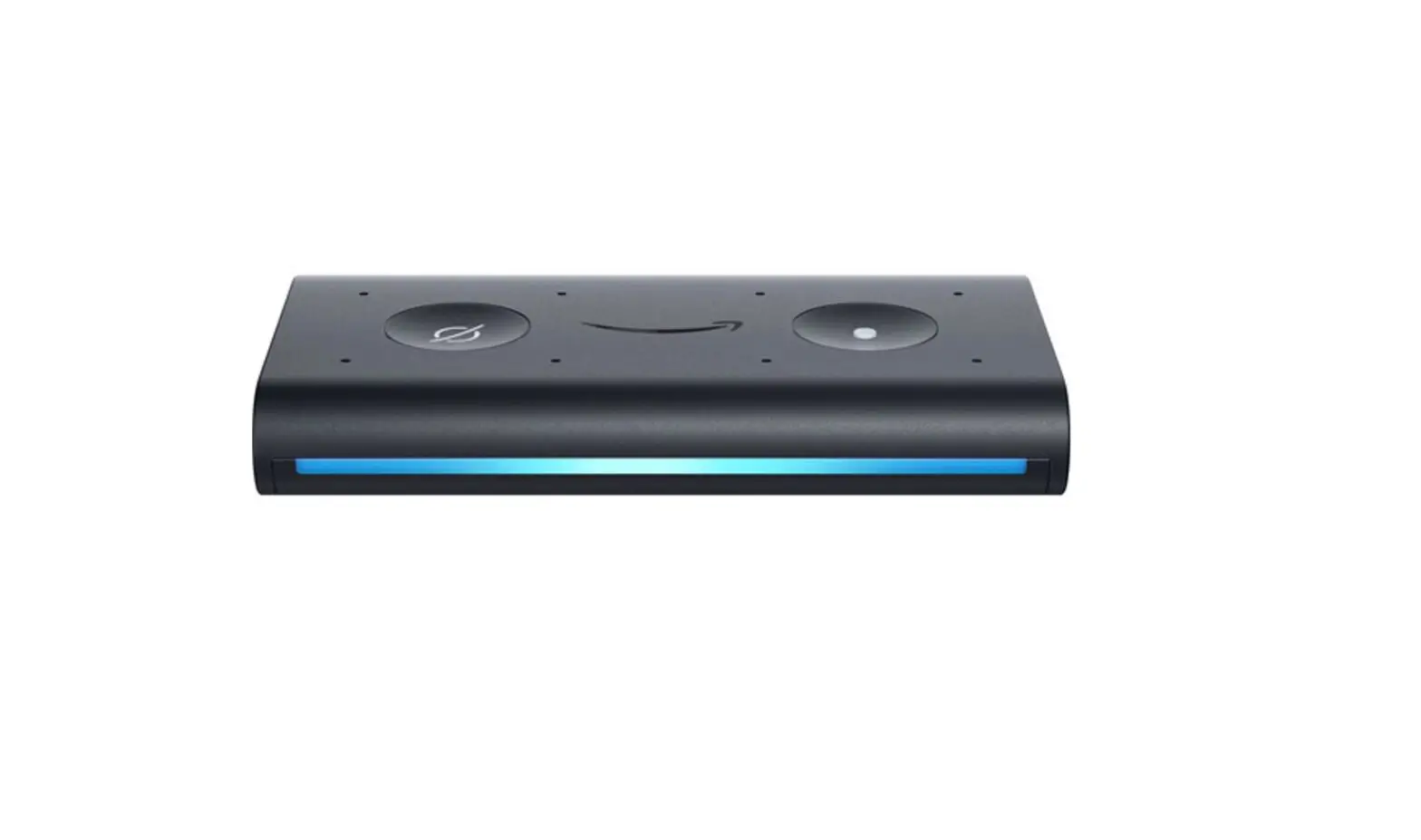
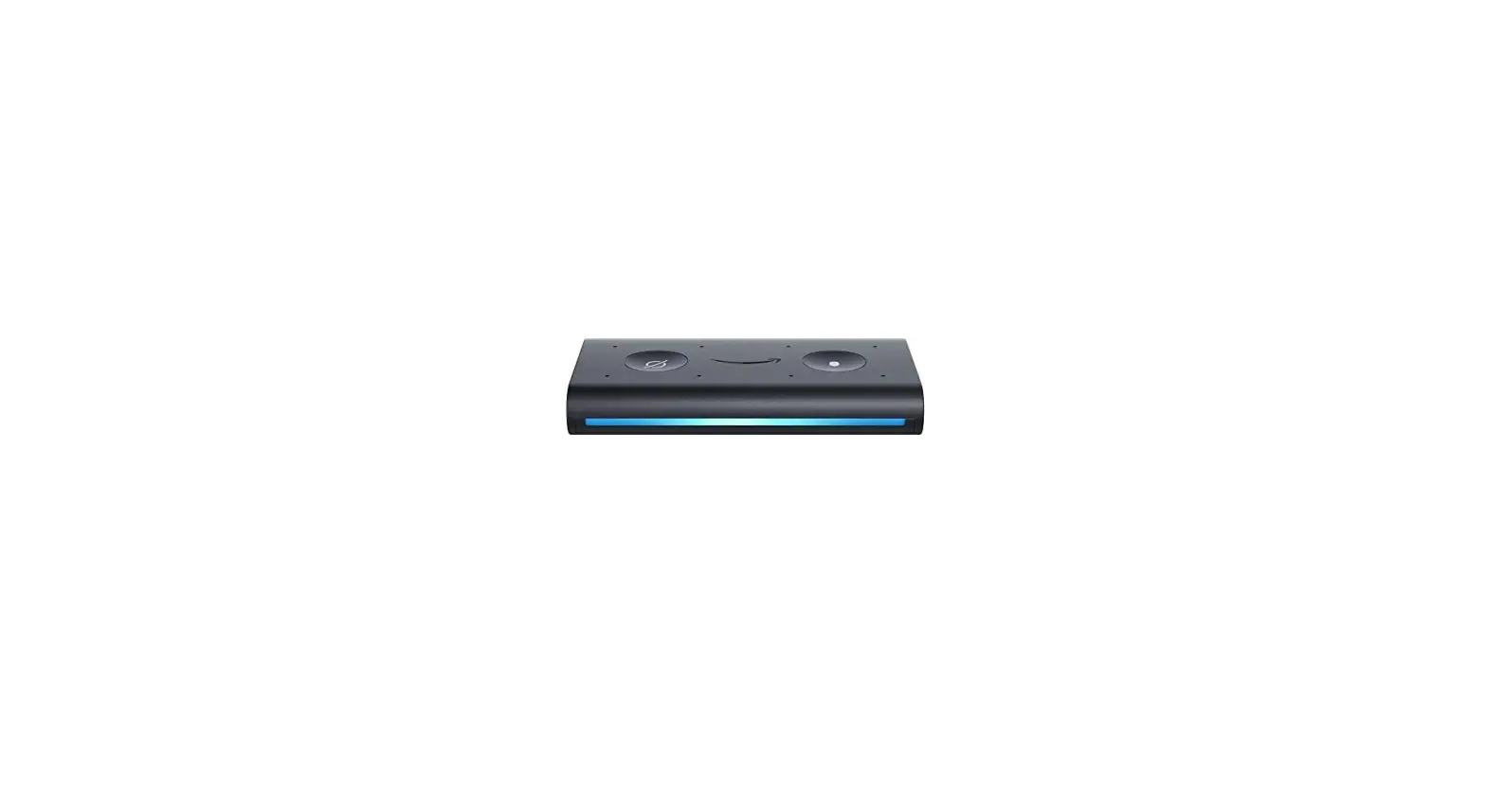
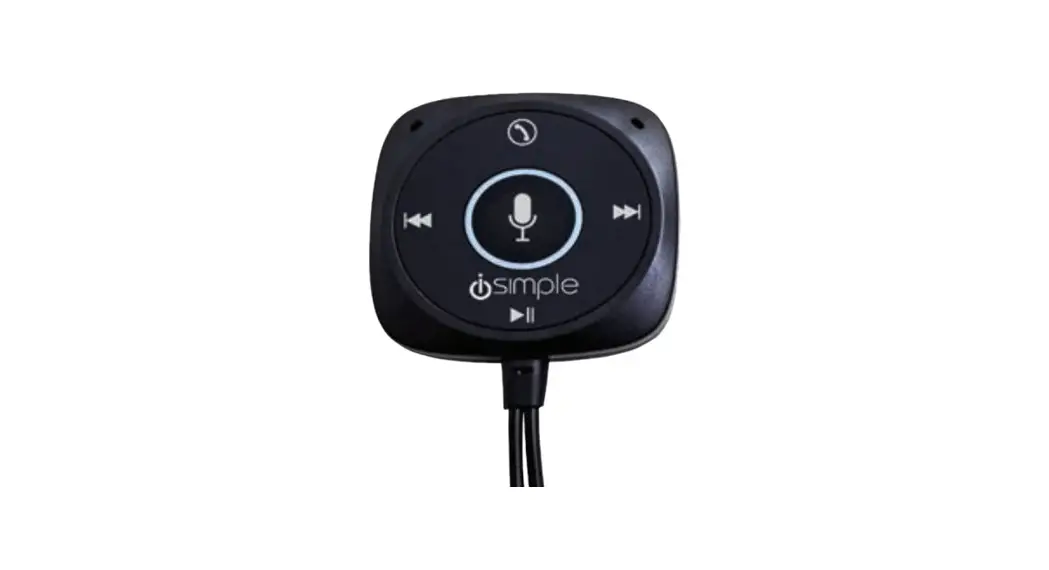
Be careful when removing all items from the packaging tray. Take care not to tug or pull on cables.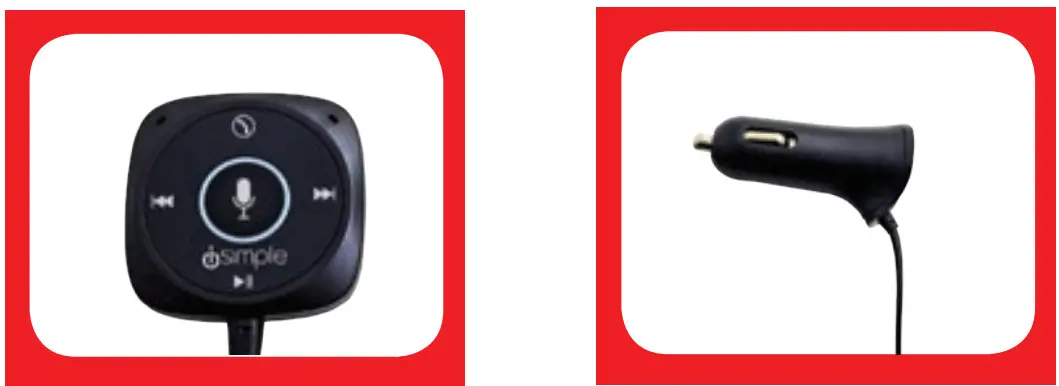 Alexa Control Hub (A) Mount onto your dash
12V Power Adapter (B) Plugs into your car’s 12V socket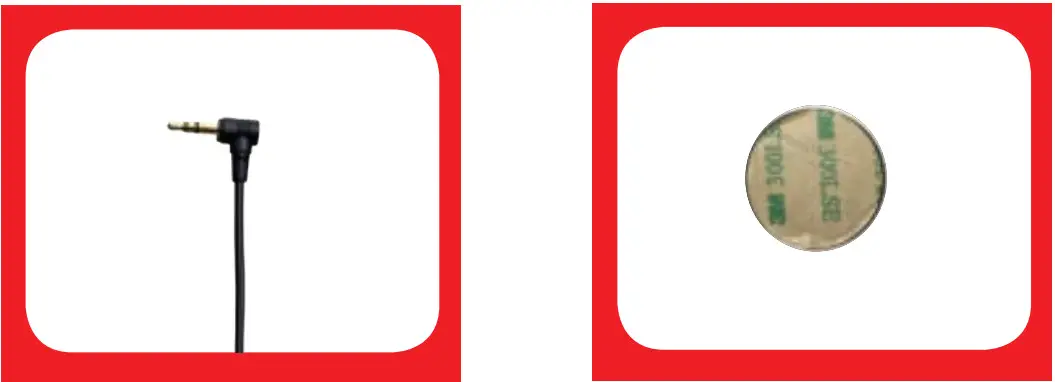 3.5mm AUX Jack (Ç) (optional)
Plugs into your car’s AUX port if you are connecting via AUX
Magnetic Mount (D)
Adheres to your vehicle’s dash
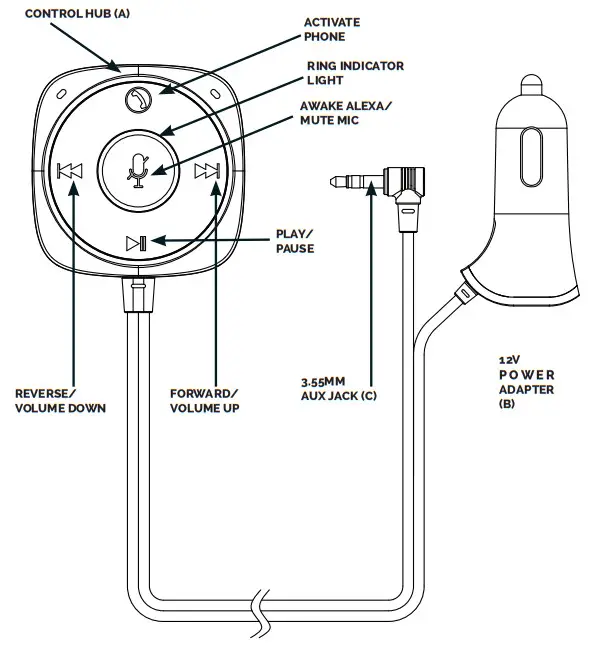
CONTROL HUB DIAGRAM
iSimple knows that your car dash might look different than this illustration. Placement of product will vary per year/make/model of your vehicle.
MOUNTING SETUP
Make sure the dash is clean, free of coatings, oil, and debris, and peel off the backing of the sticker. Apply magnet mount (D) in an area that is easily accessible to the driver. Control hub (A) will magnetically attach to the dash-mounted magnet.
CONTROL HUB FUNCTIONS
| Button | Function |
 | Press to activate / mute Alexa, or use voice control |
 | Press once to answer/ end the call Quickly press twice to reject the call Double press when not on a call will dial the last number When connected to a call, Double Press and hold switches call to phone |
 | Press once to Play / Pause Media |
 | Single press to advance track, press and hold will increase volume |
 | Single press to restart current track or go to previous track Press and hold will decrease volume |
LED DISPLAY FUNCTIONS
| STATUS | LED INDICATORS |
| Power on | Ring will light up blue for 5 seconds and then flash, to indicate paring mode |
| Connection | The Ring will light up solid blue to indicate that the device is connected to your phone and then go out as the connection is established |
| Not Connected | The Ring will flash red |
| Listening | The Ring will be solid Blue |
| Thinking | The Ring will flash light blue, dark blue, and white |
INSTALL THE APP
Before you start. please make sure you install the ISImple Connected Car App You can download the iSimple Connected Car App from the App Store or Google Play.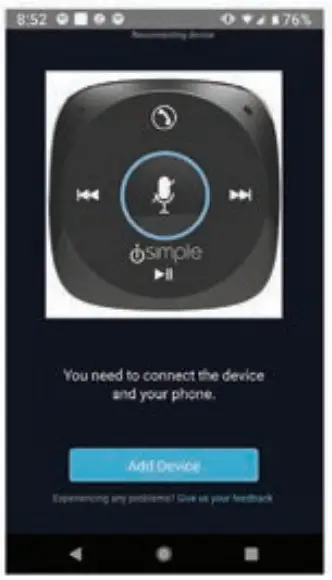 Launch the simple Connected Car App. Follow the instructions on the App to set up the car kit Note The device only works with your phone’s data plan Please make sure your phone is connected to your cellular network
Once the device is set up. it will be shown in the App’s device list You can start using it CHARGING YOUR SMARTPHONE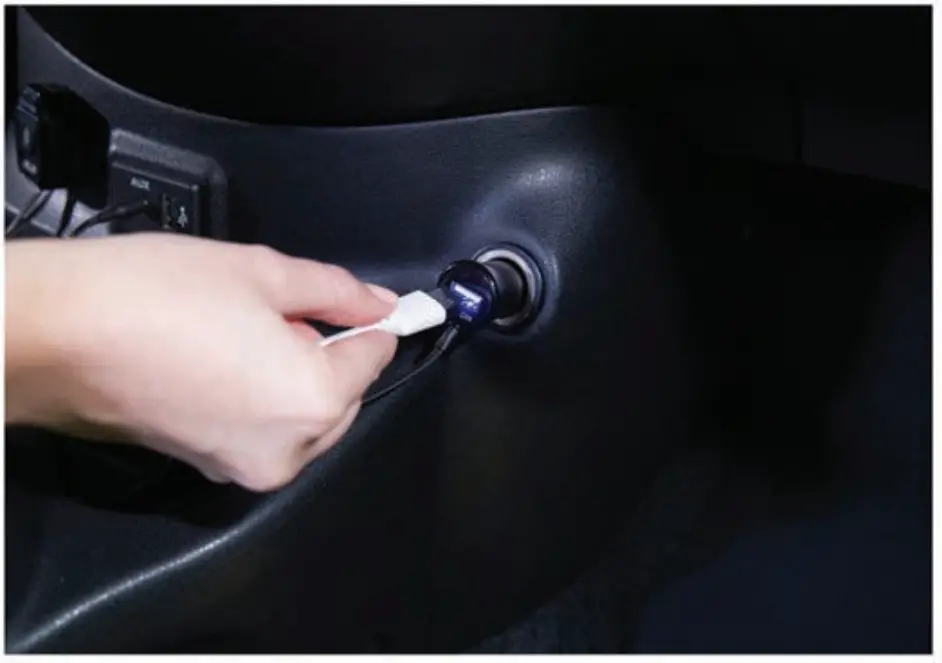
CONNECTION METHODS
The BTAAX100 offers 3 ways to connect audio from your cellphone to your car audio system.
OPTION 1 HOW TO CONNECT VIA BLUETOOTH
Connect your phone to your car stereo via Bluetooth. You will not need to use the AUX jack (C)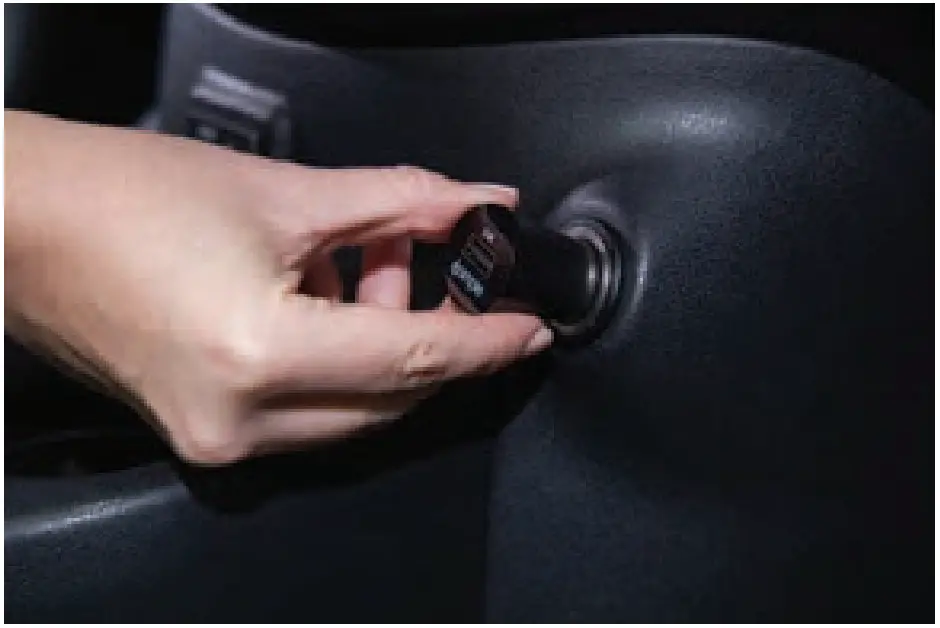 Plug the BTAAX100’s power adapter (B) into your vehicle’s cigarette lighter or power port. The ring will light up solid blue for 5 seconds and then flash to indicate paring mode.
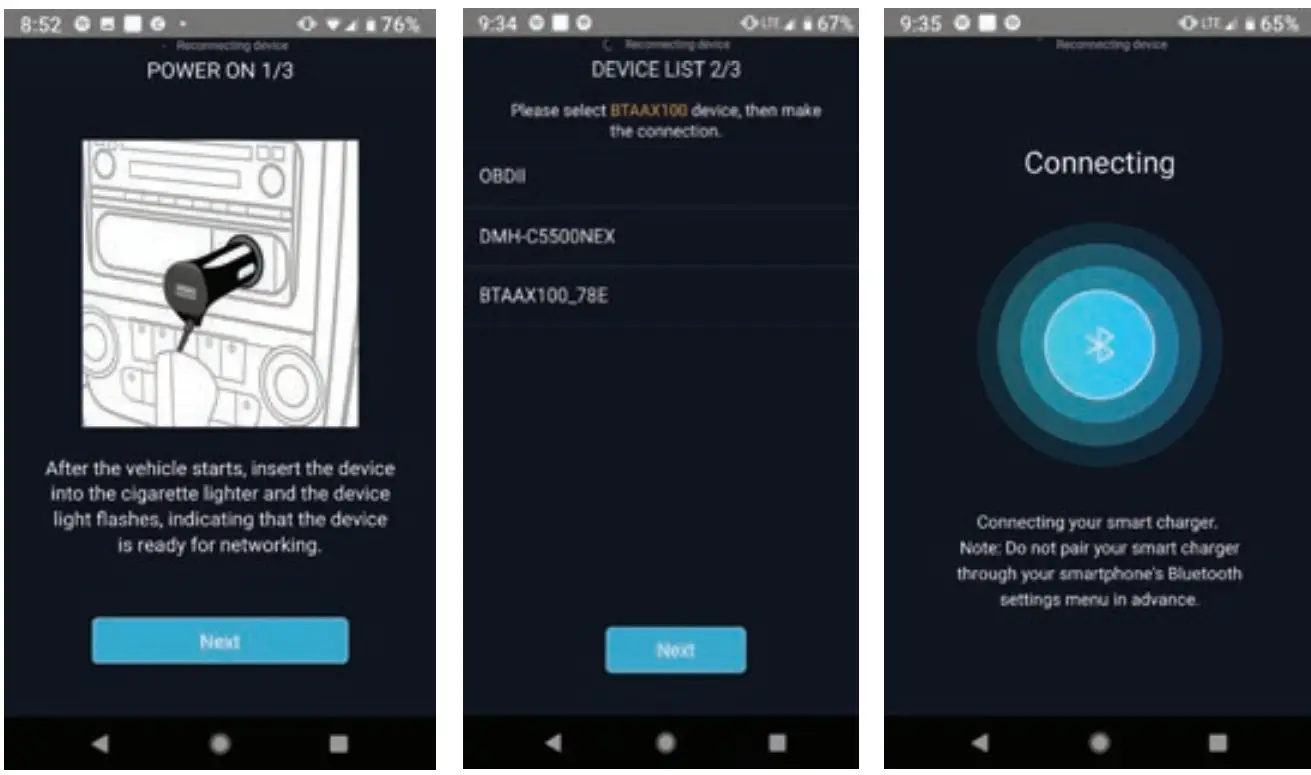 Open the iSimple Connected Car App and follow Bluetooth pairing instructions. Select BTAAX100 in the connection menu to establish connection
OPTION 2 HOW TO CONNECT VIA YOUR CAR’S AUX PORT
Connect your phone to your car stereo via AUXPlug the BTAAX100’s power adapter (B) into your vehicle’s cigarette lighter or power port.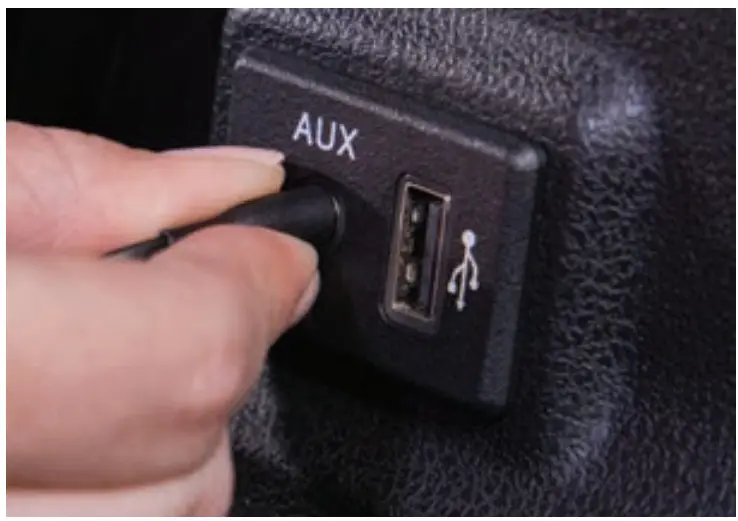 Insert the BTAAX100’s 3.5mm AUX jack (C) into car stereo AUX port
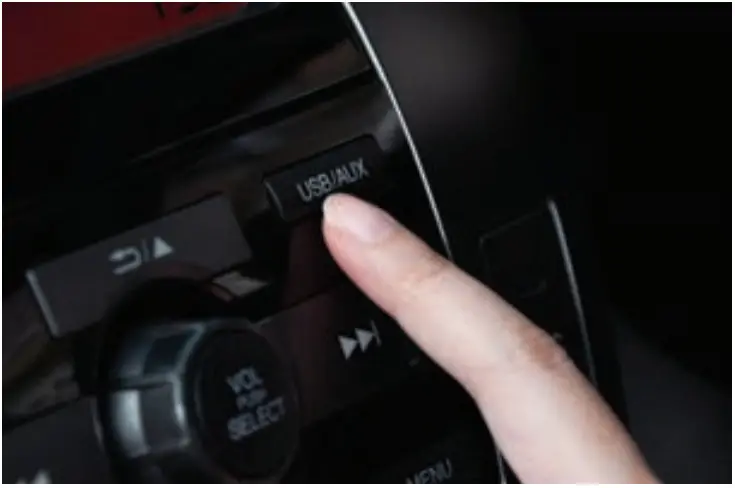 Set your car stereo to “AUX” mode
OPTION 3 HOW TO CONNECT VIA YOUR CAR’S FM RADIO
Connect your phone to your car stereo via FM ModulationPlug the BTAAX100’s power adapter (B) into your vehicle’s cigarette lighter or power port.
Open up the iSimple Connected Car App to find and tune FM frequency Follow the App instructions and tune your FM radio so the same frequency that is on the APP
Make sure frequencies match on car radio and iSimple Connected Car App.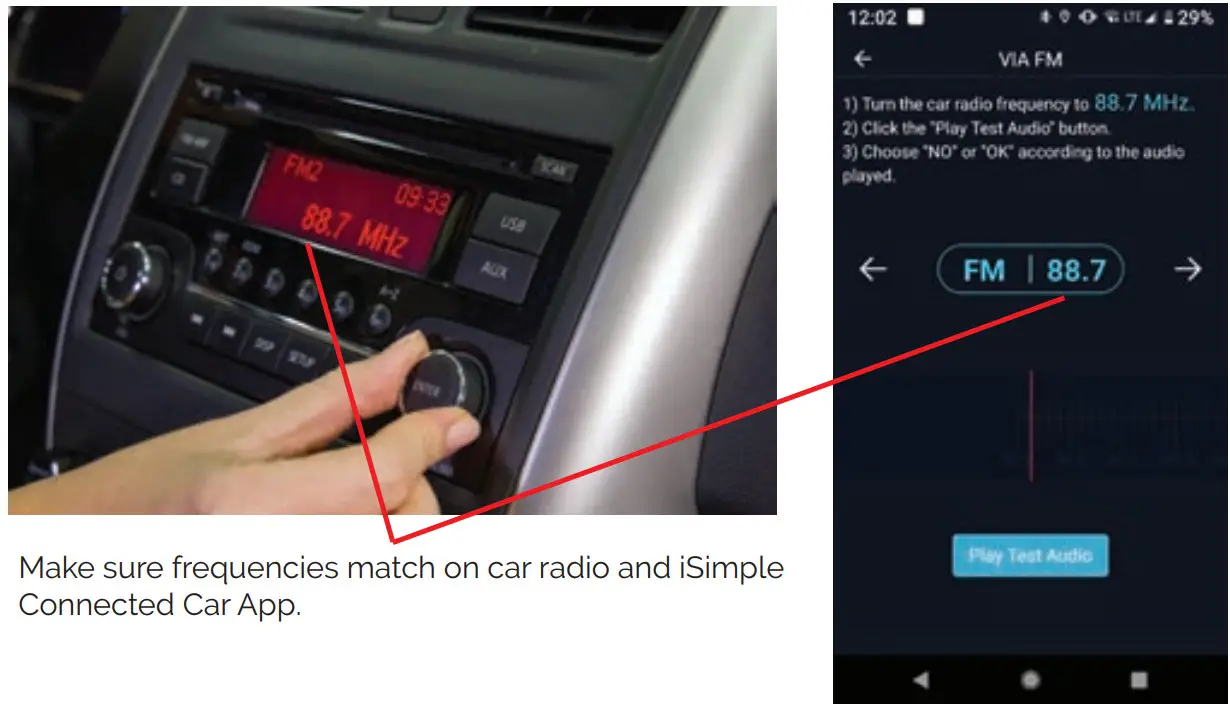
SAFETY WARNING
Please Read!
This equipment may be reset by unintentional electrostatic discharge during operation. Exposure to direct sunlight or extreme heat may cause damage or malfunction.
FCC Class B Radio Frequency Interference Statement: This equipment has been tested and found to comply with the limits for a Class B digital device, pursuant to Part 15 of FCC rules. These limits are designed to provide reasonable protection against harmful interference in a residential installation. This equipment generates, uses, and can radiate radio frequency energy and, if not installed and used in accordance with the instructions, may cause harmful interference to radio communications.
However, there is no guarantee that interference will not occur in a particular installation. If this equipment does cause harmful interference to radio or television reception, more of the following measures:
- Re-orientate or relocate the receiving antenna.
- Increase the separation between the equipment and receiver.
- Connect the equipment to an outlet on a circuit different from that of which the receiver is connected.
- Consult the dealer or an experienced radio/television technical for help.
NOTICE: The changes of modifications not expressly approved by the party responsible compliance could void the user authority to operate the equipment
Specifications:
Operating Voltage: 9-24V
Bluetooth 4.0 FM
Frequency Range: 87.5 – 108 MHz
Operating Temperature: -10 to 149F
Technical Support
US
AAMP Global
Tel.: 866-788-4237
[email protected]
www.iSimple.com
EU
AAMP Global UK
Tel.: +01-800-477-2267
[email protected]
www.iSimple.com
www.iSimple.com
facebook.com/isimplesolutions
© iSimple 2019
 Connecting Every Phone & Every Car - iSimple