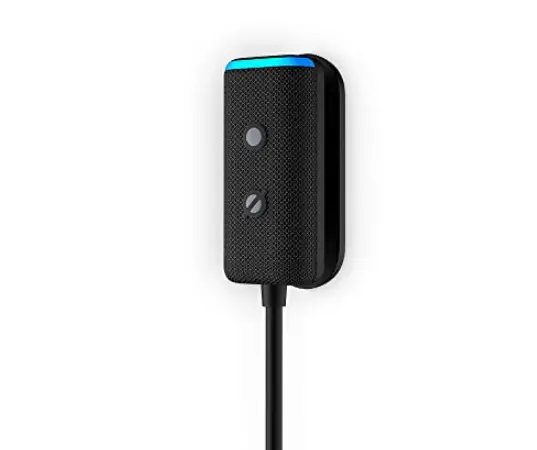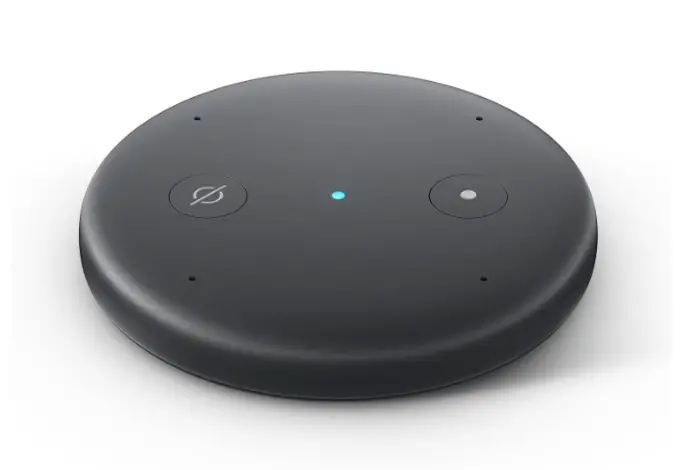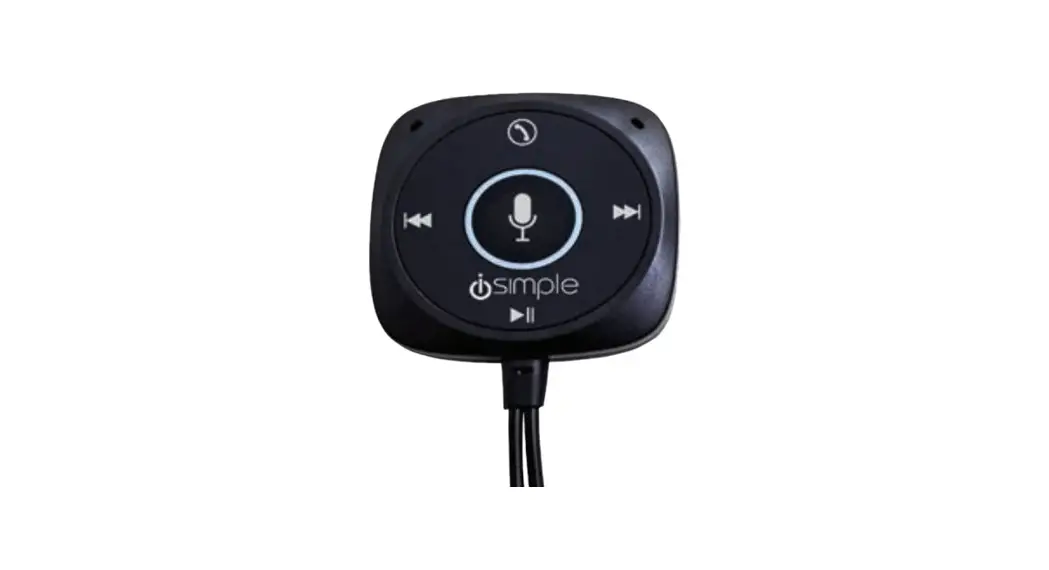

Amazon Echo Auto 1st gen Hands-free Alexa
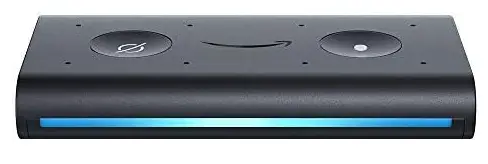
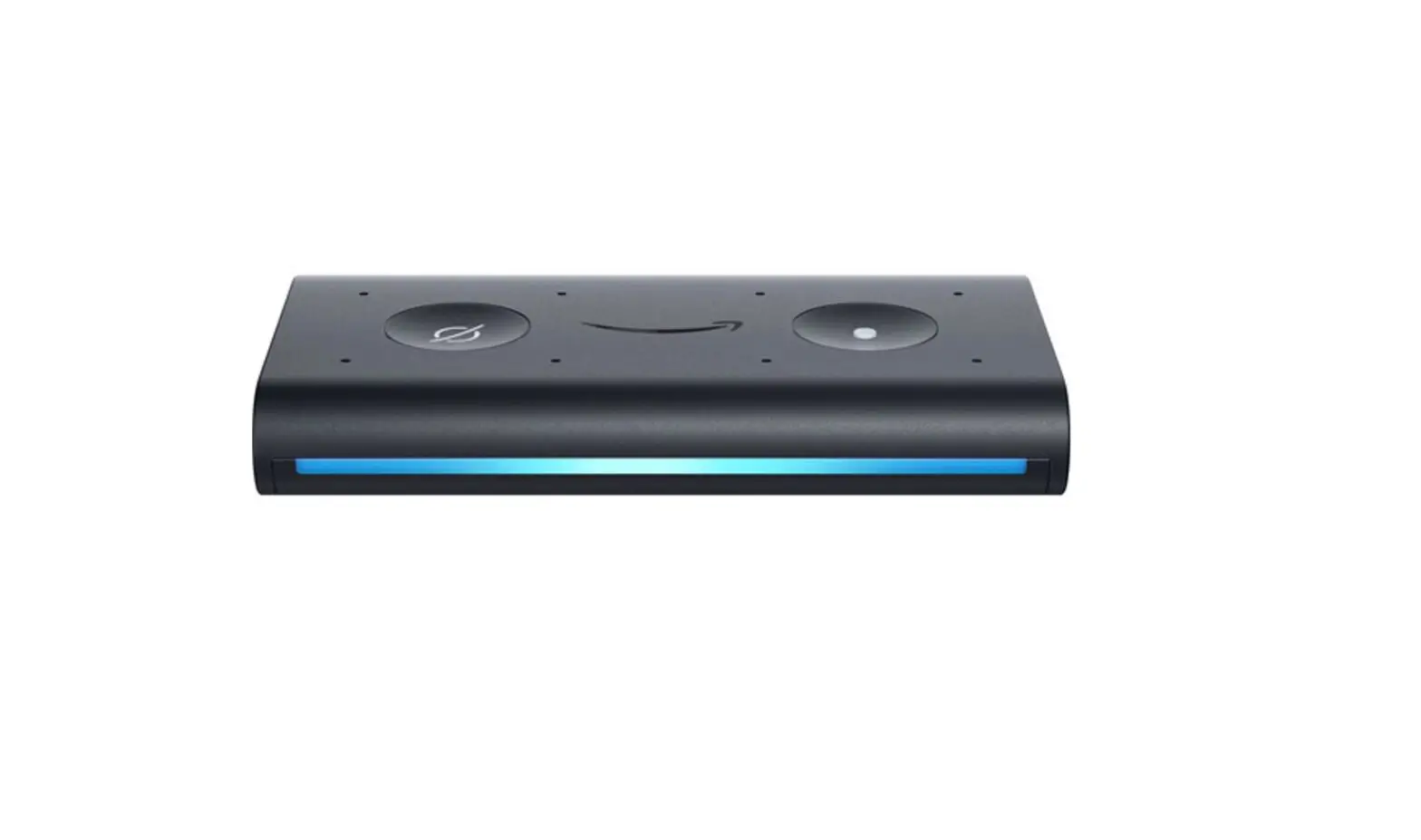
Amazon Echo Auto (1st gen)
- DIMENSIONS: 3” x 1.9” x 0.5” (85 mm x 47 mm x 13.28 mm)
- WEIGHT: 45 g
- PROCESSOR: Mediatek MT7697, Intel Dual DSP with Inference Engine
- AUDIO: Eight microphone array. Supports auxiliary audio output.
Ask Alexa to play music, carry on an Audible audiobook, check your calendar, look up nearby companies, or make calls with just a few simple commands. Echo Auto can even hear you over traffic noise thanks to its eight microphones. Using your current smartphone plan, Echo Auto uses your car speakers and launches in a matter of seconds. Through the Alexa app on your phone, Echo Auto connects to Alexa and streams music through the car’s speakers through Bluetooth or an auxiliary input. The Alexa app’s Auto Mode, which transforms your phone into a smart, user-friendly display that is ideal for use in a car, also works with Echo Auto. Large, easy-to-read text, intuitive controls, and shortcuts to your most frequently used media, contacts, and locations make it simpler to navigate, remain connected, and amuse yourself while driving.
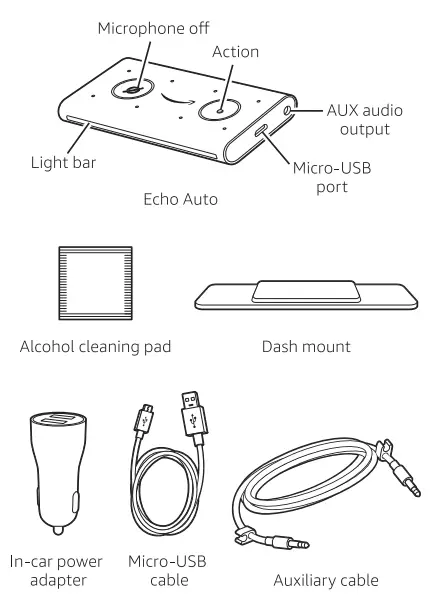
What’s in the box
- Plug in your Echo Auto
Connect one end of the included micro-USB cable into the Echo Auto micro-USB part. Plug the other end of the cable into your car’s 12V power outlet (using the included in-car power adapter). You can also use your car’s built-in USB port, if available. Turn your car to power on the device. You will see a Sweeping orange light and Alexa will greet you. Your Echo Auto is now ready for set up. If you don’t see a sweeping arrange light after 1 minute, hold down the Action button for 8 seconds.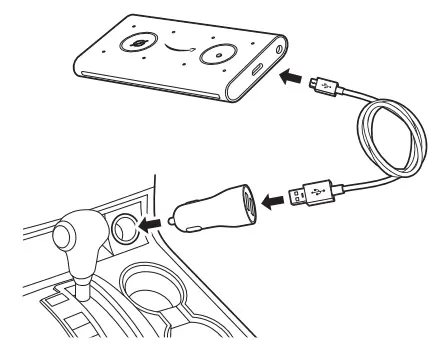
- Download the Alexa App
Download the latest version of the Alexa App from the app store. The app helps you get more out of your Echo Auto. It’s where you set up calling and messaging, and manage music, lists, settings, and news.
- Set up your Echo Auto using the Alexa App
Tap the Devices icon in the lower right of the Alexa App. then follow the instructions to set up a new device. 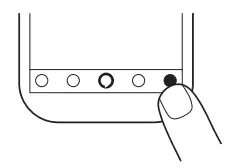 Echo Auto utilizes your smartphone plan and the Alexa App for connectivity and other features. Carrier charges may apply. Please consult your carrier for information on any fees and limitations that apply to your plan. For troubleshooting and more information, go to Help& Feedback in the Alexa App.
- Mount your Echo Auto
Identify a flat surface near the center of your car’s dashboard to mount your Echo Auto. Clean the dashboard surface with the included alcohol cleaning pad, then peel the plastic cover off the included dash mount. Place the dash mount So that Echo Auto is positioned horizontally with the LED light bar facing the driver.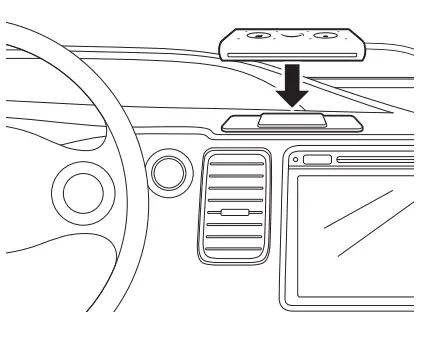
Talking to your Echo Auto
To get the attention of your Echo Auto, simply say Alexa. See the included Things to try card to help you get started.
Storing your Echo Auto
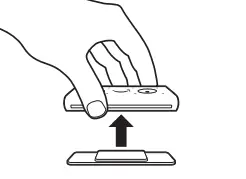
If you want to store your Echo Auto, unplug the cables and remove the device from the dash mount as shown below. If your car is going to be parked for an extended period of time, we recommend that you unplug the in-car power adapter
Give us your feedback
Alexa will improve over time, with new features and ways to get things done. We want to hear about your experiences. Use the Alexa App to send us feedback or visit www.amazon.com/devicesuppaort.
FREQUENTLY ASKED QUESTIONS
Does Amazon Echo 1st generation still work?
Everything from smart light switches to driving assistance applications now includes Alexa. However, the original Amazon Echo speaker, which cost $179.99, is still functional.
How does it connect to internet?
This is not an independent gadget. Your phone is used to connect to it (currently, Android devices only as of 1/5/2019).
When did Amazon Echo 1st generation come out?
For the first launch of the Amazon Echo (1st Generation), Alexa, the product’s voice, was promoted alongside the device in March 2014 for Amazon Prime and invited members. Alexa is a voice that is connected to the Amazon Echo and uses artificial intelligence to answer queries and make requests.
What is the difference between Echo Generation 1 and 2?
Where the 2nd and 1st generation Echo Plus differ most from one another is in speaker performance. The second-generation Echo Plus’s enhanced speaker results in superior sound quality (higher highs and lower lows), as well as quicker responses from Alexa when you talk to her.
How do I update my Amazon Echo 1st generation?
Say “Go to settings” or choose Settings by swiping down from the top of the screen. Choosing Device Options to search for and install software updates, choose Check for Software Updates.
How do I know if my Echo is first or second generation?
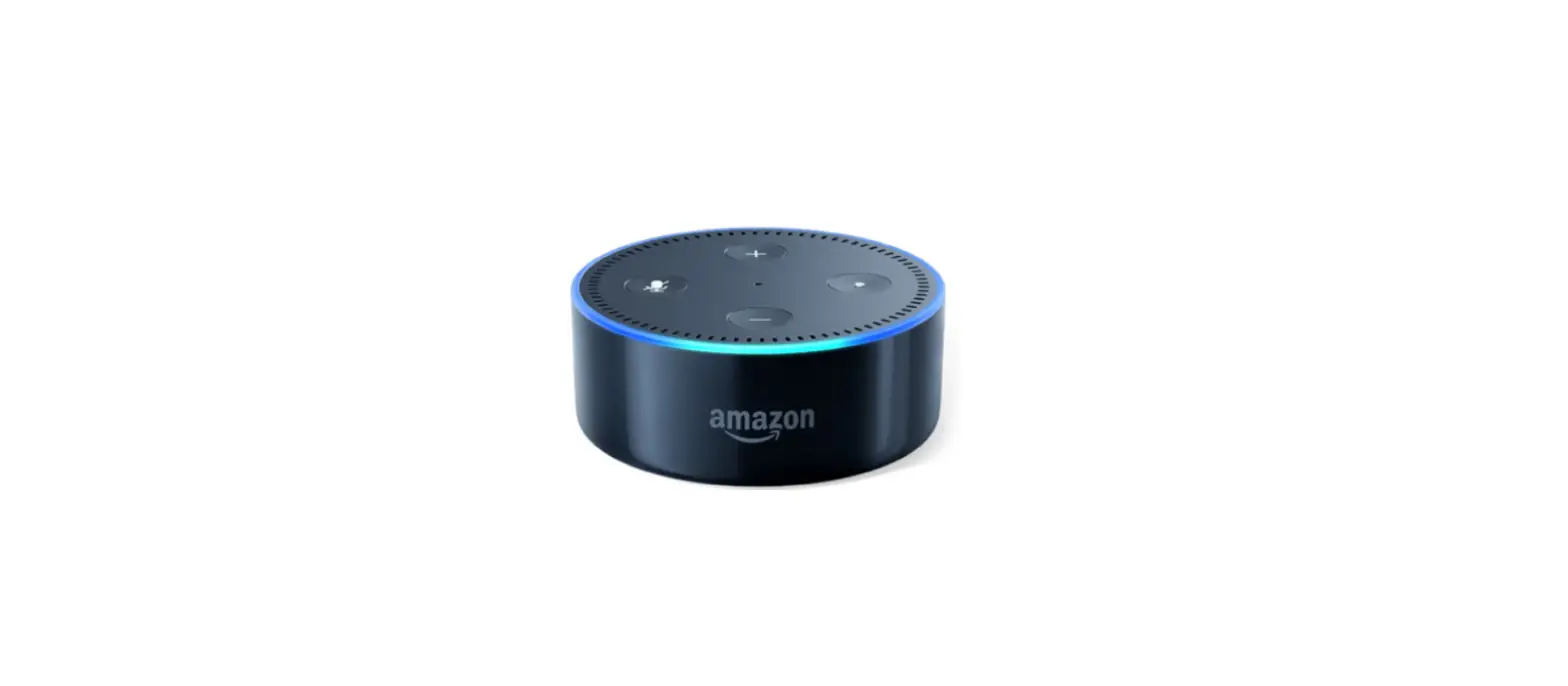
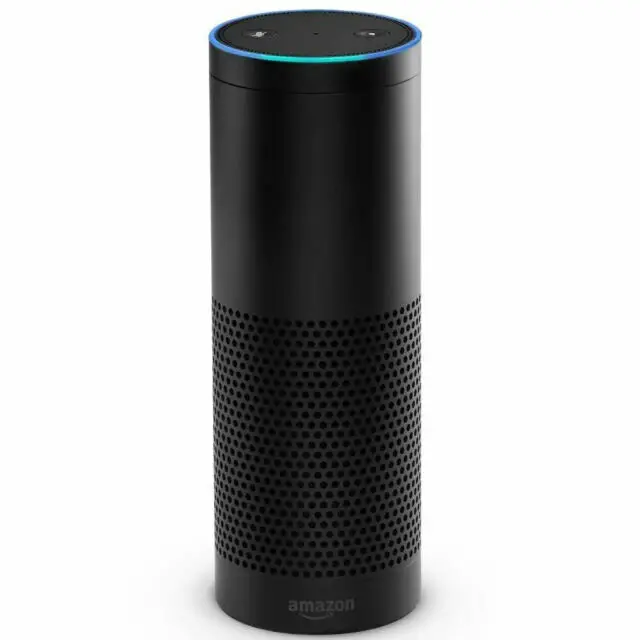
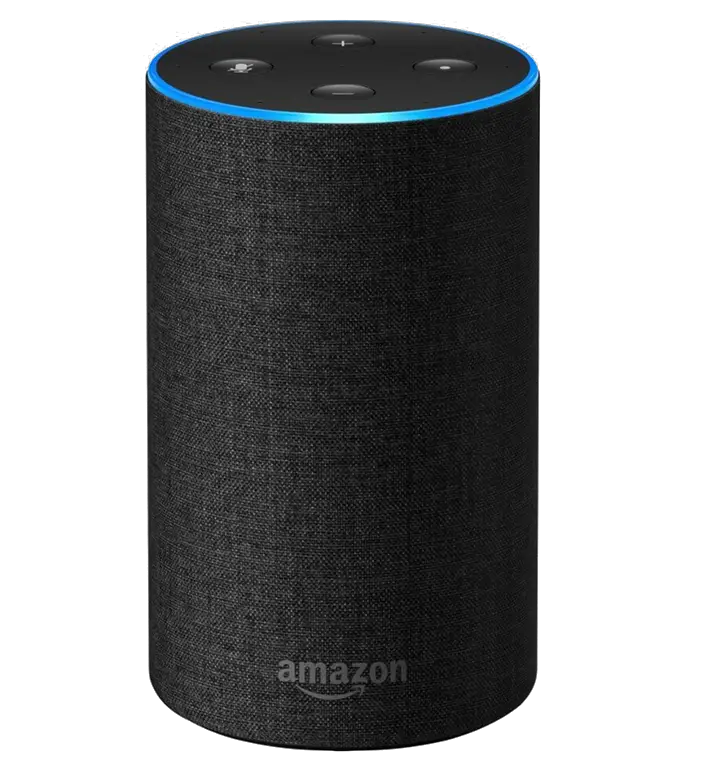
The device’s top only has two buttons—Mute and Command—and the volume is adjusted by rotating the top. In summary, the first generation has two buttons on top and the second generation has four buttons on top.
What is the difference between an Alexa and Echo?
The Echo is a smart speaker, while Alexa is a virtual assistant.
What can echo dot 1st gen do?
The Echo Dot provides the same functions as the original Amazon Echo, including playing music, taking calls, sending and receiving messages, and providing news, sports scores, information, and other services. The Amazon Echo Dot (1st Gen) weighs and measures 3.3″ (8.4 cm) in diameter and 1.5″ (3.8 cm) in height overall.
Do all Echo generations work together?
With a few limitations, it is feasible to connect two distinct Echo generations. It is not possible to pair the first two generations of the Echo Dot (available from Amazon) to produce stereo sound. The other generations, however, may be.
Do Echos update automatically?
When connected to the Internet, your smartphone instantly downloads software updates for Echo Auto.
Does ECHO show 1st gen have a camera?
The Amazon Echo Show 8 (2nd gen) includes the same updated 13MP camera seen on the Echo Show 10, which is one of the best we’ve seen on a smart display to date. The Amazon Echo Show 8 (1st gen) has a meager 1MP camera.
Does it consume the data plan on your phone? If so, does it play music or remain connected the entire time?
Yes, it utilizes your data plan. Consider the Echo Auto as a phone extension. There aren’t many differences between it and utilizing Bluetooth to broadcast music through your radio.
Does a phone need to be used for echo auto to function or will an iPod do?
The Alexa app must be installed on an Android or Apple phone, the phone must have a data plan that is active, and the phone must be Bluetooth-connected to the Echo Auto. Everything is streamed, therefore it can’t access any stored files on your phone either.