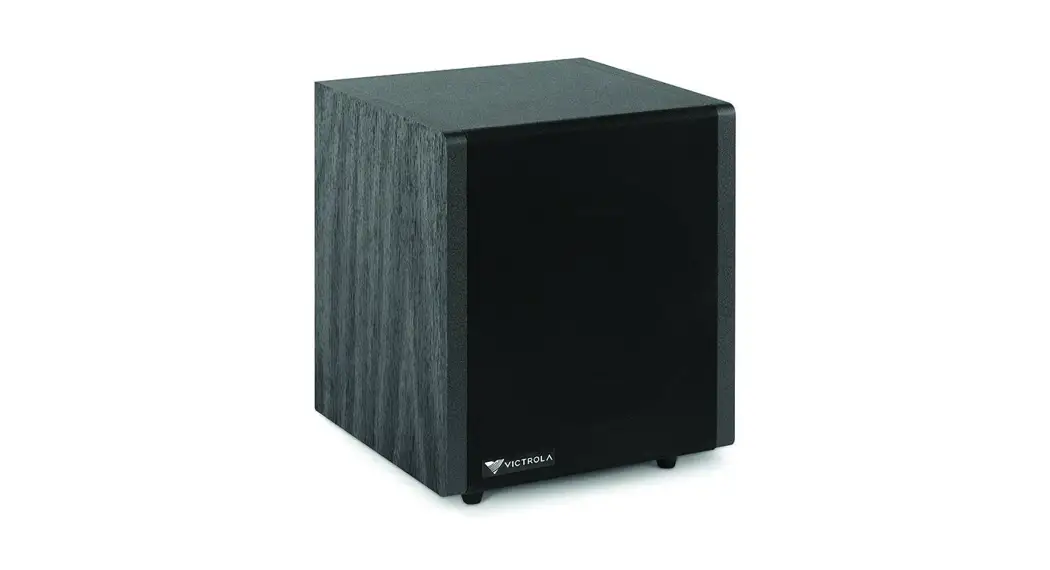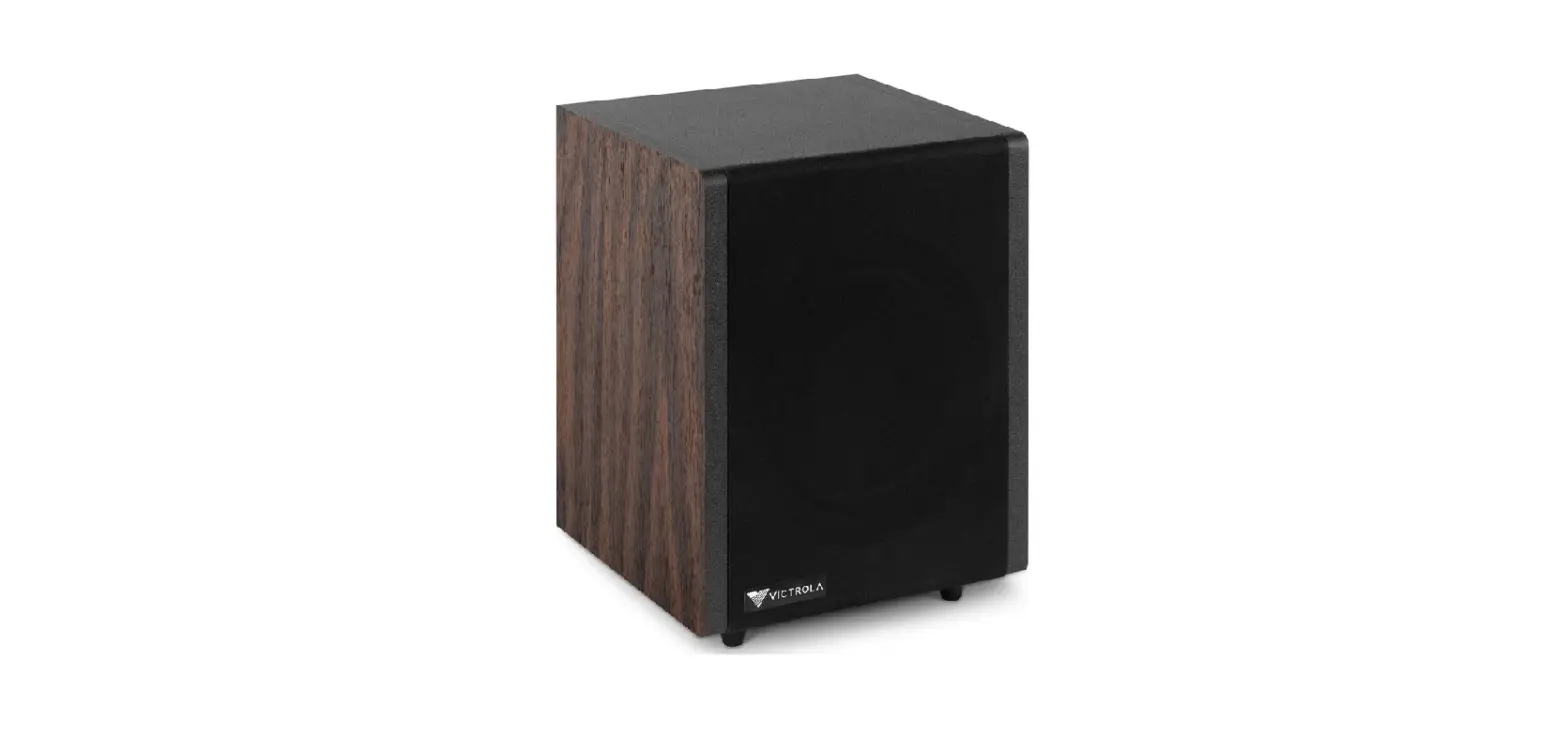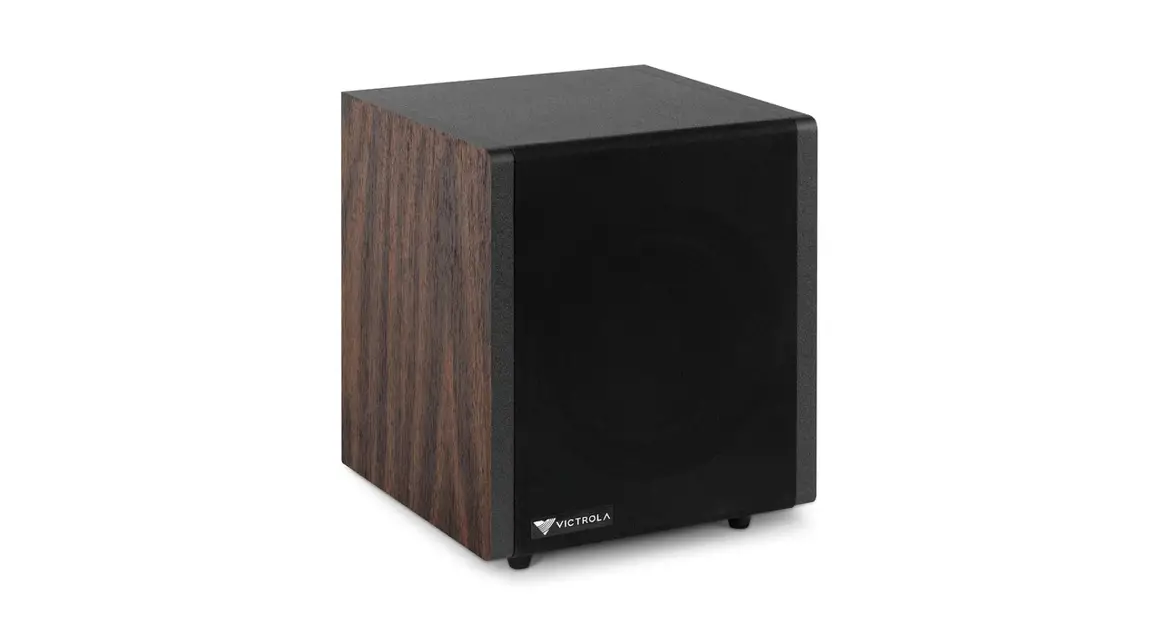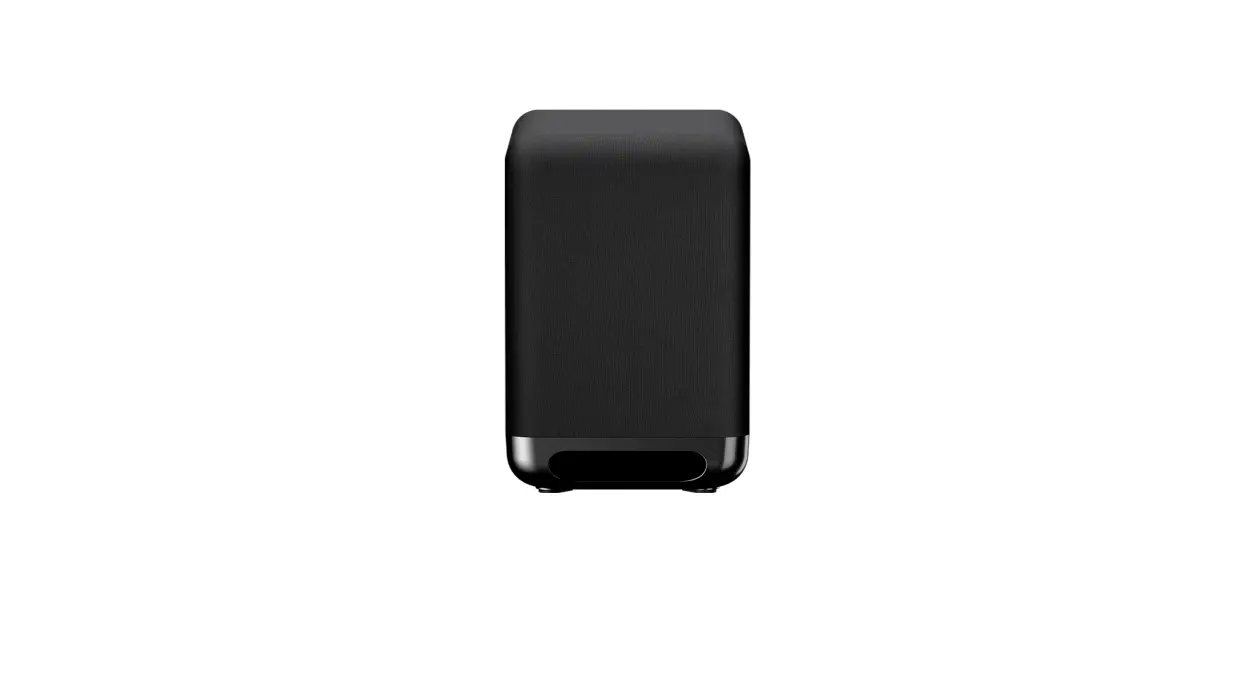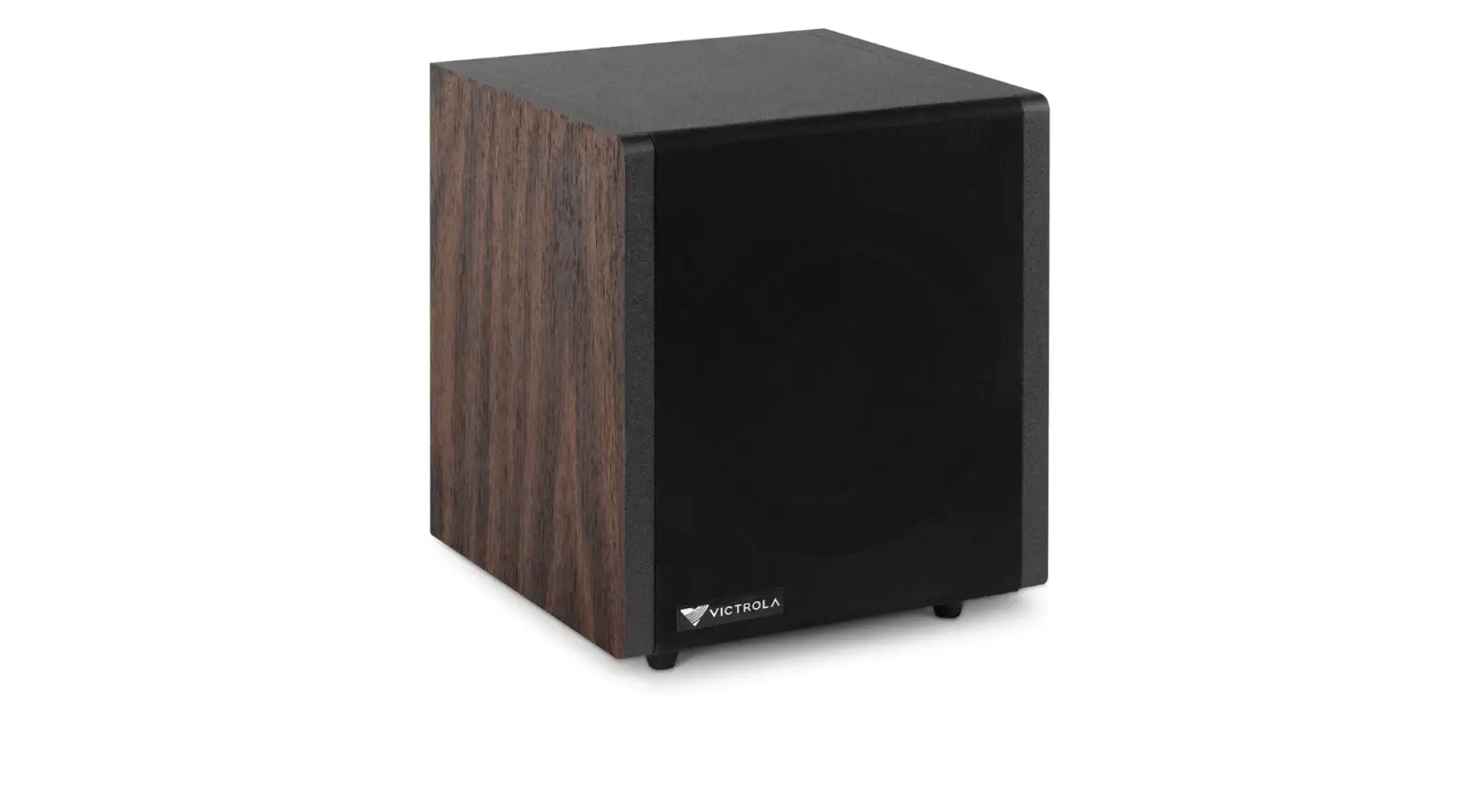
 Victrola Premiere S1 Subwoofer
 Victrola Premiere S1 Subwoofer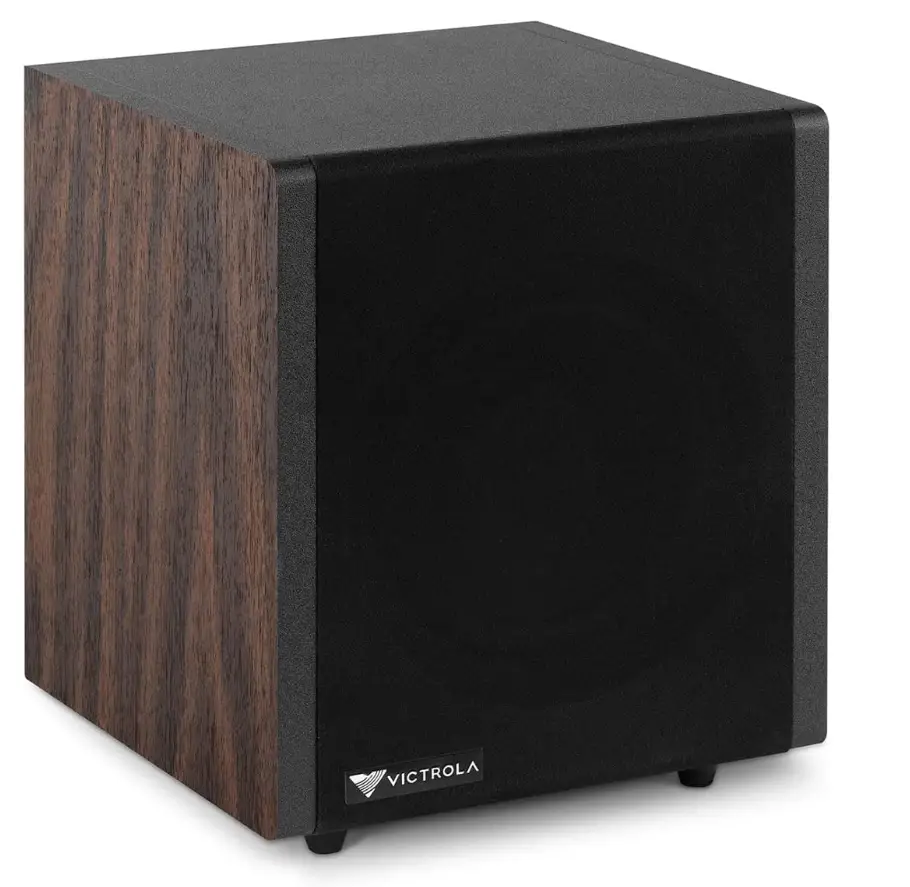
Specifications
- Product Dimensions
9.06 x 9.06 x 10.24 inches - Item Weight
13.27 pounds - Speaker Type
Subwoofer - Unit Count
1.0 Count - Power Requirements
AC 100-240V~50/60Hz - Power Consumption
70 W - Horn
6.5” woofer x1 - Bluetooth Version
Bluetooth V5.0 - Bluetooth Proles
A2DP, AVRCP - Bluetooth Frequency range
2.402GHz-2.480GHz - Operating Distance
10 meters (33 ft.) - Brand
Victrola
Introduction
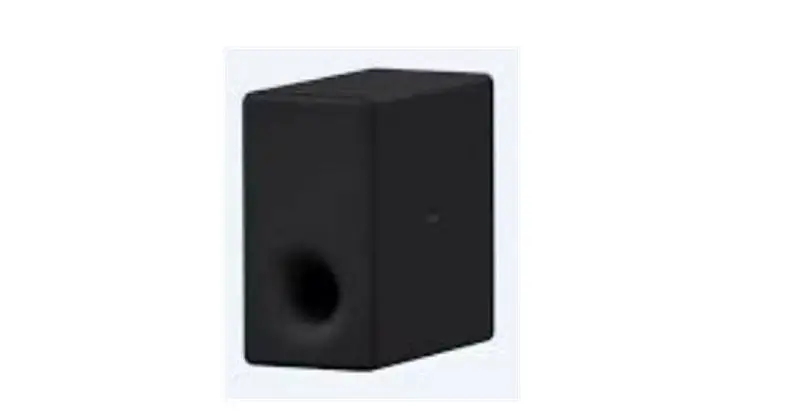
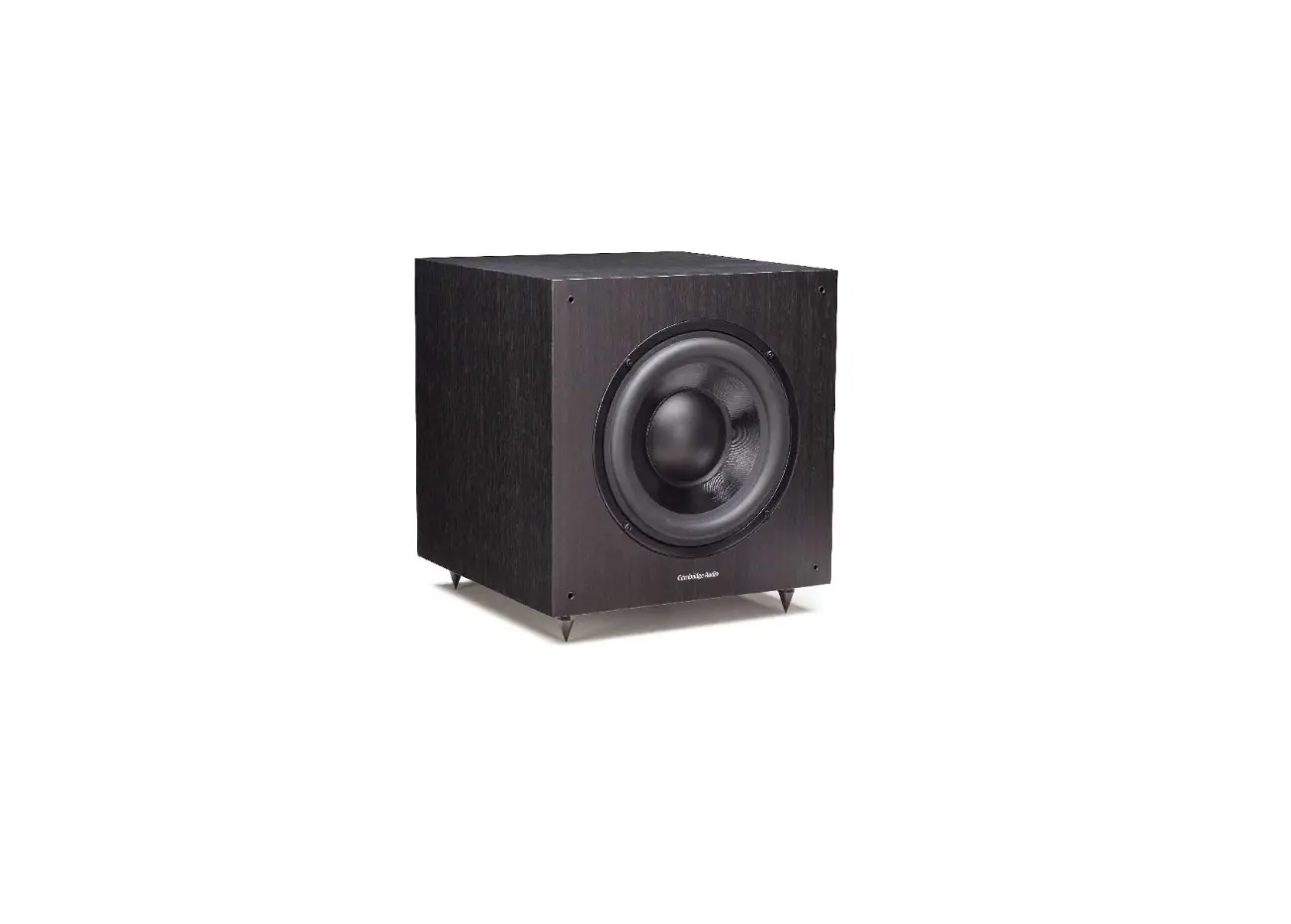
Victrola Premiere S1 Subwoofer and Victrola Premiere V1 Stereo Turntable can be connected wirelessly to produce even more volume and clarity in your space. Embrace Your Music Utilize the Victrola Premiere S1 Subwoofer to truly experience the full range of your music. This wireless subwoofer with a gorgeous look and real wood laminate subwoofer produces low-end bass with strength and clarity. The S1 wirelessly connects to the Premiere V1 Stereo Turntable as part of the Premiere V1 Music System to create an immersive audio experience. The V1 Sub transforms the experience into a conventional soundbar quality when viewing your favorite show or movie when your V1 is connected to the television and used in “soundbar mode.”
OVERVIEW
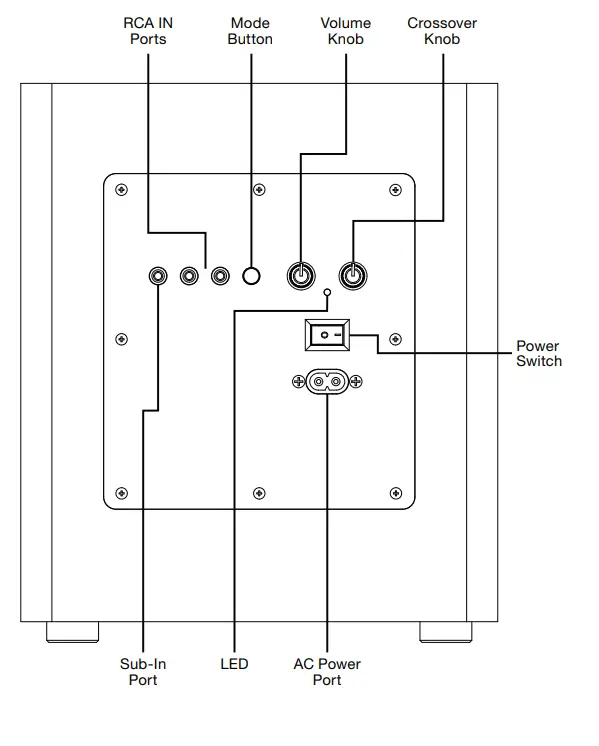
Back View
 QUICK START GUIDE
 QUICK START GUIDE
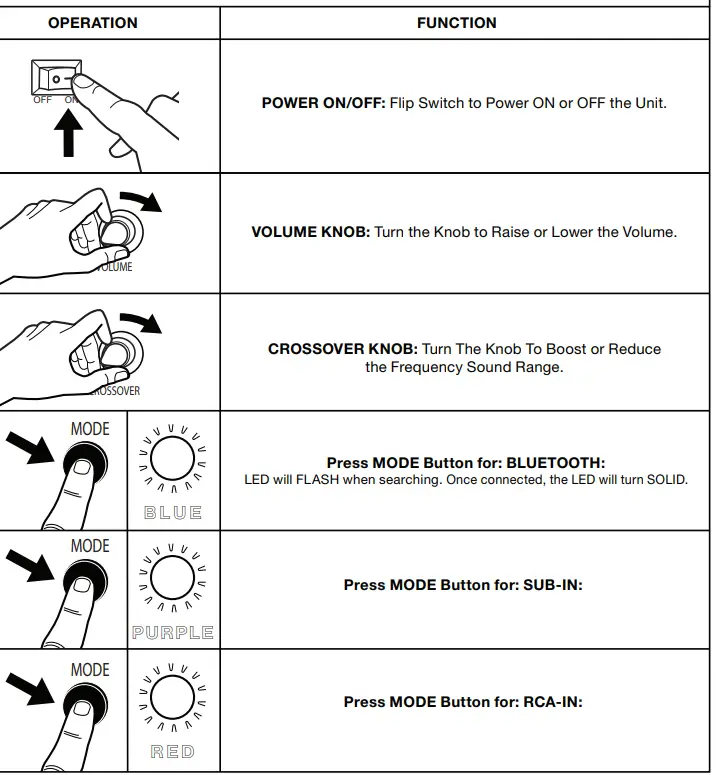
MODE BUTTON – TO CYCLE THROUGH FEATURES
- BLUETOOTH Press to pair the unit.
- SUB-IN Press to play audio from a subwoofer connection.
- RCA-IN Press to play audio from a connected auxiliary device.
SIMPLE SETUP
BASIC OPERATION
Using the Power Switch, flip the unit’s power ON. Connect your S1 using one of the wired or wireless pairing modes shown below. Make sure the S1 is in the proper mode based on the MODE LED color guide on the Quick Start Guide.
SETTING THE VOLUME
Set the volume knob on the S1 to the middle setting and begin playing music through the connected speakers at an appropriate level. With the music playing, adjust the volume knob on the S1 up or down to match the main speaker volume according to your preference. After adjusting, the master volume on the connected audio device will control the S1 simultaneously with the speaker’s volume.
WIRED CONNECTION
HARDWIRING THE S1 SUBWOOFER OPTION A (SUB-IN):
(Connection 1) Use the single SUB-IN port if you are connecting a receiver/audio device with a SUB-OUT port and you are using a single RCA subwoofer cable (sold separately)
(Connection 2) Use the single SUB-IN port if you are connecting a receiver/audio device with Left and Right pre-outs instead of a single SUB-OUT port by using the included subwoofer Y cable. Connect the R and L RCA ends to the external device and the single RCA end to the SUB-IN port on the back of the S1.
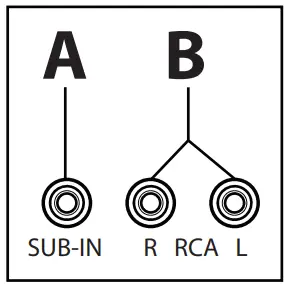
OPTION B (RCA IN)
(Connection 1, most common for wired connections with the Victrola V1 or M1 using the included Y cable) Use the Left and Right RCA inputs if you are connecting a receiver/audio device with a Single SUB-OUT port and you are using the included subwoofer Y cable. The Single RCA end of the Y cable will connect to the external device, and the R & L RCA ends will connect to the back of the S1.
(Connection 2) Use the Left and Right RCA inputs if you are connecting a receiver/audio device with Left and Right pre-outs using a standard 2-male to 2-male RCA cable (sold separately).
WIRELESS PAIRING
WIRELESS PAIRING THE V1 TURNTABLE (Sold Separately):
Turn on the S1 Subwoofer and
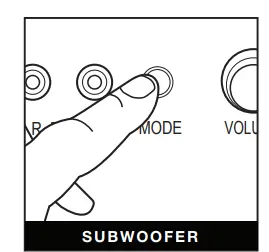
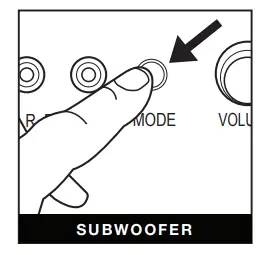
- V1 Turntable. Press the MODE button on the back of the Subwoofer until the LED turns BLUE. The LED will slowly flash BLUE indicating it is in Wireless Mode.
- Press and hold the MODE button for 1-2 seconds to enter Pairing Mode. The LED will begin to quickly ash BLUE.
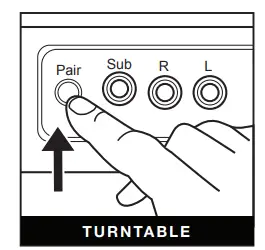
On the V1 Turntable, Press and hold the PAIR button on the back of the unit for 1-2 seconds. you will hear the pairing notification from the V1. Once both the V1 and S1 are paired, you will hear a connection chime. The BLUE LED on the back of the S1 will remain solid.
WARNING
Important Safety Instruction
- Read these instructions – All the safety and operating instructions should be read before this product is operated.
- Keep these instructions – The safety and operating instructions should be retained for future reference.
- Heed all warnings – All warnings on the appliance and in the operating instructions should be adhered to.
- Follow all instructions – All operating and use instructions should be followed.
- Do not use this apparatus near water – The appliance should not be used near water or moisture – for example, in a wet basement or near a swimming pool, and the like.
- Clean only with dry cloth.
- Do not block any ventilation openings. Install in accordance with the manufacturer’s instructions.
- Do not install near any heat sources such as radiators, heat registers, stoves, or other apparatus (including amplifiers) that produce heat.
- Protect the power cord from being walked on or pinched particularly at the plugs, convenience receptacles, and at the point where they exit from the apparatus.
- Only use attachments/accessories specified by the manufacturer.
- Use only with the cart, stand, tripod, bracket, or table specified by the manufacturer, or sold with the apparatus. When a cart is used, use caution when moving the cart/apparatus combination to avoid injury from tip-over.
- Unplug the apparatus during lightning storms or when unused for long periods of time.
- Refer all servicing to qualified personnel. Servicing is required when the apparatus has been damaged in any way, such as a power supply cord or plug is damaged, liquid has been spilled or objects have fallen into the apparatus have been exposed to rain or moisture, do not operate normally, or has been dropped
- This lightning flash with an arrowhead symbol within an equilateral triangle is intended to alert the user to the presence of non-insulated “dangerous voltage” within the product’s enclosure that may be of sufficient magnitude to constitute a risk of electric shock.
Warning
To reduce the risk of electric shock, do not remove the cover (or back) as there are no user-serviceable parts inside. Refer servicing to qualified personnel.
The exclamation point within an equilateral triangle is intended to alert the user to the presence of important operating and maintenance instructions in the literature accompanying the appliance. - This equipment is a Class II or double insulated electrical appliance. It has been designed in such a way that it does not require a safety connection to the electrical earth.
- The mains plug is used as a disconnect device, the disconnect device shall remain readily operable.
- WARNING: To reduce the risk of fire or electric shock, do not expose this apparatus to rain or moisture. The apparatus shall not be exposed to dripping or splashing and no objects filled with liquids, such as vases, shall not be placed on the apparatus.
- The use of the equipment in a moderate climate.
- WARNING: Please refer to the information on the exterior bottom/back enclosure for electrical and safety information before installing or operating the apparatus.
- The ventilation should not be impeded by covering the ventilation openings with items such as newspaper, table cloths, curtains, etc.
- No naked flame sources, such as lighted candles, should be placed on the apparatus.
- Do not install this equipment in a confined space such as a bookcase or similar unit.
Safety Info
Safety Information
- In order to shut off power to this product completely, unplug the power cord from the wall outlet. Be sure to unplug the unit if you do not intend to use it for an extended period of time, such as during a vacation.
- Use of controls, adjustments, and performance of procedures other than those specified herein may result in hazardous radiation exposure.
- To prevent electric shock, match wide blade of plug to wide slot, fully insert.
- If this product is experience problems during operation, contact qualified service centers, and do not use the product in defective states.
Before Use
- Choose unit installation location carefully. Avoid placing it in direct sunlight or close to a source of heat. Also avoid locations subject to vibrations and excessive dust, cold, or moisture. Keep away from sources that hums, such as transformers or motors.
- Do not open the cabinet as this may result in damage to the circuitry or electrical shock. If a foreign object should get into the set, contact Customer Service.
- Be sure not to handle records with dirty fingers. Never play a record that has a crack on the surface.
- When removing the power plug from the wall outlet, always pull directly on the plug, never pull the cord.
- To protect the stylus, don’t forget to put on the white protective needle cover after use.
- Do not attempt to clean the unit with chemical solvents as this might damage the finish. Use a clean, dry cloth.
- In order to shut off the power to this product completely, unplug the power cord from the wall outlet. Be sure to unplug the unit if you do not intend to use it for an extended period of time, such as a vacation.
- Keep this manual in a safe place for future reference.
FCC STATEMENT
This device complies with Part 15 of the FCC Rules. Operation is subject to the following two conditions: (1) This device may not cause harmful interference, and (2) this device must accept any interference received, including interference that may cause undesired operation.
NOTE
This equipment has been tested and found to comply with the limits for a Class B digital device, pursuant to Part 15 of the FCC Rules. These limits are designed to provide reasonable protection against harmful interference in a residential installation. This equipment generates uses and can radiate radio frequency energy and, if not installed and used in accordance with the instructions, may cause harmful interference to radio communications. However, there is no guarantee that interference will not occur in a particular installation. If this equipment does cause harmful interference to radio or television reception, which can be determined by turning the equipment off and on, the user is encouraged to try to correct the interference by one of the following measures:
- Reorient or relocate the receiving antenna.
- Increase the separation between the equipment and receiver.
- Connect the equipment into an outlet on a circuit different from that to which the receiver is connected.
- Consult the dealer or an experienced radio/TV technician for help.
WARNING
Any changes or modifications not expressly approved by the party responsible for compliance could void the user’s authority to operate this equipment. The device must not be co-located or operating in conjunction with any other antenna or transmitter. To maintain compliance with the FCC’s RF exposure guidelines, place the product at least 20cm from nearby persons.
WARRANTY
Victrola is a registered trademark of Innovative Technology Electronics, LLC.
United States
Victrola (Innovative Technology Electronics, LLC) warrants to the original retail purchaser that this product will be free from defective materials and workmanship for one (1) year from the date of purchase, subject to the limitations below. This warranty period is not extended if we replace the product. To obtain a replacement under the terms of this warranty, you must contact the dealer from which it was purchased with your original receipt. If assistance from the dealer from which it was purchased is impossible, you may contact our customer service for warranty assistance at victrola.com/contact.
Except as limited below, if the product proves defective in either material or workmanship within one (1) year from the date of purchase, Victrola will replace the product at no charge. If the product model is no longer available and cannot be replaced with an identical model, Victrola will issue a merchandise credit for the purchase price to be redeemed at victrola.com
Limitations
- This limited warranty does not cover failure of the product arising, in whole or in part, from improper installation, storage, transportation, misuse, abuse, accident, neglect, mishandling,
unauthorized repair, modification, or wear from ordinary use or environmental deterioration. - This limited warranty does not cover cosmetic damage, including paint damage, or consequential damage to other components or premises which may result for any reason from the failure of the product.
- This limited warranty is null and void for products not used in accordance with Victrola’s instructions.
- This limited warranty terminates if the original retail purchaser sells o otherwise transfers this product.
- This limited warranty is null and void for defects or damage caused by installation or repair performed by any person or entity other than a Victrola authorized installer or dealer.
This warranty gives you specific legal rights, and you may also have other rights which vary from state to state, jurisdiction to jurisdiction or country to country. All express and implied warranties for the product, including but not limited to any implied warranties of merchantability and fitness for a particular purpose, are limited in time to the term of this warranty. Some states, jurisdictions or countries do not allow the exclusion of certain implied warranties or conditions, or limitations on how long an implied warranty or condition lasts, so this limitation may not apply to you. Victrola’s responsibility for malfunctions and defects in hardware is limited to replacement or repair as set forth in this warranty statement. Victrola does not accept liability for special, punitive, consequential or incidental damages or losses, whether direct or indirect, including without limitation, any liability for third party claims against you for damages or losses or for products not being available for use. The maximum liability for which Victrola may be responsible will be no more than the amount you paid for the product that is the subject of the claim. Some states, jurisdictions or countries do not allow the exclusion or limitation of special, indirect, incidental or consequential damages, so the above limitation or exclusion may not apply to you.
Canada and US Territories
The Warranty on this product shall comply with applicable law when sold to a consumer in Canada or a US Territory. To obtain any applicable warranty service, please contact the dealer from which you purchased the product or the distributor that supplied the product, with your original receipt. If assistance from the dealer from which it was purchased is impossible, you may contact our customer service for warranty assistance at victrola.com/contact
If this product proves defective in either material or workmanship, Victrola will replace the product at no charge. If the product model is no longer available and cannot be repaired effectively or replaced with an identical model, Victrola at its sole option may replace the unit with a current model of equal or greater value.
Outside the U.S, Canada, and US Territories
The Warranty on this product shall comply with applicable law when sold to a consumer outside of the United States, Canada, and US Territories. To obtain any applicable warranty service, please contact the dealer from which you purchased the product or the distributor that supplied the product, with your original receipt.