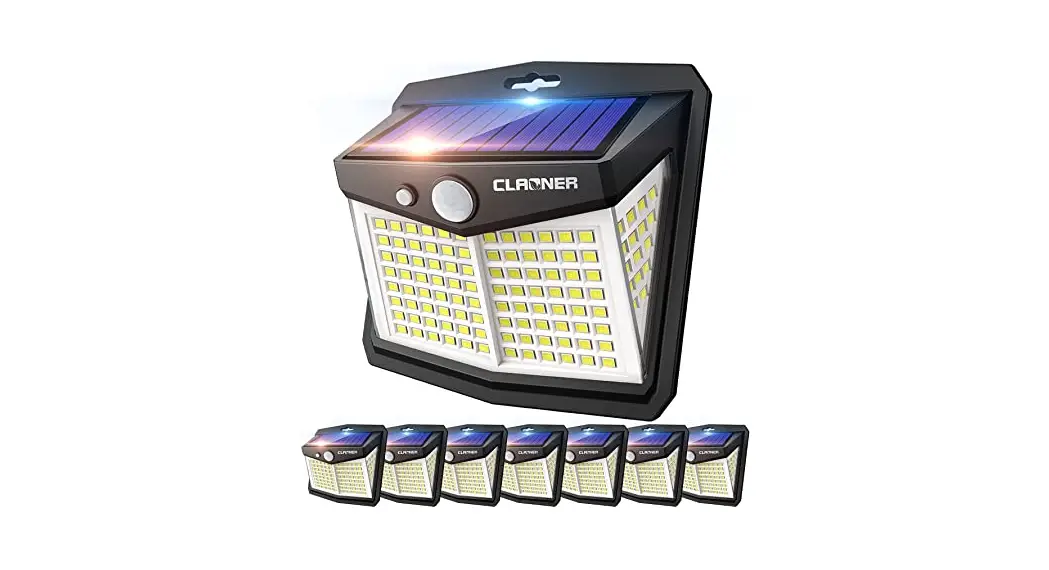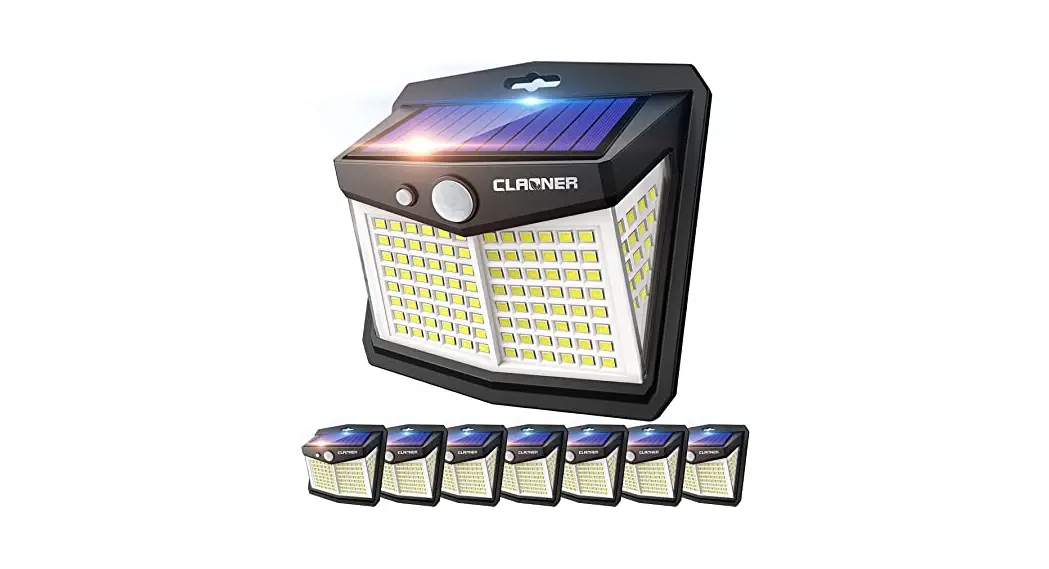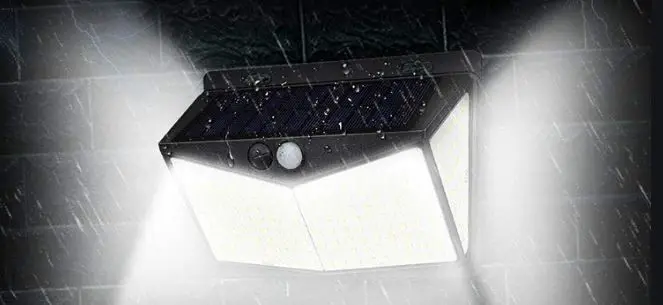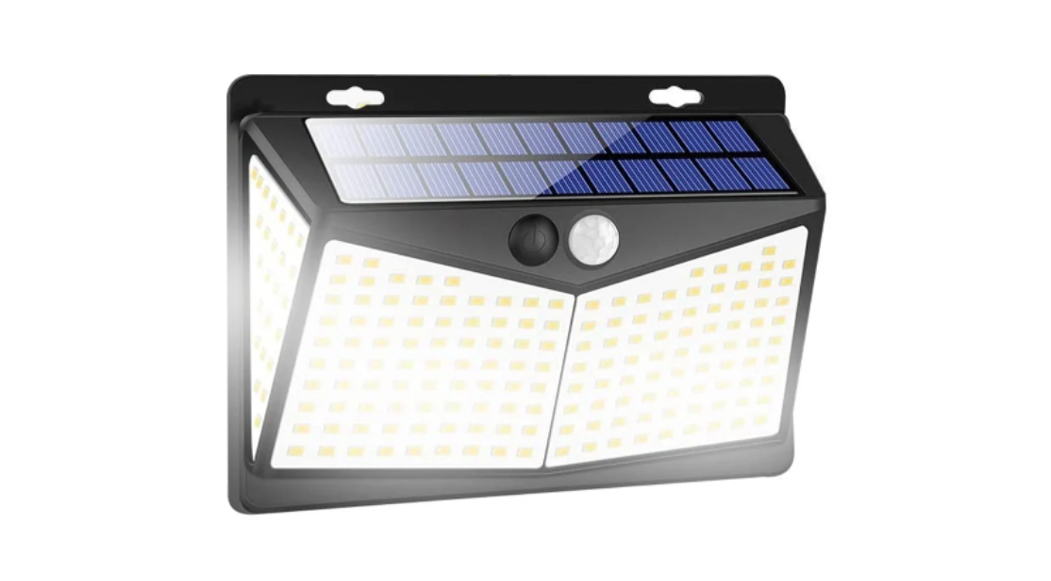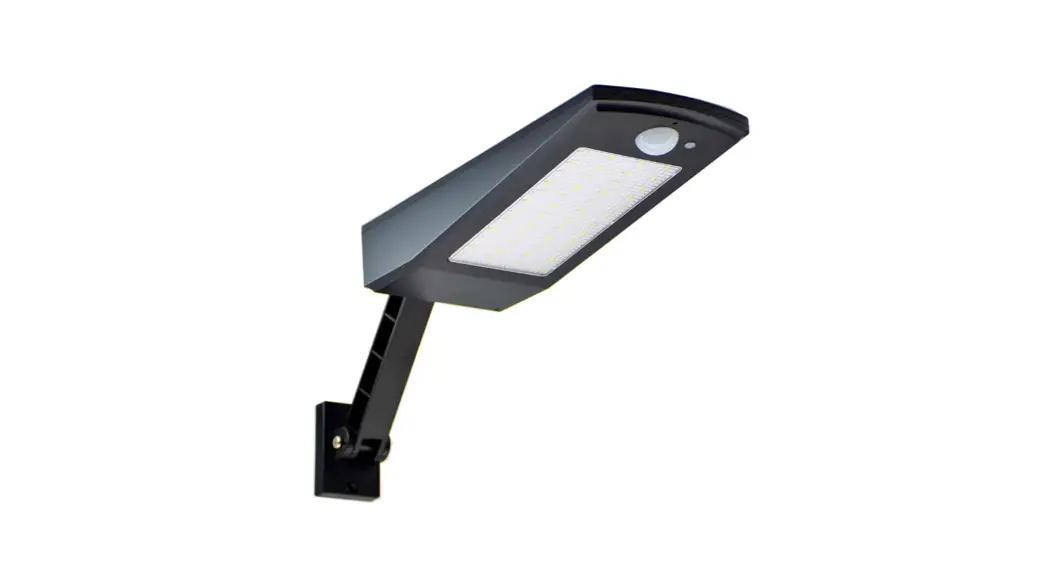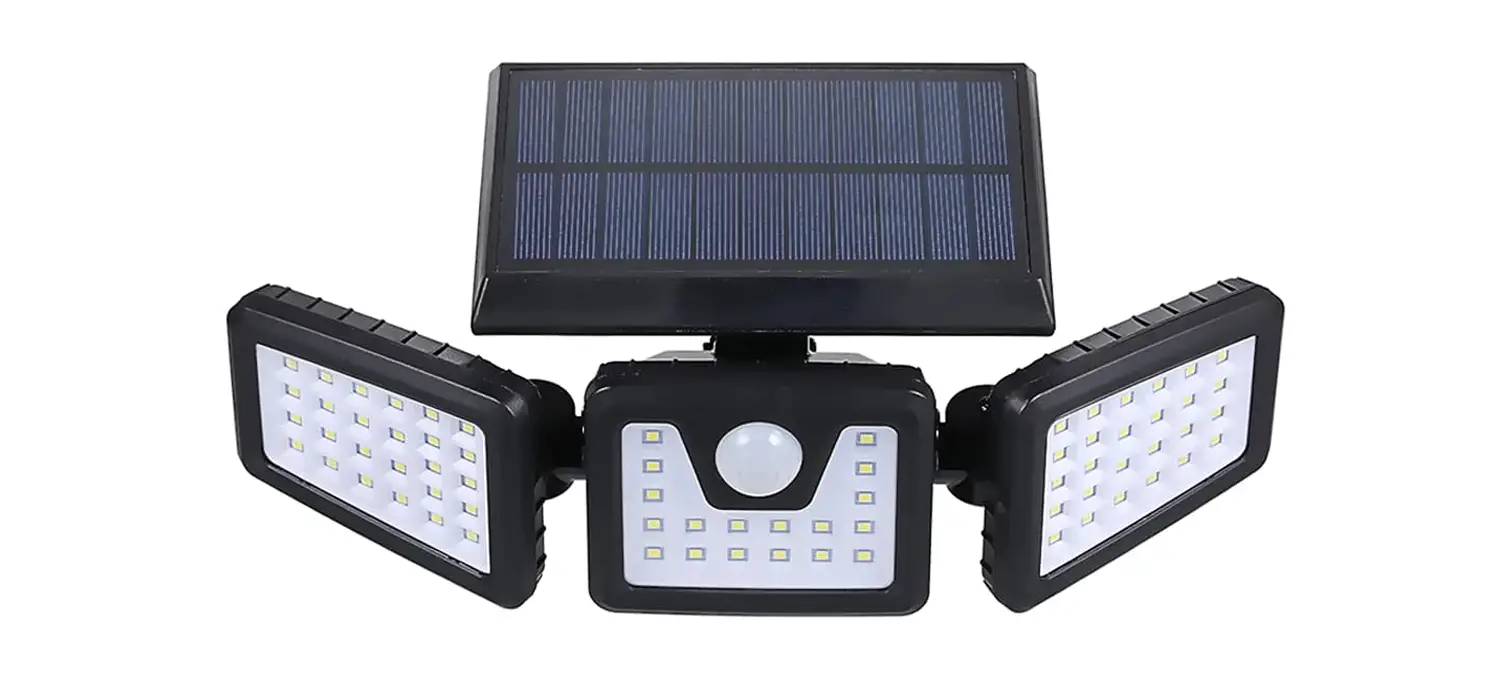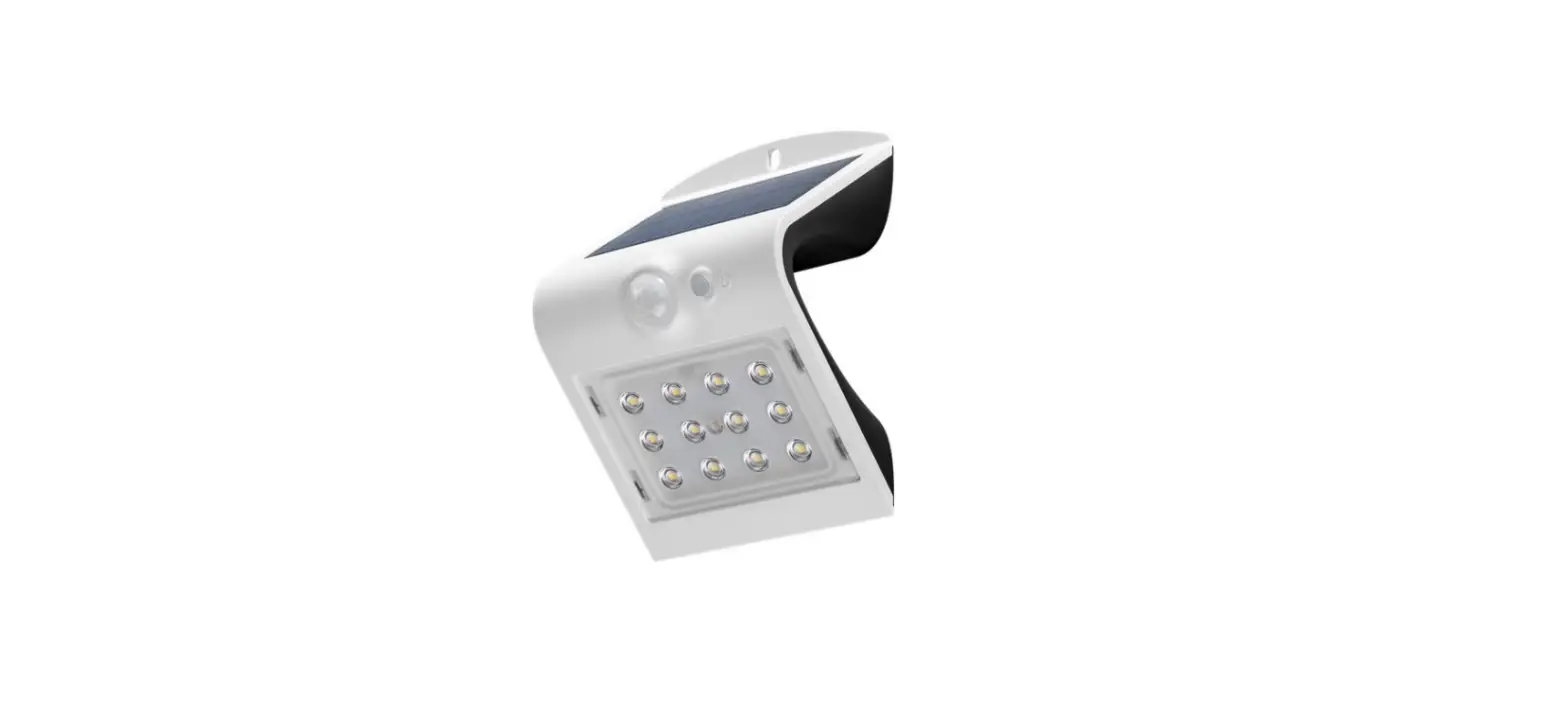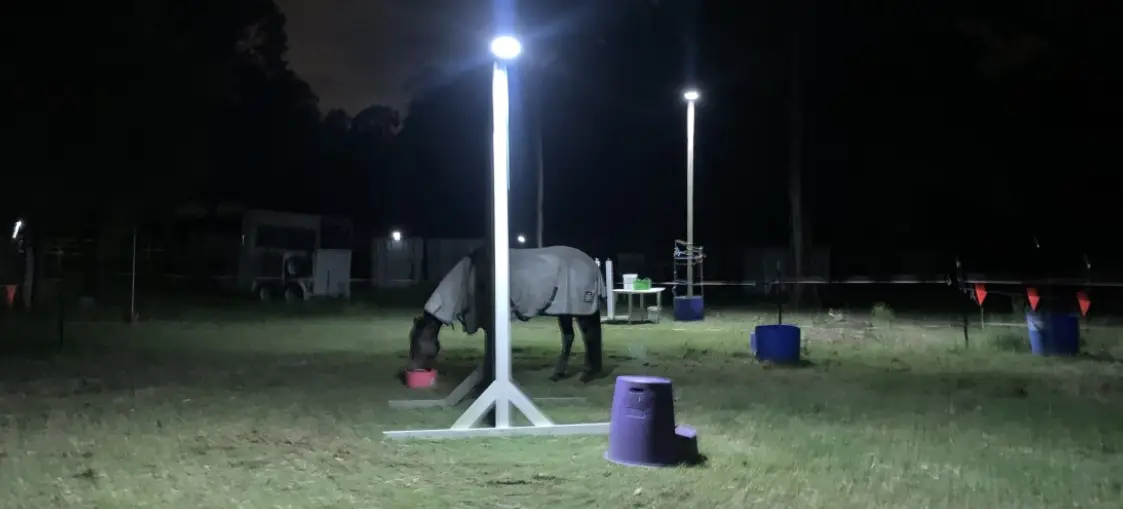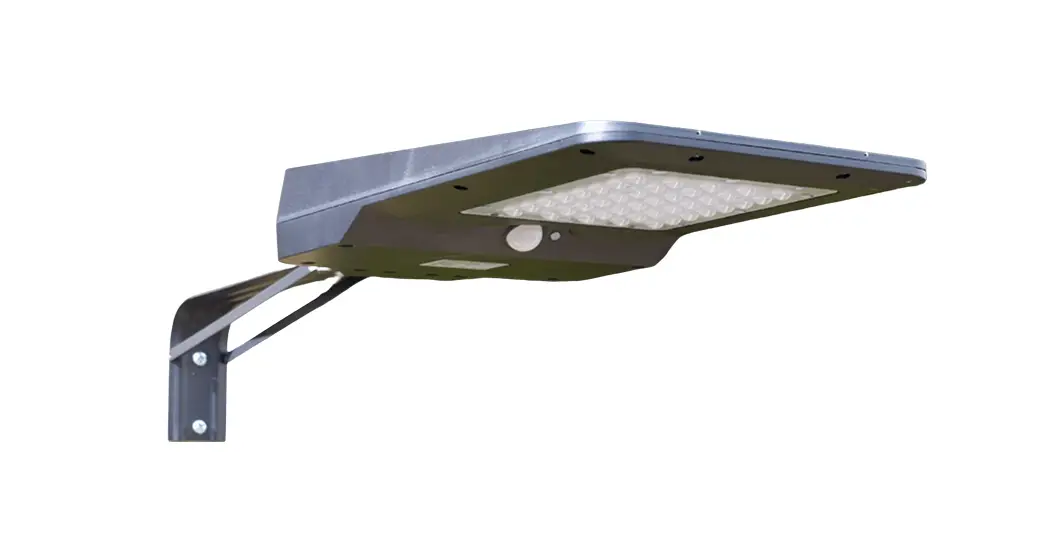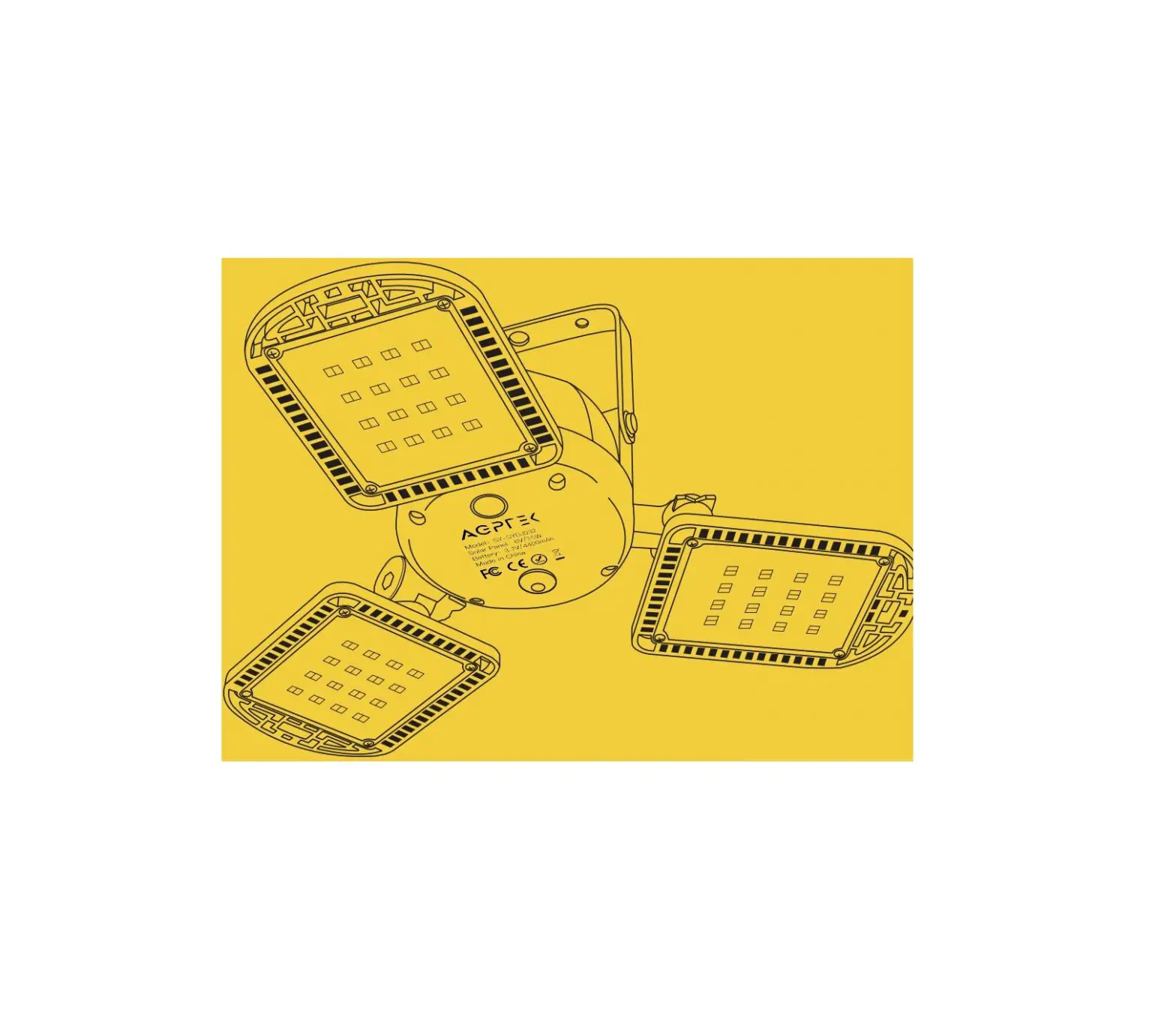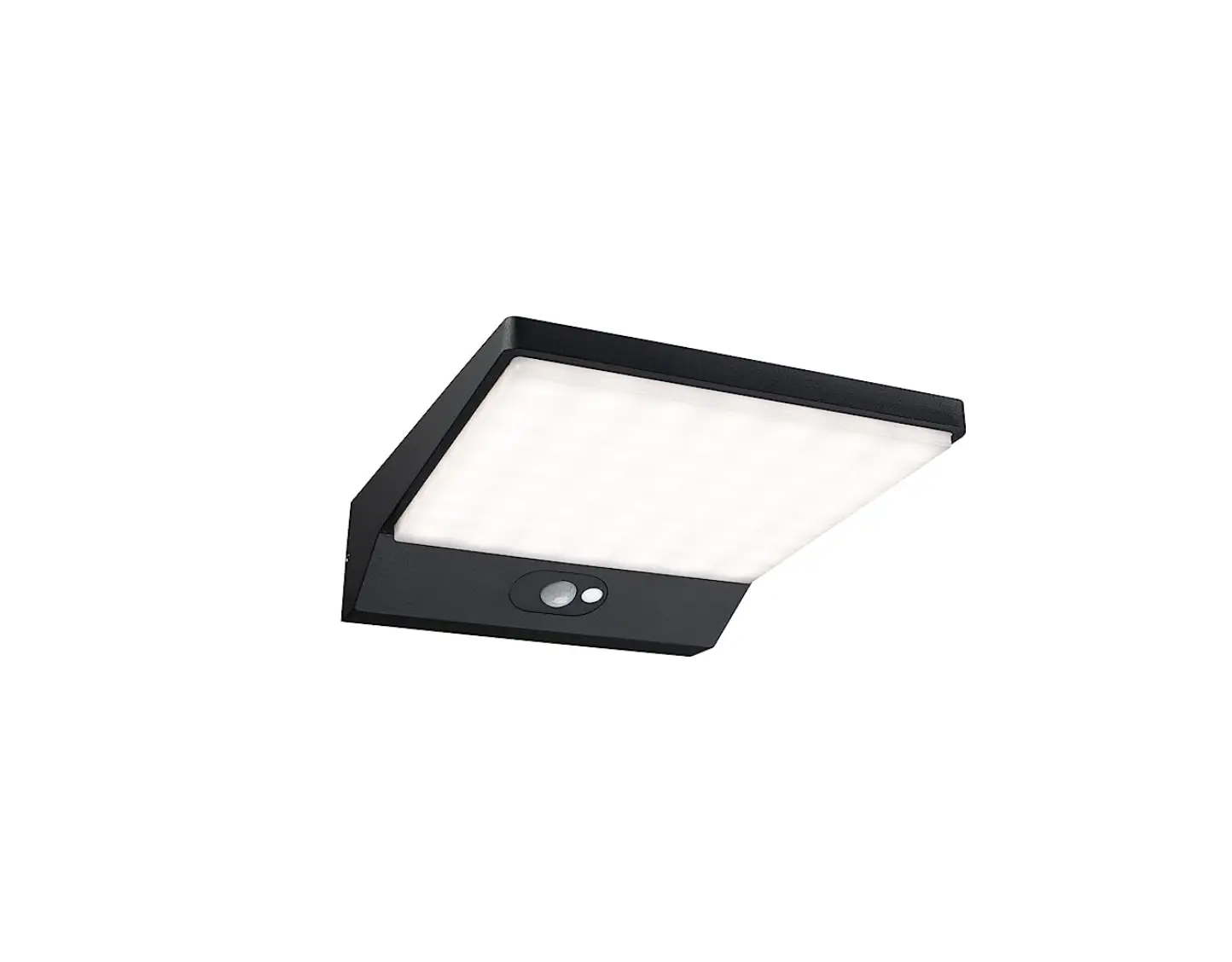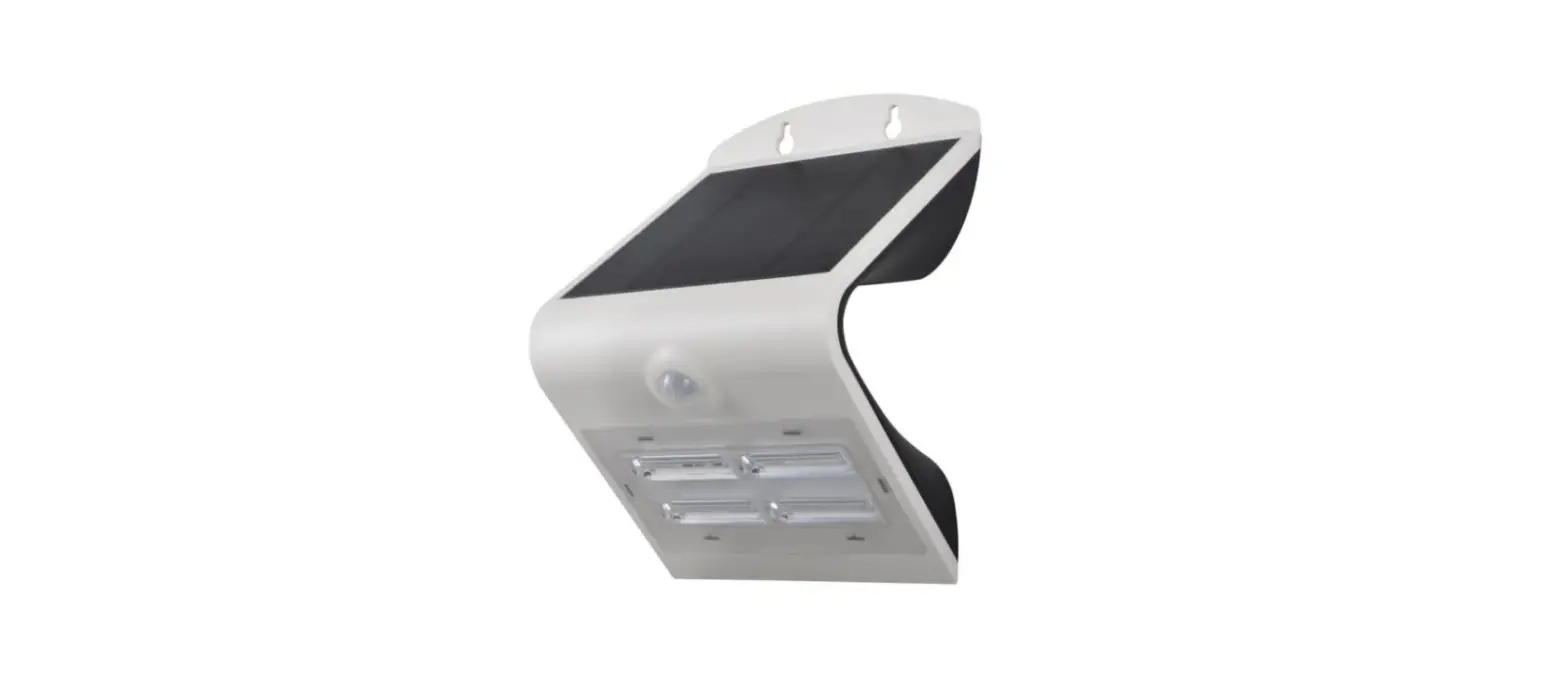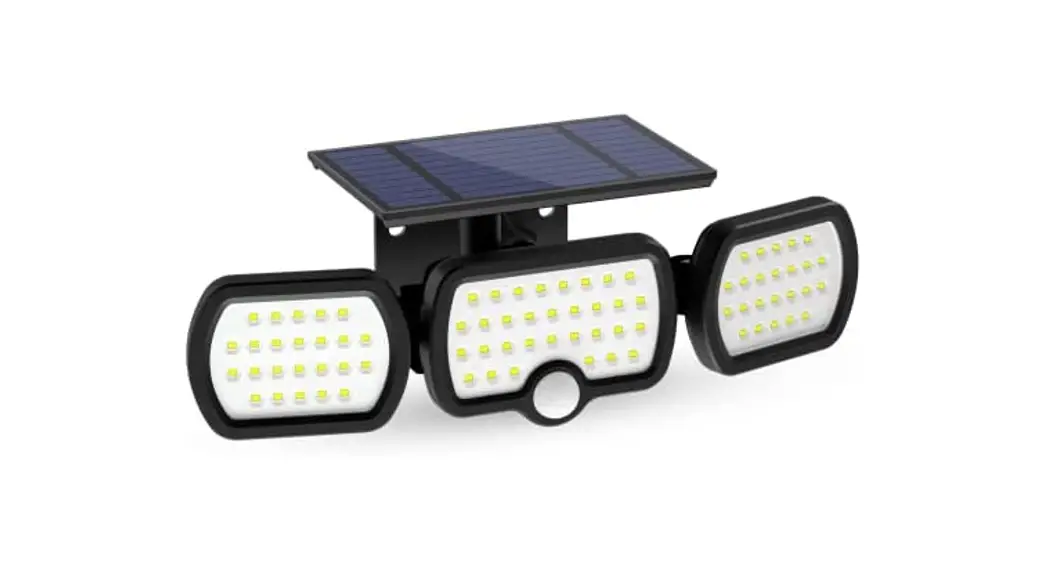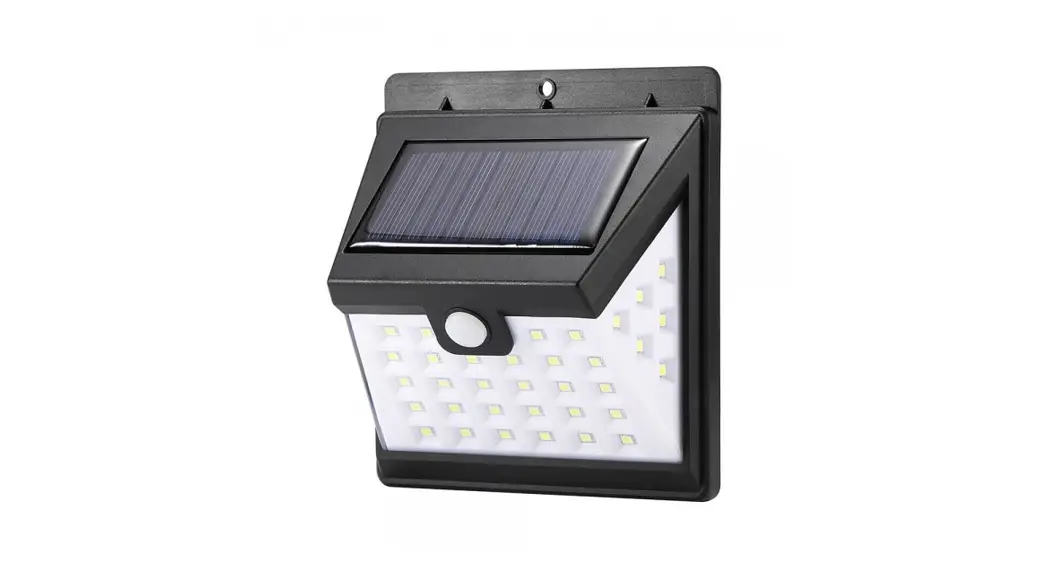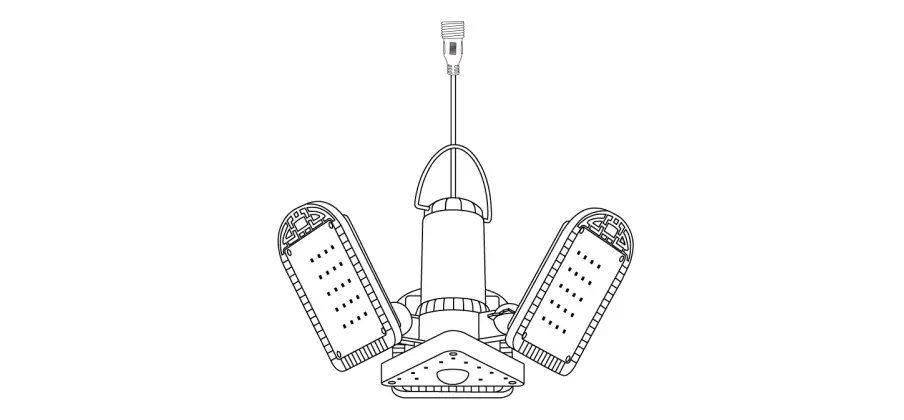

AGPTEK SY-ZY 2101002 Solar Motion Sensor Garage Light
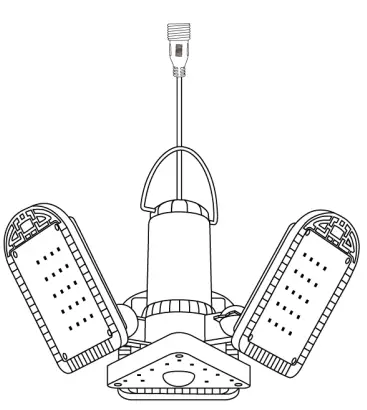
Thank you for purchasing AGPTEK Solar Motion Sensor Garage Light. For optimum performance and safe use, please read this user manual carefully and keep it for future reference. If you have any problems, please feel free to contact our helpful customer service team by e-mail at [email protected] or send us a buyer message.
Package Content
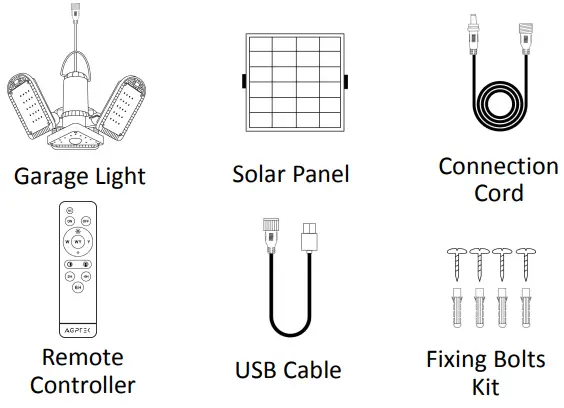
Note: Please check the package when receiving the goods. If any missing or defective parts are found, please contact us for help.
Specifications
| Solar Panel | Monocrystalline silicon 6V/4W |
| Battery Capacity | 18650 Lithium battery 3.7V/4400mAh |
| Working Mode | Remote control/light sensor/motion sensor |
| Solar Charging Time | 6-8 hours |
| USB Charging Time | 3.5-4 hours |
|
Working Time | Single Color: 8-9h (100% brightness) 30h+ (25% brightness) Double Color: 3.5-4.5h (100% brightness) 15h+ (25% brightness) |
| Color Temperature | 3000K/4500K/5500K |
| Lumens | 800lm |
| LED Quantity | 120pcs |
| Brightness Adjustment | 100%/75%/50%/25% |
| Timing | 2H/4H/6H |
| Material | PC + ABS |
| Waterproof Level | IP65 |
| Working Temperature | -31℉~+113℉/-35℃~+45℃ |
| Power Supply Modes | Solar powered/ USB charging |
| Remote Control Distance | 8-10 Meters |
Remote Controller Introduction
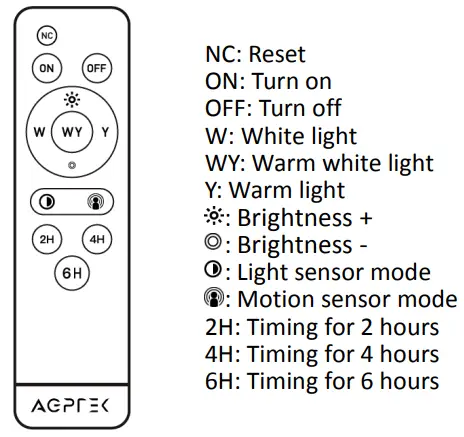
Function Introduction
- ON:
Press the ON button, and the light is on. (Note: If the light was in light sensor control or in timing mode when it was turned off last time, the light cannot be turned on by pressing ON button. If you want to force it on, please press NC button.) - OFF:
Press the OFF button and you can turn off the light in all 3 modes. - Reset Function:
Press NC to reset. Clear all previously memorized working modes and timing modes. The default mode is constant lighting mode. The brightness is 50%, no timing, no light sensor and motion sensor control. - Color Temperature Adjustment:
Press W/WY/Y button to adjust the color temperature. “W”-white light, “Y”-warm light, “WY”-warm white light. - Brightness Adjustment:
Press / to adjust the brightness of the light according to your needs. There are 4 levels: 25%, 50%, 75%, 100%. - Timing Function:
3 Timing choices: 2H/4H/6H. - 24 Hours cycle timing function
For example, if you turn on the 2H timing function, the light will automatically turn off after 2 hours. If you don’t turn off the timing function, the light will automatically turn on after 22 hours, and then continue to turn off after 2 hours, and so on. - Using method:
After pressing the corresponding number button, the light flashes once and the timing is turned on. After pressing the corresponding number button again, the light flashes twice and the timing is turned off. - Working Modes Selection:
Light sensor mode. The light will automatically turn off during the day and charge, and it will automatically light up in dark.
Using method: Press once and the light flashes once, indicating that the light sensor control is turned on. Press again, the light flashes twice, indicating that the light sensor control is turned off.
- Motion sensor mode.
Auto-on when human motion is detected within 180° and 3-5 meters/9.8-16.4 feet, and auto-off after about 30 seconds of no motion detected. Using method: Press once and the light flashes once, indicating that the motion sensor control is turned on. Press again, and the light flashes twice, indicating that the motion sensor control is turned off.
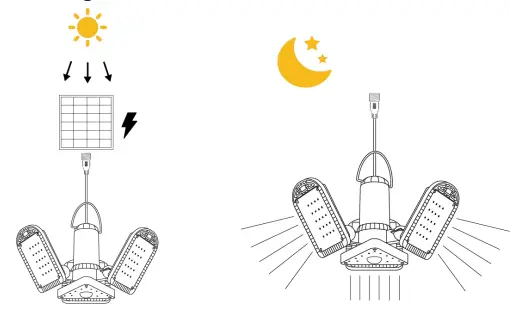
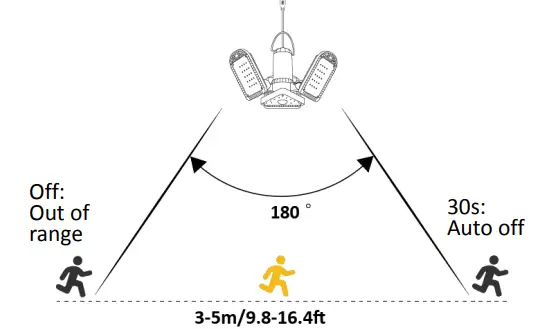
Note: Light sensor mode and motion sensor mode can be used at the same time. If the two modes are turned on at the same time, the light will not light up even if motion is detected during the day.
Power Supply Modes
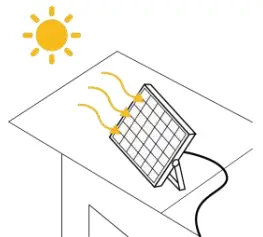
- Solar Powered: install the solar panel in a place exposed to direct sunlight to charge (6-8 hours).

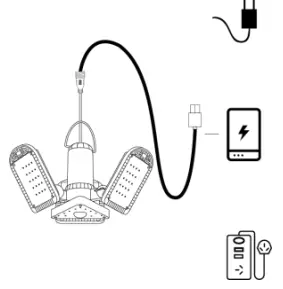
- USB Charging: use 5V/1-3.6A charging devices to charge the light (3.5-4 hours).

Recommendations
- Please place the solar panel in direct sunlight and charge it for 4-5 hours before first use.
- The solar panel should be placed in a sunny place, and the angle should be adjusted to obtain sufficient sunlight.
- Please keep the surface of the solar panel clean. It is recommended to clean it every two months to make the charging faster.
Attention
- Do not disassemble the solar panel and battery without authorization.
- This product contains battery inside, please keep it away from fire sources to prevent explosions.
Troubleshooting
| Trouble | Reason Analysis | Solution |
|
The light doesn’t work |
Run out of battery | l Connect the solar panel to the light and leave it under the sunlight to charge for at least 2 hours or charge the light via USB charging. |
| In light sensor control mode, the light is in bright place | l Cover the solar panel to turn on the light. l Press the NC button to restore the factory default settings. | |
|
The remote controller has no response | Remote control distance is too far | l Aim the remote controller at the receiver of the light, and the remote control distance is within 8-10 meters. |
| The remote controller runs out of power | l Replace battery. |
|
Fail to charge | Defective solar panel/ battery | l Please contact us for help. |
| Dirty solar panel | l Keep the surface of the solar panel clean. | |
|
Battery life gets shorter and shorter |
Solar panel doesn’t getting enough sunlight to recharge | l Ensure that the solar panel is installed in a place that can get enough sunlight, and no shelter between 9:00- 15:00 every day. l If can’t get enough sunlight on a rainy day, the solar lamp will automatically return to the best working condition after the weather clears up the next day and obtaining enough sunlight. l It’s recommended to clean the solar panel every 2 months to make the charging |
| faster. If not cleaned for a long time, the solar charging effect will be affected. | ||
| Defective battery | l Please contact us for help. | |
| The light keeps flashing | The light sensor control mode can’t tell whether it is day or night | l Cover the solar panel to create a dark environment. l Press the NC button to restore the factory default settings. |
|
Turn on the light after it is off but only lighting for a while and then stop lighting |
Battery protection | l This is the normal battery low- power protection function of the solar lamp, not a product quality problem. And it can be restored to normal without maintenance. This is the same as the automatic shutdown of the mobile phone when it is out of power. |