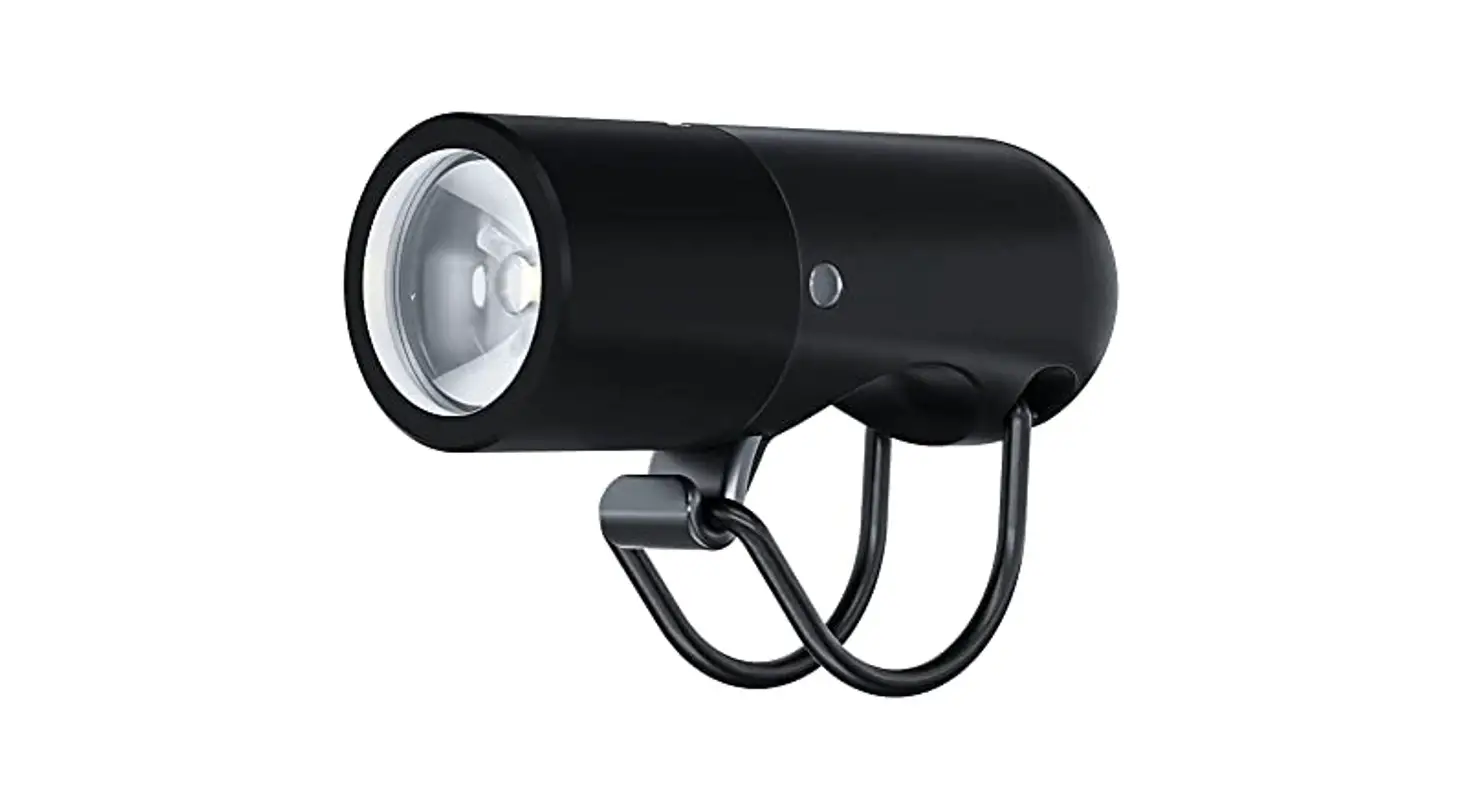
 PLUGGER QUICKSTART
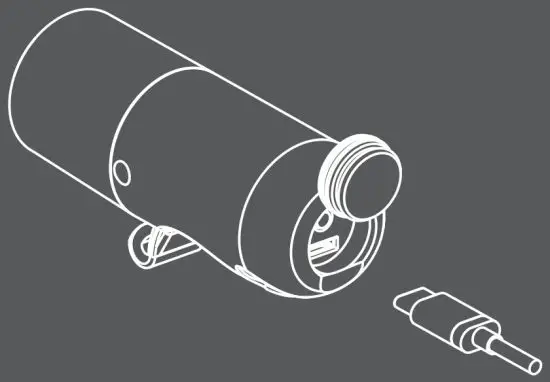
CHARGING
Charge before first use. Open silicone cover to expose the USB port. Connect to a computer using a standard Micro USB cable.* If using a power outlet, use only suitable USB chargers. Charge indicator glows red when charging.
* Please note a micro USB cable is not included in this pack.
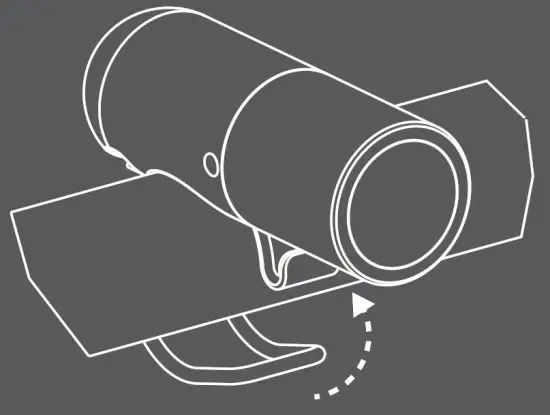
MOUNTING
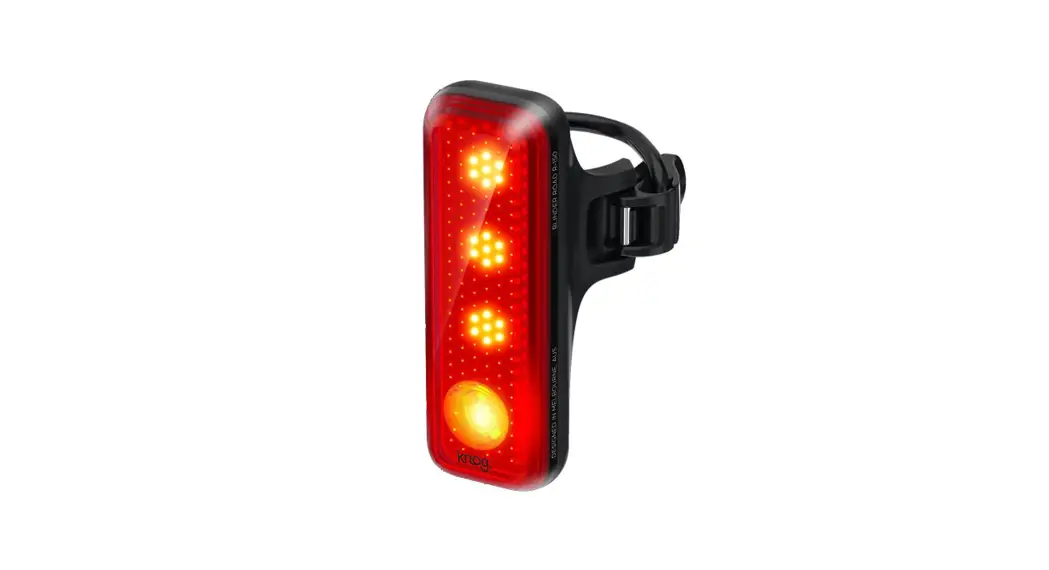
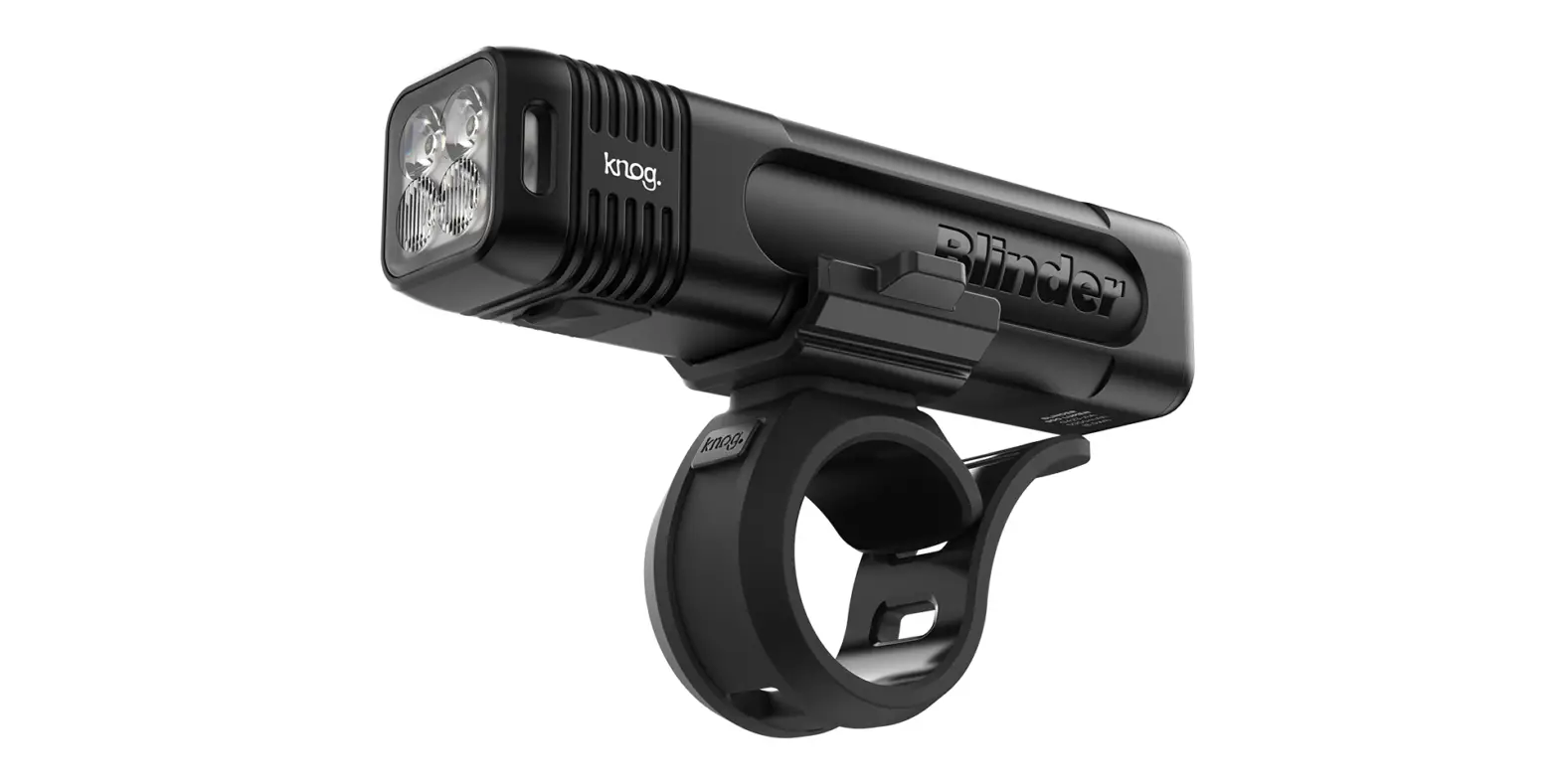
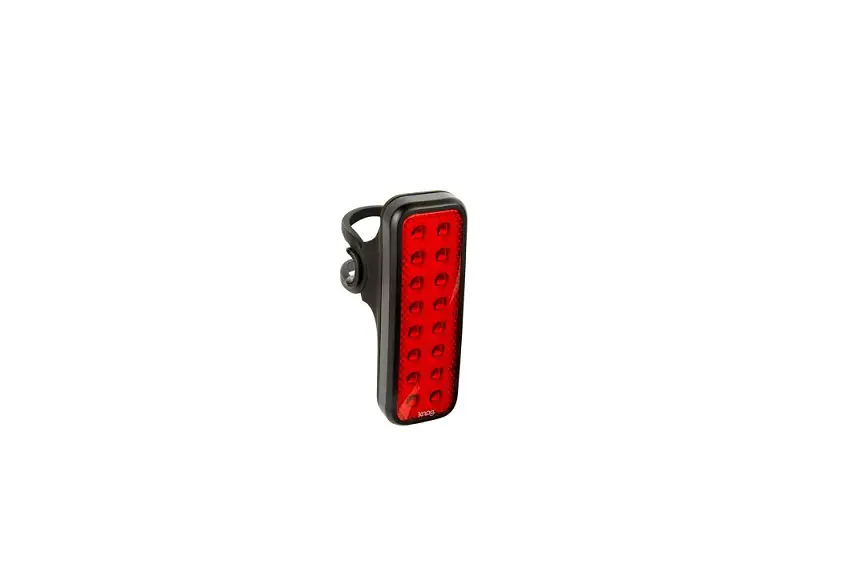
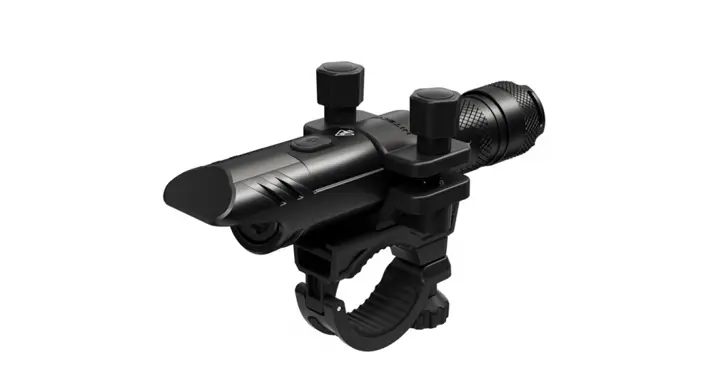
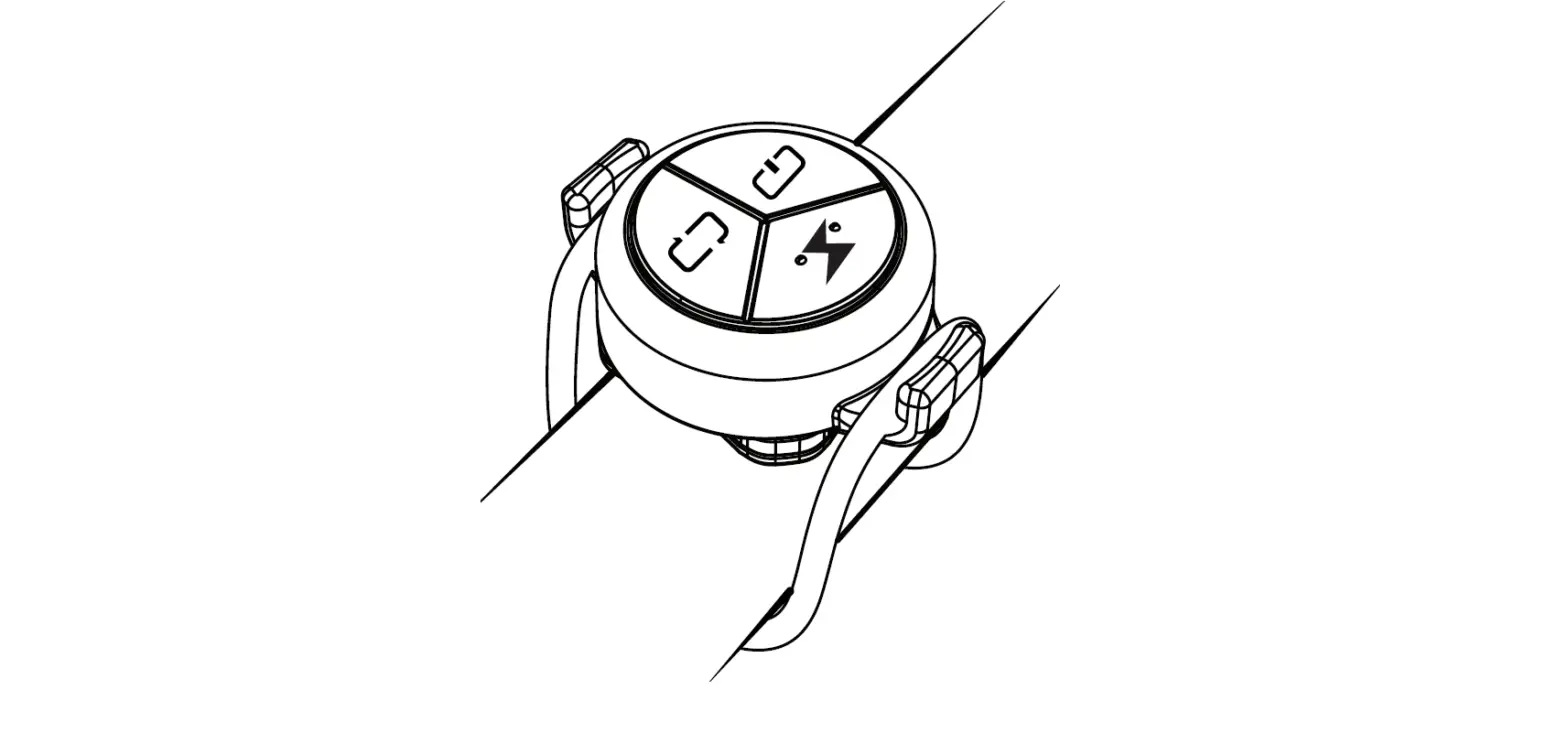
Attach strap to the rear mount band channel and stretch around to the front hook. (S & M straps included).
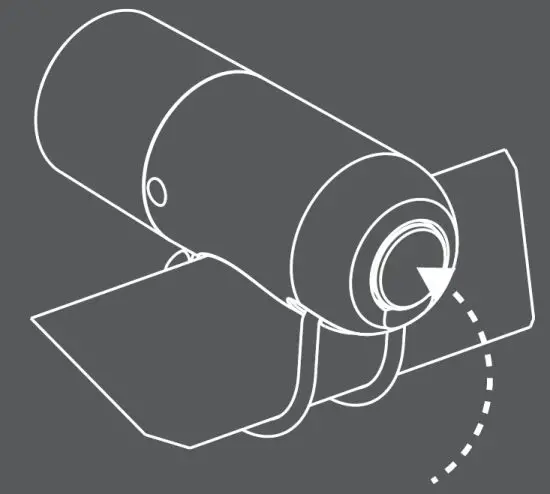
OPERATION
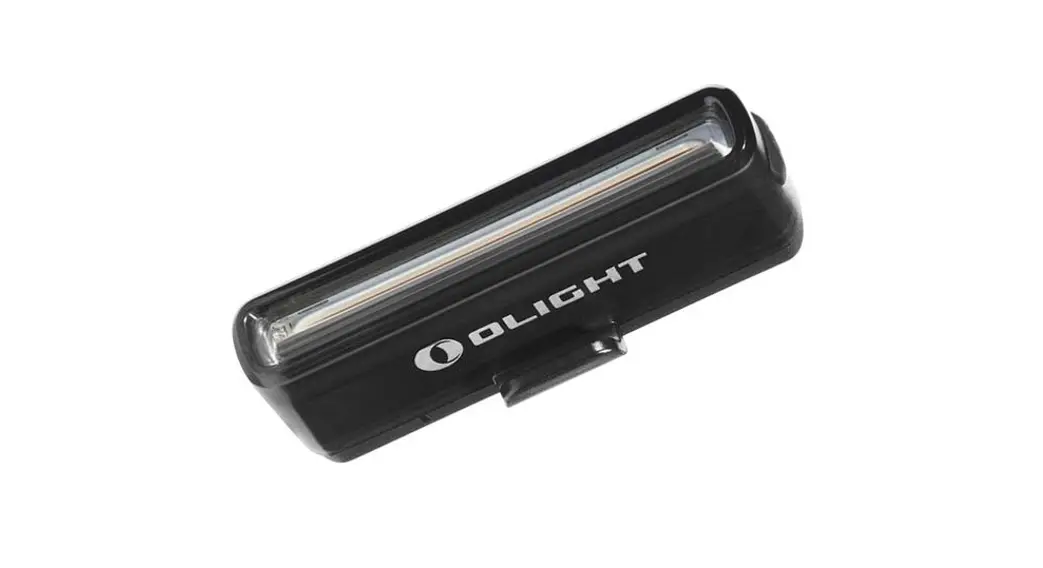
Press and hold power button (back of light) to turn on/off the light. Fast press to change modes. LBI (visible through lens and LHS side window) stays on for 2 seconds after turning off, when the battery is low.