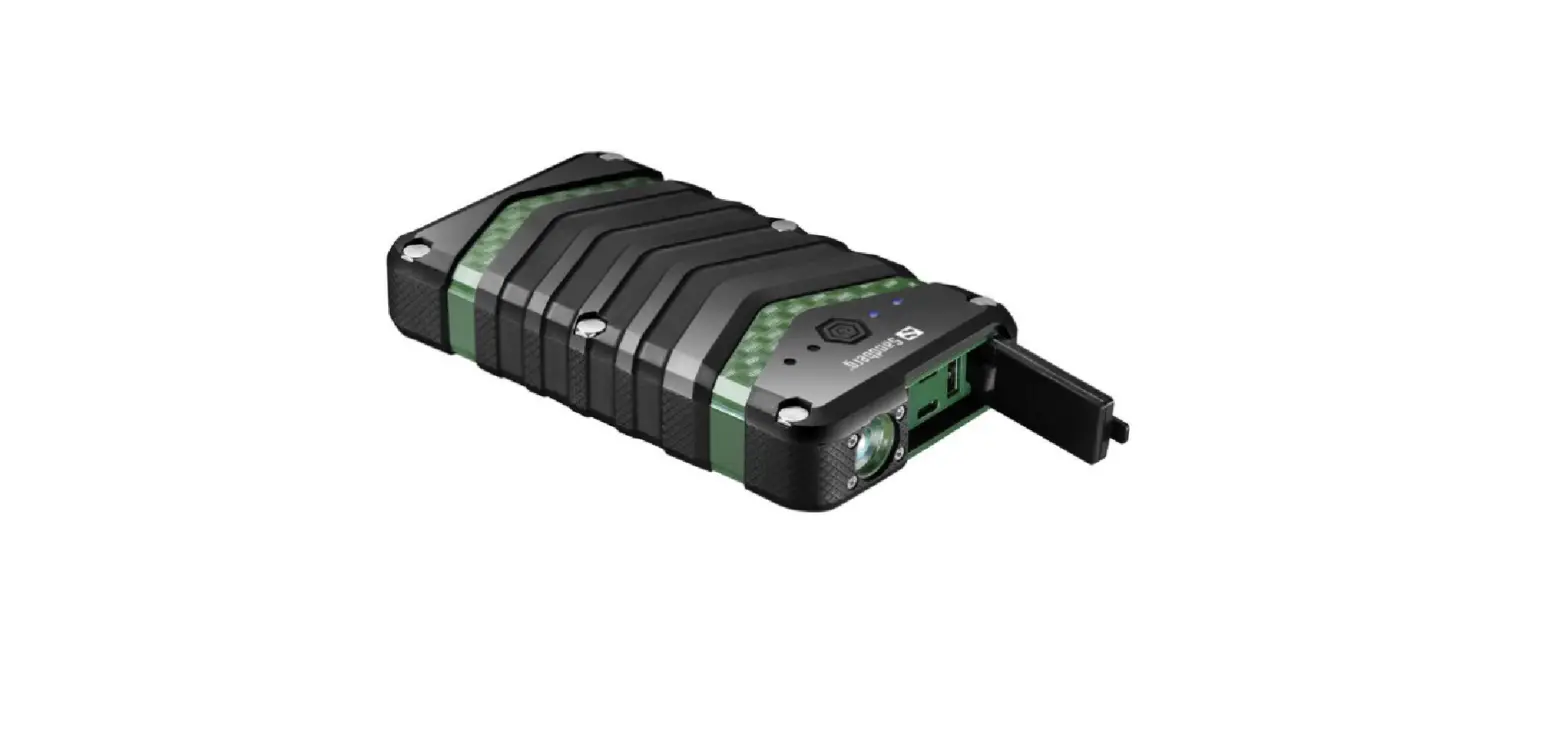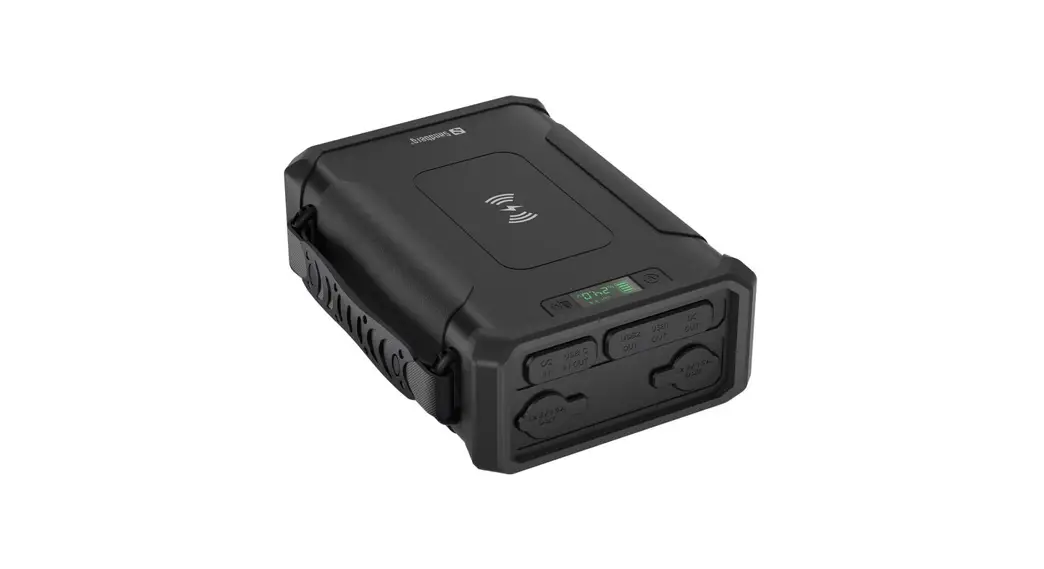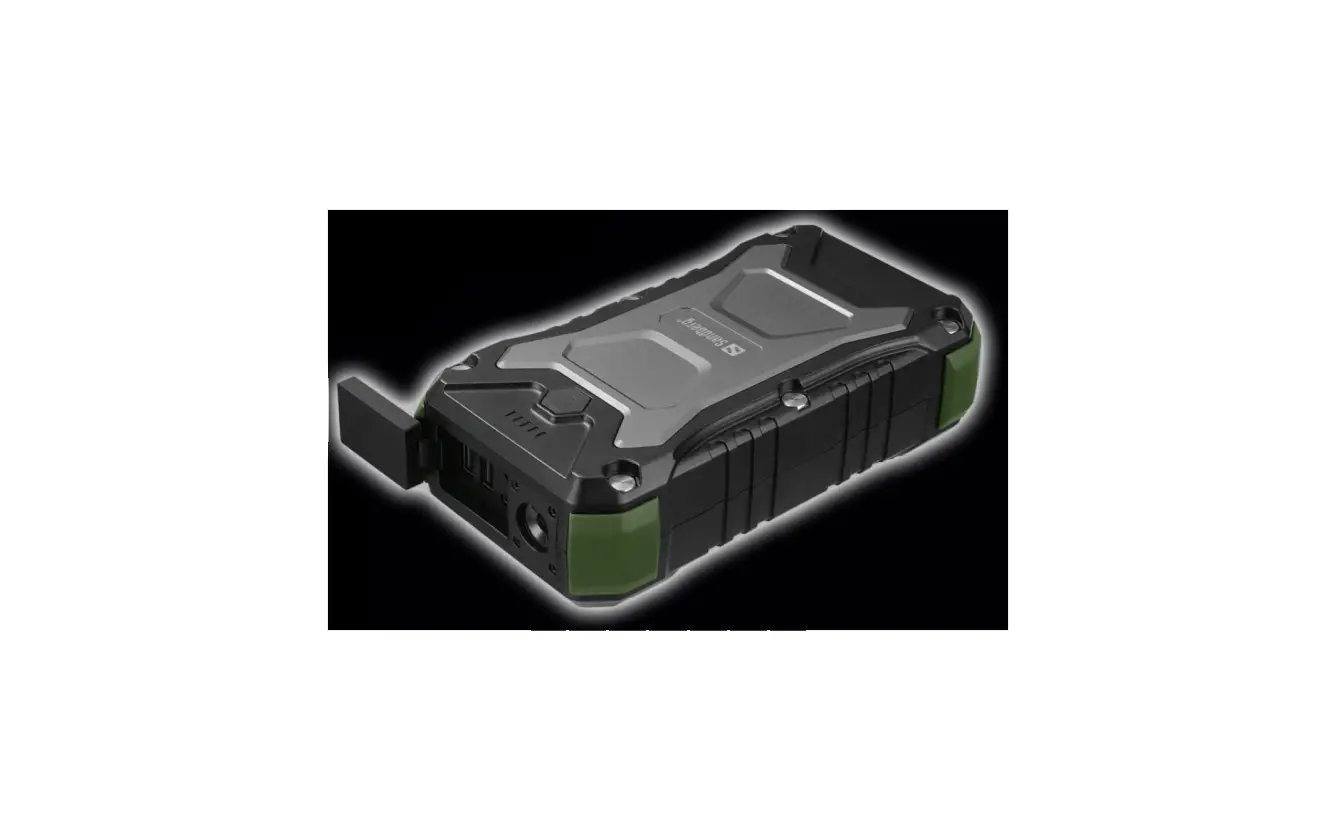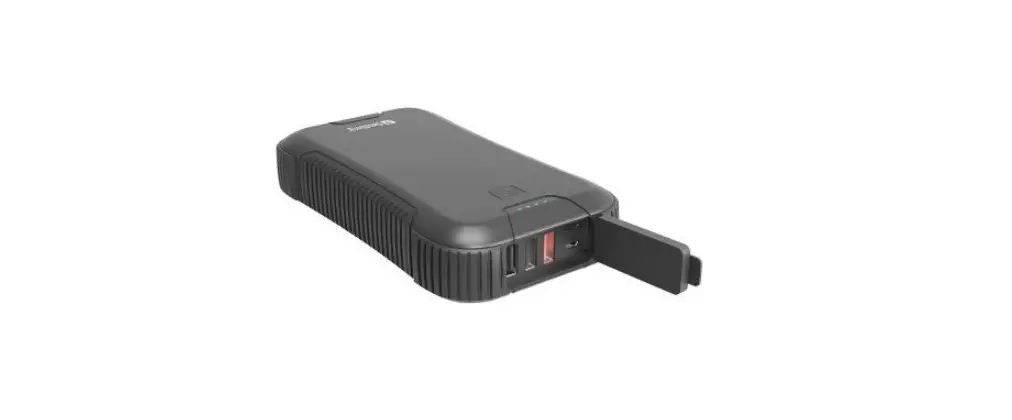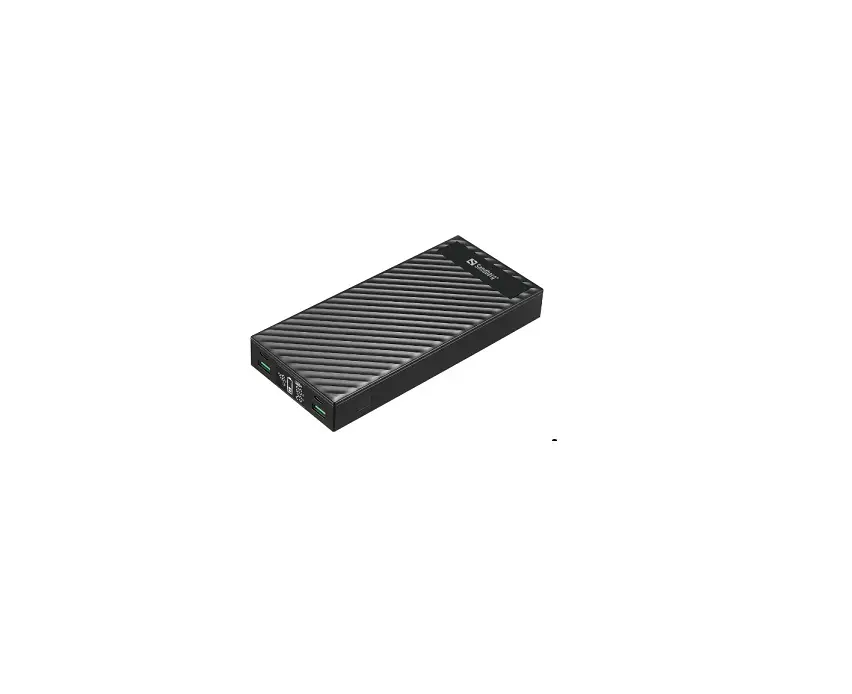


 Survivor
Powerbank
7in1 72000
Quick guide
420-64
www.sandberg.world
Overview
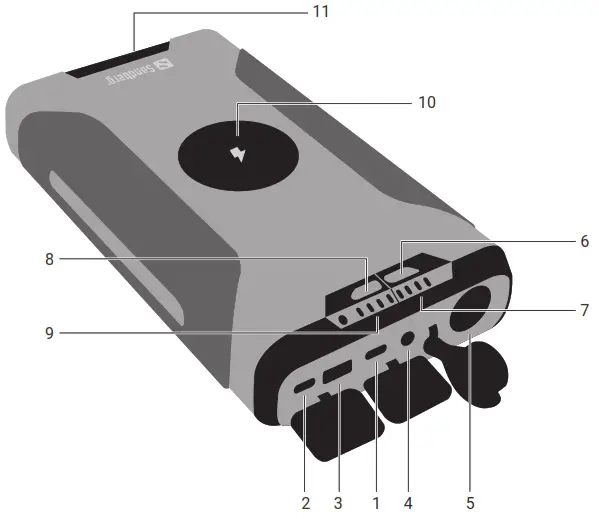
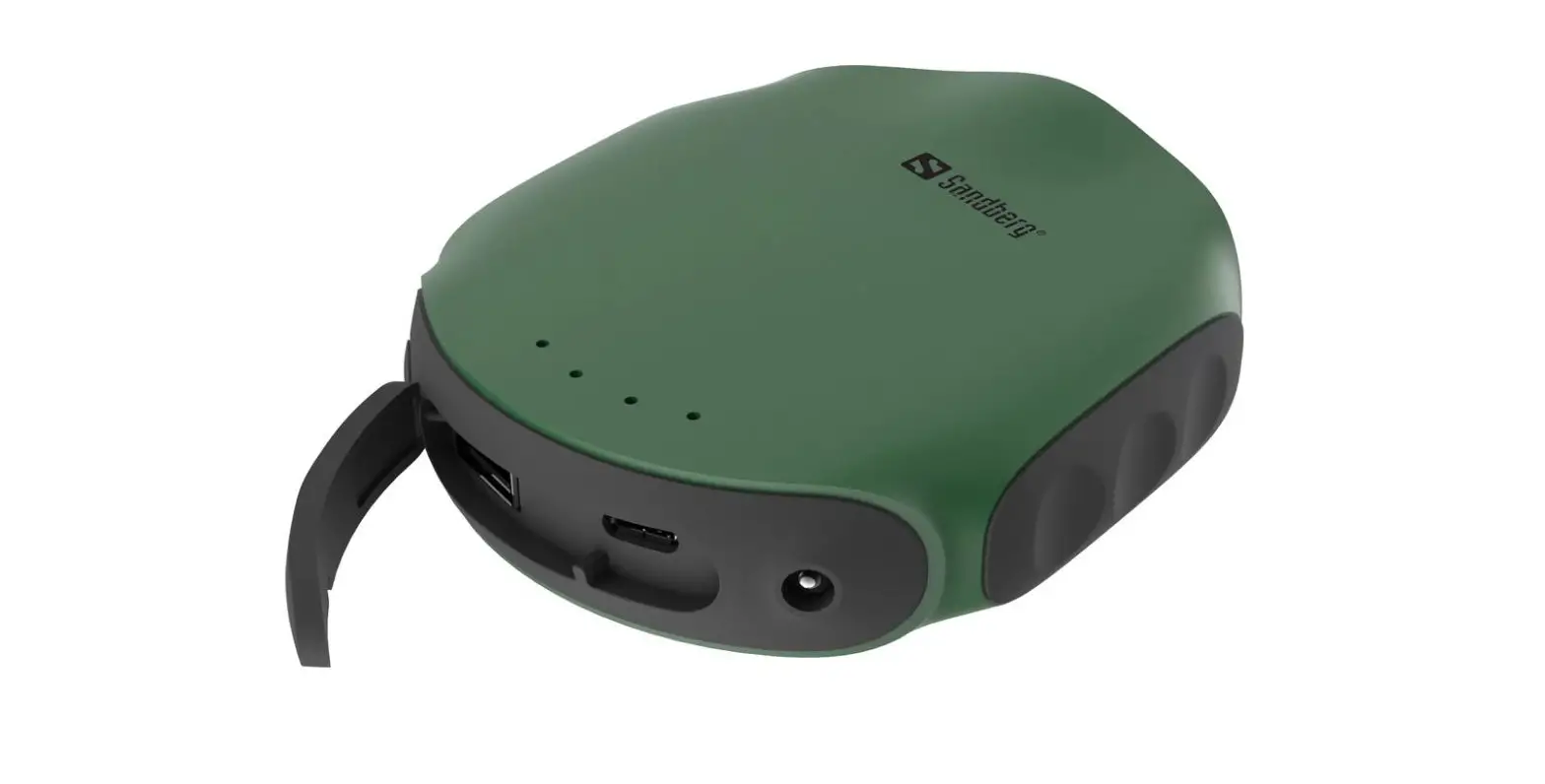
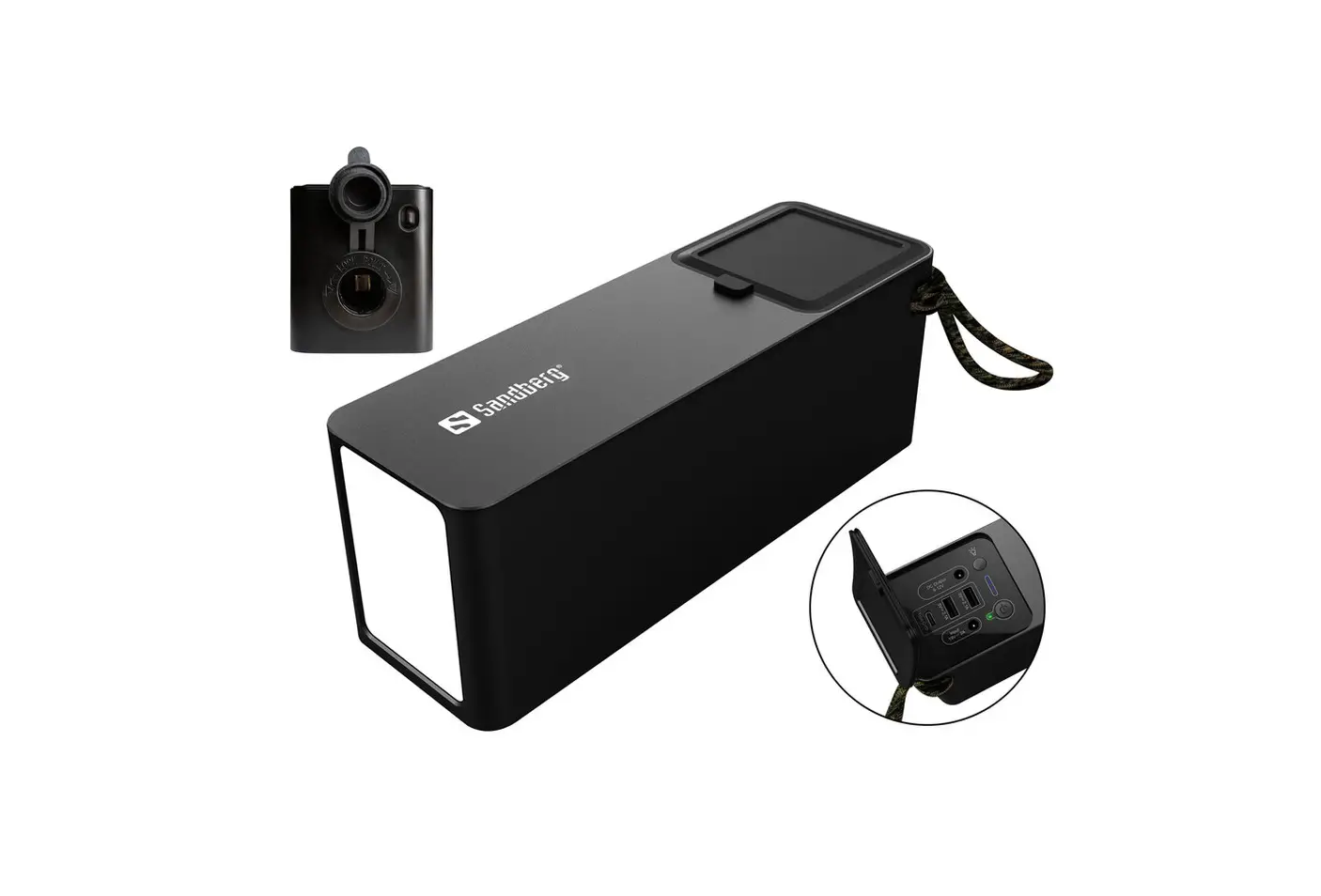
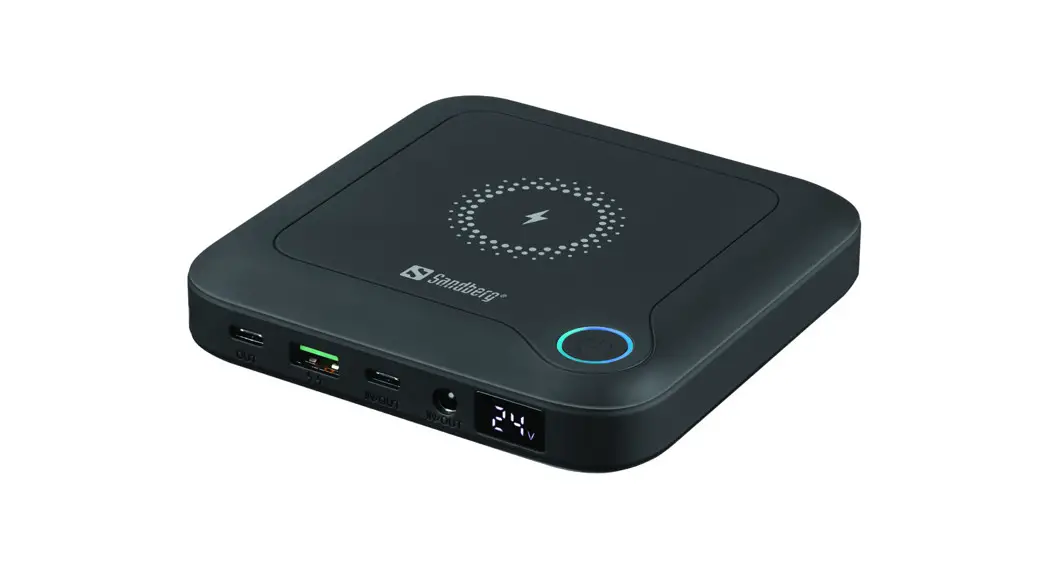
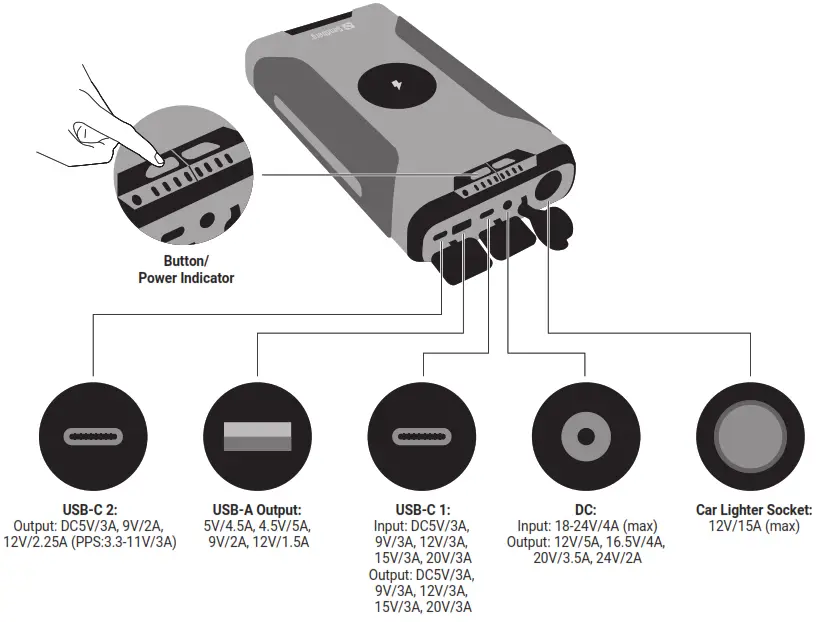
- USB-C 1 Input/Output
- USB-C 2 Output
- USB-A Output
- DC Input/Output
- Laptop voltage indicators
- Power button
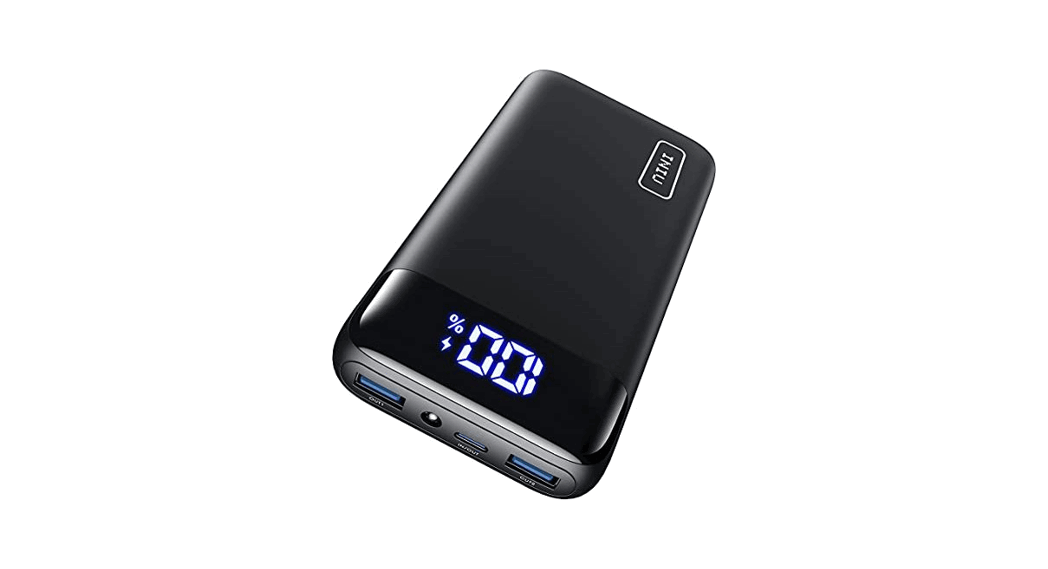
- Battery level indicator
- Wireless charging Area
- 12V Car lighter output
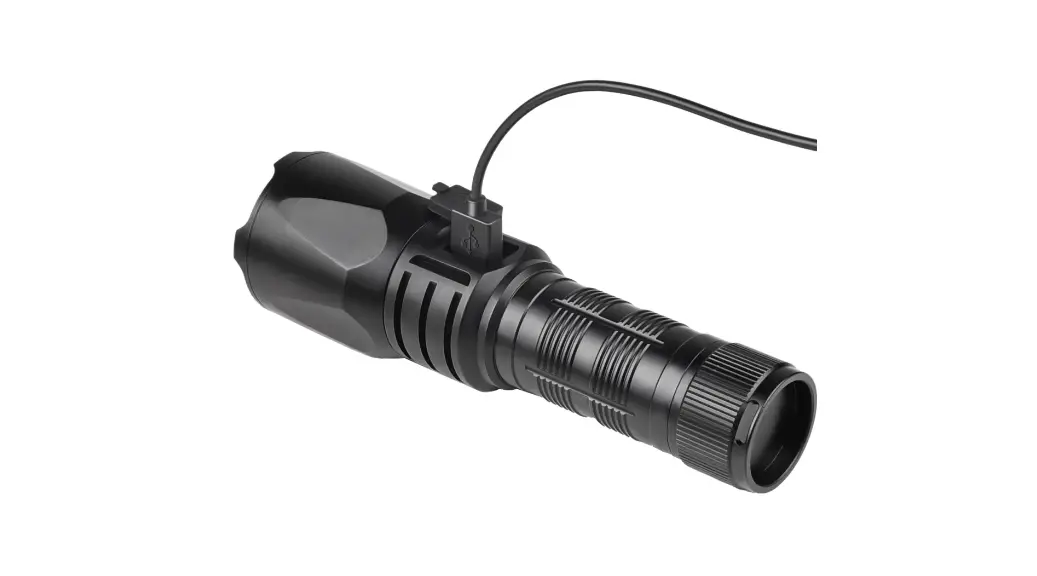
- Flashlight and emergency light
- Laptop Voltage button
Detailed specification
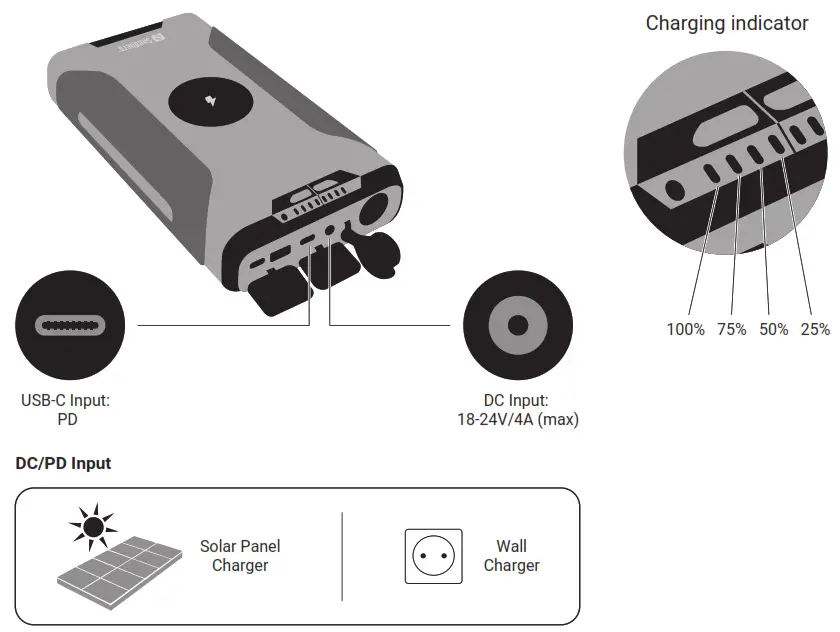
Charge the power bank
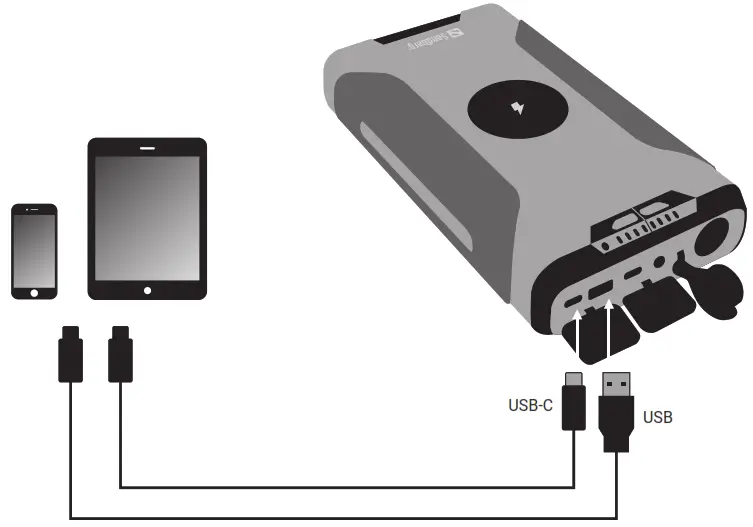
Charge mobile device (USB and USB-C 2 Output)
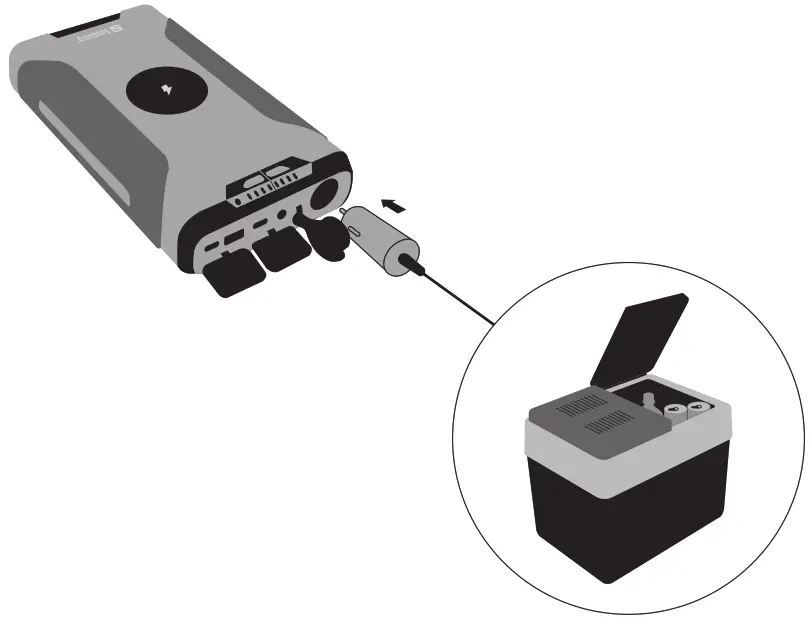
Charge equipment (Car Lighter Socket)
Charge laptop (DC or USB-C 1 Output)
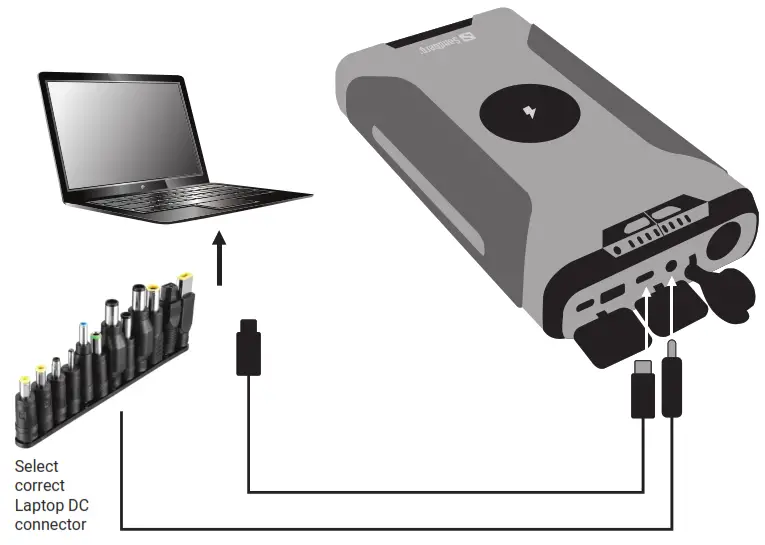
- Choose the correct tip to fit the DC port of your laptop.
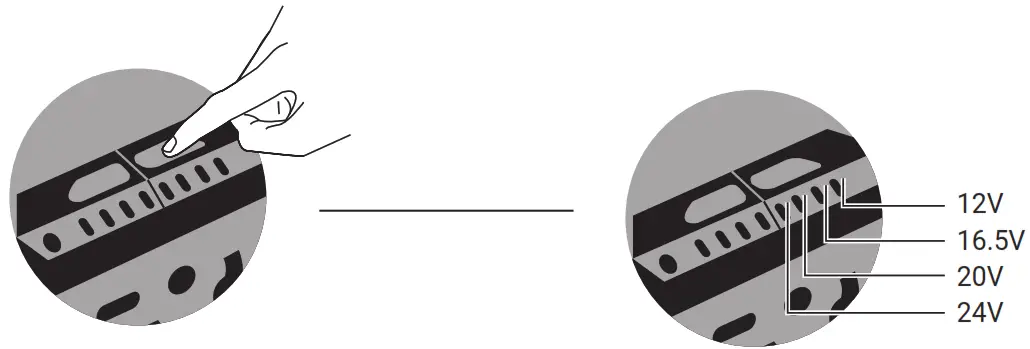
- Set the correct voltage on the power bank:
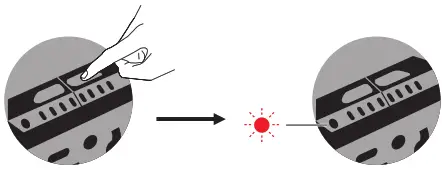
Keep a long press on the button until the display is flashing.
Click button short to step between Voltage 12V/16.5V/20V/24V.
- Connect the laptop, the charge will start.
- After disconnecting the laptop, you need to set the Voltage next time.
For safety, it will always start the cycle at the lowest setting 12V.
NOTE: If you are in doubt on what DC-Voltage to choose, have a look at the label on the AC charger for the laptop.
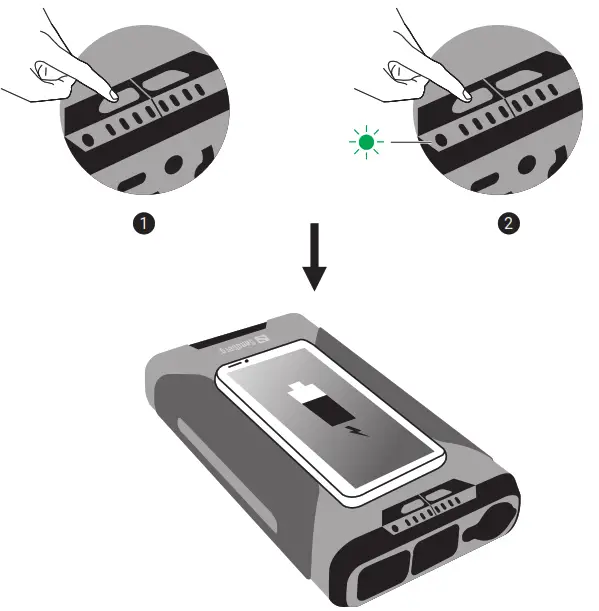
Wireless charger
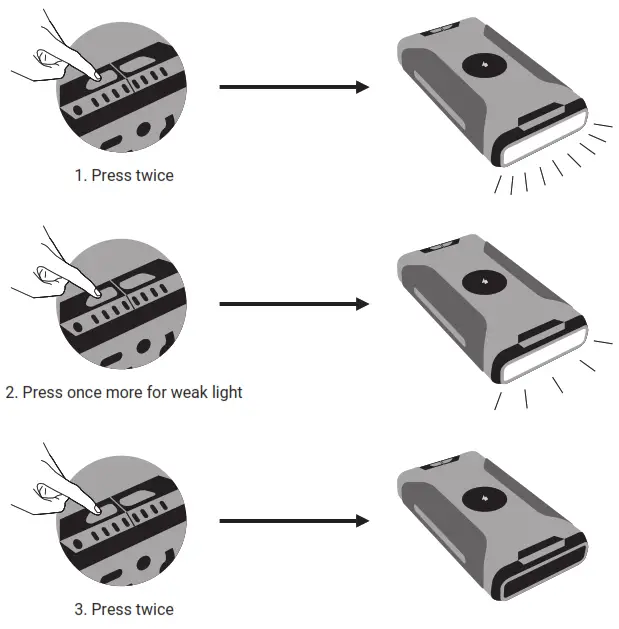
Flashlight and Emergency light
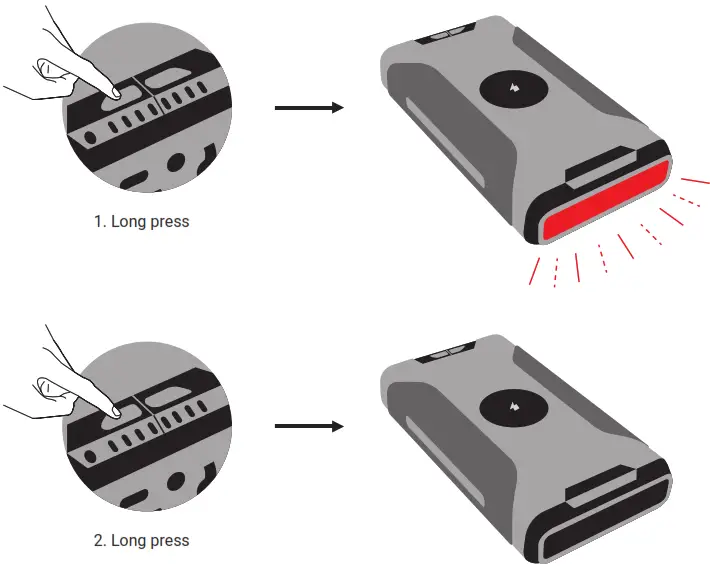
Flashlight and Emergency light

Support
http://helpdesk.sandberg.world
Warranty
There is a five-year warranty on your Sandberg product.
Please read the warranty terms and register your new
Sandberg product at www.sandberg.world/warranty
5 Years Warranty
 For information on handling electronic waste, see www.sandberg.world/weee
 Helpdesk - Sandberg A/S