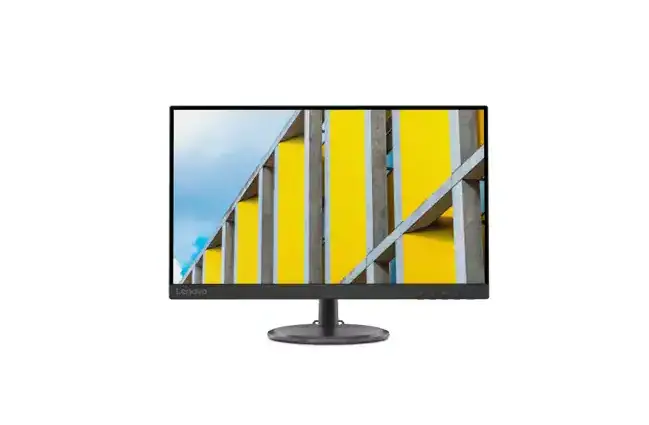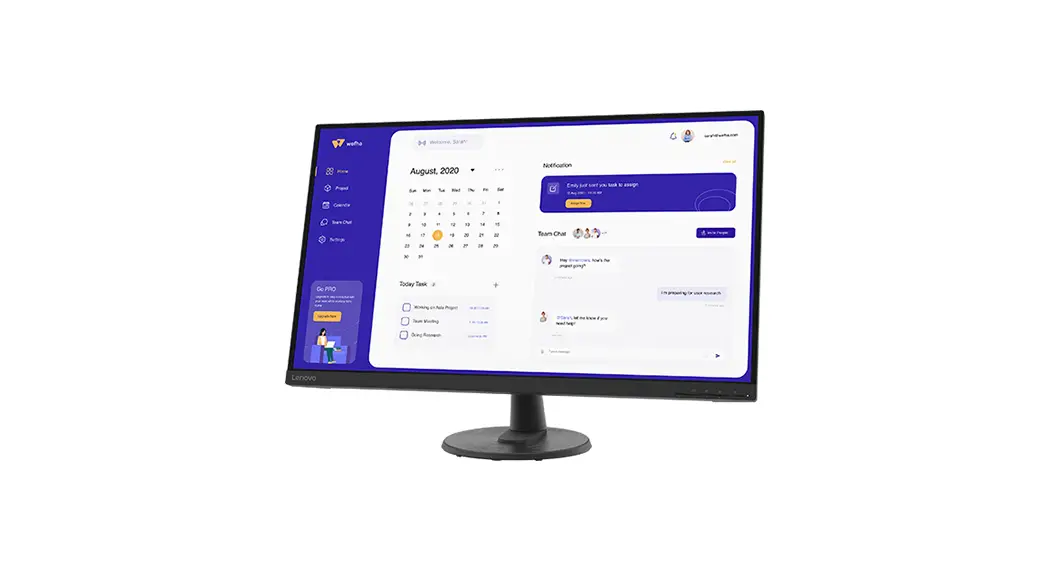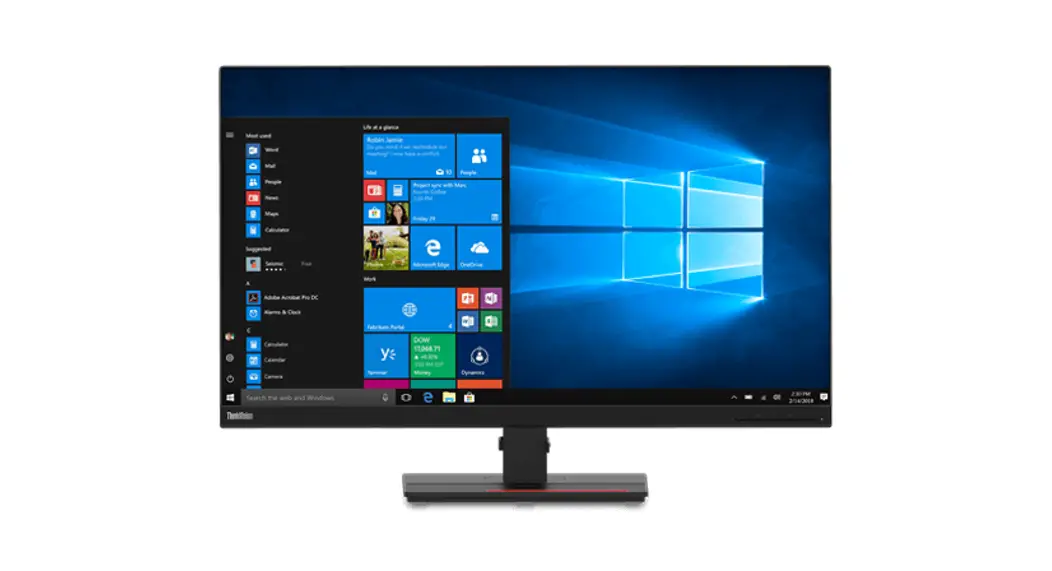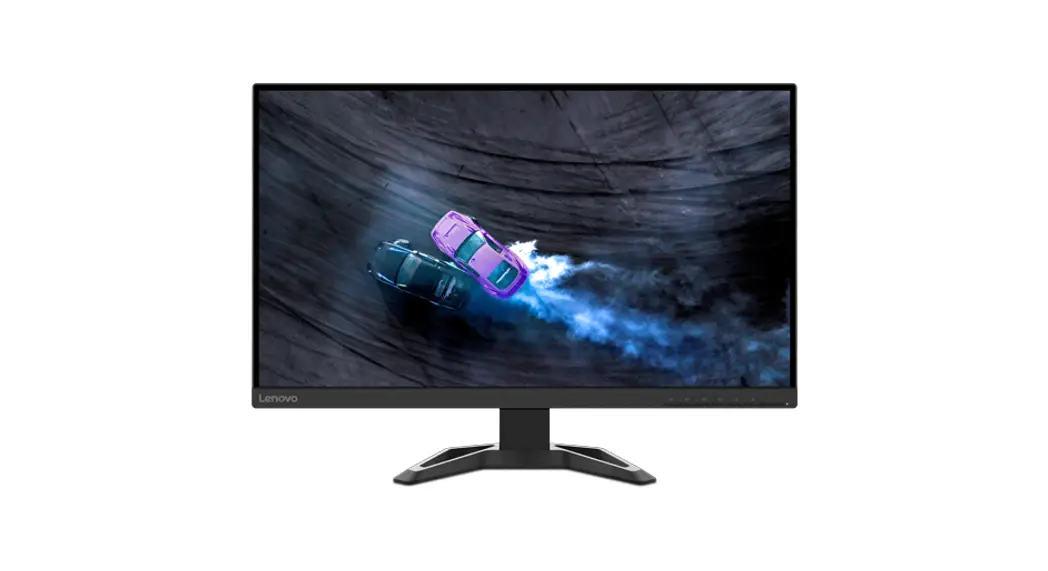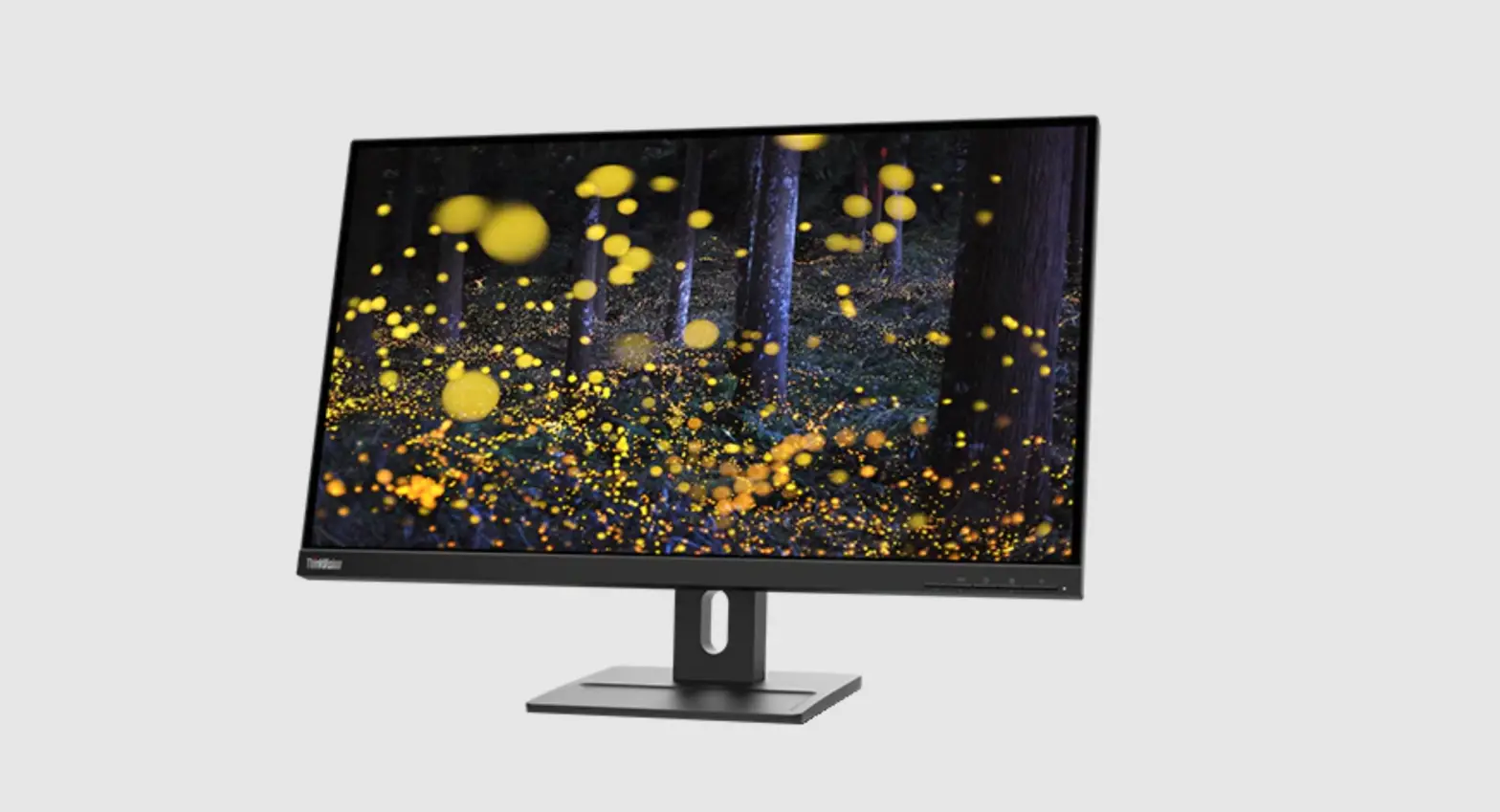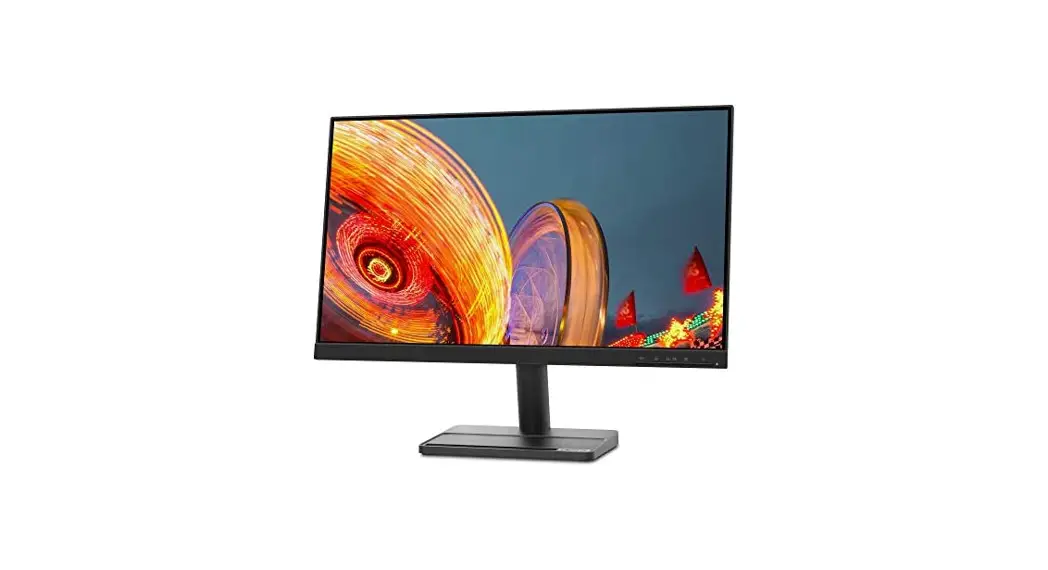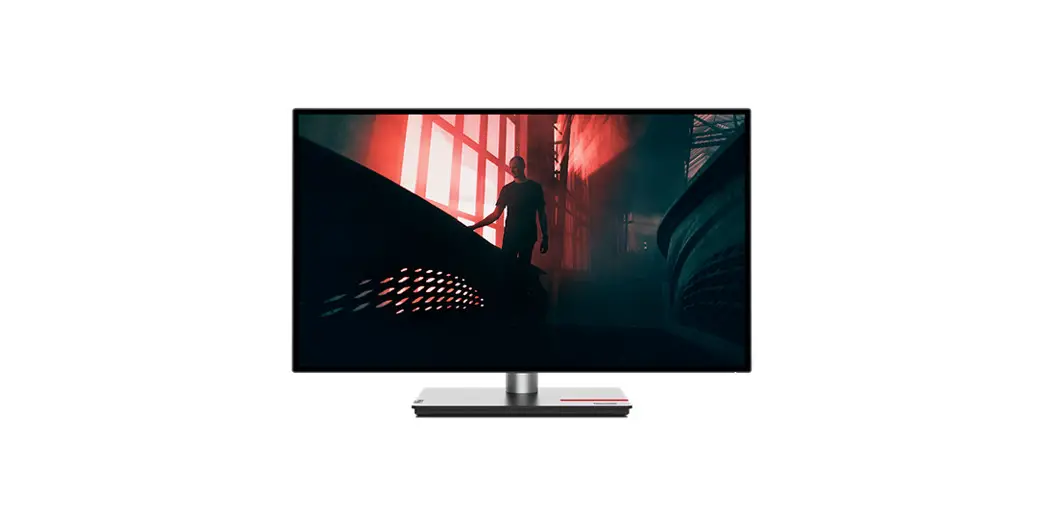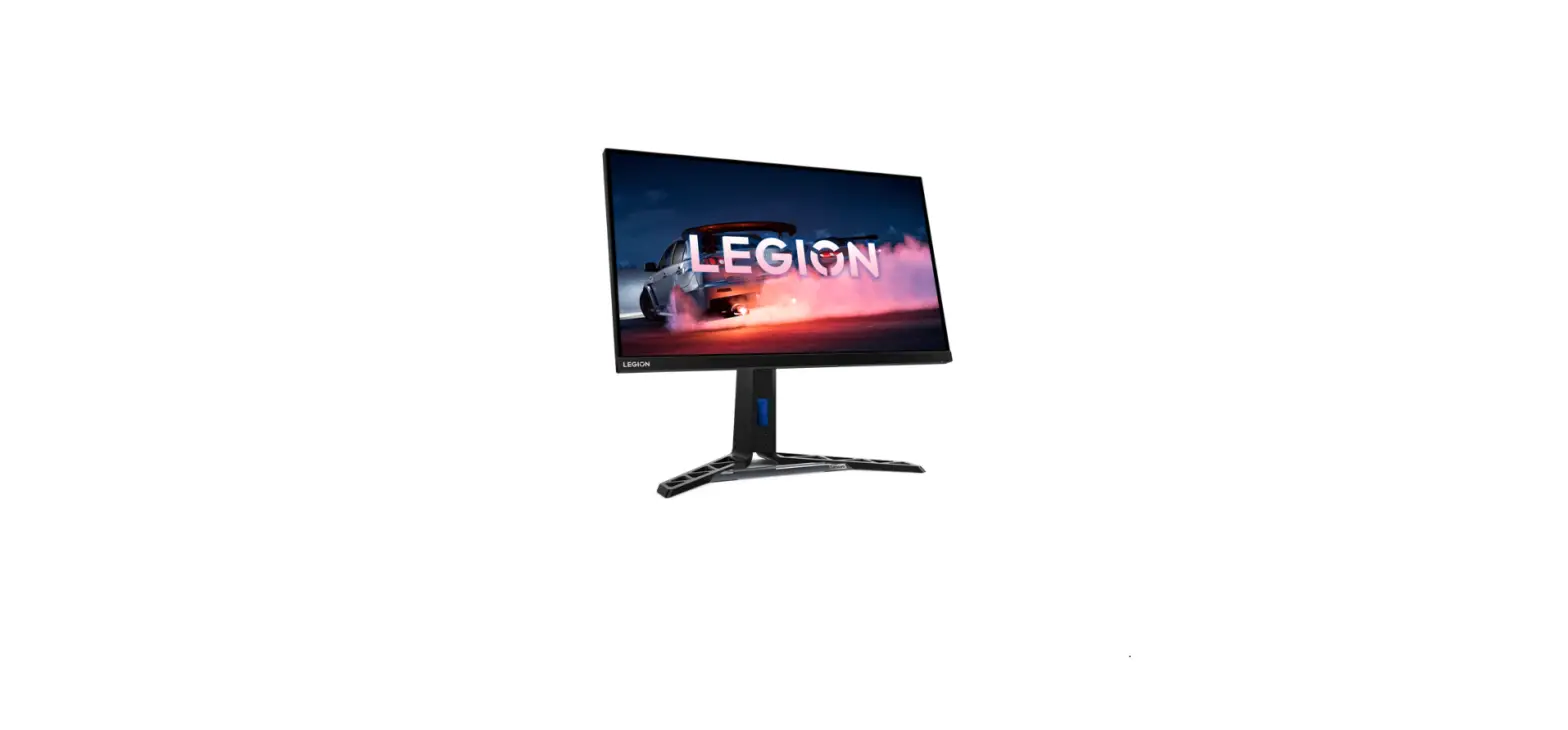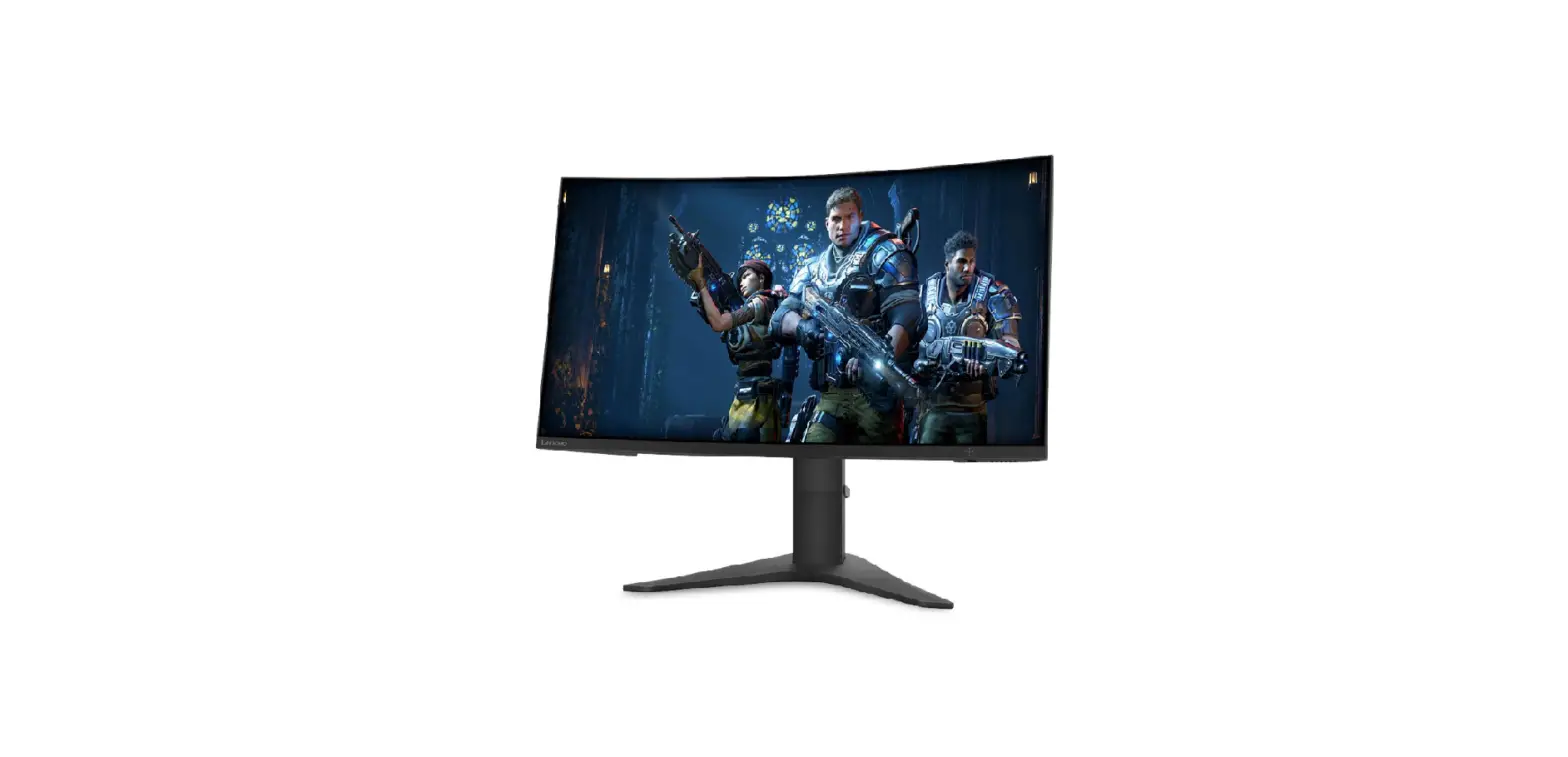

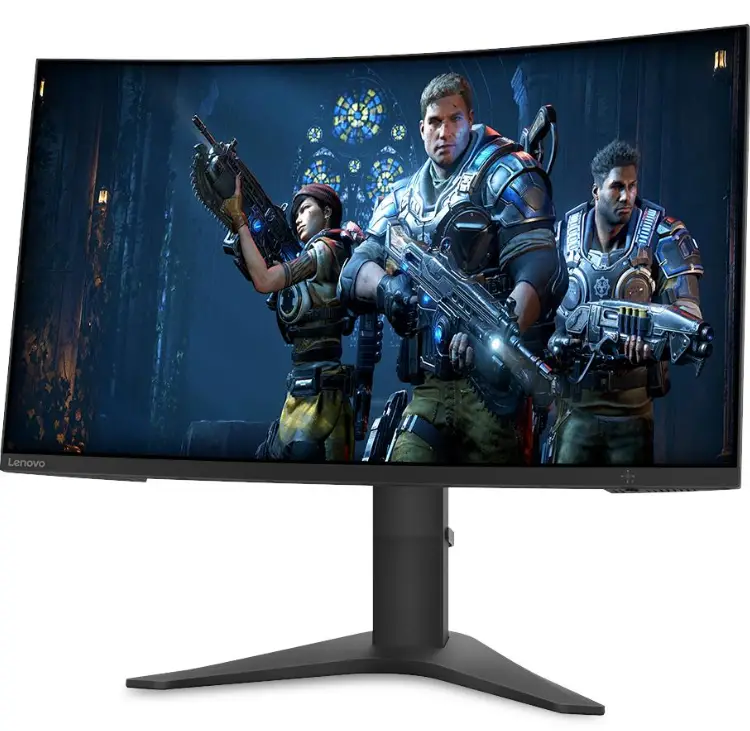
Lenovo 63A9GAT1CH-1 27 inch 4K UHD Monitor
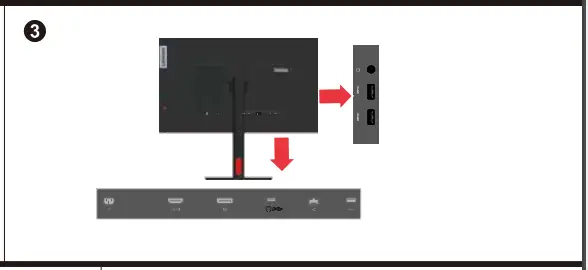
Connections


Dimensions


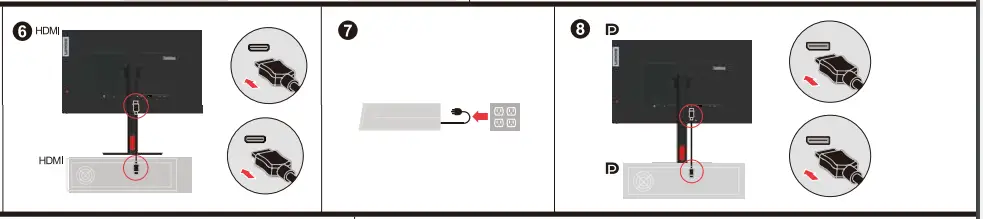
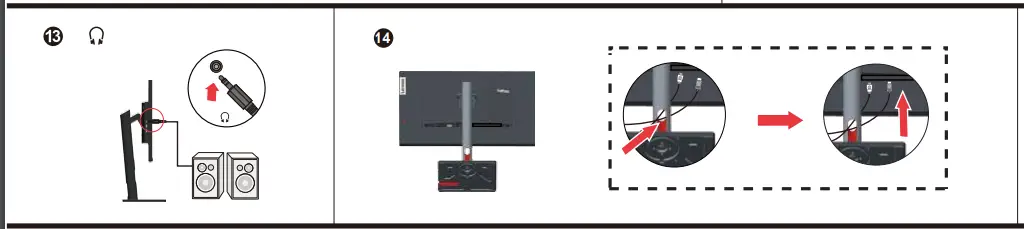
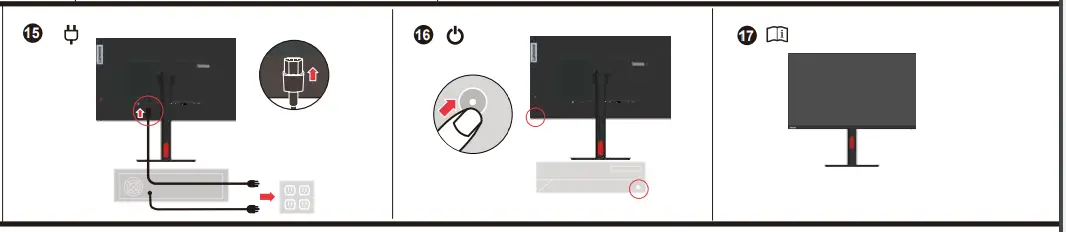
How to Connect


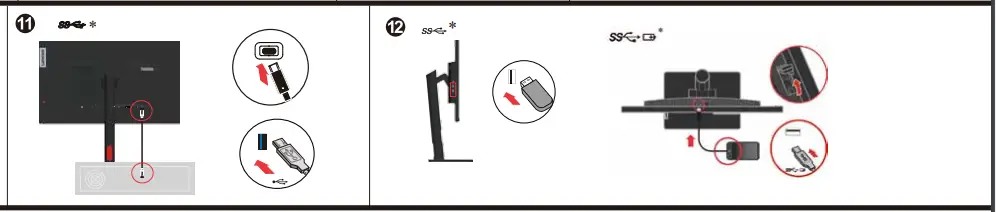
How To Use

Warning
The drivers and files for this monitor can be downloaded from https://pcsupport.lenovo.com/solutions/t27p_30 or scan QR code.
Safety information
DANGER To avoid shock hazard:
- Do not remove the covers.
- Do not operate this product unless the stand is attached.
- Do not connect or disconnect this product during an electrical storm.
- The power cord plug must be connected to a properly wired and grounded power outlet.
- Any equipment to which this product will be attached must also be connected to properly wired and grounded power outlets.
- To isolate the monitor from the electrical supply, you must remove the plug from the power outlet. The power outlet should be easily! accessible.
Handling: If your monitor weighs more than 18 kg (39.68 lb), it is recommended that it be moved or lifted by two people.
Depending on many factors such as the processing capability of peripheral devices, file attributes, and other factors related to system configuration and operating environments, the actual transfer rate using the various USB connectors on this device will vary and is typically slower than the data rates as defined by the respective USB specifications: – 5 Gbit/s for USB 3.1 Gen 1; 10 Gbit/s for USB 3.1 Gen 2 & 20 Gbit/s for USB 3.2.
This equipment is not suitable for use in locations where children are likely to be present.
Troubleshooting information
If you have a problem setting up or using your monitor, you might be able to solve it yourself. Before calling your dealer or Lenovo, try the suggested actions that are appropriate to your problem.
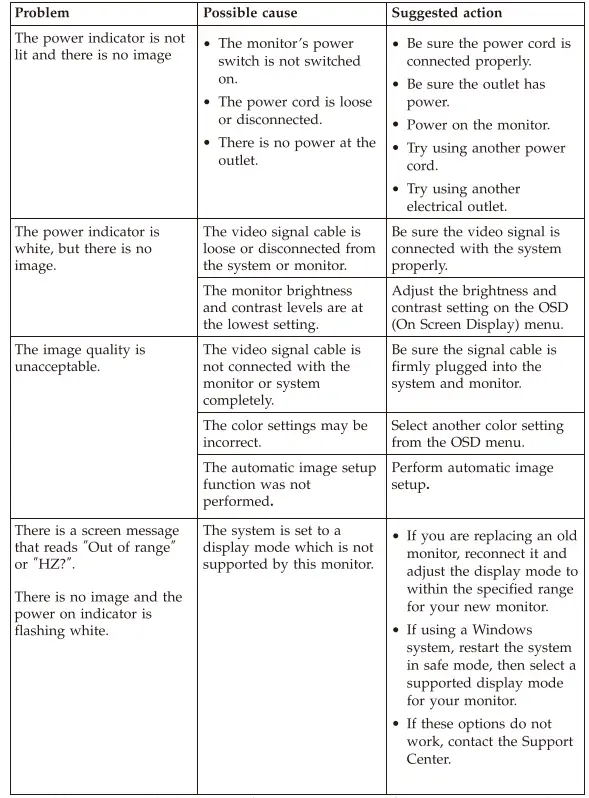
For additional troubleshooting information, please refer to the User’s Guide.
References
 ThinkVision T27p-30 - Overview - Lenovo Support US
 Contact Us - PC, Data Center, Mobile, Smart | Lenovo Support US - Lenovo Support US
-
Lenovo Warranty Check/Lookup | Check Warranty Status | Lenovo Support US
-
ThinkVision T27p-30 - Overview - Lenovo Support US
-
Regulatory Compliance | Recycling | Lenovo US
 ThinkVision T27p-30 - Overview - Lenovo Support US
 Contact Us - PC, Data Center, Mobile, Smart | Lenovo Support US - Lenovo Support US