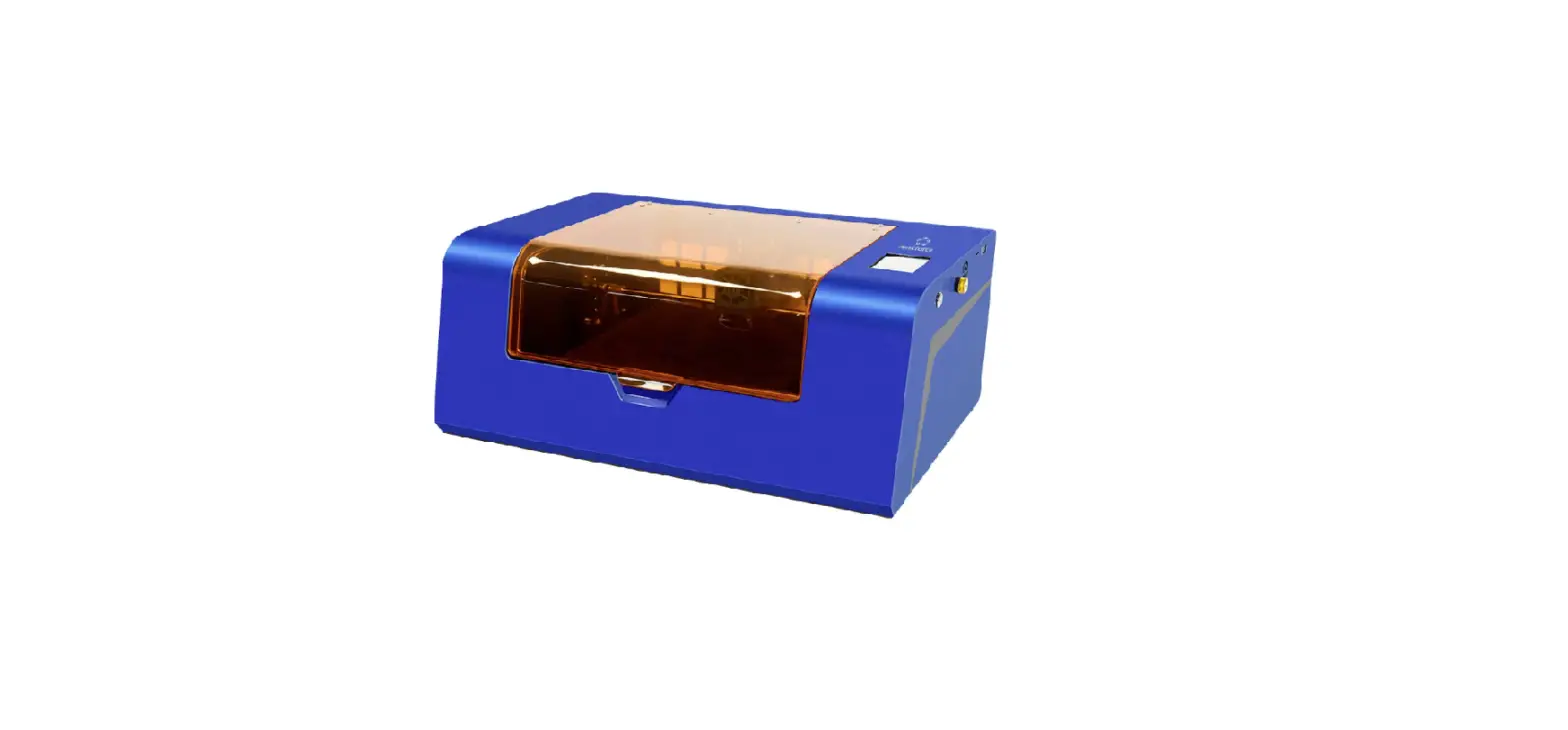
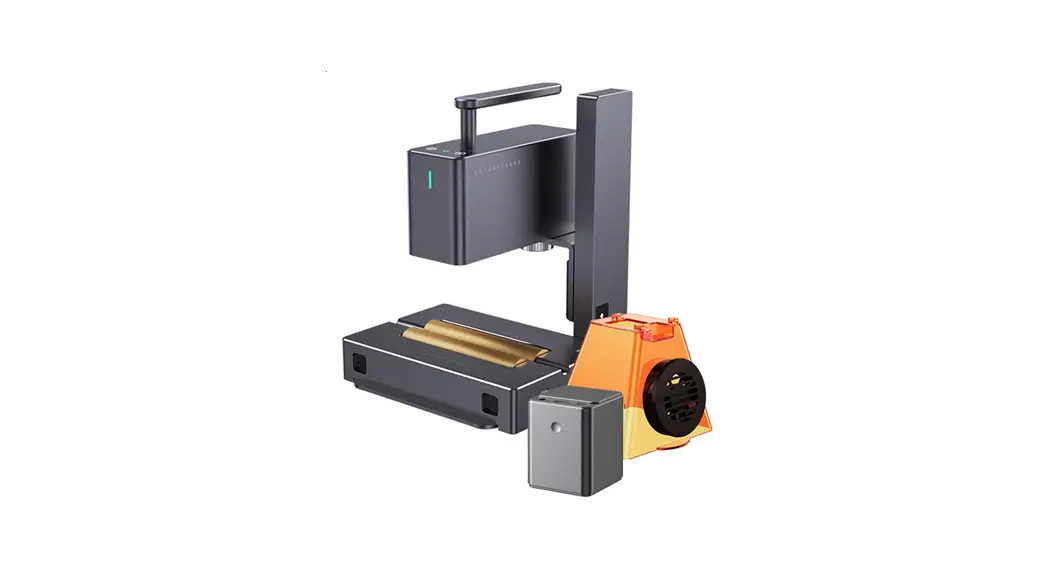
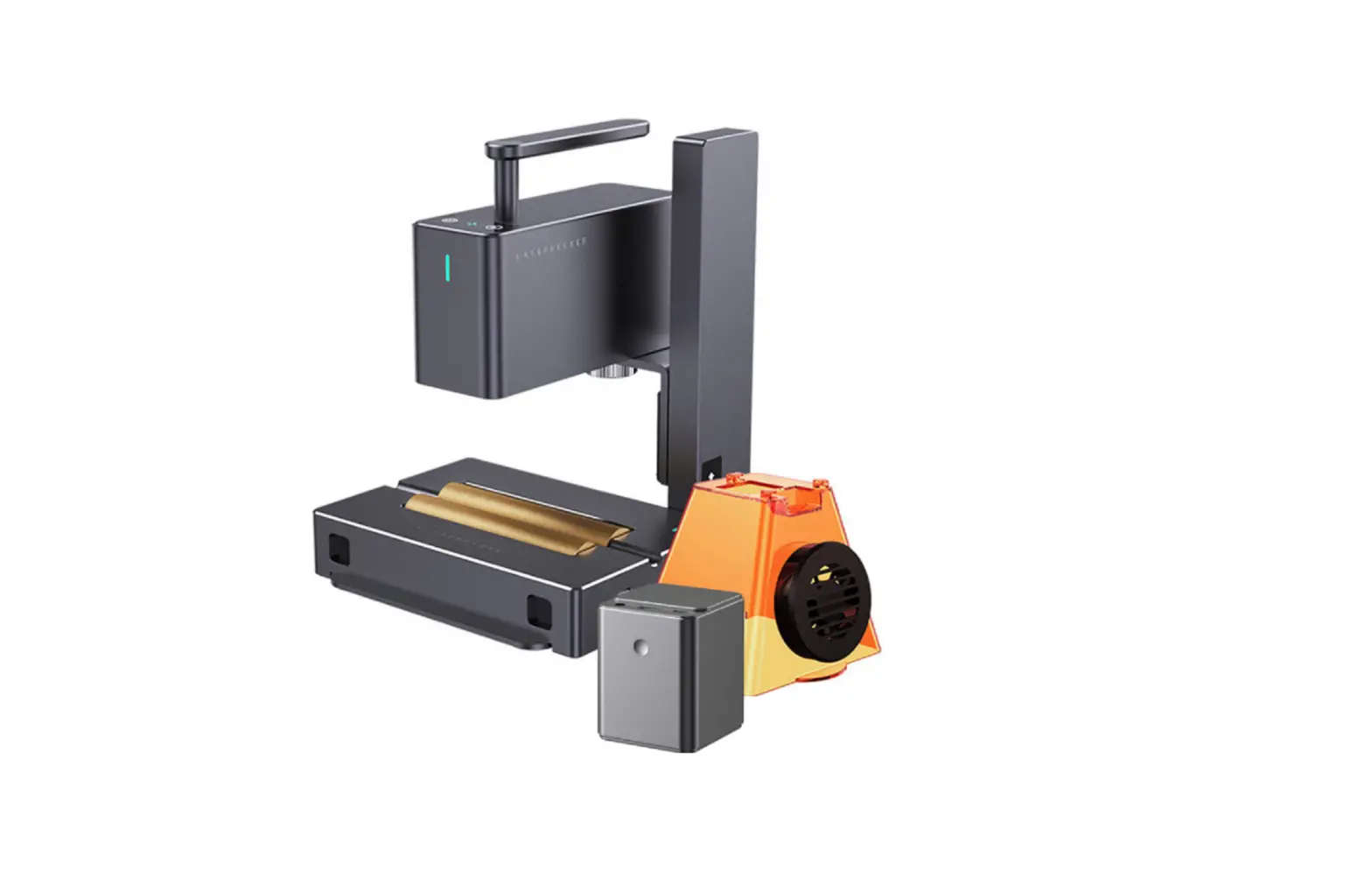
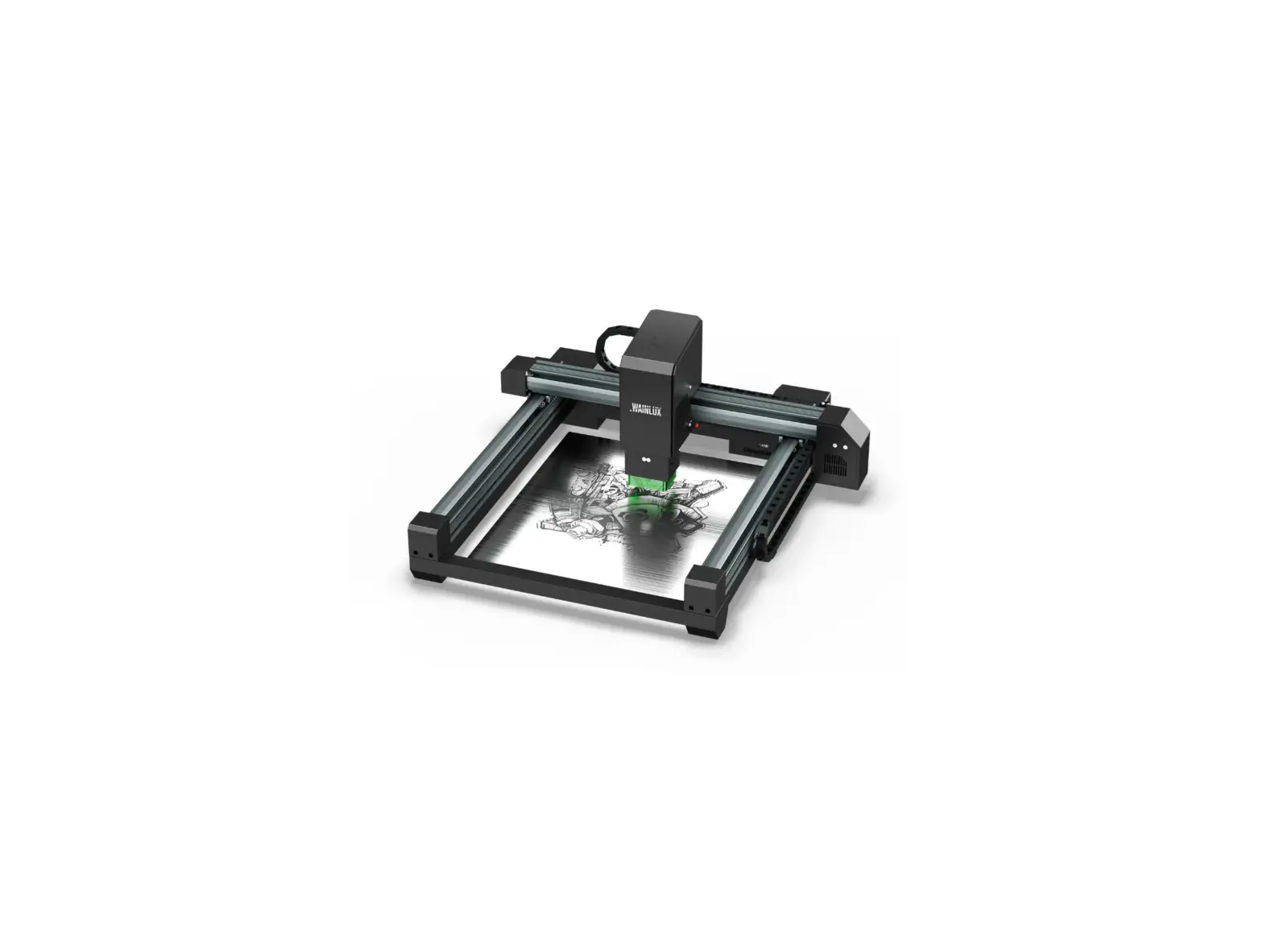
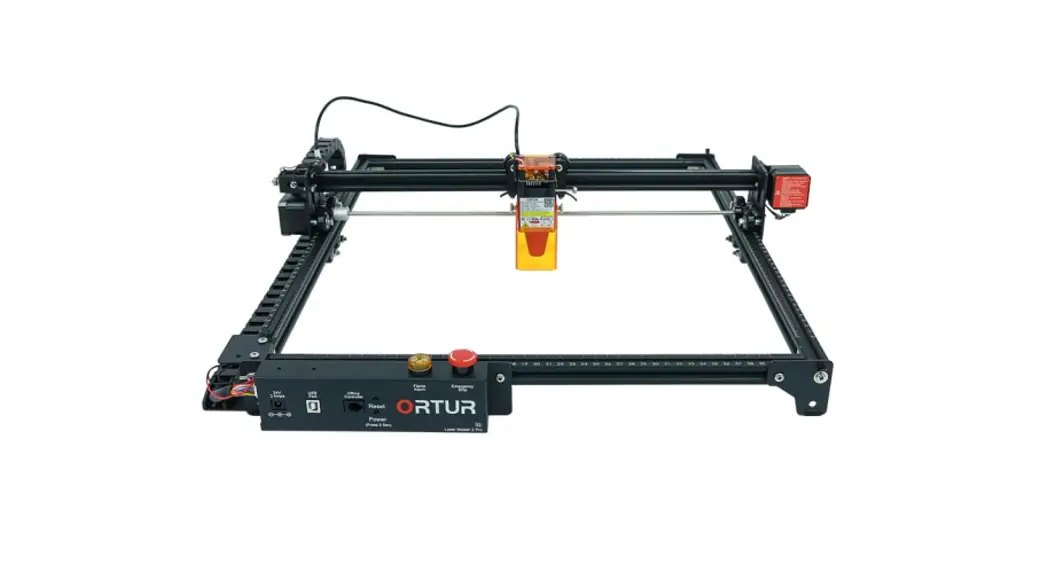
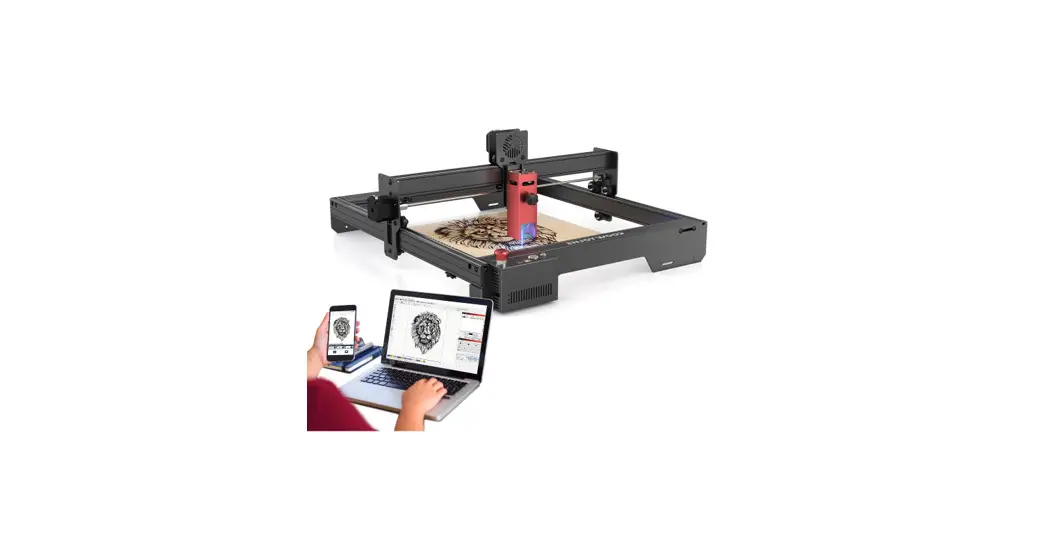
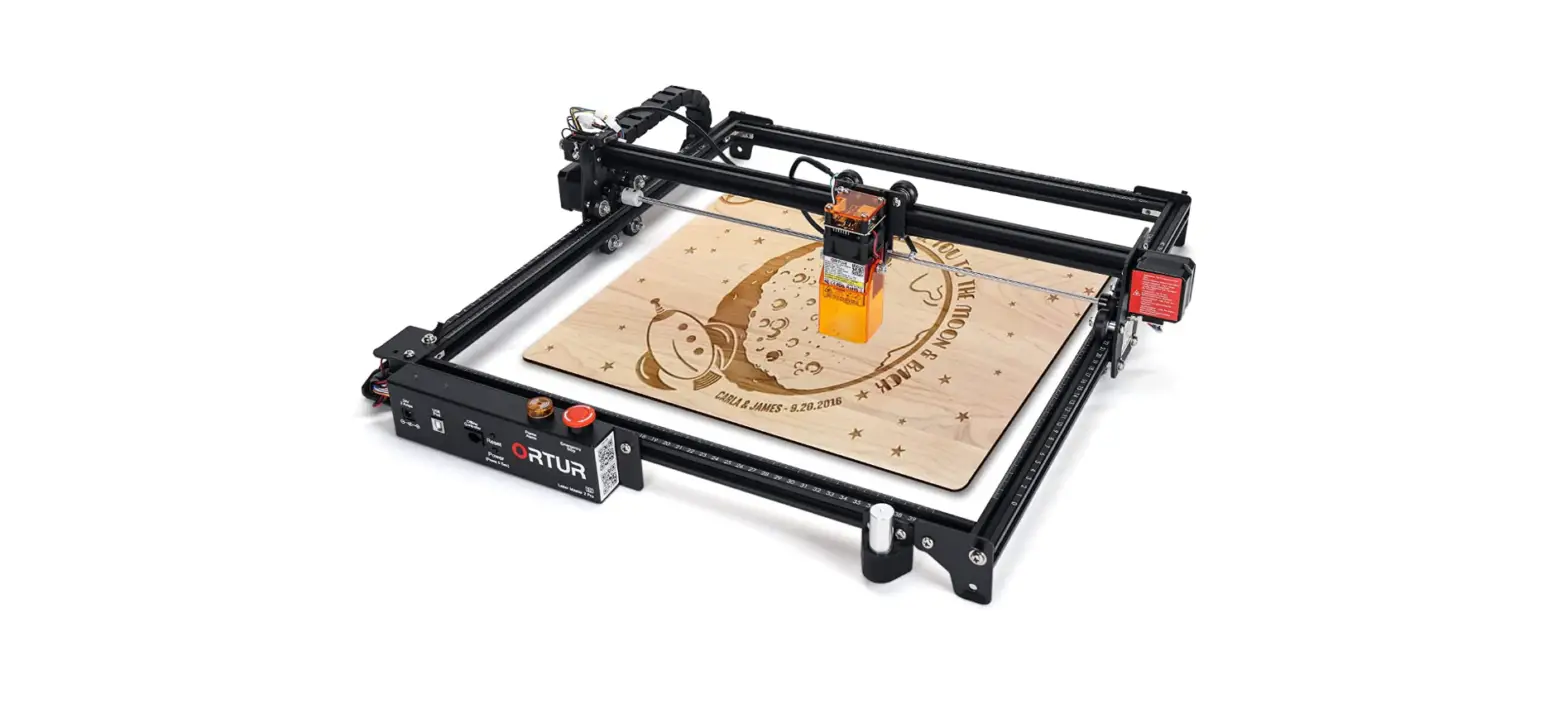
JL7 Laser Engraver Cutter
Product Information:
The product is a machine that requires a power supply and can be
connected to a computer or a phone app via USB or Bluetooth. It is
used for engraving and has various settings and parameters that can
be adjusted for optimal results. The machine also has open-source
firmware and can be used with different software applications.
Product Usage Instructions:
Powering on the Machine:
- Check the socket and switch to ensure they are functioning
correctly. - Ensure the machine power socket is correctly plugged with a
normal power supply.
Connecting to a Computer:
- Check the USB data cable interface on the machine and computer
to ensure they are correctly plugged. - If using a desktop computer, connect the USB cable to the
interface on the back rather than the front panel, as the front
panel interface may be invalid. - If the driver is not properly installed, follow the
instructions provided in the manual to install it. Once installed,
the computer should recognize the device as a serial port,
indicating successful hardware connection.
Note: For MAC OS, refer to this installation driver
tutorial. For WIN OS, refer to the manual for installation
instructions.
- If using open source software and the WAINLUX software
simultaneously, the machine may not be recognized. Close one of the
software applications, ensuring that it uses the corresponding
firmware. - In the state of open source firmware, if the scroll wheel
cannot be connected when using the WAINLUX software and mobile app,
only the open source software can be connected. - If the laser device cannot be automatically searched in the
state of open source firmware, it should be added manually
following the operation steps described in the manual. - If encountering other special problems, disconnect the USB data
cable and power cable, turn off the machine for 5 seconds, and then
try the connection again.
Connecting to Phone App:
- Ensure the correct Bluetooth connection. Connect to the
Bluetooth released by the machine. Refer to the User Manual for
detailed instructions on App Connection. - Note that PC or iPad cannot use Bluetooth connection; Bluetooth
mode only supports mobile app usage. - If experiencing abnormal connection due to incompatibility with
a newly-released phone or upgraded system, contact customer service
with a screenshot of phone configuration for technical
support.
Engraving Effects:
- If the engraving effect is shallow or there are no traces,
adjust the focus according to the instructions provided in the User
Manual. - Check the engraving speed. If it is too fast, readjust the
parameters as described in the Engraving Parameters section of the
User Manual. - Ensure that the photo added for engraving is clear. Thin lines
or light colors may result in a poor engraving effect. - Position the object to be engraved horizontally and parallel to
the machine. Placing it obliquely may result in an inaccurate focal
length and a bad engraving effect.
Offline Engraving:
If offline engraving unexpectedly stops, it may be due to
incomplete photo download when connected to a computer. Try
downloading the photo again to resolve the issue.
I. No response from the machine when being powered on.
1. No power supply: Please check the socket and switch as well as the machine power socket to ensure that they have been correctly plugged with normal power supply.
II. It cannot be connected to computer
1. USB cable not connected: Please check the USB data cable interface on the machine and computer to ensure it’ s correctly plugged. The USB interface on the front panel of some desktop computers is invalid, it’ s better to connect to the interface on the back.
2. Driver not properly installed: Install the driver according to the instructions. After the installation is done, the computer will recognize the device as a serial port, which means the hardware connection is OK.
MAC OS installation driver tutorial:
WIN OS installation driver tutorial: read the manual
3. Open the open source software and the WAINLUX software at the same time, so the machine cannot be recognized: Close one of the software (the software uses the corresponding firmware)
4. In the state of open source firmware, the WAINLUX software and mobile app, scroll wheel cannot be connected, only open source software can be connected
5. In the state of open source firmware, if the laser device cannot be automatically searched: it should be added manually at this time (see the manual for the operation steps)
6. Other special problems: Pull out the USB data cable and power cable, keep the machine power off for 5 seconds and then try the connection once again.
III. No response from the phone APP when being connected to the machine.
1. Wrong Bluetooth connection: Make sure it’ s connected to the Bluetooth released by the machine. Please read “App Connection” in the User Manual for details.
2. PC or ipad cannot use bluetooth connection, bluetooth mode only supports mobile app
3. Incompatibility: In the case of abnormal connection due to incompatibility of newly-released phone or upgraded system, please contact our customer service with the screenshot of phone configuration so as to get technical support as soon as possible.
IV. Shallow engraving effect or no traces.
1. Inaccurate focus: Refer to the “Focus Adjustment” in the User Manual to make the correct focus.
2. Engraving speed: Too fast speed is due to short burning time. Please read the “Engraving Parameters” in the User Manual to readjust the parameters.
3. Photo color is too light: The photo added should be clear. If the line is too thin or the color is too light, the engraving effect will be directly influenced.
4. Position of object to be engraved: If the object is placed obliquely, the focal length of laser is fixed, so the object should be placed horizontally in parallel to the machine; otherwise, the inaccurate focal length will result in bad engraving effect.
V. Offline engraving unexpectedly stops
1. The photo is not completely downloaded when being connected to computer, please download the photo once again.