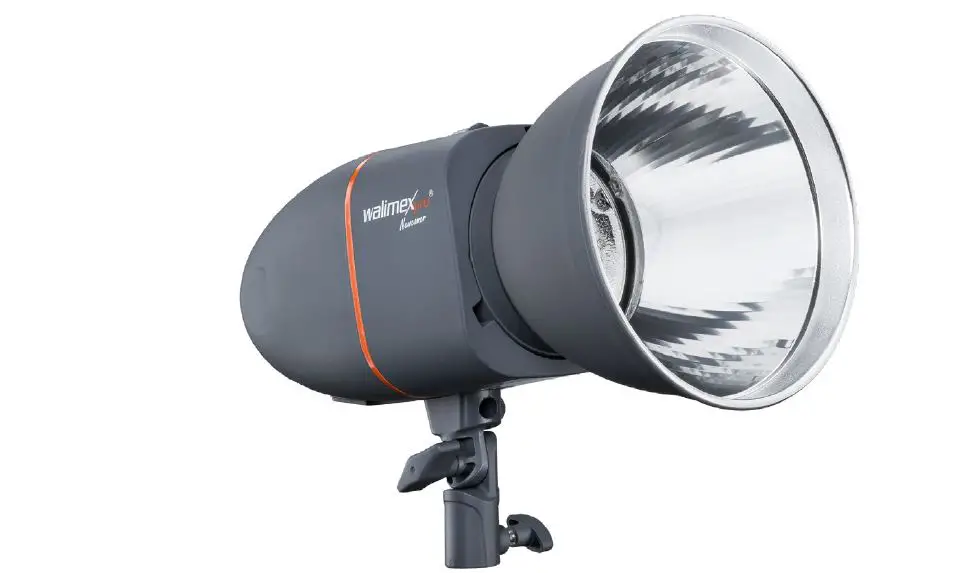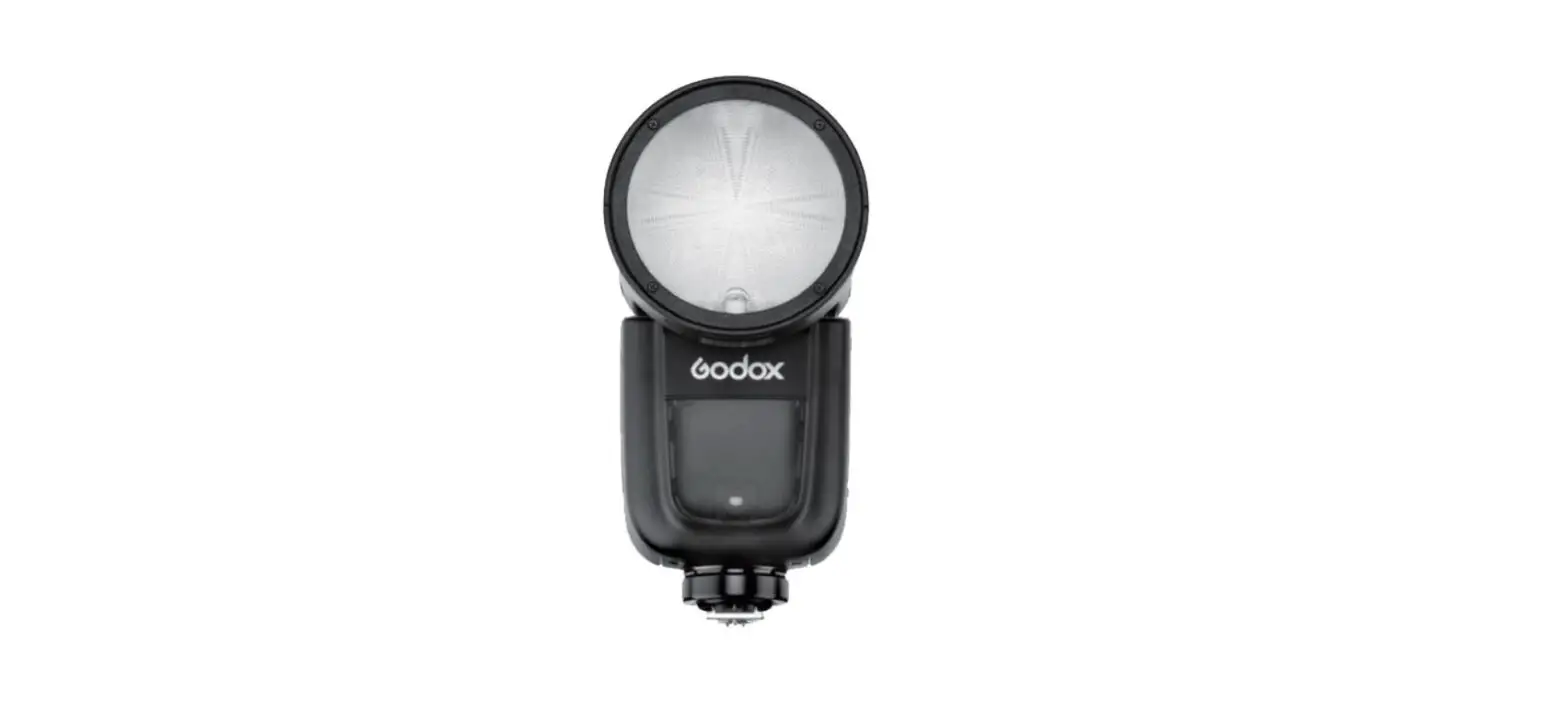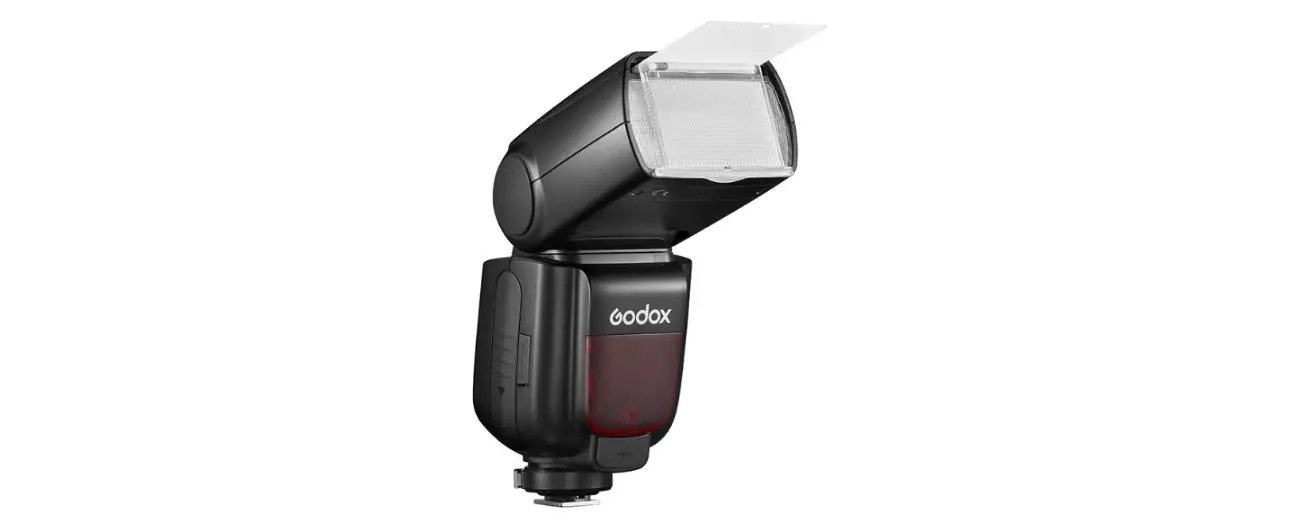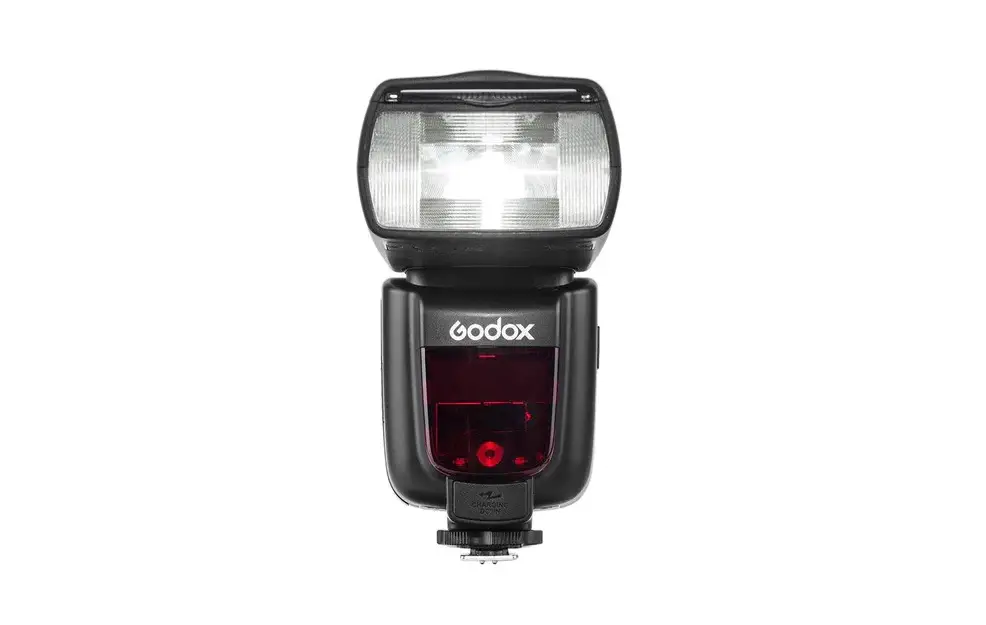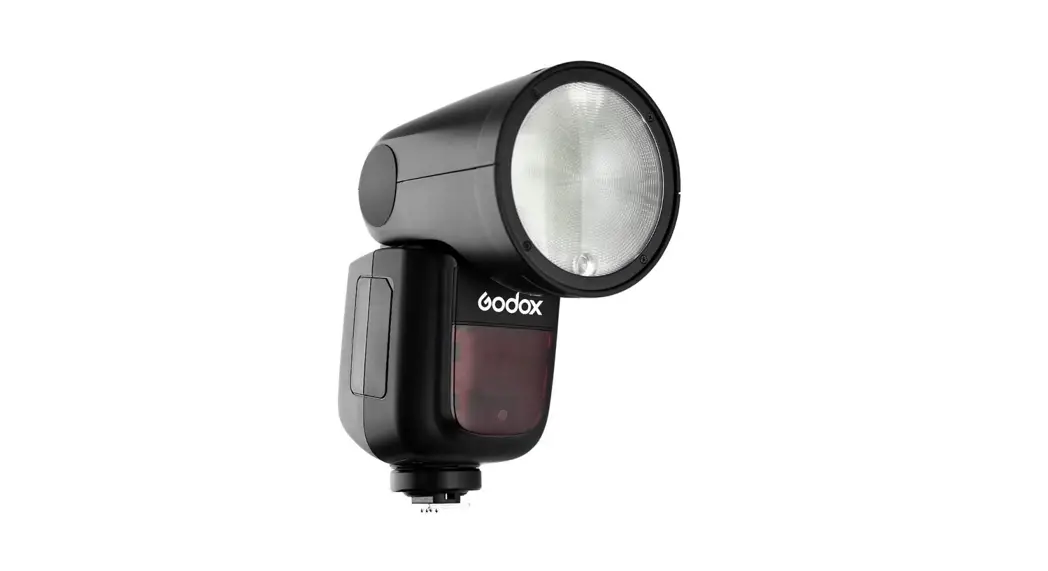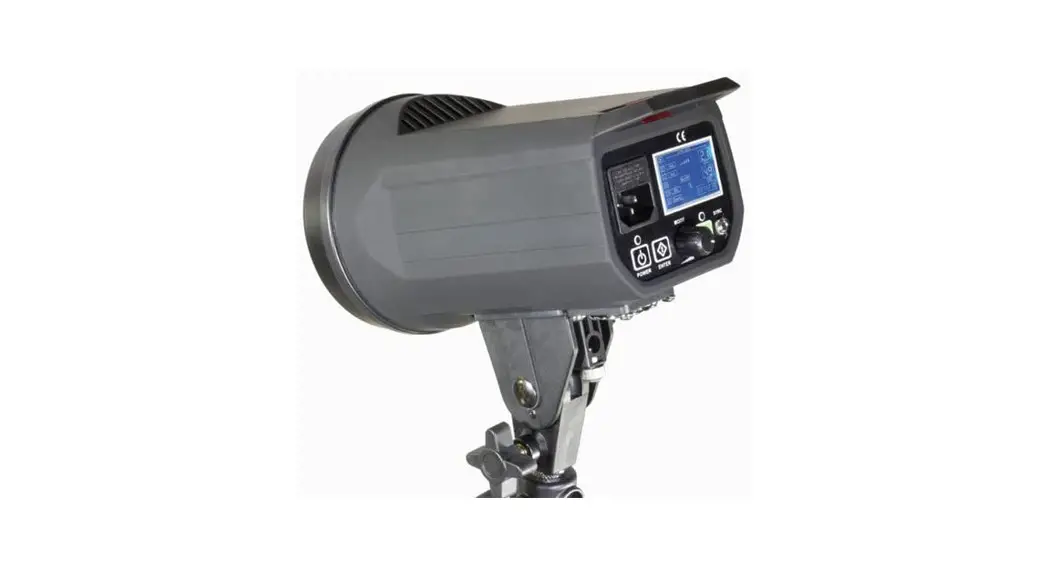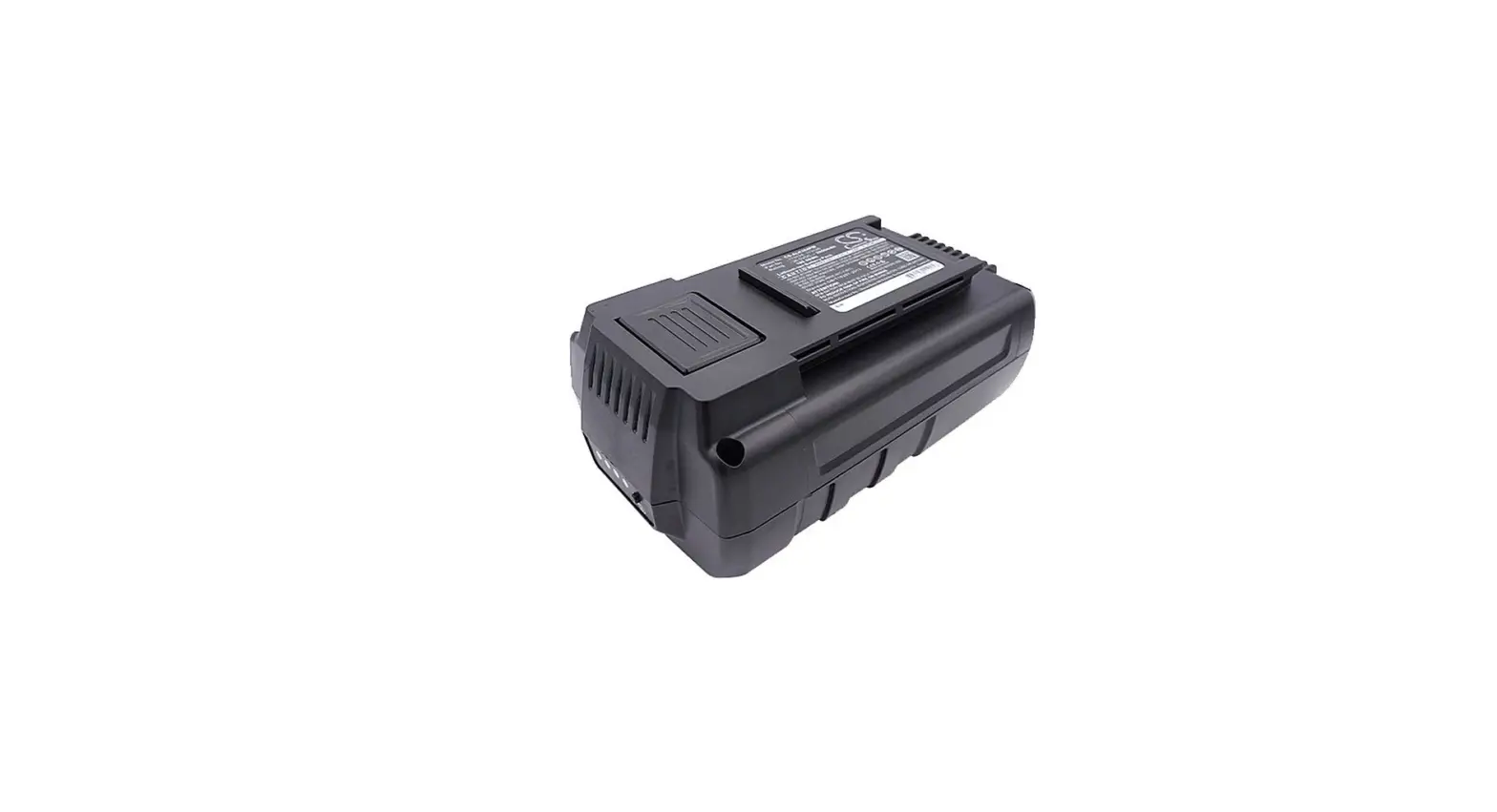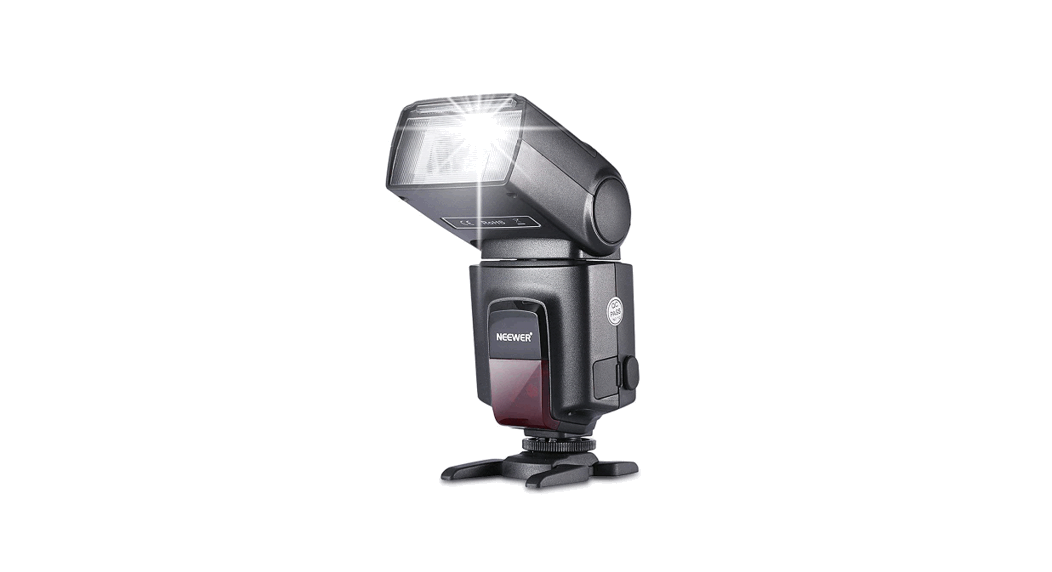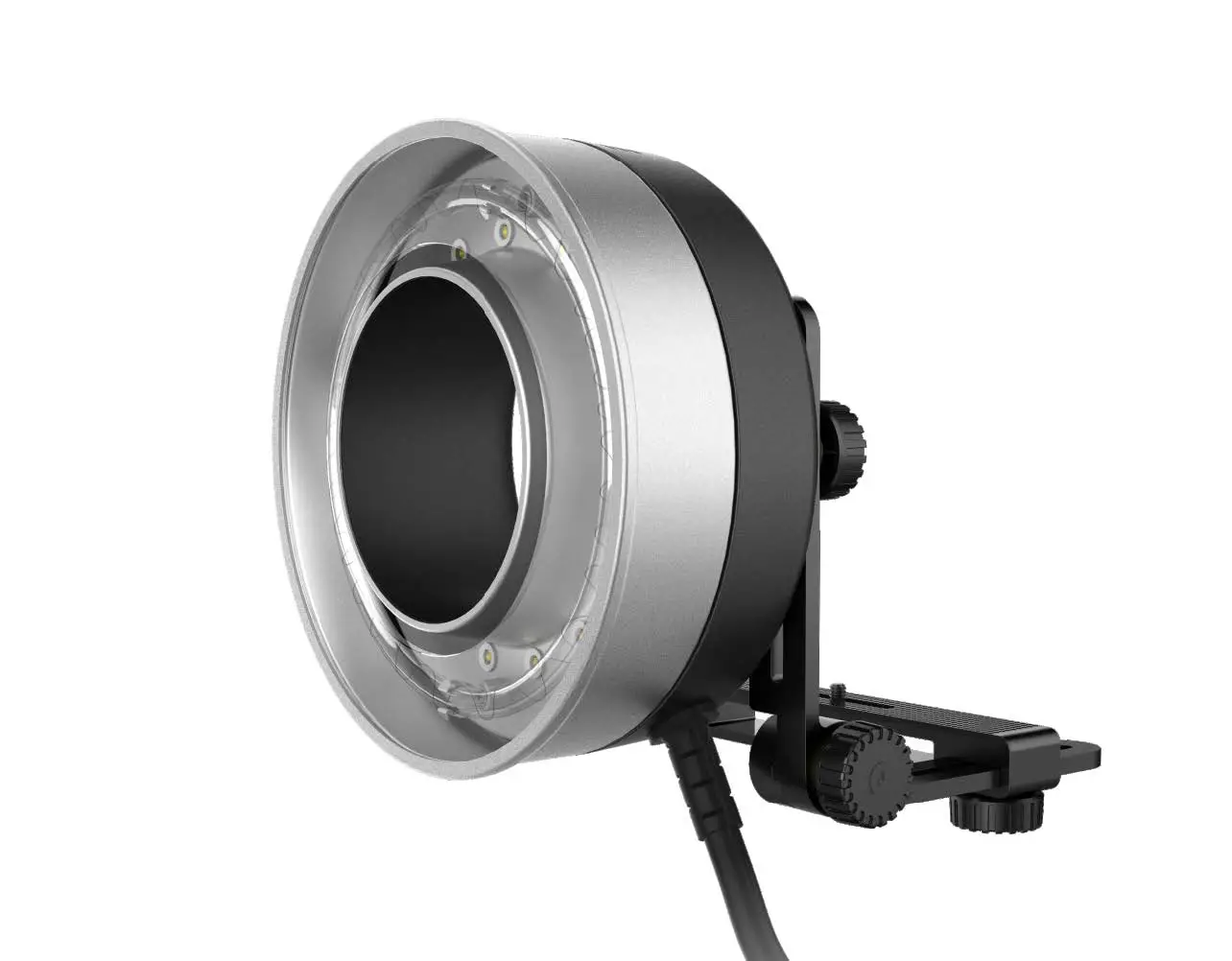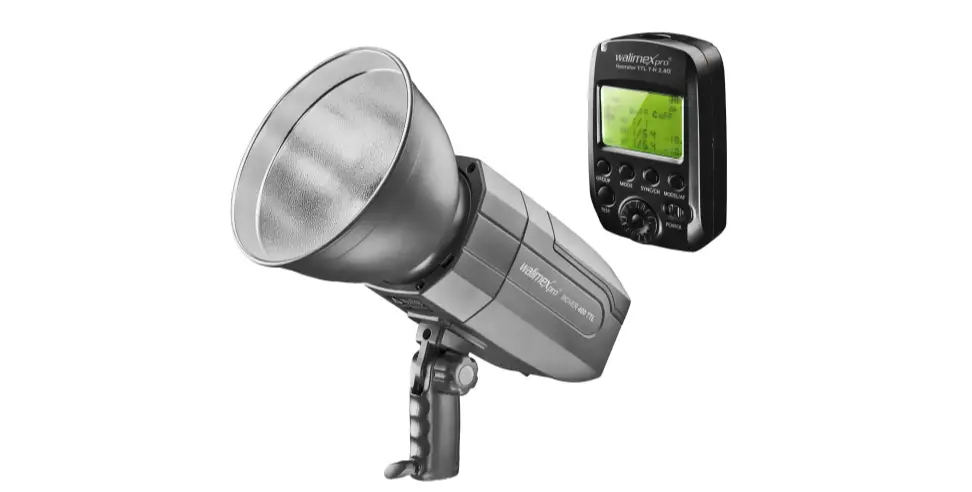

walimex 21967 Studio Flash Head Mover 400 TTL Battery
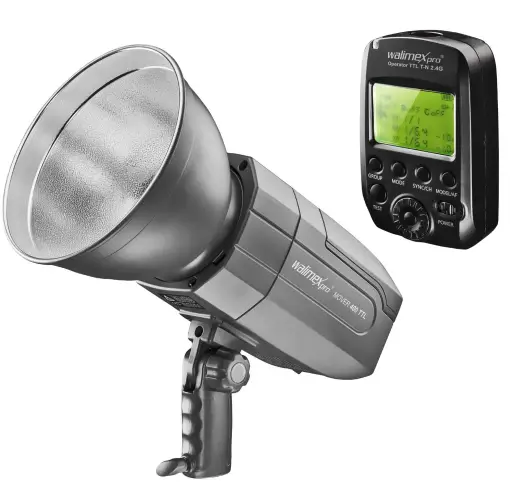
The software „UniUpdater“ can update the Walimex pro Mover 400 as well as various Walimex pro Operator TTL.
Firmware updates are provided regularly to maintain compatibility with the latest camera generations. An overview of the current versions including a compatibility list can also be found in this download.
To install the updates, proceed as follows
First check the software version of your system. To do this, proceed according to the instructions on page 3.
Important notes:
- Use a fully charged battery (Mover 400) or fully charged batteries (Operator TTL).
- Do not remove the battery during the update, as the sudden interruption of the power supply may cause the Mover or Operator TTL to stop responding.
- Carry out the updates on the Mover and Operator TTL one after the other.
- The update takes approx. 2 3 minutes each.
MOVER
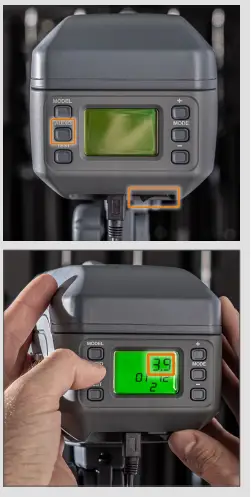
To find out which firmware version is running on your device, press and hold the the AUDIO button.
Switch on the device and the firmware version is shown on the display.
OPERATOR TTL
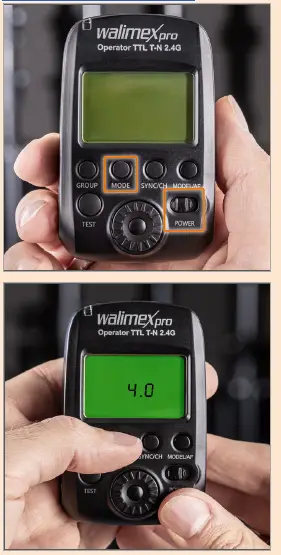
To find out which firmware version is running on your device, press and hold the the MODE button.
Switch on the device and the firmware version is shown on the display.
Before installing the upgrade programme, you must install the CP210 driver. Find the file that is suitable for your system..

Now install the firmware updater „Uni Updater“ by double clicking on it.

A shortcut to the software appears on the desktop.

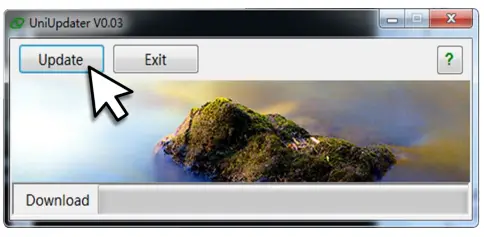
Start the Uni Updater by double clicking on it. This window appears:
Have the appropriate USBA to miniUSB cable ready for the next steps:

MOVER
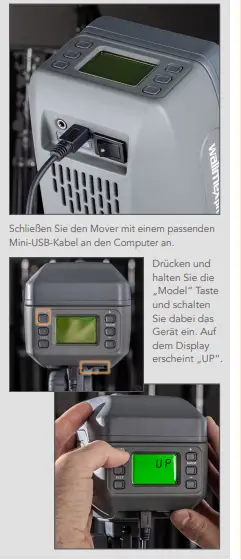
- Connect the Mover to the computer with a suitable mini USB cable.
- Press and hold the „Model“ button while switching on the device. “UP“ appears on the display.
OPERATOR TTL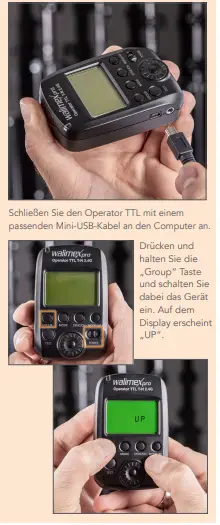
- Connect the Operator TTL to the computer with a suitable mini USB cable.
- Press and hold the „Group“ button while switching on the device. “UP“ appears on the display.
Now click the „Update“ button in UniUpdater. The update will commence.
MOVER
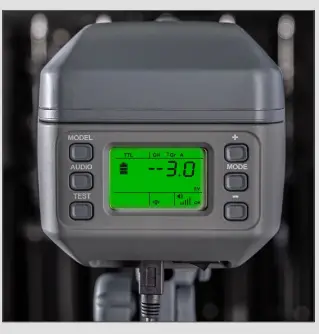
After the successful update, the display shows the normal operating status.
OPERATOR TTL
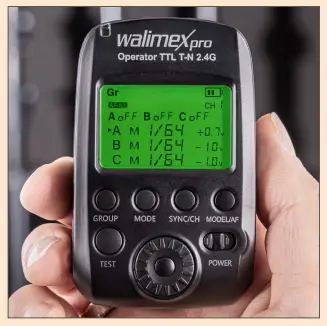
After the successful update, the display shows the normal operating status.
We are here for you!
If you need help or free, individual advice from our trained specialist staff, we would be delighted if you contacted our service team.
We will be happy to help you!
Your WALSER Support Team
E-Mail /k Homepage / Shop:[email protected]
www.walser.de
Our postal address:
WALSER GmbH & Co. KG Senefelderstrasse 23 86368 Gersthofen Deutschland
Our warranty promise
WALSER is known for its highquality workmanship, best functionality and customeroriented service. To give additional expression to our exceptional level of service, we provide a 2year warranty for this Walimex pro product. This warranty is only valid in conjunction with your proof of purchase.
If you wish to make use of our warranty, please contact us by mail at [email protected]. Our comprehensive warranty promise and the scope of the warranty can be found at
https://www.foto-walser.de/en/warranty.