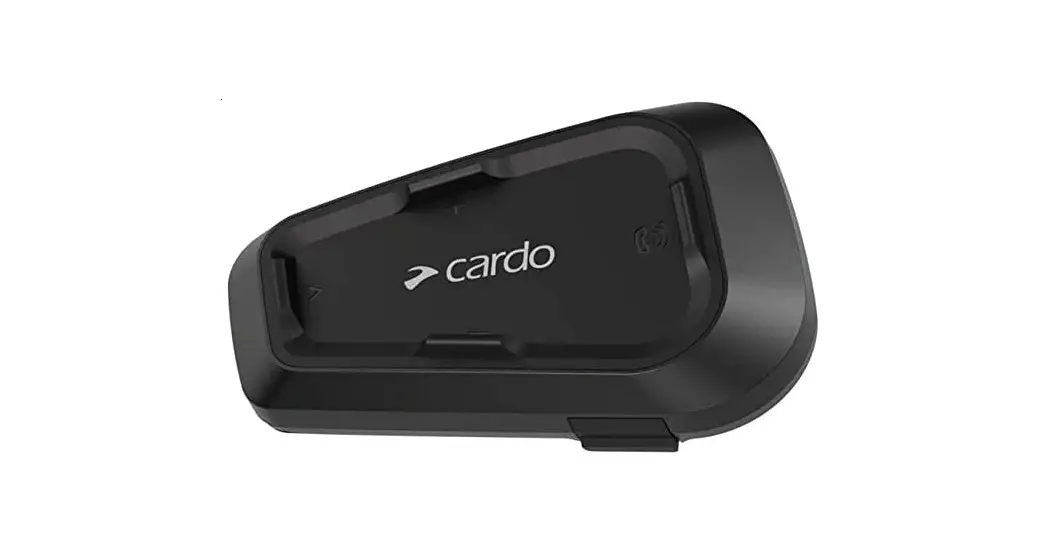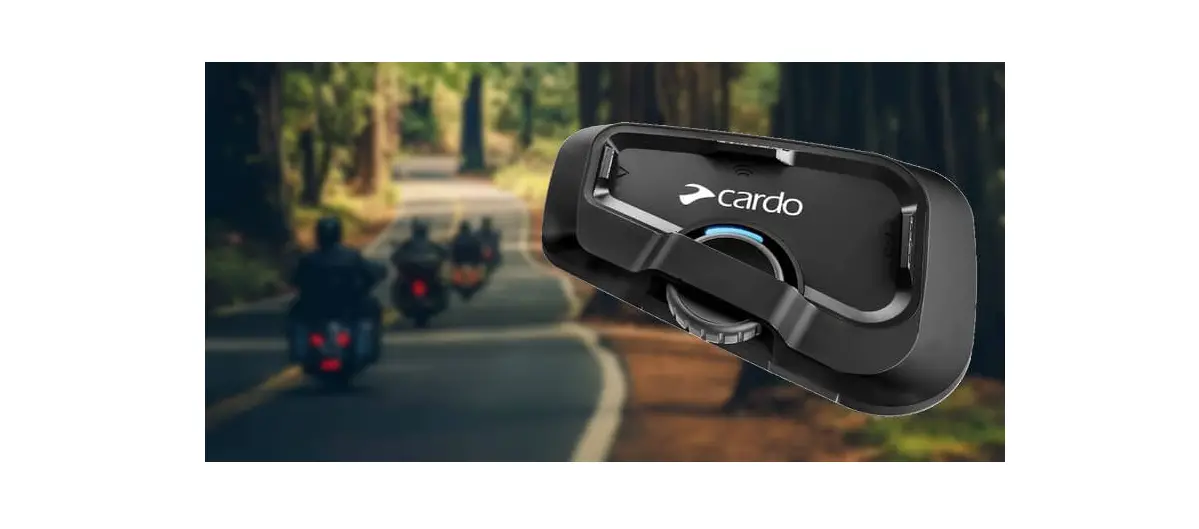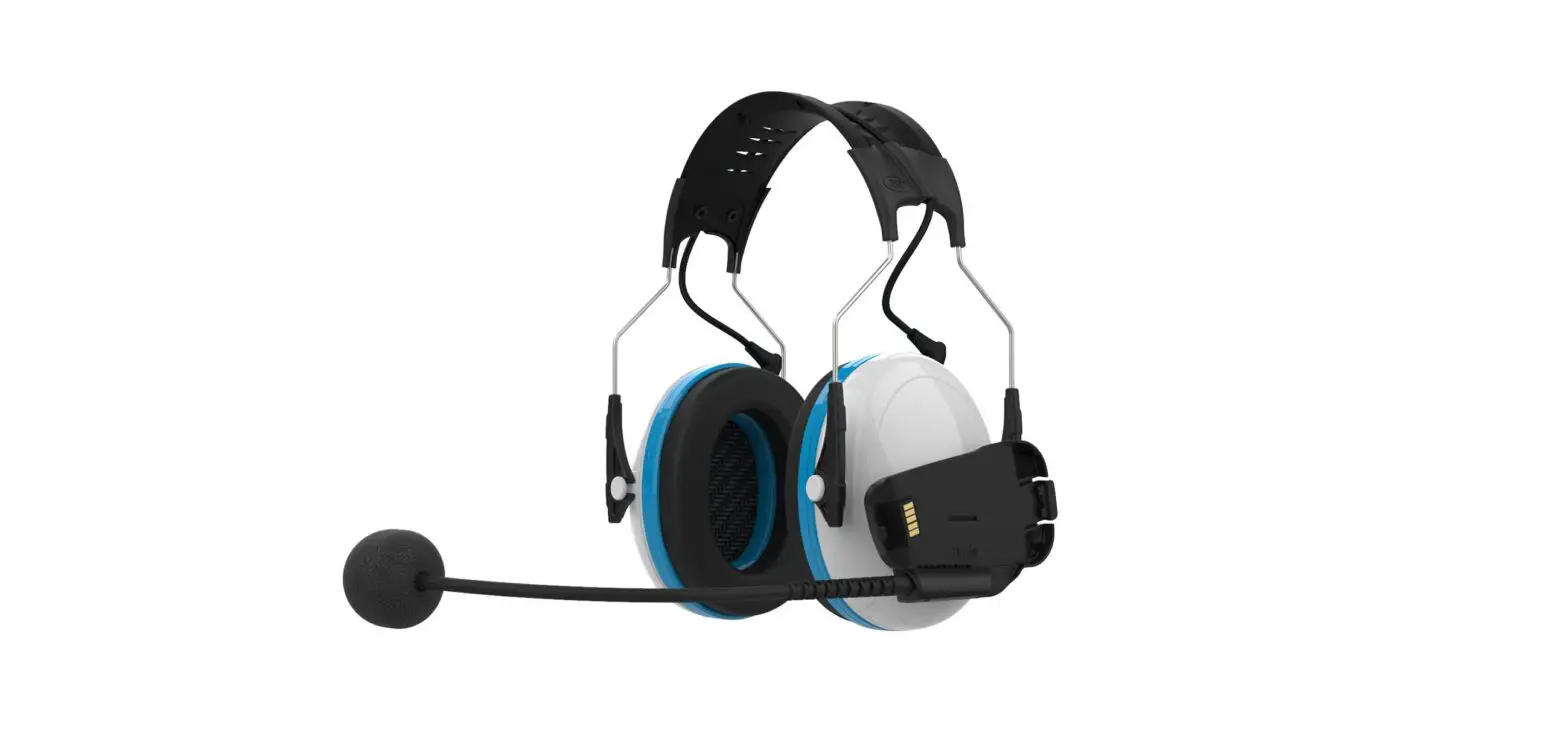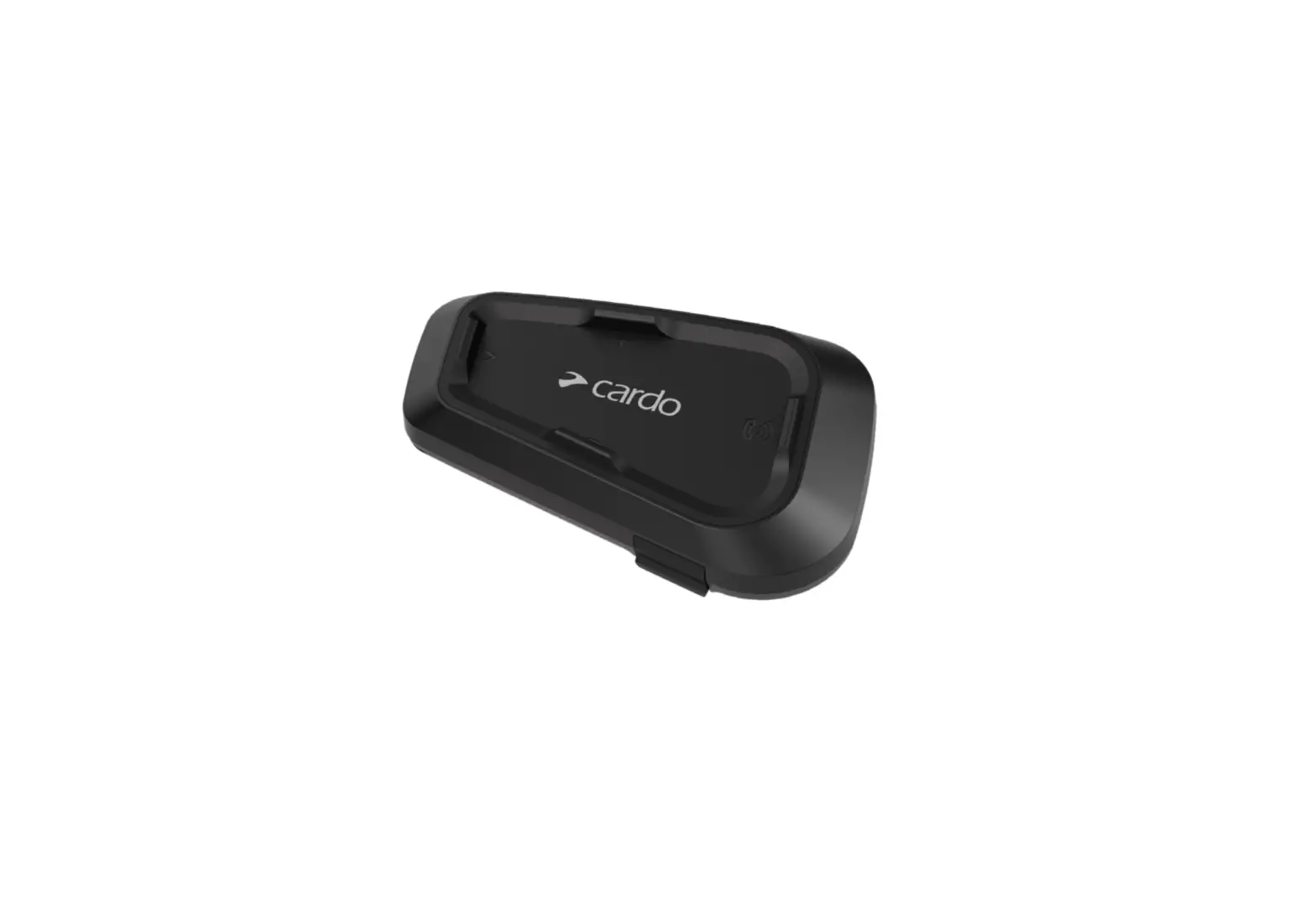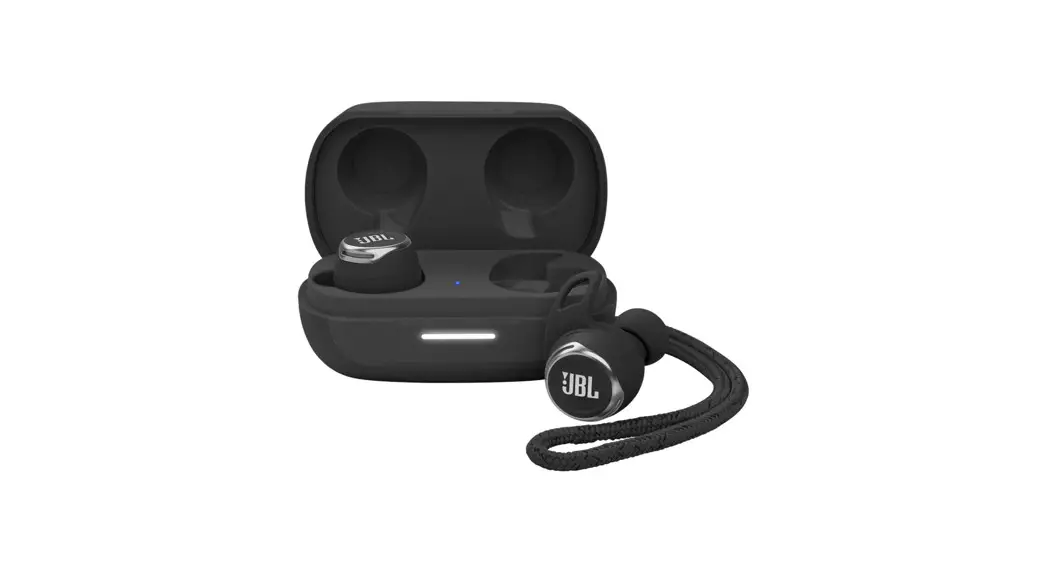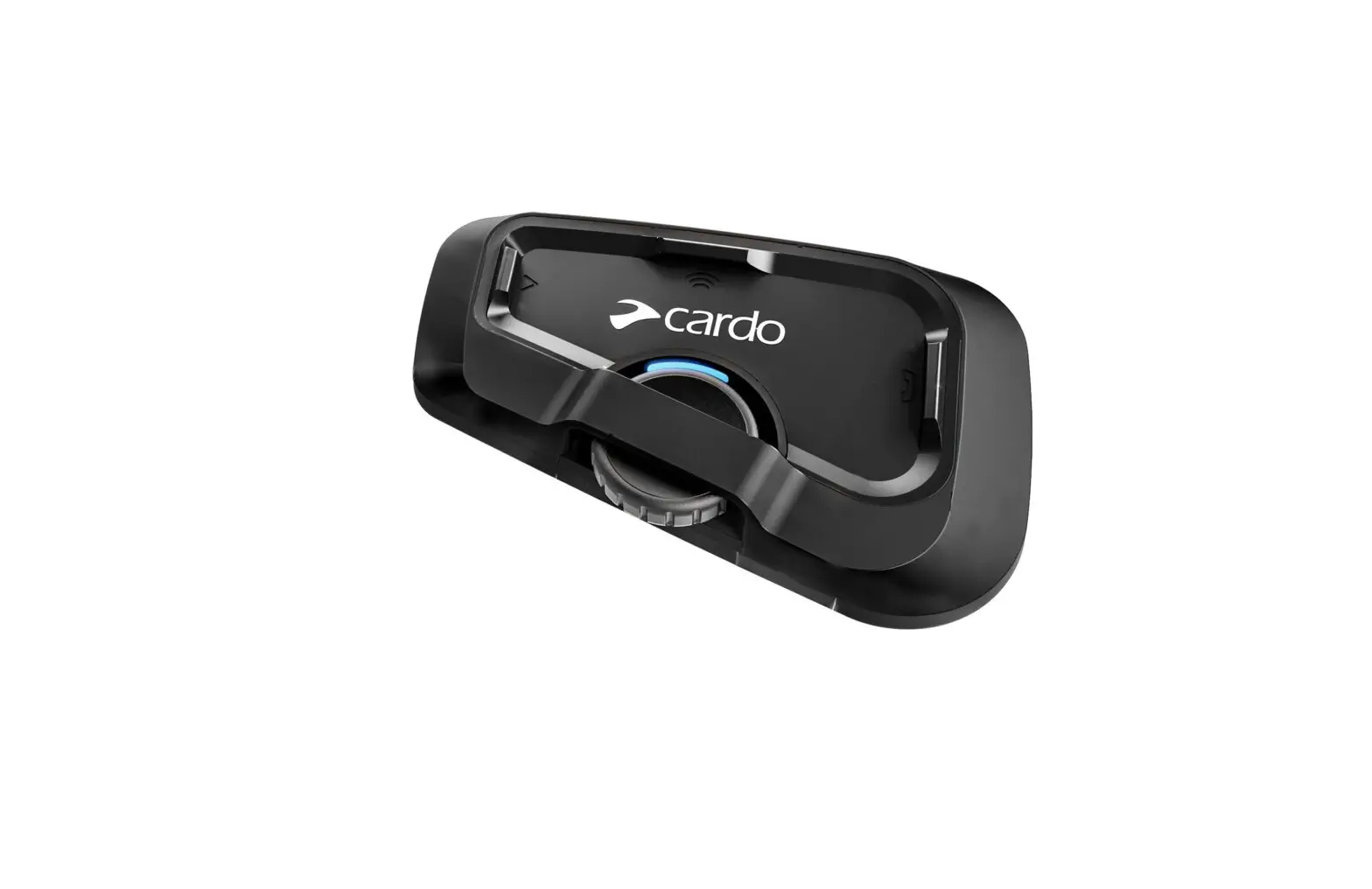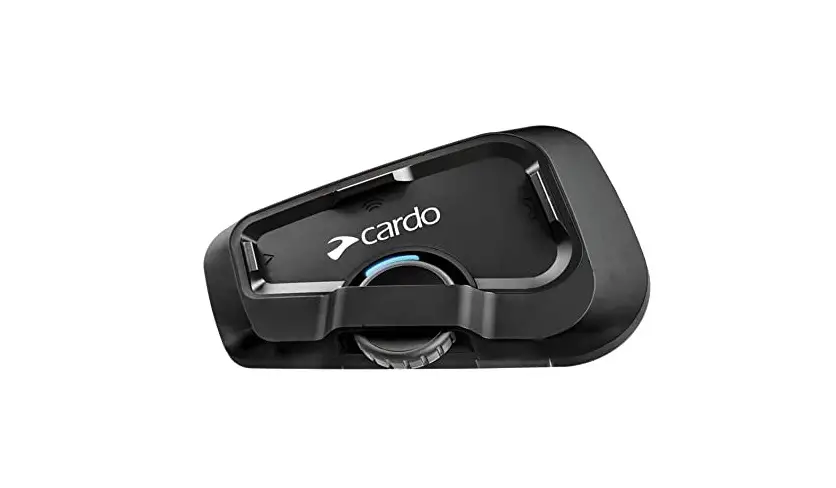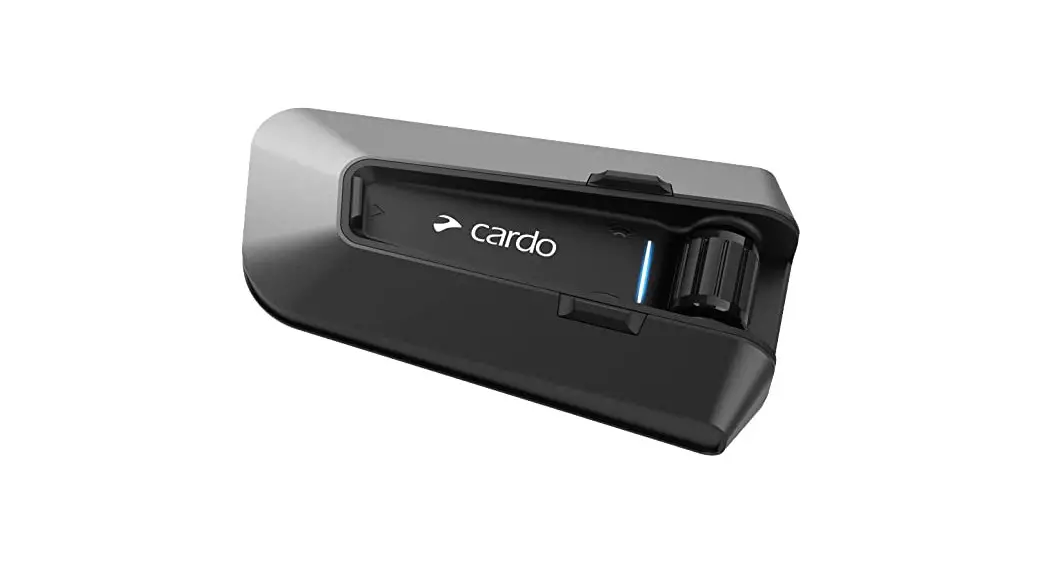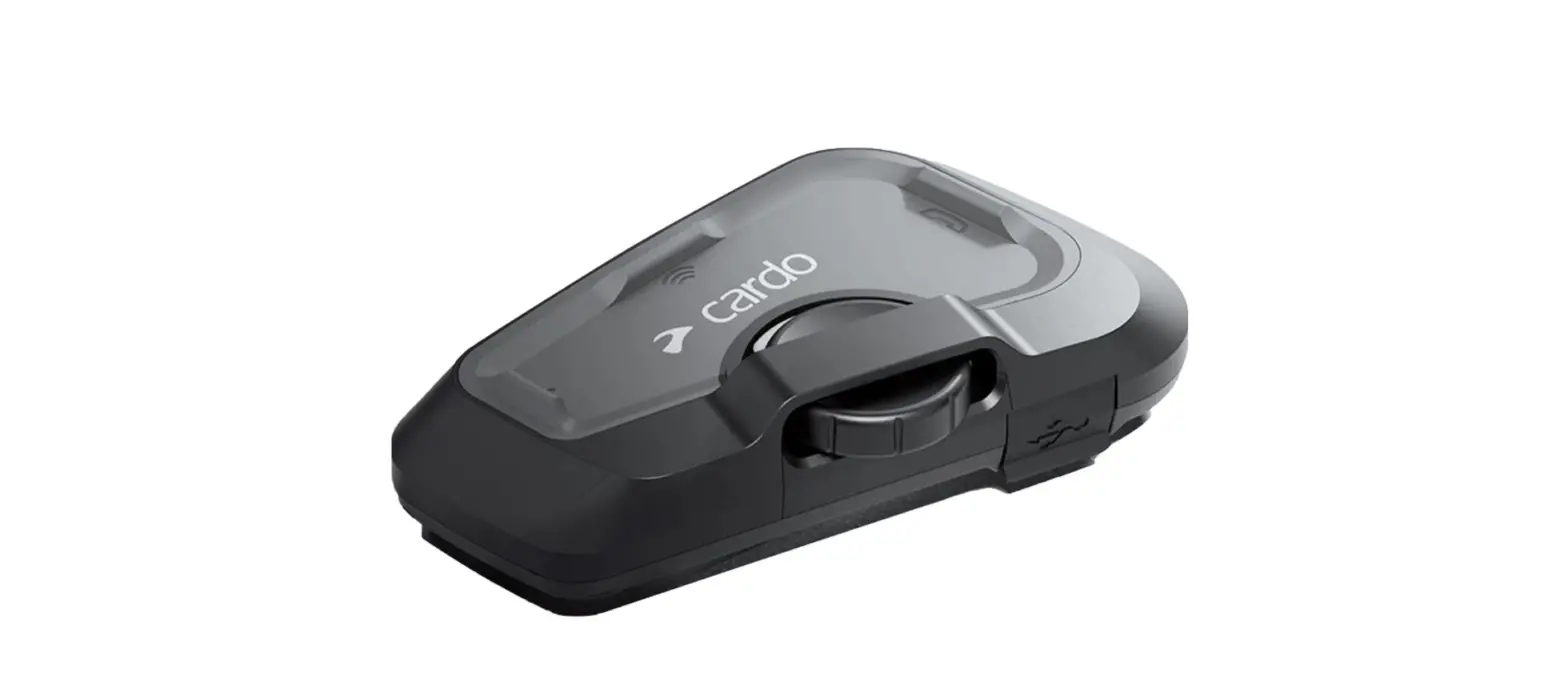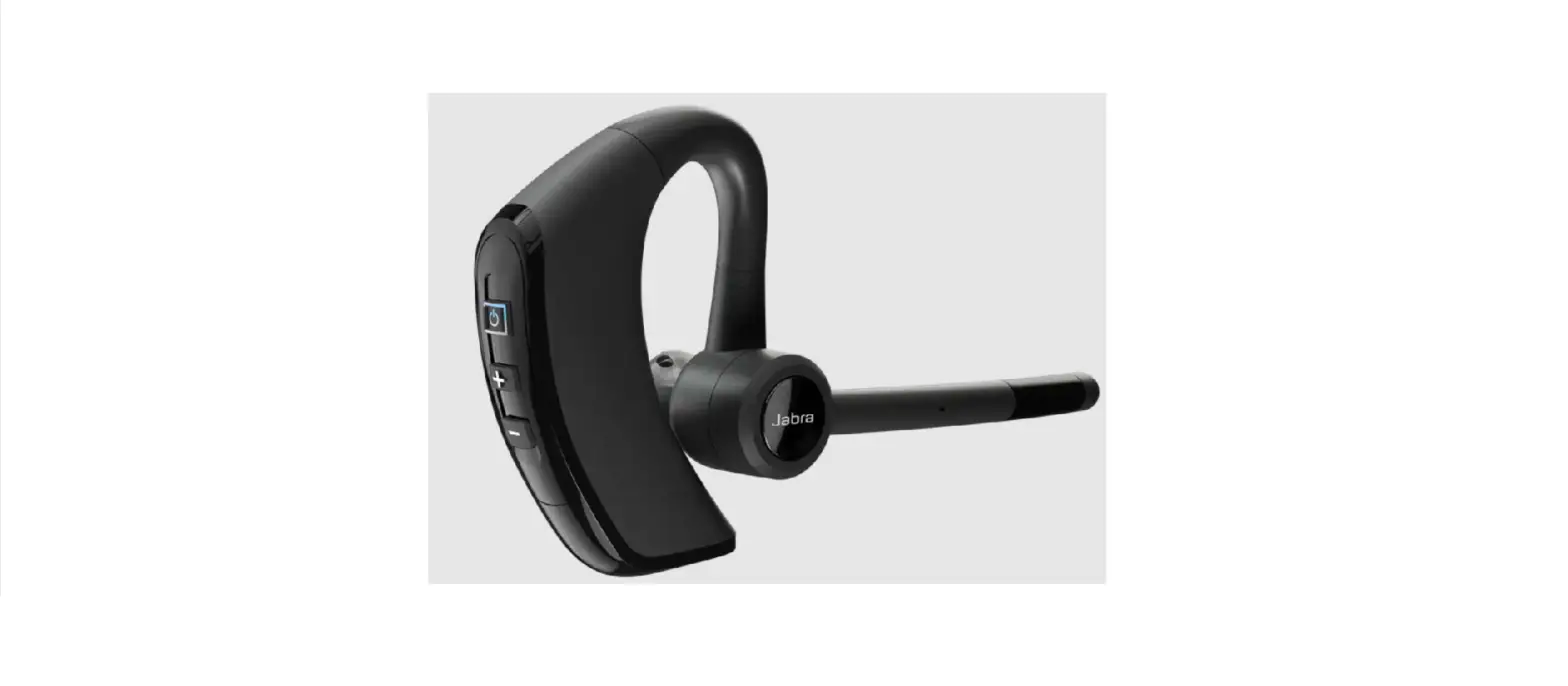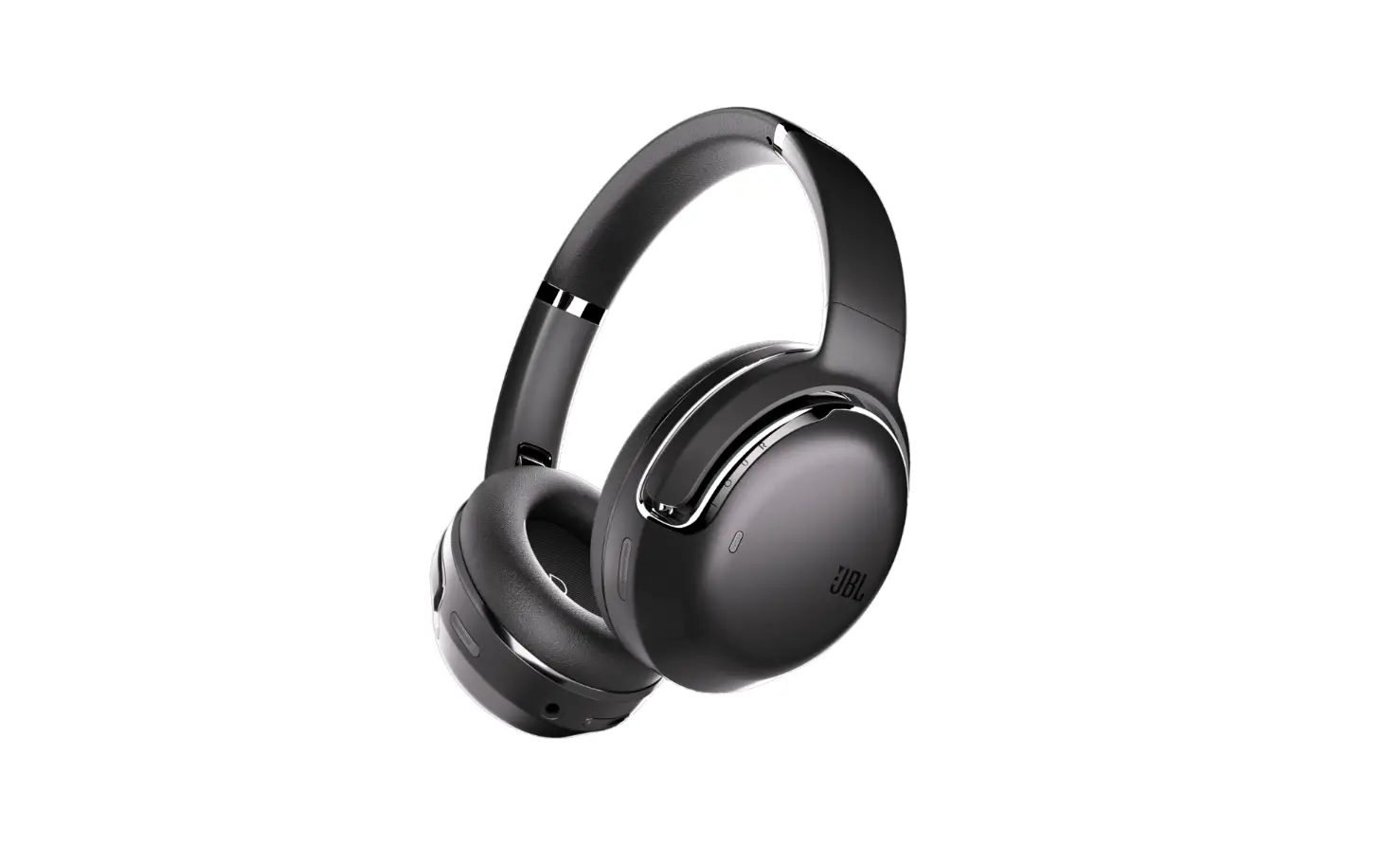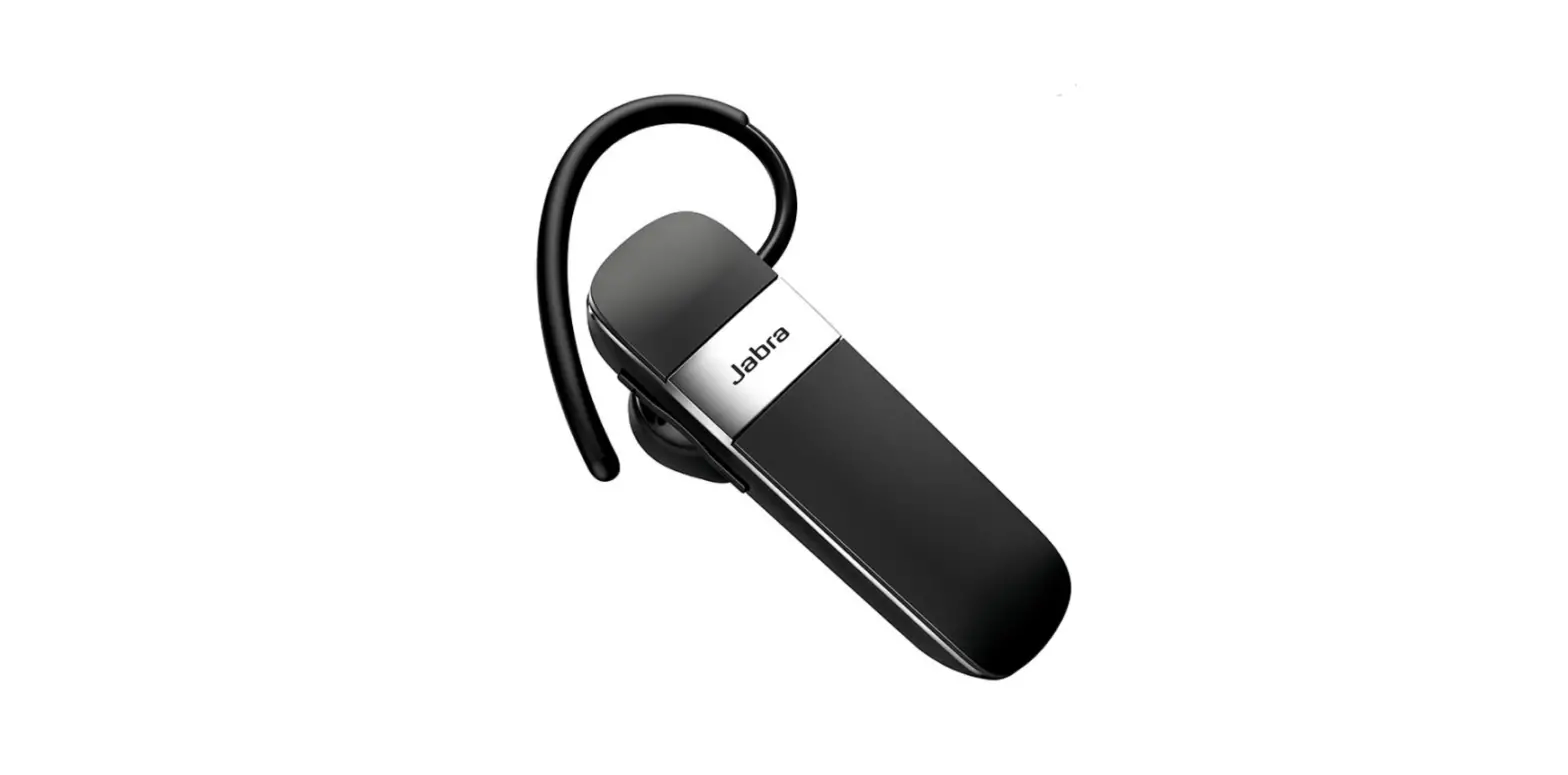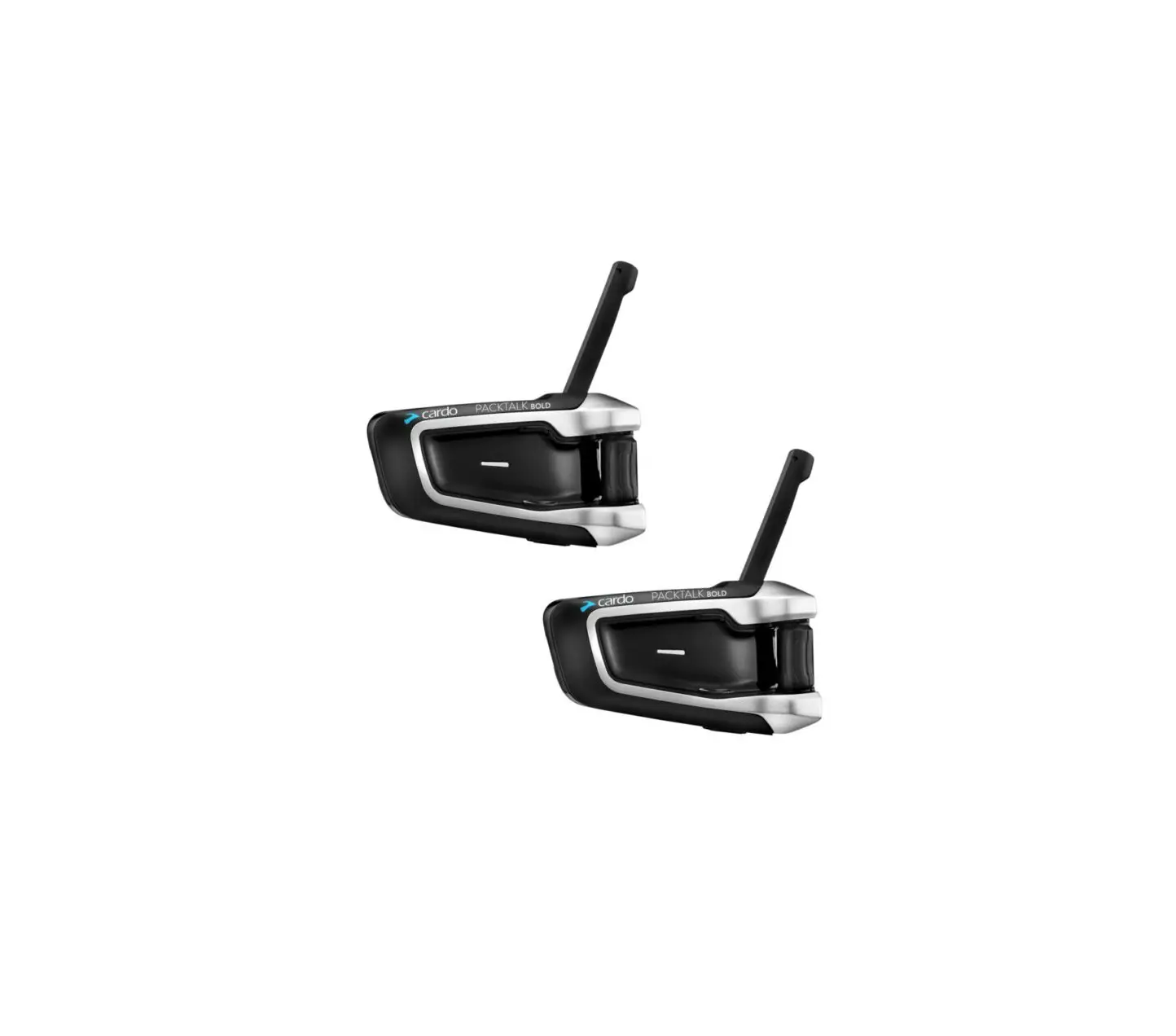
cardo Packtalk Bold JBL Bluetooth Headset
Overview
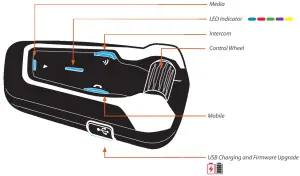
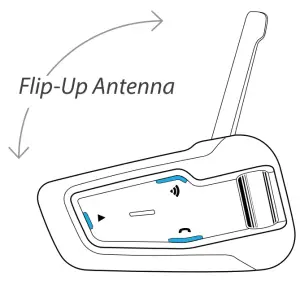
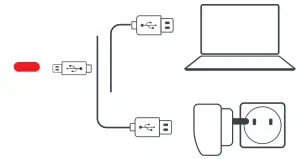
Default language is English. Language set can be changed via the Cardo Connect App setting
Getting Started
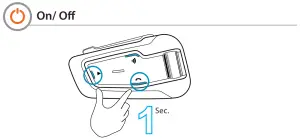
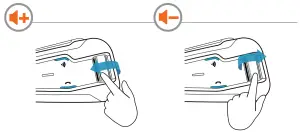
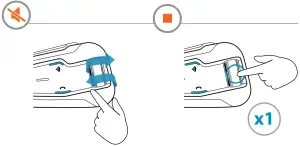
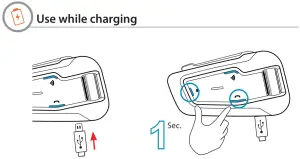
Pair Mobile Devices
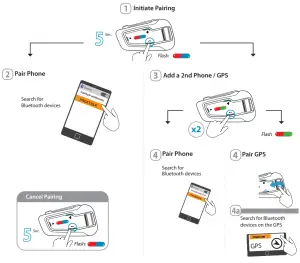

Phone
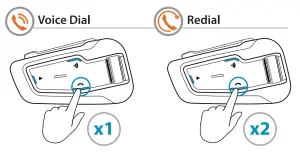
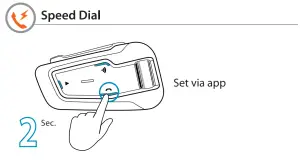
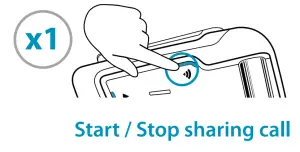
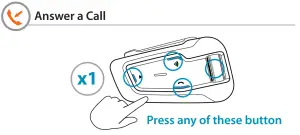
Bridging active phone calls to the DMC group
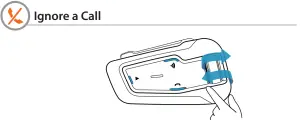
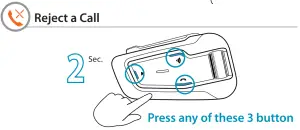
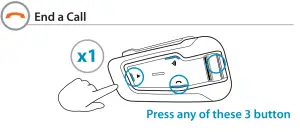
Audio
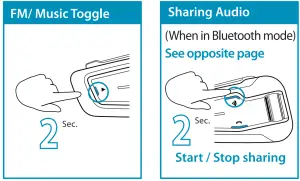
FM Radio
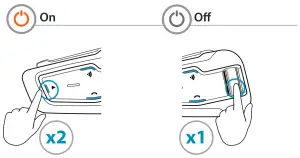
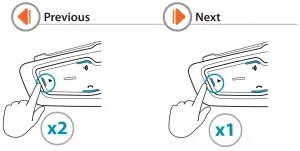
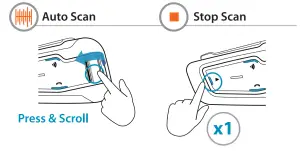
Music
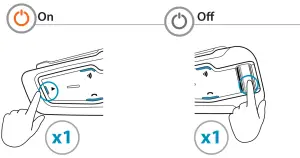
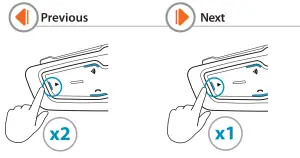
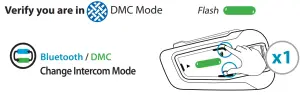
DMC Intercom Grouping
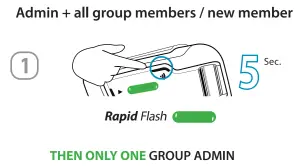
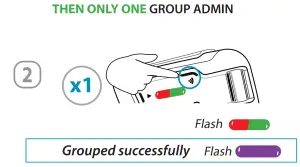
Create / Join a new DMC Group
Cancel Grouping
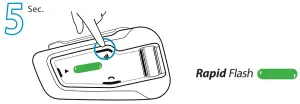
Using DMC Intercom
Talking – always on
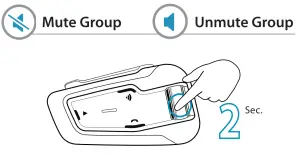
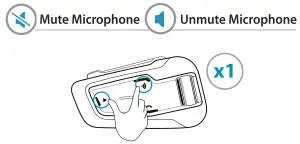
Private Chat
Chat privately with one of the group members
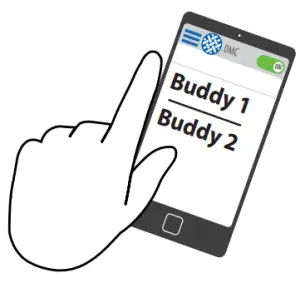
- Choose member for private chat via Mobile App

- Start / Stop chat

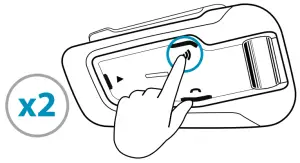
Bridge (add) a non-DMC passenger
- First, verify that passenger is paired via Bluetooth. (see 2-way Bluetooth intercom pairing)

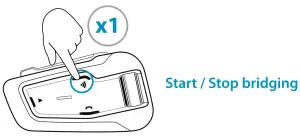
Private Chat
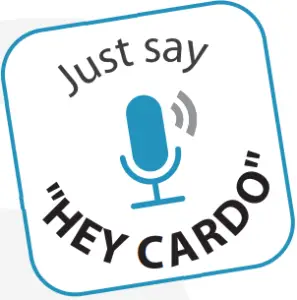
Voice Commands – Always On! “
 |
|
 |
|
 |
|
 |
|
 |
|
 |
|
Cardo Mobile App
 |  | |
 |  | |
Cardo Mobile App
- For easy configuration
- Remote control operation
- On-the-go setting customization
- Managing DMC groups
Full version of the manual cardosystems.com/support
Factory Reset
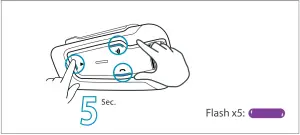
Set a Cardo non DMC Intercom
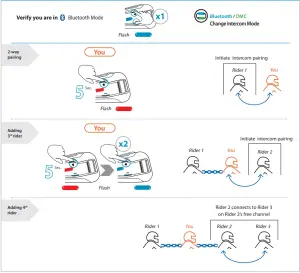
Join/create a non Cardo Intercom Group
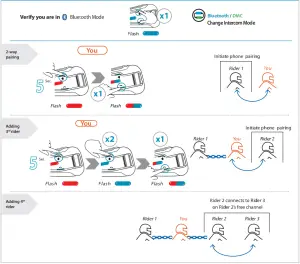
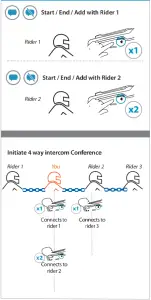
Intercom


Register your device and upgrade firmware with Cardo Update cardosystems.com/update
cardosystems ©
Copyright
The contents of this Guide, including all text, illustrations and drawings are the exclusive intellectual property of Cardo Systems, Ltd. and are protected by copyright laws. They are not in the public domain. Any partial or total reproduction, translation and or dissemination, without the prior written authorization by Cardo Systems, Ltd. are strictly prohibited. Any rights not expressly granted herein are reserved.