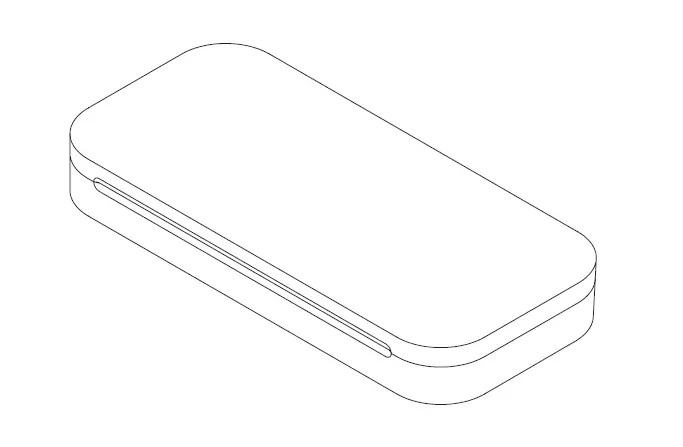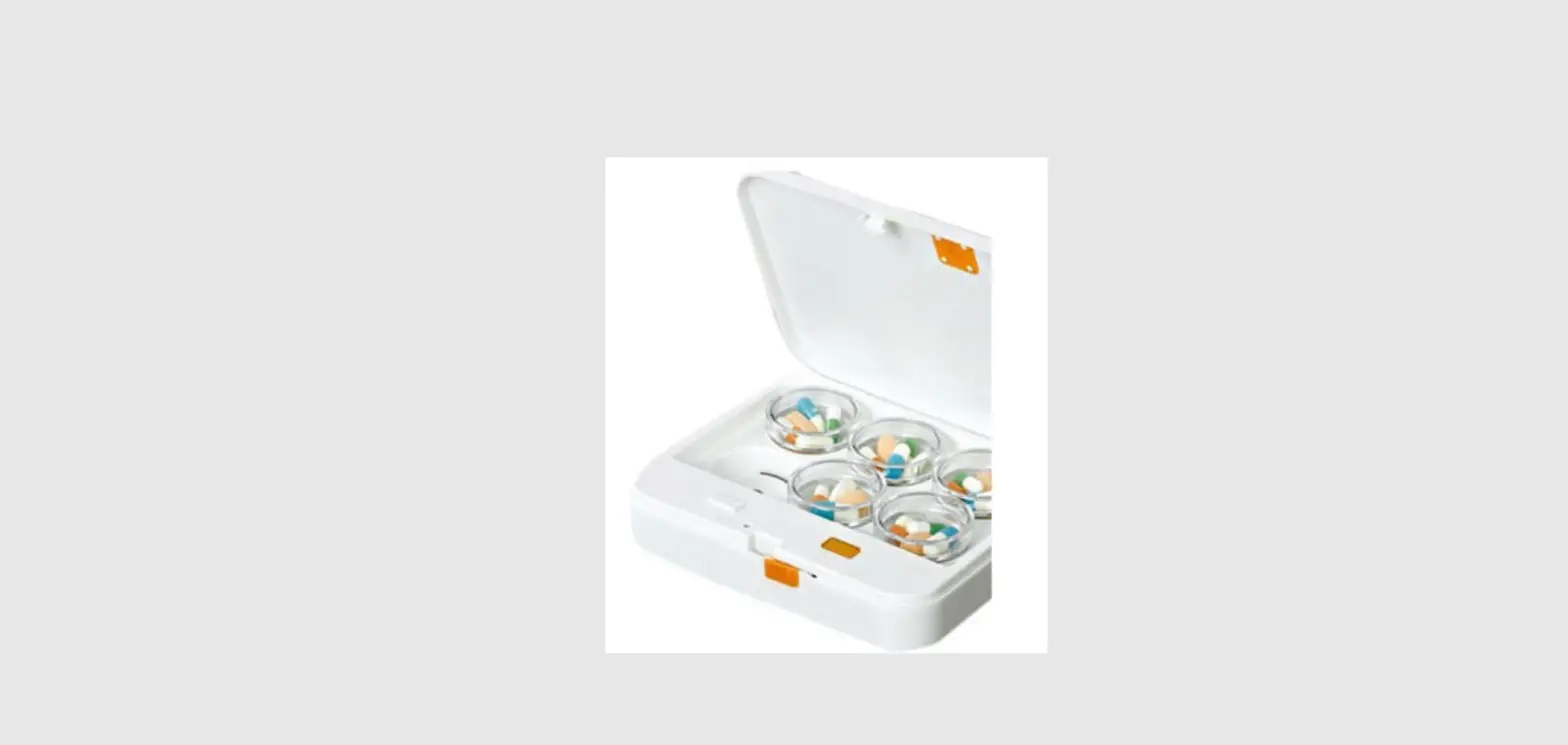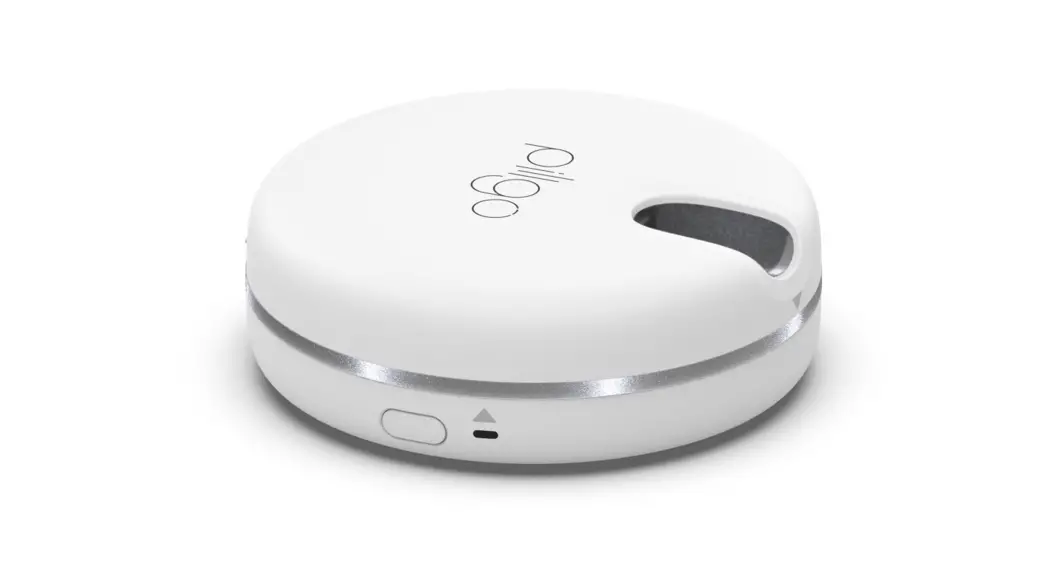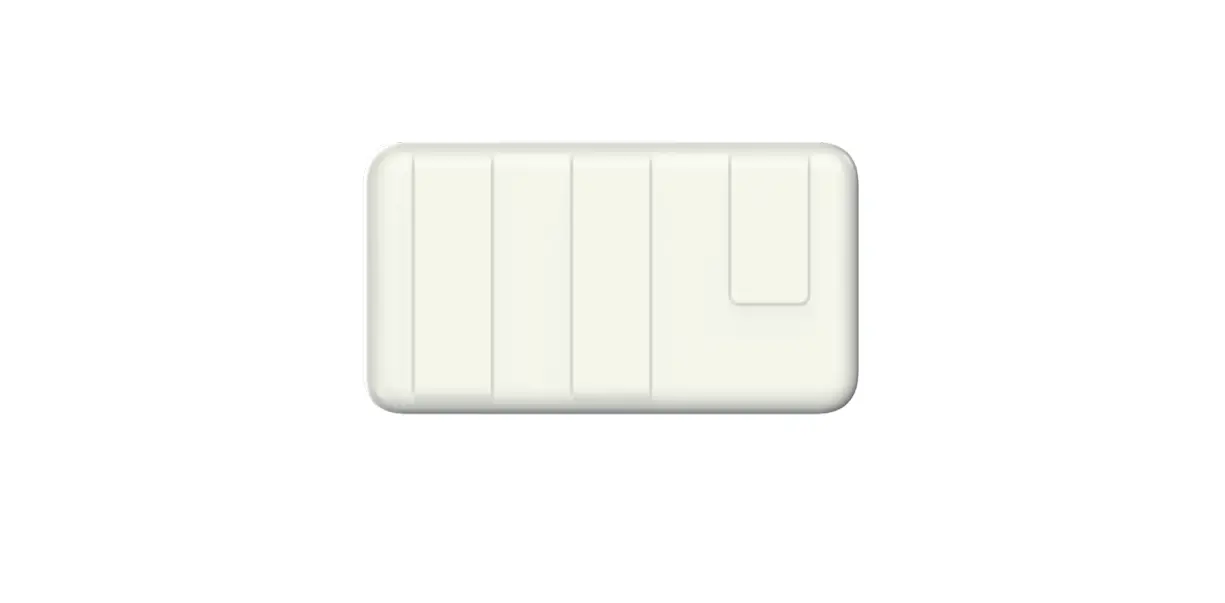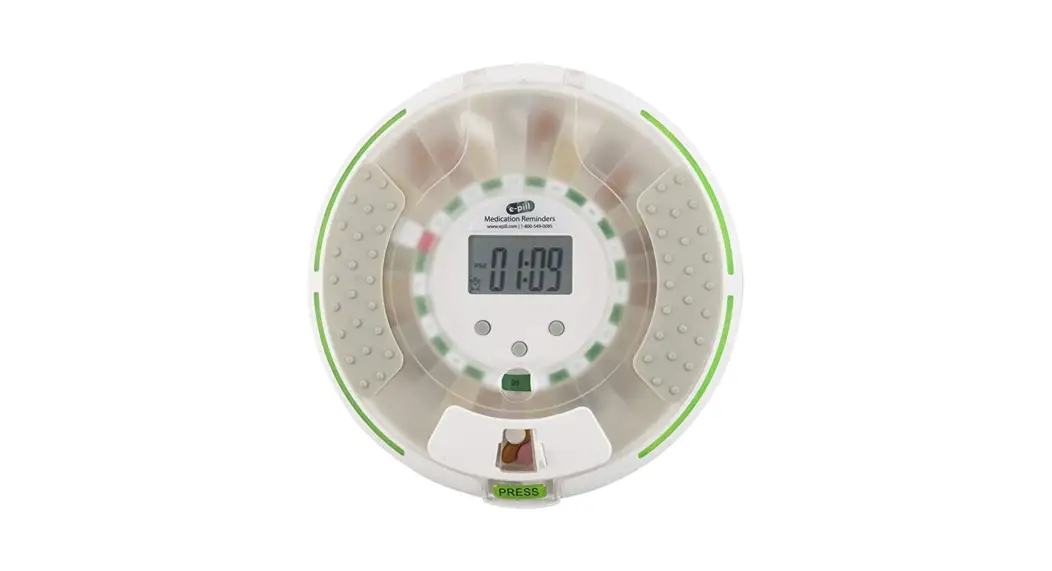
 Smart Pillbox M Smart Medicine
Instruction Manual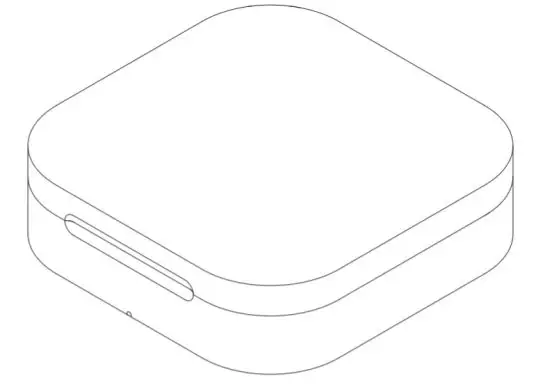
What is included
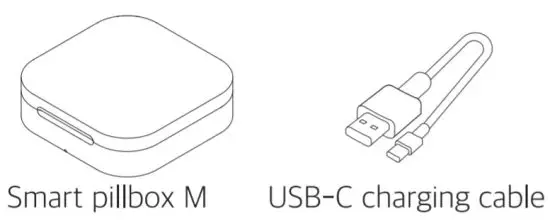
Information
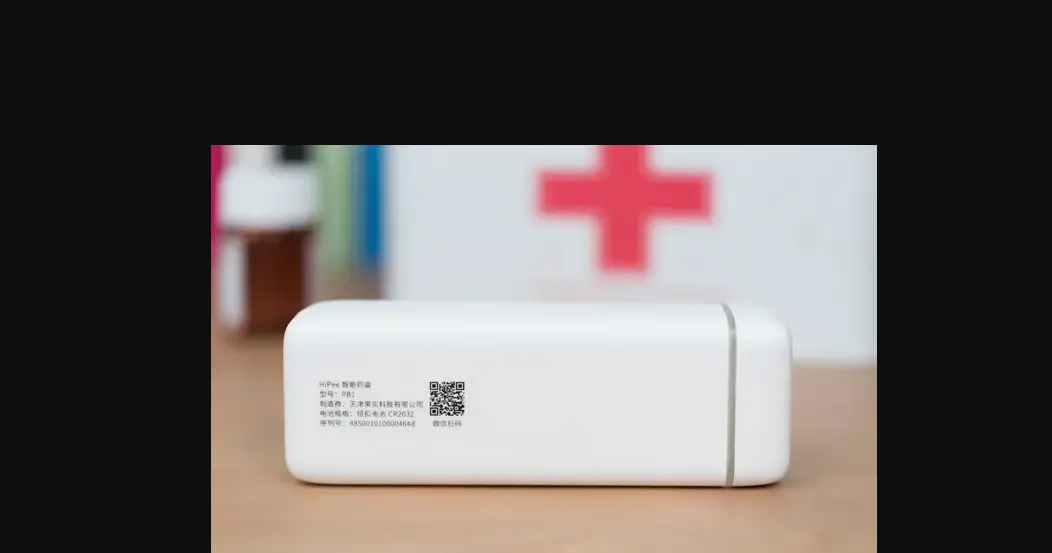
| Product name | Smart Pillbox M |
| Model | GPB-2.0 |
| Power | 3.7V Lithium-ion battery |
| Bluetooth frequency | 2.4GHz |
| Temperature range | -4F(-20C) |
Safety information & Key features
Safety information
- If the product is not turned on, charge it with the enclosed charger.
- if the alarm does not go off when it’s connecting the pillbox, please retry after turning off the application.
Key features
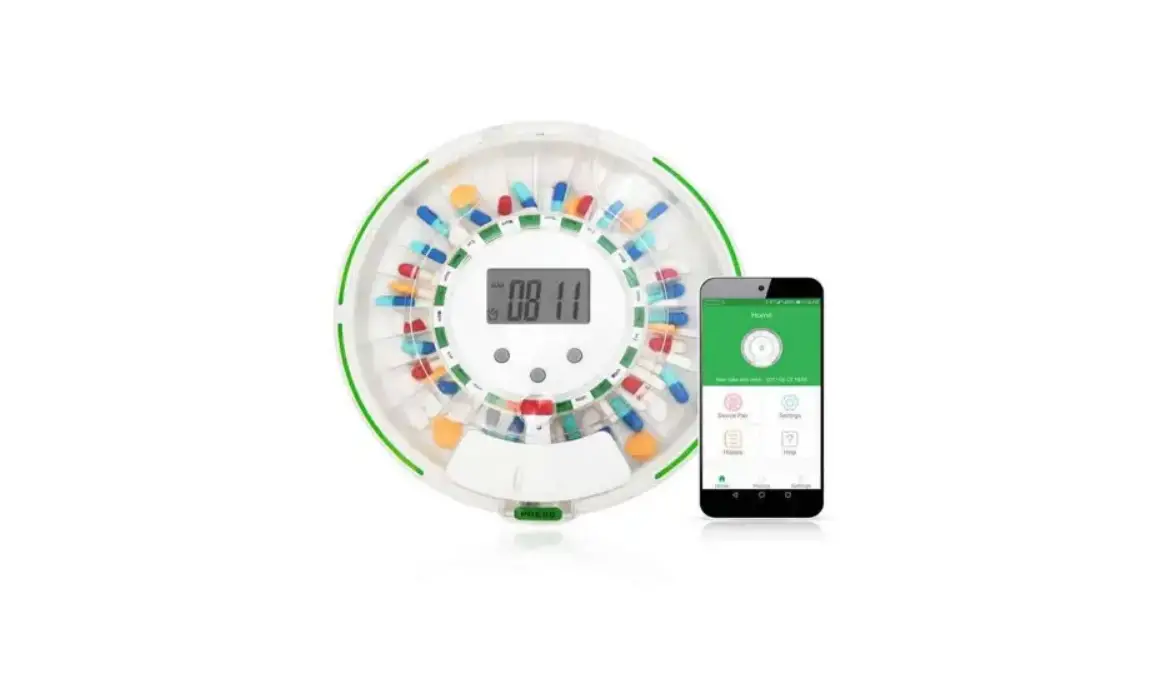
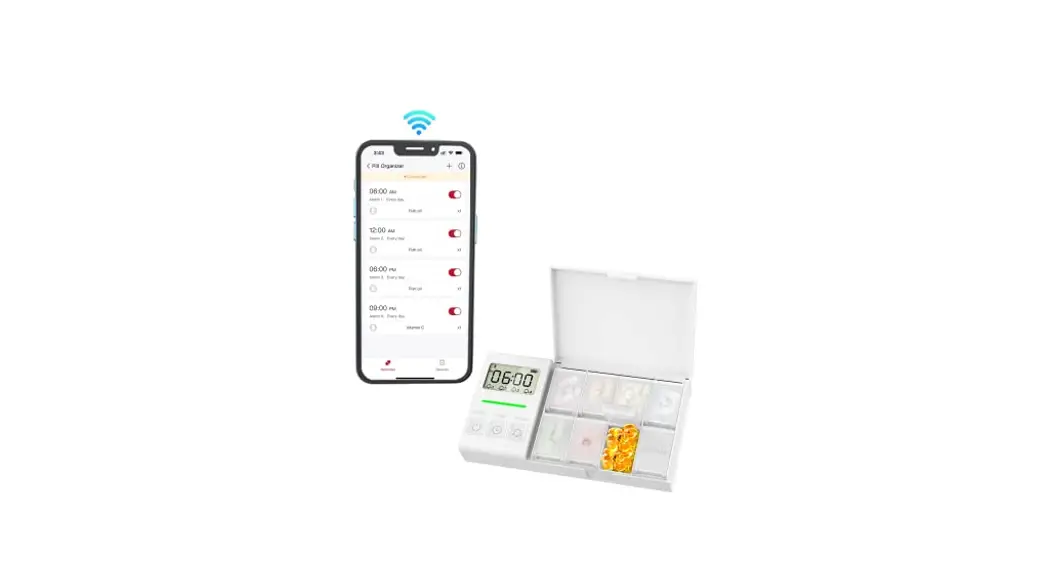
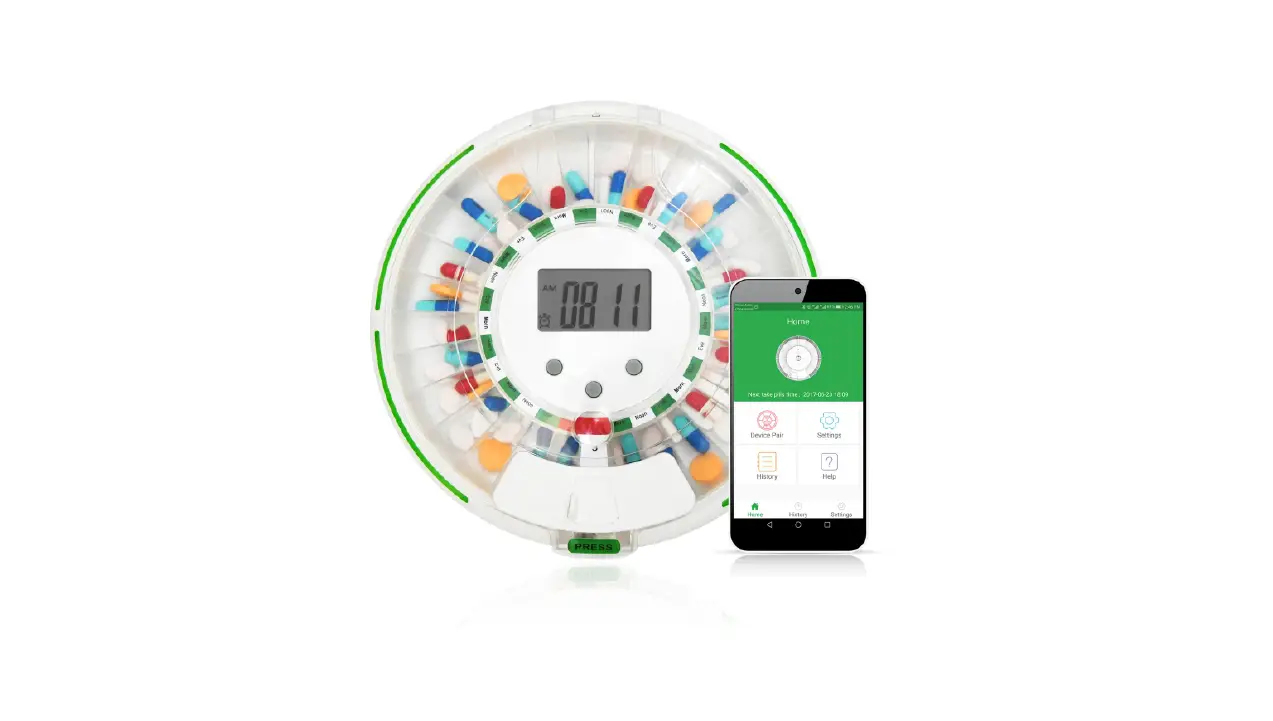
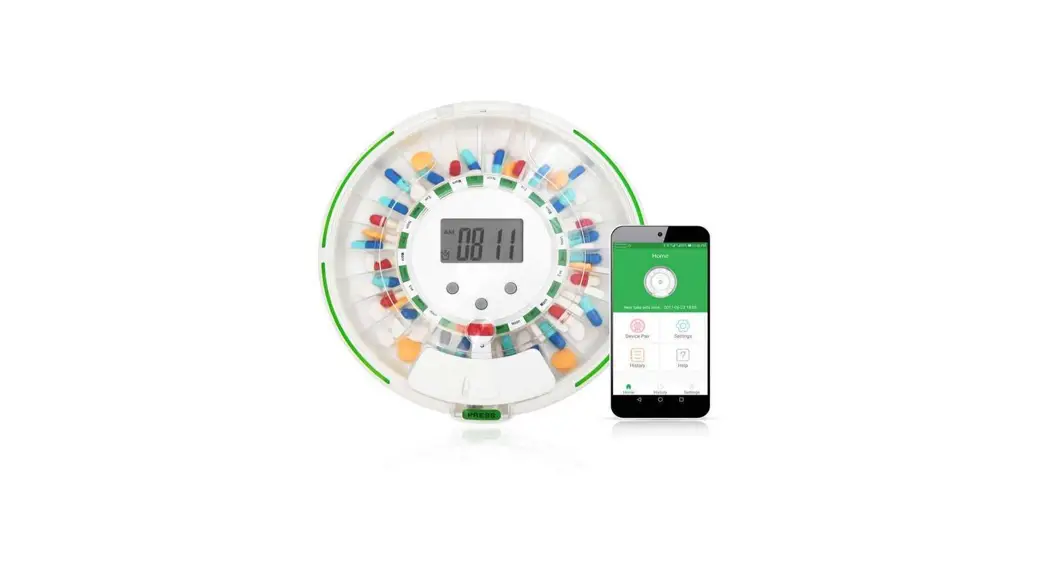
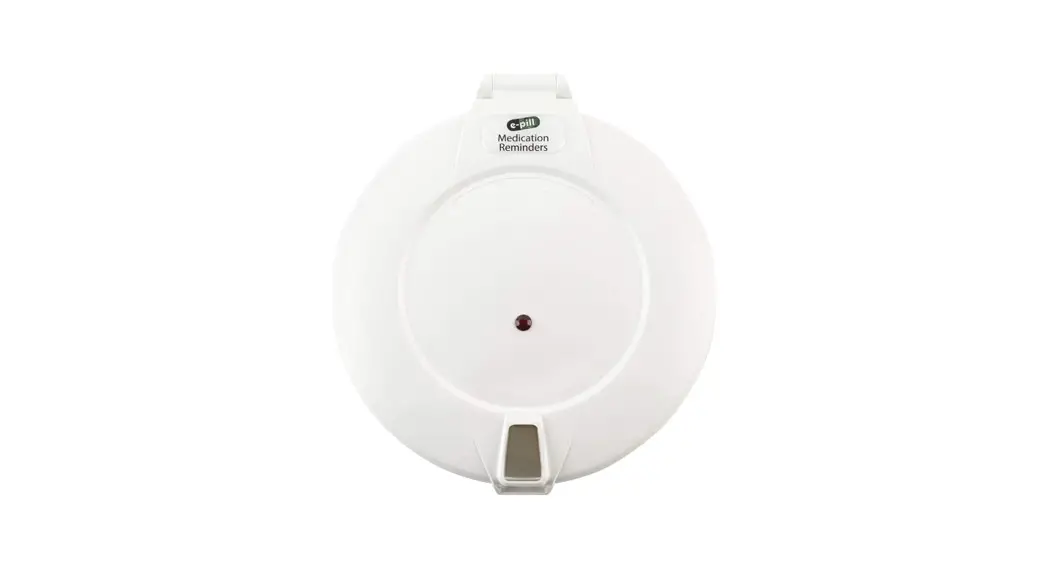
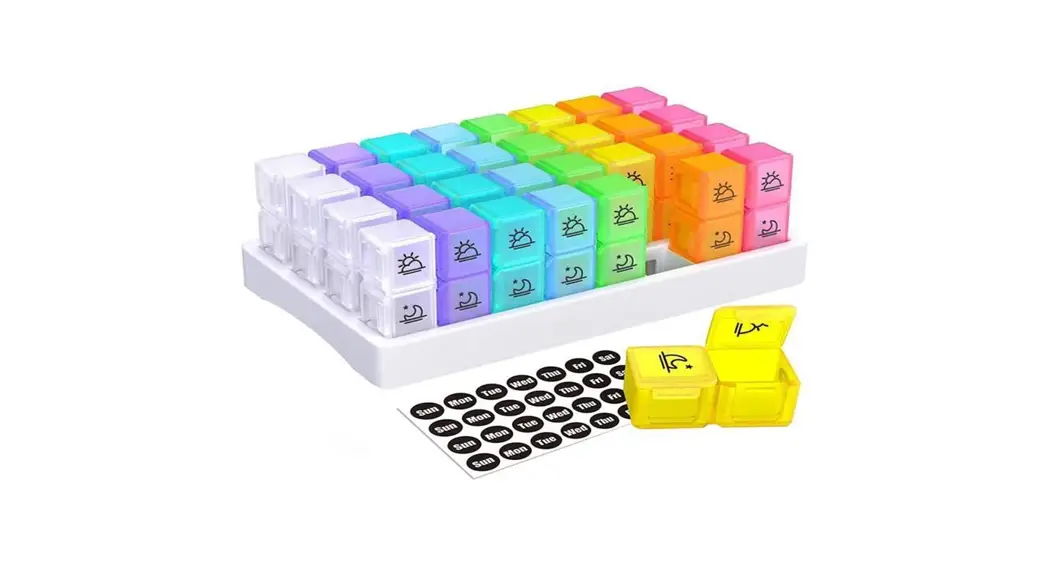
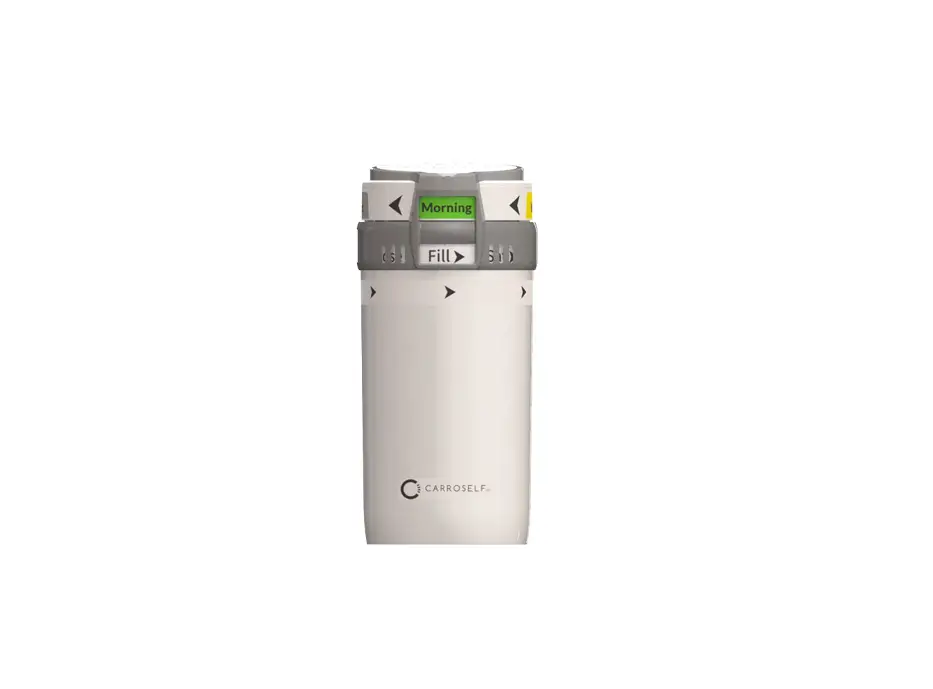
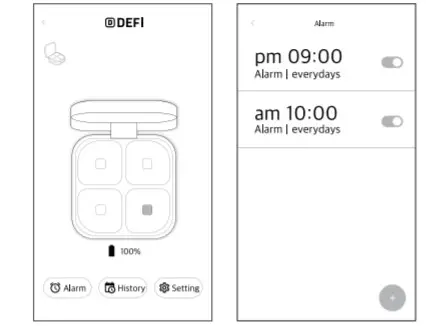
- DEFI Smart Pillbox helps people to take their medicine on time by their own alarm setting
- Set an alarm on the DEF1 application and it will connect with a smartphone
- G3 DEFI Smart Pillbox needs a Bluetooth connection with your smartphone
- It extends battery life up to 30 days on a sing charge
Installing the DEFI app
- Search and download “DEFl” on Google Play or APP store

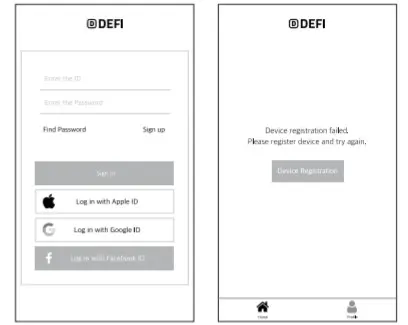
- Ensure your mobile’s Bluetooth is turned on for the app to connect with your DEFI Smart Pillbox and create your DEFI account.

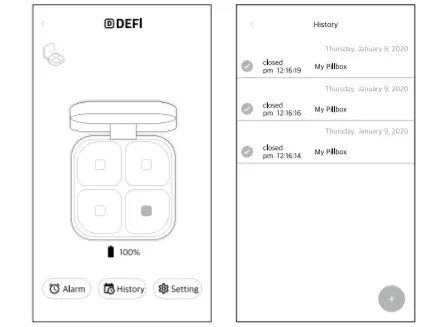
- After connecting with your smart pillbox, set an alarm

Warranty Form
| Product name | Smart Pillbox M |
| Model | GPB-2.0 |
| Serial number | |
| Place of purchase | |
| Purchase date |