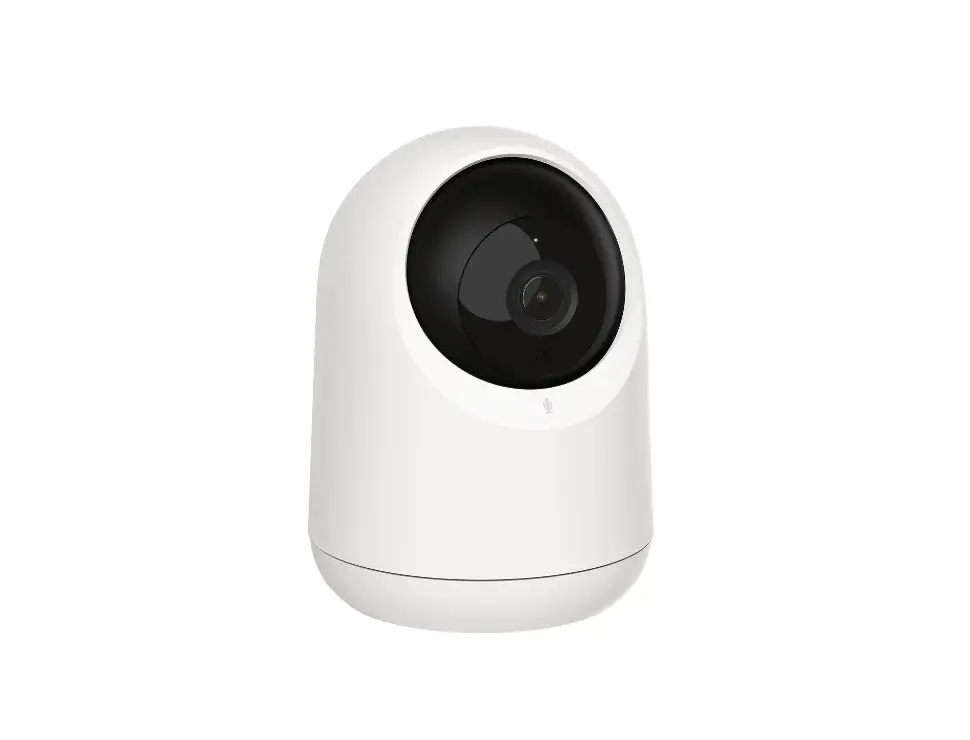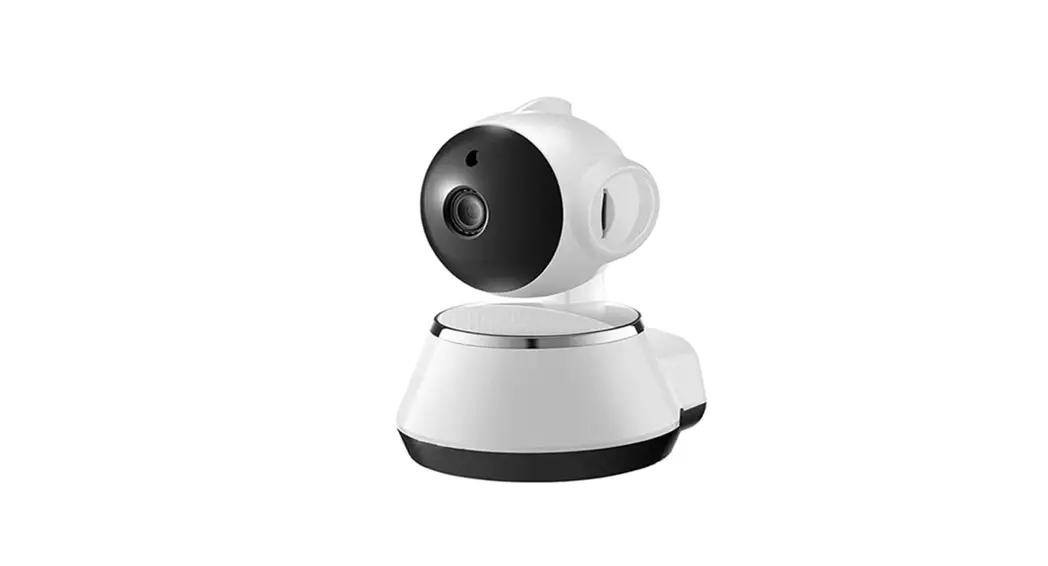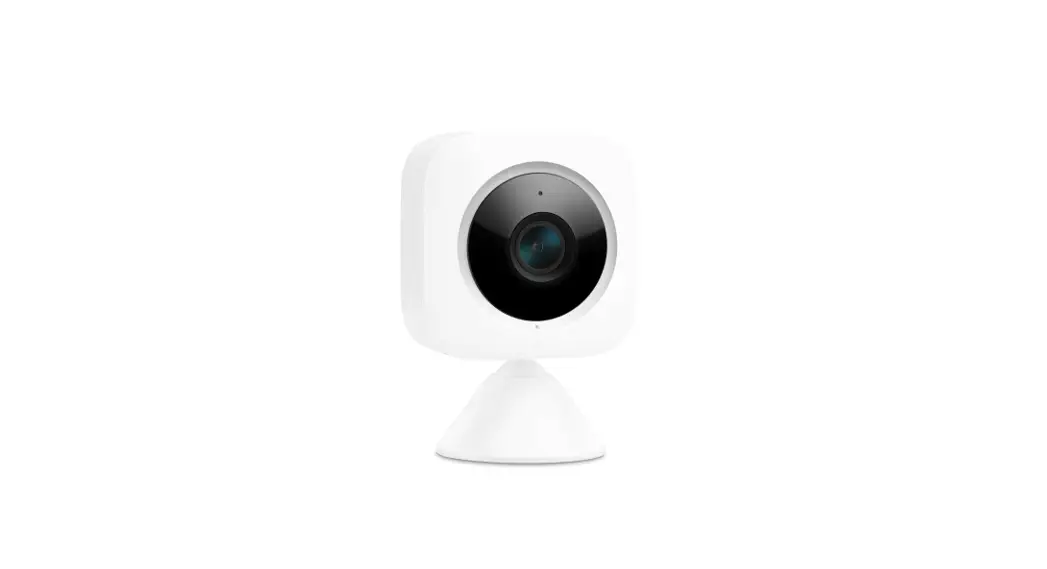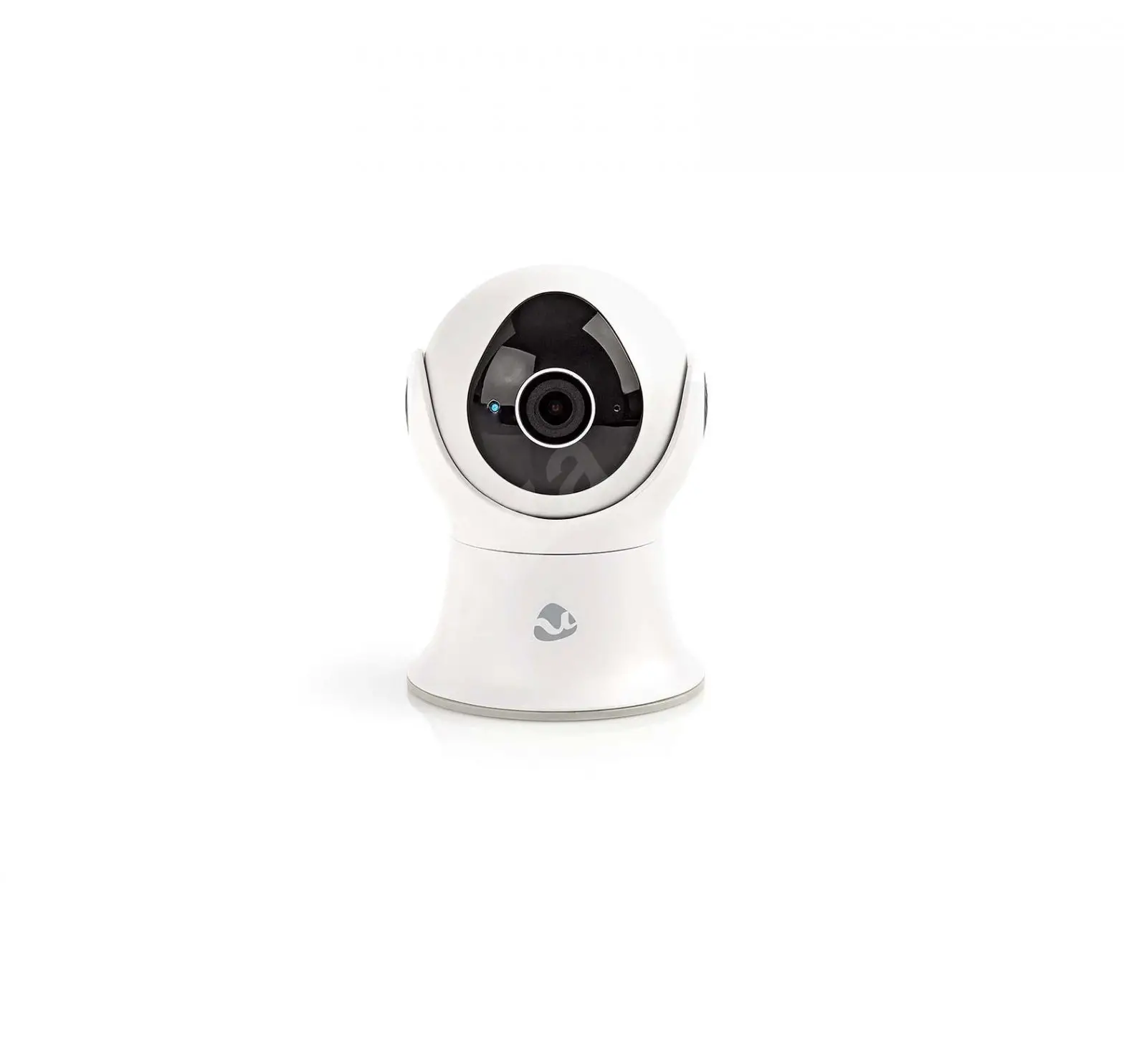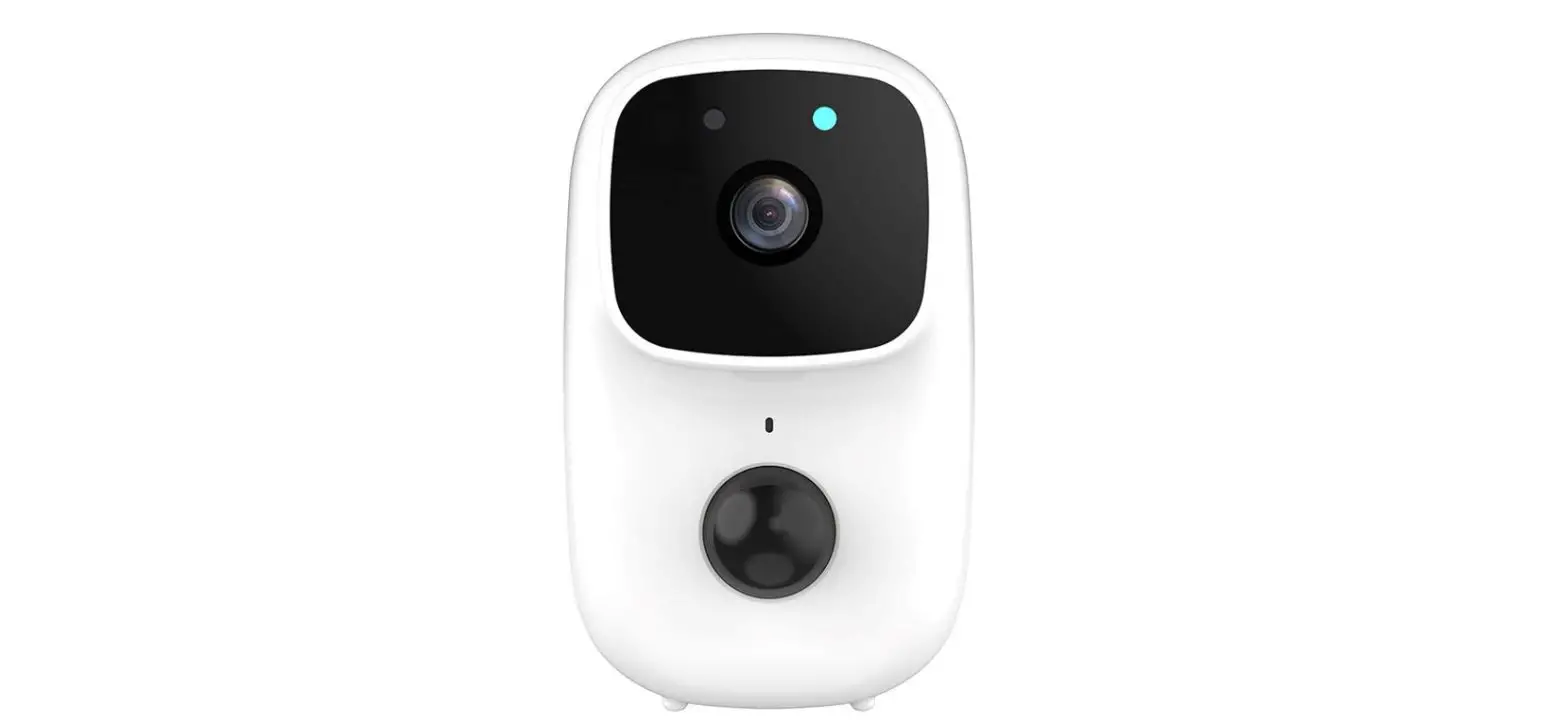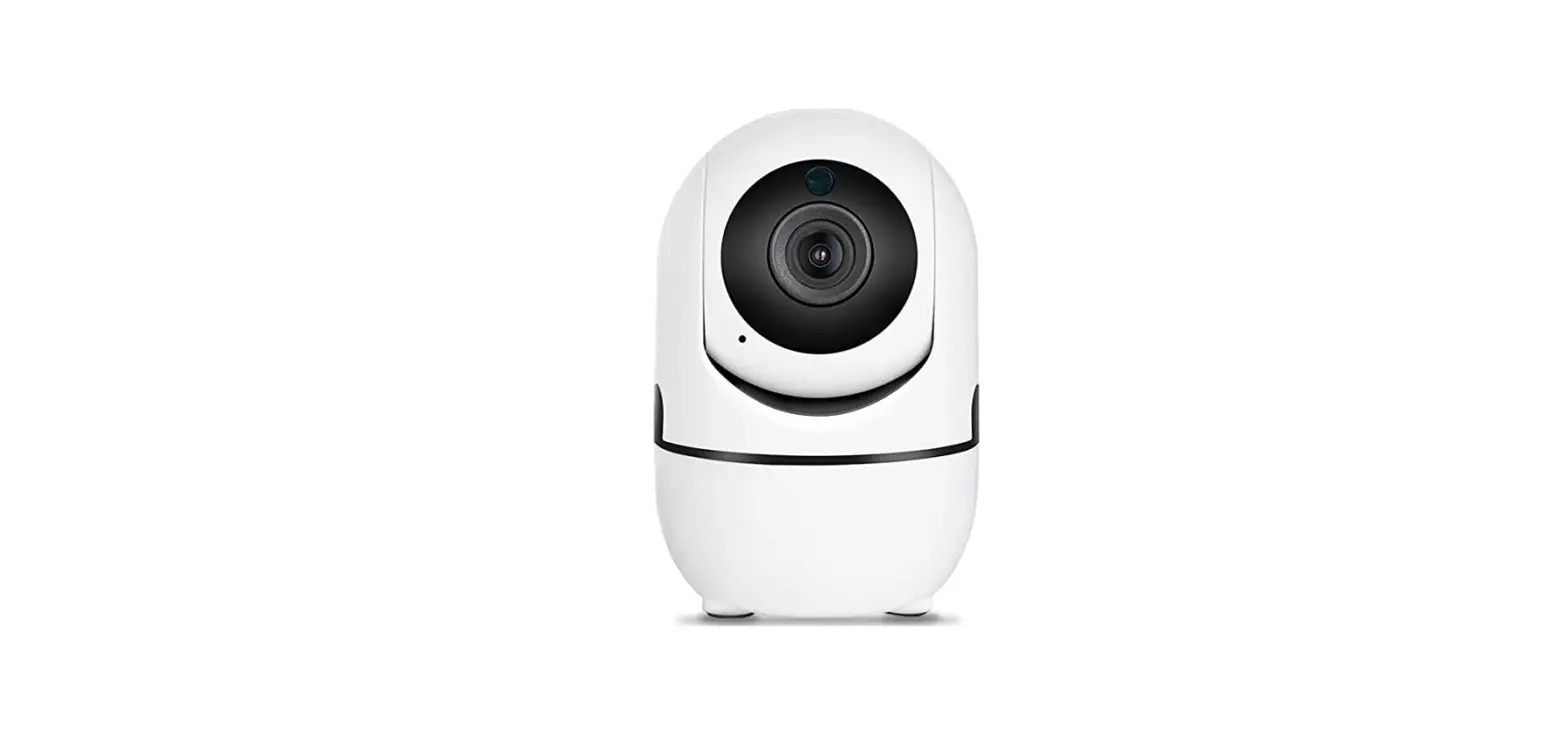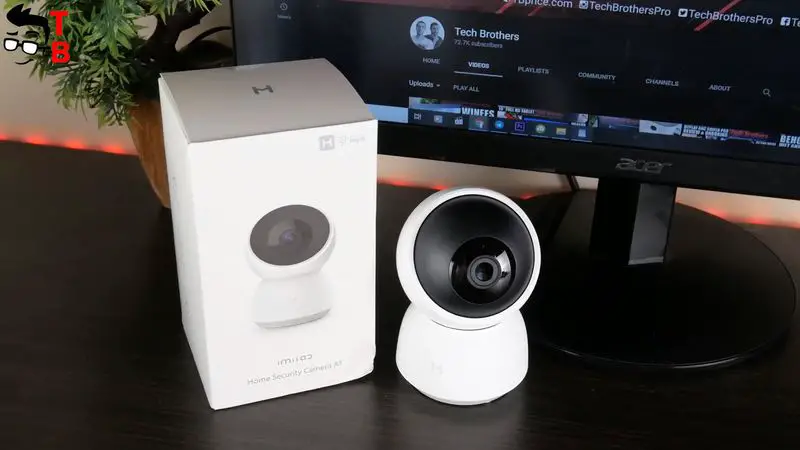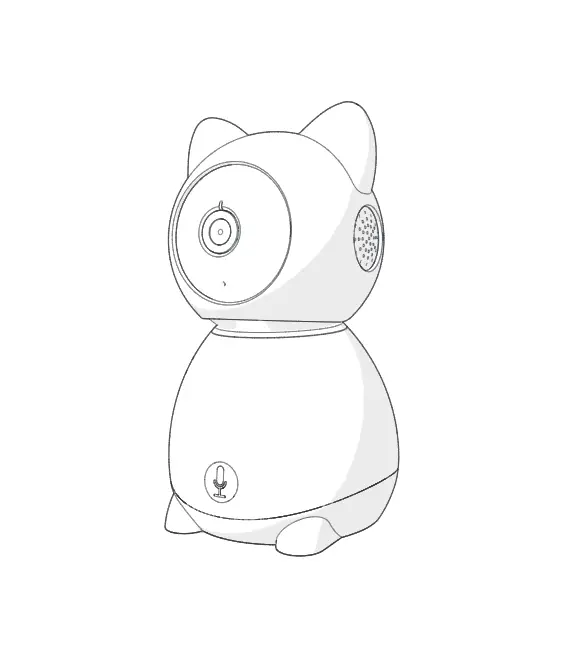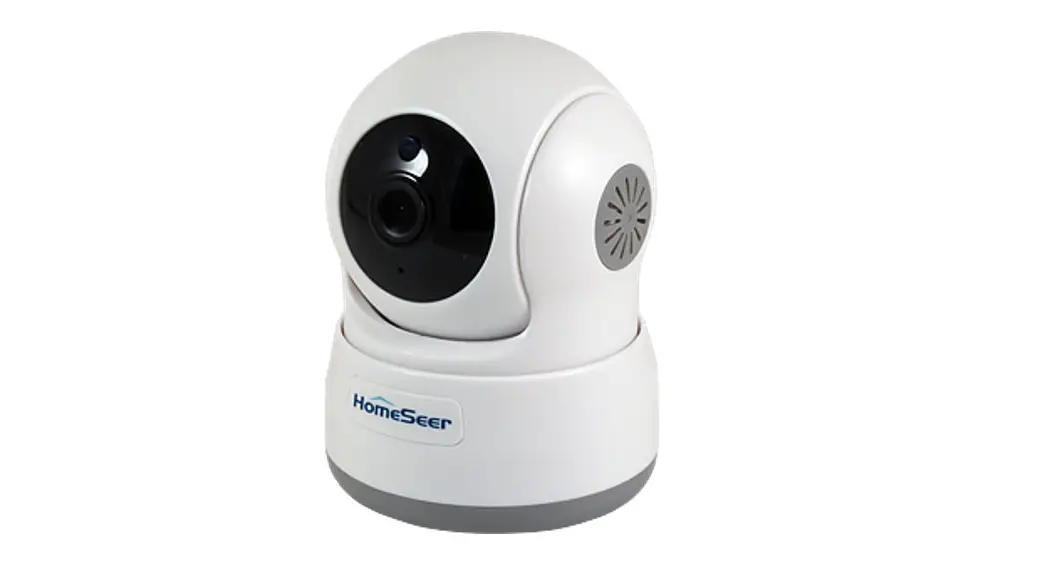
Lenovo Home Robot Camera [Snowman]
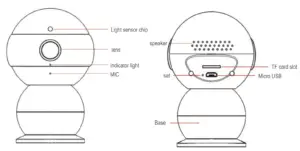
Packing List Includes:
- Camera
- Power Adapter
- Power Cable
- Bracket
- Quick Manual (paper)
- Reset Pin
- 3m
Camera Configuration
- Before Configuring, please confirm WiFi availability
- Supports Android 4.4 and iOS 8 and better devices
Step 1. Scan QR Quote to Download App
Scan QR Code to download App
- For IOS, scan the QR code on WeChat to download Directly
- For Android 4.4+, follow the steps after scanning with We-Chat
- Other QR scanning tools will take you to the app download page

Lenovo App for iOS and Android

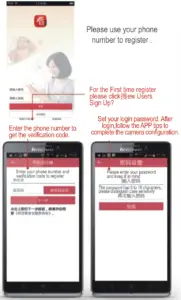
Step 2. Registration and Login
FAQ:
How to Reset the Camera:
Using the reset pin, press the reset button in the reset hole on the back of the device for 30 seconds. You will hear the prompt “Waiting for Installation”. This indicates the reset is finished.
Why is the cloud video discontinuous?
When you watch it remotely on phone, in order to save mobile data, remote recording adopts movement detection mode. The video is only recorded when movement is found within the frame.
How much capacity does the TF card support? What format is best?
The Camera supports FAT32 Format Class 10 TF Cards up to 32 GB in size. When the card is completely full, the oldest video is automatically deleted.
What Wi-Fi is supported?
The camera supports 2.4GHz Wi-Fi and WPA2/WPA2-PSK Encryption. 5G, WEP, and Hidden SSIDs are not supported.
Indicator Light Meanings:
Red Light Flashing: Waiting for Configuration
Blue-Green Light Flashing: Connecting to the cloud server
Green Light Solid: Normal Operation
Blue Light Flashing: Updating
Blue Light Solid: Camera Offline
Installation Instructions:
- The camera is enclosed with wall installation accessories (Circular Iron Sheet and 3M Glue). The iron mount bracket can be stuck with the adhesive to the wall or roof.
- When the wall mounting accessories are fixed, the camera base can be pulled apart, screw in the direction of the base arrow and then stick the camera to the wall using the magnet in the base.
- The camera base is magnetic so it may be easily stuck to any magnetic surface (refrigerator, sheet metal, metal pole, etc)