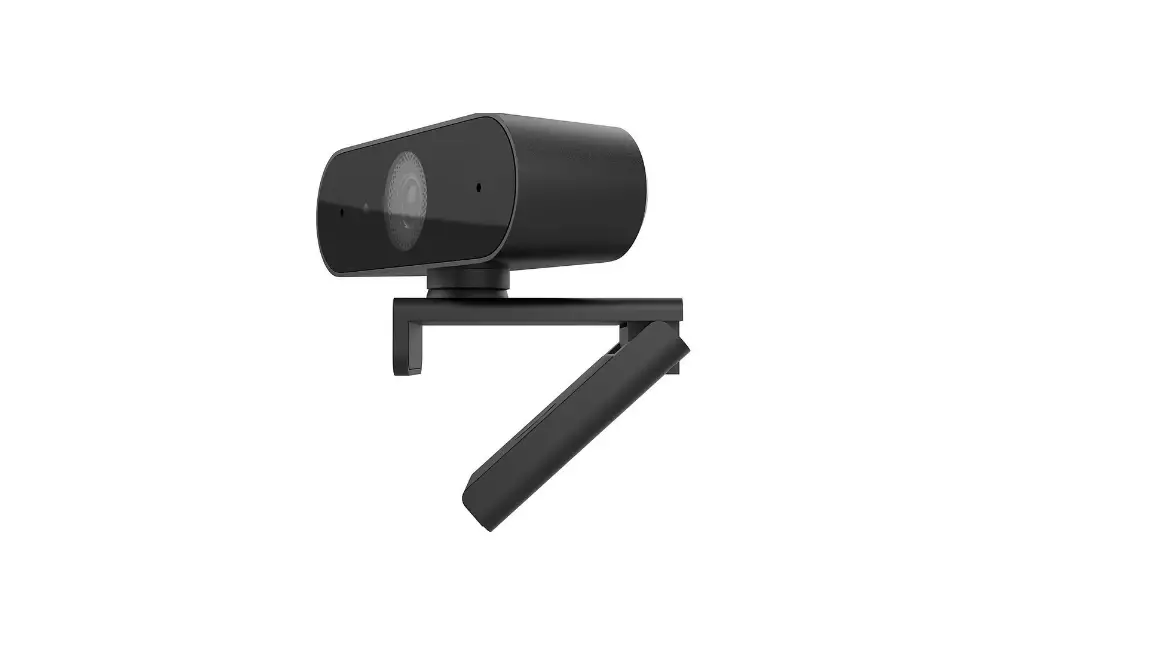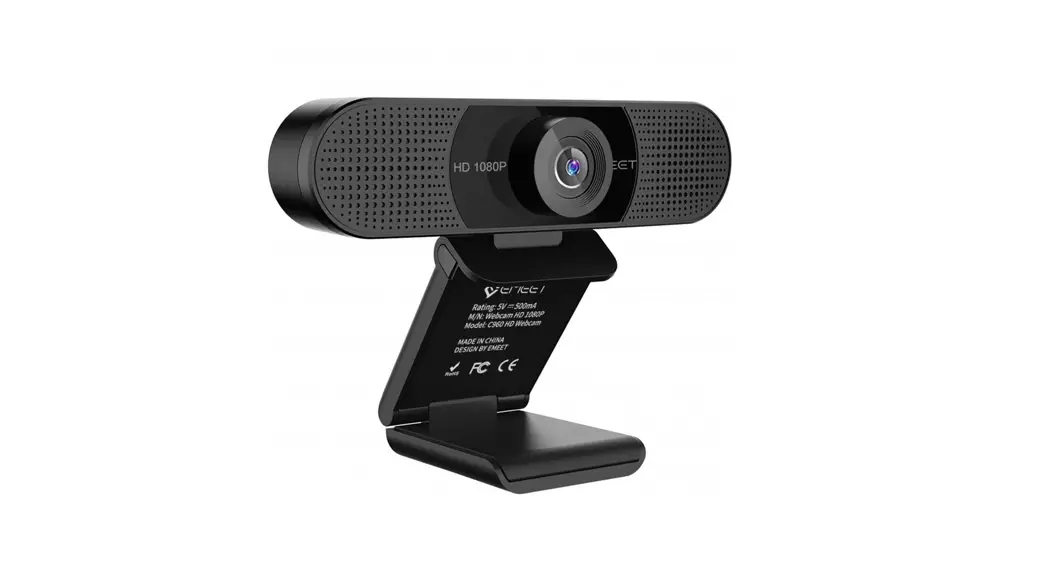
 CMW102 HD web camera
User Manual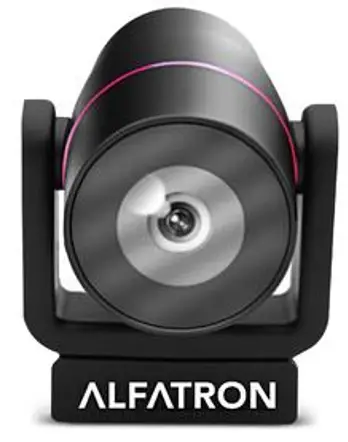
ALF-CMW 102 User Manual
Please refer to this document before using
Product overview
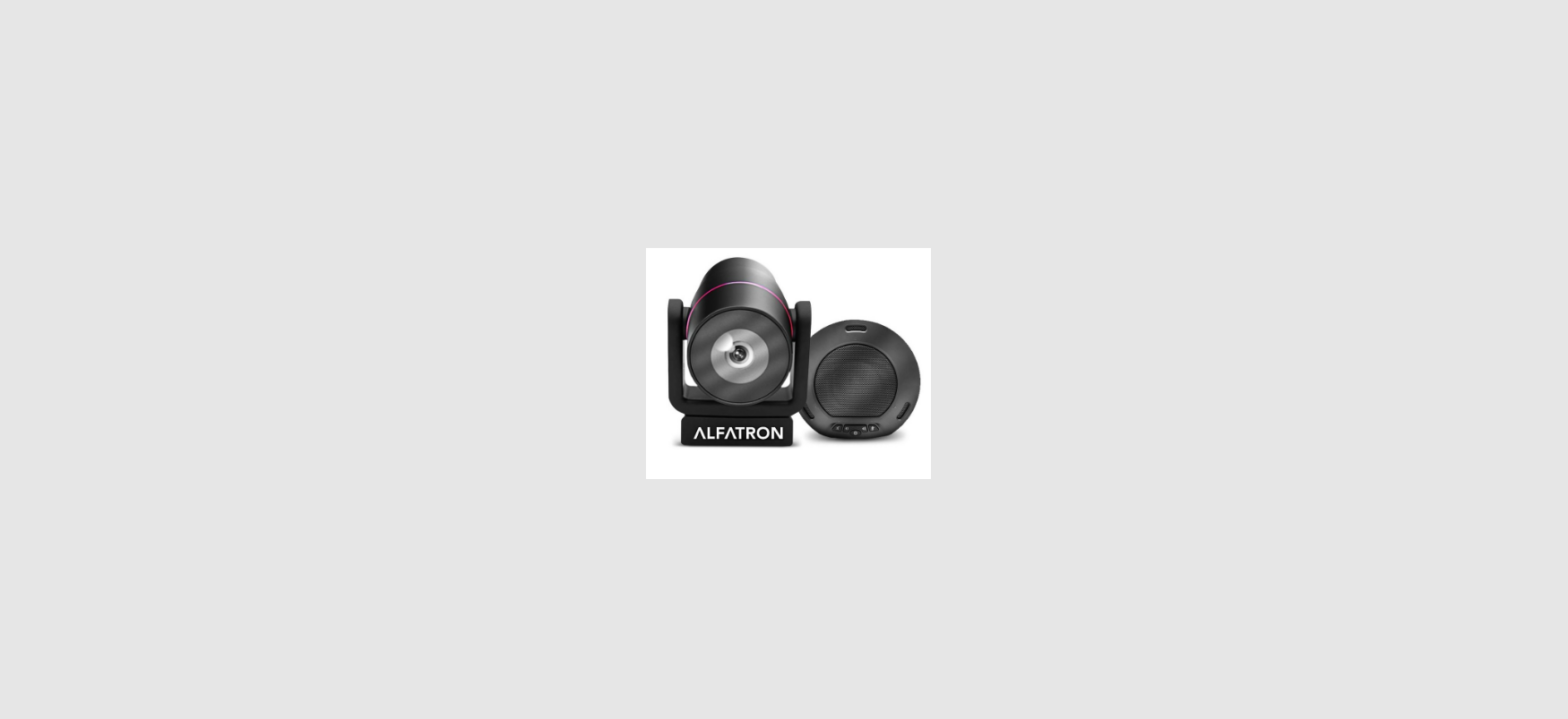
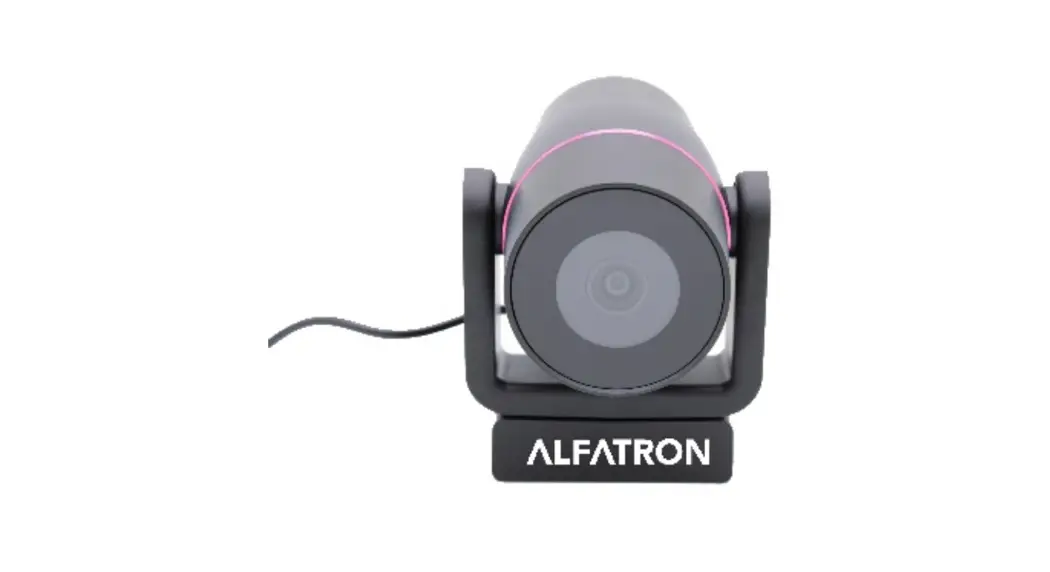
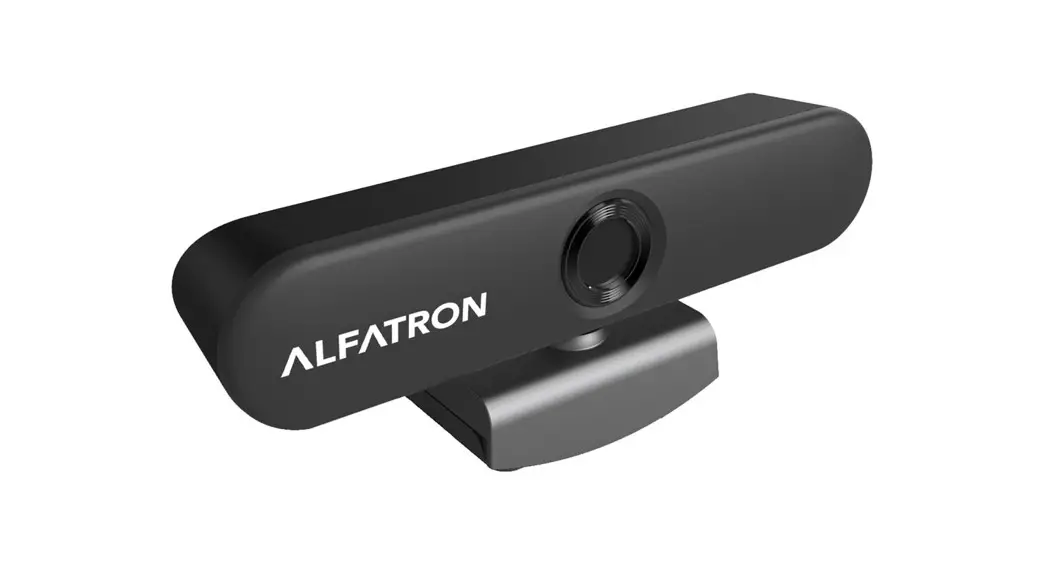
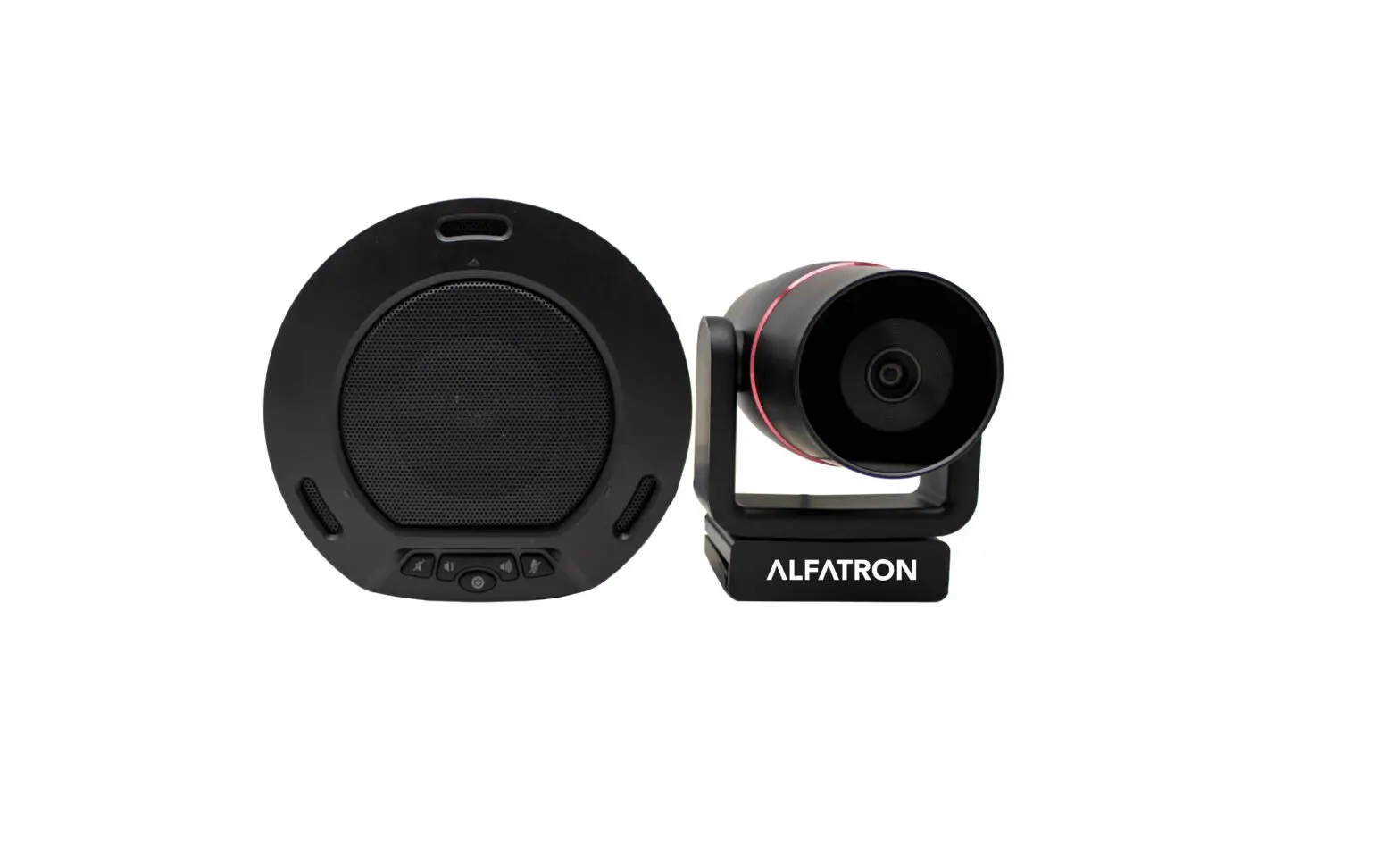
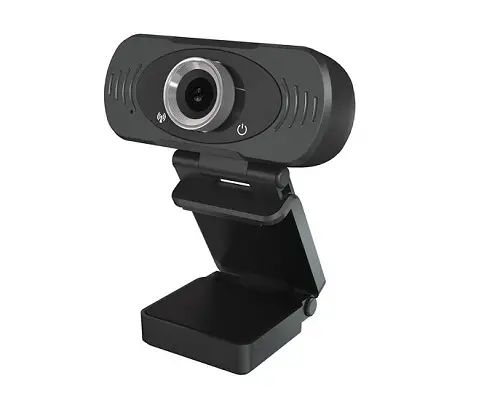
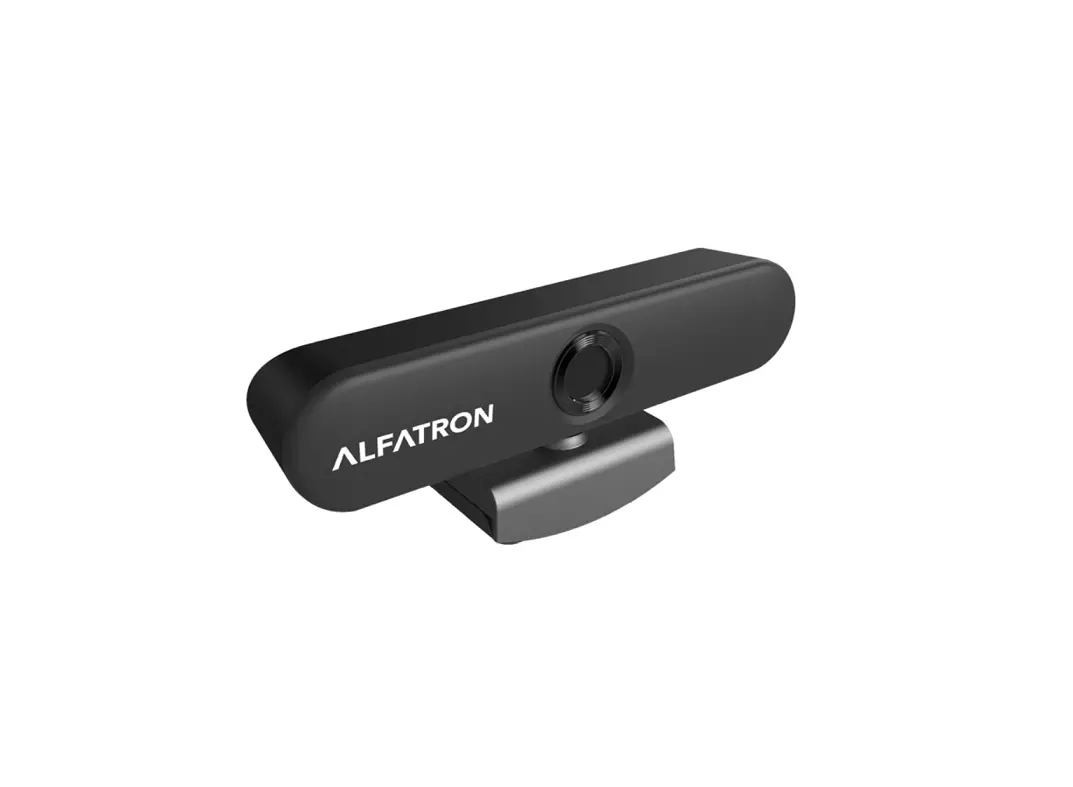
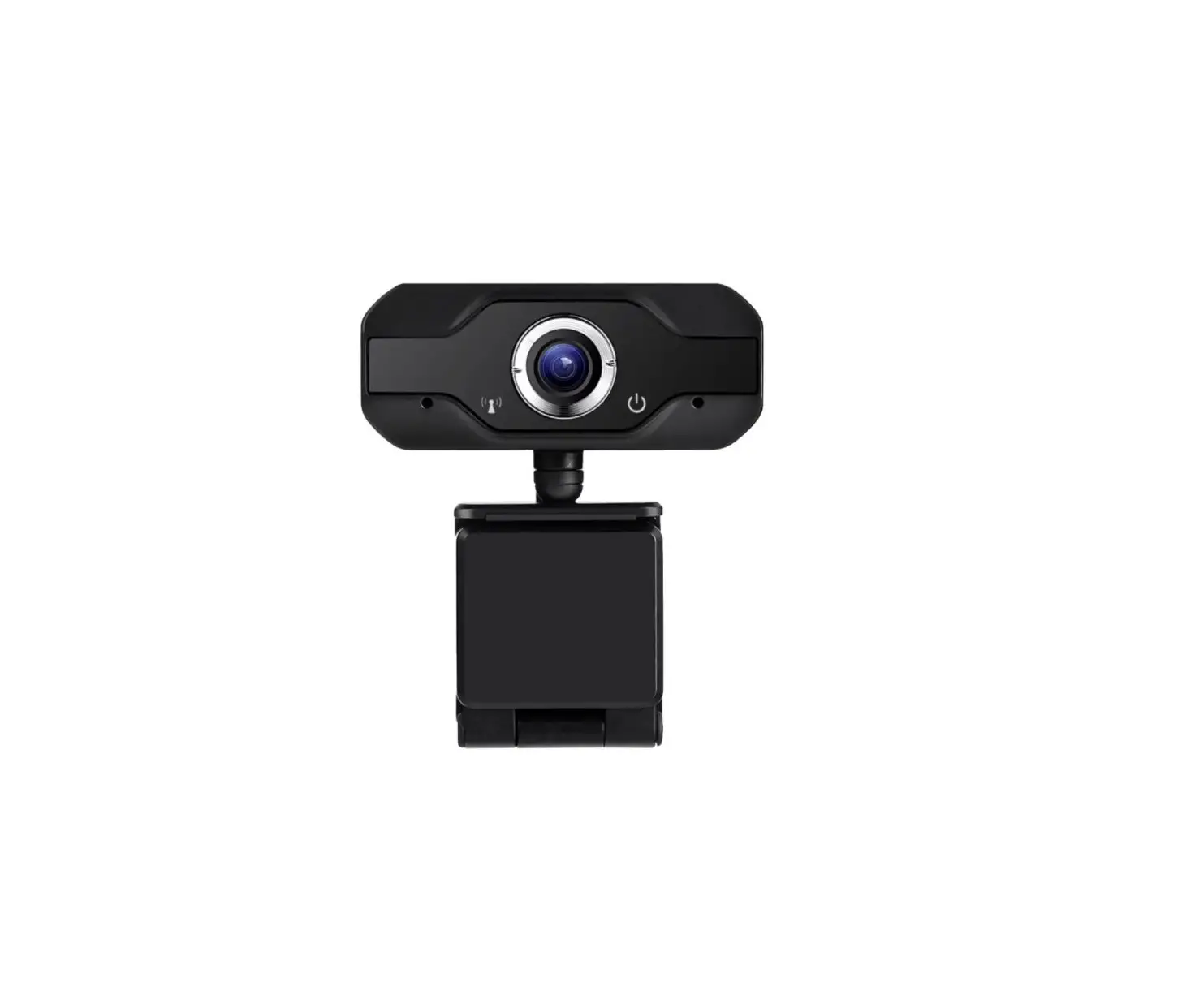
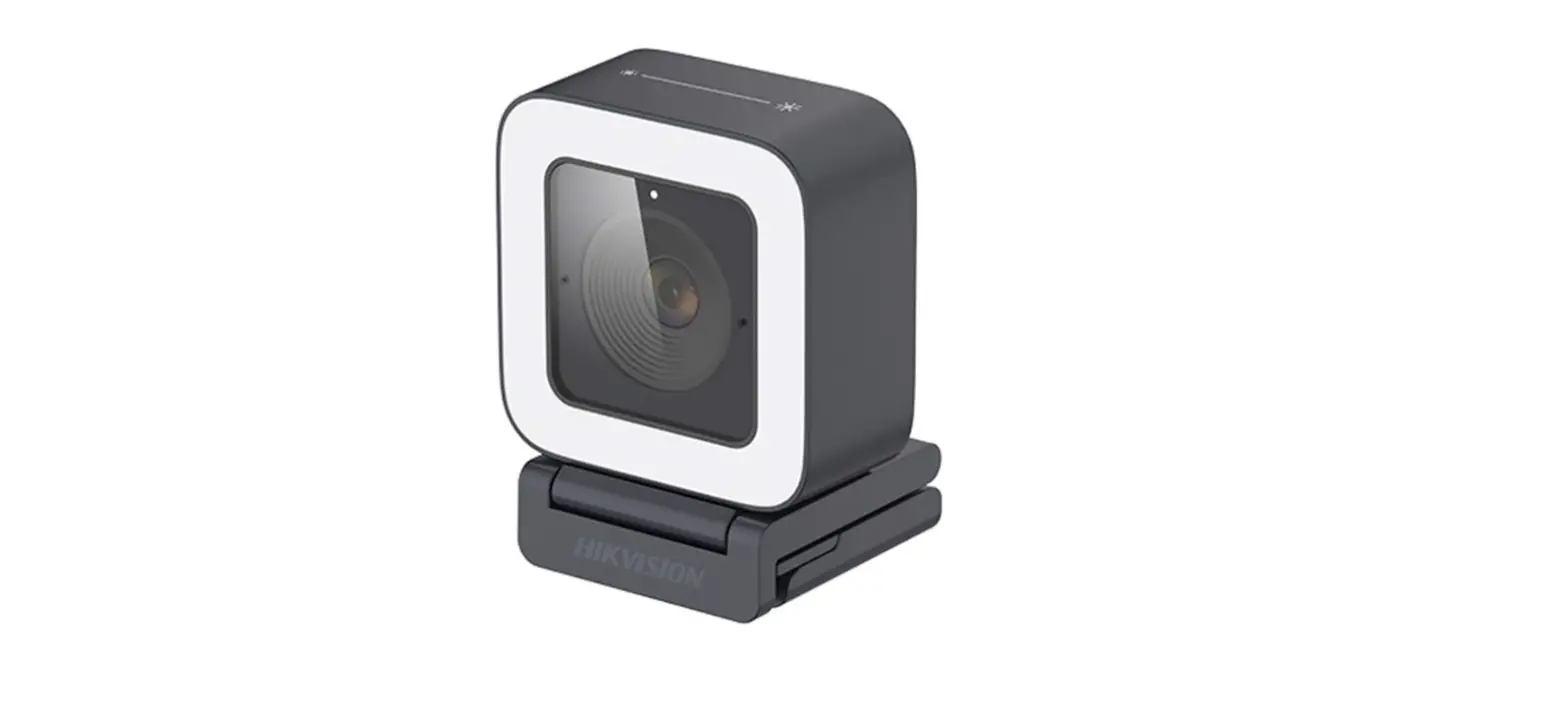
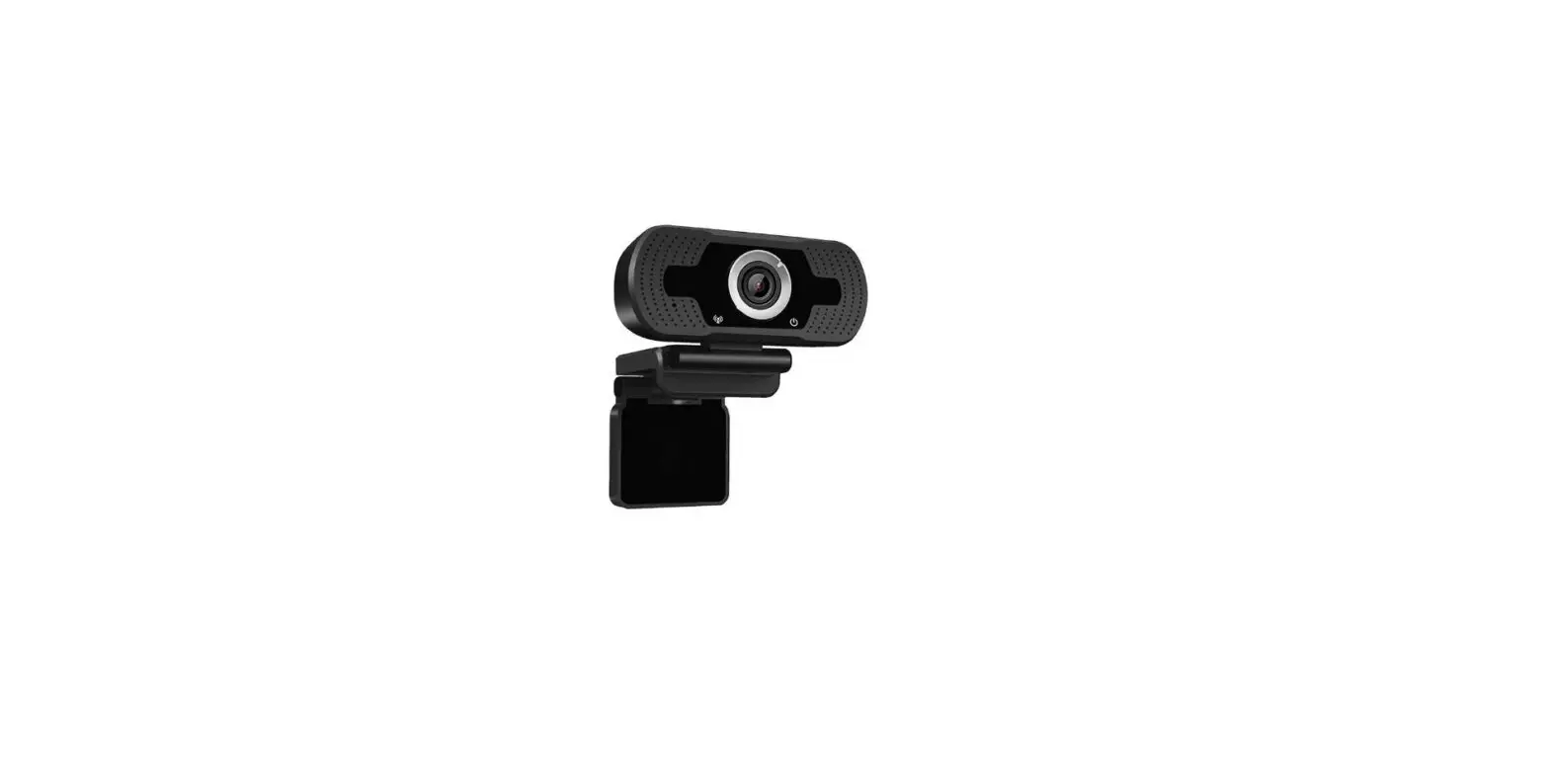
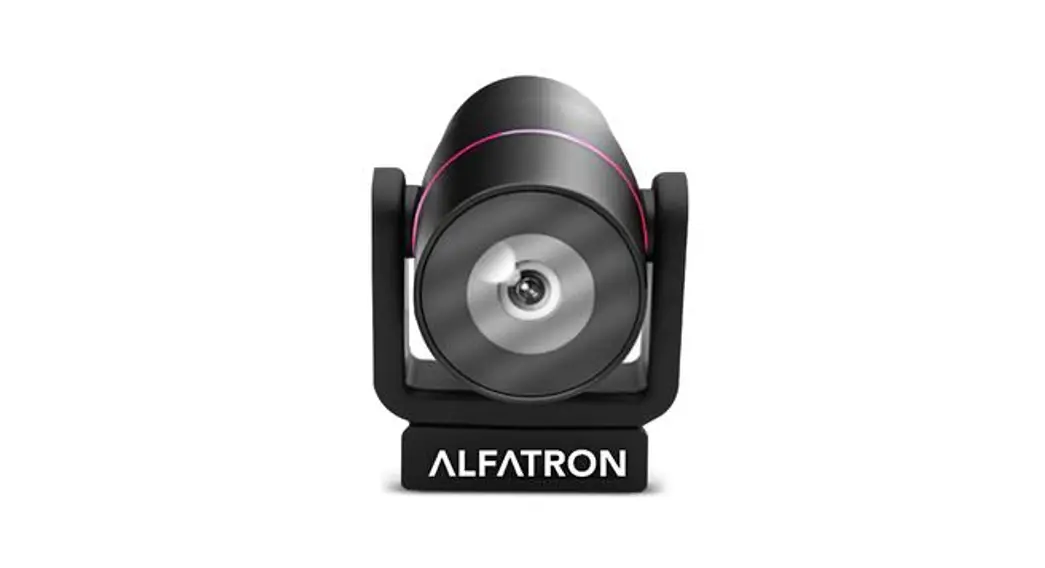
The CMW102 is a Full HD 1080P camera with a 120° wide angle lens. It comes with two 2.4 GHz wireless speaker microphones and is suitable for small and medium-size conference scenes, personal business or home. It has a 2m USB2.0 cable.
Component
Part 1: HD network camera 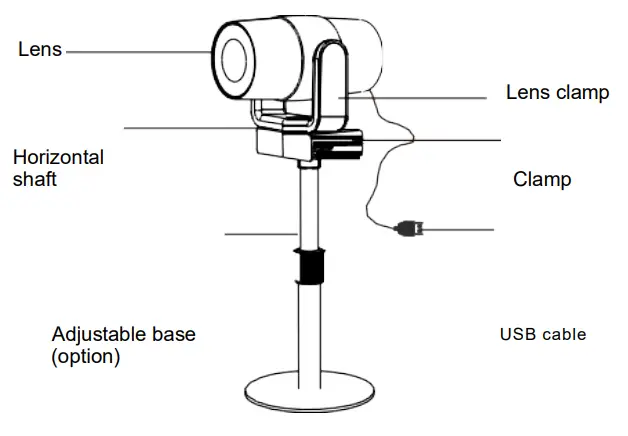
Part 2: 2 . 4 GHz wireless speakerphone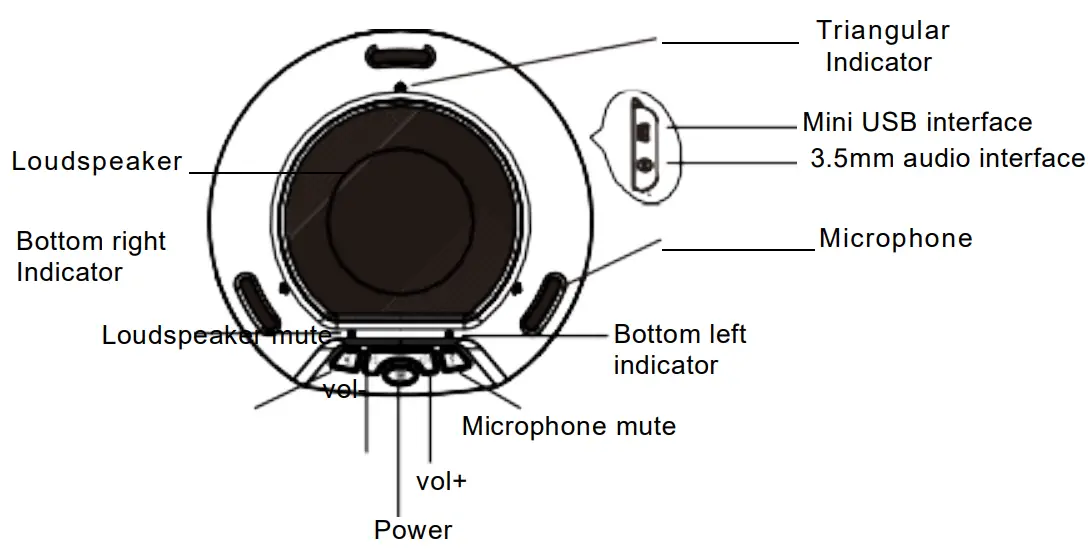 LED Indicator
- Blue triangular Indicator: normal working status
- Blue bottom right indicator: loudspeaker mute
- Blue bottom left indicator: microphone mute
- Blinking blue bottom left indicator: volume adjustment
- Blinking orange bottom left indicator: low power
Application
CMW102 can be used once you have connected the camera to your PC via USB and switched on the speaker phone. To switch off you can long press the off button on the speaker. 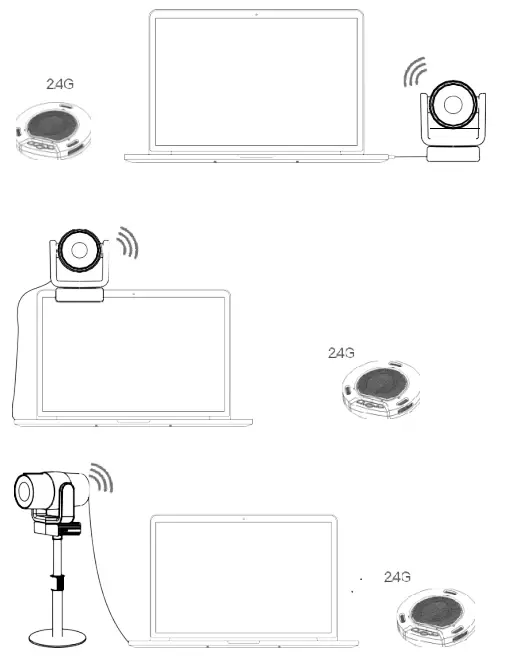
Operation
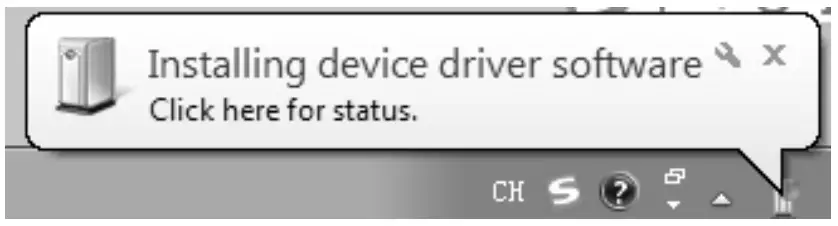
- When connecting the USB to your computer, the following will appear in the lower right corner of the computer when you plug it in for the first time.

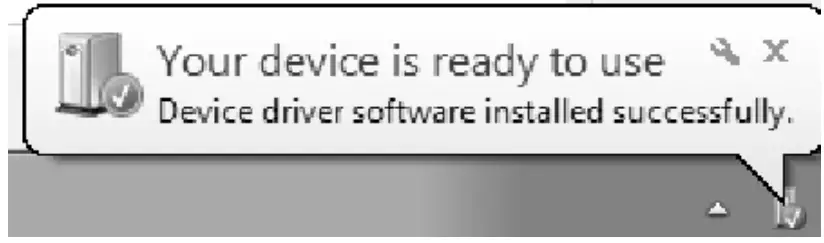
- After the device driver is installed successfully, computer terminal will have the following prompt

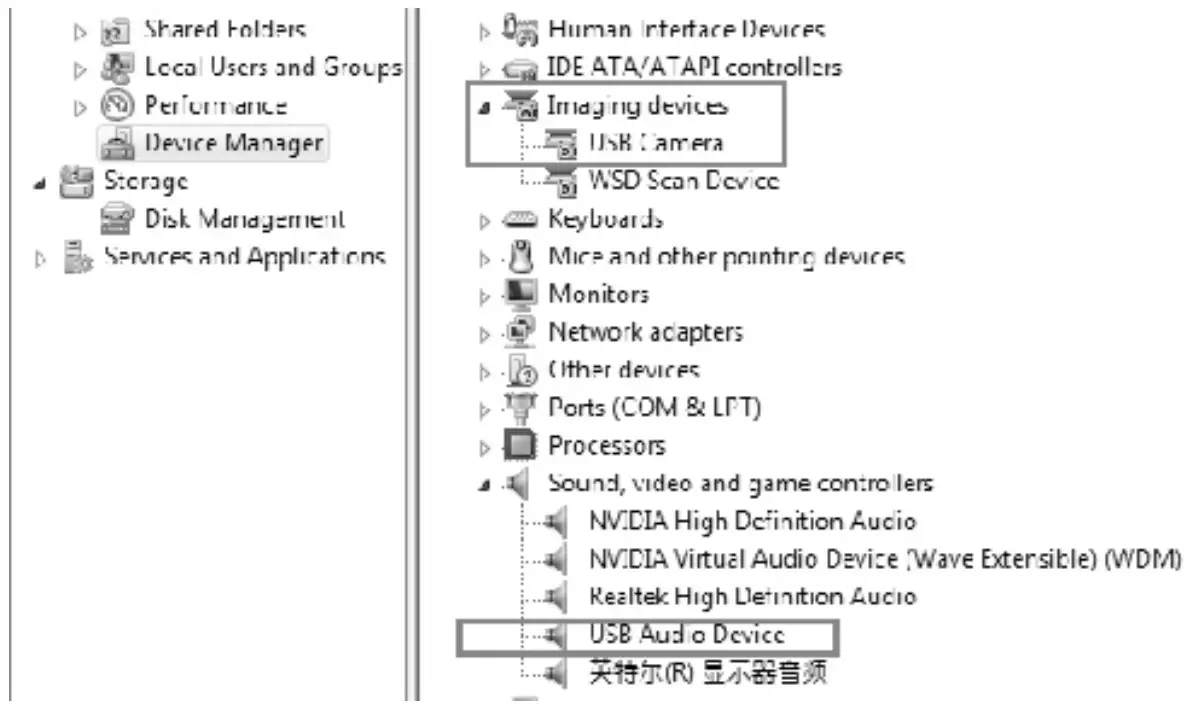
- If you need to reconfirm whether the device is installed successfully, you can open the computer terminal Attribute – click” device manager “- click” image device “to see the following device item and then you can use instant messaging software and video

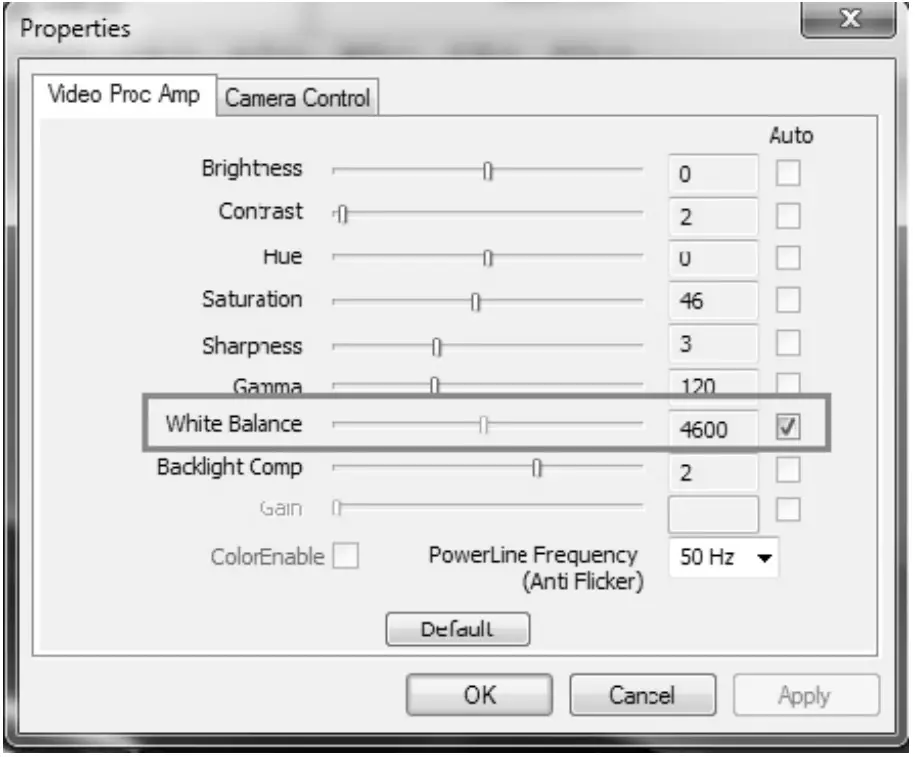
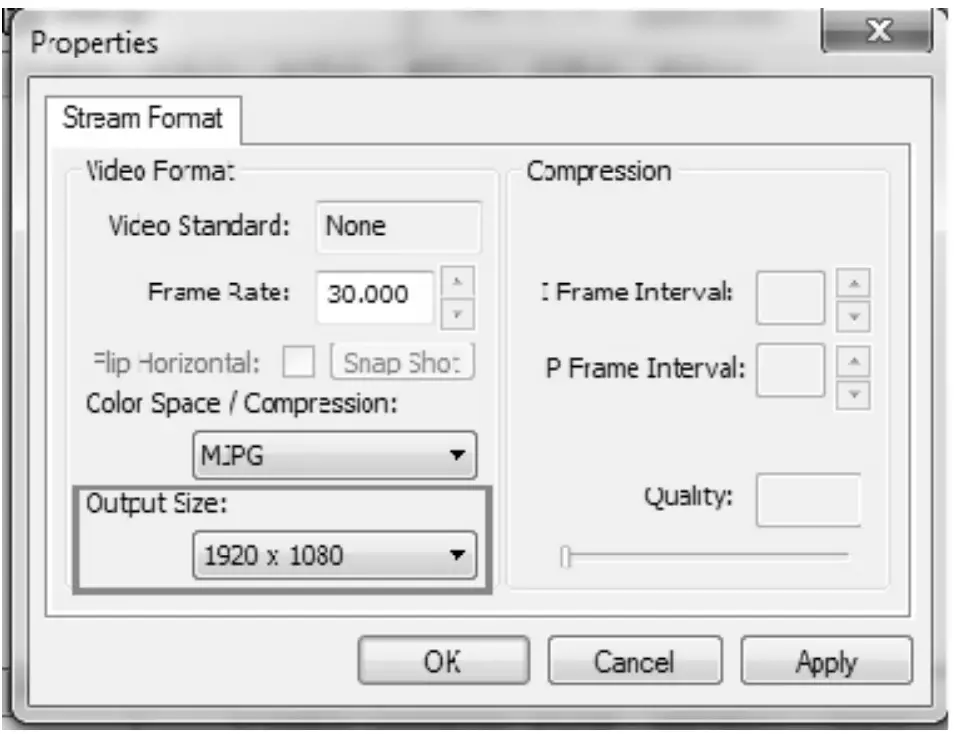
- If the color and resolution of the video are found to be abnormal, you can adjust the setting using software called “Amcap” to check. Check the output size of the white balance and video for the corresponding values.
- Check the white balance option with a default value of 4600
 For Video output size, select 1920*1080
 Or change the camera effect to “restore the default effect” in instant messaging software. If it still doesn’t resolve the problem, please contact our after-sales service for technical support.
 For Video output size, select 1920*1080
 Or change the camera effect to “restore the default effect” in instant messaging software. If it still doesn’t resolve the problem, please contact our after-sales service for technical support.