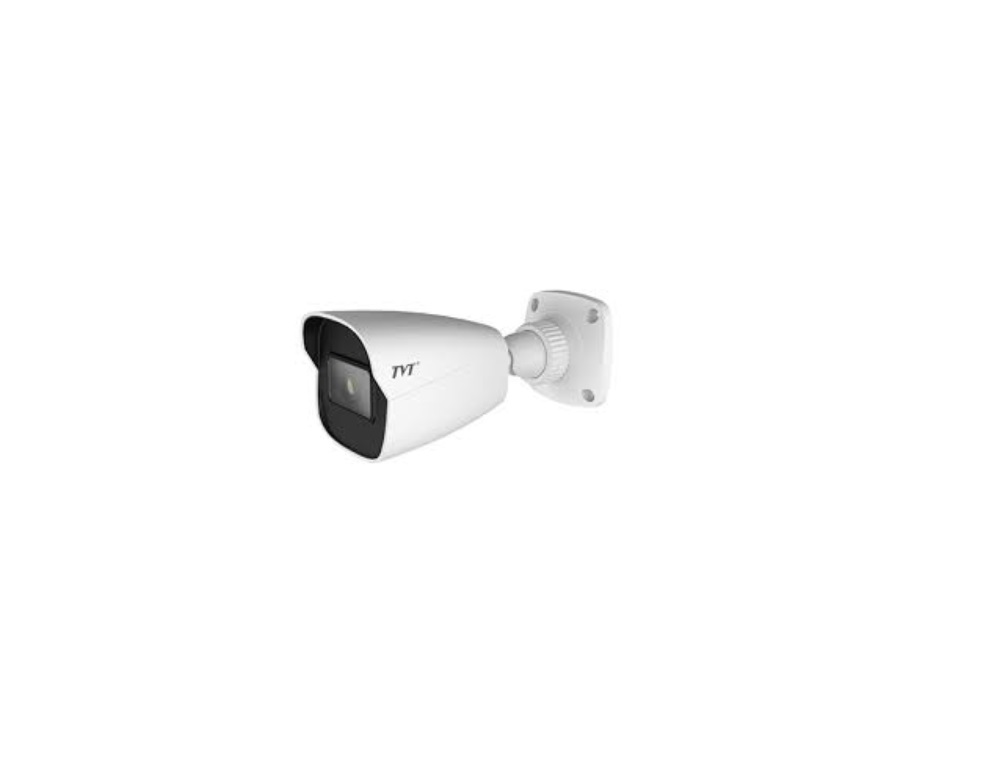
TD-9421C2 Network Camera
Product Information
The product is a network camera that allows users to monitor and
record video footage. It comes with a quick start guide, tapping
screws, a machine screw, a CD, and a drill template. The camera
features a fixed ring, a mounting base, a network connector, an
audio input, a power connector, a micro SD card slot, a reset
button, and a microphone. It can be powered by either DC 12V or PoE
power supply. The camera also includes a security cap for outdoor
installation. The user manual provides warnings and cautions, as
well as installation instructions.
Product Usage Instructions
- Ensure that the wall or ceiling where the camera will be
installed is strong enough to support its weight. - Install a micro SD card by removing the plastic cover from the
camera, loosening the two screws, inserting the micro SD card, and
reinstalling the screws. - Attach the drill template to the desired installation location
on the wall and drill the screw holes and cable hole
accordingly. - Route the cables and connect them as required.
- Adjust the viewing angle of the camera by loosening the fixed
ring and viewing the image on a monitor. Once satisfied, tighten
the fixed ring to secure the angle. - Fasten the mounting base to the wall using the provided
screws. - To access the camera via LAN, use an IP-Tool to search for the
device on the network. - Double-click on the camera listed in the IP-Tool to open a web
browser and access the camera’s interface. - Read and accept the privacy statement, set a password, and
answer security questions. - Follow the directions to download and install any required
plugins.
Network Camera
Quick Start Guide
Camera
Quick start guide
4 tapping screws 1 machine screw
Please read this instruction carefully before using the product and keep it for further reference. All the examples and pictures used here are for reference only. The contents of this manual are subject to change without notice.
1 Warning and Caution
If the product does not work properly, please contact your dealer or the nearest service center. Never attempt to disassemble the camera yourself. (We shall not be responsible for any problems caused by unauthorized repair or maintenance.) Do not allow water or liquid intrusion into the camera. In the use of the product, you must be strict compliance with the electrical safety regulations of the nation and region. When the product is mounted on wall or ceiling, the device shall be firmly fixed. Do not use camera beyond specified voltage range. Do not drop the camera or subject it to physical shock. The product must be grounded to reduce the risk of electric shock. Avoid touching the camera lens. If cleaning is necessary, please use clean cloth to wipe it gently. Do not aim the camera at the sun or extra bright place. Do not place the camera in extremely hot, cold (the operating temperature shall be -30°C~60°C), dusty or damp locations, and do not expose it to high electromagnetic radiation. To avoid heat accumulation, good ventilation is required for operating environment.
2 Package
CD
Drill Template
Plastic plug × 4
3 Overview
3 4 5
8
12
6 7
1 Fixed ring 2 Mounting base 3 Network connector* 4 Audio input
5 Power connector* 6 Micro SD card slot 7 Reset* 8 Microphone
Security cap
DC12V
* 1 It is recommended to install the security cap for outdoor installation. * 2 This series can be powered by DC 12V/PoE power supply. If the PoE switch is used to power the camera, DC12V power supply is not required. * 3 Press and hold the reset button for more than 10 seconds to restore to the factory default setting.
4 Installation
Please make sure that the wall or ceiling is strong enough to withstand 3 times the weight of the camera. Please install and use the camera in the dry environment. Install a micro SD card. Remove the plastic cover (a) from the camera and then loosen the two screws of (b). Remove (b) and then insert a micro SD card. After that, install back (b) and (a).
a b
Insert a micro SD card
Attach the drill template to the place where you want to fix the camera and then drill the screw holes and the cable hole on the wall according to the drill template.
48mm 48mm
4.5
Route the cables and connect the relevant cables.
(a)
(b)
(c)
Earth wire connection
Loosen the fixed ring to adjust the viewing angle of the camera. Before adjustment, view the image of the camera on a monitor.
Tilt:0~ 80°
Pan:0~360°
Rotate:0~360°
Fixed ring
Tighten the fixed ring to finish the installation.
(a). Loosen the nut from the main element. (b). Run the network cable (without RJ 45 connector) through the both elements. Then crimp the cable with RJ 45 connector. (c). Connect the cable to the hermetic connector. Then tighten the nut and the main cover.
Fasten the mounting base to the wall with the screws provided.
5 Network Connection
Here we take accessing IP camera via LAN for example. Access Through IP-Tool
IPC
Switch
Network Cable
Router
Network Cable
MENU
Computer
Device Network Search
Immediate Refresh
Device Name Device Type Product Model IP Address Http Port
name
IPC
unknown 192.168.226.201
80
name
IPC
unknown 192.168.1.2
80
name
IPC
unknown 192.168.1.3
80
About
Data Port Subnet Modify Network Parameter
9008 9008 9008
255.255. Mac Address CE :98 :23 :75 :35 :22 255.255. IP Address 192 .168 . 226 . 201
255.255. Subnet Mask 255 . 255 . 255 . 0
Gateway
192 .168 . 226 . 1
Modify i Tip: Enter the administrator password, and
then modify the network parameters.
Restore IPC Default Configuration
Total Device: 3
Local IP Address:192.168.1.4 Subnet Mask:255.255.255.0 Gateway: 192.168.1.1 DNS210.21.196.6
Double-click the camera listed in the IP-Tool to open the web browser. The default IP address of this camera is 192.168.226.201. Note: Please make sure the camera and the computer are in the same local network.
Read the privacy statement and then activate the device. The default username is admin. You need to self-define the password. Then set the security questions and answers. It is important for you to remember these answers, or you will not be able to reset your password. Follow directions to download and install the plugin (if prompted).
Available Web Browser: IE(plug-in required) /Google Chrome/ Firefox/Safari/Edge It is recommended to use the latest version of the above browsers.
Mounting base
Make sure that the camera and the PC are well connected to the LAN. Find the IP-Tool from the CD and then install it in the computer. After that, run the IP-Tool as shown below.
8002001745 A0