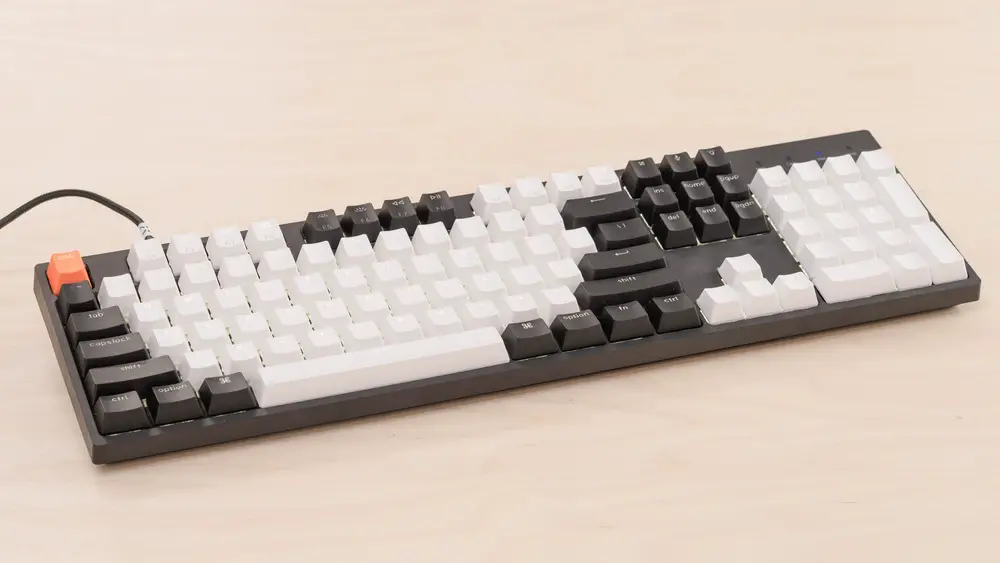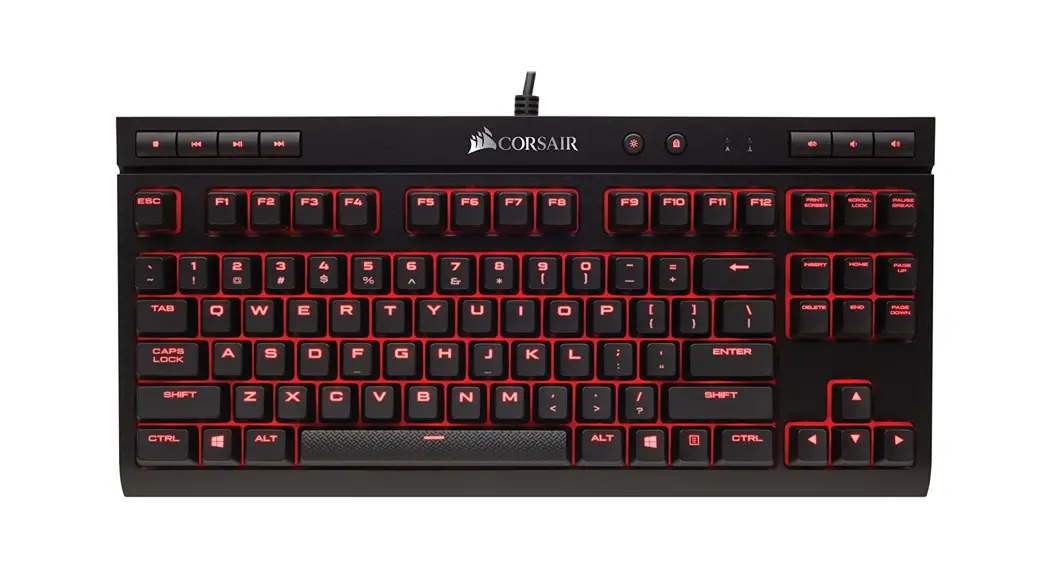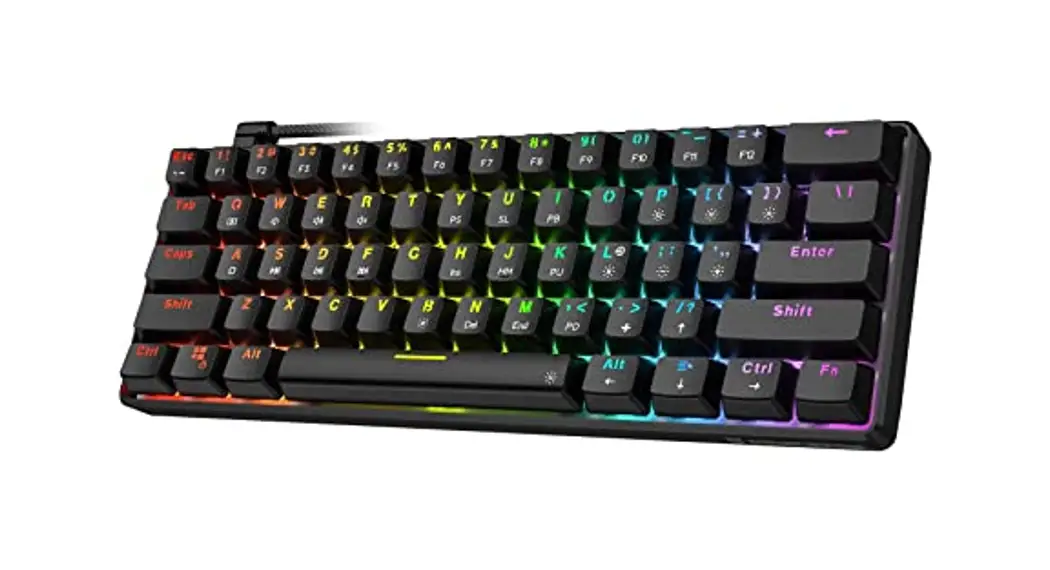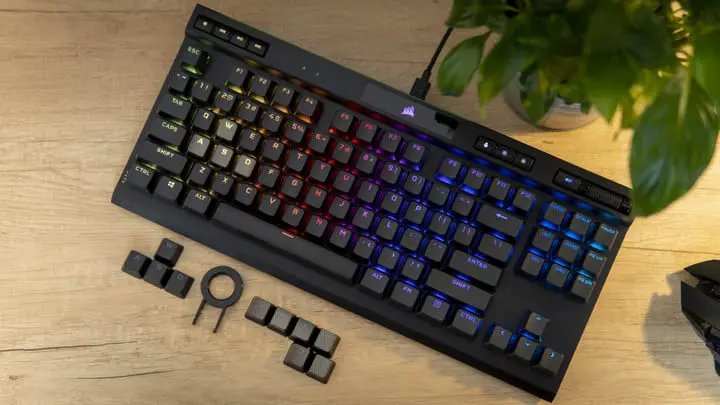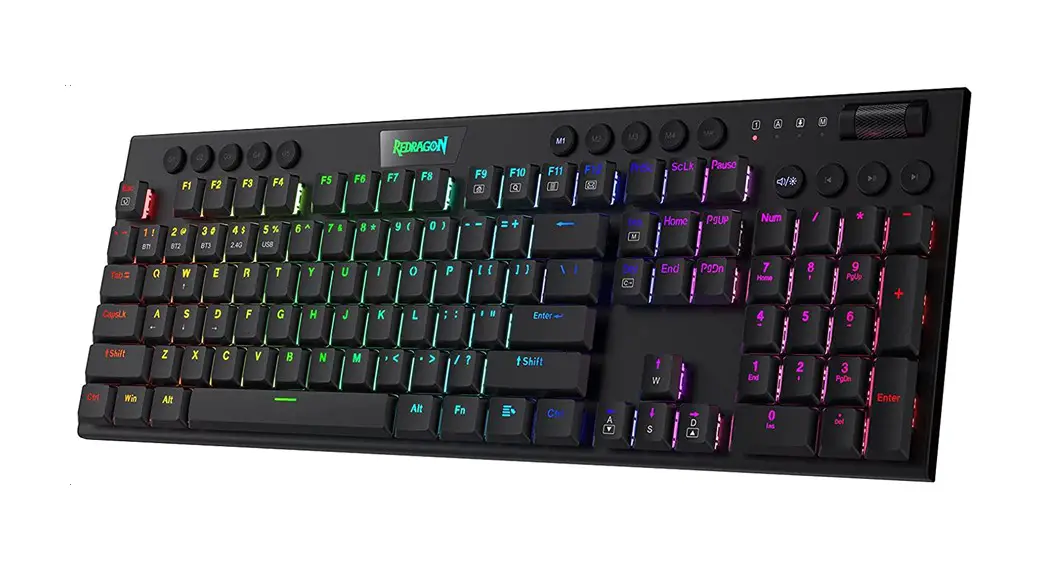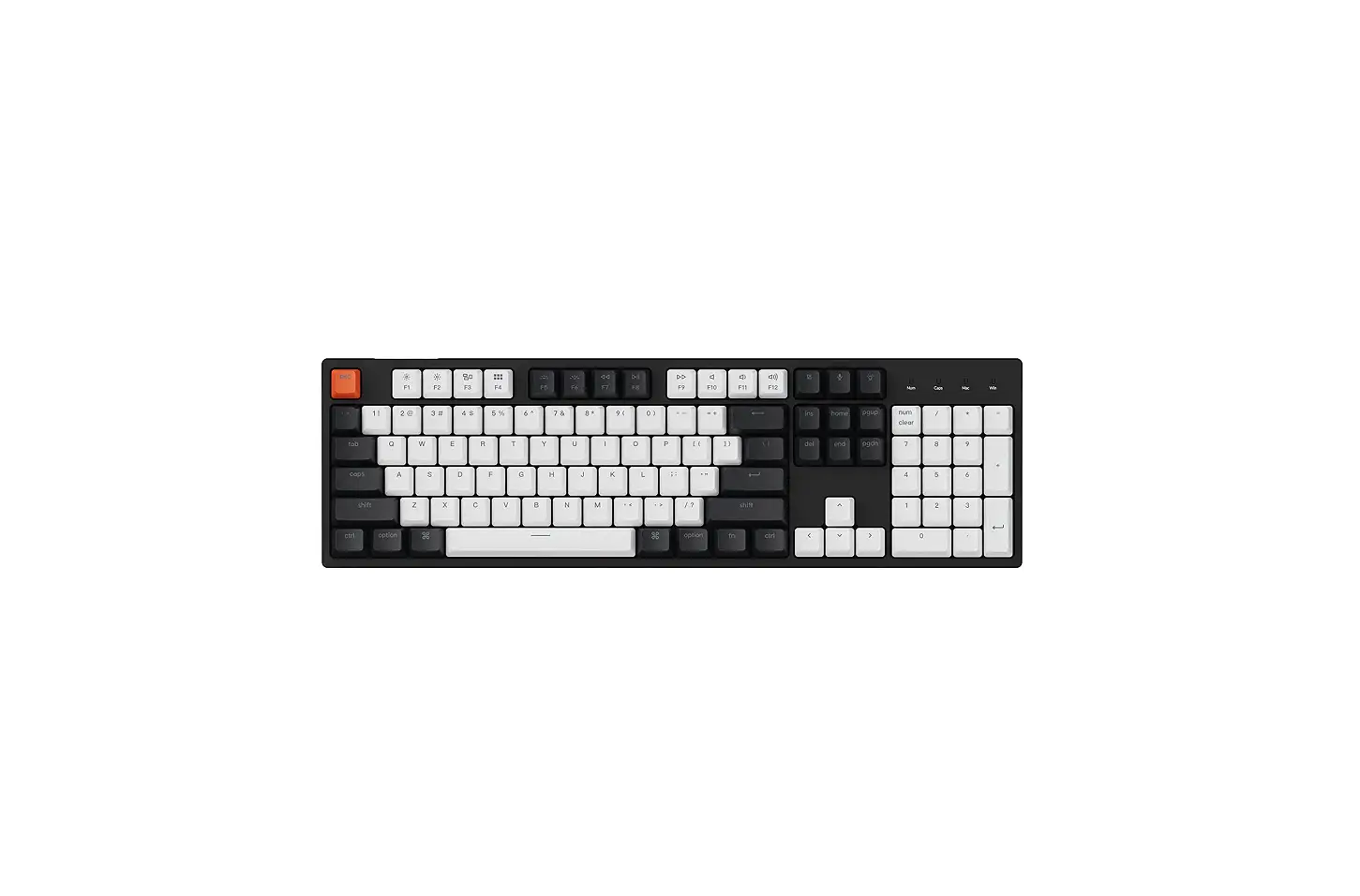

Keychron C2A2 C2 Full Size 104 Keys Wired Mechanical Gaming Keyboard
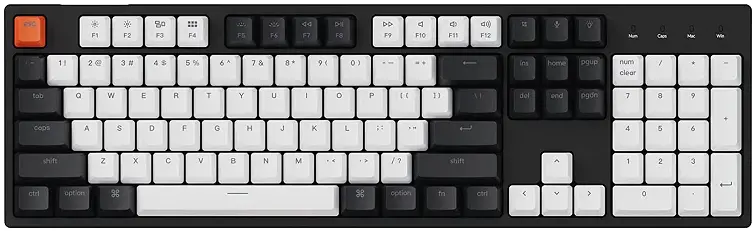
If you are a Windows user, please find the appropriate keycaps in the box, then follow the instructions below to find and replace the following keycaps.
A tactile mechanical keyboard for peak productivity
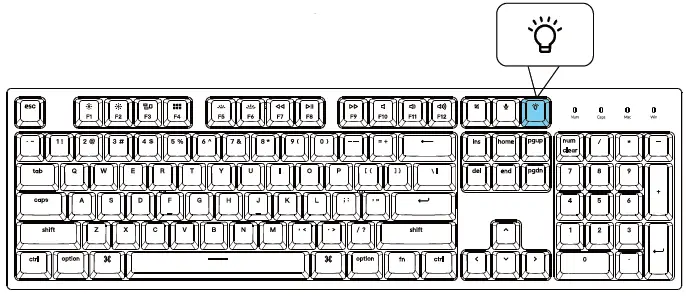
Change Light Effect
Press light effect key
For the RGB version – Press fn + right arrow/left arrow to change color.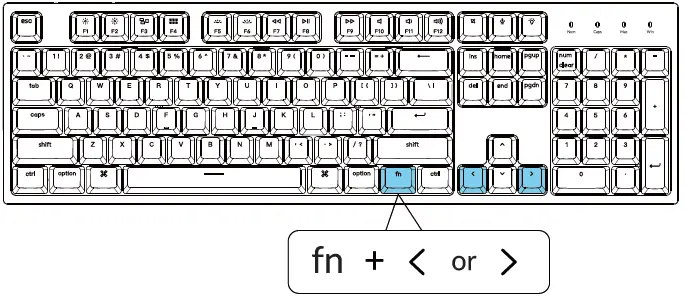
Switch Between Keys and Multimedia (F1-Function F12)
For Windows: Press fn + X + L (for 4 seconds) to switch.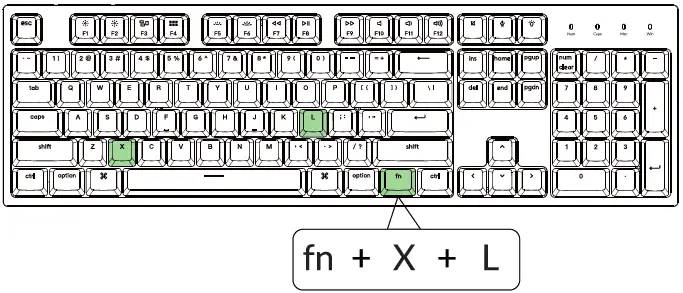

For Mac:
Go to system settings > Keyboard > and enable the function keys. For F5 & F6 as function keys press fn +K+C (for 3 seconds) and use the same shortcut to switch.
Remap keys
We don’t have official software to remap the keys yet. But you can use this two software to get the job done. (Except for the light effect key).
We have a Linux user group on Facebook. Please search “Keychron Linux Group” on Facebook. So you can better experience with our keyboard.
Activate Siri/Cortana
For Siri on Mac: Go to System preferences> Siri > select the “Press Fn (Function) Space” option. The Siri key only works on macOS and does not work on iOS.
For Cortana on Windows:
Select Start > Settings> Cortana and select the shortcut by pressing Windows key +C key. “Windows Cortana is only available for Windows 10 and above OS. Cortana is only available in certain countries/regions and might not work everywhere.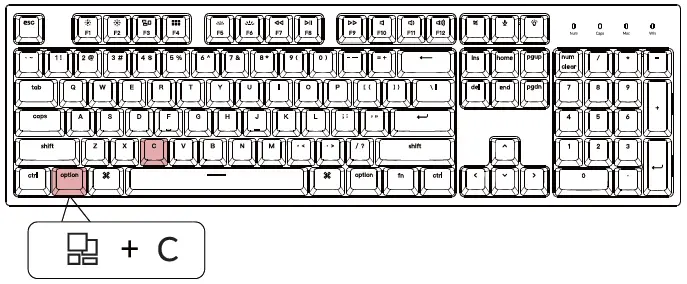
Turn Off the Backlight
If you are on the Mac, the default is to press the FS key. If you are on Windows, the default is to press the fn + FS key.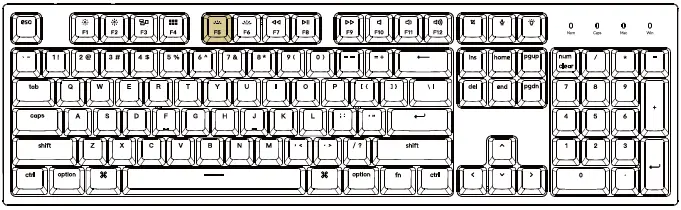
Or press the fn + light effect key.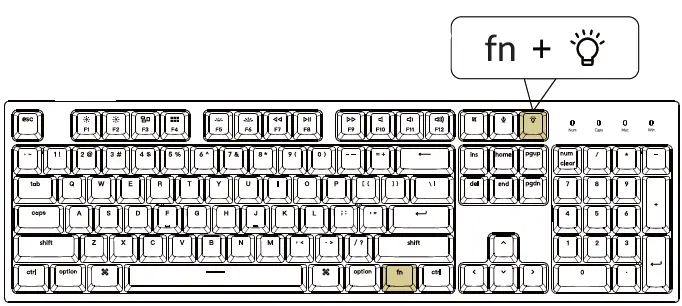
Factory Reset
Troubleshooting? Don’t know what’s going on with the keyboard?
Try factory reset by pressing fn+J +Z (for 3 seconds).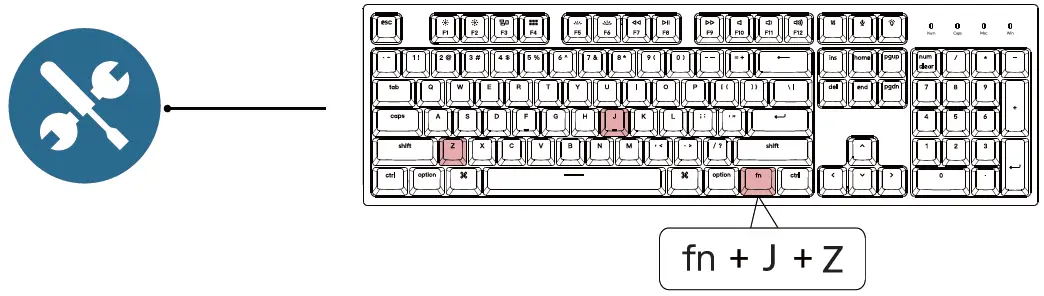
Not Happy
[email protected].